Free Shipping – Store Wide
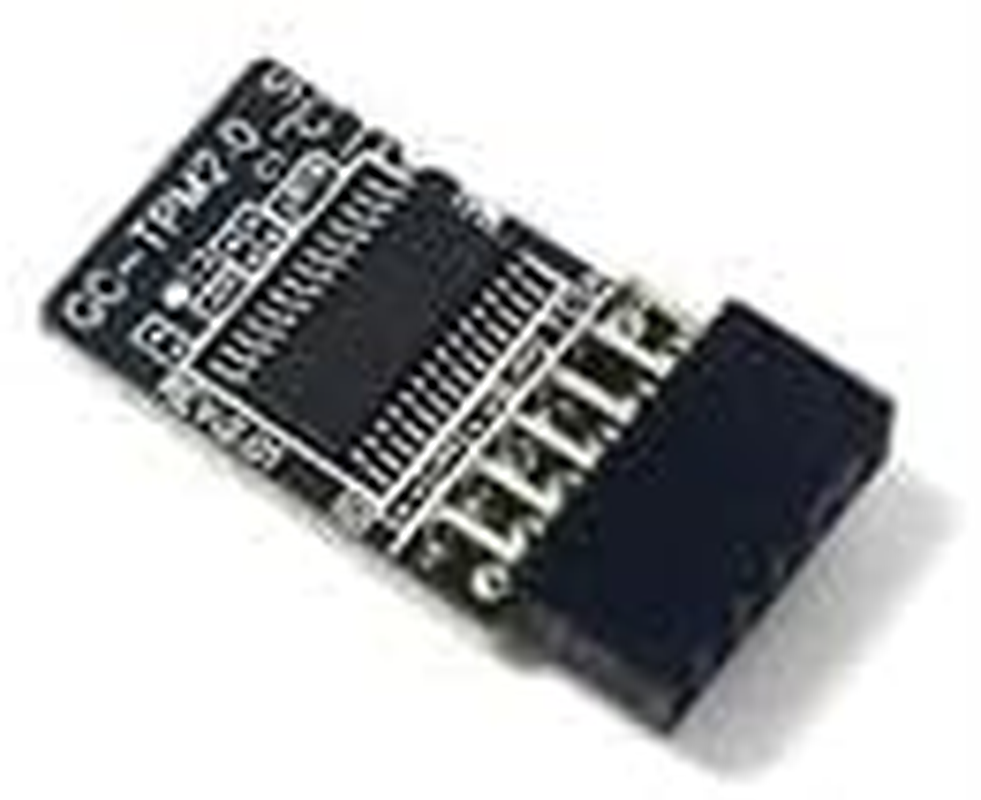
Gintai TPM2.0 LPC 12Pin Module with Infineon SLB9665 Replacement for GIGABYTE H310M H370 B360 B360M Z370 Z370M Z390 X299 Encryption Security Module
Gintai TPM2.0 LPC 12Pin Module with Infineon SLB9665 Replacement for GIGABYTE H310M H370 B360 B360M Z370 Z370M Z390 X299 Encryption Security Module
Brand: Gintai
A$52.50
- TPM2.0 LPC (12pin-1)Replacement for GIGABYTE H310M H370 B360 B360M Z370 Z370M Z390 X299 Encryption Security Module
- Note: This product is only suitable for older motherboards such as INTEL and AMD. It is not suitable for new motherboard models with firmware TPM, all-in-one computers and laptops.
- Note: The minimum hardware configuration for upgrading to Windows 11 with TPM 2.0 is as follows: 1 GHz or faster 64-bit processor (dual-core/multi-core), 4 GB of memory, 64 GB of storage space, firmware that supports UEFI Secure Boot and TPM 2.0, a DirectX 12-compatible graphics card, and a display resolution of 720p or higher.
- Purpose a: Solve the TPM2.0 verification problem of upgrading Windows 11, make it an independent encryption chip, provide secure storage and other sensitive data, and improve security;
- Purpose b: Hardware encryption acceleration, such as improving game lag issues, etc.
I. Notes:
1. This product is only compatible with older motherboards from Intel and AMD. It is not compatible with newer motherboards with TPM firmware, all-in-one PCs, or laptops.
2. The minimum hardware requirements for upgrading to Windows 11 with TPM 2.0 are as follows: a 1 GHz or faster 64-bit processor (dual-core or multi-core), 4 GB of RAM, 64 GB of storage, firmware supporting UEFI Secure Boot and TPM 2.0, a DirectX 12-compatible graphics card, and a 720p or higher display.
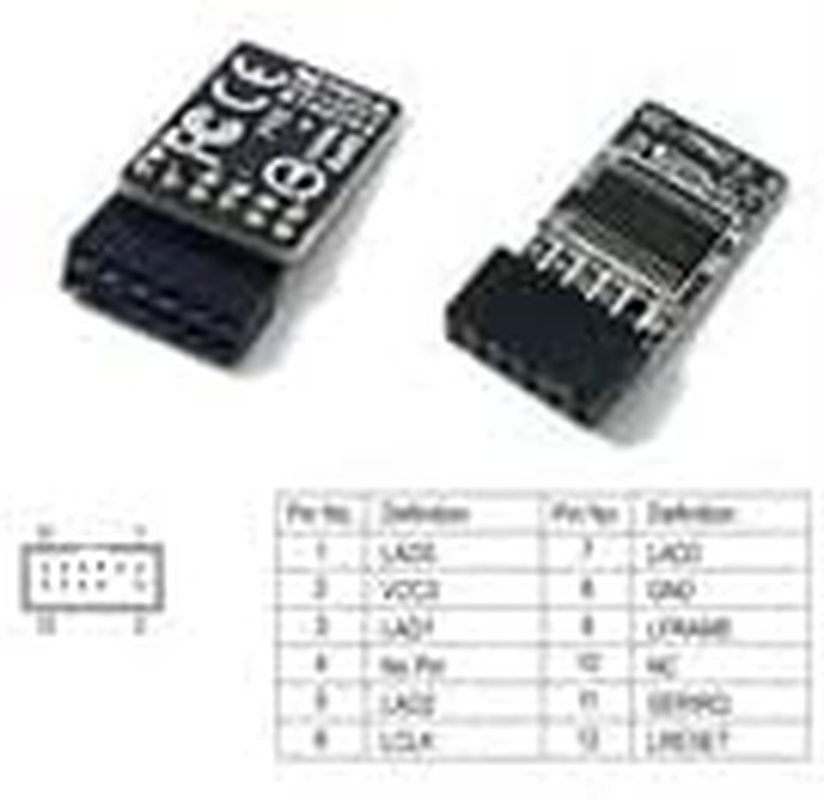
3. This product uses a 12pin-1 pinout. Before purchasing, please carefully check that the pinouts in the image match your motherboard.
II. Compatible Models:
TPM2.0 Encryption Security Module TPM SPI 12Pin Module SLB9665 for GIGABYTE H310M H370 B360 B360M Z370 Z370M Z390 X299 Motherboard :
H310M H rev. 1.x
H310M H rev. 1.0/1.3
H310M DS2
H310M S2
H310M S2 rev. 1.1 / 1.2
H310M S2 rev. 1.0
H310M S2P
H310M DS2V
Z370M DS3H
Z370M D3H
Z370P D3
Z370 HD3-OP (rev. 1.0)
Z370 AORUS Gaming 5
Z370 AORUS Gaming 7
Z370 HD3
Z370 HD3P
Z370 AORUS Ultra Gaming
Z370 AORUS ULTRA GAMING WIFI
Z370 AORUS ULTRA GAMING 2.0
X299X AORUS MASTER
X299 DESIGNARE EX
X299X DESIGNARE 10G
X299X AORUS XTREME WATERFORCE
X299 AORUS Gaming 7 Pro
X299 AORUS MASTER
X299 AORUS Gaming 3 Pro
X299 AORUS Gaming 9
X299 AORUS Gaming 7
X299 AORUS Gaming 3
X299 UD4
X299 UD4 Pro
X299 UD4 EX
III. How to Select and Install a Security Module:
1. Verify that your host has TPM 2.0 or has it enabled.
2. Click Run and enter "tpm.msc" (win+r) to check if the TPM version is ready.
3. If version 2.0 is displayed but not ready, you need to set it in the BIOS. Please contact the motherboard customer service.
4. Turn on the computer and check the TPM pins on the motherboard.
5. When installing the module, insert it with the chip facing inward and align the pins. Ensure it is fully inserted to prevent loosening. (See the image for directions.)
- Part Number: NE0312-AU1000
- Manufacturer reference: NE0312-AU1000
- Country/Region of origin: China
- Batteries Required: No
- Brand: Gintai
- Item Weight: 40 g
- Package Dimensions: 7.7 x 5.3 x 2.2 cm; 40 Grams
- Manufacturer: GinTai Tech
A$52.50
Shipping to Australia
Delivery time varies by location
Return & Refund Policy
Check our return & refund policy
Security & Privacy
Safe payments: We do not share your personal details
Availability:
-
In Stock
Sign in
or create an eMega account
Shop smarter — get exclusive deals & order tracking