Free Shipping – Store Wide
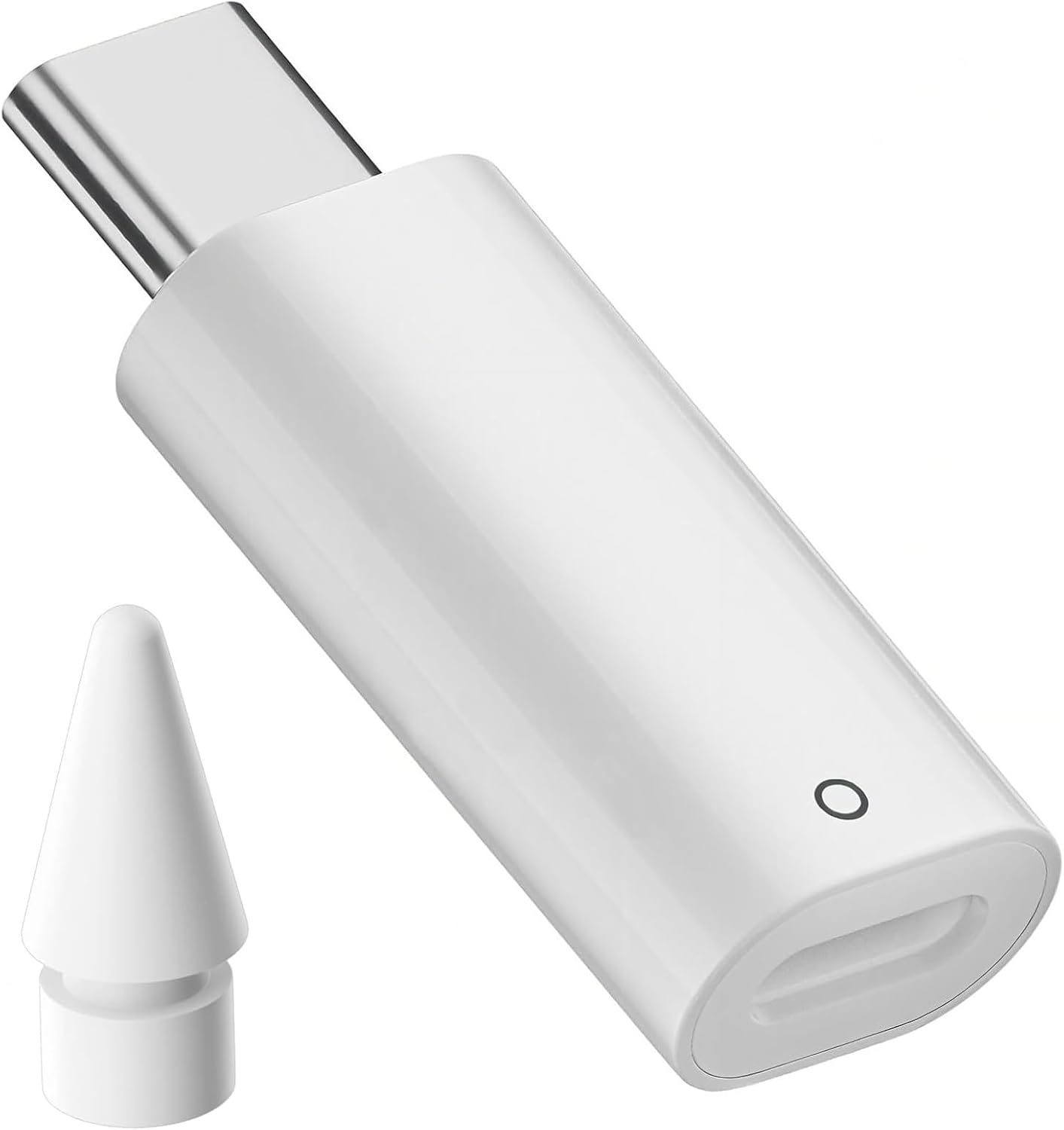
USB-C to Lightning Adapter for Apple Pencil 1St Gen - USB Charger Dongle for Ipad 10Th Gen, Compact Adapter for Apple Pen(White)
USB-C to Lightning Adapter for Apple Pencil 1St Gen - USB Charger Dongle for Ipad 10Th Gen, Compact Adapter for Apple Pen(White)
Brand: Aieero
A$15.75
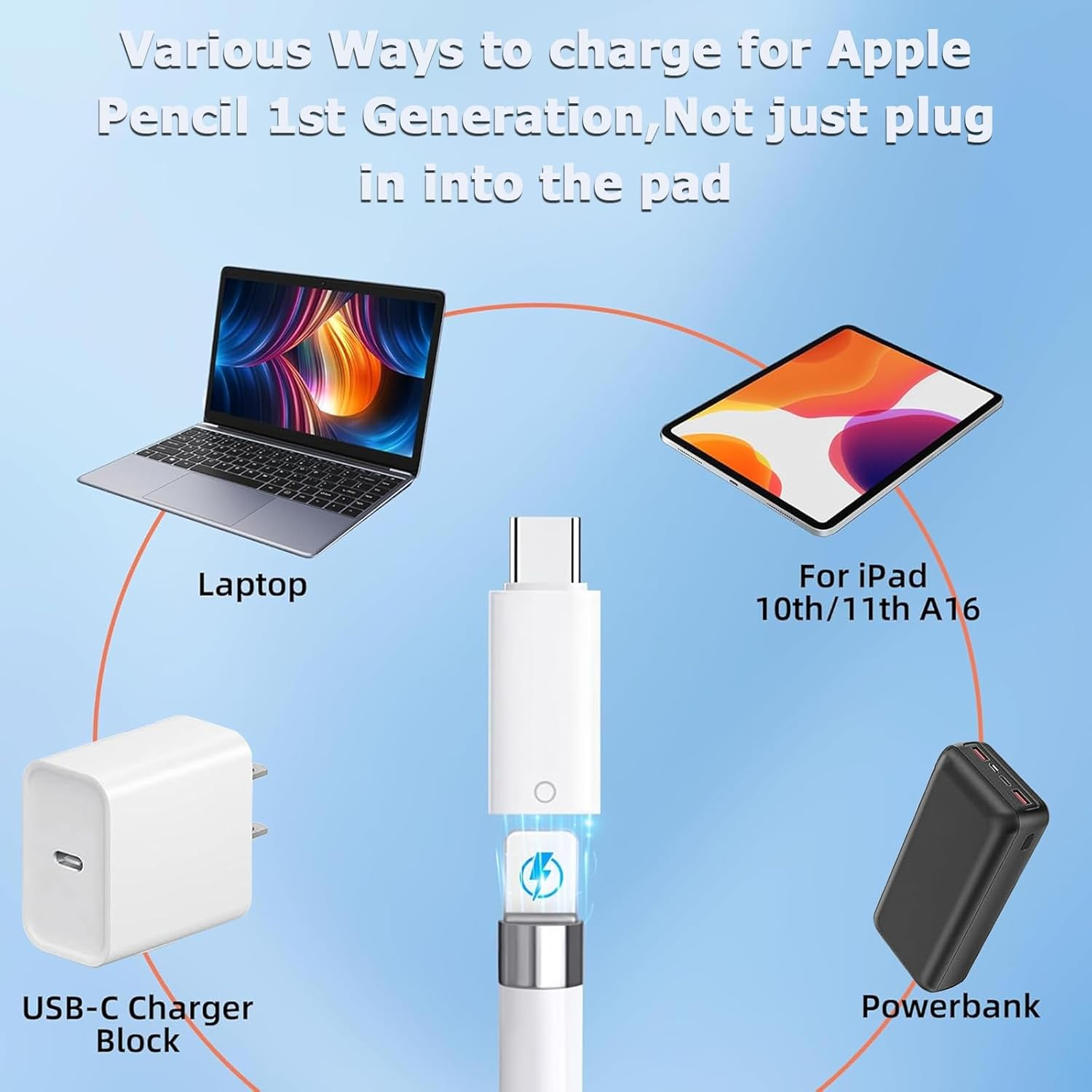
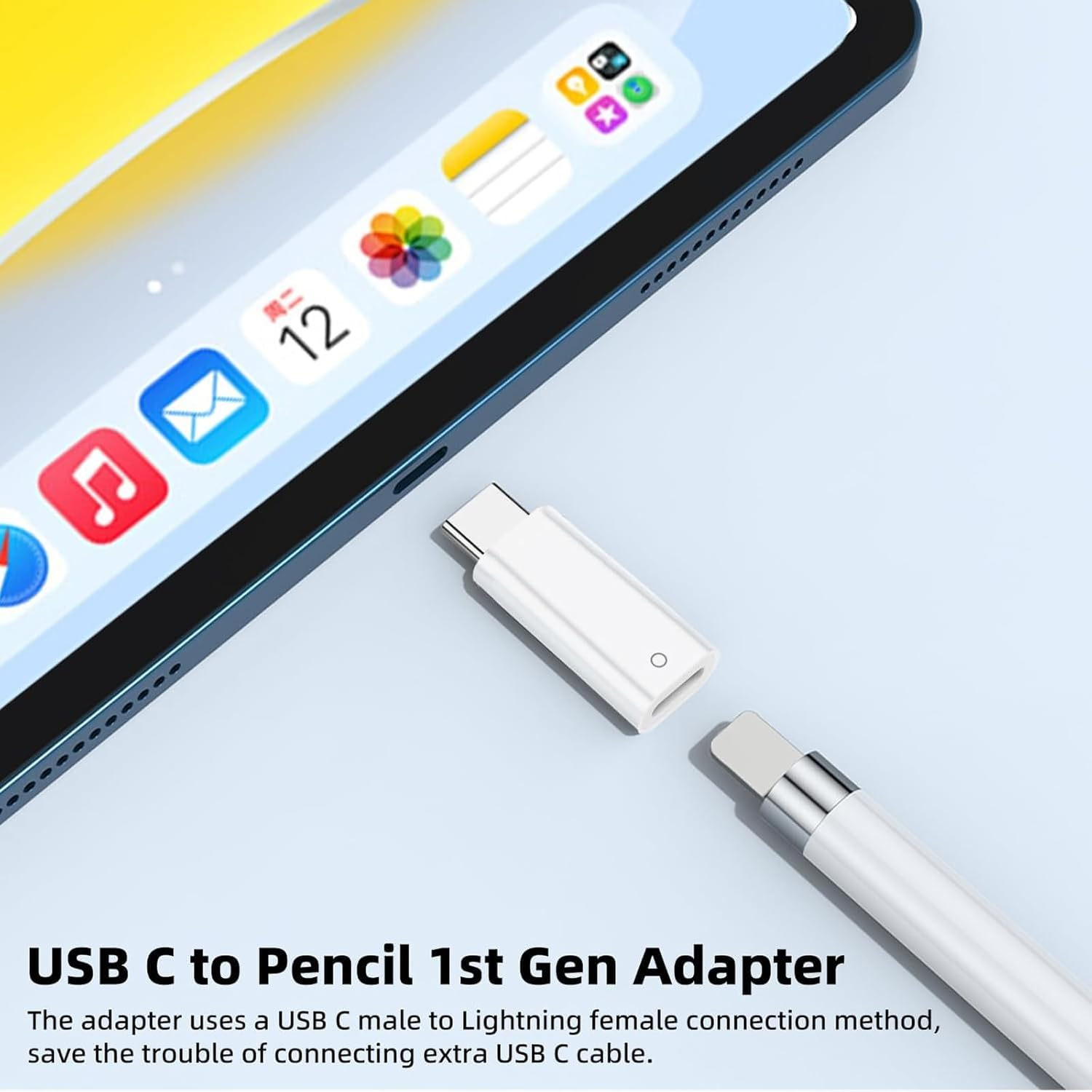
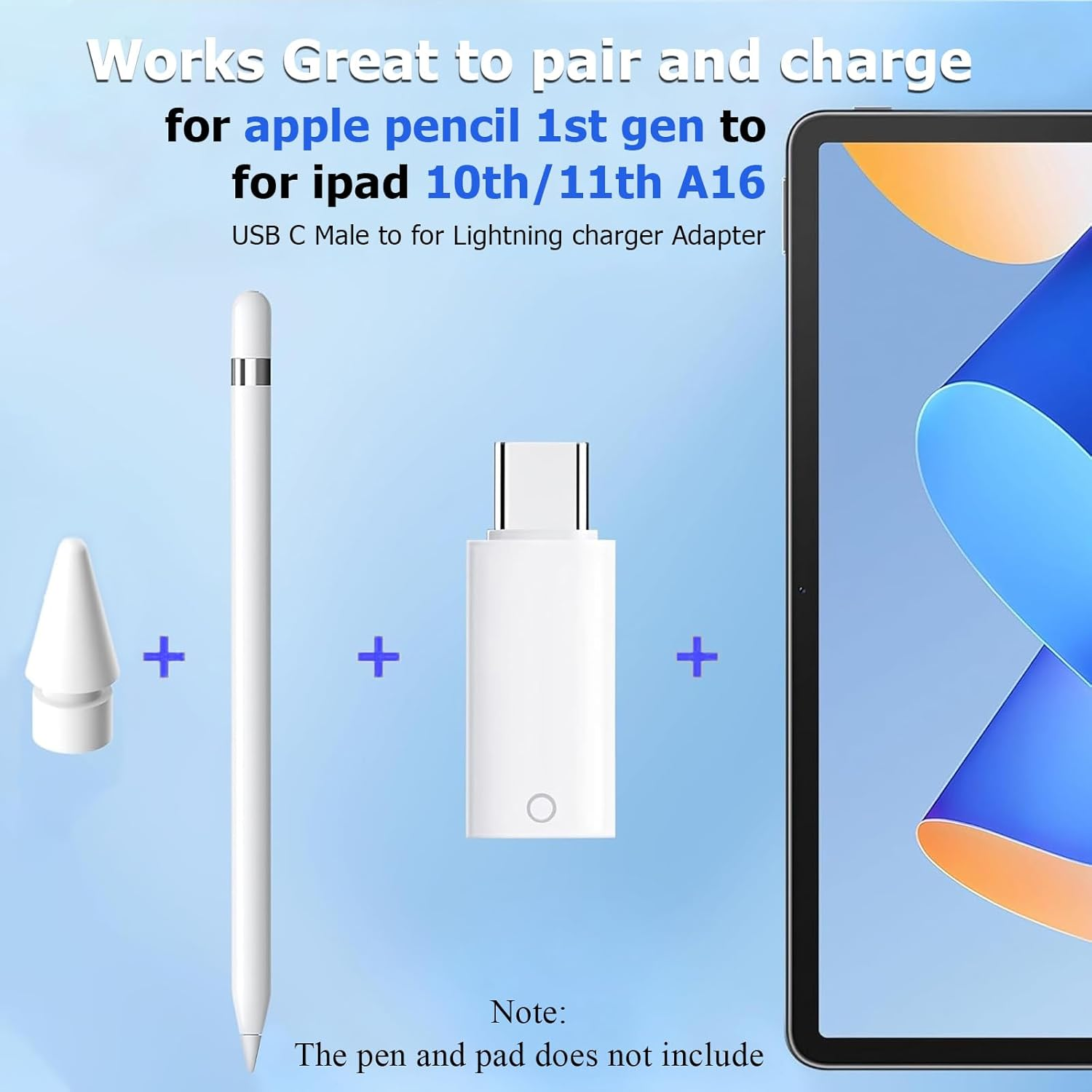
- Core Charging & Pairing for 1st Gen Pencil:This usb-c to lightning adapter for apple pencil 1st gen enables seamless charging and pairing of your Apple Pencil (1st Gen) with USB-C devices. As a dedicated charger adapter, it uses plug-and-play functionality—no extra cables or software needed—delivering stable power for your apple pen instantly.
- Precise Compatibility with Key iPads:Tailored for Apple Pencil 1st Gen, this adapter works exclusively with iPad 10th Generation, iPad 11th Generation, and iPad A16. It bridges your iPad’s USB-C port to the Pencil’s Lightning connector, solving the “USB-C to Lightning” conversion need for Apple’s first-gen stylus.
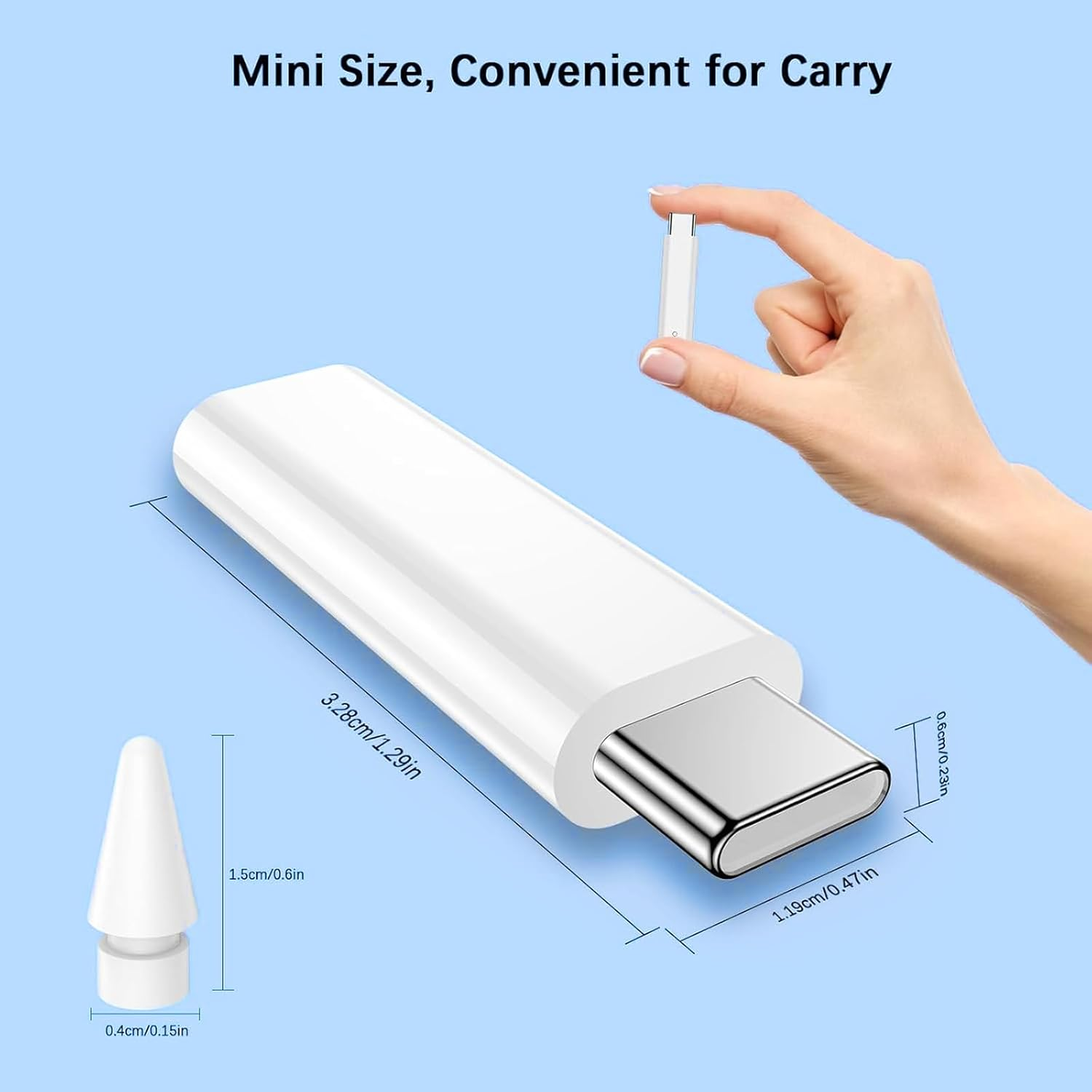
- Ultra-Compact & Portable Design:The mini, featherlight build of this usb-c to lightning adapter fits easily into your purse, pencil case, or pocket. It’s designed for on-the-go use—whether you’re drawing outdoors, working at a café, or traveling, it’s always ready to power your apple pencil.
- Sturdy & Driver-Free Use:Crafted with durable materials, the adapter ensures a tight, secure fit (no loosening during charging). It requires zero drivers or setup—simply plug your 1st gen Apple Pencil into one end and connect the other to your iPad’s USB-C cable, and start charging immediately.
- Reliable Accessory for Apple Users:More than a basic adapter—it’s a must-have accessory for anyone with an Apple Pencil 1st Gen and USB-C iPad. Backed by reliable quality, it provides a long-lasting, hassle-free solution for keeping your apple pen charged and ready for creativity.
Product Description
How to connect?
your iPencil 1st with iPad 10th/11(A16)?
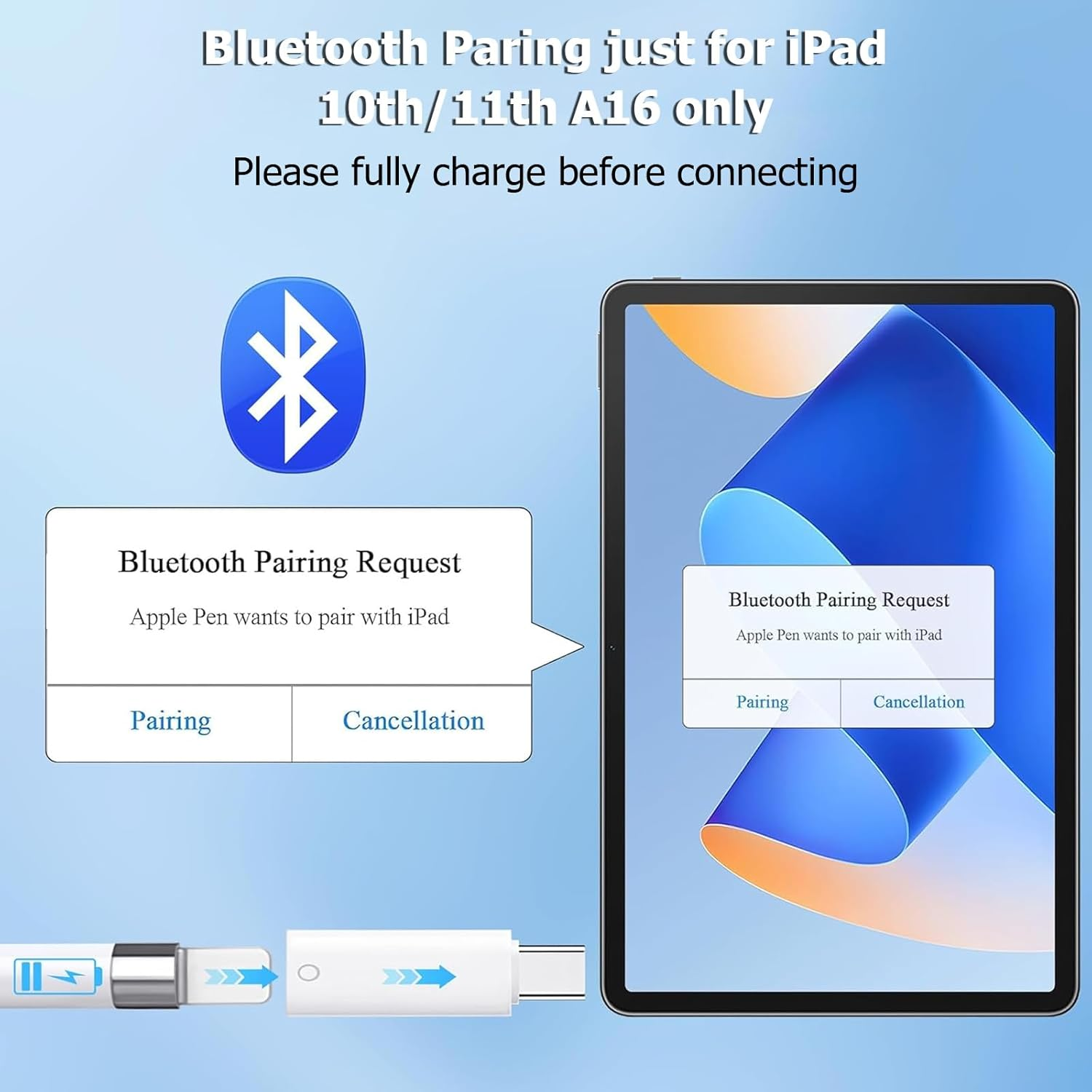
1.Before Pair,Make sure that your Device is iPencil 1st and ipad 10th Gen/11;
2.Remove the pencil cap and plug into adapter Lighting end (Little circle marked) into your iPencil;
-
3.Go to the [Settings] > make sure that bluetooth is turned on.Put the C adapter in charge port on the IPAD then put the Apple Pencil in the other end;
4. After connected, Wait for 3 seconds a box came up and asked to be paired to the pencil.Click ok and connected your pencil to Pad 10th/iPad A16.
Immediately Paired iPencil 1st with your iPad 10th Generation and A16
- Number of items: 1
- Country/Region of origin: China
- Batteries Required: No
- Brand: Aieero
- Item Weight: 20 g
- Package Dimensions: 9.5 x 5.8 x 0.8 cm; 20 Grams
- Manufacturer: Aieero
A$15.75
Shipping to Australia
Delivery time varies by location
Return & Refund Policy
Check our return & refund policy
Security & Privacy
Safe payments: We do not share your personal details
Availability:
-
In Stock
Sign in
or create an eMega account
Shop smarter — get exclusive deals & order tracking