Free Shipping – Store Wide
Windows 11 Guide for Beginners and Seniors:: a Complete Step-By-Step Tutorial to Easily Master, Customize, and Use All the Latest Features like a Pro
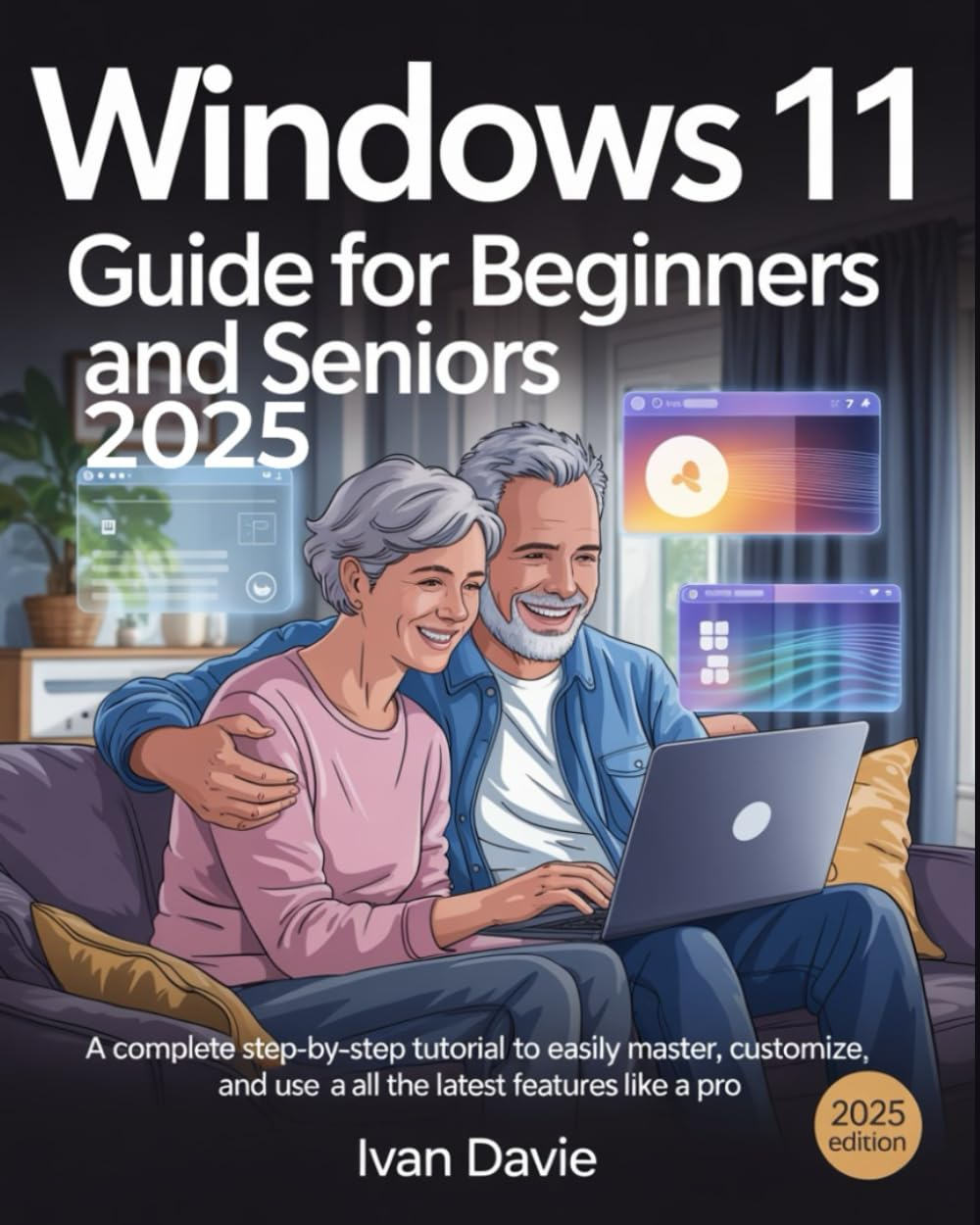

Windows 11 Guide for Beginners and Seniors:: a Complete Step-By-Step Tutorial to Easily Master, Customize, and Use All the Latest Features like a Pro
A$44.90
WINDOWS 11 GUIDE FOR BEGINNERS AND SENIORS (2025 Edition)
Your Ultimate Companion to Navigating Windows 11 with Confidence, Clarity, and Ease—No Tech Experience Needed
This is the Only Step-by-Step Masterclass You’ll Ever Need to Confidently Use, Customize, and Maximize Windows 11—Even If You're Not Tech-Savvy
✅ What Makes This Book a Must-Have?
Perfect For:
✨ Transform Confusion into Confidence — One Page at a Time
Don't Wait—Empower Yourself or a Loved One Today!
Your Ultimate Companion to Navigating Windows 11 with Confidence, Clarity, and Ease—No Tech Experience Needed
This is the Only Step-by-Step Masterclass You’ll Ever Need to Confidently Use, Customize, and Maximize Windows 11—Even If You're Not Tech-Savvy
️ Struggling with Windows 11? Confused by all the updates, icons, and system features? You’re not alone—and this book is the game-changer you’ve been waiting for.
Whether you're a total beginner, a senior, or someone upgrading from Windows 7, 8, or 10, this easy-to-follow Windows 11 guide is your all-in-one solution to mastering every tool, setting, and feature available on your computer. No fluff. No tech jargon. Just clear instructions, practical tips, and visuals that make learning fun, fast, and frustration-free.
✅ What Makes This Book a Must-Have?
Designed for Beginners and Seniors:
Simple, step-by-step tutorials that anyone can follow—no tech skills required.
2025 Edition — Up to Date with the Latest Features:
Covers all recent updates, security settings, personalization options, and productivity tools included in the newest version of Windows 11.
Full-Color Screenshots & Visual Aids:
See exactly what to do with illustrations and real screen examples for every major step.
Customization, Security & Accessibility Made Easy:
Learn how to personalize your PC, protect your data, and activate features designed for older users or those with limited tech experience.
Master Everyday Tasks Like a Pro:
Navigating the new Start Menu and Taskbar
Setting up user accounts and passwords
Managing files and folders
Browsing the internet safely
Using email, Microsoft Store, and productivity tools
Installing apps and optimizing performance
Using Snap Layouts, Widgets, Virtual Desktops, and more!
Perfect For:
Seniors who want to stay connected, entertained, and independent
Beginners who just bought a new Windows 11 PC or laptop
Adults teaching older parents or friends how to use a computer
Anyone who wants to unlock the full potential of Windows 11 in 2025
✨ Transform Confusion into Confidence — One Page at a Time
This is more than just a user guide—it's a trusted companion that walks with you through every step of your Windows 11 journey. Say goodbye to tech frustration, and hello to digital freedom!
Don't Wait—Empower Yourself or a Loved One Today!
Click “Buy Now” to get your copy and start mastering Windows 11 like a pro—no stress, no confusion, just results.
- Publisher: Independently published
- Dimensions: 20.32 x 1.37 x 25.4 cm
- Language: English
- Print length: 237 pages
- Item weight: 603 g
- Book Type: Paperback
- ISBN-13: 979-8283990316
- Publication date: 15 May 2025
A$44.90
Shipping to Australia
Delivery time varies by location
Return & Refund Policy
Check our return & refund policy
Security & Privacy
Safe payments: We do not share your personal details
Availability:
-
In Stock
Sign in
or create an eMega account
Shop smarter — get exclusive deals & order tracking