Free Shipping – Store Wide
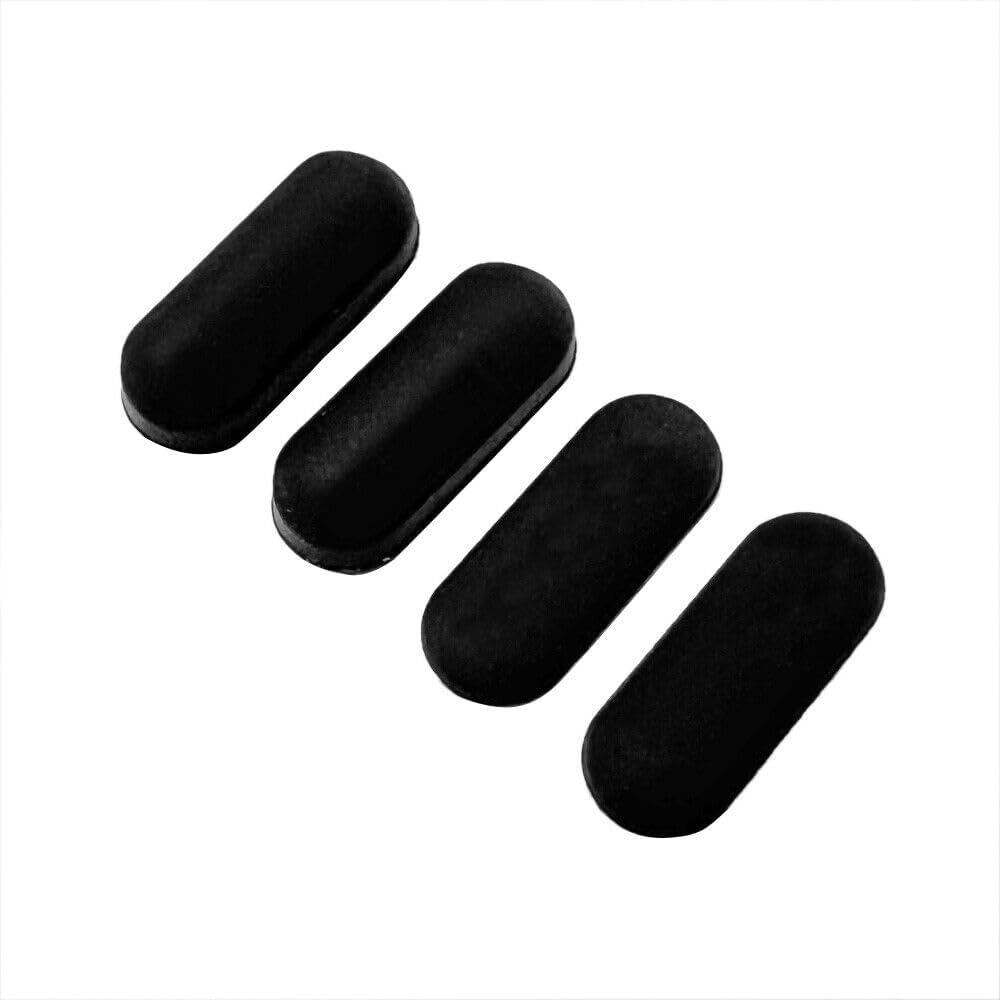
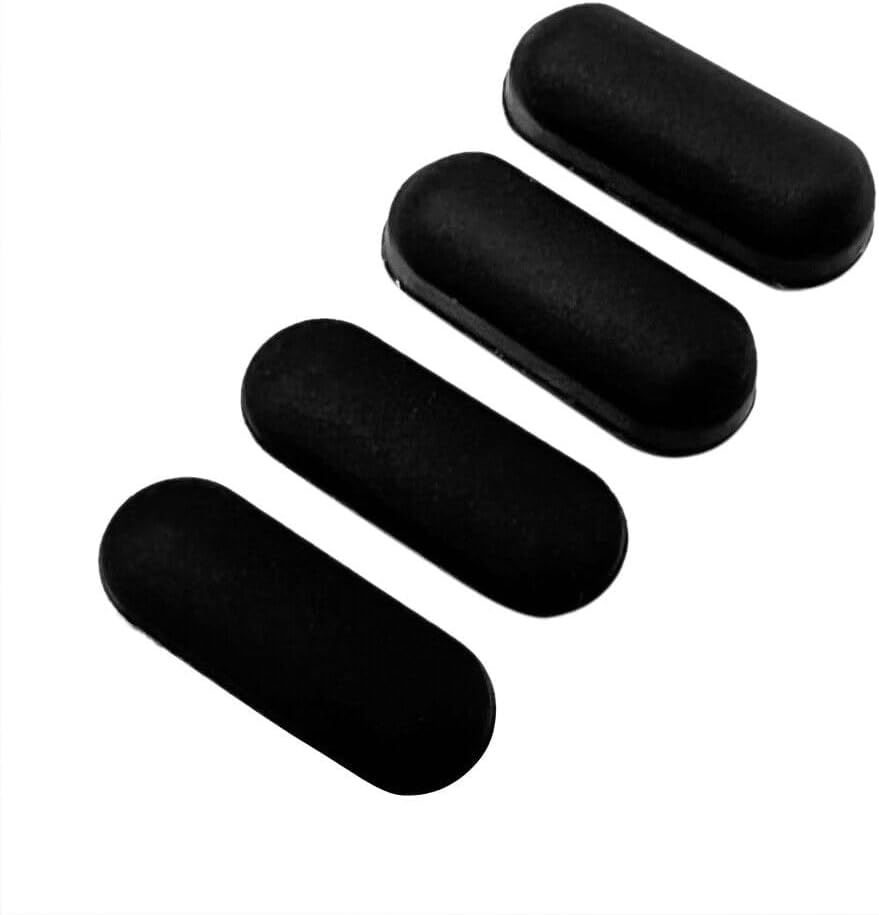
HSSDTECH Laptop Rubber Feet Strips for Dell Latitude 5500 5501 5502 5505 5509 5510 5511 Precision 3540 3541 3542 3550 3551 Laptop Bottom Cover Case Non-Slip Bumper Rubber Foot Feet Pad(1.4*0.5*0.3Cm)
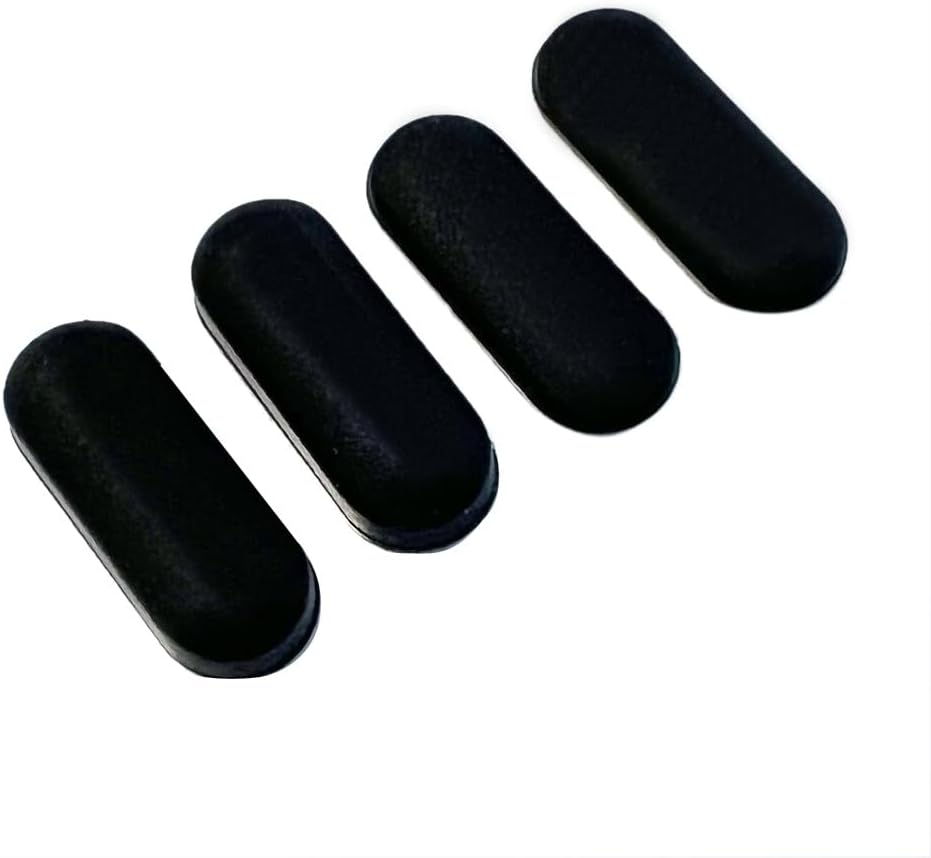
HSSDTECH Laptop Rubber Feet Strips for Dell Latitude 5500 5501 5502 5505 5509 5510 5511 Precision 3540 3541 3542 3550 3551 Laptop Bottom Cover Case Non-Slip Bumper Rubber Foot Feet Pad(1.4*0.5*0.3Cm)
Brand: HSSDTECH
A$18.55
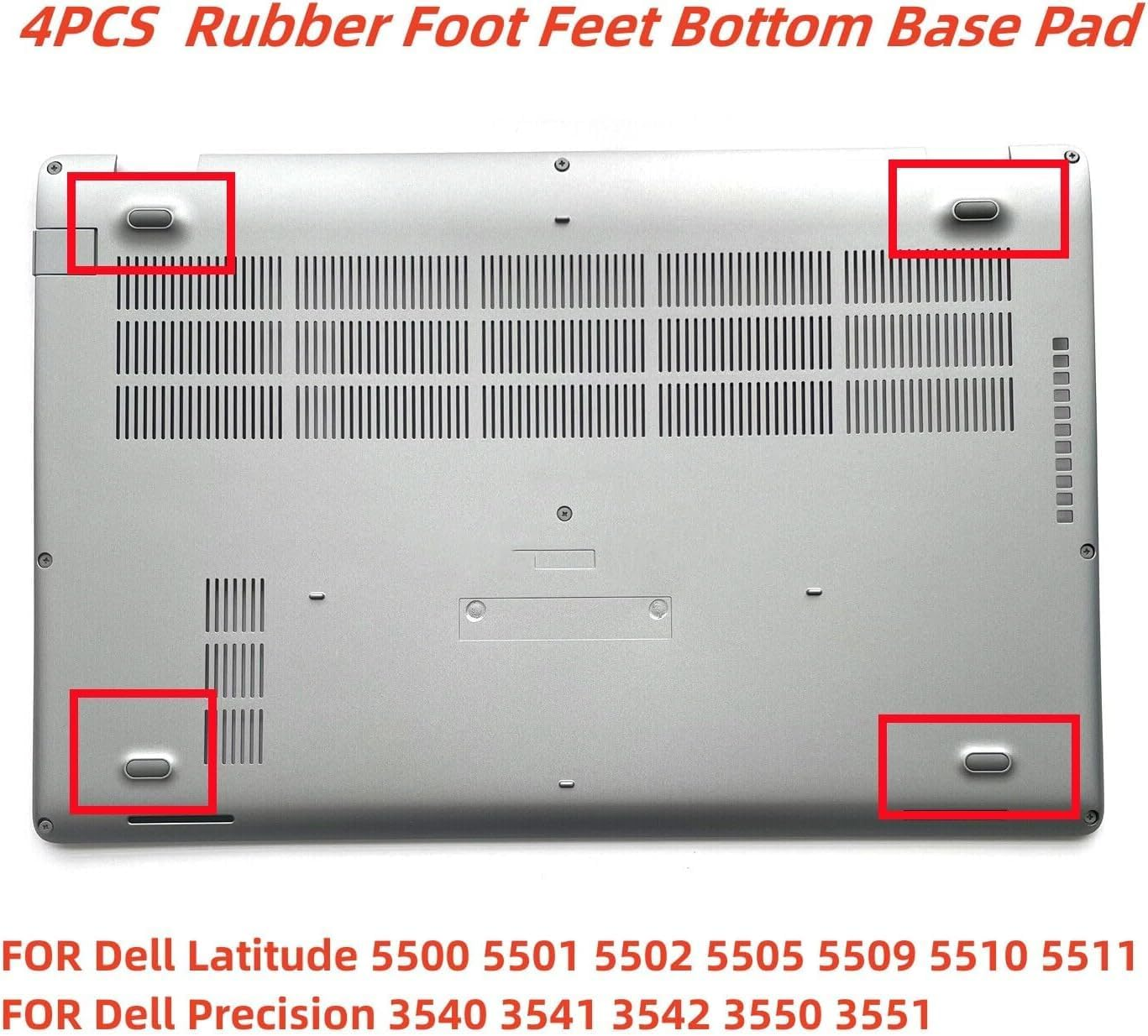
- for Dell Latitude 5500 / 5501 / 5502 / 5505 / 5509 / 5510 / 5511 / Precision 3540 / 3541 / 3542 / 3550 / 3551 (Black)
- 【Secure Anti-Slip Grip】 Textured silicone base keeps your laptop firmly in place, preventing unwanted movement during use.
- 【Better Heat Dissipation】 Slightly elevates your laptop to promote airflow and reduce heat buildup for smoother performance.
- 【Durable & Long-Lasting】 Made from high-quality flexible material that stays firmly attached without residue.
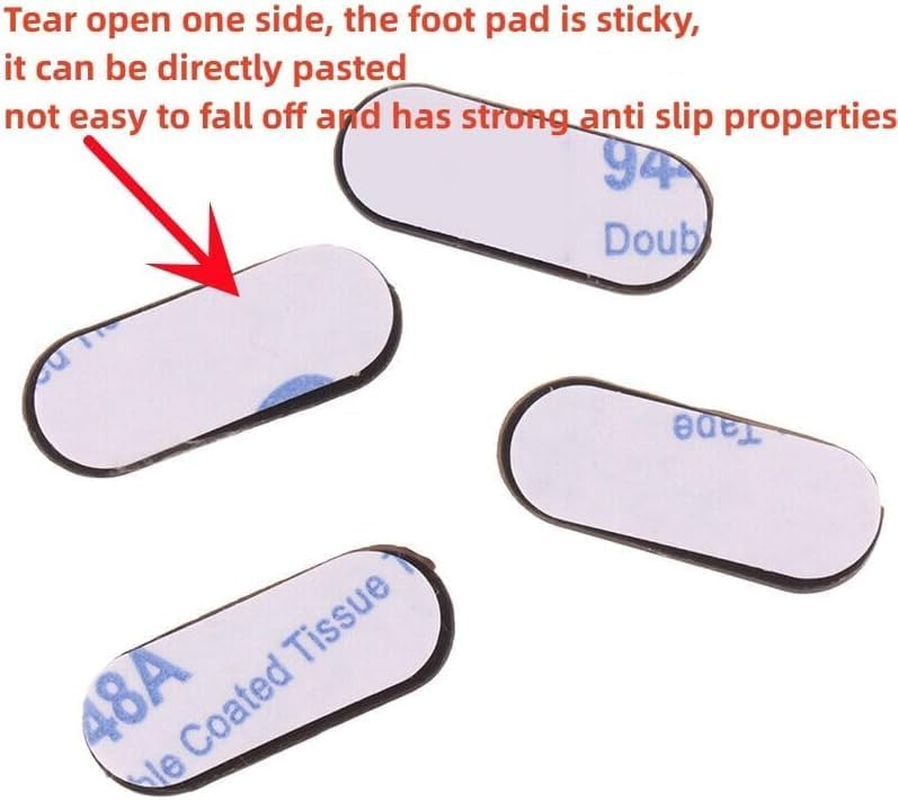
- 【Quick & Easy Setup】 Just peel and stick—no tools required, ready to use instantly.
Compatible With Dell
Latitude 5500
5501
5502
5505
5509
5510
5511
Precision 3540
3541
3542
3550
3551
The advantages of installing rubber foot pads
Allow you to raise your viewing angle and improve your typing experience, thus relieving the pain on your neck and back.
By elevating the laptop, add bottom air circulation reducing laptop temperature to achieve the purpose of heat dissipation rubber laptop feet.
It will not cause any damage to your computer, simple in design but practical in use laptop feet.
Strong anti slip performance,prevent sliding on smooth surfaces, like glass, plastic, ceramic, wood, etc computer feet cushion.
Goods Information
Laptop feet cushion Give you an appropriate angle, good for typing and working, a must have for every office worker.laptop rubber bumpers Elevate the laptop, so that you can keep an appropriate angle and use it more comfortably.laptop rubber feet This laptop foot pads provide a better tying and working experience for you
Laptop Rubber Feet Strips Replacement Tutorial
1.Choose a suitable Rubber Feet Strips Rubber foot pads are more durable and have a longer lifespan. Long service life, not easily detached
2.Remove the old foot Pads Before disassembling the old foot Pads, some tools need to be prepared. You can use a pointed knife or a thin pair of pliers to slowly pry off the old Rubber Feet Strips. Be careful not to forcefully pry open with hard objects to avoid damaging the body. At the same time, it is necessary to clean the back of the machine to ensure that the new foot pads are tightly attached to the bottom
3.Repalacement new rubber feet strips. Prepare a new laptop Rubber Feet Strips, place it in the same position as the old one, and then slowly press it down. During the installation process, it is necessary to carefully observe the adhesion performance of each foot pad to ensure that it can be firmly adhered at every position. After installation, you can check if the new foot mat matches the body completely.
Matters needing attention
1.When disassembling and installing, pay attention to gentle handling to avoid damaging the position of the body and screws.
2.Check the model of your laptop to avoid purchasing the wrong Rubber Feet Strips.
After installing the new foot mat, clean the machine to ensure better adhesion of the new Rubber Feet Strips.
- Part Number: NZ07320B-H1000
- Manufacturer reference: NZ07320B-H1000
- Batteries Required: No
- Brand: HSSDTECH
- Item Weight: 10 g
- Package Dimensions: 7.7 x 5.1 x 2.2 cm; 10 Grams
- Manufacturer: HSSDTECH
A$18.55
Shipping to Australia
Delivery time varies by location
Return & Refund Policy
Check our return & refund policy
Security & Privacy
Safe payments: We do not share your personal details
Availability:
-
In Stock
Sign in
or create an eMega account
Shop smarter — get exclusive deals & order tracking