Free Shipping – Store Wide
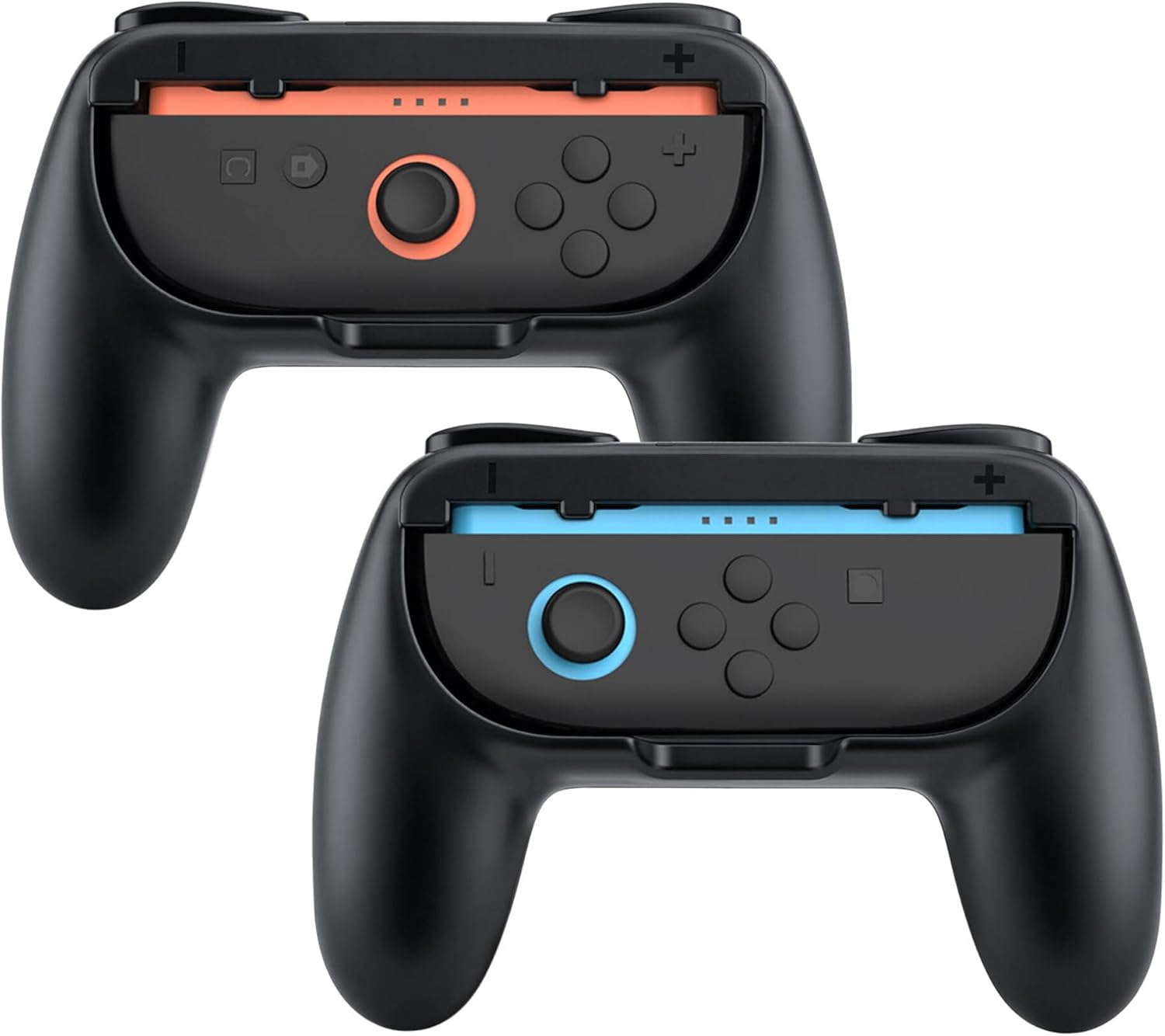
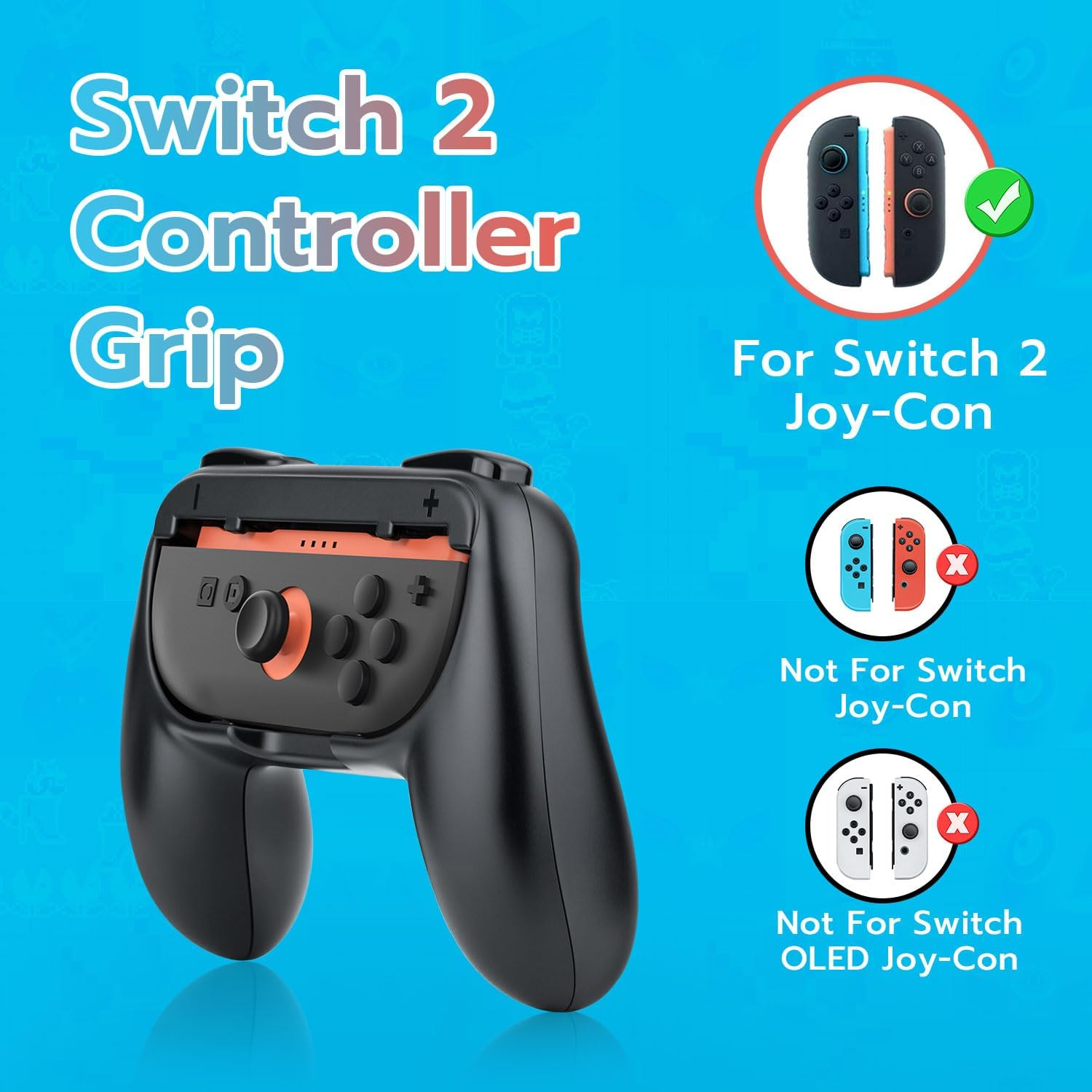
Mcbazel Controller Grips for Nintendo Switch 2 Joy Con Controllers - Ergonomic Anti-Slip Handles with L/R Triggers,Abs Protective Case Cover Accessories,2 Pack(Black)
Mcbazel Controller Grips for Nintendo Switch 2 Joy Con Controllers - Ergonomic Anti-Slip Handles with L/R Triggers,Abs Protective Case Cover Accessories,2 Pack(Black)
Brand: Mcbazel
A$139.80
Availability:
-
This item is currently not available
Shop with confidence
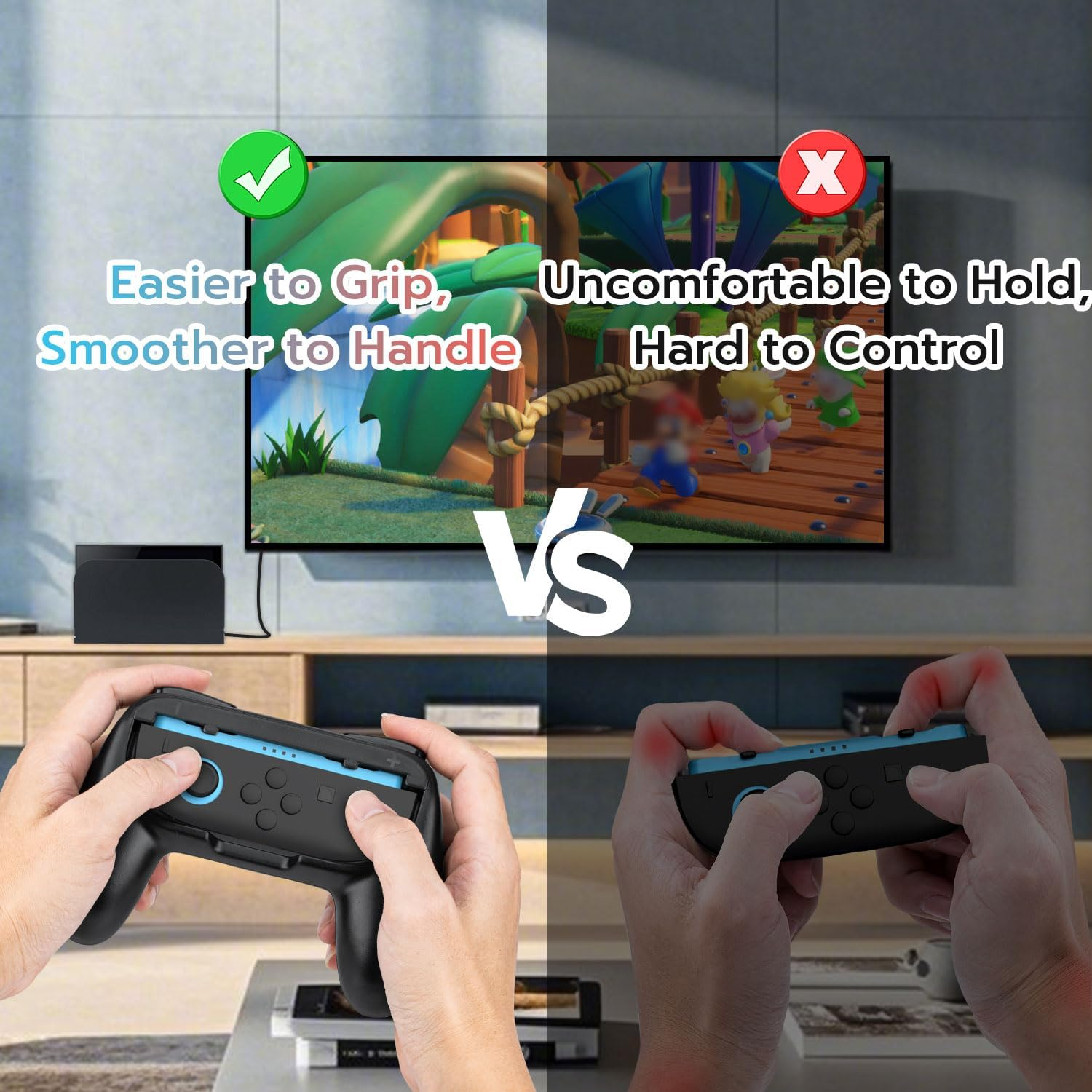
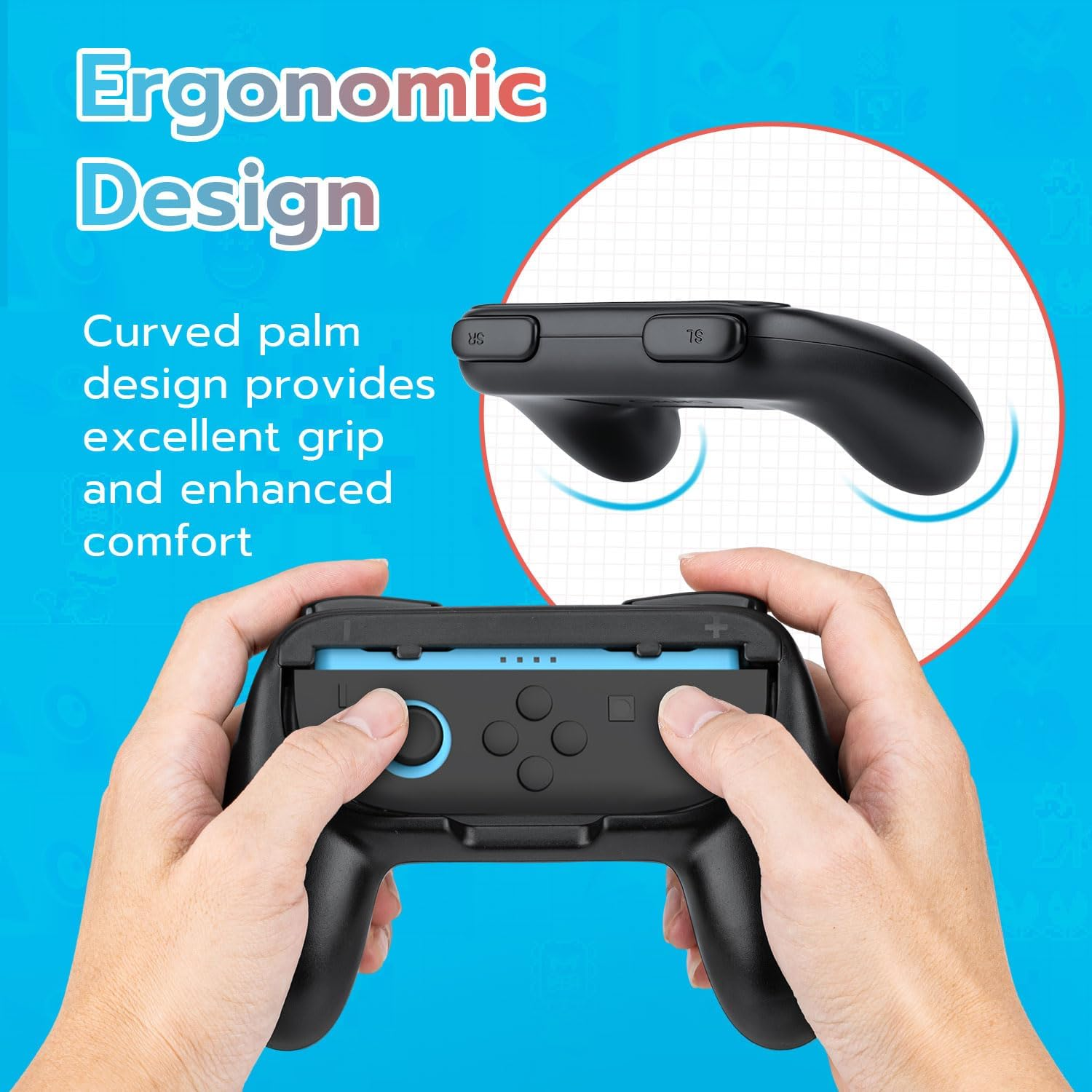
- Precision Fit for Nintendo Switch 2 Joy Con Controllers-Engineered exclusively for NS2 Joy-Pad handles, these ergonomic grips contour to your palms for fatigue-free gaming marathons. The anti-slip texture and curved design lock your Joy Cons securely while reducing hand strain, ensuring ultimate comfort even during intense battles.
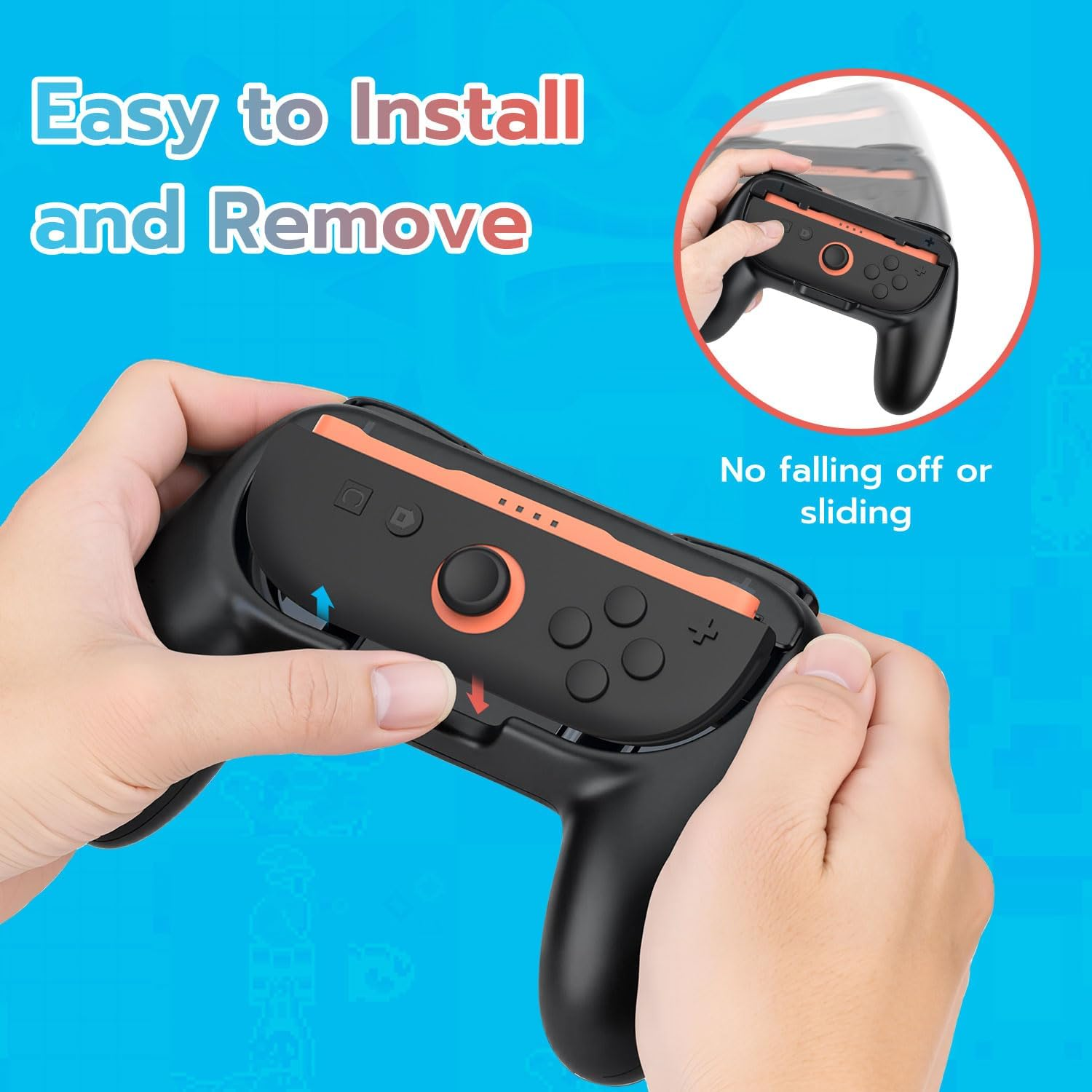
- Rock-Solid Stability & Snug Fit Guaranteed-Our reinforced ABS grips prevent sliding or loosening, with a lightweight yet durable build that keeps Joy-Pads firmly in place. The smart "shake-off-proof" design adapts to your grip pressure, balancing security with easy removal when needed.
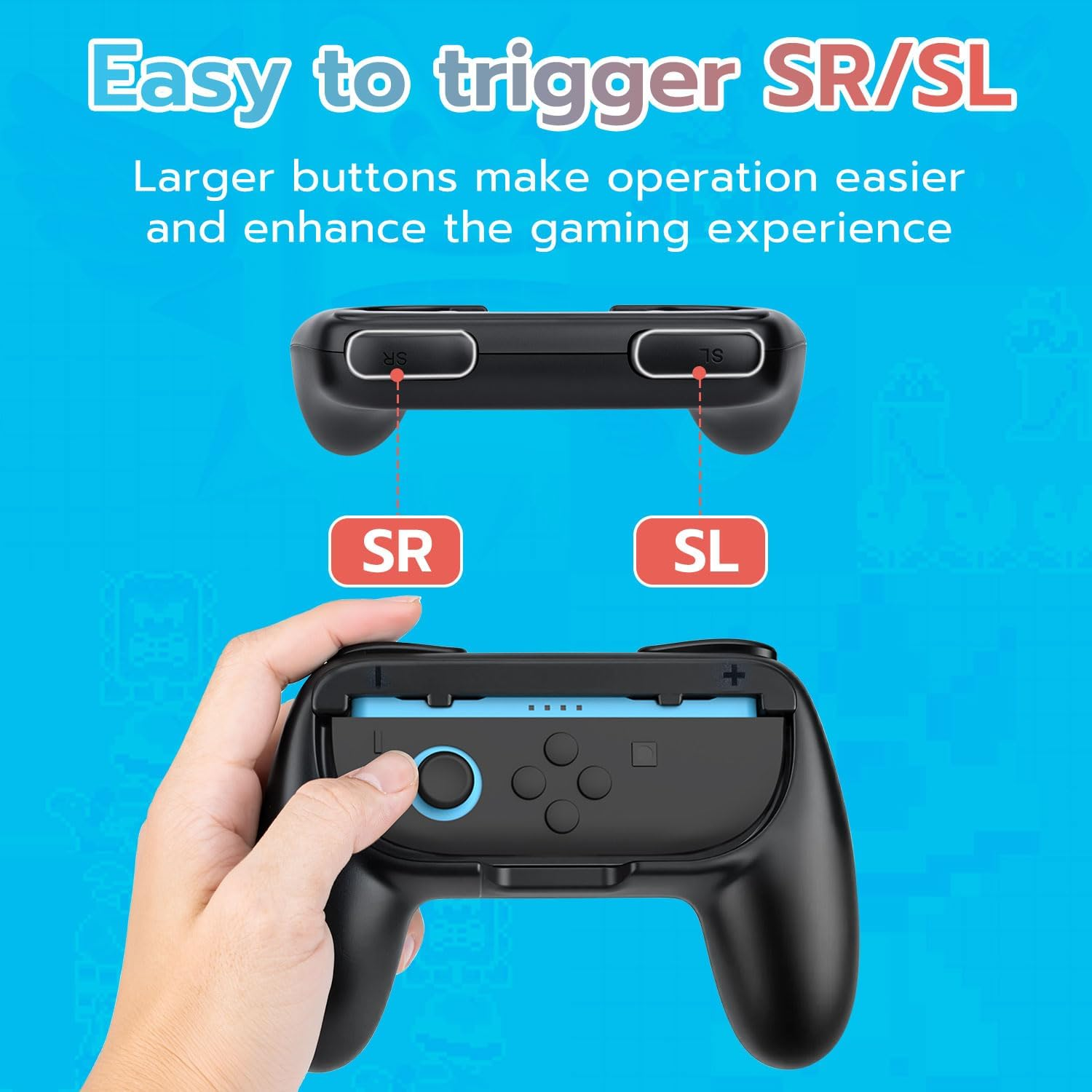
- Pro-Grade Control with Enlarged L/R Triggers-Dominate your gameplay with oversized L/R trigger buttons that deliver precise, effortless clicks. Strategically aligned to mirror your Joy Con’s original buttons, these responsive triggers reduce finger slippage and boost reaction speed.
- 3-Second Install & Smart Disassembly System-Slide your Joy Cons into the grips’ rails for instant setup – no tools or tech skills required. The patent-pending "+"/"-" symbols eliminate left-right confusion, while the quick-release port lets you detach controllers single-handedly.
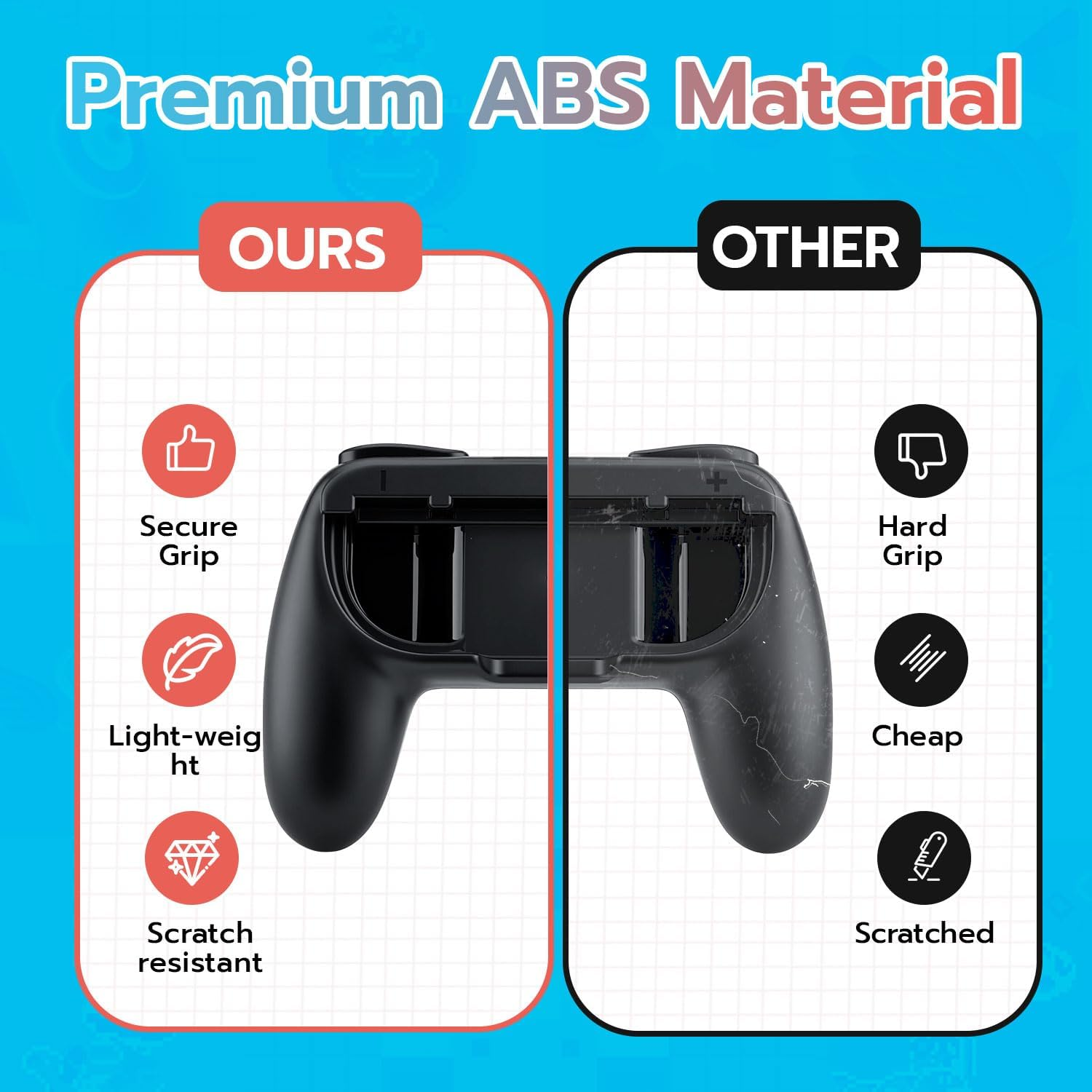
- Military-Grade Protection & Easy-Clean Surface-Shield your Joy Cons from scratches, drops, and grime with rugged ABS armour. The scratch-resistant coating repels dirt and sweat, while the smooth edges prevent palm chafing. Wipe clean with a damp cloth after beach trips or backyard gaming adventures.
- Switch 2 Horizontal Grip Setup Guide (for Joy Con Controllers) 1.Remove the left and right Joy Con controllers from both sides of the console. 2.On the Switch 2 home screen, select the [Joy Con Settings] icon to enter the settings menu. 3.In the menu, choose the [Change Grip/Order] option. 4.For the Joy Con you want to configure, press and hold the SL and SR buttons on the side simultaneously. 5.The system will automatically recognize the Joy Con in horizontal grip mode. 6.Follow the on-screen instructions to confirm, and the grip mode will be successfully switched — ready for multiplayer horizontal gameplay.
Product Description
- Item Model Number: MT-010330
- Product dimensions: 15.49 x 11.18 x 7.62 cm; 149.69 Grams
- Release date: 4 June 2025
- Language: English
A$139.80
Shipping to Australia
Delivery time varies by location
Return & Refund Policy
Check our return & refund policy
Security & Privacy
Safe payments: We do not share your personal
details
Availability:
-
This item is currently not available
Sign
in
or create an eMega account
Shop smarter — get exclusive deals & order
tracking