Free Shipping – Store Wide
2 Pack for OPPO Reno 12 5G Screen Protector,Hd Tempered Glass,3D Full Coverage,9H Hardness,Anti-Scratch,Bubble Free for Reno 12 5G
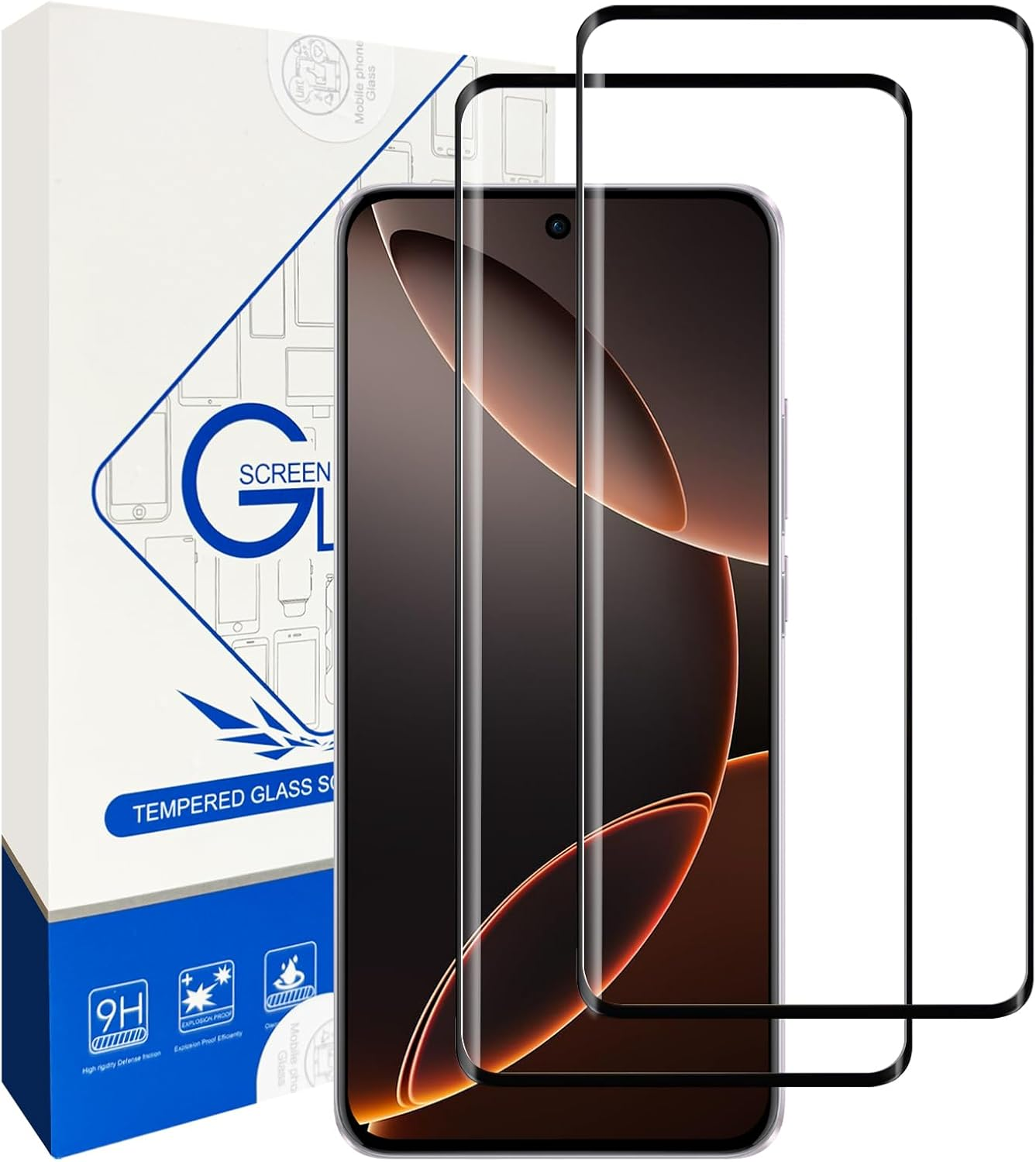
2 Pack for OPPO Reno 12 5G Screen Protector,Hd Tempered Glass,3D Full Coverage,9H Hardness,Anti-Scratch,Bubble Free for Reno 12 5G
Brand: YUNALAND
A$12.60
Availability:
-
This item is currently not available
Shop with confidence
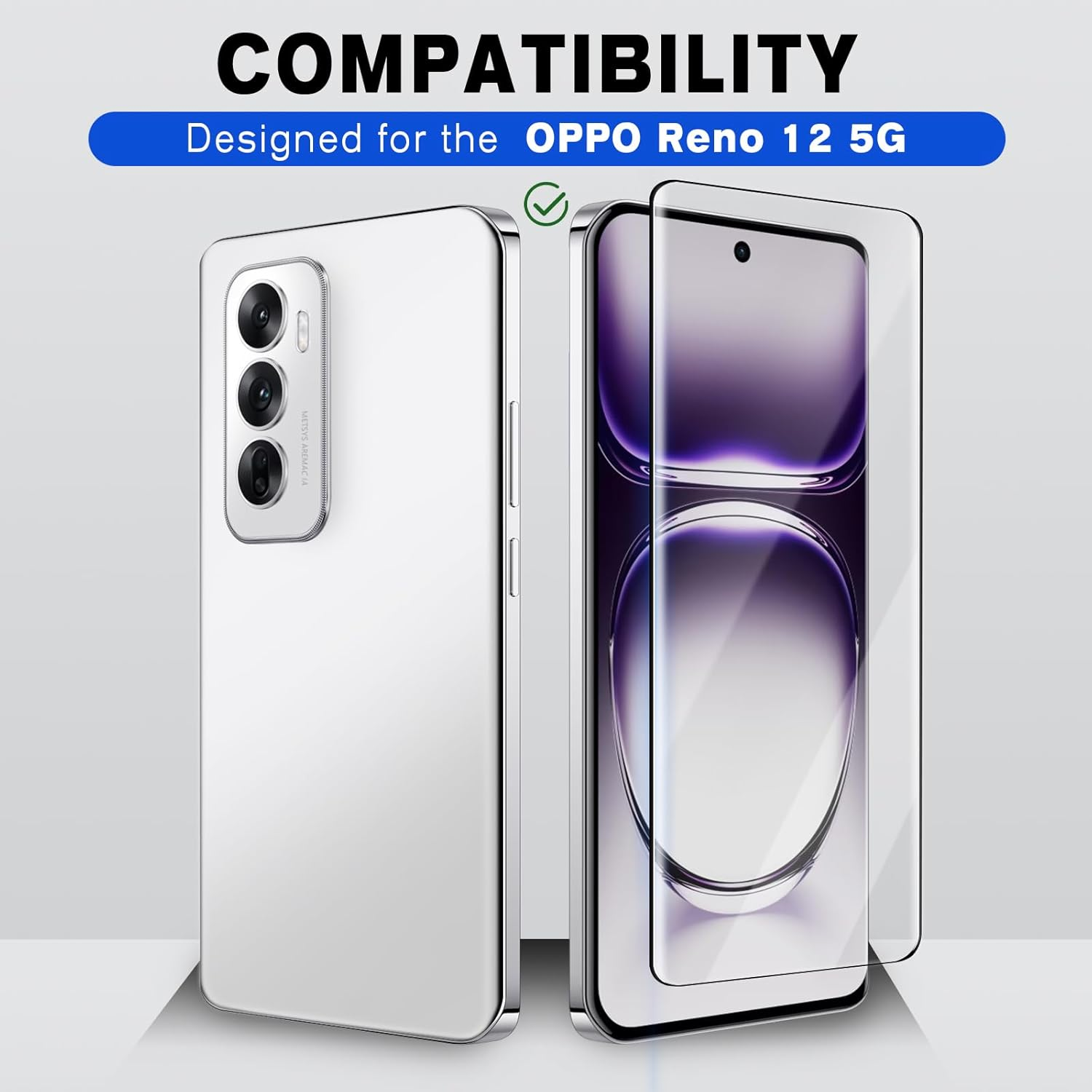
- 【Designed for OPPO Reno 12 5G】This tempered glass screen protector is specially designed for OPPO Reno 12 5G,include 2 Pack OPPO Reno 12 5G screen protector.It fits perfectly to your screen and provides strong protection for your phone.
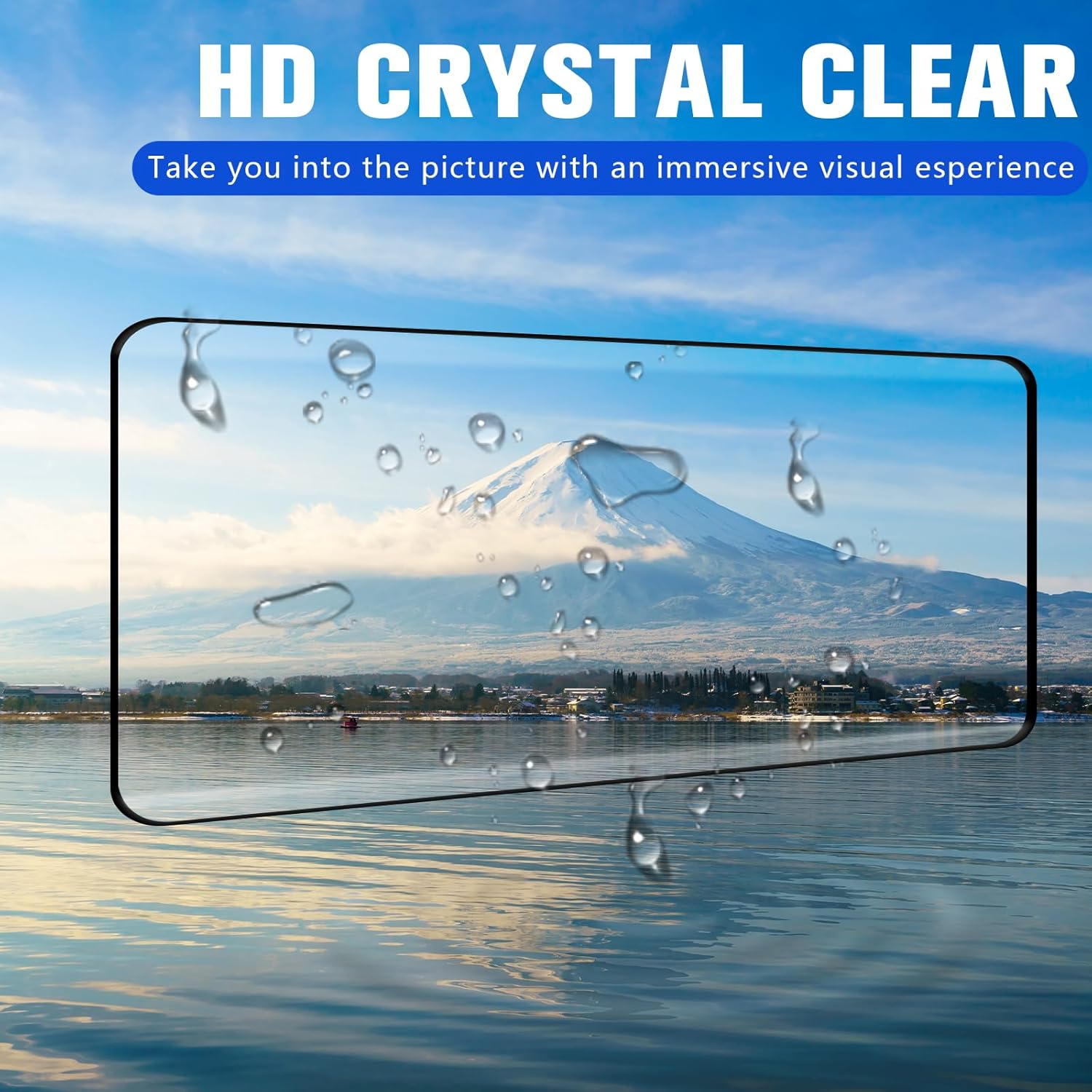
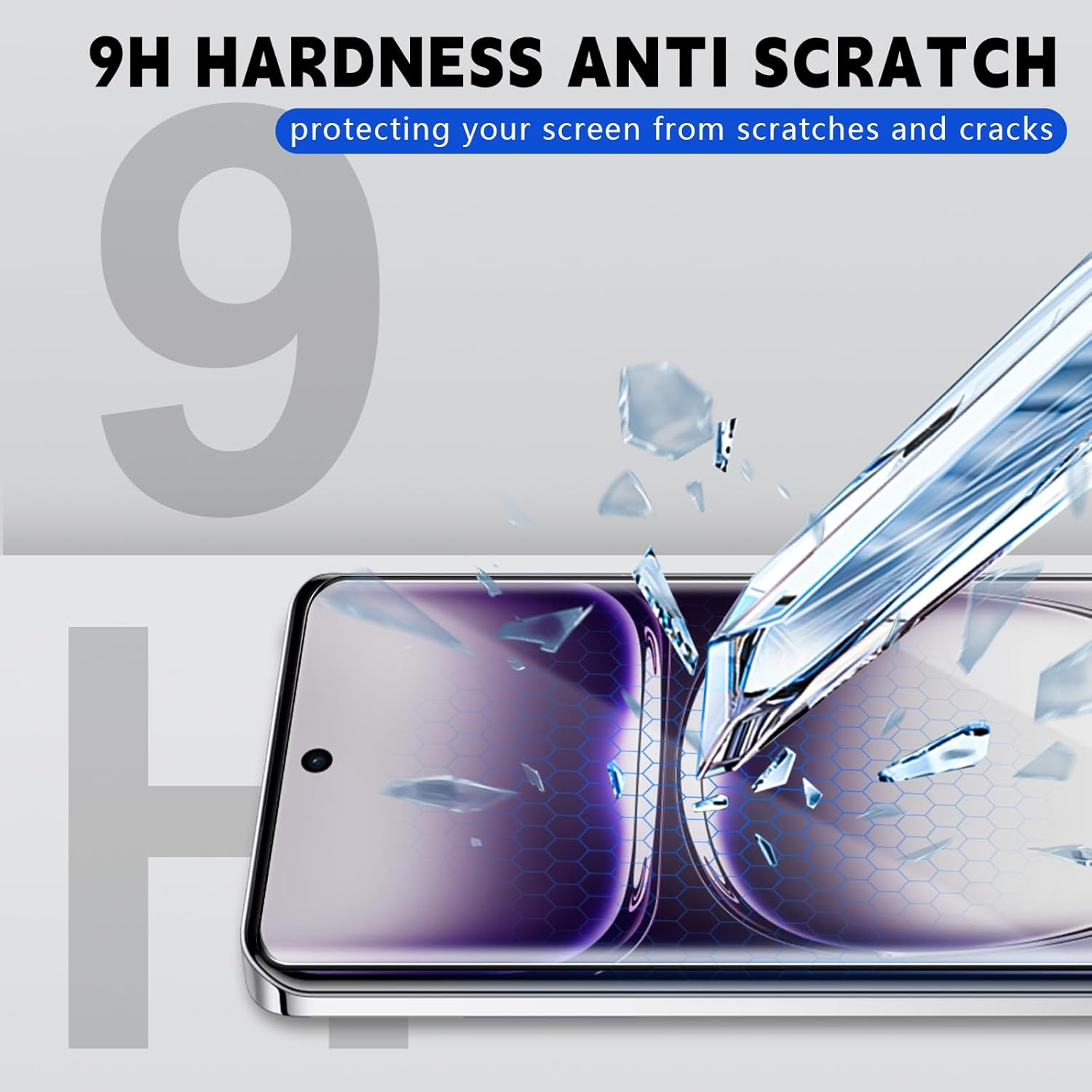
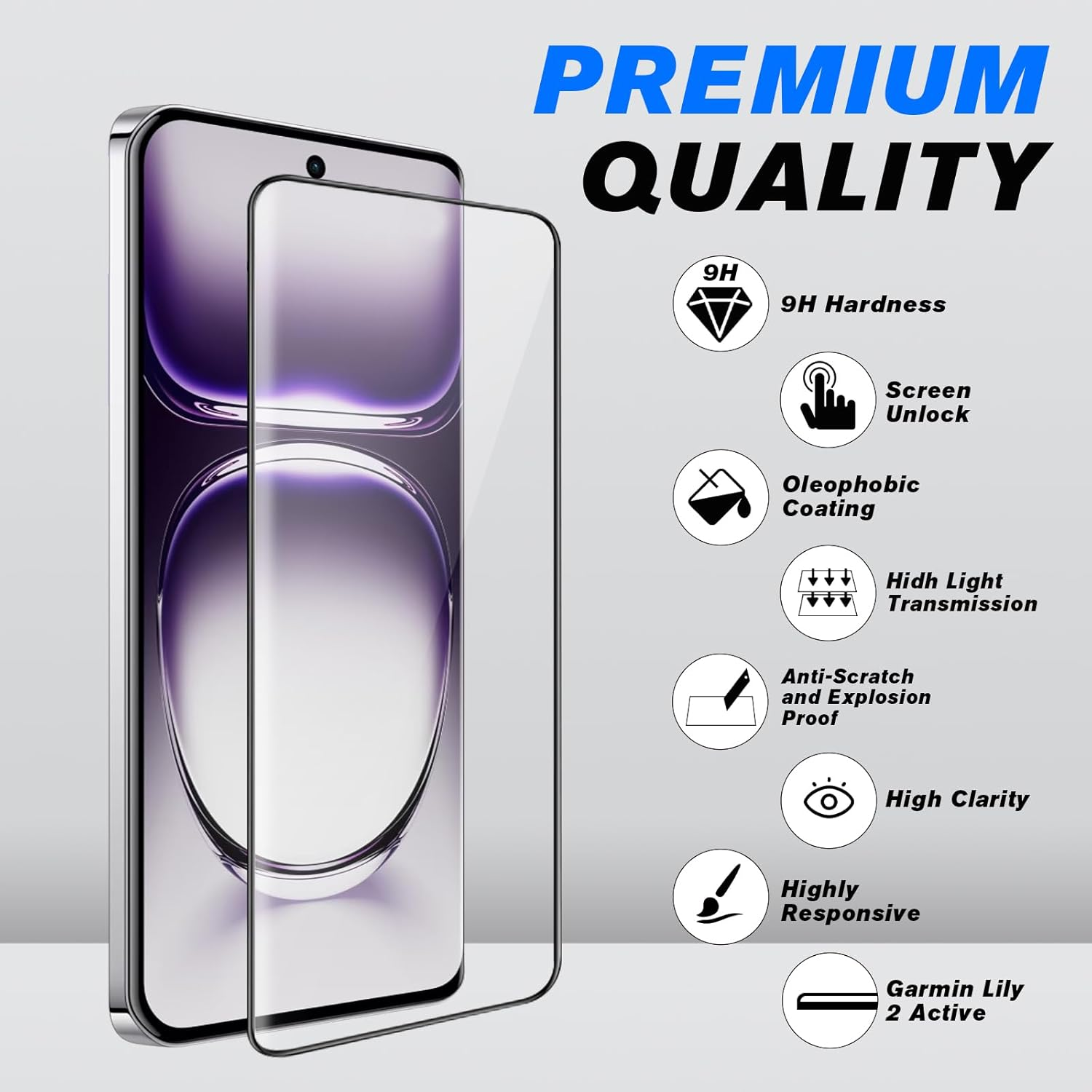
- 【Scratch Resistant,Anti-Fingerprint】100% precise laser cut tempered glass,with 9H hardness tempered glass.Protecting your screen from daily wear and tear.This glass screen protector is coated with a Hydrophobic and oleophobic clear layer making it anti-fingerprint and smudges.
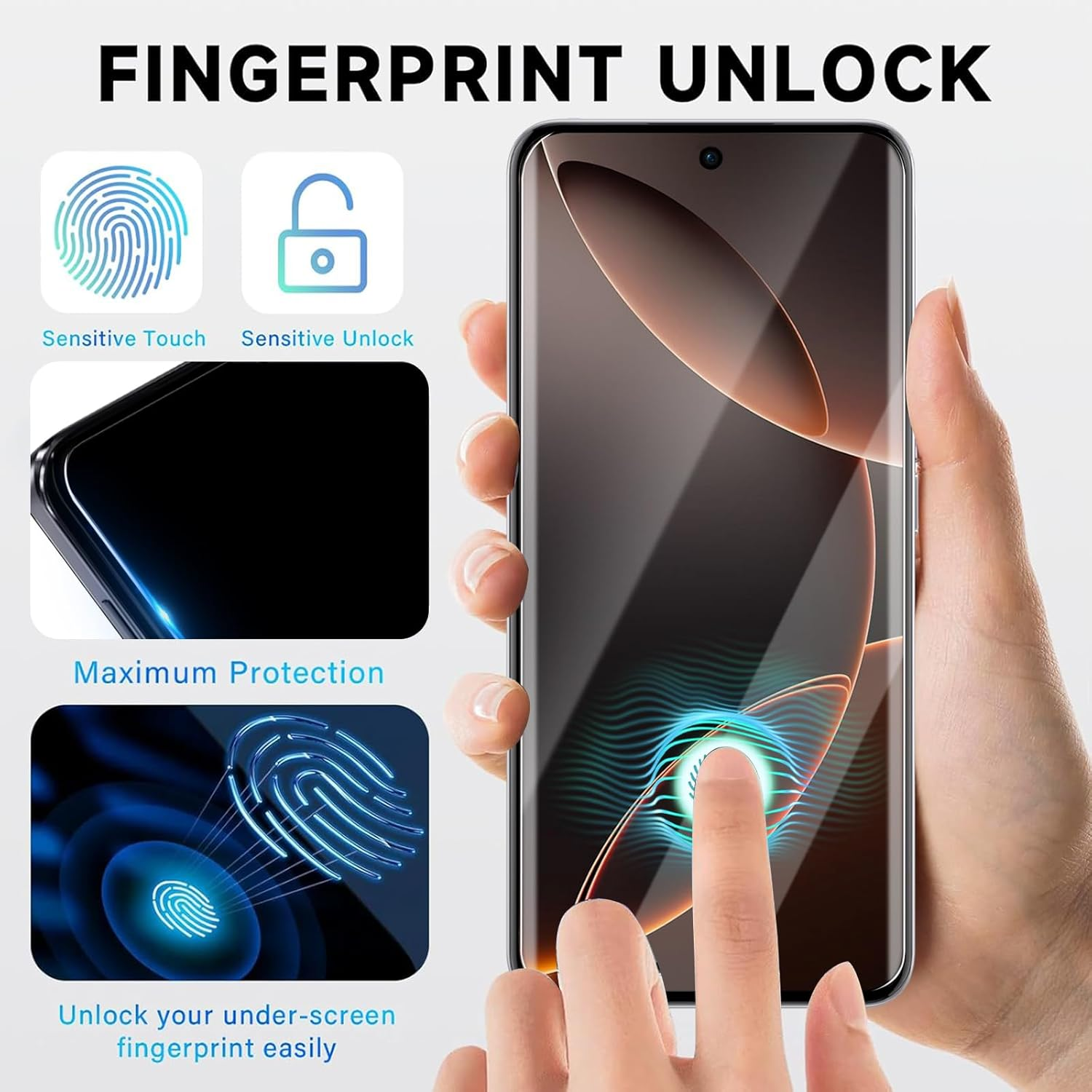
- 【Sensitive Touch】This OPPO Reno 12 5G screen protector has the high sensitivity of the original screen while maintaining the original clear image quality.This HD screen protector supports ultrasonic fingerprint recognition. We recommend re-registering your fingerprint after applying the screen protector for optimal performance.
- 【Case-Friendly】There is enough edge space around the borders for your case to wrap around the edges of your mobile.Compatible for Most OPPO Reno 12 5G cases.
- 【Easy to install】Installing our OPPO Reno 12 5G is both fast and easy.Easy to install, protecting your screen from daily wear and tear.
Compatible model: Perfectly Fit for OPPO Reno 12 5G
This mobile phone screen protector is a high-adhesive edge type, meaning it has adhesive on all four edges but not in the middle
Package Contents
- Tempered glass screen protector (2 pc)
- Cleaning kit (2 alcohol wipe + 2 microfiber cloth + 2 Dust removal sticker)
Step-by-Step Instructions
Step 1:**Prepare Surface**
- Clean screen thoroughly using alcohol wipe and dry with microfiber cloth.Remove all dust particles
Step 2:**Unpack Protector**
- Remove screen protector from packaging.Peel off the **transparent protective film**
Step 3:**Align Position**
- Hold protector by the edges.Gently lower onto screen,aligning with four corners.Maintain 0.5cm distance from screen.
Step 4:**Adhesion Technique**
Important:
- FIRST press and hold **center** of protector for 3 seconds
- THEN slowly swipe outward toward edges
- This prevents premature edge adhesion and ensures full contact
- Repeat until all bubbles are eliminated.
Step 5: **Fingerprint Optimization**
- Wait 2 minutes before powering on device
- Re-register fingerprints in settings
**Troubleshooting**
- Bubbles: Gently push toward edges with microfiber cloth
- Unresponsive screen: Ensure no gap between protector and display
- Dust specks: Use adhesive dust removal stickers
**Safety Precautions**
- Do not press edges first
- Avoid touching adhesive side
- Discard if glass is cracked
- Size Name: OPPO Reno 12 5G
- Manufacturer reference: WA-O081-1
- Product dimensions: 16 x 7 x 1.27 cm; 70 Grams
- Item Weight: 70 g
- Special features: Scratch Resistant
- Manufacturer: YUNALAND
A$12.60
Shipping to Australia
Delivery time varies by location
Return & Refund Policy
Check our return & refund policy
Security & Privacy
Safe payments: We do not share your personal details
Availability:
-
This item is currently not available
Sign in
or create an eMega account
Shop smarter — get exclusive deals & order tracking