Free Shipping – Store Wide
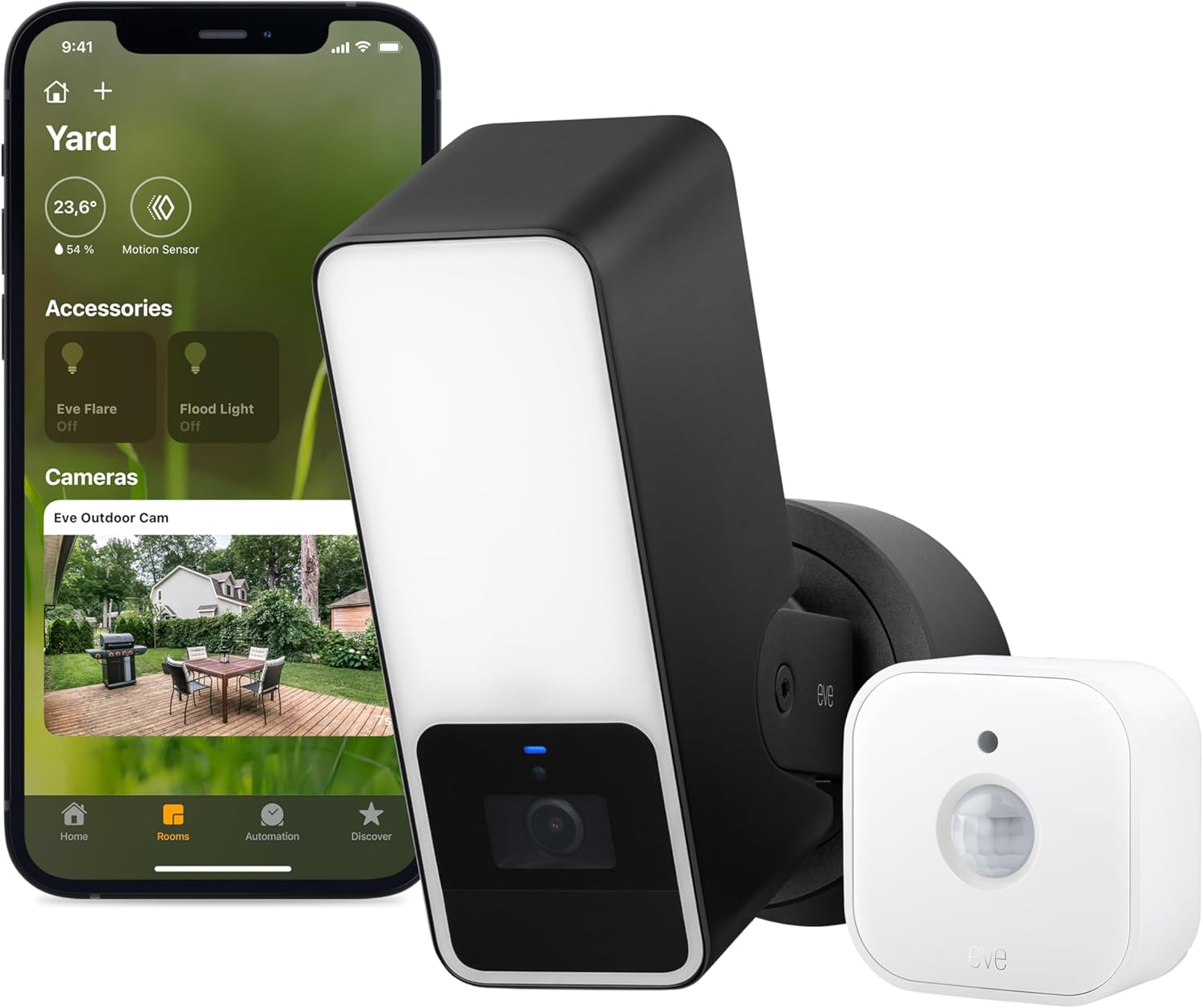
Smart Outdoor Security Set - Eve Outdoor Cam (Apple Home) & Eve Motion (Matter) - Requires Thread Border Router
Smart Outdoor Security Set - Eve Outdoor Cam (Apple Home) & Eve Motion (Matter) - Requires Thread Border Router
Brand: Eve
A$441.80
- Keep a close eye on your home around the clock, and receive rich notifications on your iPhone/iPad/Apple Watch when something is up
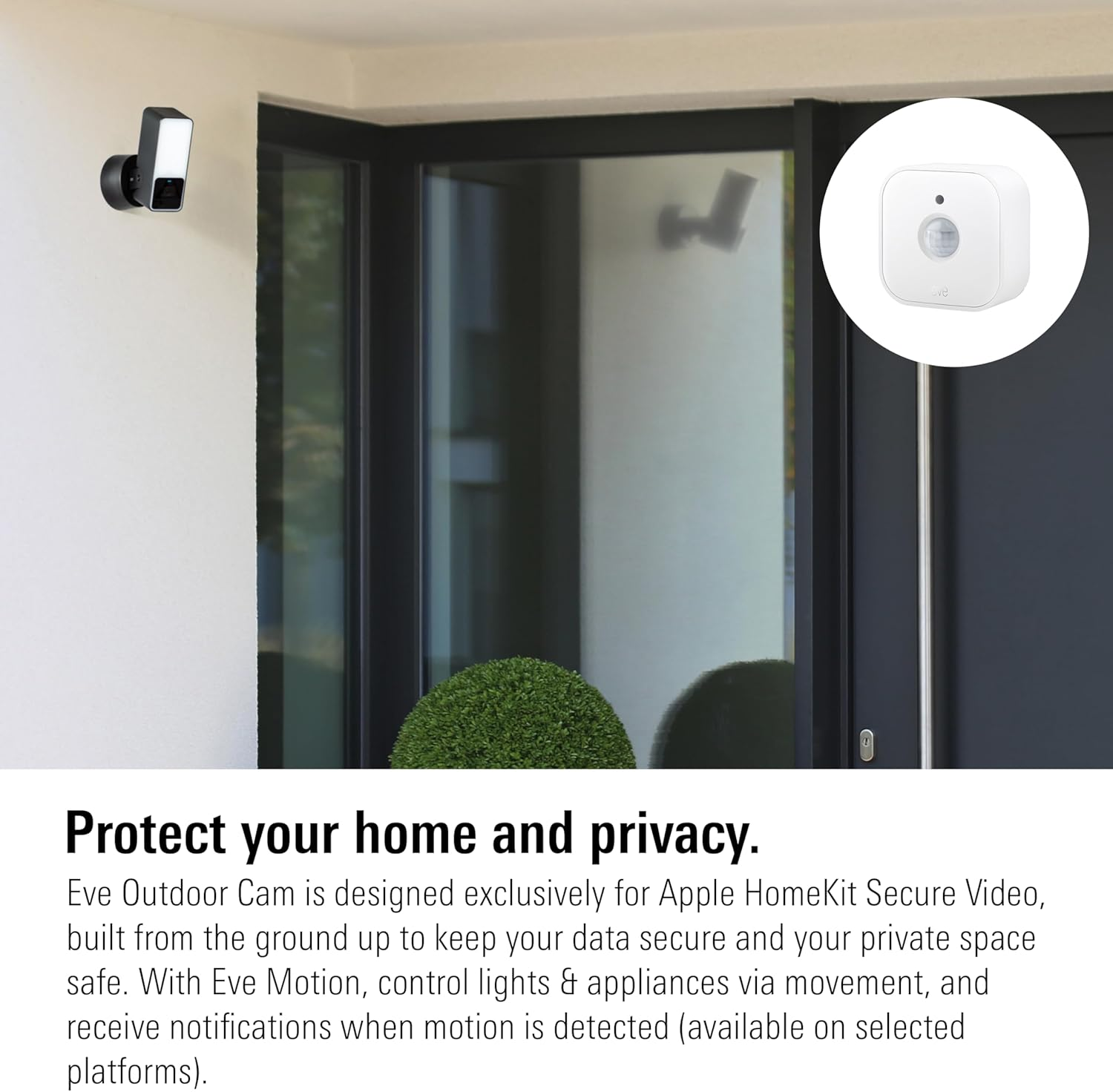
- Protect your privacy – Eve Outdoor Cam is designed exclusively for Apple HomeKit Secure Video, built from the ground up to keep your data secure; end-to-end encryption of live and recorded video
- 10-day recording history – capture any motion or distinguish between people, pets, vehicles, or packages
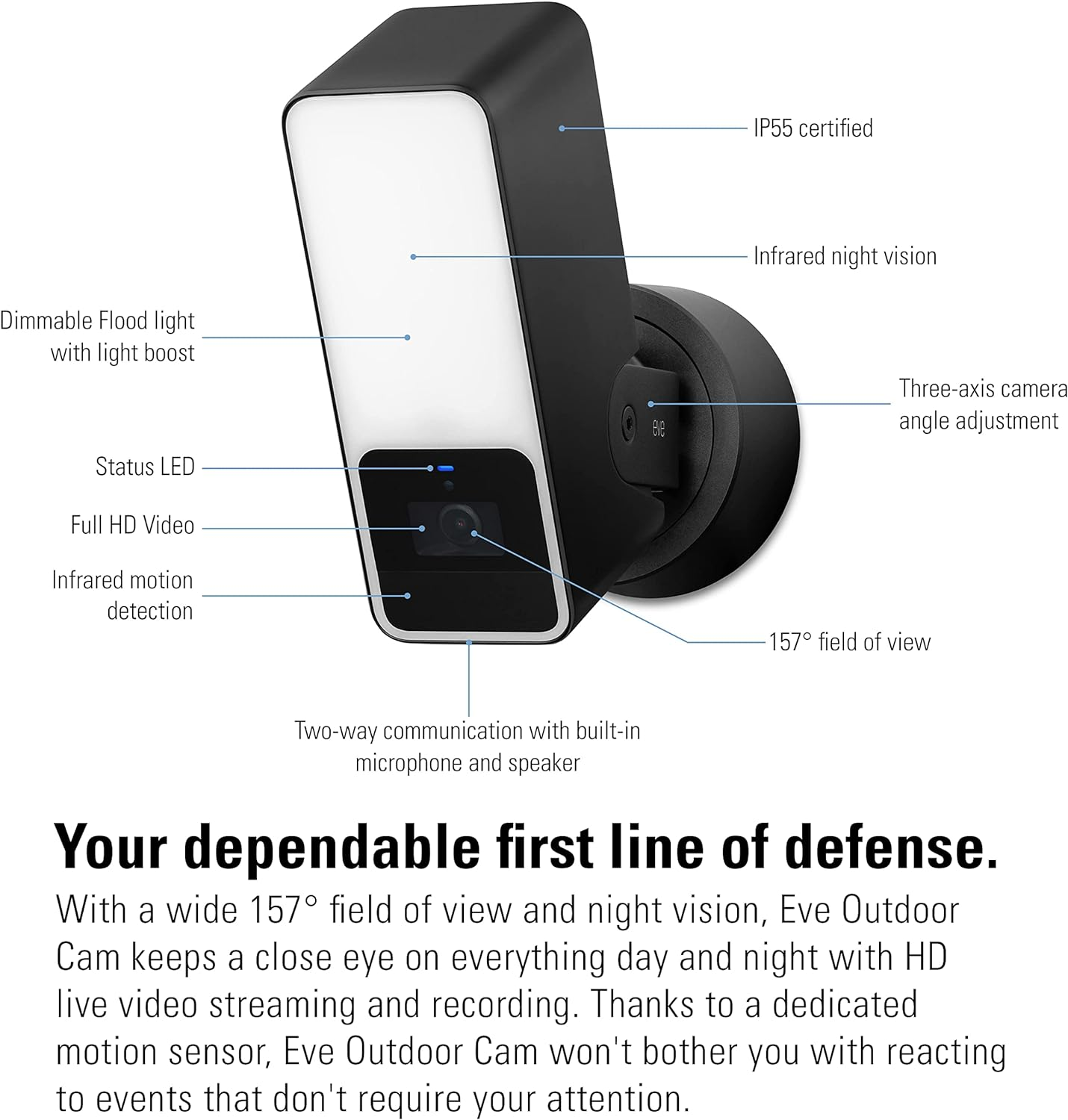
- Powerful, dimmable floodlight with light boost and infrared motion sensor; 157 field of view with night vision; HD (1080p/24fps) video; two-way communication with built-in microphone and speaker
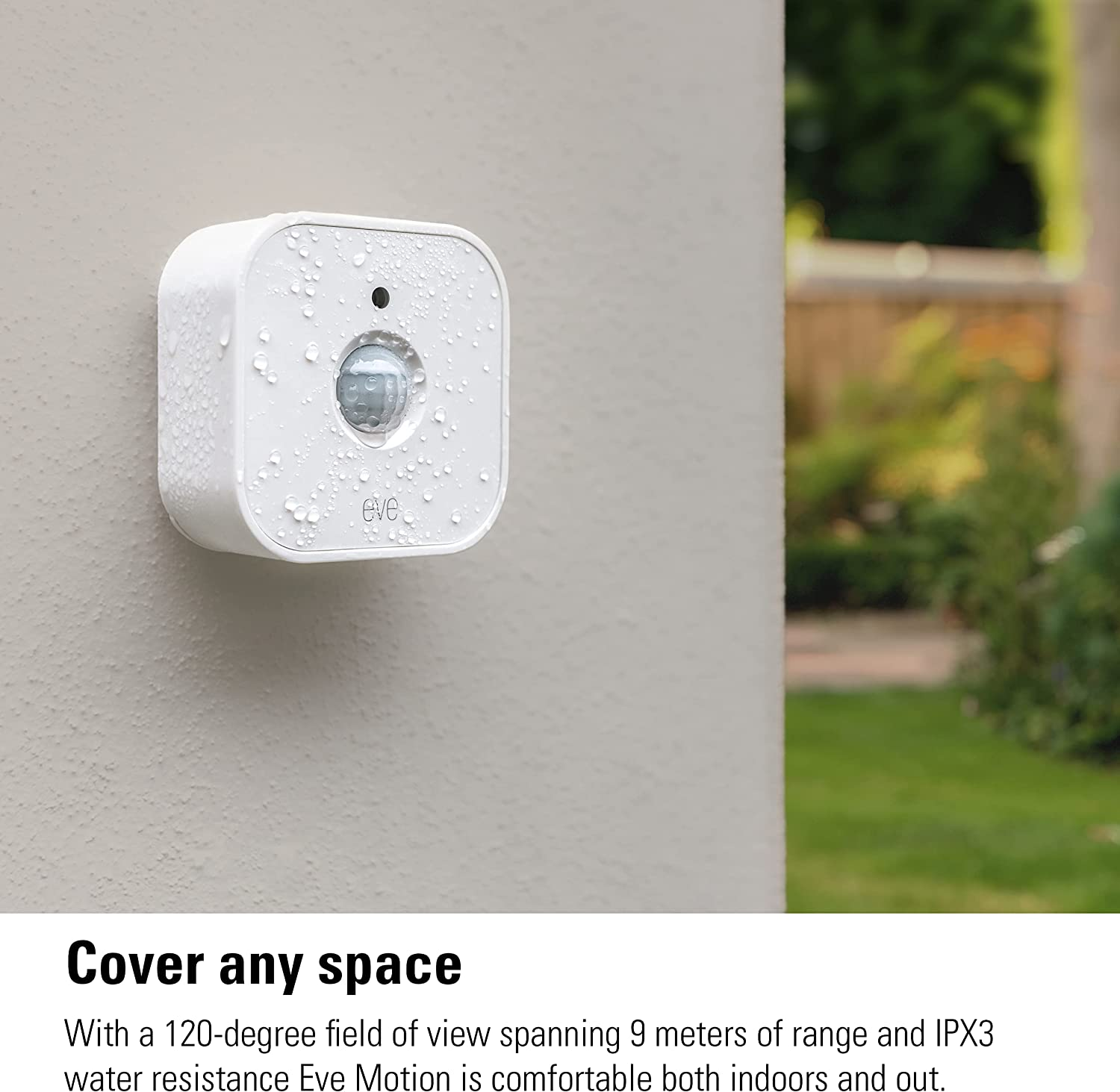
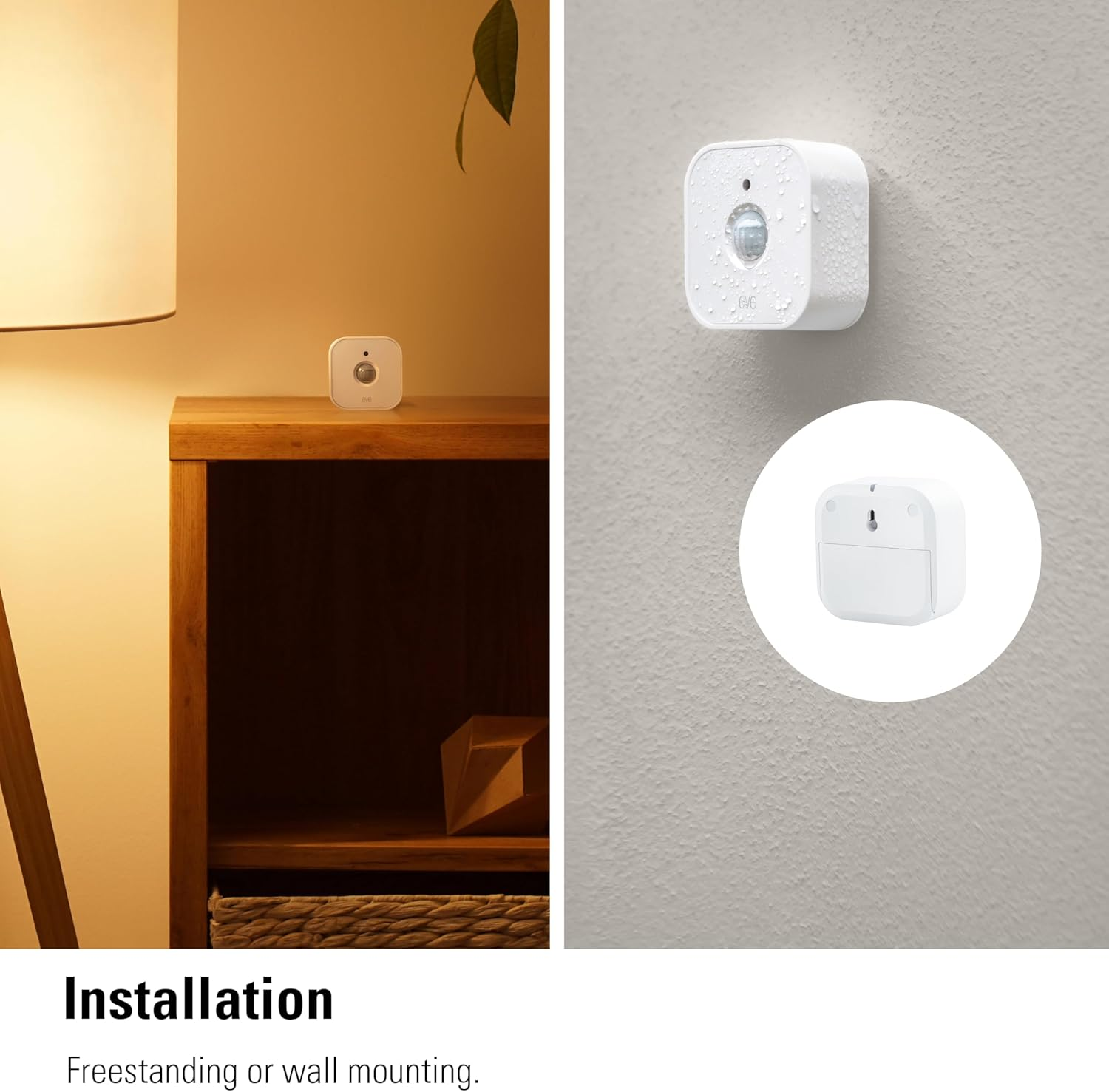
- 120° field of view and up to 9 m detection range. Indoors and outdoors thanks to IPX3 water resistance and wireless battery operation.
- Control your lights and appliances with movement, and receive notifications when motion is detected (available on selected platforms). Refine automations by brightness in the Eve app for iOS.
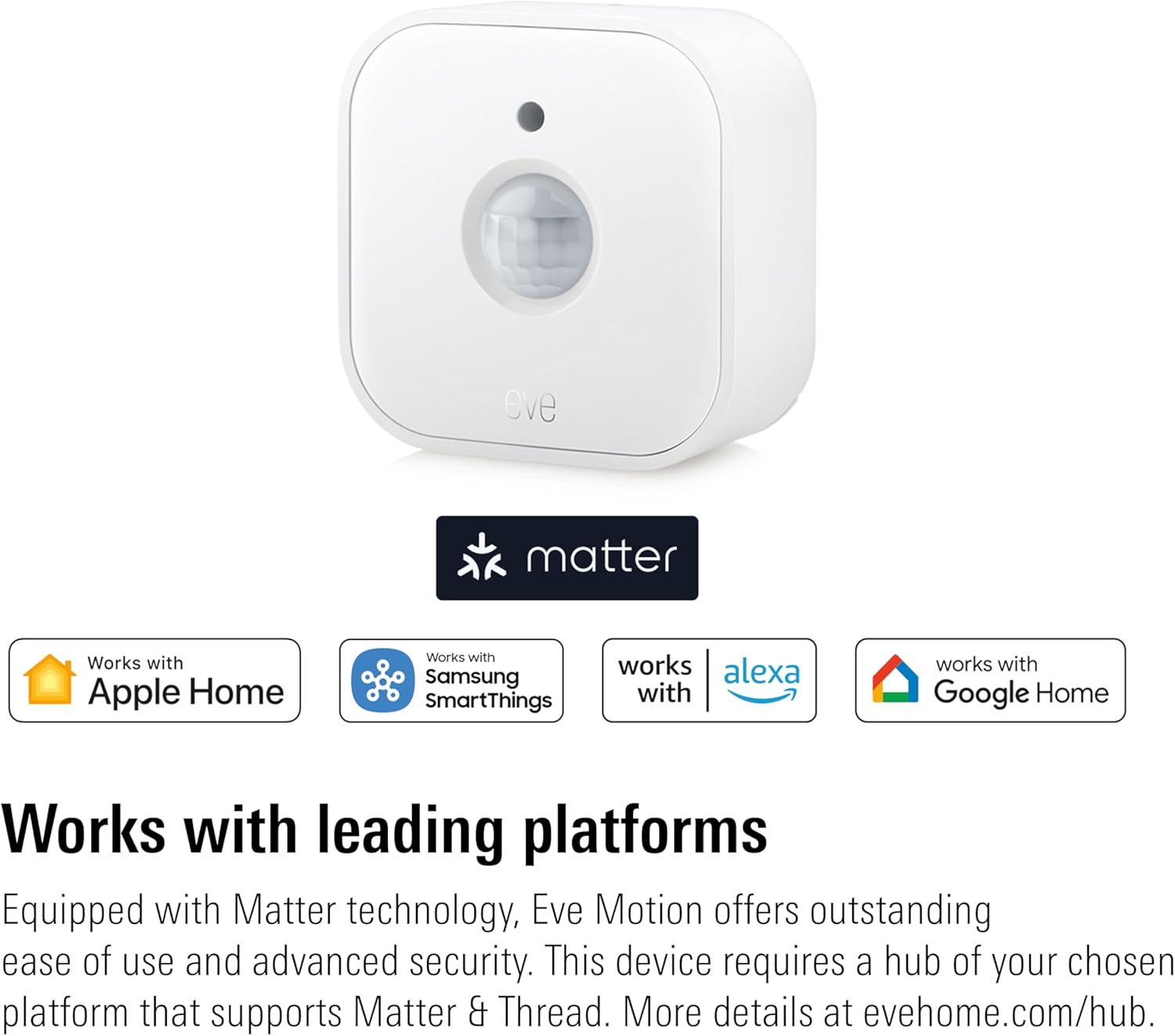
- Matter-enabled to let you seamlessly monitor your home across smartphones and voice assistants of all major platforms. Cutting-edge Thread network technology for a robust smart home.
- 100% Privacy: No Eve cloud, no registration, no tracking. Local communication without cloud dependency.
From the manufacturer
Eve Outdoor Cam - Secure Floodlight Camera
The video showcases the product in use.The video guides you through product setup.The video compares multiple products.The video shows the product being unpacked.
hero-video
Merchant videoKeep a close eye on your home around the clock, and receive rich notifications on your iPhone when something is up. Eve Outdoor Cam packs advanced technology into a sleek metal enclosure and is designed exclusively for Apple HomeKit Secure Video to keep your data secure and your private space safe.
Eve Outdoor Cam
Greater security with maximum privacy.
Specifications: Power: AC 100-240 V, 50/60 Hz; Wireless Connection: WLAN (2.4 GHz 802.11b/g/n); Dimensions: 170 x 65 x 76 mm; Compatibility: Eve Outdoor Cam requires both a neutral wire and a connection to a ground wire.
-
...with direct access.
When you view the video stream from your Eve Outdoor Cam while out and about, you communicate back to base directly over an end-to-end encrypted connection. Your camera's live stream never reaches the cloud – not even the iCloud.
-
...with local intelligence.
You choose what and when you want to record – Apple TV or HomePod then take over the task of analyzing in the privacy of your own four walls whether it's a person, pet, vehicle, or package in the picture.
-
...with a secure recording history.
The happenings are only recorded, encrypted, and stored in your iCloud once your recording criteria are met. And only your personal devices have the key to unlock these recordings.
-
...with no registering required.
Eve does not harvest your personal data by forcing you to set up an account or registering your accessories – neither for Eve Outdoor Cam nor for any other Eve product. Inviting Eve into your home is a purely personal affair between each accessory and you.
-
... thanks to iCloud.
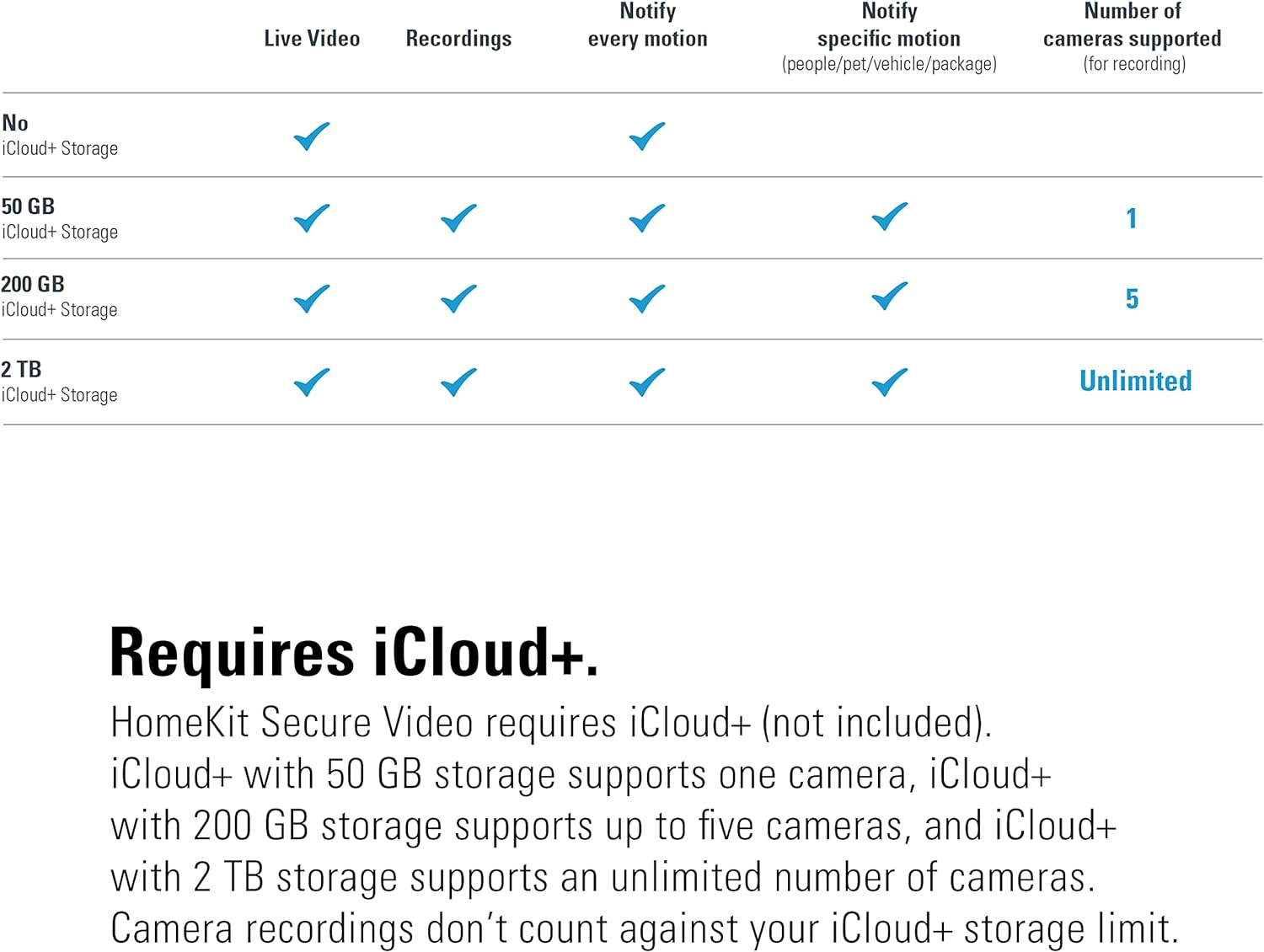
Your recordings are stored securely and fully encrypted in your iCloud. HomeKit Secure Video requires iCloud+ (not included). iCloud+ with 50 GB storage supports one camera, iCloud+ with 200 GB storage supports up to five cameras, and iCloud+ with 2 TB storage supports an unlimited number of cameras. Camera recordings don’t count against your iCloud+ storage limit.
-
... with Apple HomeKit Secure Video.
Eve Outdoor Cam exclusively supports Apple HomeKit Secure Video, enabling you to securely store activity detected by Eve Outdoor Cam in iCloud. Using on-device intelligence, Apple TV or HomePod can determine when a person, animal, vehicle, or package is present before securely storing the recording in iCloud for you. A 10-day recording history is available to view in the Apple Home app on your iPhone, iPad, or Mac.
-
Not at home?
Act immediately when something happens
Receive notifications on your iPhone the moment motion is detected, and keep your home safe.
-
React spontaneously
No problem thanks to two-way communication
With the built-in microphone and speaker, you can for example easily say where to put your package.
-
Local intelligence
You choose what and when to record
Video footage is analyzed securely by Apple TV or HomePod, optional with facial recognition.
-
With light boost
Turns night into day
Eve Outdoor Cam turns on the flood light automatically the moment the motion sensor detects activity
-
Reliable at any time
Everything in view
The dedicated motion sensor triggers the camera (IP55) reliably when it is necessary.
This is Eve.
Choose Eve.
Home is your most private space. Which is exactly why Eve accessories are designed to safeguard your personal data.
100% Privacy.
No Eve cloud, no registration and no tracking so data won’t get exposed. Local intelligence and direct communication without cloud dependency.
Seamless Integration.
Award-winning design, easy installation: Eve devices are Apple HomeKit- or Matter-enabled for effortless communication with other accessories.
Future-Proof Technology.
Eve delivers state-of-the-art connectivity via Thread or Wi-Fi, implements the future-proof Matter standard and expands feature-sets through updates.
Perfectly complemented.
| Customer Reviews | 4.2 out of 5 stars 3,584 | 4.3 out of 5 stars 112 | 4.2 out of 5 stars 3,584 | 3.9 out of 5 stars 514 | 4.2 out of 5 stars 631 | 4.0 out of 5 stars 1,568 | 3.8 out of 5 stars 1,246 |
| Price | $279.00$279.00 | $55.00$55.00 | $55.00$55.00 | $63.00$63.00 | $181.71$181.71 | $143.00$143.00 | $279.95$279.95 |
| Description | Secure Floodlight Camera | Smart Plug | Smart Contact Sensor | Wireless Motion Sensor | Connected Water Leak Detector | Portable Smart LED Lamp | Secure Indoor Camera |
| Highlights | People/pet/package detection | Matter-enabled | Matter-enabled | Matter-enabled | 100 dB siren & visual alert | Beautiful ambience lighting | Presence-based operation |
| Highlights | Dimmable floodlight | Control lights and appliances | Open/closed state | IPX3 water resistance | 2m sensing cable (extendable) | IP65 water resistance | People/pet detection |
| Eve App-/voice control | ✔ | ✔ | ✔ | ✔ | ✔ | ✘ | ✔ |
| Autonomous schedules | ✘ | ✔ | ✘ | ✘ | ✘ | ✔ | ✘ |
| Wireless Connection | HomeKit, WLAN | Matter, Thread | Matter, Thread | Matter, Thread | HomeKit, Bluetooth, Thread | HomeKit, Bluetooth, Thread | HomeKit, WLAN |
| Notifications via hub | ✔ | ✘ | ✔ | ✔ | ✔ | ✔ | ✔ |
| Scenes with other accessories | ✔ | ✔ | ✔ | ✔ | ✔ | ✔ | ✔ |
| Control while away from home | Requires a hub | Requires a hub | Requires a hub | Requires a hub | Requires a hub | Requires a hub | Requires a hub |
| Power source | AC 100-240 V, 50/60 Hz | 100–240 VAC, 50/60 Hz | Replaceable Battery (ER14250) | 2x AA replaceable batteries | 100-240 V~, 50/60 Hz, 50 mA | 230V, 50/60 Hz, Max. 5A/1150 W | 5 V, 1 A max. (USB) |
| Requirements | iPhone (iOS 14), storage plan | Min. iOS 16.4 / Android 8.1 | Min. iOS 16.4 / Android 8.1 | Min. iOS 16.4 / Android 8.1 | iPhone (latest version of iOS) | iPhone (latest version of iOS) | iPhone (iOS 14), storage plan |
| Requirements | — | Matching hub | Matching hub | Matching hub | — | — | — |
-
How do I install Eve Outdoor Cam?
Eve Outdoor Cam is best installed replacing an existing outdoor light and requires AC power with connection to ground. It has to be mounted in an upright position with the microphone/speaker array facing downwards in order to prevent water damage.
-
How does Eve Outdoor Cam connect?
Compatible with 2.4 GHz band networks only. On your router, enable DHCP and disable MAC filtering as well as any tools that limit Bonjour/mDNS/Multicast traffic. Avoid Powerline/PowerLAN connected Wi-Fi access points.
-
How does Eve Outdoor Cam detect motion and trigger recordings?
If you have configured people / pet / vehicle / package recognition, any motion detected by the infrared motion sensor will cause the video footage to be sent to your Apple TV or HomePod to determine whether your recording criteria are met.
-
How do I configure the built-in motion light?
Eve Outdoor Cam will automatically turn on the flood light when motion is detected by the motion sensor. To limit the automatic motion light to nighttimes, adjust the duration, or deactivate it altogether, access the settings in the Eve app.
-
What is light boost and how can I use it?
If you want the integrated flood light to shine extra-bright, tap the light boost button in the Eve app. You can also enable light boost for the automatic motion light. Light boost will turn off automatically after a period of time.
- Installation Method: wireless DIY
- Power Source: Corded Electric
- Included Components: Eve Outdoor Cam, Eve Motion
A$441.80
Shipping to Australia
Delivery time varies by location
Return & Refund Policy
Check our return & refund policy
Security & Privacy
Safe payments: We do not share your personal details
Availability:
-
In Stock
Sign in
or create an eMega account
Shop smarter — get exclusive deals & order tracking