Free Shipping – Store Wide
ILIFE V20 Robot Vacuum Cleaner and Mop, 5000Pa Suction, Laser Navigation,140Min Runtime,Multi-Floor Mapping,App/Alexa/Google Compatible Smart Robot Vacuum Cleaners for Hard Floors and Carpets (V20)
ILIFE V20 Robot Vacuum Cleaner and Mop, 5000Pa Suction, Laser Navigation,140Min Runtime,Multi-Floor Mapping,App/Alexa/Google Compatible Smart Robot Vacuum Cleaners for Hard Floors and Carpets (V20)
Brand: ILIFE
A$147.00
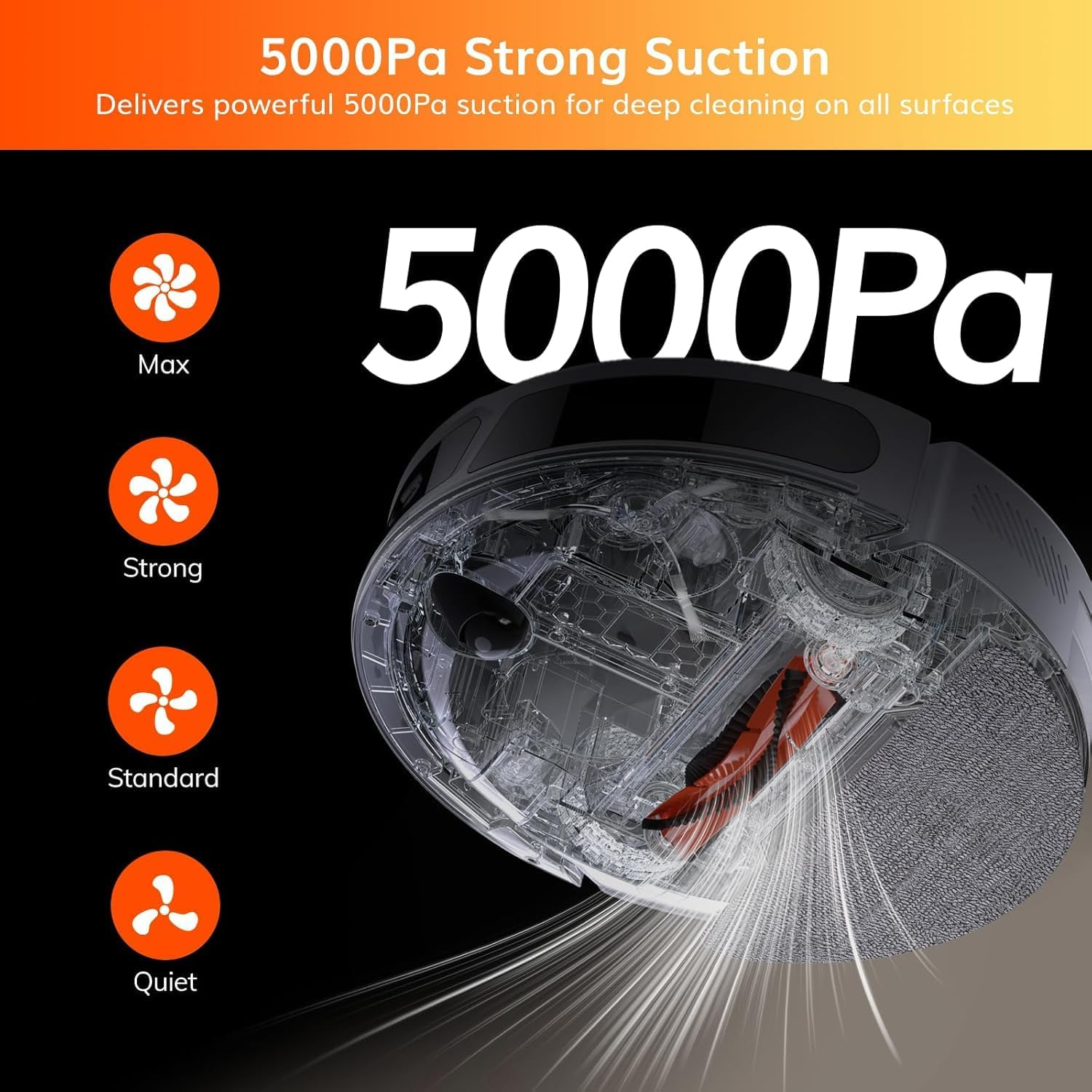
- 【 5000Pa Powerful Suction for Deep Cleaning】 This robot vacuum cleaner delivers robust 5000Pa suction to remove dust, pet hair, and debris from tiles, hardwood, carpets (with auto-boost suction), and more, ensuring thorough cleaning across all floor types.
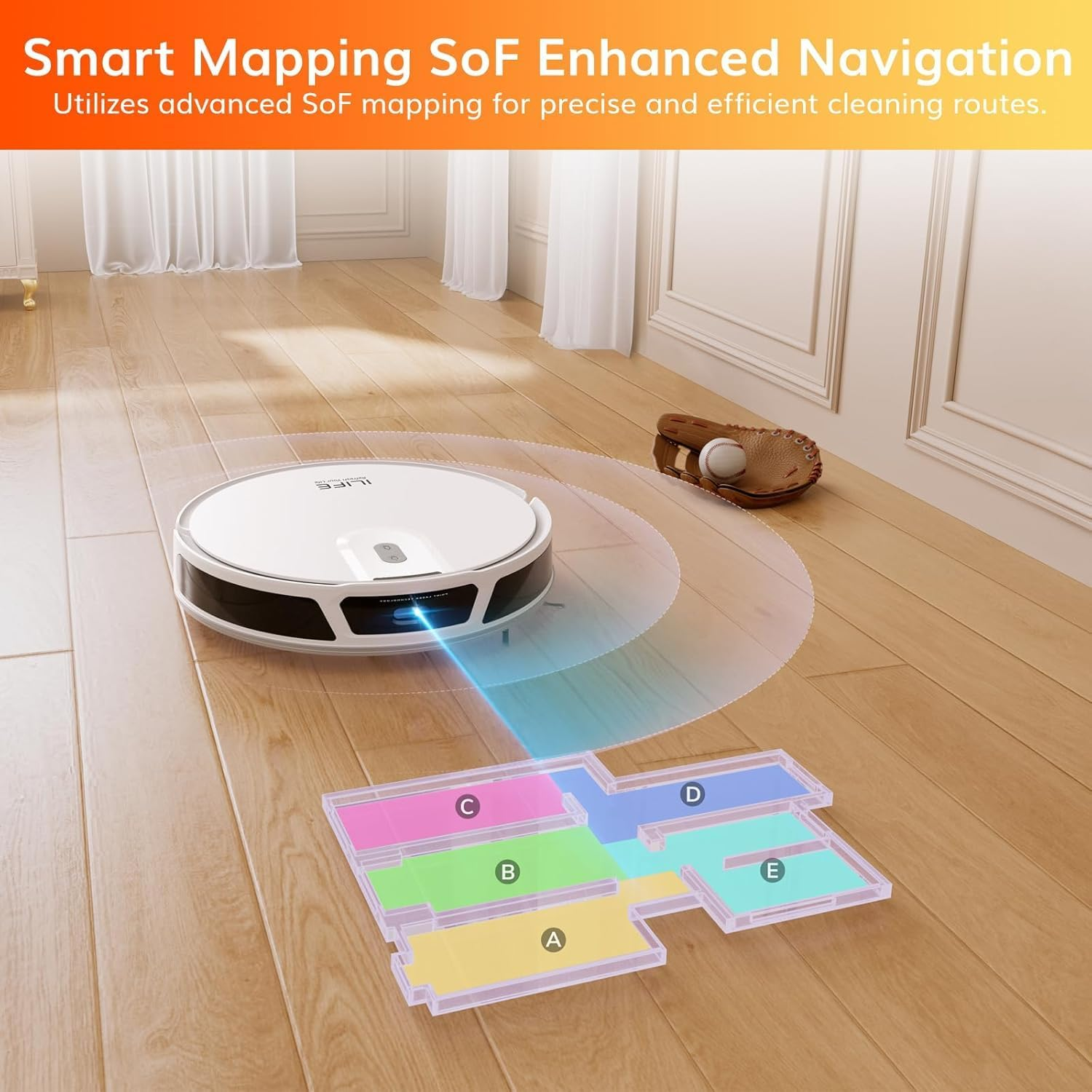
- 【Advanced SoF Navigation for Precise Path Planning】The robot vacuum uses Solid-Fixed (SoF) laser navigation to map your home with pinpoint accuracy, avoid obstacles, and clean efficiently without retracing paths—ideal for multi-room layouts.
- 【Versatile Cleaning Modes to Suit Your Needs】 Switch effortlessly between robot vacuum and mop modes (sweep-only/mop-only/combo), plus targeted options like zone cleaning and scheduled tasks, adapting to carpets, hard floors, or specific messes.
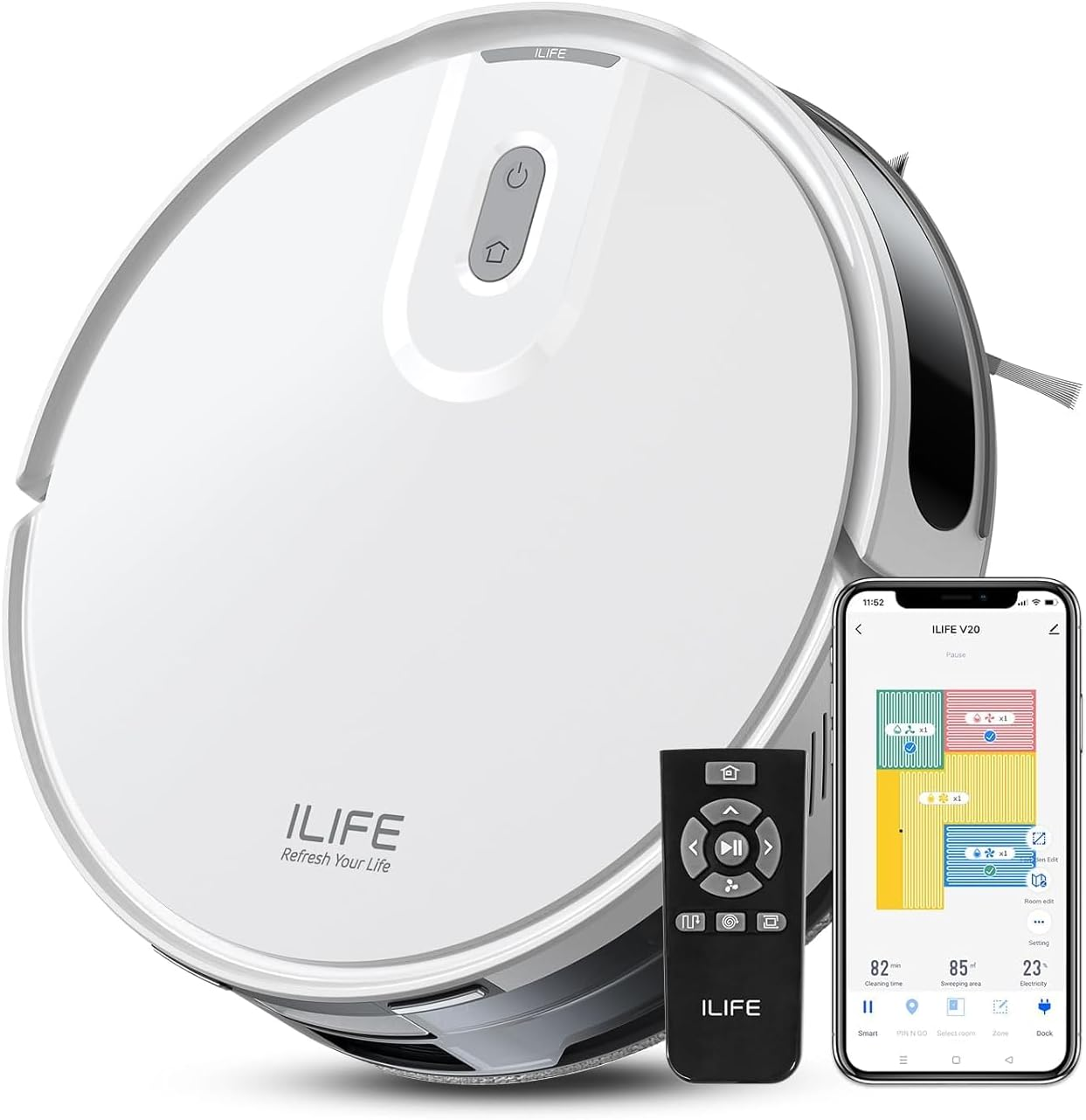
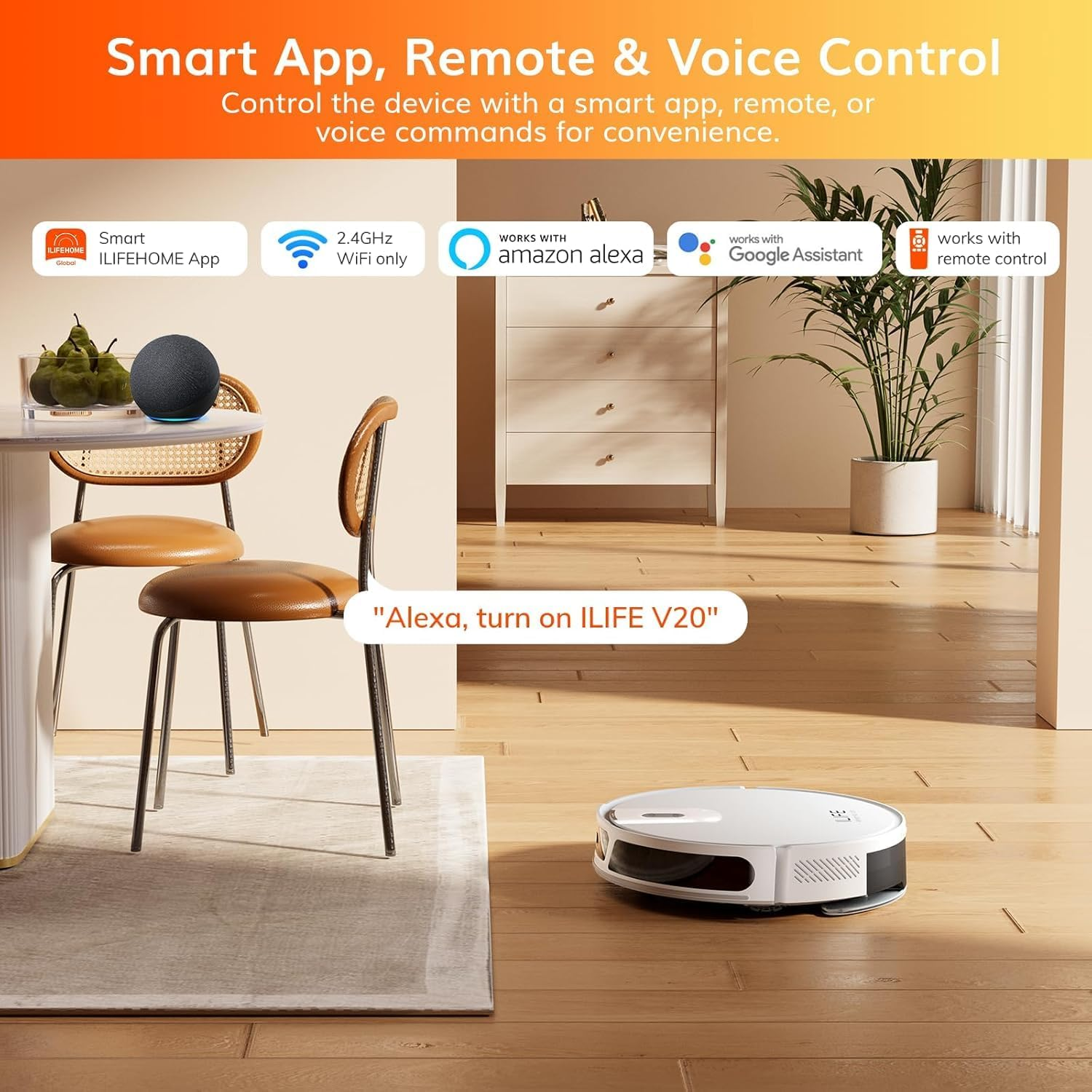
- 【Smart Control for Convenient Operation】 Command your robot vacuum mop via app, voice (Google/Alexa), or remote to schedule cleanings, monitor progress, and adjust settings hands-free.⚠Note: It supports only 2.4GHz Wi-Fi.
- 【Multi-Map Storage for Complex Environments】 Store up to 5 maps with this robot vacuum cleaner and mop, perfect for multi-level homes. Automatically recognize and clean different floors without manual resetting.
Product Description
Versatile and Efficient Cleaning
ILIFE V20 Robotic Vacuum Cleaner for Your Home
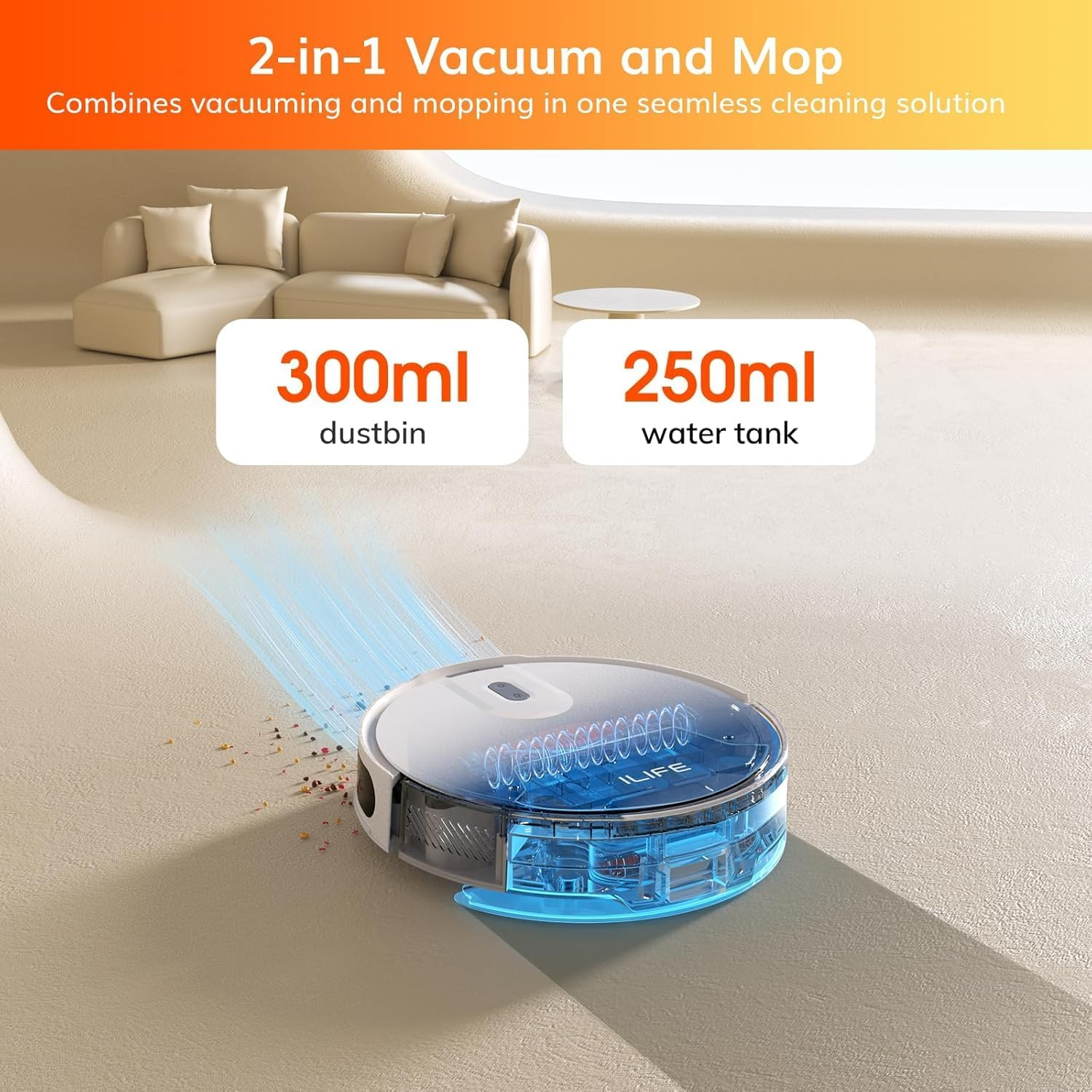
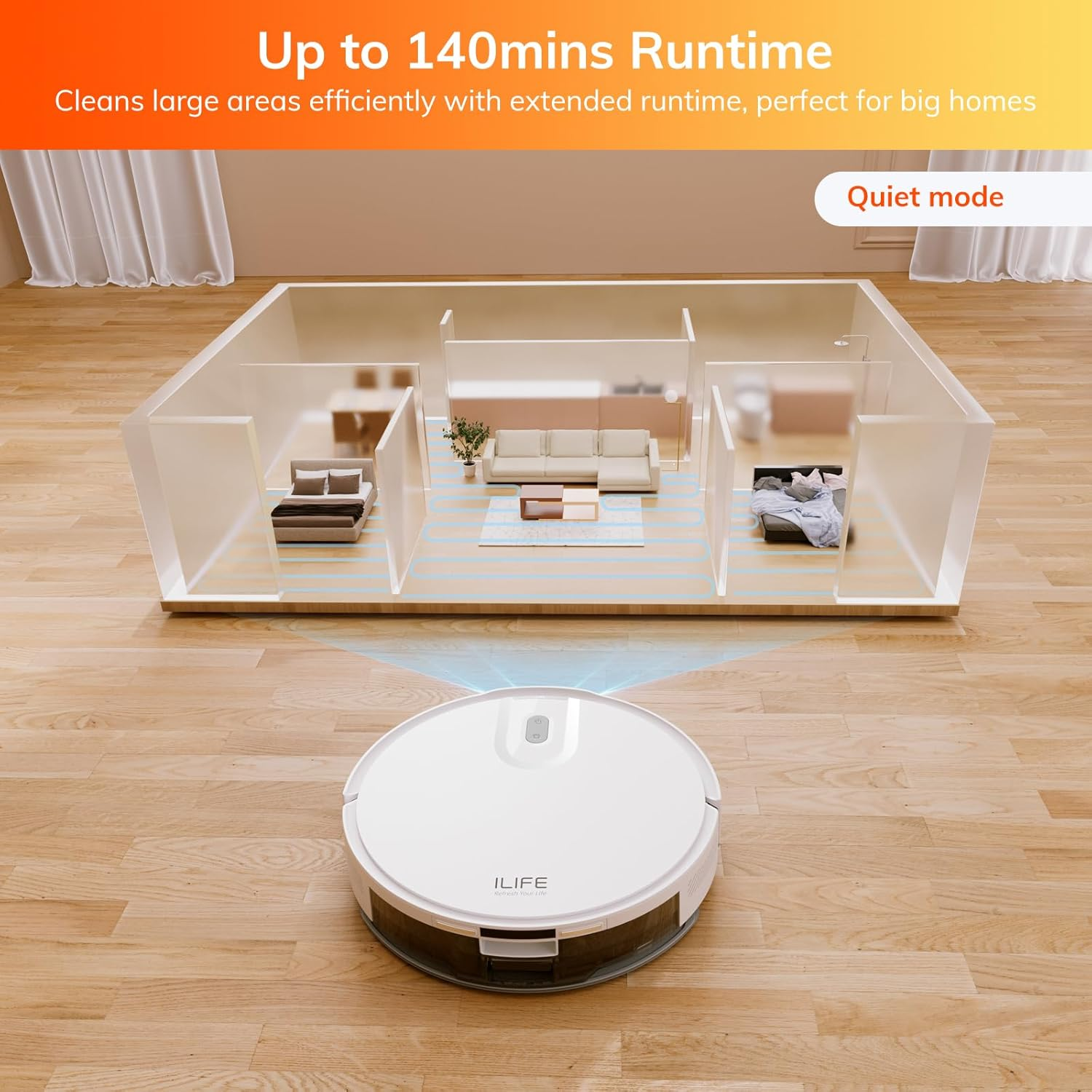
The V20 robot cleaner offers 5000Pa suction power, effectively removing dirt, dust, and pet hair from various floor types. Its 2-in-1 vacuum and mop feature allows for efficient cleaning, saving both time and effort. With SoF Laser Navigation, it intelligently maps and cleans your home systematically, ensuring thorough coverage. The long runtime and user-friendly controls make it an ideal choice for effortless home maintenance.
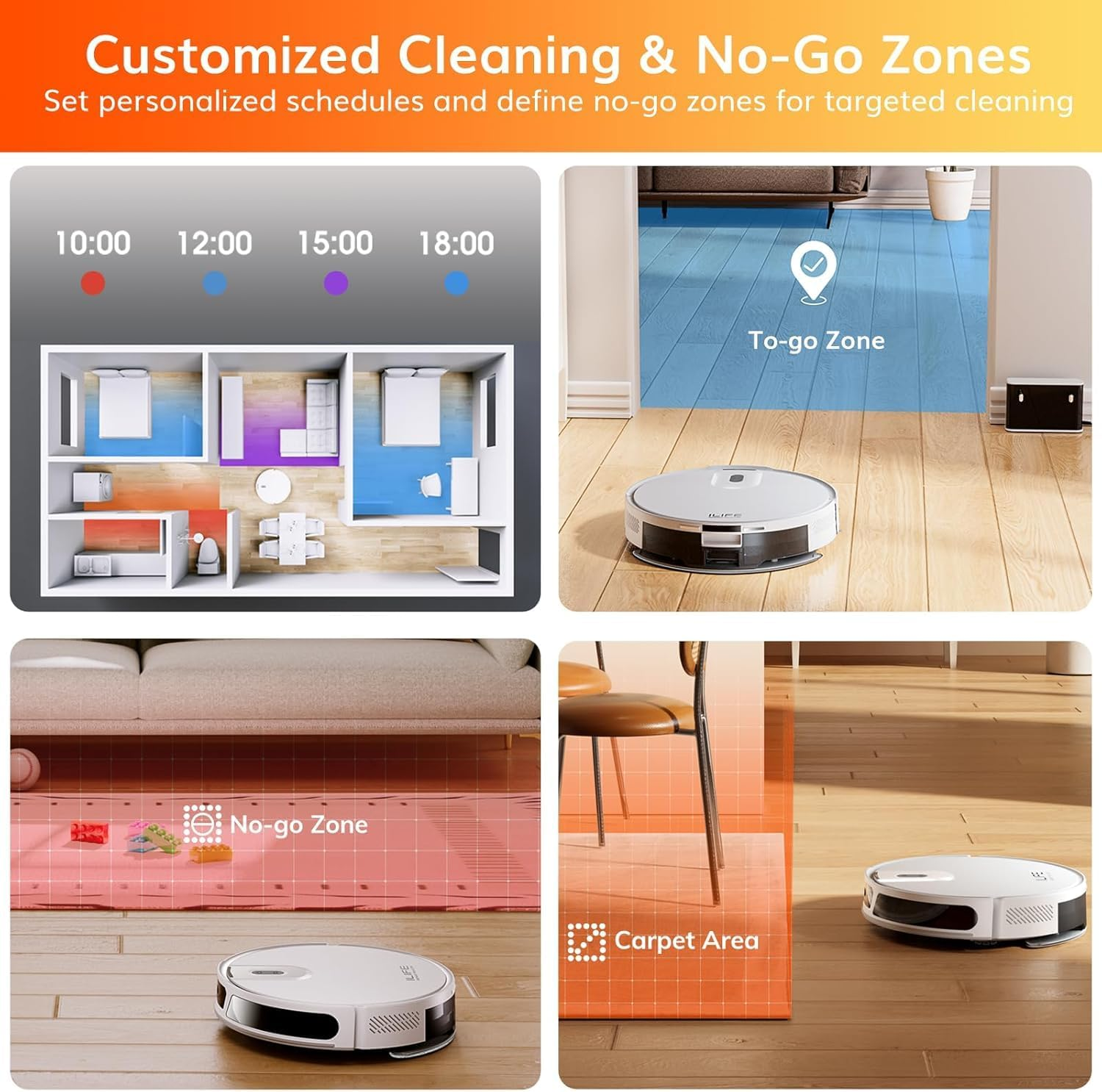
To-go Zone
Designate a specific area for thorough cleaning and instruct the robot to focus only on that custom zone.
No-go Zone
With a few taps on the screen, you can set up virtual barriers to safeguard your valuables and restrict the robot from accessing certain areas.
No Mopping Zone
Use the app to mark the “carpet area” This feature will help prevent the robot from entering any carpeted sections while it mops your floors
Custom Area
Once the robot scans your home, it creates a map that lets you select one or multiple rooms for immediate cleaning.
Multi-floor Mapping
Uses accurate laser scanning to recognise and save different levels of a home, every floor can have different cleaning routines.
Real-Time Voice Notifications
Provides real-time voice updates on working status, including power on, mode selection, cleaning progress, and any issues.
Smart Recharge and Resume
Returns to the charging dock when the battery is low, then resumes cleaning from where it left off after recharging.
Advanced Multi-Sensor System
Equipped with 38 high-precision sensors to avoid obstacles and prevent drops, ensuring both furniture protection and efficient cleaning.
-
Mapping fails or the map is always rebuilt
Do not move the robot during the mapping process. Moving the robot will cause it to re-locate itself, which will trigger a remapping process.
-
Lower suction power / lower cleaning efficiency
If the dust box is full, it needs to be cleaned out promptly. If the filter is dirty, it needs to be cleaned or replaced with a new one. Otherwise all of them will lead to lower suction power or worse cleaning efficiency.
-
The map always rebuilds or the map disappears
1. You must save the settings after configuring the areas.
2. When the robot moves to an area with a weak network signal, the map may become invisible. Once it returns to an area with a stronger signal, the map will reappear.
-
The mop function does not work, leaves patches of water on ground and water marks visible
1. Make sure the water tank lid is tightly closed to prevent water from leaking.
2. Reduce the water output in the app to avoid water stains on the floor.
-
Not connecting
If “Not Connected” is displayed, the customer may be experiencing problems connecting the robot to Wifi. Check out the “Connection Tutorial” on this page .
- Size Name: V20
- Colour: silver gray
- Package Dimensions: 45.6 x 35.4 x 14 cm; 3.3 kg
- Item Weight: 3.3 kg
- Special Features: Anti-Collision, LiDAR Navigation, Multi-Floor Mapping, No-Go Zone, Low Noise
- Brand: ILIFE
A$147.00
Shipping to Australia
Delivery time varies by location
Return & Refund Policy
Check our return & refund policy
Security & Privacy
Safe payments: We do not share your personal details
Availability:
-
In Stock
Sign in
or create an eMega account
Shop smarter — get exclusive deals & order tracking