Free Shipping – Store Wide
Acer SD Card Reader, USB 3.0 & Type-C Micro SD Card Adapter Dual Slot OTG Memory Card Reader for Microsd SDHC SDXC, Compatible with Laptop, PC, Iphone 16/15, Macbook Pro/Air, Ipad Pro, Android
Acer SD Card Reader, USB 3.0 & Type-C Micro SD Card Adapter Dual Slot OTG Memory Card Reader for Microsd SDHC SDXC, Compatible with Laptop, PC, Iphone 16/15, Macbook Pro/Air, Ipad Pro, Android
Brand: acer
A$14.00
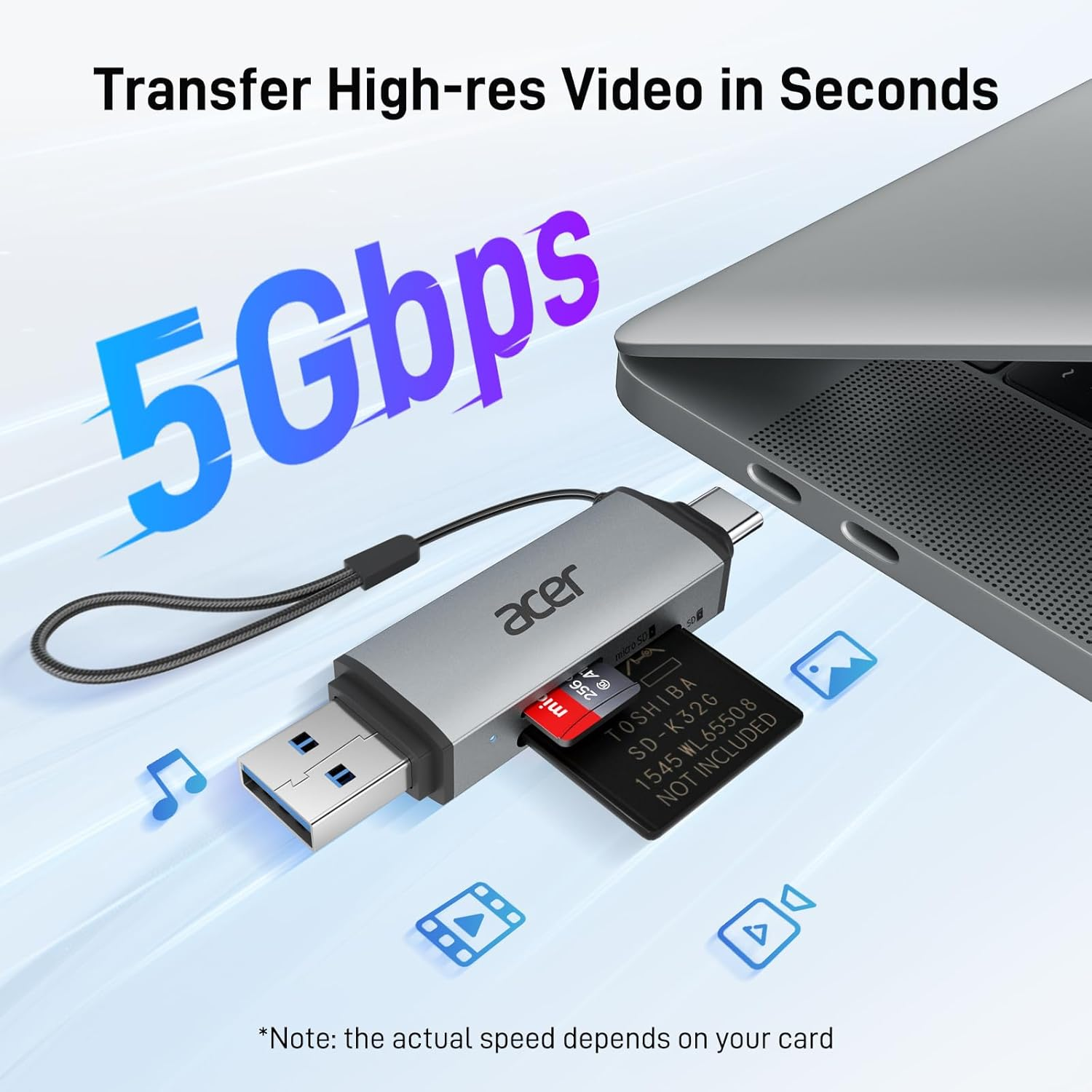
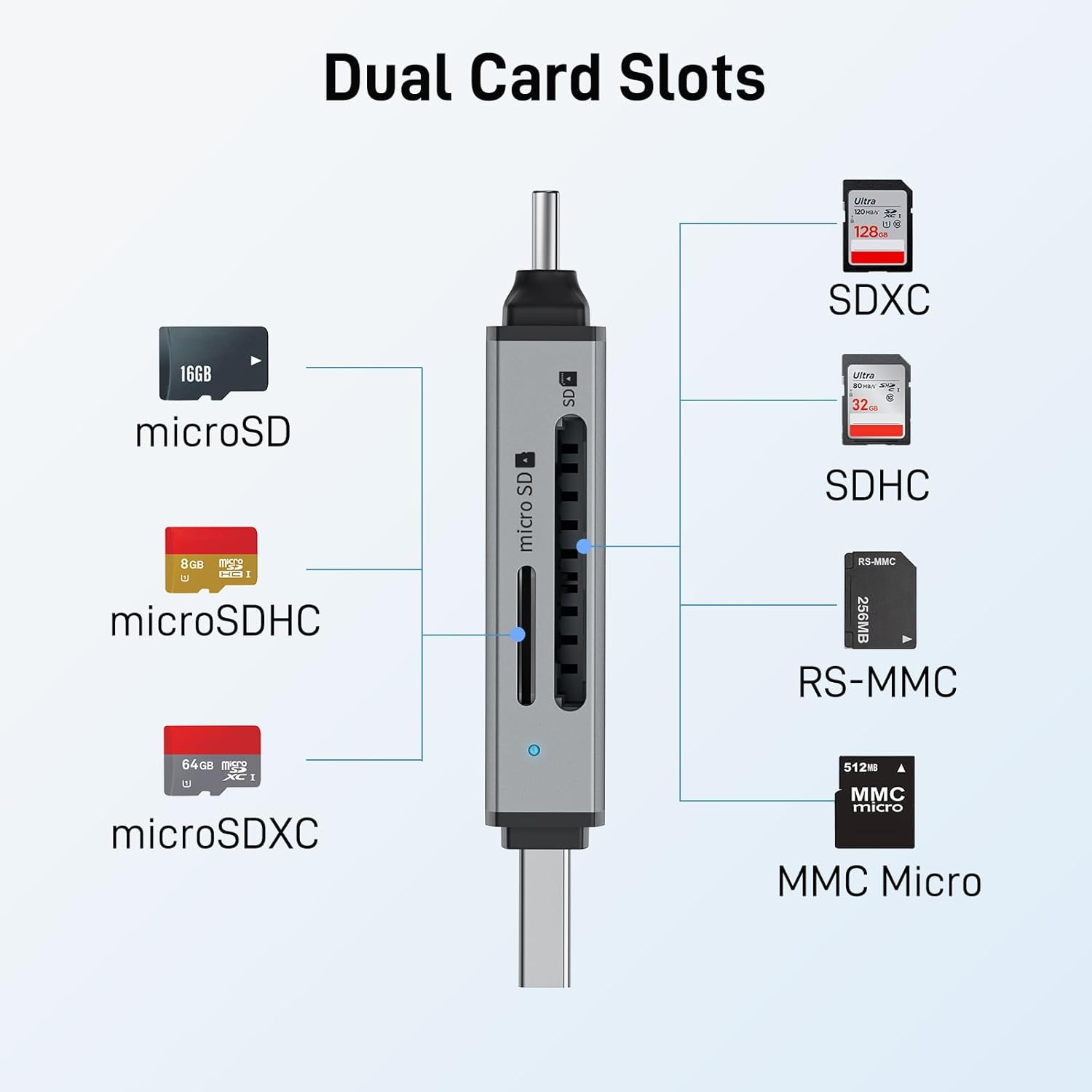
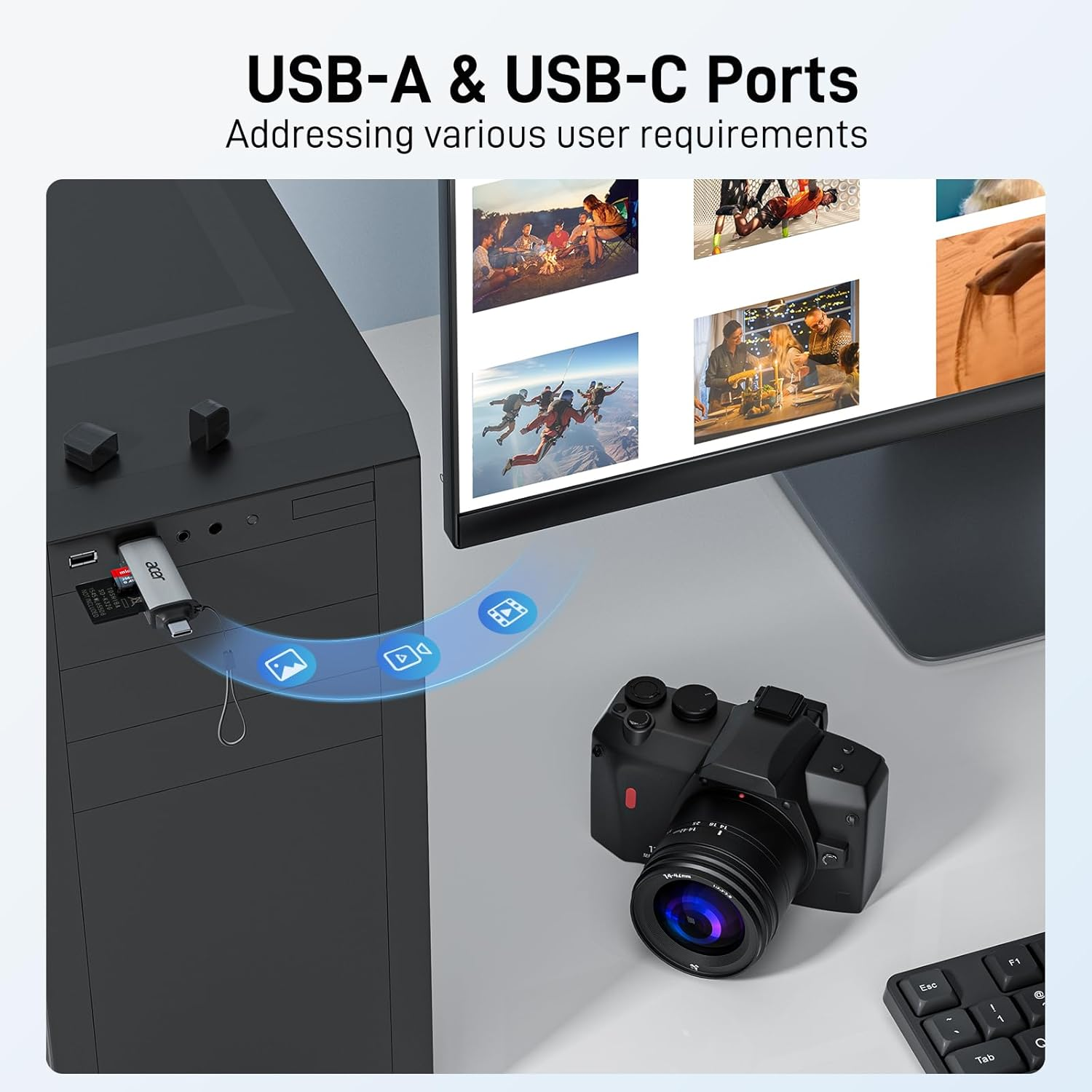
- Dual-Port USB 3.0 + USB-C – Transfer files at up to 5Gbps with high-speed USB 3.0 and USB-C ports. Quickly move 1GB files in seconds. Supports SDXC, SDHC, SD, MMC, RS-MMC, Micro SDXC, Micro SD, and Micro SDHC cards. Backward compatible with USB 2.0/1.1
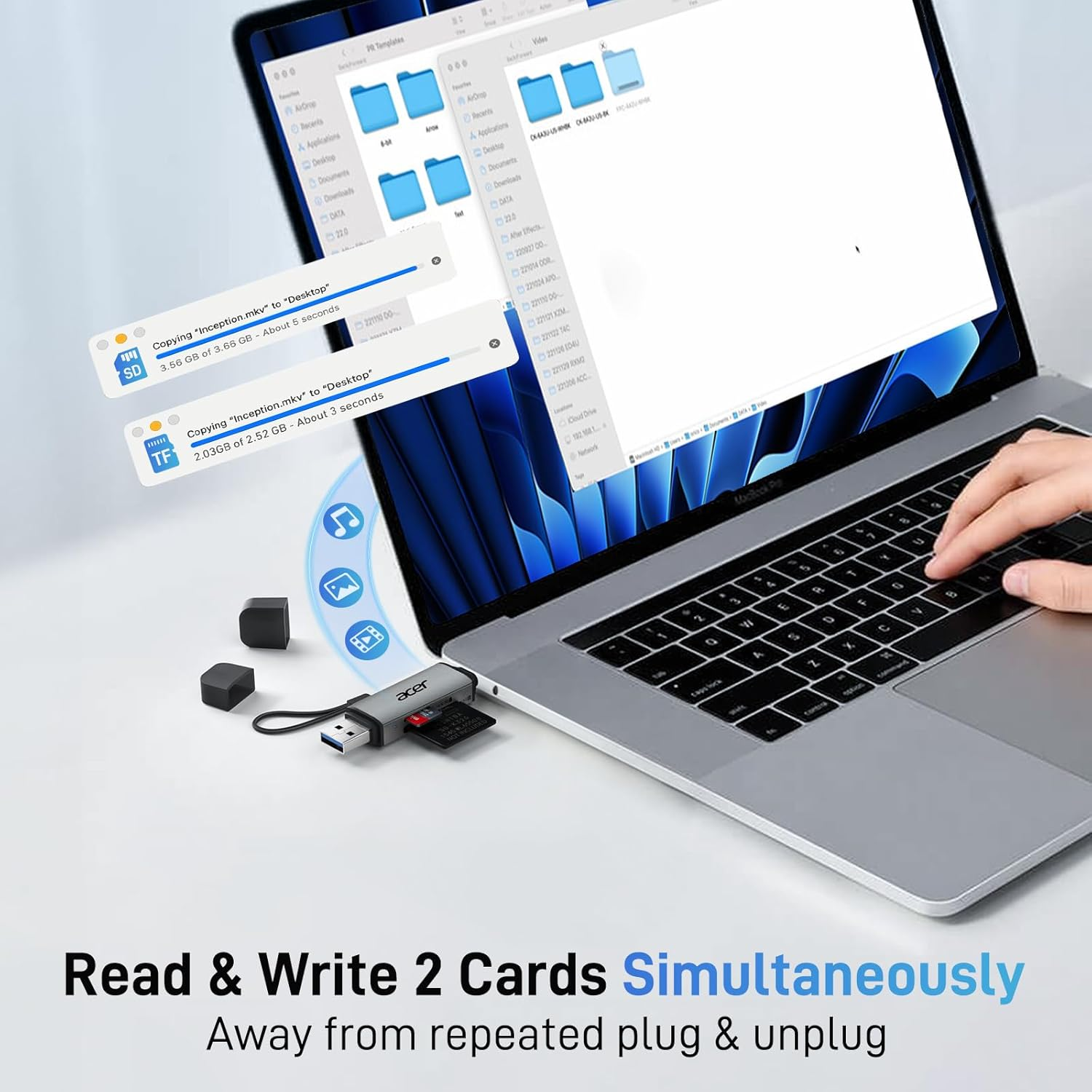
- Simultaneous Dual-Card Access – Read and write on two cards at once, eliminating constant swapping. Ideal for fast photo downloads, seamless video editing, and 3D printer file transfers. Effortlessly review security camera or car monitor recordings
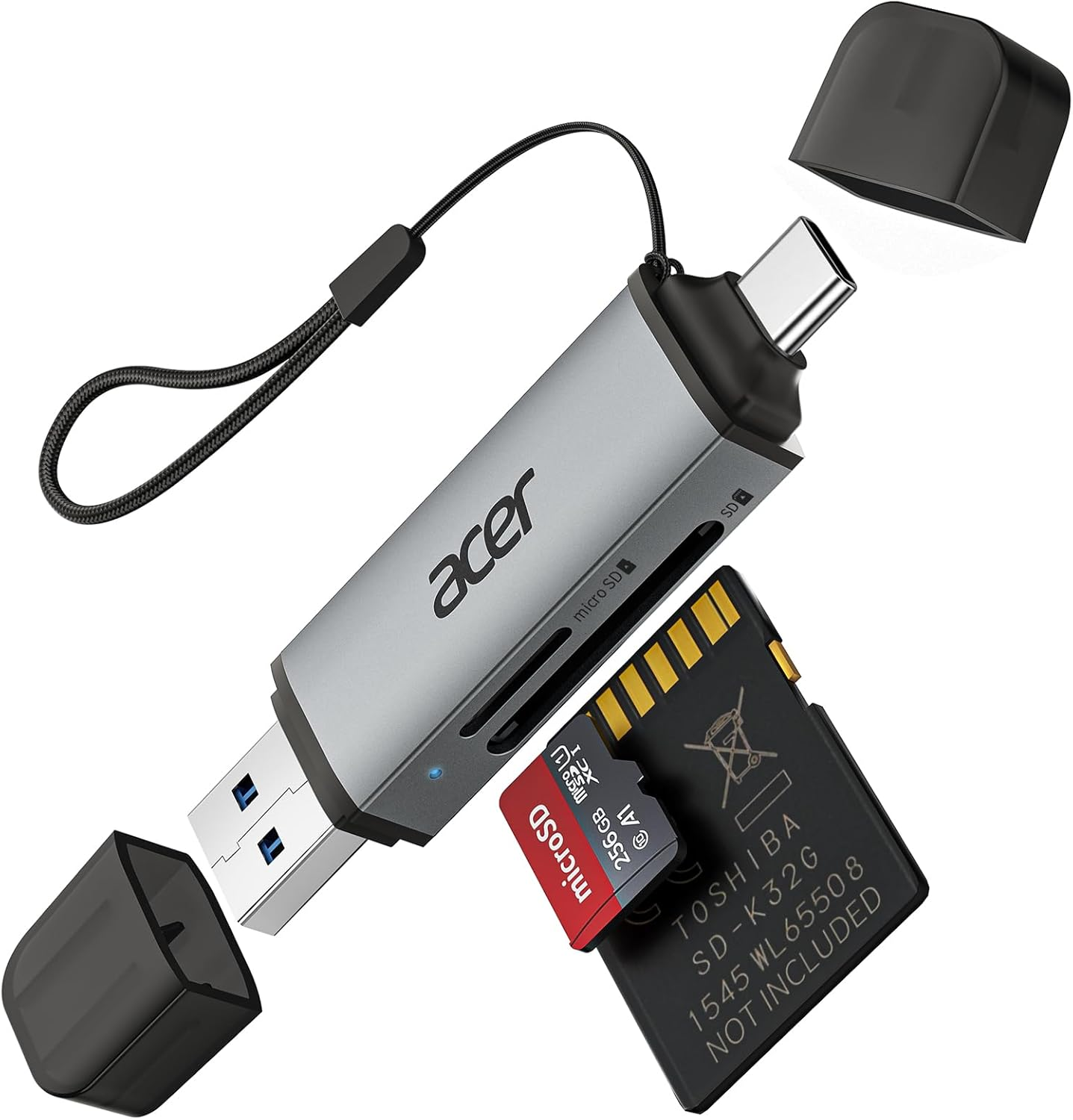
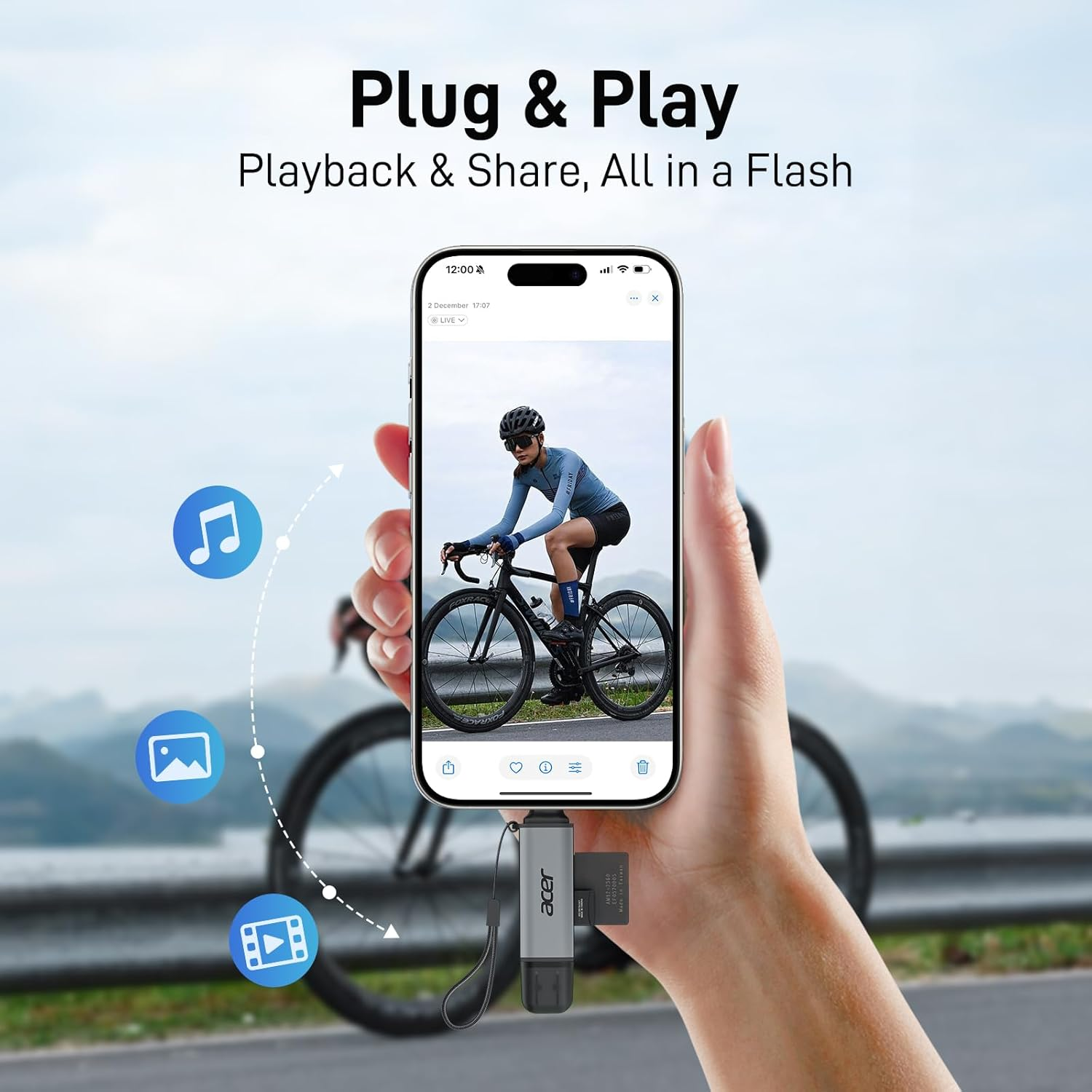
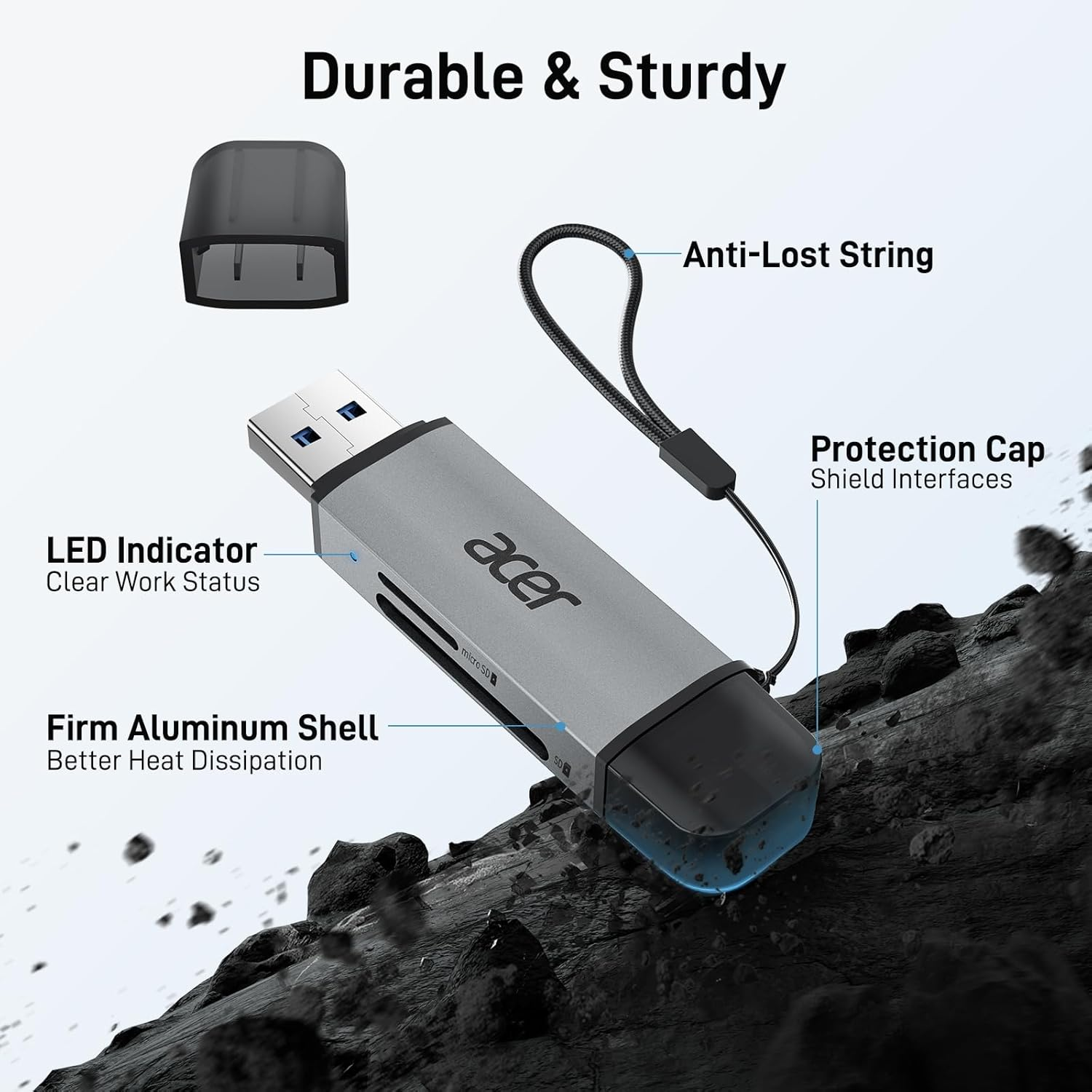
- Plug & Play Convenience – No drivers required for Windows 11/10/8/7/Vista or macOS 10.2 and later. Compact, travel-friendly design with protective covers keeps dust and moisture out. Built-in cable ensures easy storage and quick access
- Universal Compatibility – Works with iPhone 16/15 Series, MacBook Pro (2016-2023), iMac Pro, Acer Aspire Switch, Predator 15/17X, Dell XPS, Alienware, HP Spectre x360, Microsoft Surface Pro/Book 2, Razer Blade, Samsung Galaxy Tab Pro, S23/S22 Ultra/S21/S20, and most USB-C & USB-A devices
- Customer Support - At Acer, we prioritize quality and customer satisfaction. We offer 12-month support for the SD card reader. If you have any questions regarding compatibility or usage, our support team is ready to assist you for a high-quality experience
- Instant Camera Access – No Apps Needed – Connects directly to Android phones via USB-C, enabling real-time photo and video transfers without extra software or Wi-Fi. Share and manage your content instantly
Product Description
Acer SD Card Reader – Dual Slot, On-the-Go Convenience
The video showcases the product in use.The video guides you through product setup.The video compares multiple products.The video shows the product being unpacked.
CASDG
Merchant video-
Durable Design, Reliable Performance
Versatile for Every Scenario
-
Photography
-
Files Accessing
-
Surveillance
-
Media Streaming
-
For GoPro' TF Card
Wide Compatibility (partial list)
| (✔) System Compatibility | Windows 11/ 10 / 8.1 / 8 / 7 / XP / Vista, macOS, Linux, Android, Chrome OS. |
| (✔) Card Compatibility | SD, SDHC, SDXC, RS-MMC, MicroSD, MicroSDHC, MicroSDXC from Camera / Gopro / Dash Cam / Surveillance camera / Baby Monitor / Digital Camera. |
| (✔) | iPhone 15 Pro/Pro Max, Apple iPad Pro, iPad Air 2022 / 2020, iPad mini 2021, MacBook Pro (After 2016), MacBook Air 13'' 2018, MacBook 2017 / 2016 / 2015, iMac Pro, iMac (After 2017), Mac mini 2018. |
| (✔) | Galaxy S23, S22 Ultra, S22+, S22, S21, S21 Ultra, S20, S20 Plus, S20 Ultra, S10e / S10 / S10 Plus / S8 / S9 / S8 Plus / S9 Plus / Note 10 / Note 9 / Note 8, Galaxy Tab S3 Tablet (and more). |
| (✔) Others | Pixel, Pixel 2, Pixel6, Pixel C, Pixelbook, Pixelbook Go (and more), Nexus 5X / 6P; Surface Book 2, Surface Go, Lumia 950 / 950XL; XPS 17 / 15 / 13; G5, V20, HTC 10 / U11 / U12; 3 / 5t / 6 / 7 / 8 / 9. |
| (✔) Cameras | Hero 6 Black / 5 Session / 5 Black / 4 Silver / 4 Black; DSC-RX100 / DSC-WX350 / DSC-HX60B / DSC-HX400V / DSC-W830 / ILCE-6000LB / ILCE-5000LB / DSC-W810B; D750 / D3300 / D5300 / D5500 / D7200 / D800 / D600 / D610 / D850 / D3100 / D3200 / D3400; EOS 700D / 1300D / 100D / 80D / 200D / 750D / 800D / 77D, etc. |
| ✘ | (✘) Not Compatible with iPad / iPhone (with lightning ports), Sim Card, Bank Card, or IC Card. |
| Q1 | What to do if the card reader does not work? |
| - | Ensure the indicator light is on, the card is properly inserted, and the metal contacts are clean. >>> Make sure your device supports OTG function. Enable OTG on your device and find the SD card name in Settings. Please refer to the manual for details. |
| Q2 | How to find files on iPhone? |
| - | Insert the SD card into the reader. >>> Plug the device card reader into the iPhone (TYPE-C). >>> Click on the "FILES" app >>> Click on iCloud Drive's "Browse" >>> Click on Browse's SD card name >>> Now you can view your files from your SD card on "Your SD card name". |
| Q3 | Error message when transferring files? |
| - | If you fail to transfer large files, please try to format the SD/MicroSD cards to the right format for your devices. Recommend using MS-DOS (FAT) for 32GB or smaller cards, and exFAT for 64GB cards. |
| !!Notes: | If you're unsure or have any questions, feel free to reach out. Our support team is here to help. |
- Item Model Number: ODK4E0
- Part Number: ODK4E0
- Data Transfer Rate: 5 Gigabits Per Second
- Operating System: Linux, Windows, iOS, Mac, Android
- Number of items: 1
- Media type: microSDXC, microSDHC, microSD, SDHC, SD Card
- Batteries Required: No
- Brand: acer
- Special Features: Easy Setup, Plug & Play, Compact, Temperature Proof, Dust Proof
- Compatible Devices: Laptop, Desktop, Tablet, Smartphone
- Connector Type: USB Type C, USB Type A
- Item Weight: 15 g
- Model Name: ODK4E0
- Model: ODK4E0
- Hardware Interface: USB 3.0 Type A, USB 3.0 Type C
- Product dimensions: 7.1 x 1.7 x 1 cm; 15 Grams
- Country/Region of origin: China
- Manufacturer: acer
A$14.00
Shipping to Australia
Delivery time varies by location
Return & Refund Policy
Check our return & refund policy
Security & Privacy
Safe payments: We do not share your personal details
Availability:
-
In Stock
Sign in
or create an eMega account
Shop smarter — get exclusive deals & order tracking