Free Shipping – Store Wide
2 in 1 Wireless Carplay Adapter Plug & Play Magic Link Carplay Stable Fast Connect, Convert OEM Wired to Wireless Carplay Dongle/Android Auto Adapter for Cars 2016+, Iphone Ios 10+/Android 11+
2 in 1 Wireless Carplay Adapter Plug & Play Magic Link Carplay Stable Fast Connect, Convert OEM Wired to Wireless Carplay Dongle/Android Auto Adapter for Cars 2016+, Iphone Ios 10+/Android 11+
Brand: VCARLINKPLAY
A$139.80
Availability:
-
This item is currently not available
Shop with confidence
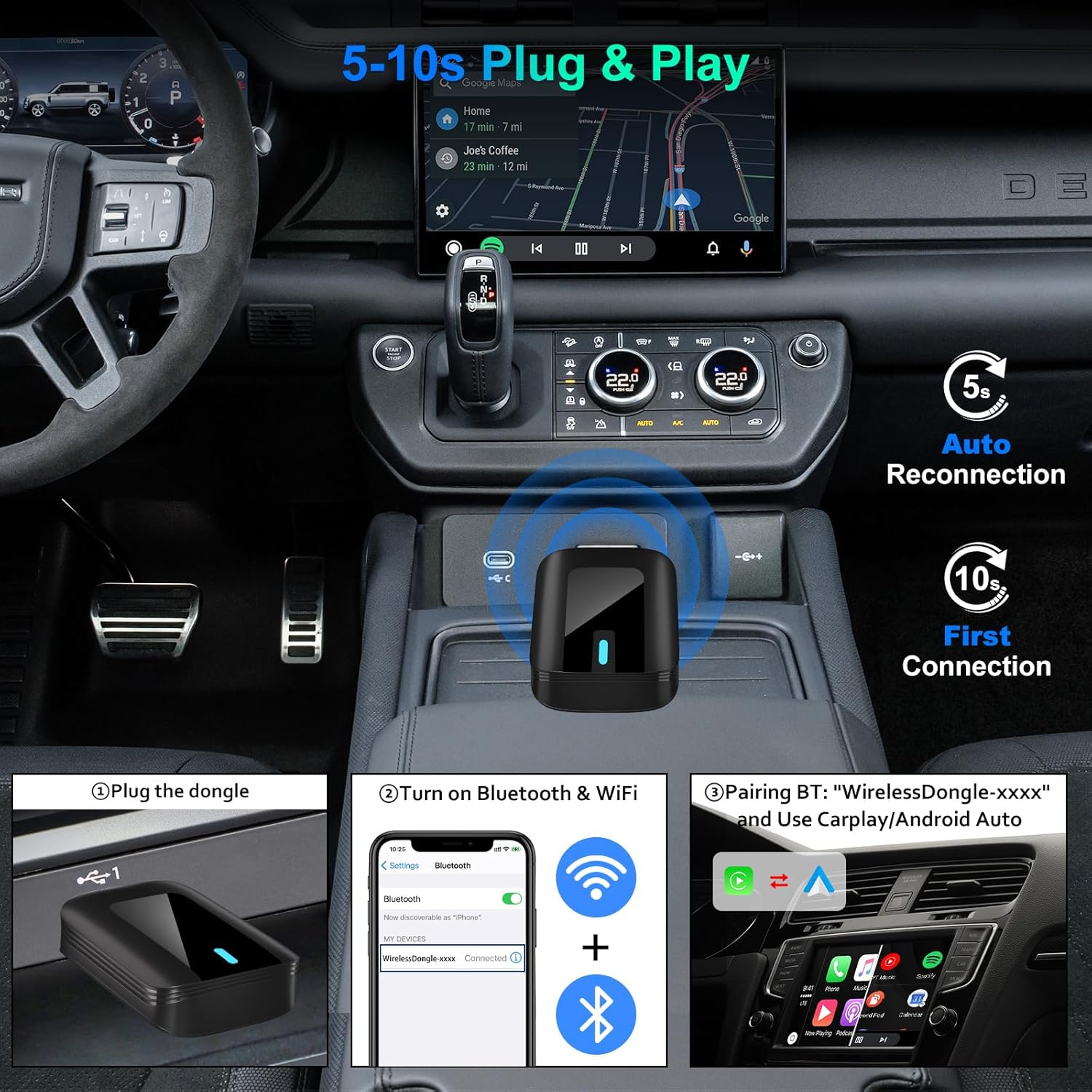
- 【ATTENTION】 - The adapter supports iOS Carplay & Android Auto. When the adapter is plugged into Android Auto, the car screen will not display the adapter's BT name (There will be no prompt on the car screen) Please make sure the light on the adapter is on, then use your phone to turn on WiFi and BT, find BT "WirelessDongle-XXXX" to connect and enjoy wireless Android Auto
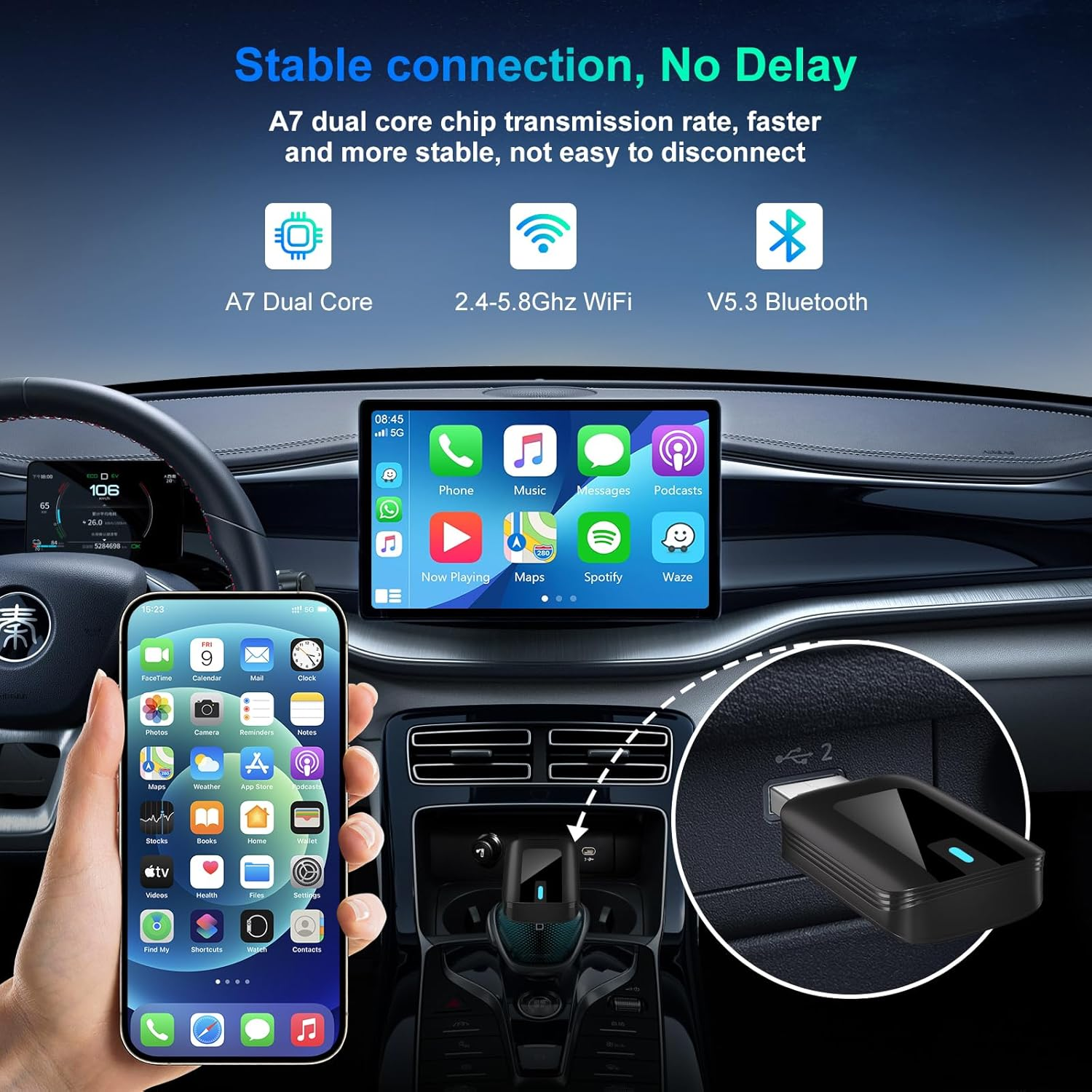
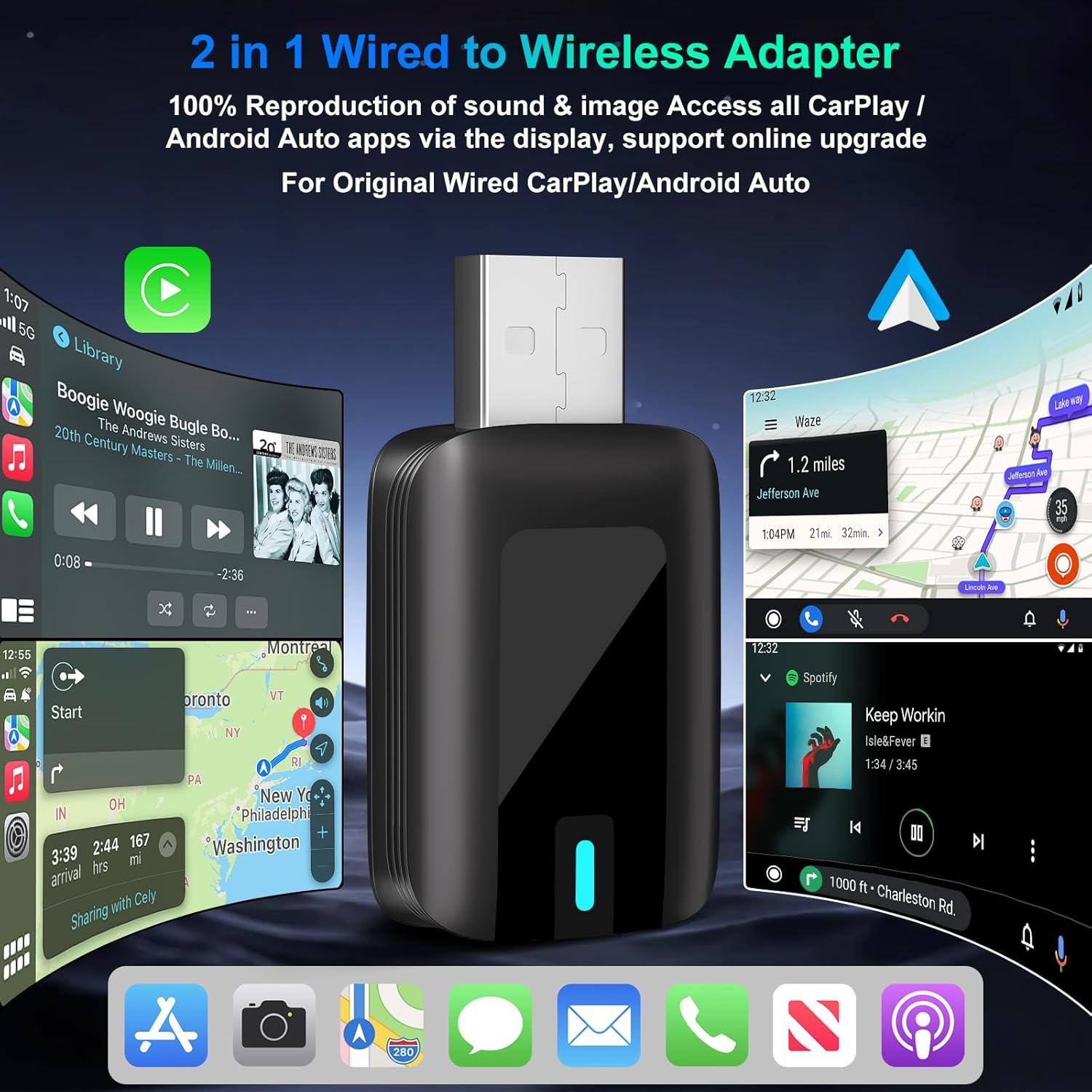
- 【2 IN 1 WIRED TO WIRELESS DONGLE】 - Use the 2in1 adapter to upgrade your wired Carplay/Android Auto to wireless, optimize your driving experience. Stay connected using Bluetooth and WiFi technology to eliminate the clutter of wired connections
- 【EASY TO USE】 - This wireless adapter only needs to insert the car machine without any additional drivers and applications. By connecting with the mobile phone, after the first settings, our adapter will automatically activate the Carplay/Android Auto wireless connection every time the car starts
- 【HOW TO SWITCH CHANNELS】 - This wireless adapter is out of the factory default iOS CarPlay channel. Whether you first connect to iOS Carplay or Android Auto, you must first break the previous connected mobile phone when you need to switch another channel connection
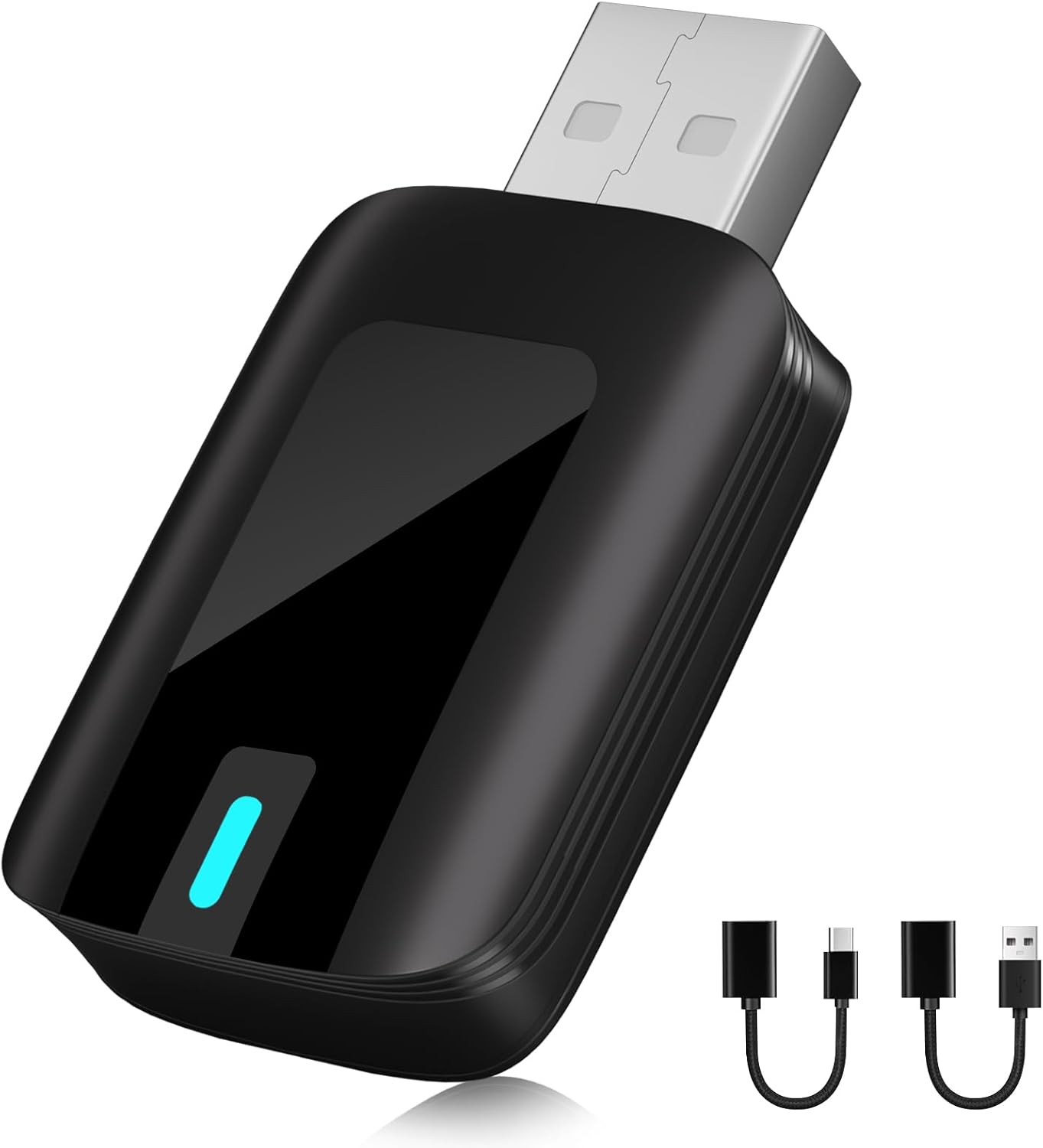
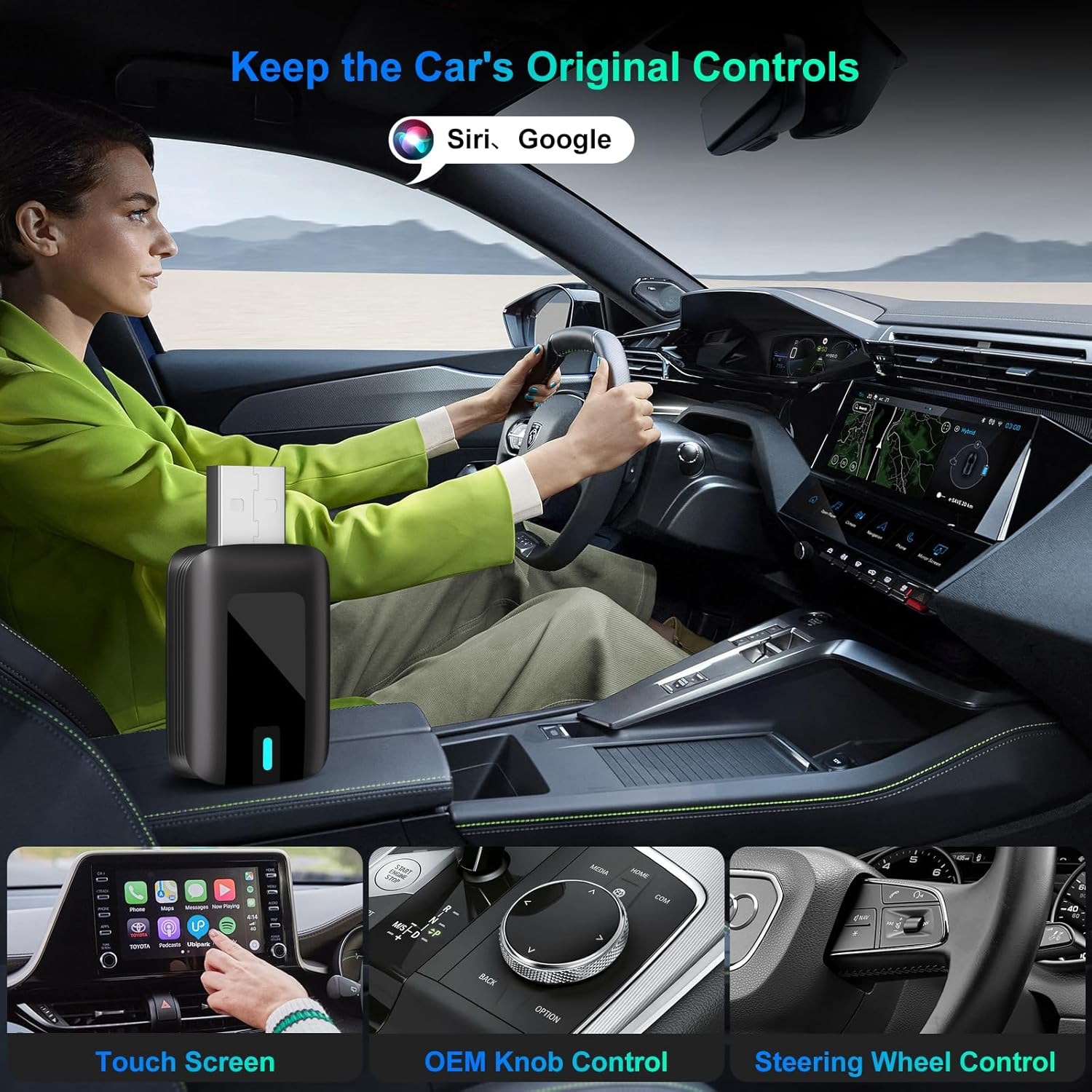
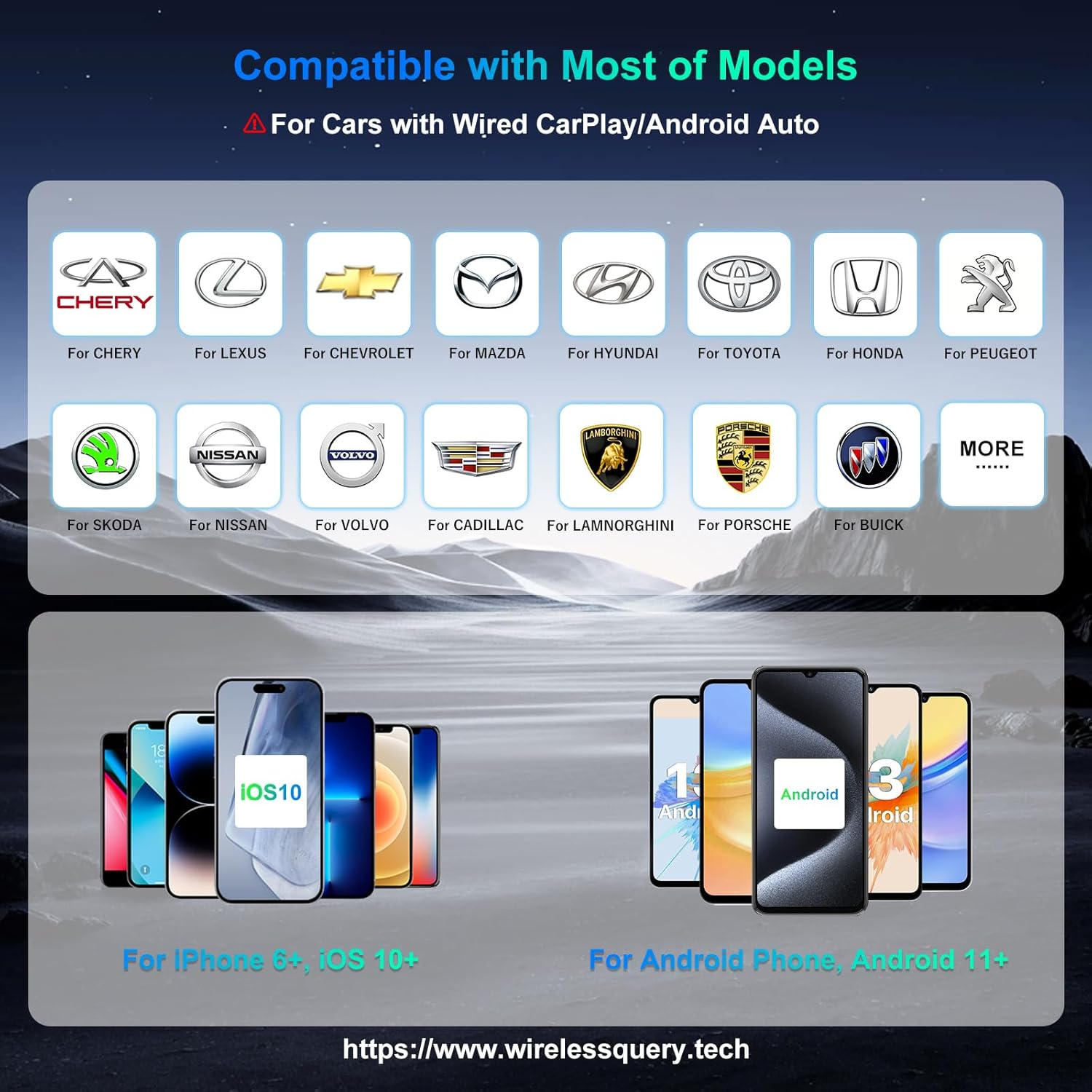
- 【STRONG COMPATIBILITY】 - This Wireless Carplay/Android Auto adapter is completely compatible with your original car control method (such as screen touch, buttons and knobs). It is perfectly matched with multiple car models. Please note that it is suitable for iOS 10+, Android 11+ of smartphones. Make sure you have enabled CarPlay/Android Auto for the car. It also contains a USB to USB-C adapter and a USB extension line
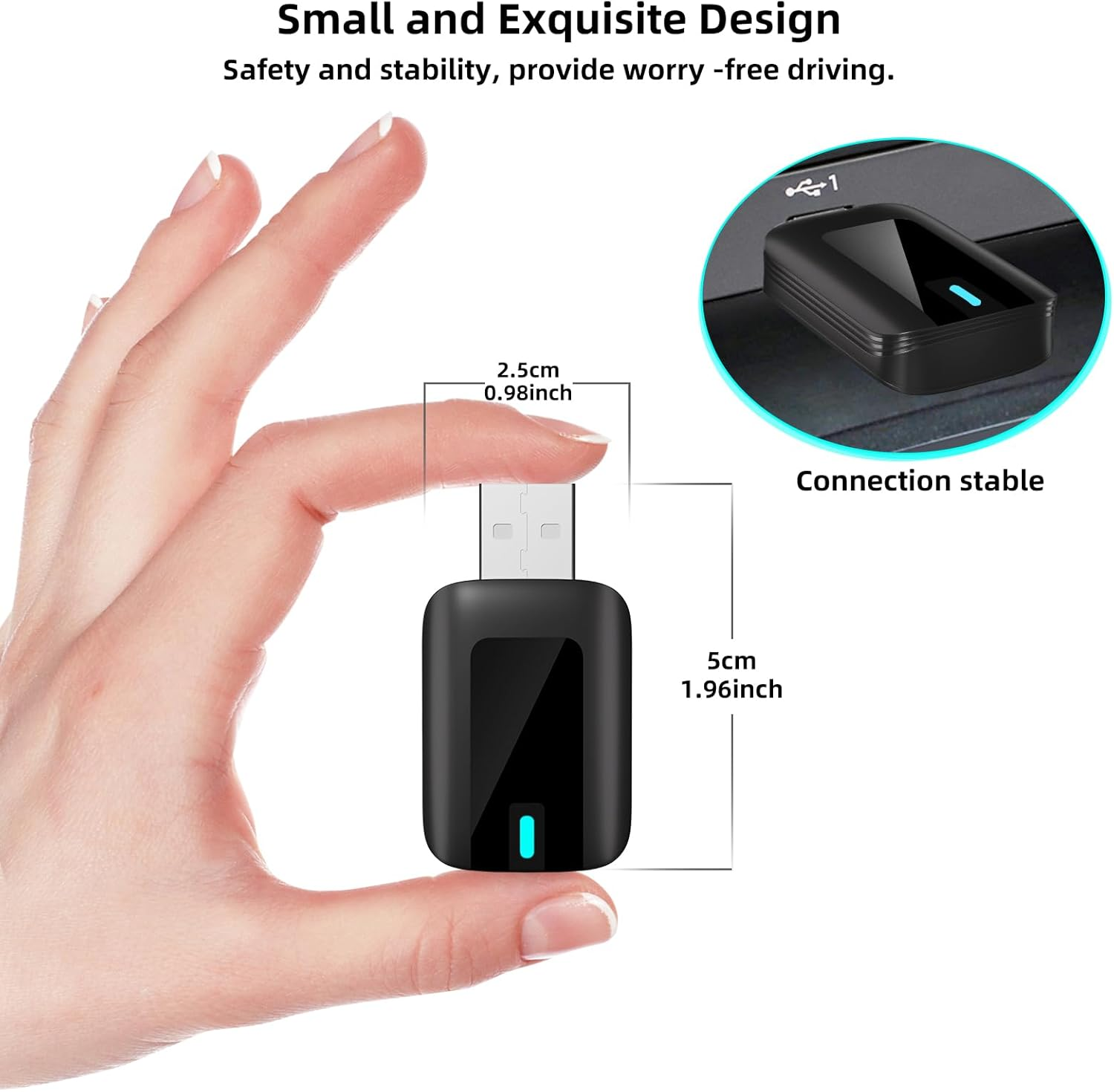
- 【AMAZING DESIGN & PROMPT SERVICE】 - The Wireless Auto Adapter not only offers functional advantages but also a stylish design. The mini size and lightweight design allow you to take it anywhere. If any problems arise after purchasing the product, please feel free to contact us. We provide warranty for after-sales service and customer support
Product Description
As long as your car supports Wired CarPlay/Android Auto, you can use this adapter
[SUPPORT OTA UPDATE] - The dongle needs software update
- For Apple CarPlay, if it disconnects or connects repeatedly, please try to update the dongle software.
- For Android Auto, if it disconnects or connects repeatedly, please try to update the apps on your phone first, such as Google Chrome and Android Auto. If it still cannot be solved, try to update the dongle software.
No support for BMW, Tesla, Sony! NISSAN needs to add a supply wire!
Carplay01-OTA Online Upgrade
CarPlay_Normal connection
When the iphone is connected to Bluetooth and the Wireless Carplay can be displayed normally,you can directly enter 192.168.1.101 to submit logs/update software
Carplay02-OTA Online Upgrade
Carplay_Unable to connect
If the Wireless Carplay cannot be used normally when connected to Bluetooth, disconnect Bluetooth,
use the iphone to connect to the WiFi of the Adapter ("WirelessDongle-xxxx", the password is: 12345678),
and then enter 192.168.1.101 to submit logs/update software
Android Auto-OTA Online Upgrade
Android Auto_Non -connected adapter
The Adapter needs to be turned on, but the Android phone is not connected to the Adapter.
Use the Android phone to connect to the WiFi of the Adapter
("WirelessDongle-xxxx", the password is: 12345678),
then enter 192.168.1.101 to switch to P2P, and then submit logs/update software
The factory data module can be adjusted according to the actual situation
For specific instructions, please see the help? in the upper right corner.
If you have any problem, please consult our After -sales service first.
If you can’t solve the problem, please describe the problem on the webpage and provide the order number, leave your email, and click Submit to upload the log. Our technicians will solve it for you.
CarPlay_Normal connection
Carplay_Unable to connect
Android Auto_Non -connected adapter
Help?
Q&A
-Q: How do I know if the adapter will fit my car?(No support for BMW and Tesla! NISSAN needs to add a supply wire!)
- If your car has factory Wired CarPlay or Wired Android Auto, this wireless adapter is suitable for your car. (The most direct way to check is to plug your phone into the car to see if it supports Wired Apple CarPlay / Wired Android )
- Support iPhone running iOS 10+, Android Phone running Android 11+
-Q: What should I do if I encountered connection interruption and stutter?
- The factory data module can be adjusted according to the actual situation. Website 192.168.1.101 to submit logs/update software.For specific instructions, please see the help? in the upper right corner.
-Q: Interruption of connection during use?
- After the connection, the phone's WiFi is occupied by the wireless CarPlay program. Connection interruptions are usualy caused by WiFi interference. You may need to ignore other WiFi networks and Bluetooth when using.
-Q: Can the adapter be paired with multiple phones?
- Yes, it can be paired with multiple phones, but can only connect to one device at a time. Switching is done through Bluetooth connection. When switching, you need to turn off the Bluetooth of the previous connected device.
-Q: Issues with audio input or output?
- Please check the Bluetooth function of your phone to see if it is connected to another device. lf so, please ignore other automatically connected Bluetooth devices.
-Q: The sound of the car radio is delayed when I watch a video on my phone?
- Sorry, this issue does not concern the adapter itself, but rather a problem with wireless transmission. Video transcoding is more complex than normal audio file transcoding and takes more time.
- Item Model Number: DGSD172
- Number of items: 1
- Batteries Required: No
- Brand: VCARLINKPLAY
- Compatible Devices: for Android 11+, for Android Auto, for Carplay Dongle, for Cars 2016+, for iPhone iOS 10+
- Item Weight: 0.06 g
- Number of Ports: 2
- Model: DGSD172
- Package Dimensions: 15.6 x 7.8 x 2 cm; 0.06 Grams
- Manufacturer: VCARLINKPLAY
A$139.80
Shipping to Australia
Delivery time varies by location
Return & Refund Policy
Check our return & refund policy
Security & Privacy
Safe payments: We do not share your personal details
Availability:
-
This item is currently not available
Sign in
or create an eMega account
Shop smarter — get exclusive deals & order tracking