Free Shipping – Store Wide
905XL 905 Ink Cartridges Multipack Replacement for HP 905 XL Ink Cartridges for Officejet Pro 6950 6956 6960 6970 (2Black+1Magenta+1Cyan+1Yellow) - 2Black



905XL 905 Ink Cartridges Multipack Replacement for HP 905 XL Ink Cartridges for Officejet Pro 6950 6956 6960 6970 (2Black+1Magenta+1Cyan+1Yellow) - 2Black
Brand: OGOUGUAN
A$24.05
Colour Name
- Item Name: Compatible ink cartridge replacement for 905XL 905 ink cartridge
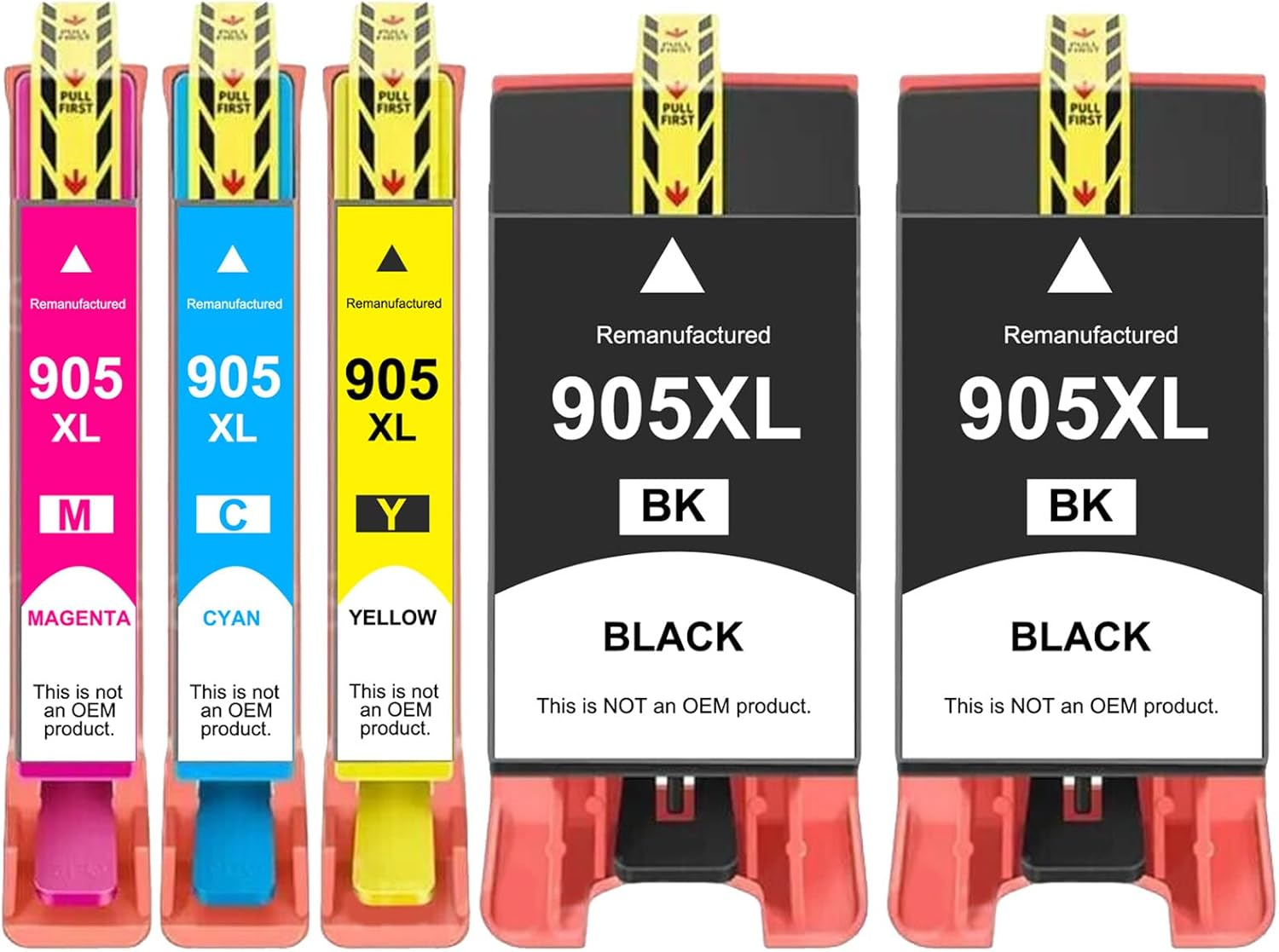
- Package Contents: Compatible for HP 905 905XL ink cartridges include 2 × 905 905XL Black, 1 × 905 905XL Cyan, 1 × 905 905XL Magenta , 1 × 905 905XL Yellow (total 5 pack )
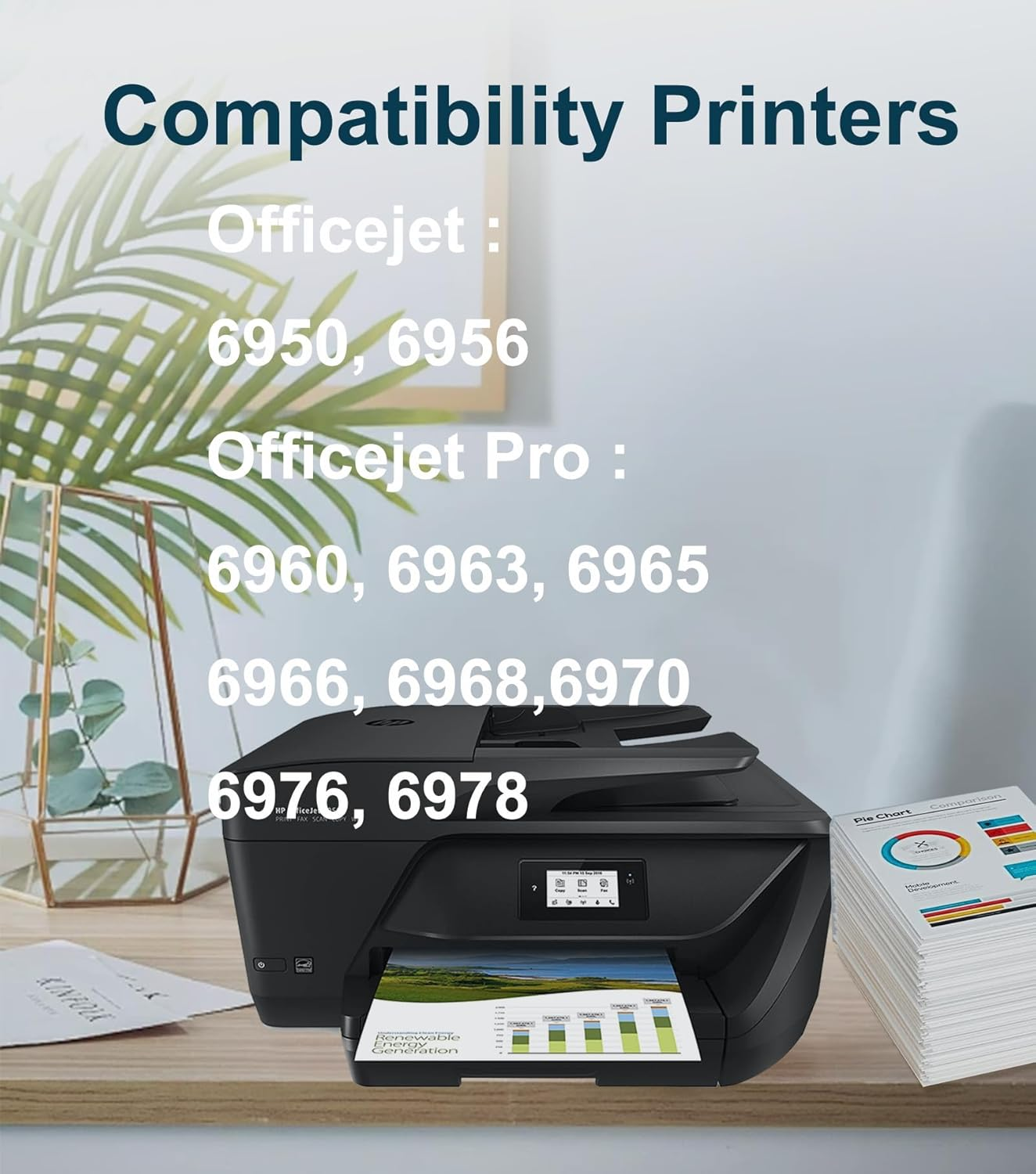
- Compatible for Printers: For HP Officejet Pro 6960 6963 6965 6966 6968 6970 6976 6978, OfficeJet 6950 6956 Printers.
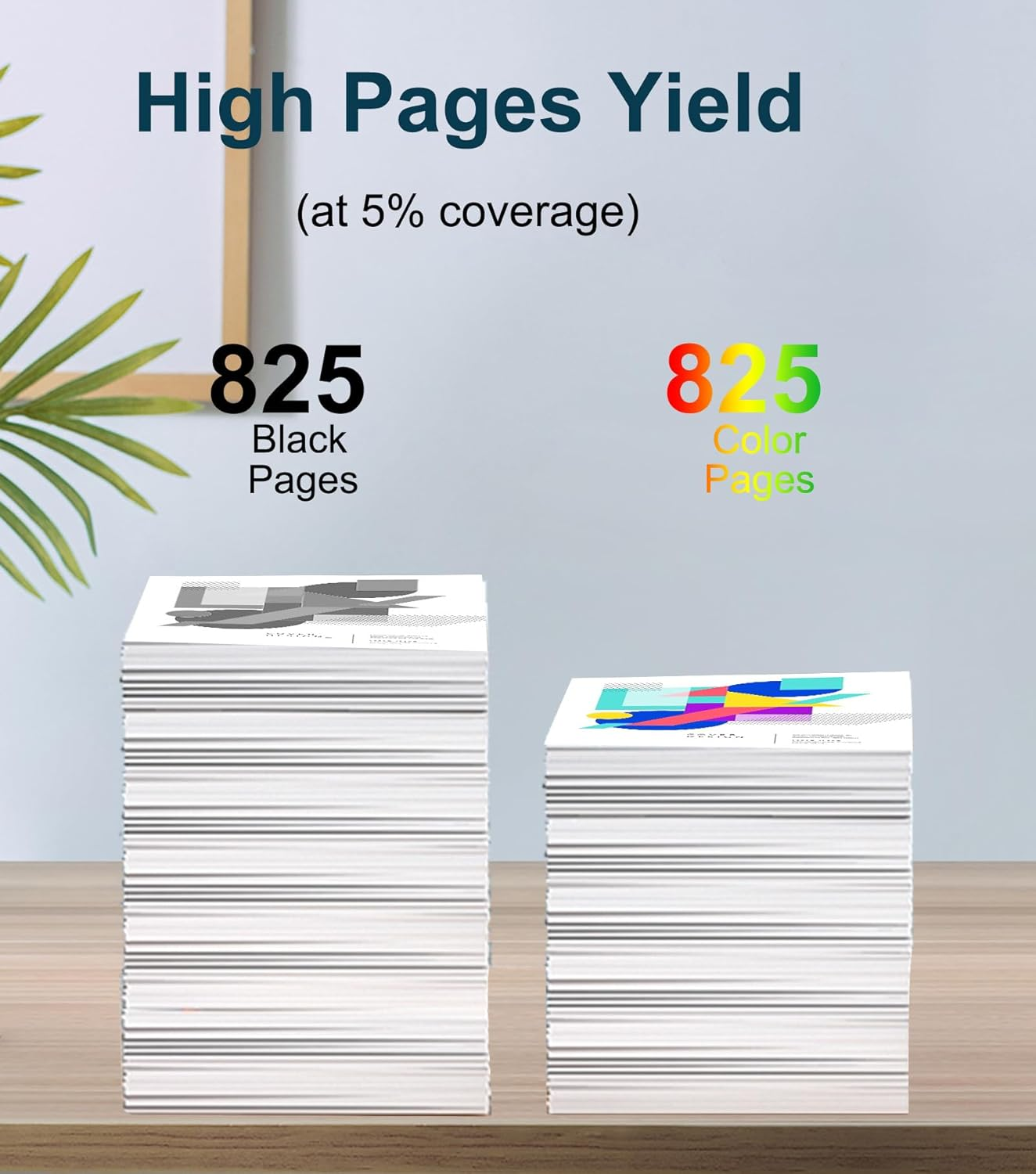
- High Yield: 825 pages for 905XL black ink cartridges, 825 pages for 905XL Cyan/ Magenta/ Yellow. All of them at 5% coverage.
- Latest version of compatible chips: OGOUGUAN 905XL 905 ink cartridges have been tested several times to ensure compatibility, vivid colors and clear printing
Package Contents :
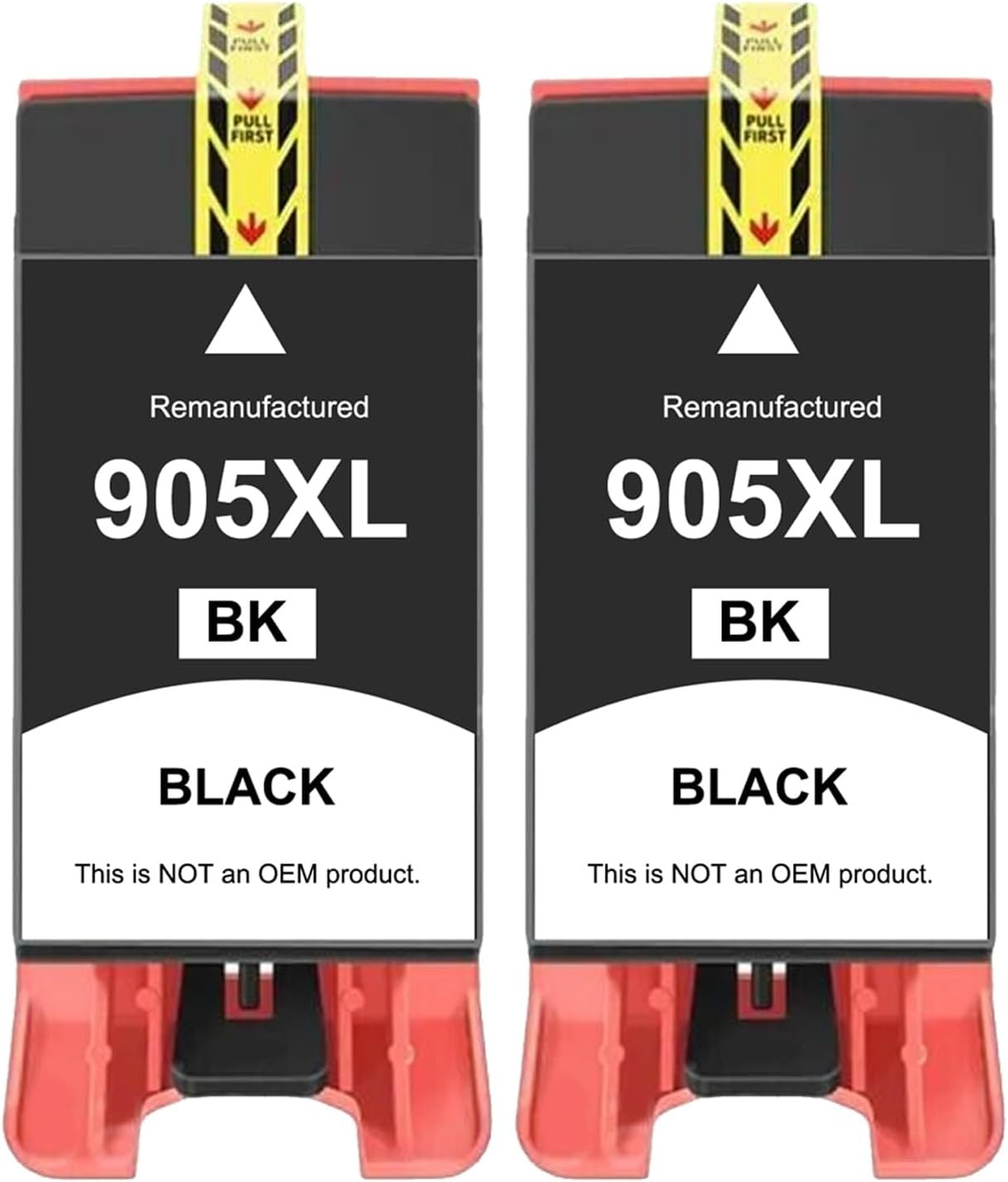
2 x Black 905XL 905 ink cartridge
1 x Cyan 905XL 905 ink cartridge
1 x Magenta 905XL 905 ink cartridge
1 x Yellow 905XL 905 ink cartridge
Page Yield: 825 pages for 905XL black ink cartridges, 825 pages for 905XL Cyan/ Magenta/ Yellow. All of them at 5% coverage.
Compatible Printers:
For HP Officejet Pro 6960 6963 6965 6966 6968 6970 6976 6978, OfficeJet 6950 6956 Printers.
Note :
To keep the compatible ink cartridges working properly, we recommend that you ignore or close the firmware update reminder directly
How to install :
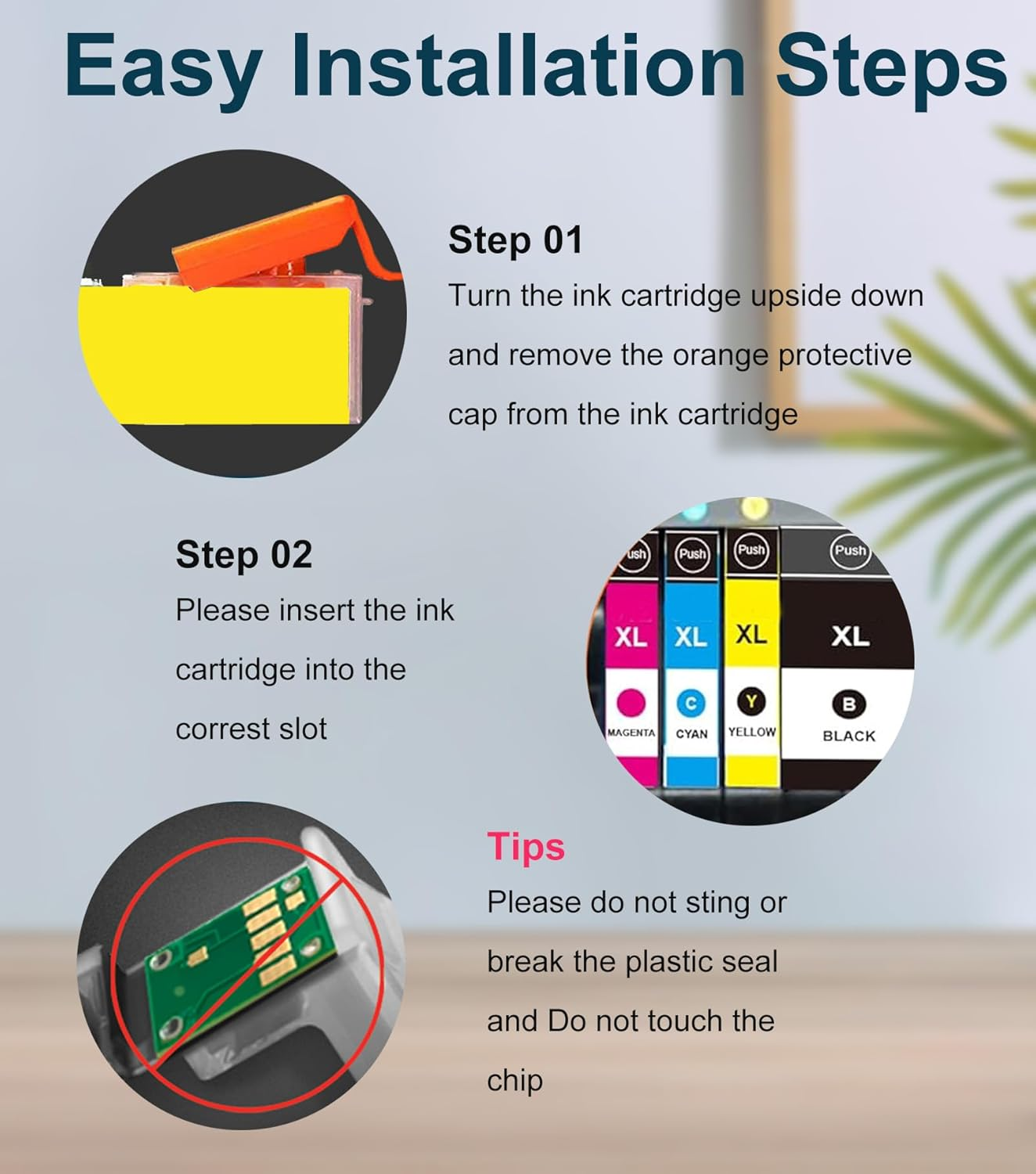
STEP 1:
Rmove the orange Protective Cover when you load it into the printer for use
STEP 2:
Please insert the ink cartridge into the correst slot
Tips:
Please do not sting or break the plastic seal and Do not touch the chip
Each ink cartridge combo pack undergoes a strict quality testing procedure to ensure quality and compatibility with your printer
The common problems with compatible ink cartridges
Click "yes" to continue printing When prompted for non-genuine ink cartridges
When the printer displays "Non-genuine ink cartridges installed" or "Used or counterfeit ink cartridges detected", just press the "OK" or "Continue" button to continue printing.
The printer issues a yellow warning message, follow these steps:
1) Remove the ink cartridge and clean the chip with an eraser.
2) Repeat the installation 2-3 times.
- Printing Technology: Inkjet
- Part Number: 905 905XL
- Ink Colour: Black, Cyan, Magenta, Yellow
- Item Model Number: 905 905XL
- Number of items: 4
- Mounting Hardware: 2 x Black 905XL 905 ink cartridge, 1 x Cyan 905XL 905 ink cartridge, 1 x Magenta 905XL 905 ink cartridge, 1 x Yellow 905XL 905 ink cartridge
- Batteries Required: No
- Brand: OGOUGUAN
- Colour Name: 2Black+1Magenta+1Cyan+1Yellow
- Special Features: High Yield
- Printer Output Type: multiple colors
- Compatible Devices: Officejet Pro 6950 6956 6960 6970
- Item Weight: 280 g
- Model Name: OfficeJet Pro 6950
- Model: 905 905XL
- Product dimensions: 13 x 8 x 4.5 cm; 280 Grams
- Manufacturer: OGOUGUAN
A$24.05
Shipping to Australia
Delivery time varies by location
Return & Refund Policy
Check our return & refund policy
Security & Privacy
Safe payments: We do not share your personal details
Availability:
-
In Stock
Sign in
or create an eMega account
Shop smarter — get exclusive deals & order tracking