Free Shipping – Store Wide
QSDIYRF Gate/Garage Remote Compatible with ATA PTX-5 PTX-5V1 PTX-5V2 DCB-05 GDO-6V3/6V4/7V2/7V3/8V3/9V2/9V3/10V1/11V1 Etc Garage Door Remote 433.92Mhz Yellow Buttons (Red LED Indicator, 1 Pack)
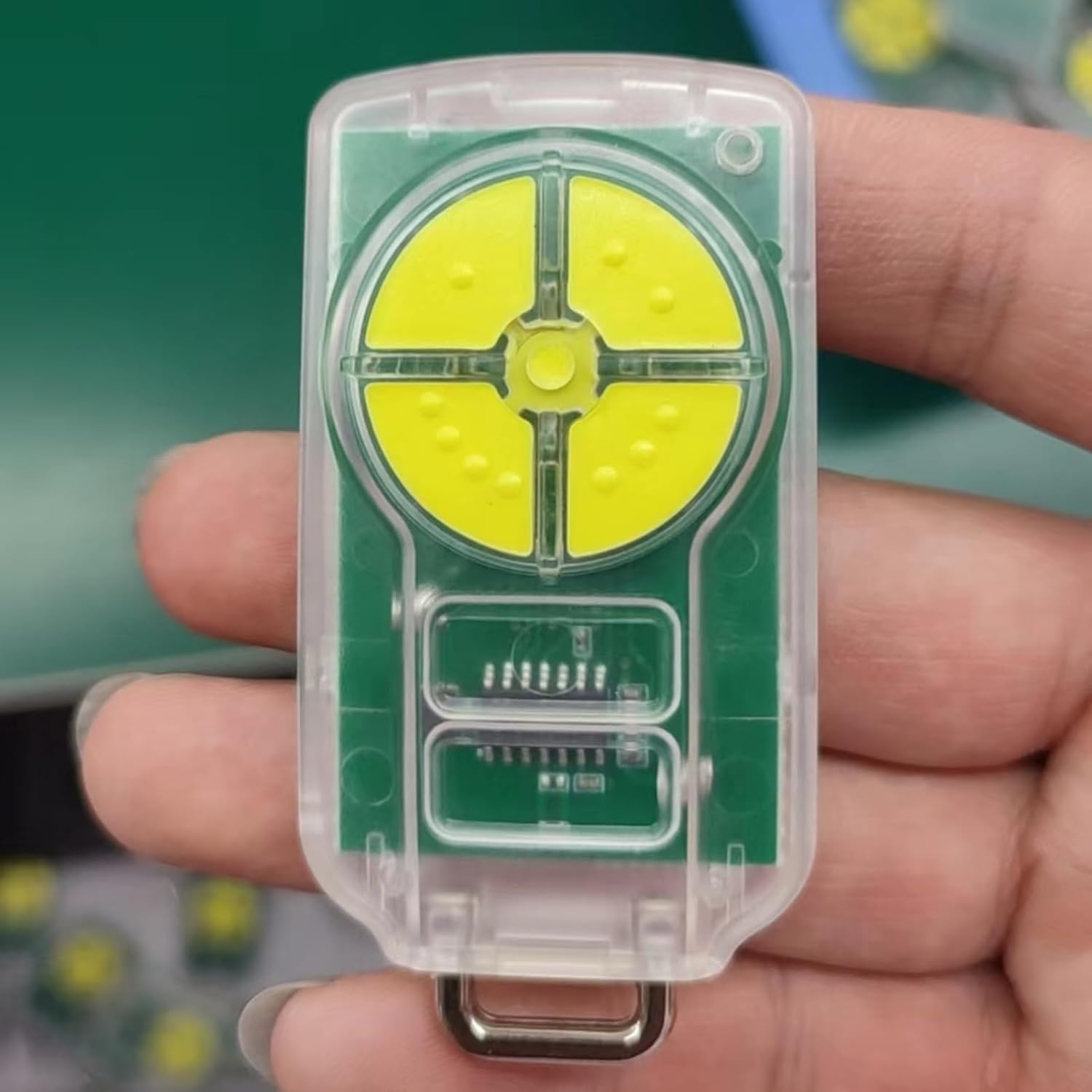
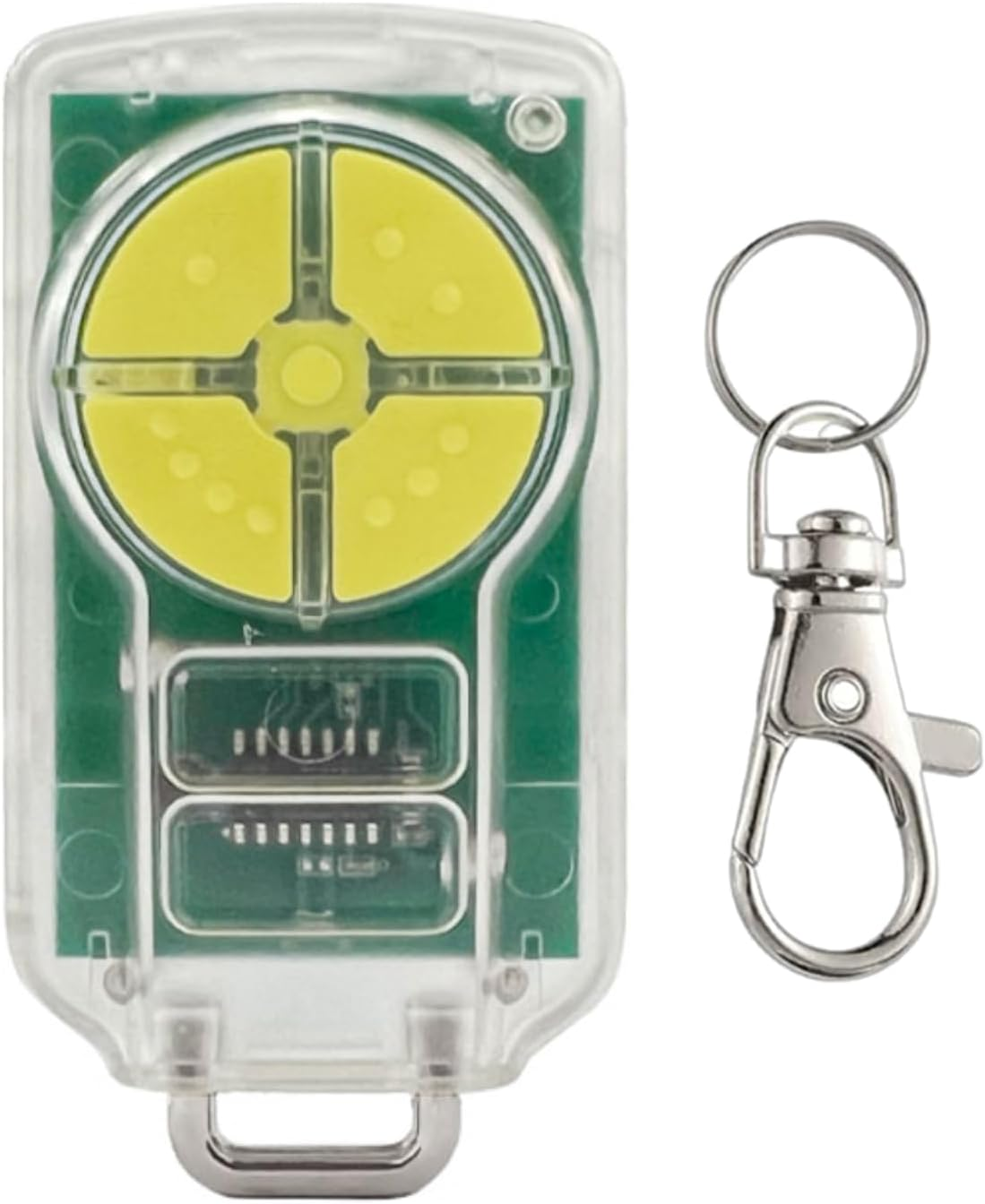
QSDIYRF Gate/Garage Remote Compatible with ATA PTX-5 PTX-5V1 PTX-5V2 DCB-05 GDO-6V3/6V4/7V2/7V3/8V3/9V2/9V3/10V1/11V1 Etc Garage Door Remote 433.92Mhz Yellow Buttons (Red LED Indicator, 1 Pack)
Brand: QSDIYRF
A$22.15
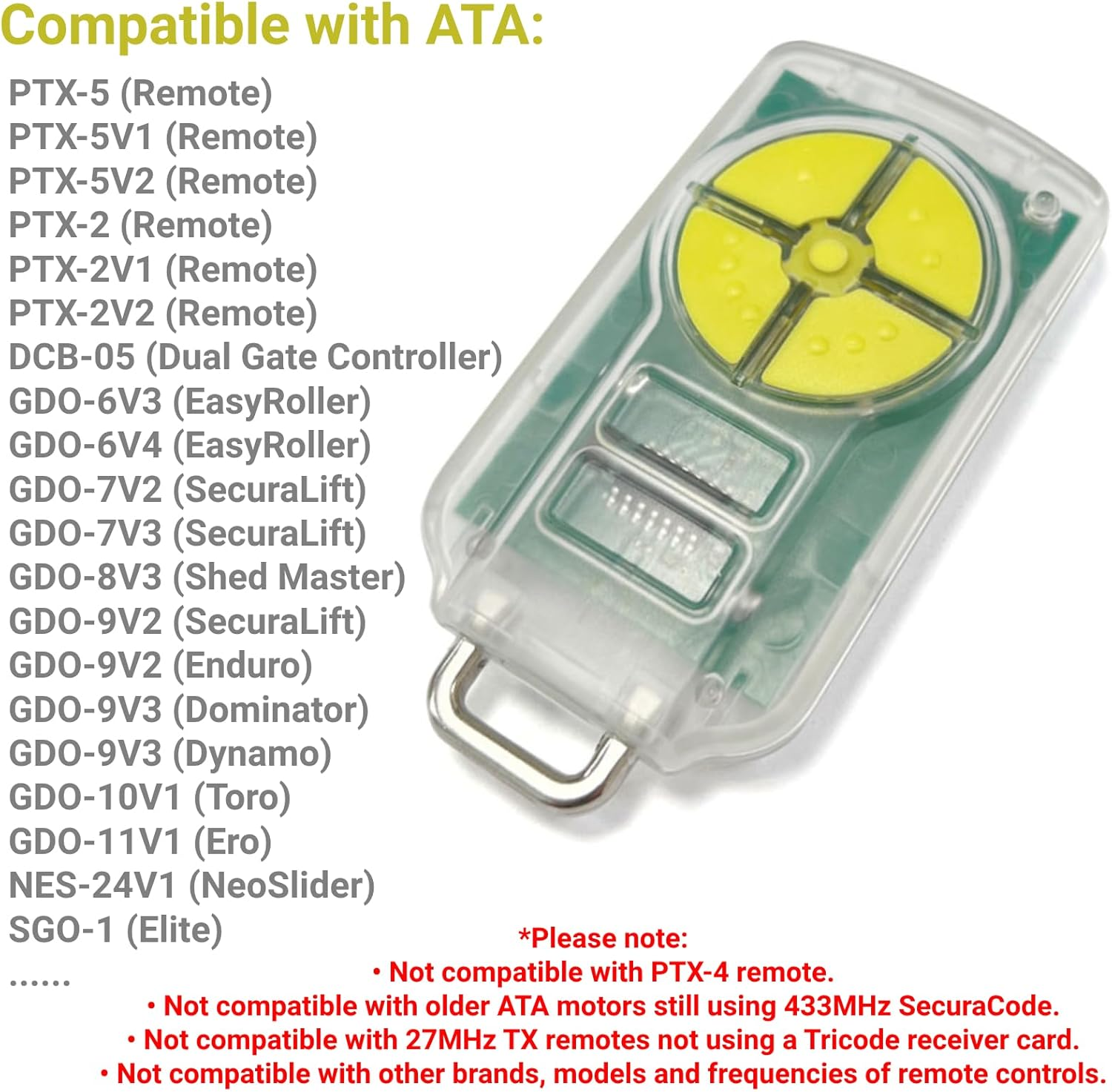
- Compatible Remotes -- This aftermarket remote can be a replacement for ATA PTX-5, PTX-5V1, PTX-5V2, PTX-2, PTX-2V1 and PTX-2V2 remotes (433.92MHz). Please make sure the picture shows your original remote control and motor models for compatibility.
- Compatible Openers/Receivers -- Works for DCB-05 (Dual Gate Controller), GDO-6V3 (EasyRoller), GDO-6V4 (EasyRoller), GDO-7V2 (SecuraLift), GDO-7V3 (SecuraLift), GDO-8V3 (Shed Master), GDO-9V2 (SecuraLift), GDO-9V2 (Enduro), GDO-9V3 (Dominator), etc.
- Please Note -- Not compatible with other brands, models or frequencies of garage door openers. Please check the compatibility before purchasing. If you are unsure about compatibility, please reach to us.
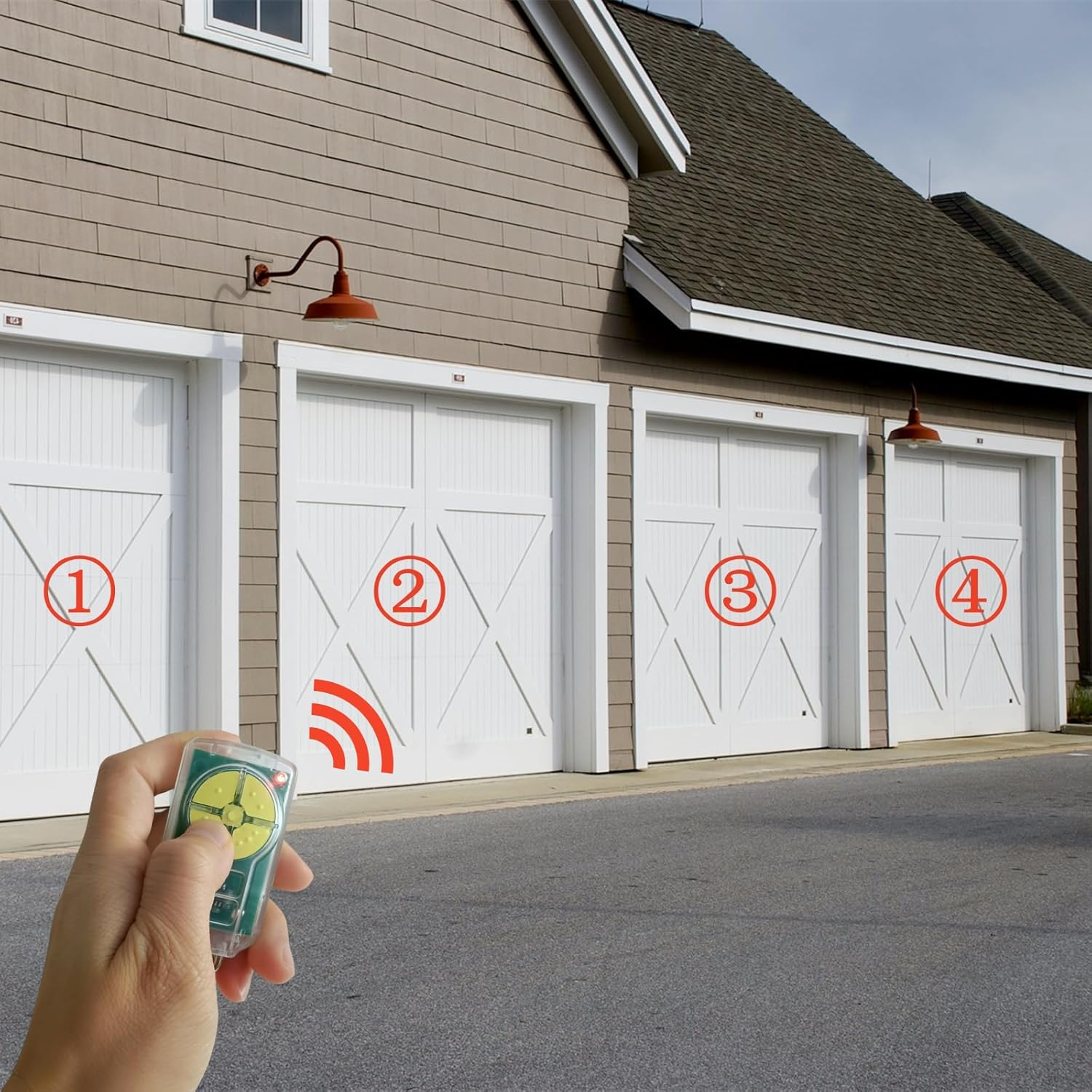
- 4 Channels -- This PTX-5V2 replacement remote has 4 buttons, which controls up to 4 gates or garage doors. Each channel can be programmed for different devices. You don't need to worry about carrying a bunch of keys or remotes any more.
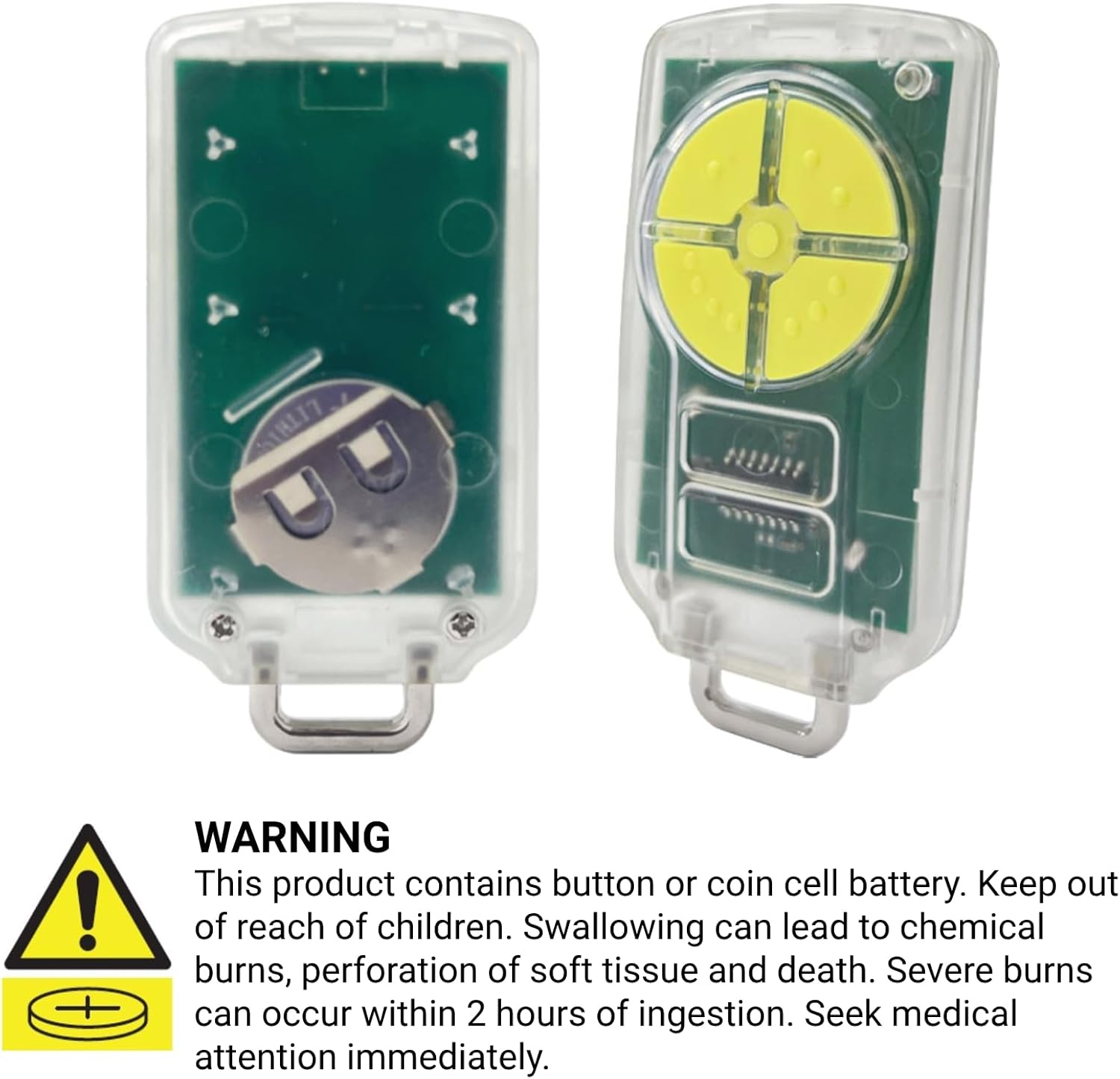
- Package Contents -- You will receive 1 remote, 1 keychain and 1 manual. Remote control LED light defaults to red. Pre-installed with 3V CR2032 battery for trial. PLEASE KEEP OUT OF REACH OF CHILDREN FOR SAFETY. Any questions, you can reach to us.
Product Description
Operating Instructions
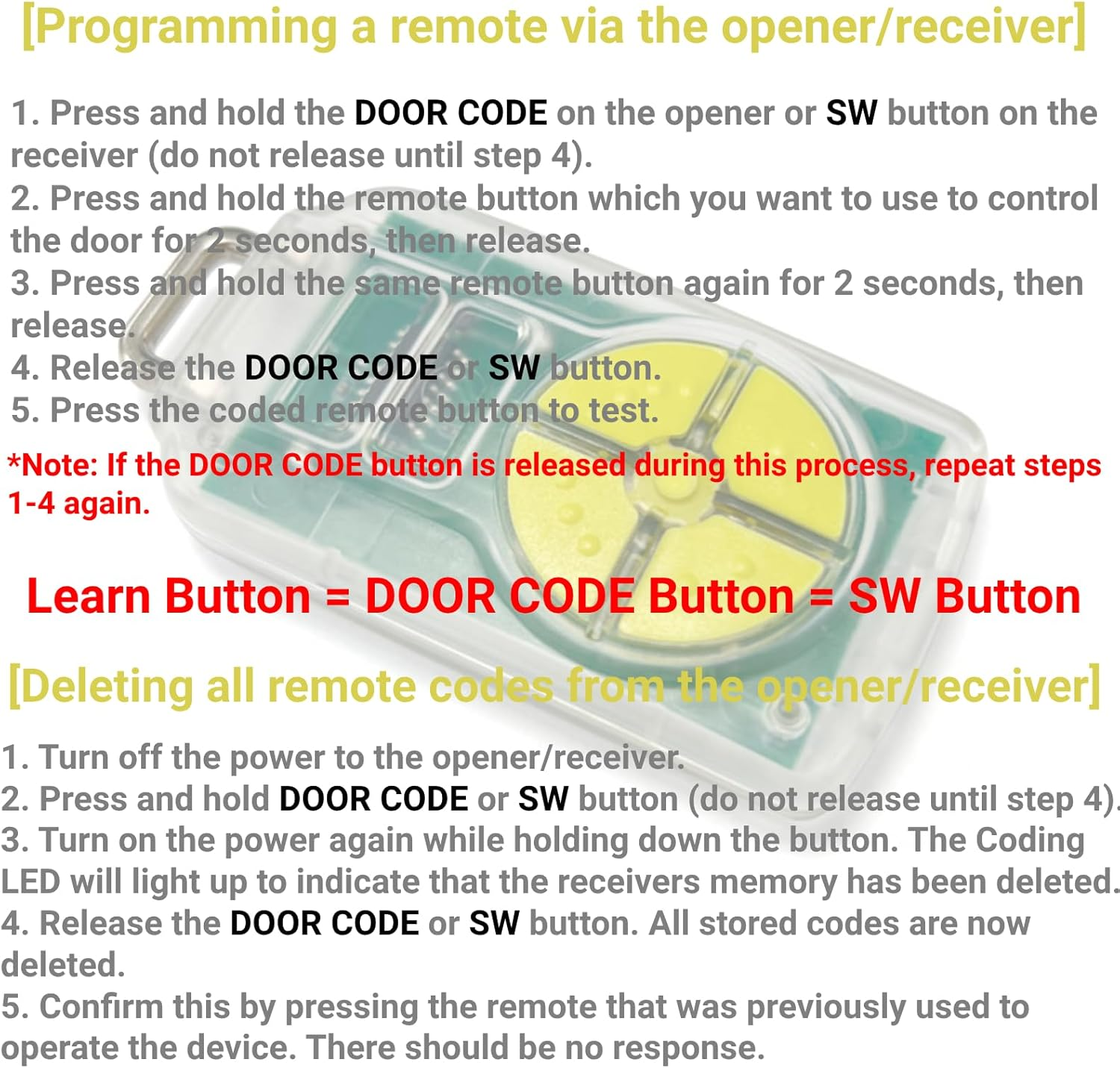
Programming a Remote via the Opener/Receiver:
1. Press and hold the DOOR CODE on the opener or SW button on the receiver (do not release until step 4).
2. Press and hold the remote button which you want to use to control the door for 2 seconds, then release.
3. Press and hold the same remote button again for 2 seconds, then release.
4. Release the DOOR CODE or SW button.
5. Press the coded remote button to test.
- Note: If the DOOR CODE or SW button is released during this process, repeat steps 1-4 again. Learn Button = DOOR CODE Button = SW Button
- This aftermarket remote does not have the function to copy existing remote codes. It can only learn codes from the garage opener or receiver.
Deleting All Remote Codes from the Opener/Receiver:
1. Turn off the power to the opener/receiver.
2. Press and hold DOOR CODE or SW button (do not release until step 4).
3. Turn on the power again while holding down the button. The Coding LED will light up to indicate that the receivers memory has been deleted.
4. Release the DOOR CODE or SW button. All stored codes are now deleted.
5. Confirm this by pressing the remote that was previously used to operate the device. There should be no response.
Small and Compact
Built-in 3V CR2032 Battery for Trial
ABS Shell and Silicone Buttons
- Includes Rechargeable Battery: No
- Number of items: 1
- Country/Region of origin: China
- Batteries Included: Yes
- Batteries Required: Yes
- Brand: QSDIYRF
- Battery cell composition: Lithium Manganese Dioxide
- Special Features: Ergonomic, Lightweight
- Compatible Devices: Garage Door
- Connector Type: Radio Frequency
- Item Weight: 22.5 g
- Batteries: 1 CR2032 batteries required. (included)
- Battery Description: Lithium
- Product dimensions: 7.2 x 3.6 x 1.3 cm; 22.5 Grams
- Manufacturer: QSDIYRF
A$22.15
Shipping to Australia
Delivery time varies by location
Return & Refund Policy
Check our return & refund policy
Security & Privacy
Safe payments: We do not share your personal details
Availability:
-
In Stock
Sign in
or create an eMega account
Shop smarter — get exclusive deals & order tracking