Free Shipping – Store Wide
Luolaproject Wired Left Handed Ergonomic Mouse, Reduce Wrist Strain Handshake Optical Vertical Mouse, Compatible with Laptop, Desktop, Windows, Mac

Luolaproject Wired Left Handed Ergonomic Mouse, Reduce Wrist Strain Handshake Optical Vertical Mouse, Compatible with Laptop, Desktop, Windows, Mac
Brand: LuolaProject
A$31.40
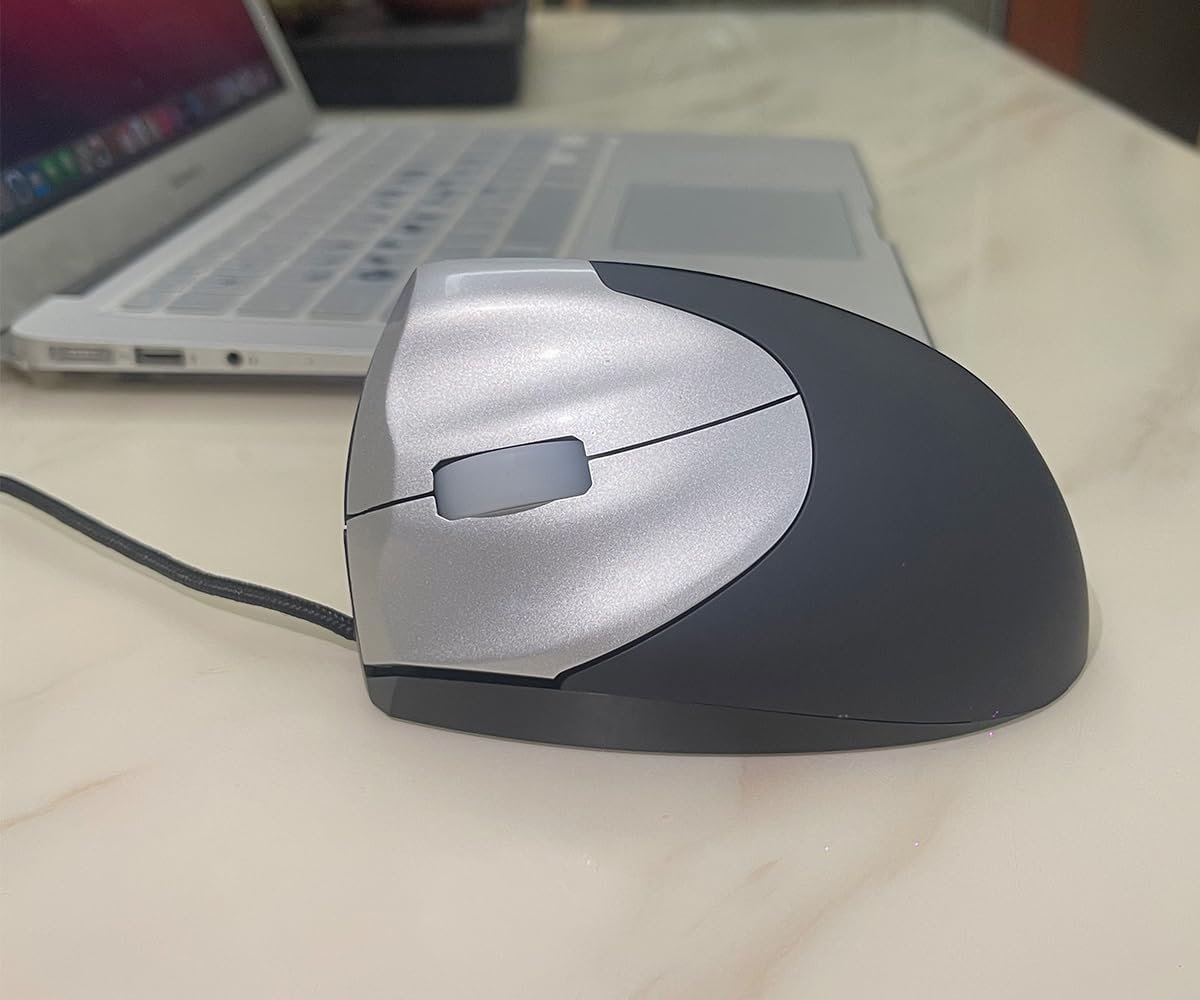
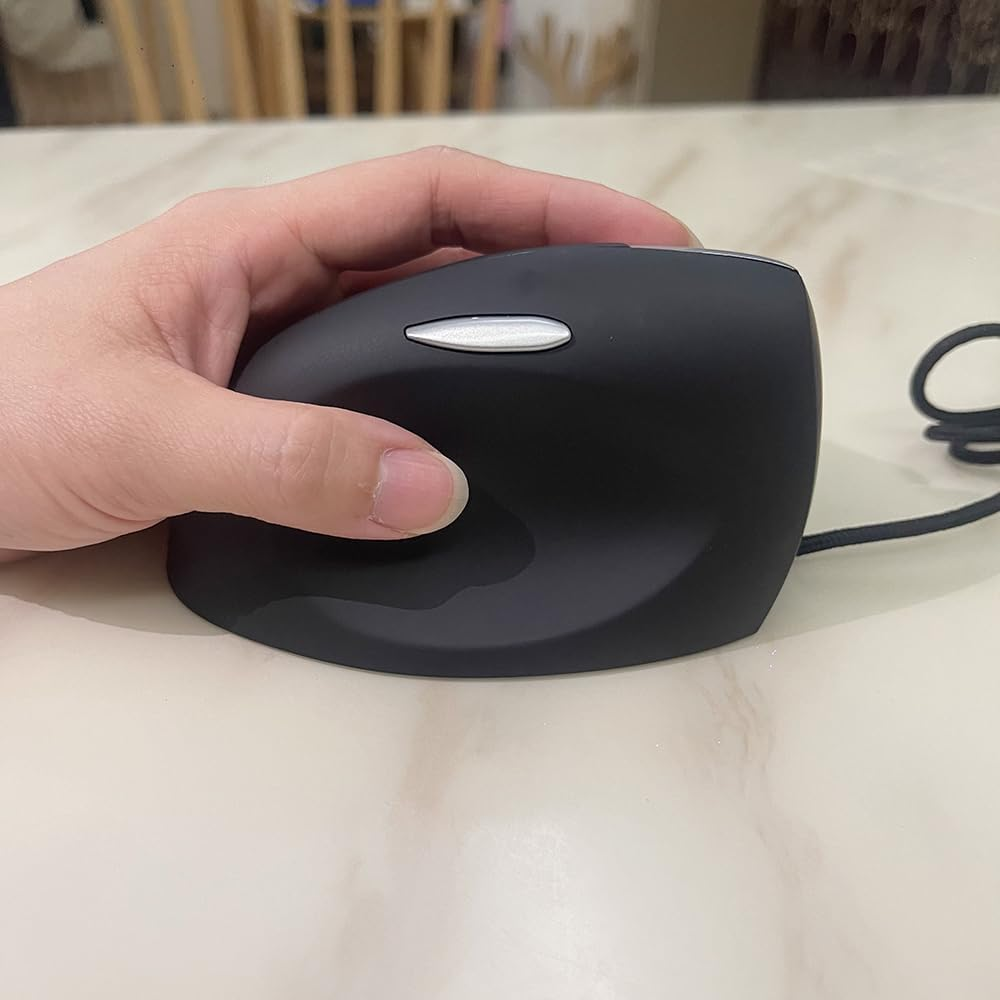
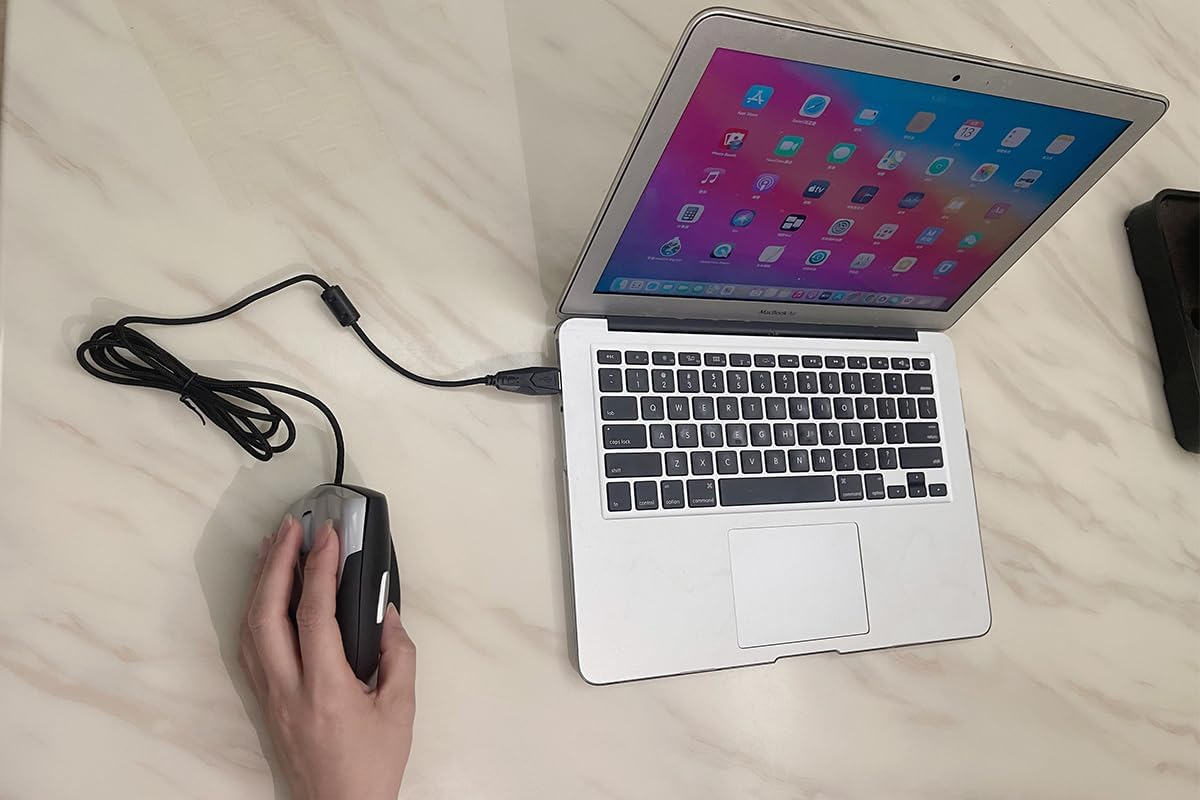
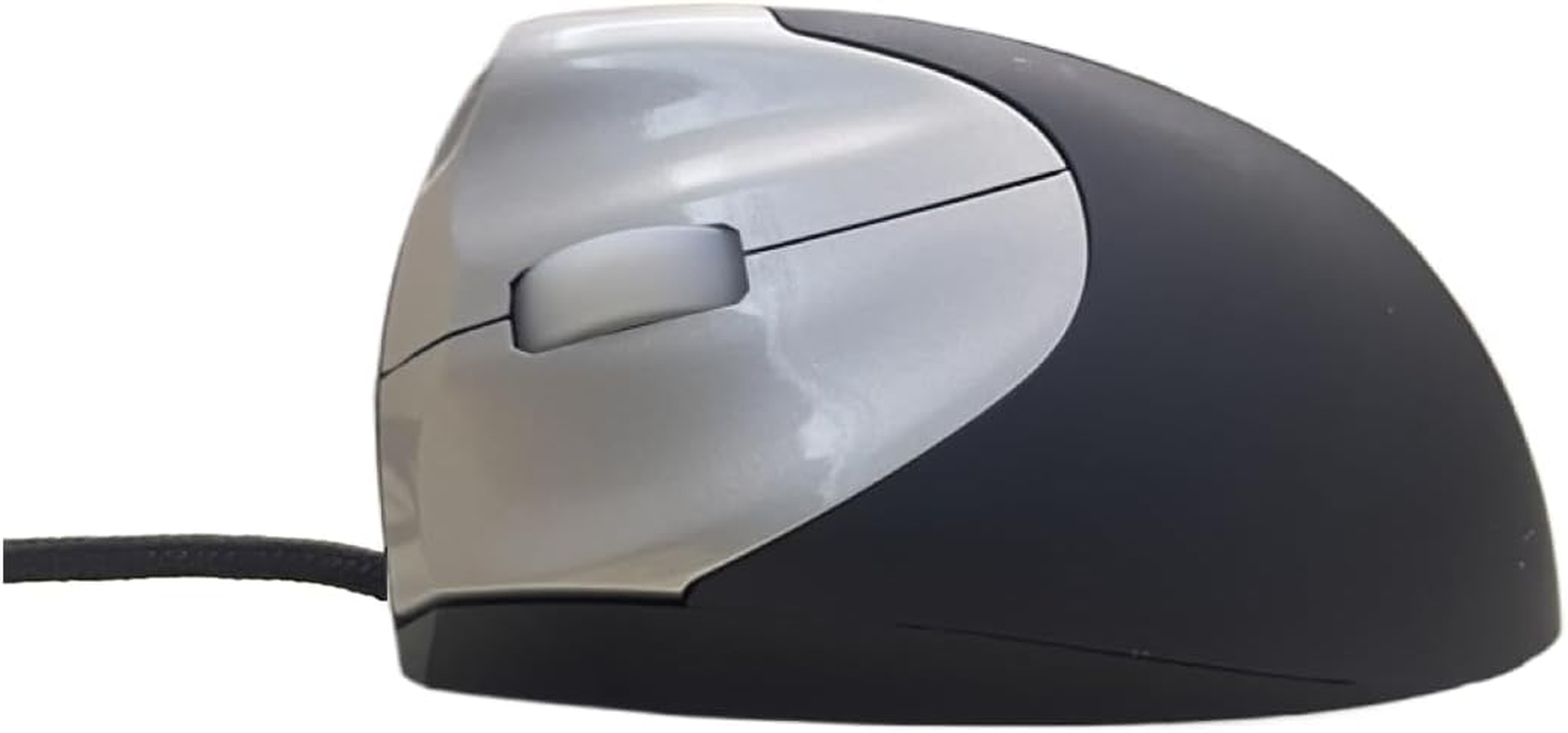
- ERGONOMIC DESIGN: Designed with a vertical orientation and a contoured shape that provides a uniquely comfortable user experience. Designed specifically for left-handers, this wrist-friendly contour support, you will hold your hand in a healthy "handshake position," which is the neutral position of your forearm. Places your hand in a natural "handshake" wrist & arm position for smoother movement and less muscle tension.
- ADJUSTABLE DPI: Switch between DPI levels 1200/1600/2400 to adjust mouse responsiveness depending on your needs.
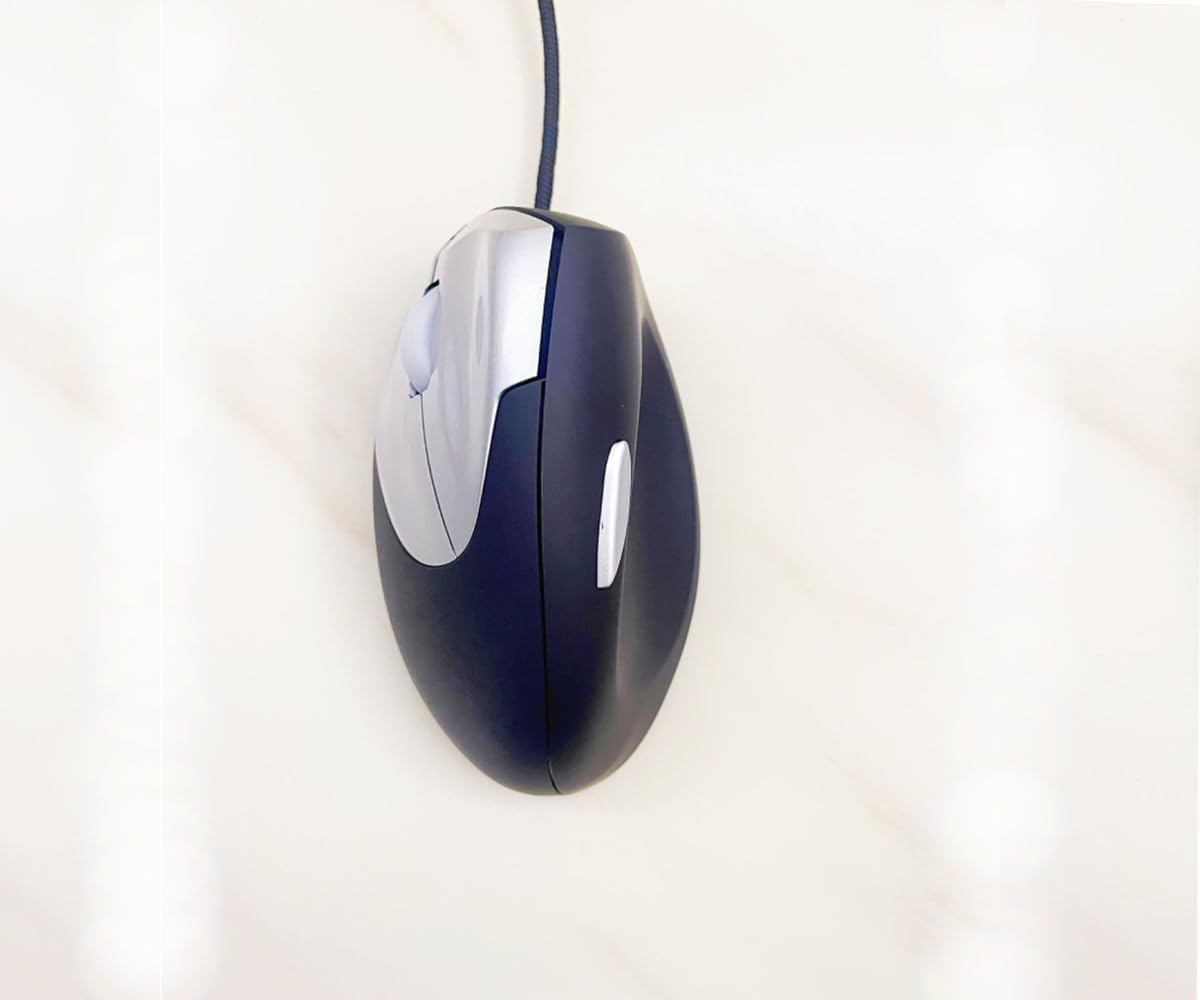
- EASIER WEB BROWSING: Advanced "Back"" functionality button that located near the thumb area will provide convenience when web page browsing.(only the left handed one has got the “Back”button.
- WIDE COMPATIBILITY: Compatible with most system including Windows 11 / 10 / 8.1 / 8 / 7, XP, Vista & macOS 10.12~10.14, Mac OS X 10.3~10.11. Fit for Notebook, PC, Laptop, Computer and other device. *Not fully compatible with Apple products.
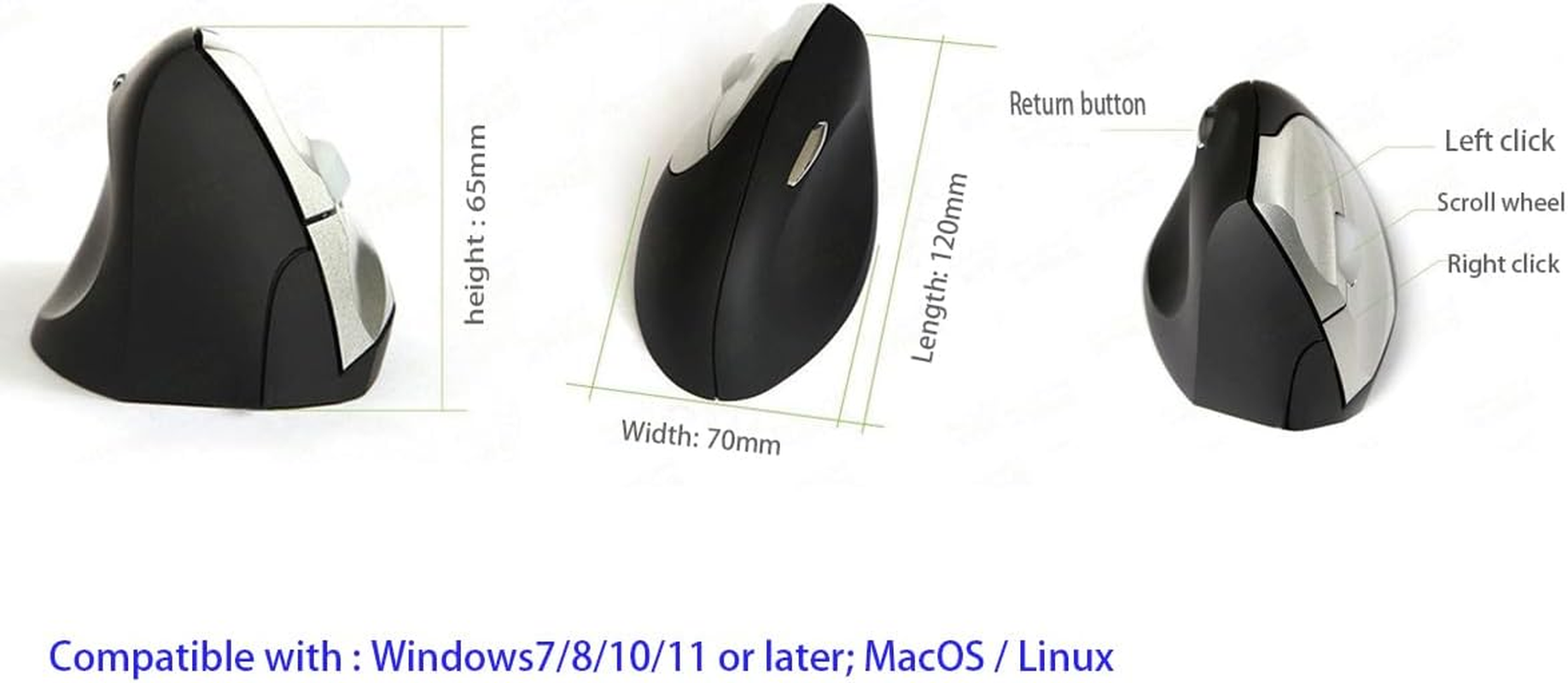
- PLUG AND PLAY: No driver required. Using computer USB power supply, so no need to use and replace the battery, economic and convenient.USB A to C adapter includes in the package, adaptable to any devices. Size of the product: length120mm;Width 68mm,Height:70mm
Product Description
Handshake mouse Wired Ergonomic upright vertical mouse left handed upright mouse
Ergonomic background
Prolonged use of a regular mouse can lead to pain and discomfort in the shoulders, forearms, and hands (Chang et al., 2007 & Andersen et al., 2008). The handshake position of vertical mice keeps the wrist from bending as much to the side while the forearm also turns inward to a lesser degree (Schmid, et al., 2015). This means that muscle activity in the forearm is less than it would be when using a conventional mouse (Quemelo & Vieira, 2013). Research has shown that the use of a vertical joystick mouse ensures a faster recovery from forearm, wrist and hand complaints (Aarås, et al., 2001). And therefore, vertical mice compared to standard mice lead to a healthier and more comfortable way of working.
Optimal posture and performance
More comfortable grip to prevent mouse hand
As the name suggest, the Handshake vertical mouse is grabbed in a natural handshake position with a comfortable inclination angle of 90°. The wrist doesn't bend sideways too much, and the lower arm needs less inward rotation. This improves the posture of your wrist and prevents physical discomfort. The ergonomic handshake position also reduces muscular activity in the lower arm compared to a standard computer mouse (Quemelo & Vieira, 2013).
In wired or wireless for left and right handers
The Handshake Mouse is available in four different versions. You can choose if you would like to have a wired or wireless version. Both versions are available for left and right handers. You can change the pointer speed of the mouse cursor for both, the wired and wireless version. The wired has four available DPI-values 1200-1600-2400 and the wireless version has three DPI-values 1200-1600-2400. Select a higher speed (higher DPI) to make the pointer move faster for general use; select lower speed (lower DPI) to make the pointer move slower and more precisely for drawing, photo editing, etc. Easily set the cursor to your preferred speed.The DPI button is on the bottom of the mouse.
Start working easy
Thanks to the plug-and-play technology the Handshake Mouse can be added to the computer without having to do a manual configuration. Just put the USB cable or the USB receiver of this vertical mouse model in your computer and start working.
We also extra attach a USB A to C adapter which can be played for any devices with C port or USB A port.
Best grip upright ergonomic vertical mouse,the best choose
Three buttons for the right hander one
The Handshake Mouse has three buttons, which also includes a scroll-wheel. There are buttons for the left and right click, and with the scroll-wheel you can scroll and zoom in common computer programs. These standard functions promise an easy handling and familiarisation.
four buttons for the left handed mouse unique
The Handshake upright Mouse is available in four different versions. You can choose if you would like to have a wired or wireless version. Both versions are available for left and right handers. You can change the pointer speed of the mouse cursor for both, the wired and wireless version. The wired has four available DPI-values 800-1200-1600-2400 and the wireless version has
back button for the left handed vertical mouse
If you would like to have a vertical ergonomic mouse shape, and a short time to become familiar with using a vertical mouse model, then the Handshake Mouse is the best mouse model for you. It has two mouse buttons, a scroll-wheel, and adjustable DPI-values. With the Handshake Mouse you can work with a neutral positioning of your arm and wrist, and physical discomfort can be prevented. Start working in a more relaxed and productive way.
- Hardware Platform: Mac/PC
- Operating System: Windows7/8/10/11/Mac OS10 or later
- Number of items: 100
- Mounting Hardware: USB A to C adapter
- Batteries Included: No
- Batteries Required: No
- Brand: LuolaProject
- Material Type: Plastic
- Compatible Devices: Personal Computer
- Connector Type: USB
- Item Weight: 105 g
- Hand Orientation: Left
- Movement Detection Technology: Optical
- Special Features: Ergonomic Design, Left handed mouse, Preventing mouse hand, Reduce wrist strain
- Product dimensions: 11.99 x 6.81 x 0.1 cm; 105 Grams
- Power Source: Battery Powered
- Manufacturer: LuolaProject
A$31.40
Shipping to Australia
Delivery time varies by location
Return & Refund Policy
Check our return & refund policy
Security & Privacy
Safe payments: We do not share your personal details
Availability:
-
In Stock
Sign in
or create an eMega account
Shop smarter — get exclusive deals & order tracking