Free Shipping – Store Wide
QSDIYRF Garage Door Remote ONLY Compatible with Mhouse/Myhouse TX3 TX4 GTX4 GTX4C Door Gate Remote Control 433.92Mhz Garage Remote Replacement (Blue LED Indicator, 1 Pack)
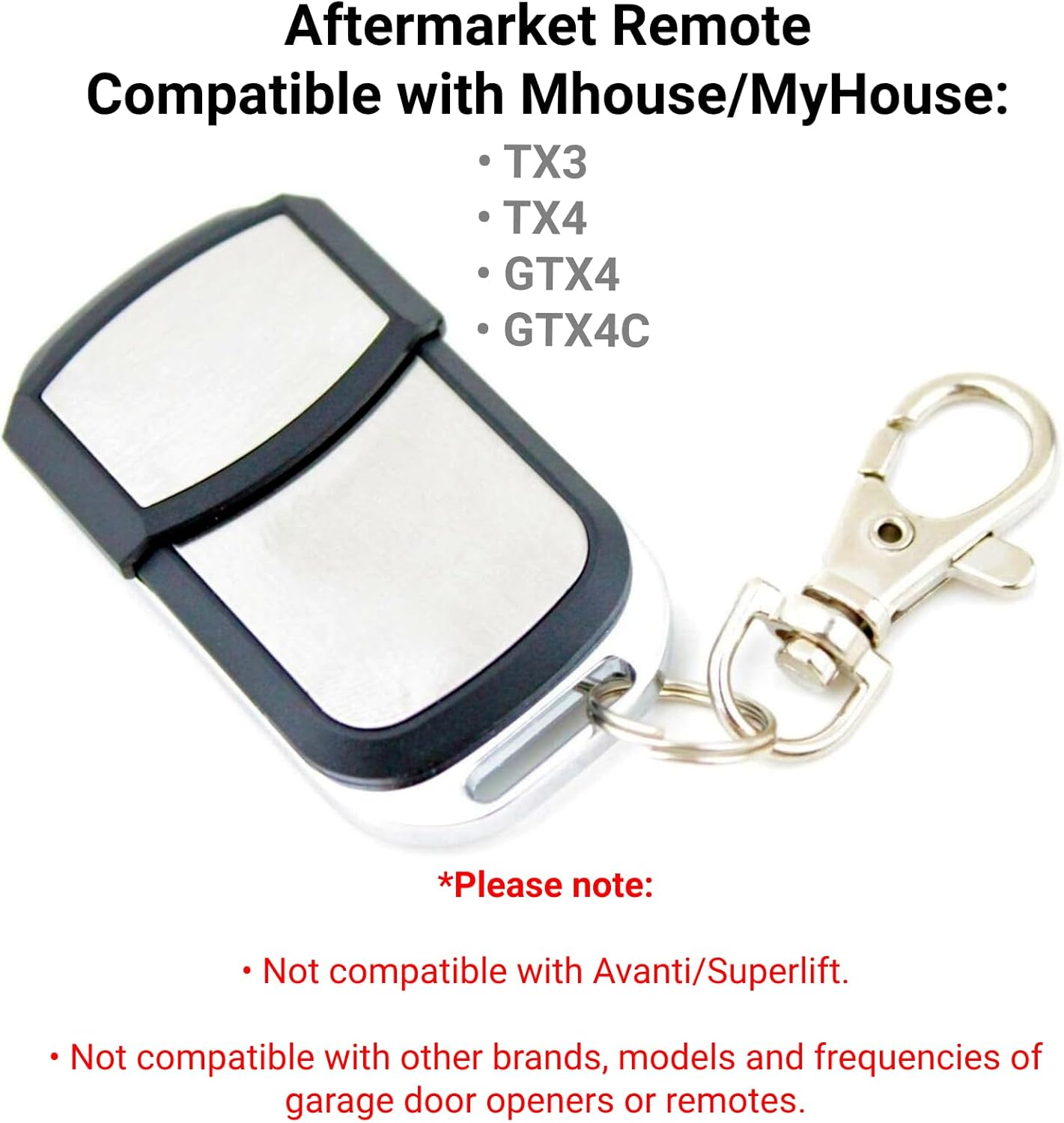
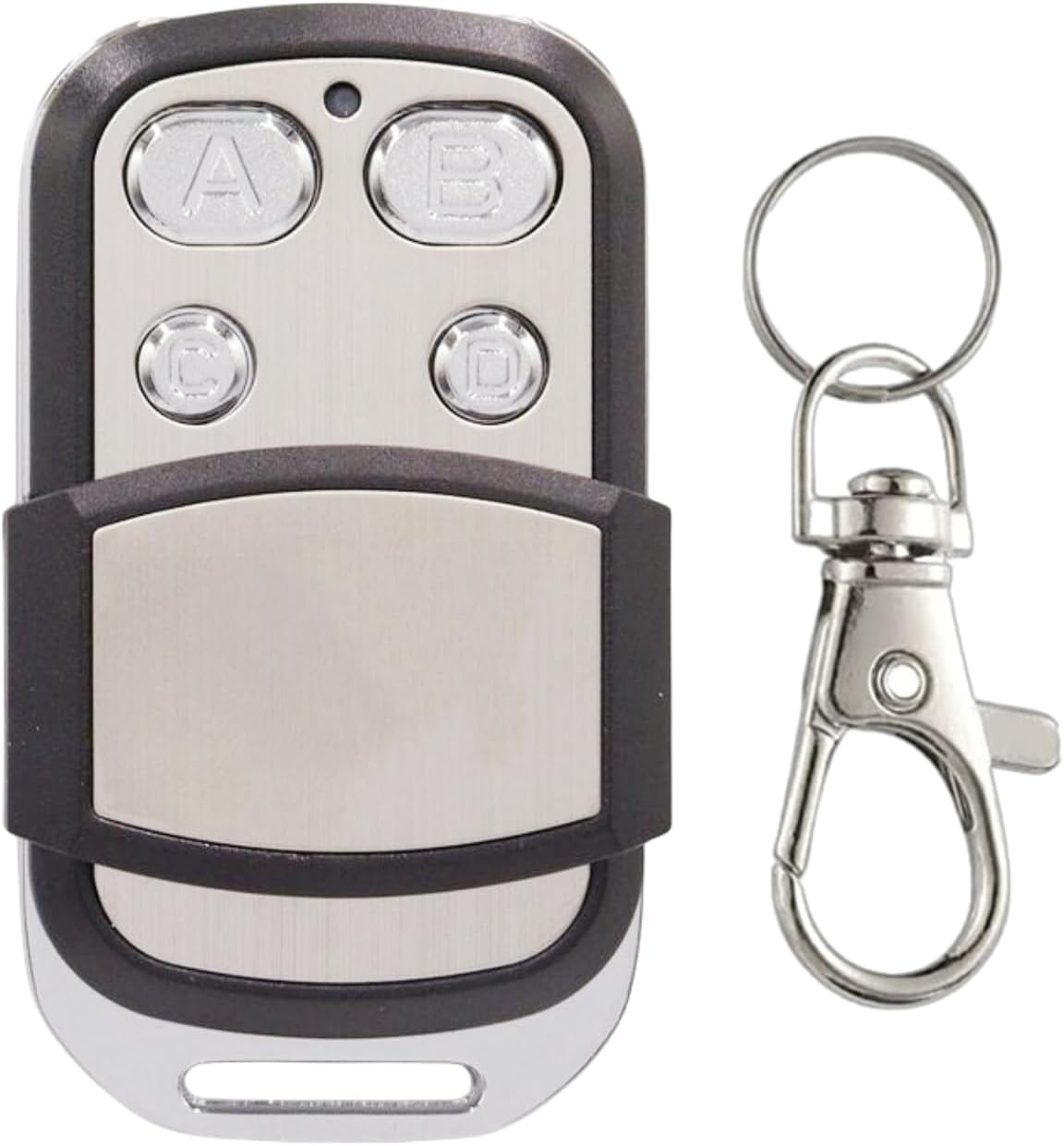
QSDIYRF Garage Door Remote ONLY Compatible with Mhouse/Myhouse TX3 TX4 GTX4 GTX4C Door Gate Remote Control 433.92Mhz Garage Remote Replacement (Blue LED Indicator, 1 Pack)
Brand: QSDIYRF
A$21.00
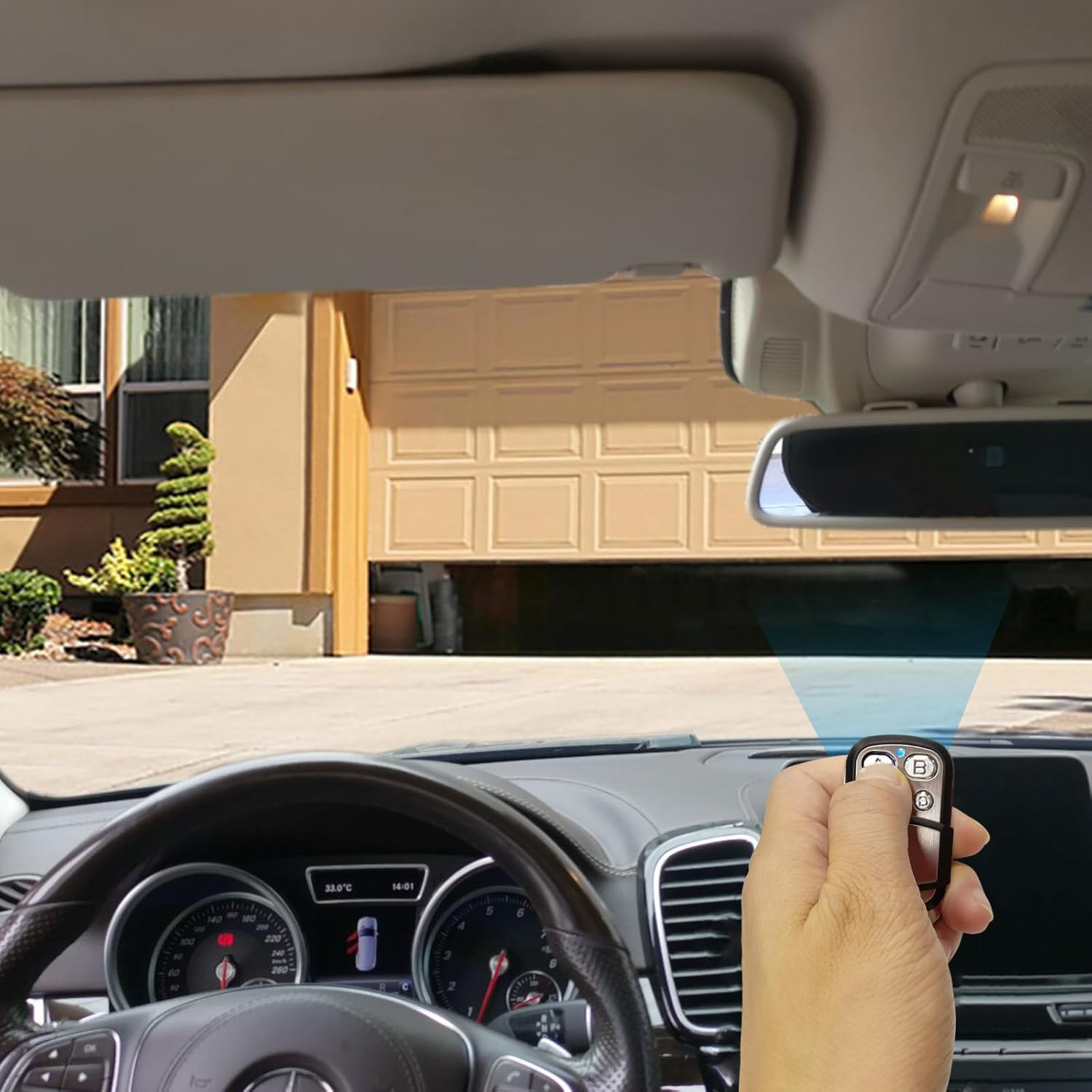
- Compatibility -This 433.92MHz aftermarket remote is ONLY compatible with Mhouse/MyHouse TX3 TX4 GTX4 GTX4C remotes. Not work for other brands, models or frequencies of garage door opener remotes. Please check the compatibility before purchase.
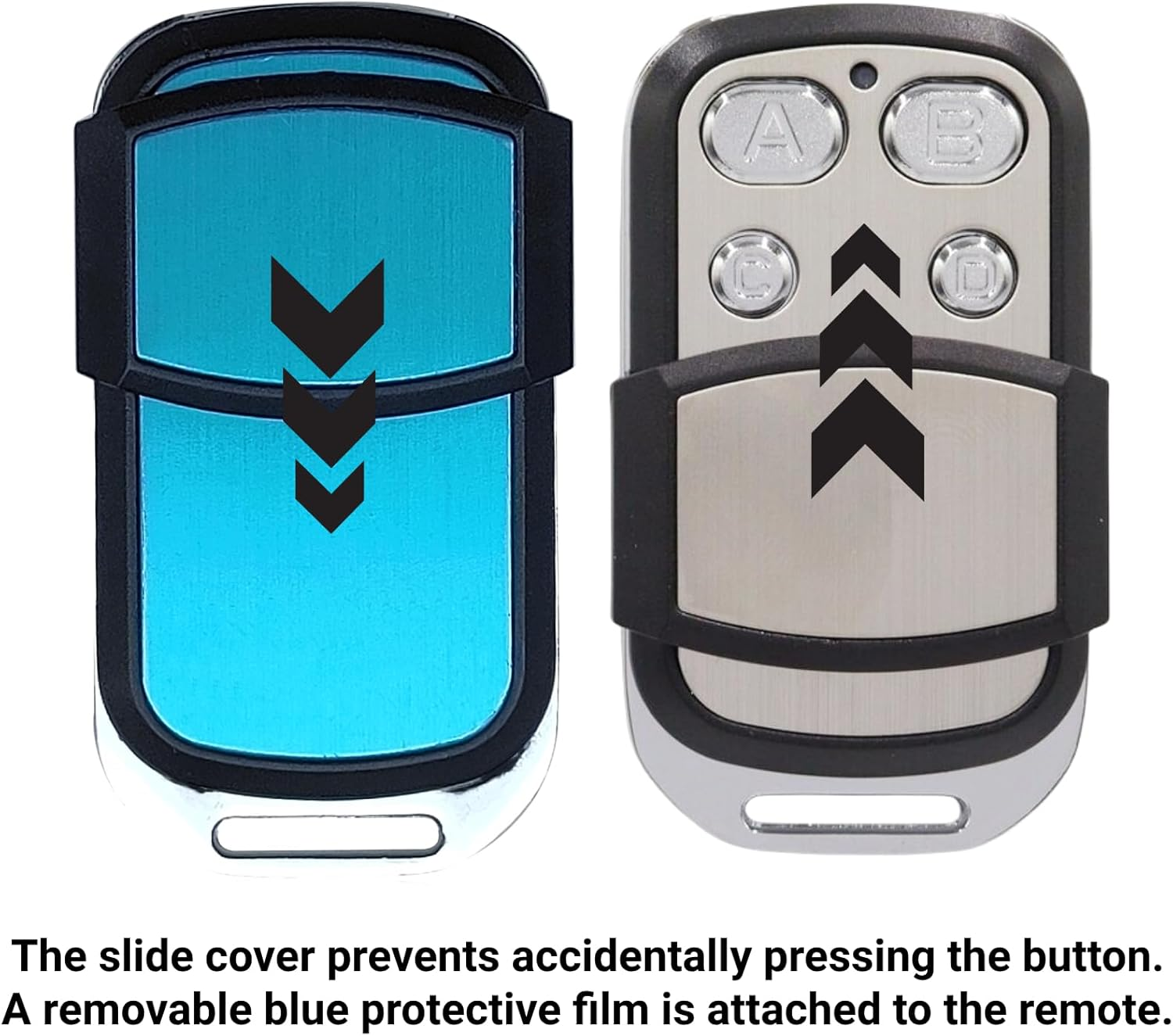
- Button Protection - The slide cover prevents accidentally pressing the button when you keep the remote in your pocket or purse. Blue film is attached to the surface of the remote control, which can be removed.
- Multi Channels - This replacement remote has 4 buttons, which can control up to 4 doors. Each channel can be programmed for different devices. You don't need to worry about carrying a bunch of keys any more.
- Light and Portable - Small, compact and lightweight. This garage remote comes with a keychain for easy carrying. It fits into a backpack, purse, pocket or can be worn around the waist.
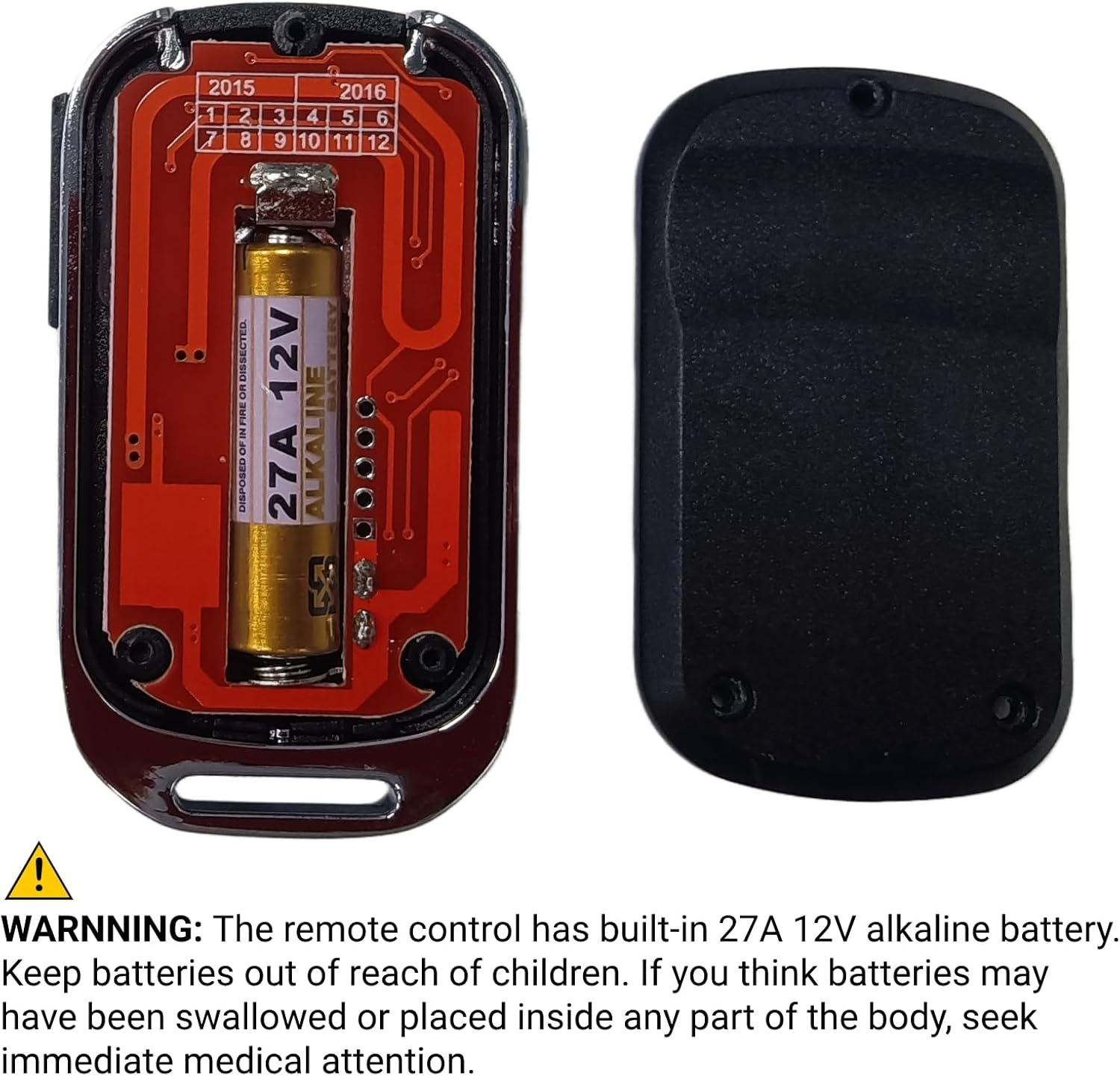
- Package Contents - 1 remote, 1 keychain and 1 manual. Remote control LED light defaults to blue. Pre-installed with 27A 12V battery for trial.
QSDIYRF Garage Door Remote ONLY Compatible with Mhouse/MyHouse TX3 TX4 GTX4 GTX4C Door Gate Remote Control 433.92MHz Garage Remote Replacement (Blue LED Indicator, 1 Pack)
[Product Features]
Button protection
Blue LED indicator
433.92MHz frequency
Controls up to 4 doors
Built-in 27A 12V alkaline battery
Comes with a keychain for easy carrying
[Compatibility]
This aftermarket remote is ONLY compatible with Mhouse/MyHouse TX3, TX4, GTX4, GTX4C remotes.
*Please note: Not work for other brands, models or frequencies of garage door opener remotes.
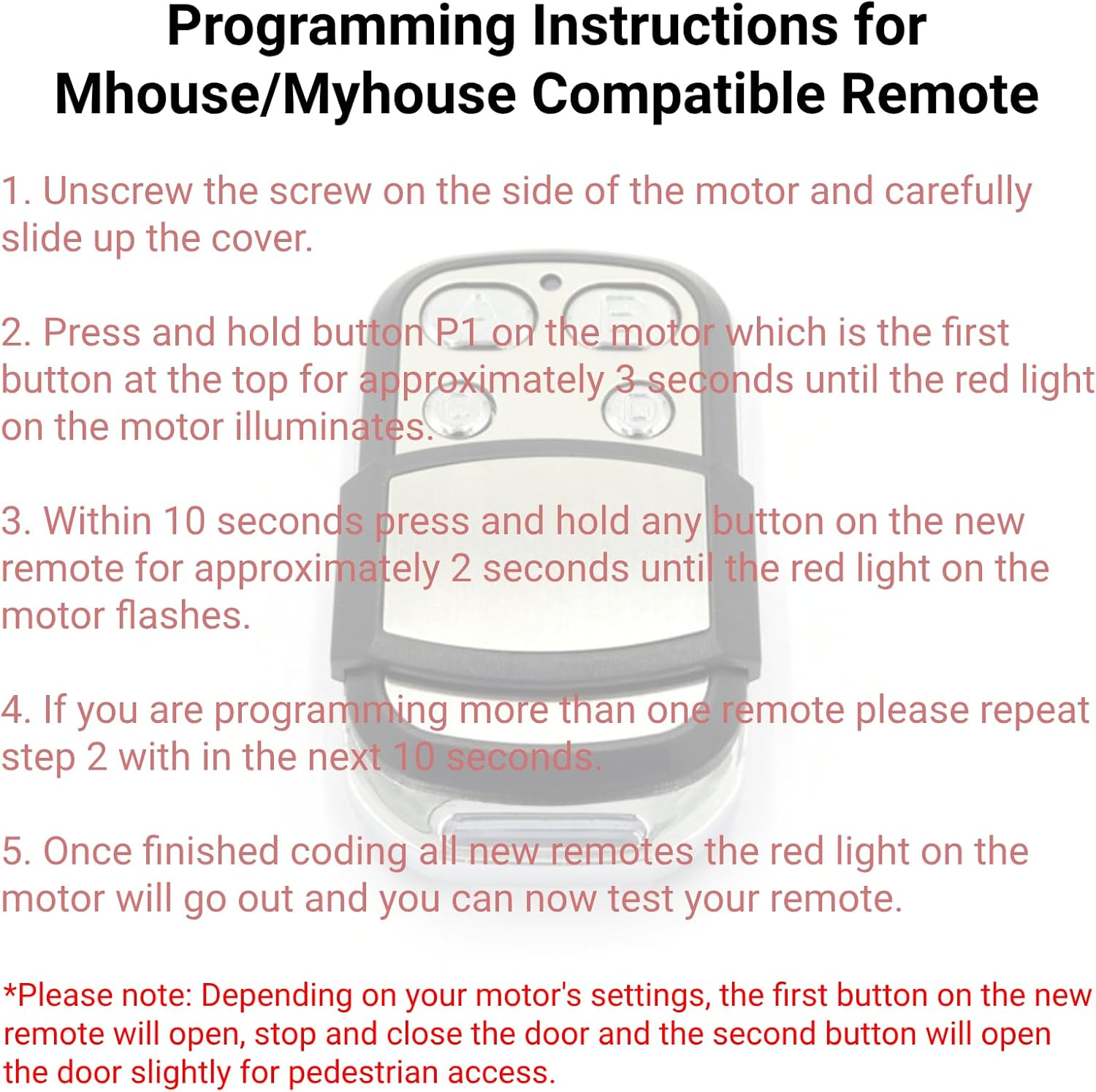
[Programming Instructions]
1. Unscrew the screw on the side of the motor and carefully slide up the cover.
2. Press and hold button P1 on the motor which is the first button at the top for approximately 3 seconds until the red light on the motor illuminates.
3. Within 10 seconds press and hold any button on the new remote for approximately 2 seconds until the red light on the motor flashes.
4. If you are programming more than one remote please repeat step 2 with in the next 10 seconds.
5. Once finished coding all new remotes the red light on the motor will go out and you can now test your remote.
*Please note: Depending on your motor's settings, the first button on the new remote will open, stop and close the door and the second button will open the door slightly for pedestrian access.
- Includes Rechargeable Battery: No
- Number of items: 1
- Country/Region of origin: China
- Batteries Included: Yes
- Batteries Required: Yes
- Brand: QSDIYRF
- Battery cell composition: Alkaline
- Special Features: Ergonomic, Lightweight
- Compatible Devices: Garage Door
- Connector Type: Radio Frequency
- Item Weight: 25.5 g
- Batteries: 1 12V batteries required. (included)
- Battery Description: Alkaline
- Product dimensions: 5.6 x 3.2 x 1.2 cm; 25.5 Grams
- Manufacturer: QSDIYRF
A$21.00
Shipping to Australia
Delivery time varies by location
Return & Refund Policy
Check our return & refund policy
Security & Privacy
Safe payments: We do not share your personal details
Availability:
-
In Stock
Sign in
or create an eMega account
Shop smarter — get exclusive deals & order tracking