Free Shipping – Store Wide
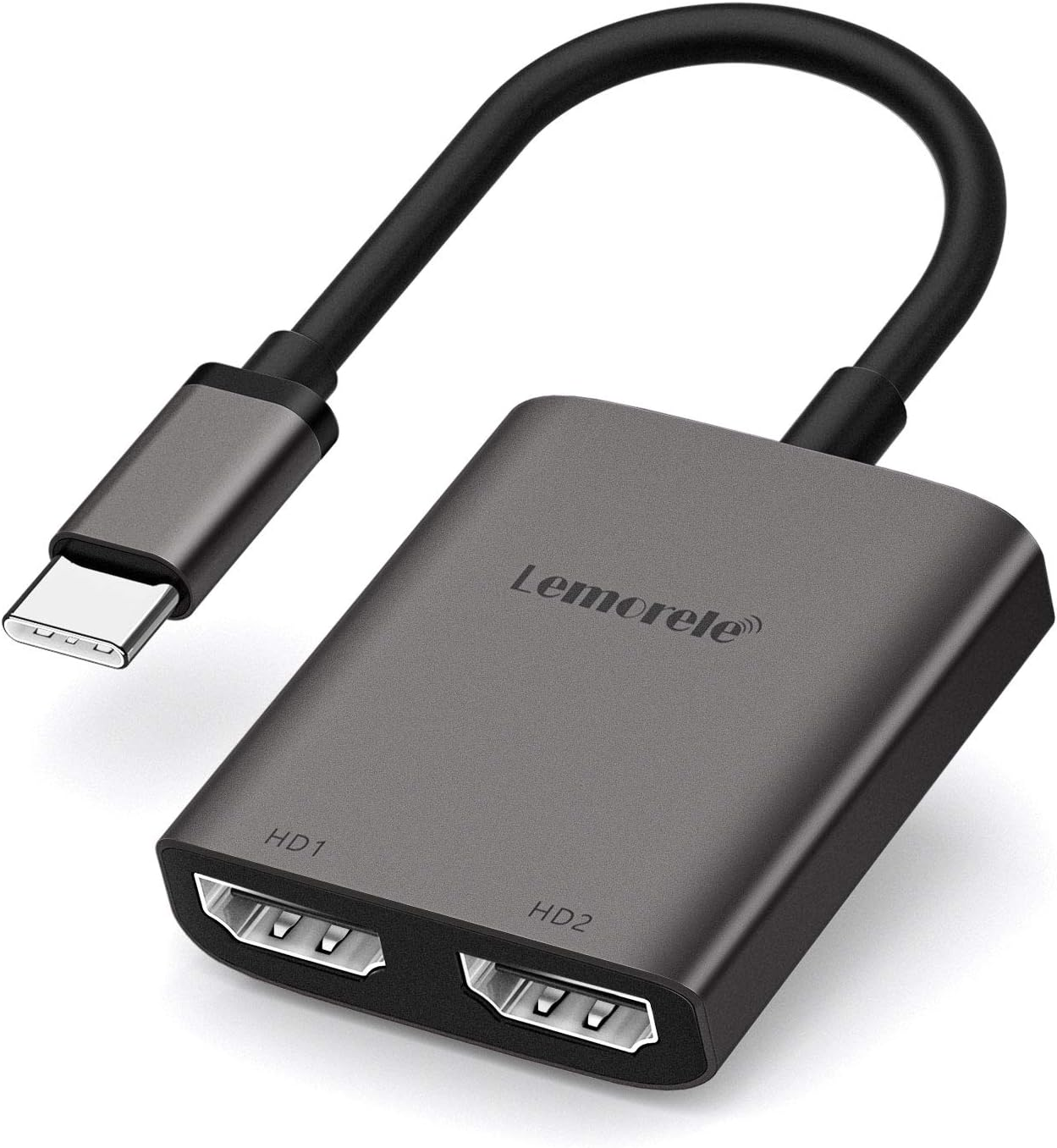
USB C to Dual HDMI Adapter, Type C to HDMI Converter,Hdmi Dual Monitor Adapter 4K @60Hz for Macbook/Macbook Pro 2020/2019/2018,Macbook Air,Chromebook Pixel,Surface Book 2, Etc
USB C to Dual HDMI Adapter, Type C to HDMI Converter,Hdmi Dual Monitor Adapter 4K @60Hz for Macbook/Macbook Pro 2020/2019/2018,Macbook Air,Chromebook Pixel,Surface Book 2, Etc
Brand: Lemorele
A$25.00
Availability:
-
This item is currently not available
Shop with confidence
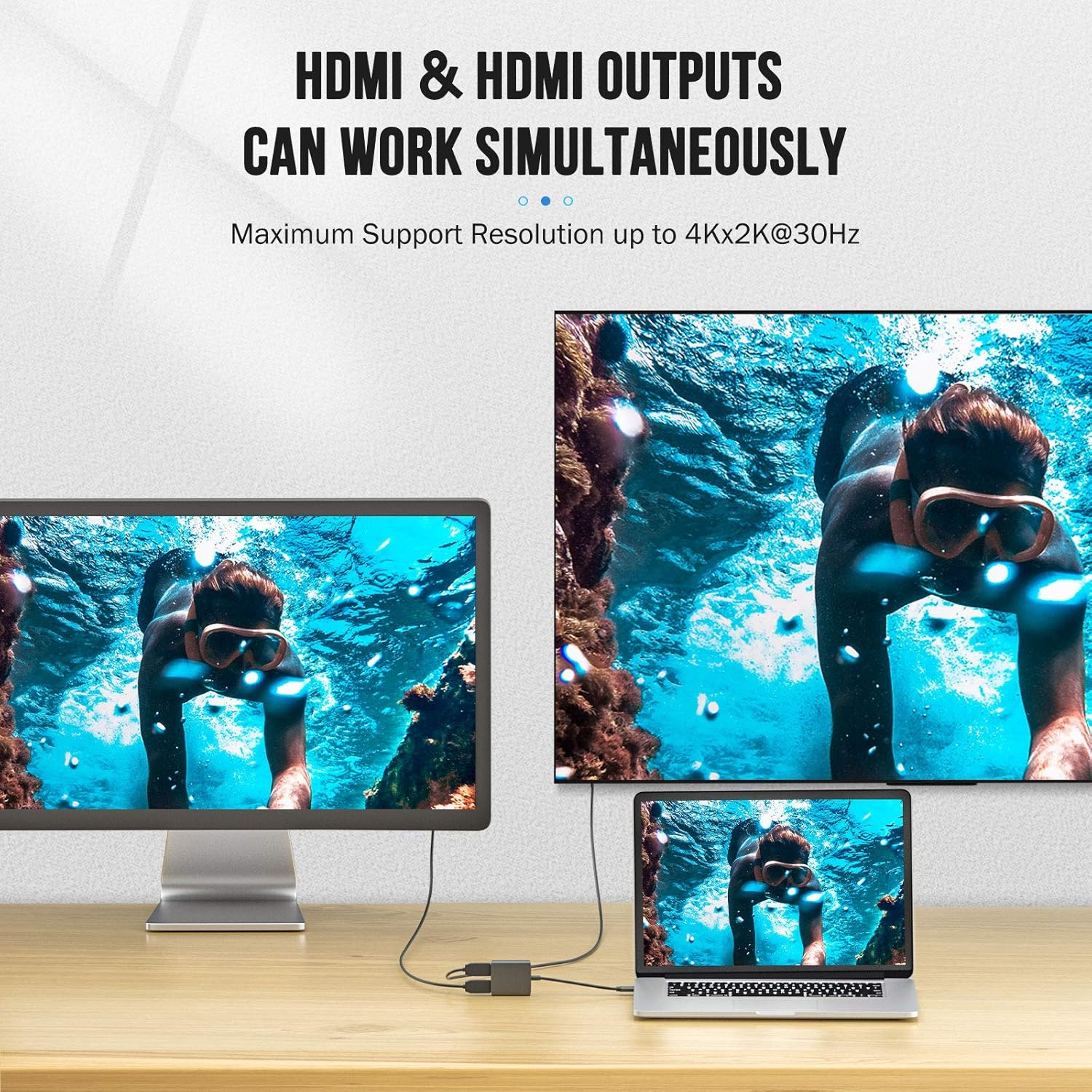
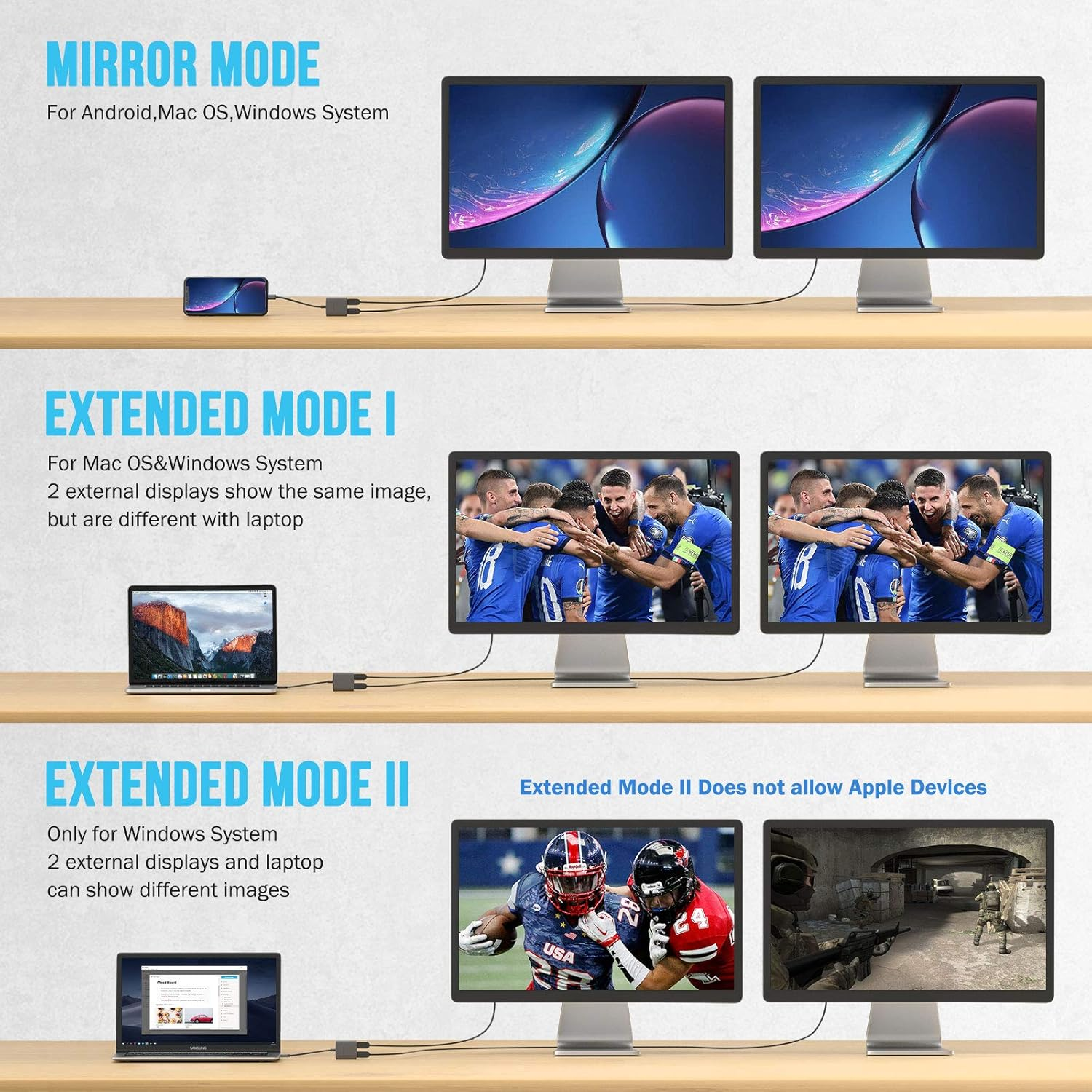
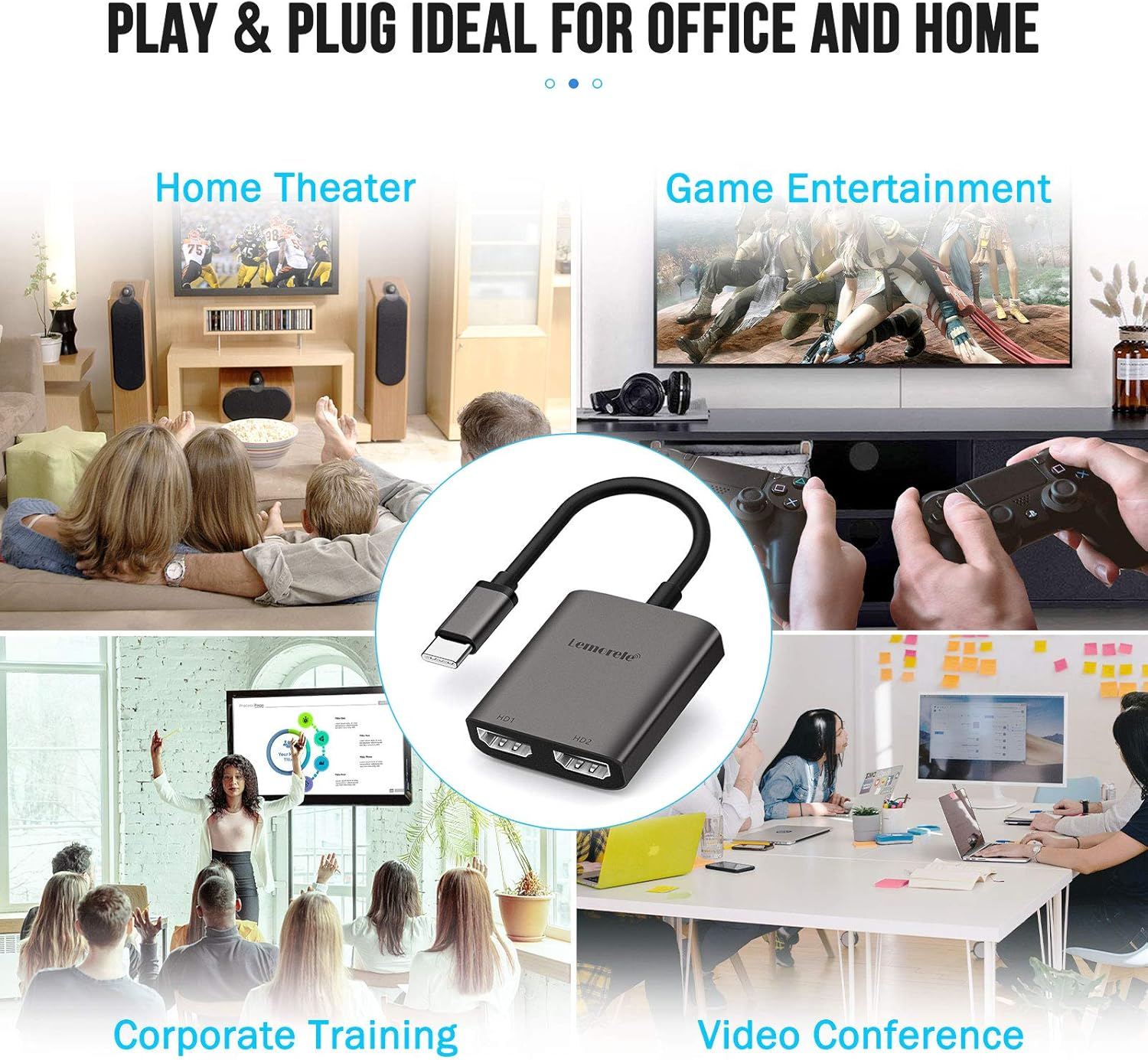
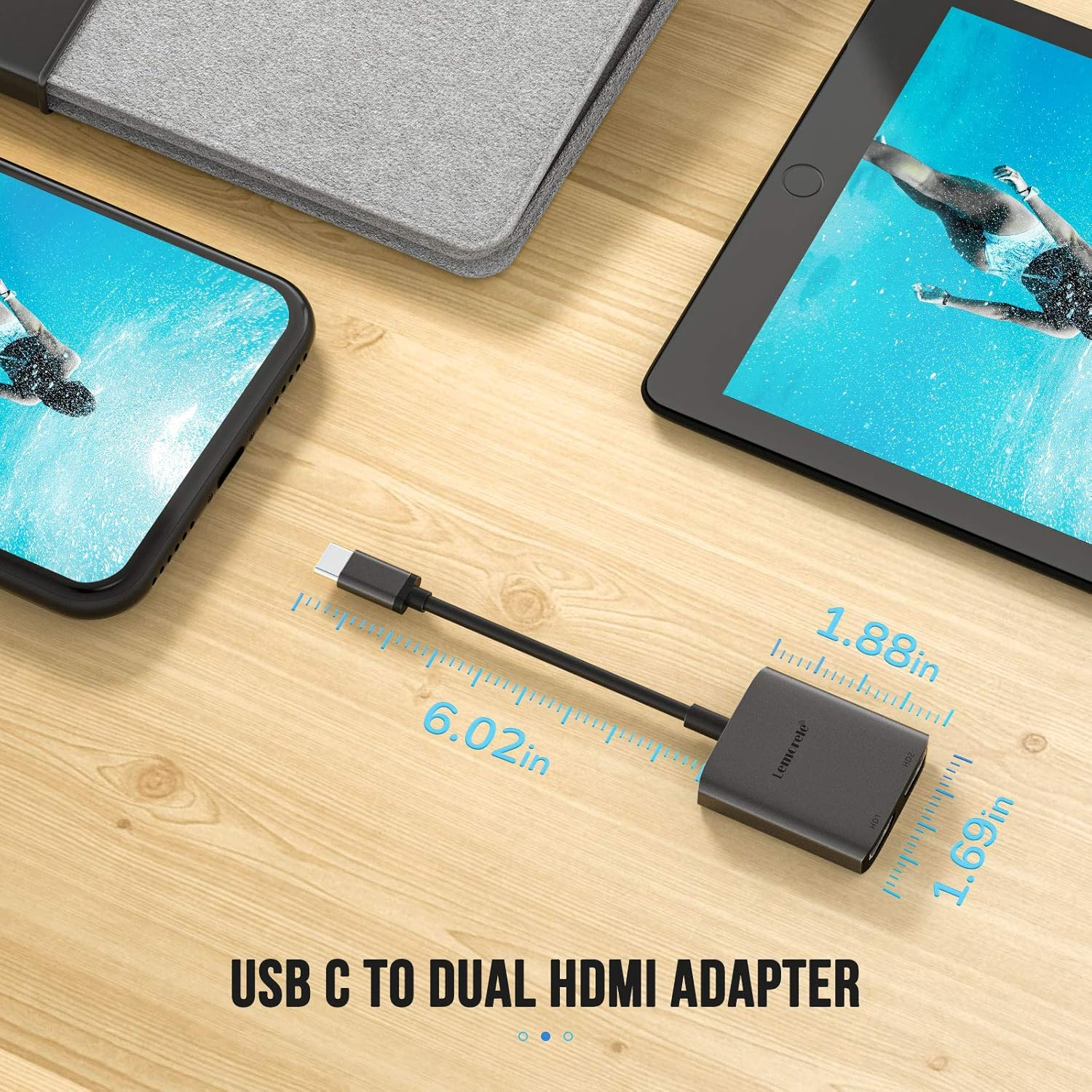
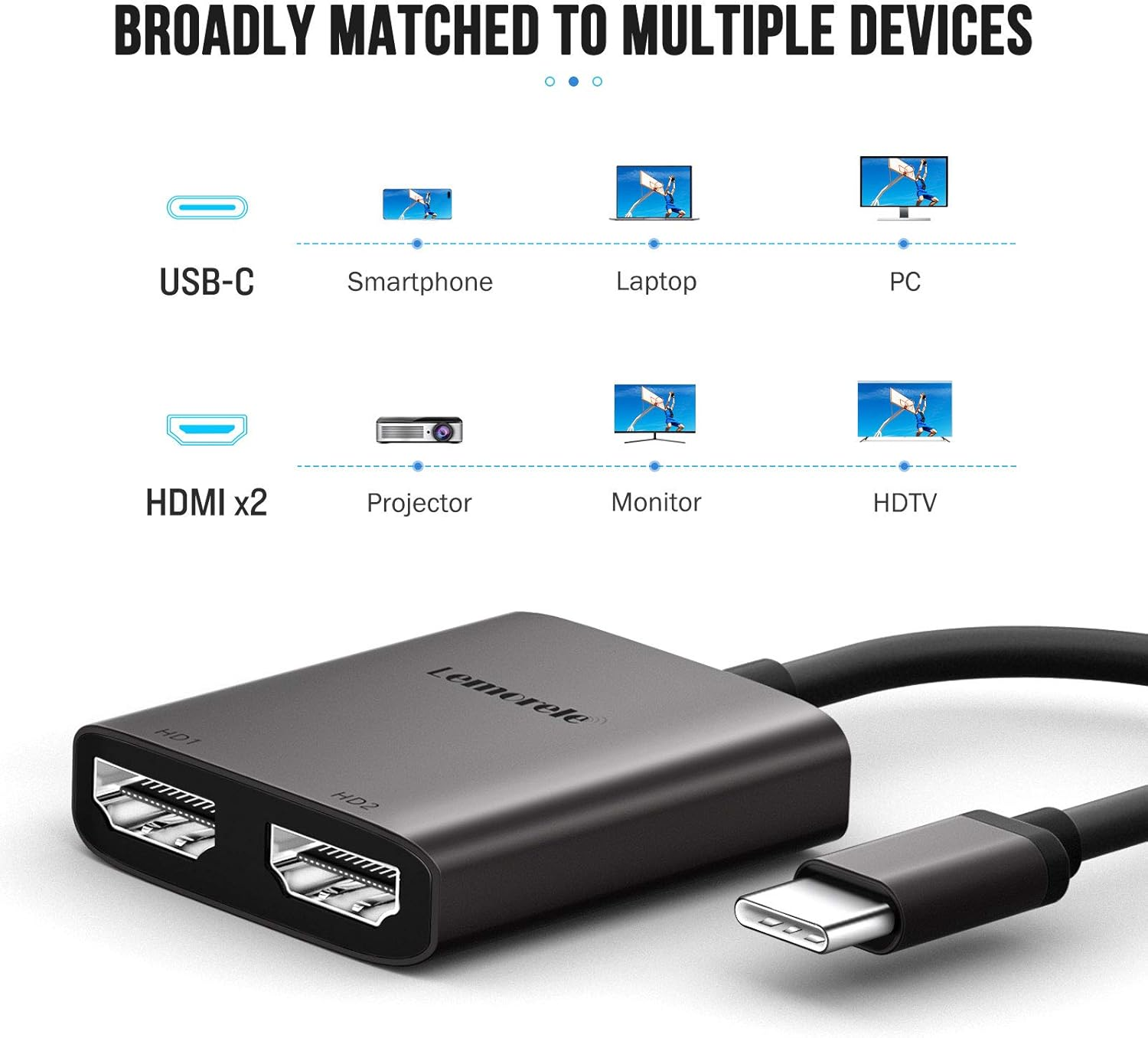
- 【2 in 1 USB-C to HDMI Adapter】Compact design USB Type-C to Dual HDMI Adapter with small size is easy to carry around in the pocket. Connect the device with USB Type C port to two external monitors with 4K HDMI output; The PVC cable provides you with better signal performance and is perfect for home theater, office, presentation, teaching, etc. (Attention: On Mac devices, CAN NOT extend two different screen, ONLY Mirror Screens due to Mac OS limitation, but on Windows devices,it can)
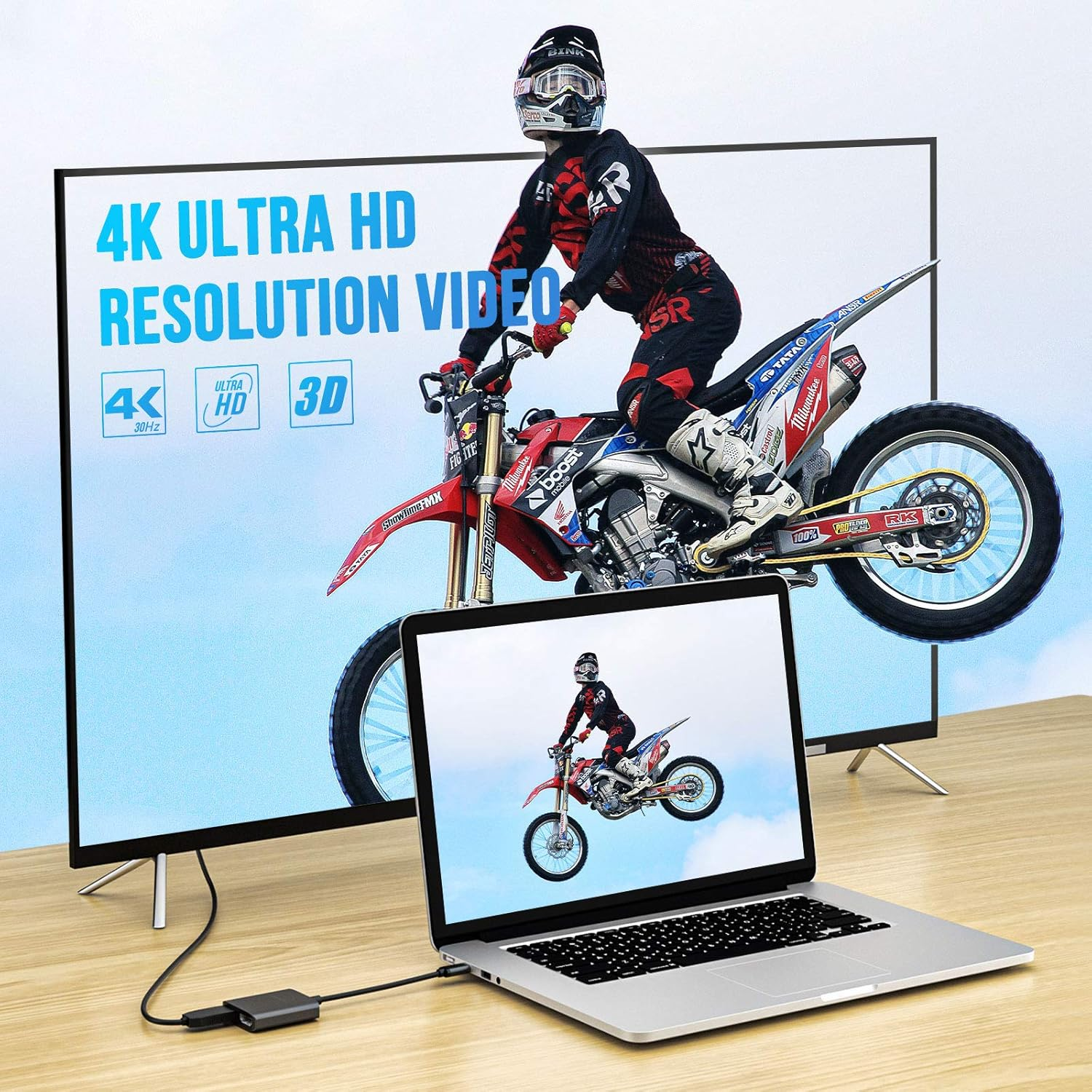
- 【4K Max Resolution Adapter】2 in 1 USB C to HDMI adapter supports the video resolution up to 4K (3840X2160P/30HZ) and provides vivid video, ultra HD and clearer picture and better view without any shaking.Windows OS supports both SST and MST mode; If you need 2 displays, Please Select More Active Displays.
- 【Wide Compatibility】Compatible with MacBook/MacBook Pro 2020 2019 2018 2017, MacBook Air 2020 2019 2018, Dell XPS13/Dell XPS15, Samsung Galaxy S9/S9+, etc.(Note:For Mac OS devices in mirror mode and extend mode, the image of two monitors will be the same; Please make sure the USB C Port supports video output before purchase and HDMI works well with thunderbolt 3 port devices)
- 【Plug and Play】No need any driver, Made of the aluminumthis design.Dual-monitor splitter is powered by the USB C port, means no external power cords are necessary.Please you may need to change the settings of "the default audio output device" on system preference to deliver sound before you use.
- 【What You Get】You'll receive 1* USB Type C HDMI Adapter, 1* User Manual, 12 months manufacturer's warranty and friendly customer service at any time.
Product Description
The TYPE-C model is constantly updated ... If you are not sure whether your device is compatible with the hub, please you can immediately send email to confirm. Thank you so much!
Note: Before you purchase it, please check if your laptop owns a USB Type-c Thunderbolt 3 port and support DisplayPort Alternate Mode or video output.
Lemorele USB C Adapter Docking Station Compatible With Computer And Model:
Compatible with Apple: Macbook 12 inch, Macbook Pro 2016/2017/2018/2019, Macbook Air 2018/2019/2020, iPad Pro 2018/2020
Compatible with Asus: Ling Yao 3, Ling Yao 3PRO, Ling Yao X series, ROG series, U4100ROG, U5100UQ series
Compatible with Dell: XPS13, XPS15, G3 / G5 / G7 series, Lingyue 5000/7000
Compatible with Lenovo: Saviour Y7000/Y7000P/Y9000K, YOGA6 Pro, ThinkPad X1 Carbon/Yoga
Compatible with Microsoft: Surface Book2, Surface Go
Compatible with HP: EliteBook Folio G1, EliteBook 1050 G1, Shadow Elf 4 Pro
Compatible with Google: Google PixelBook
Compatible with Xiaomi:Air 12.5/13.3 inch, Pro 15
Compatible with Honor:MagicBook Pro, MagicBook
Compatible with Razer: Spirit Blade/Spirit Blade Stealth Edition
Supports Windows Full Range, Linux, Vista
Compatible with mobile phone:
Compatible with Huawei:P40,P40 Pro,Mate 30,Mate30 Pro,Mate10, Mate10 Pro,P20,P20 Pro,Mate20,Mate 20 Pro,Mate 20 X, Honor V20/Note10
Compatible with Samsung: S8 / S8 +, S9 / S9 +, S10 / S10 +, Note9
Compatible with OPPO: R17 Pro
HDMI effects: Cinema-like video experience
Supports resolution up to 4K @ 60Hz when using HDMI only
To enjoy the 4K HD view, please use the HDMI 1.4 or higher cable
The 4K resolution requires a 4K source, an HDMI cable, and an output display
Connect to your new USB C phones
support for the new USB c phone with video out function. Such as Samsung galaxy s8 s9, LG G5, LG V20, HTC 10, etc.
In addition, you can enjoy your game time and watch ultra-high-definition video streams, etc.
Superior design
Small Size: not bulky, easy to put it into the pocket, and bring around to
parties/speeches/activities.
The ultra-thin and compact design and the light and thin texture of about 28g ensure absolute comfort for you.
Support Mac OS
Mirror Mode: A-A/AA
( 3 Screens' show the same image.)
Extend Mode: A-B/BB
( 2 monitors' show the same image.)
Please Attention: Does not support 2 external displays show different images for Apple devices in extend mode.
Support Android OS
Mirror Mode: A-A/AA( 3 Screens' show the same image.)
Extend Mode: A-B/BB/BC( 2monitors' show the same or different image.)
Split Mode
Please Attention:
For different modes, if you do not understand how to operating , we can help you
Support Android OS
Mirror Mode: A-A/AA
( 3 Screens' show the same image.)
Please Attention:
Please supply power for Samsung cellphone when setting Samsung DeX Mode
Important Noted
For Mac OS it supports Mirror mode (AAA) and Extends mode (ABB)
For Windows OS it supports Mirror mode (AAA), Extends mode (ABB), and Extend mode (ABC)
Please Attention:
For Apple computer, it doesn't work extend 3 different screens
Dual Video Resolution Configurations:
3840x2160@60Hz = 1 display / 3840x2160@30Hz = 2 displays / 2560x1440@60Hz = 2 displays / 1920x1080@60Hz = 2 displays
Please Noted: The final resolution of HDMI output depends on your devices, (Only when your devices support 4K resolution, the video output will be show 4K)
FAQ:
How to switch Mac device to Extend Mode?
"Setting" → "Display" → click the "mirror display" box to switch to Extend mode → then you can drag a window of website/movie to the rightest side of your desktop screen until it disappears on your desktop screen and shows up on the external monitor screen
( Important Note: On Mac devices, CAN NOT extend two different screen, ONLY Mirror Screens due to Mac OS limitation)
How to connect Extend Mode for Windows OS?
Right-click desktop→ select Intel display Settings → pop-up Settings screen select display→ select multi-screen display→ expand the desktop
(If the display 3 is not displayed, please to manually select the display→click to apply to confirm can set OK)
If one the display does not display, How to do?
Right-click desktop > Graphics Settings > Select One or More Active Displays
Friendly tips:
Different system settings have different operations, If you are not clear how to operate, please feel free to send an email to us, we can gladly help you;
Not Support Apple devices to output two different split screens, including MacBook Air / Pro, iMac, etc
- Item Model Number: TC21
- Country/Region of origin: China
- Batteries Required: No
- Brand: Lemorele
- Compatible Devices: Cellular Phones
- Item Weight: 50 g
- Number of Ports: 2
- Model: TC21
- Product dimensions: 4.8 x 1.1 x 4.3 cm; 50 Grams
- Style Name: TC21
- Manufacturer: Lemorele
A$25.00
Shipping to Australia
Delivery time varies by location
Return & Refund Policy
Check our return & refund policy
Security & Privacy
Safe payments: We do not share your personal details
Availability:
-
This item is currently not available
Sign in
or create an eMega account
Shop smarter — get exclusive deals & order tracking