Free Shipping – Store Wide
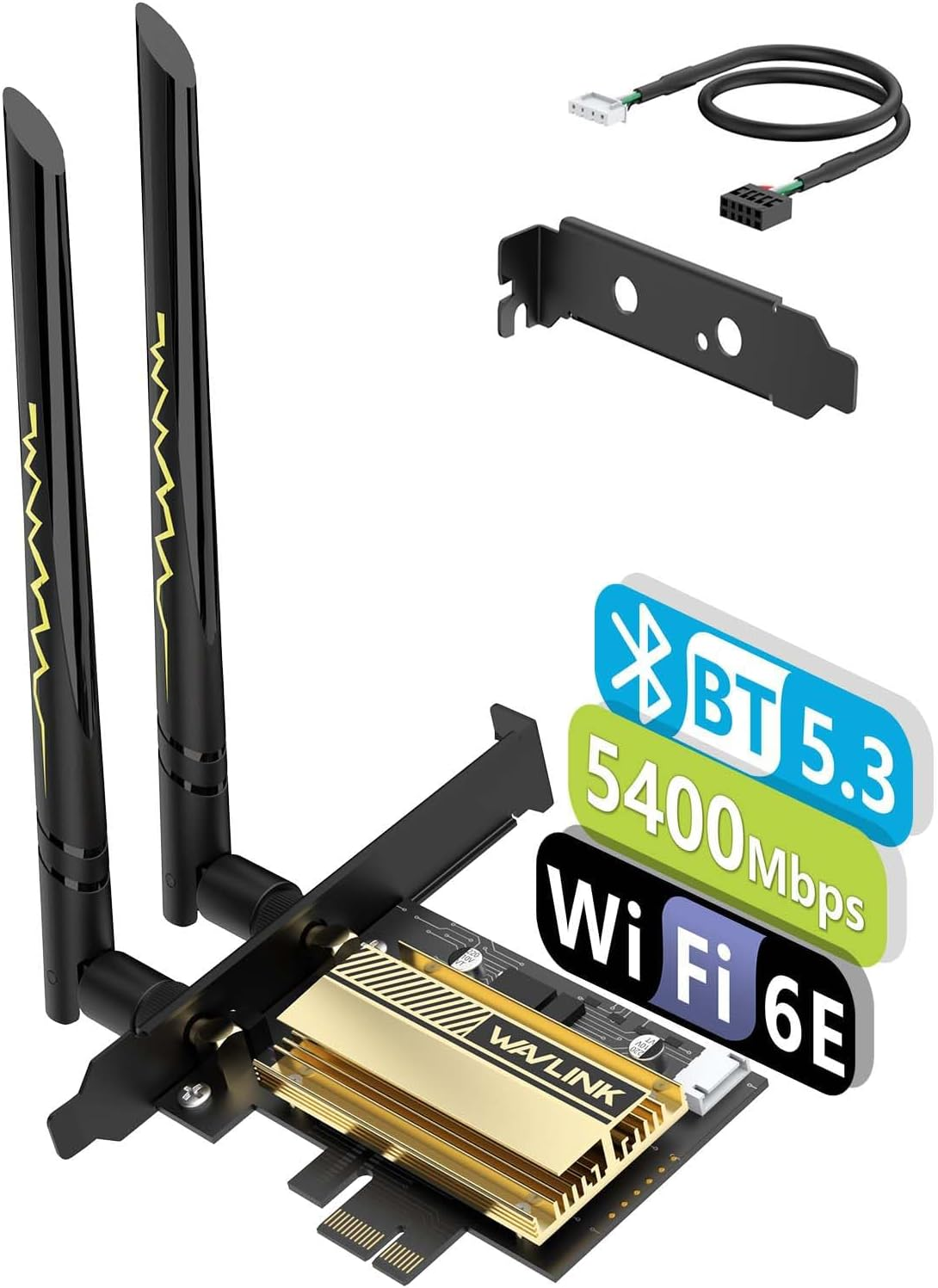
WAVLINK Wifi 6E Pcie AX5400M Wifi Card, Network Card Tri-Band AX210 Wireless Adapter with Bluetooth 5.3, MU-MIMO, WPA3, OFDMA, Low-Profile Bracket, Heat Sink for Windows 11/10
WAVLINK Wifi 6E Pcie AX5400M Wifi Card, Network Card Tri-Band AX210 Wireless Adapter with Bluetooth 5.3, MU-MIMO, WPA3, OFDMA, Low-Profile Bracket, Heat Sink for Windows 11/10
Brand: WAVLINK
A$46.10
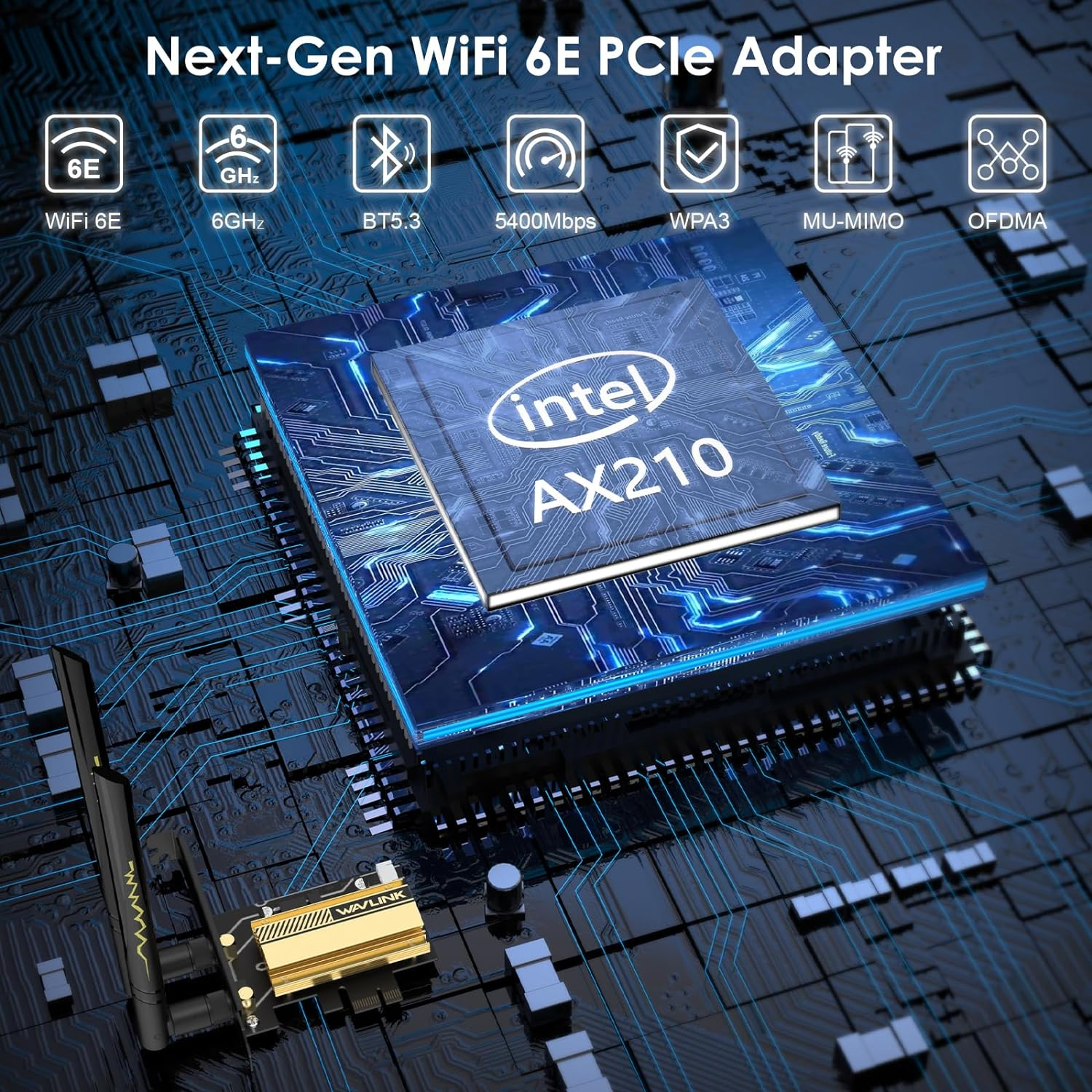
- 【Upgrade WiFi 6E Standard】This WiFi 6E network card offers enhanced capacity and improved performance. It supports the latest 802.11ax technology, including features like OFDMA, MU-MIMO, 1024QAM, and Target Wake Time (TWT). With these advanced technologies, it provides a high-speed data rate even in dense or congested environments. Whether you're streaming, downloading, or gaming, this network card ensures an incredibly fast connection with ultra-low latency, delivering an exceptional gaming experience.
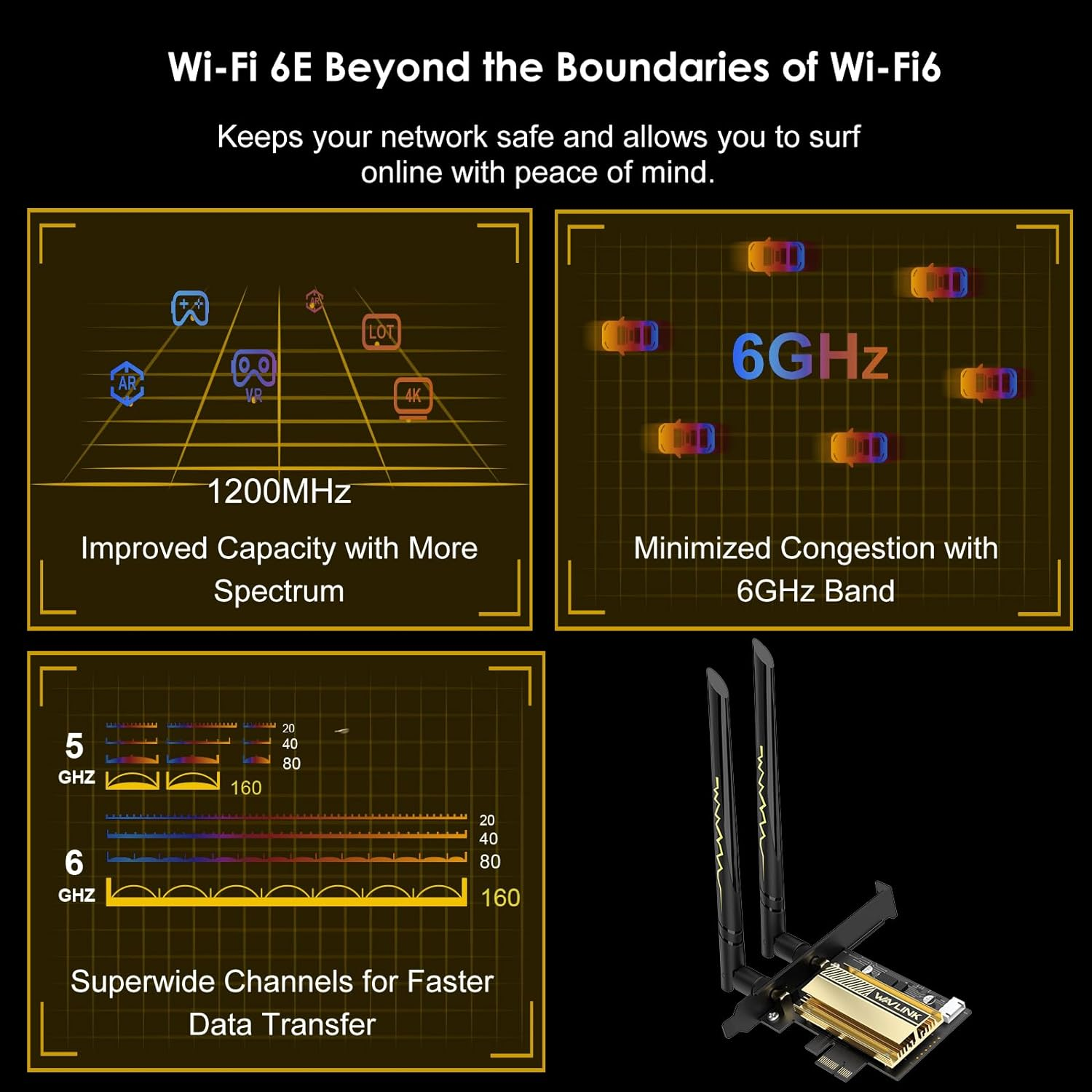
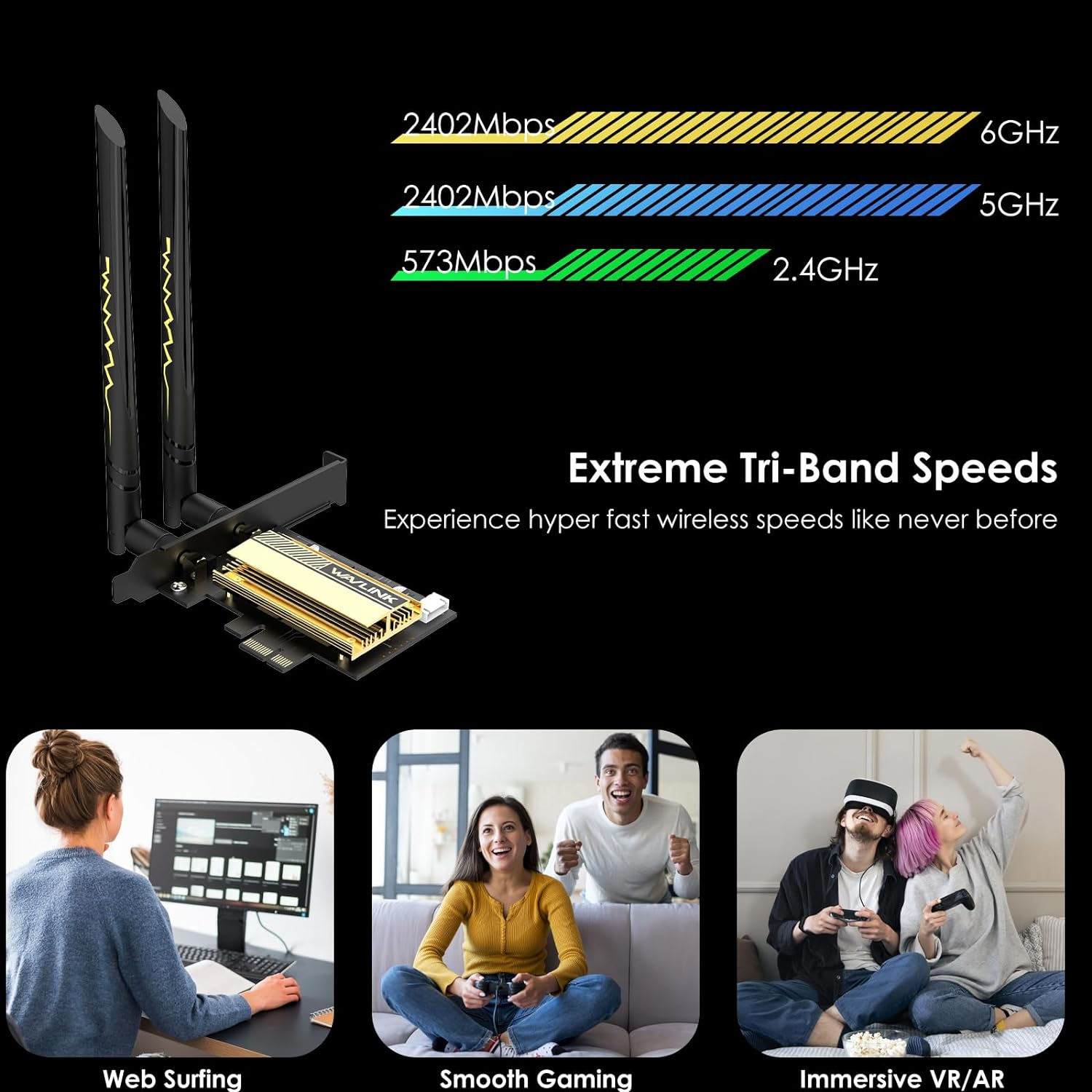
- 【Lag-Free Connection】The Intel AX210 chipset takes your WiFi to the next level by extending it into the 6GHz band. This tri-band capability enables maximum speeds of up to 574Mbps on 2.4GHz, 2400Mbps on 5GHz, and another 2400Mbps on 6GHz. The 2.4GHz band is suitable for long-range transmission, while the 5GHz band is perfect for gaming and streaming in 4K resolution. The 6GHz band provides an ideal environment for ultra-smooth and real-time gaming, as well as an immersive VR experience.
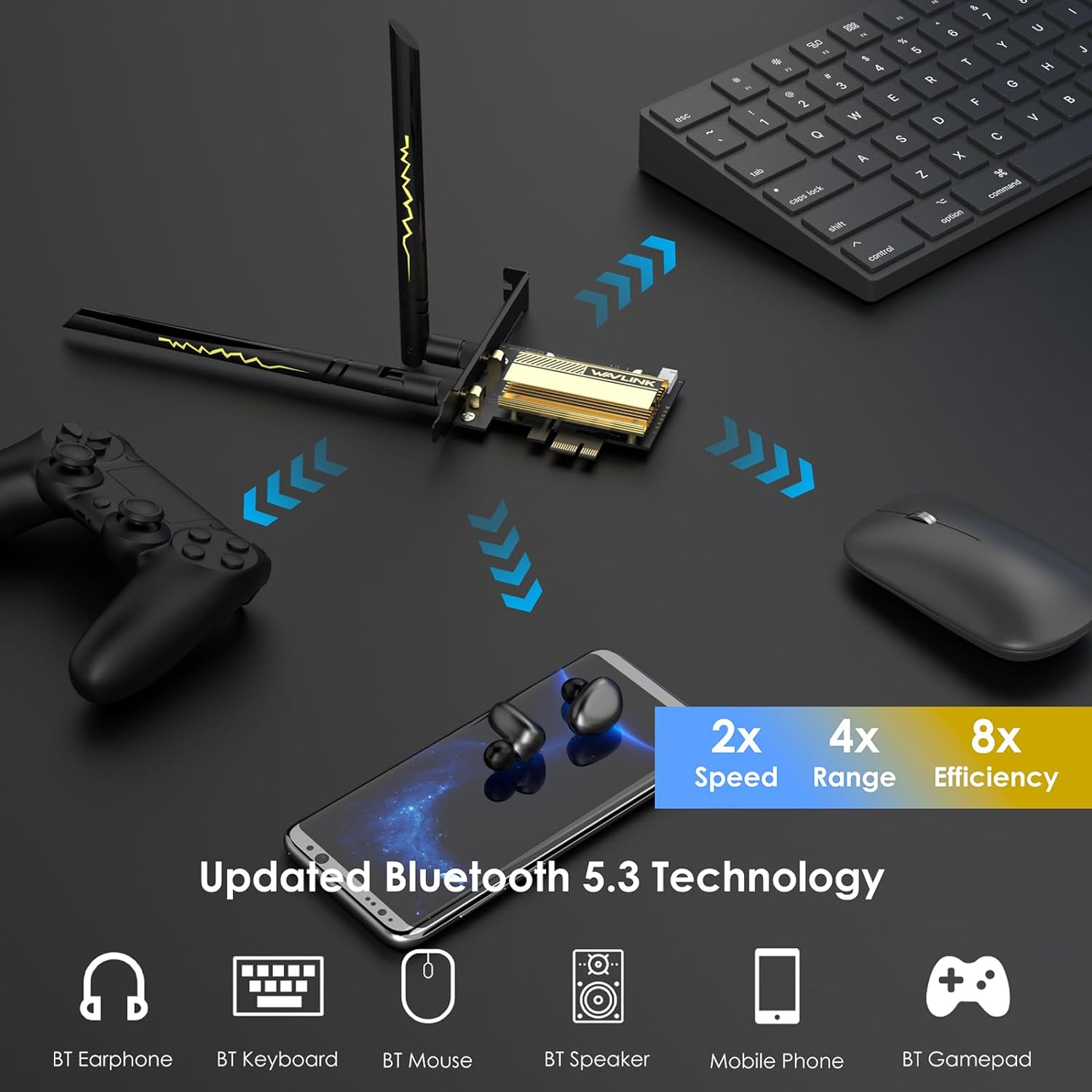
- 【Bluetooth 5.3 & WPA3 Security】The latest BT5.3 technology revolutionizes your wireless data connection between your computer and Bluetooth-enabled devices. With 2x faster transmission speeds and a 4x greater range, you can experience seamless connectivity and enhanced performance. Additionally, the advanced WPA3 security protocol ensures robust protection against hackers and malware, providing a secure network environment.
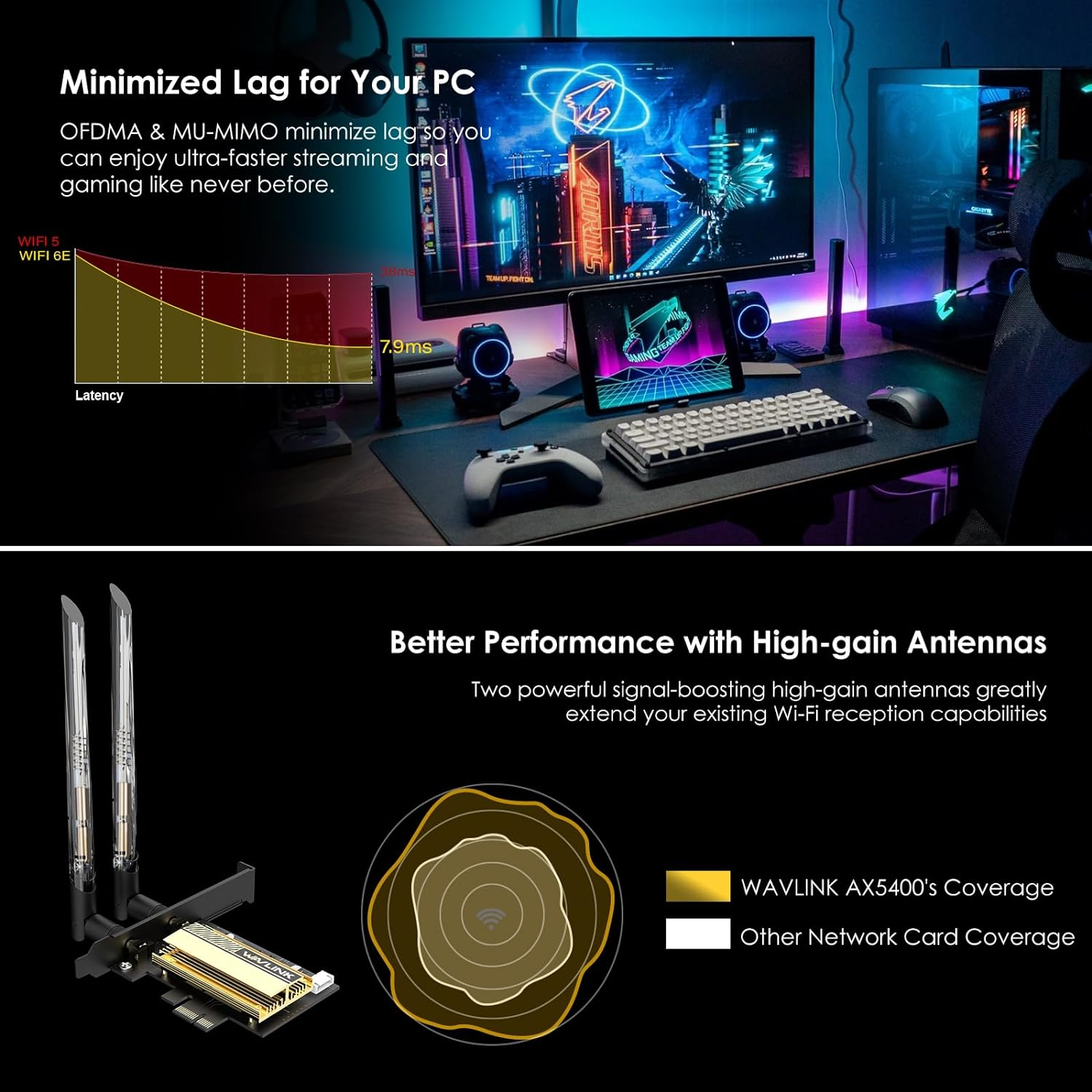
- 【Faster, Smoother and Broader】Two external 5dBi antennas ensure strong signal reception and transmission, greatly increasing network coverage for a smoother online experience. 1024-QAM and a 160MHz bandwidth deliver powerful, continuous Wi-Fi signal, achieving speeds 3× faster than standard AC Wi-Fi. With the advanced OFDMA technology, lag is reduced by up to 75%, just say goodbye to buffering and delays, and enjoy unparalleled speed and responsiveness with this exceptional Wi-Fi solution.
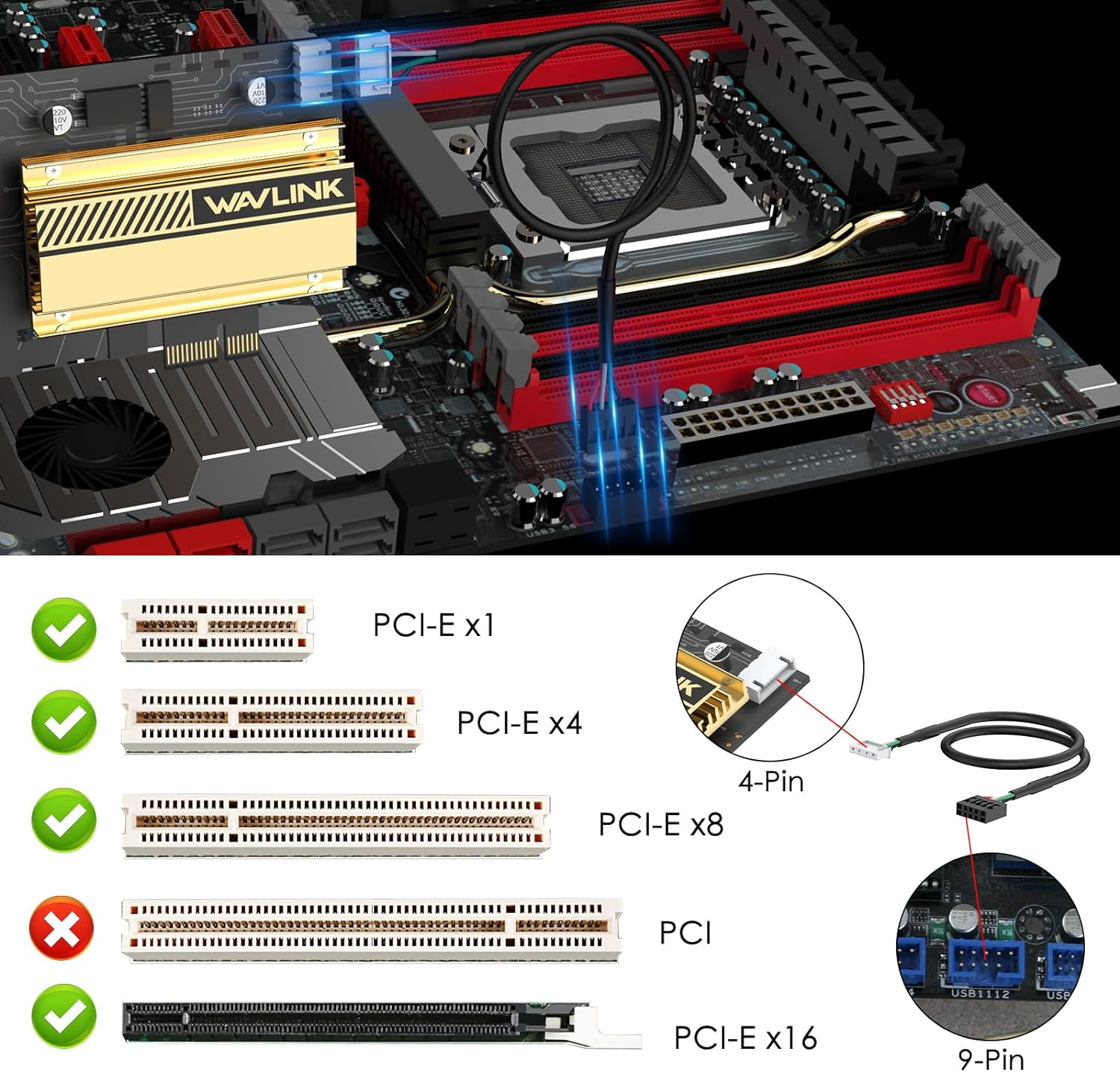
- 【Compatiblity & Warranty】Compatible with Windows 10/11, Linux for desktop PC, you can get the driver from our website. Works with PCIe X1/X4/X8/X16 slots( Not for PCI slot). We provide 12-month worry free warranty and life-long technical support, just feel free to contact us if you have any problem.
Product Description
WAVLINK Wi-Fi 6E AX5400 PCIe Tri-band WiFi Adapter for Desktop PC
The video showcases the product in use.The video guides you through product setup.The video compares multiple products.The video shows the product being unpacked.
-
Advanced Heat Sink
Better Stability
The intel ax210 networking card is equipped with an advanced heat sink that effectively dissipates the heat generated by the adapter. This feature not only enhances performance and stability but also contributes to extending the lifespan of the adapter.
-
Latest Bluetooth 5.3
Higher Performance
- Lower power consumption
- Lower latency
- Further Distance
Solve the problem of a poor signal by achieving 2x quicker speeds and 4x greater coverage than BT4.2. Coordinate your game controllers, headphones, and keyboards with the latest Bluetooth standard.
-
Low Profile and Standard Bracket provided
Dual Brackets
In addition to the standard bracket, a low-profile bracket is also provided for mini tower computer cases.
FQA
What should I do if the wifi card could not work after I install it on my motherboard?
1. Please confirm the wifi card should be installed firmly. 2. Try to install the wavlink device at another pcie slot.
3. Try to disable the active state power management in the bios.
4. Try to install the driver manually from the wavlink website. 5. Try to upgrade the bios.
To install the wavlink device successfully on the motherboard,are there anything to note?
1. Please make sure should be at least one spare pcie slot,otherwise the pcie card could not be installed.
2. The gpu card might block the near by pice slot,if possible,please try to use the pice extension cable to install the wavlink device if the pcie slot is blocked by the gpu.
What should I do if the bluetooth could work well but the wifi could not work as expected?
1. Please try to install the driver from our website manually.
2. Try to upgrade the bios from the website of the motherboard.
- Item Model Number: WN675X3-C
- Part Number: WN675X3-C
- Data Transfer Rate: 5400 Megabits Per Second
- Operating System: Windows 10/11, Linux for desktop PC
- Data Link Protocol: Bluetooth, WiFi 6E
- Batteries Included: No
- Batteries Required: No
- Brand: WAVLINK
- Compatible Devices: Desktop
- Item Weight: 350 g
- Model: WN675X3-C
- Hardware Interface: Bluetooth 5, PCIE x 1, PCIE x 16, PCIE x 4, PCIE x 8
- Package Dimensions: 22.1 x 13.8 x 2.6 cm; 350 Grams
- Manufacturer: WAVLINK
A$46.10
Shipping to Australia
Delivery time varies by location
Return & Refund Policy
Check our return & refund policy
Security & Privacy
Safe payments: We do not share your personal details
Availability:
-
In Stock
Sign in
or create an eMega account
Shop smarter — get exclusive deals & order tracking