Free Shipping – Store Wide
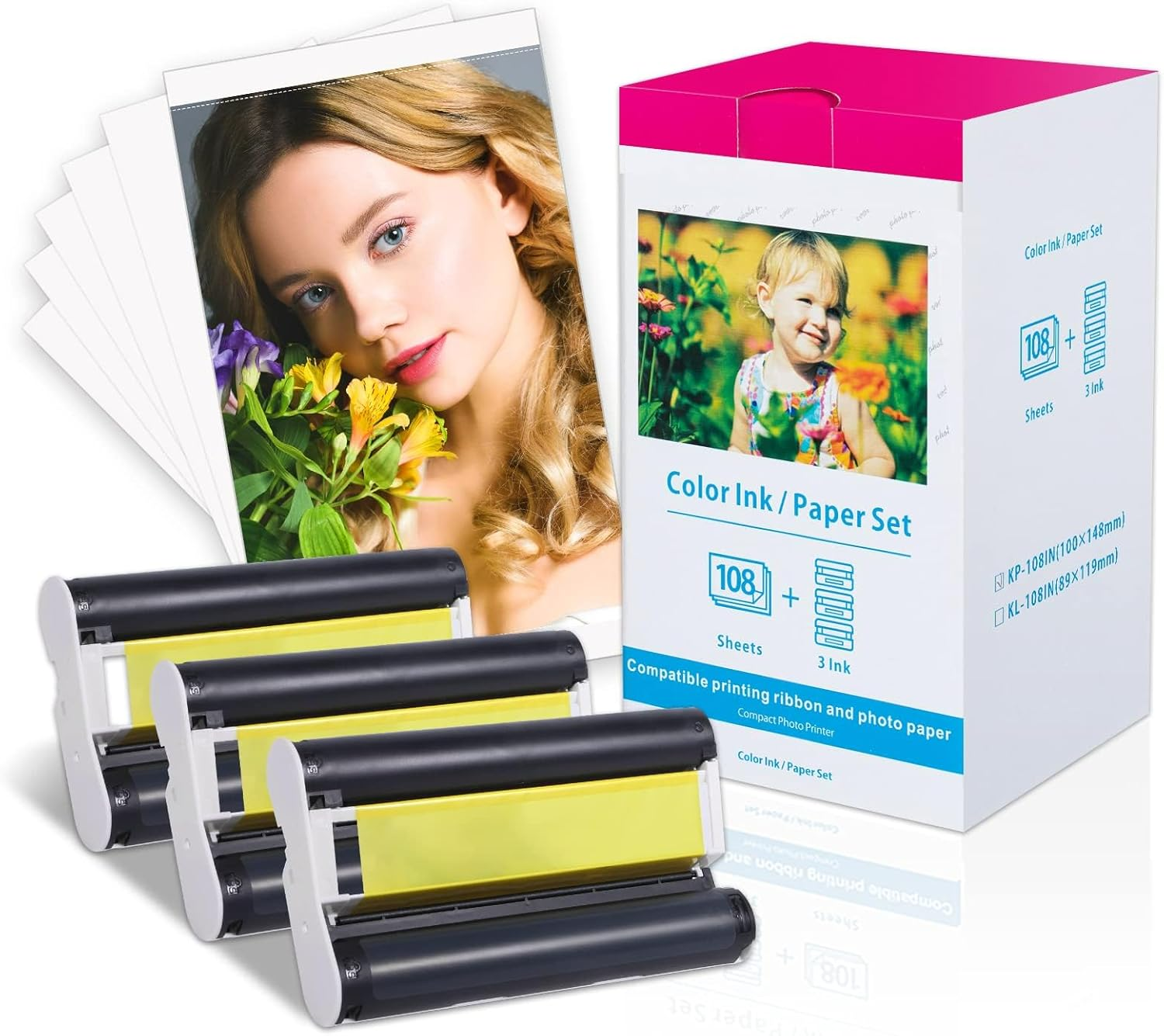
Compatible for Canon Selphy CP1300 Ink and Paper KP-108IN Color Ink and Paper Set for Selphy CP1500 CP1200 CP910 CP900 CP760 CP770 CP780 CP800, 3 Color Ink Cassette and 108 Sheets 4X6 Photo Paper
Compatible for Canon Selphy CP1300 Ink and Paper KP-108IN Color Ink and Paper Set for Selphy CP1500 CP1200 CP910 CP900 CP760 CP770 CP780 CP800, 3 Color Ink Cassette and 108 Sheets 4X6 Photo Paper
Brand: Labelife
A$65.10
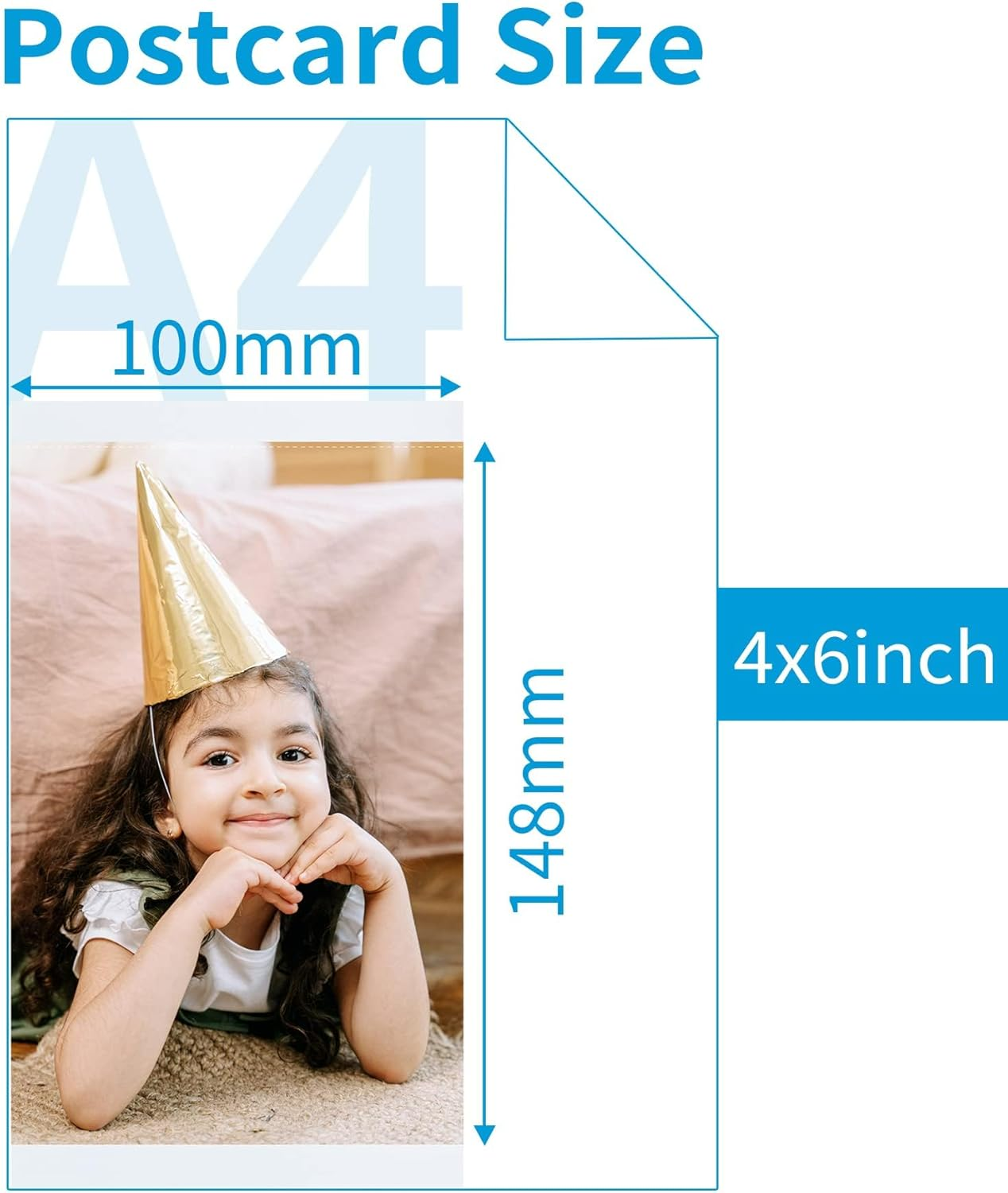
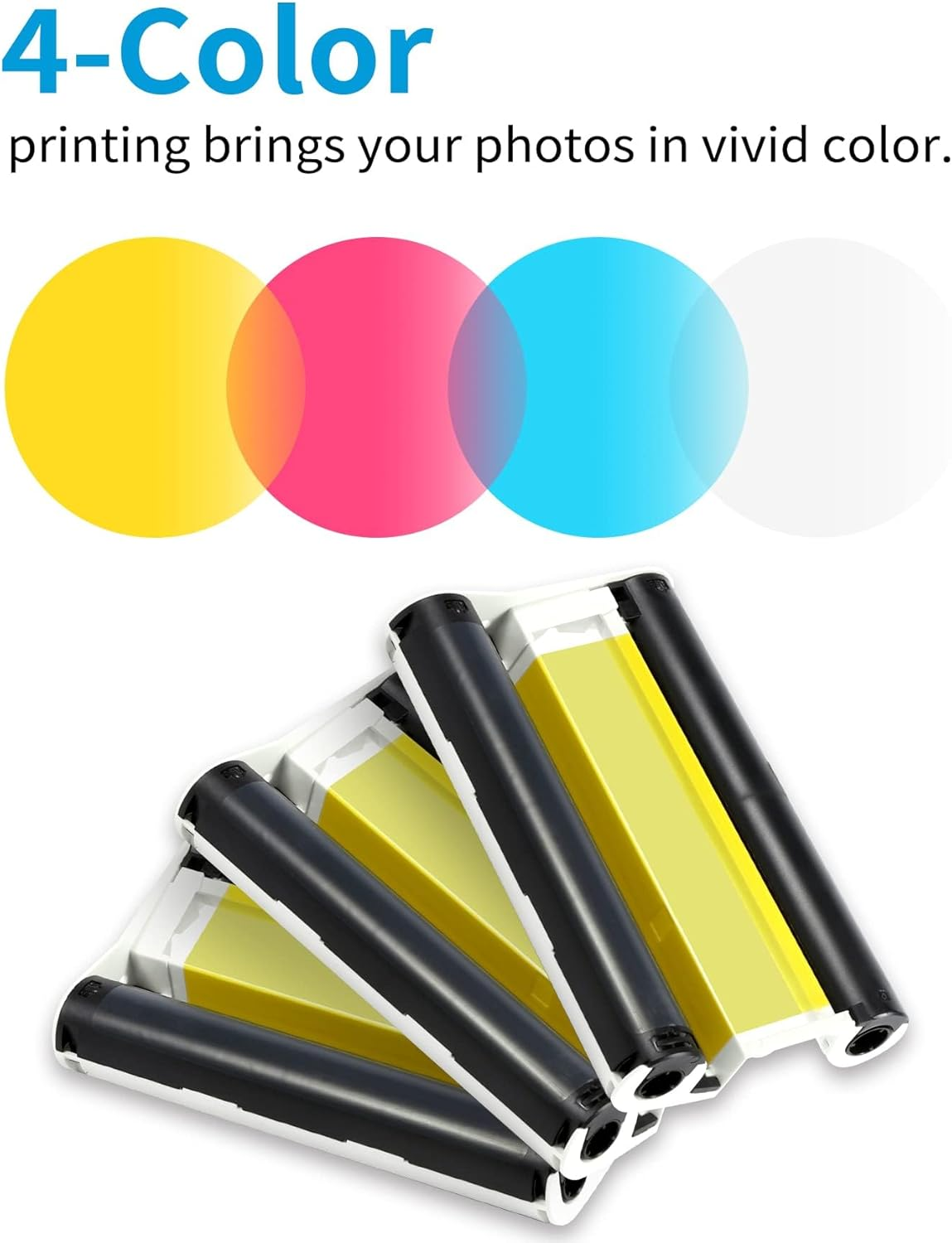
- Package included--High quality Selphy Ink and paper 4x6 glossy photo paper and ink. Includes 108 sheets of 4 inch x 6 inch photo paper and 3 ink cassettes | Postcard size: 100 x 148 mm (4 x 6 ") | MODEL: KP-108IN 3115B001 (AA)
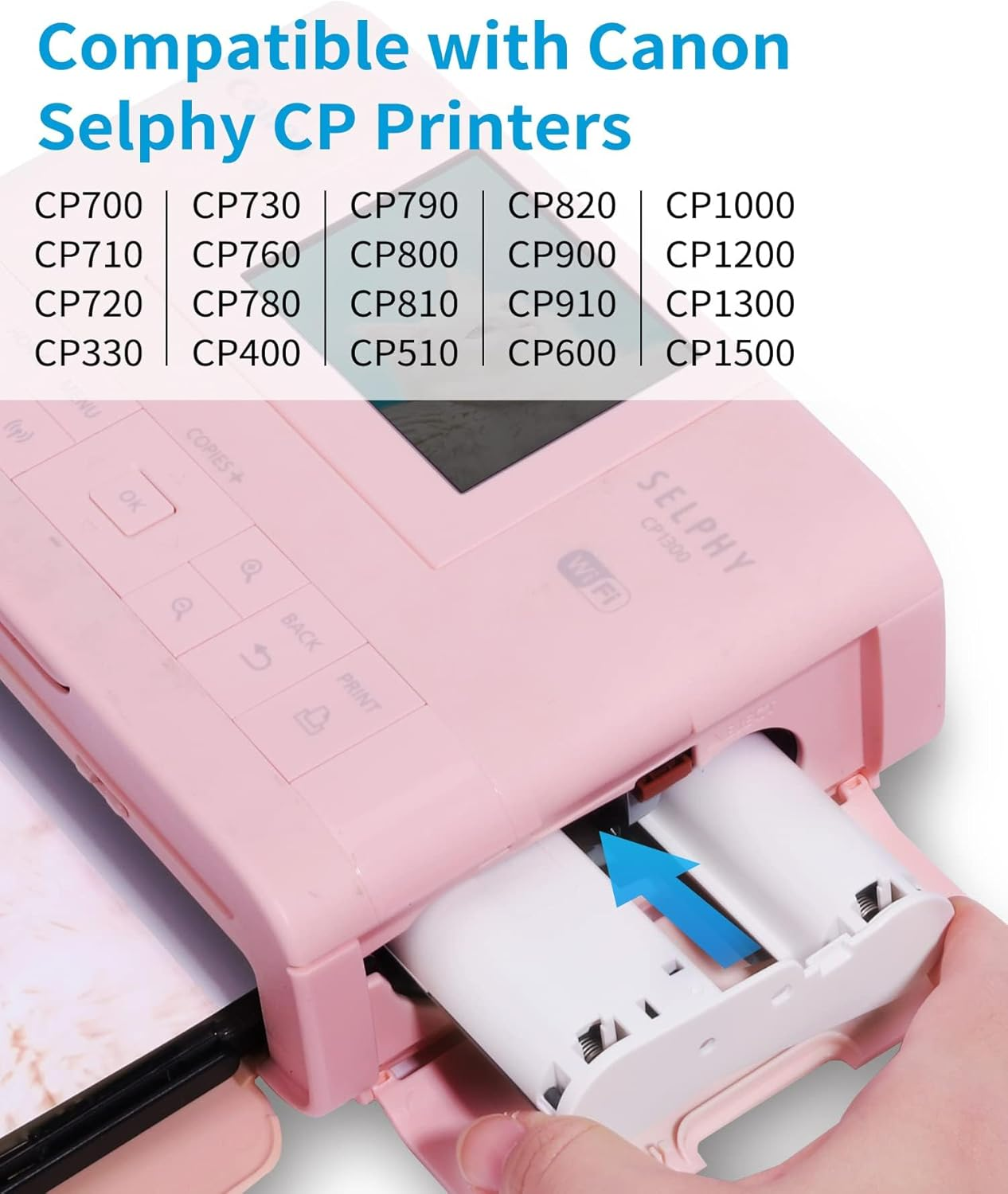
- Compatible with Canon Selphy Paper CP series--Canon Selphy CP1500 / CP1300 / CP1200 / CP910 / CP760 / CP770 / CP780 /CP800 / CP100 / CP200 / CP220 / CP300 / CP330 / CP400 / CP510 / CP600 / CP710 / CP720 / CP730 / CP740 / CP790 / CP810 / CP820 / CP900 / CP1000Wireless Compact Photo Printer
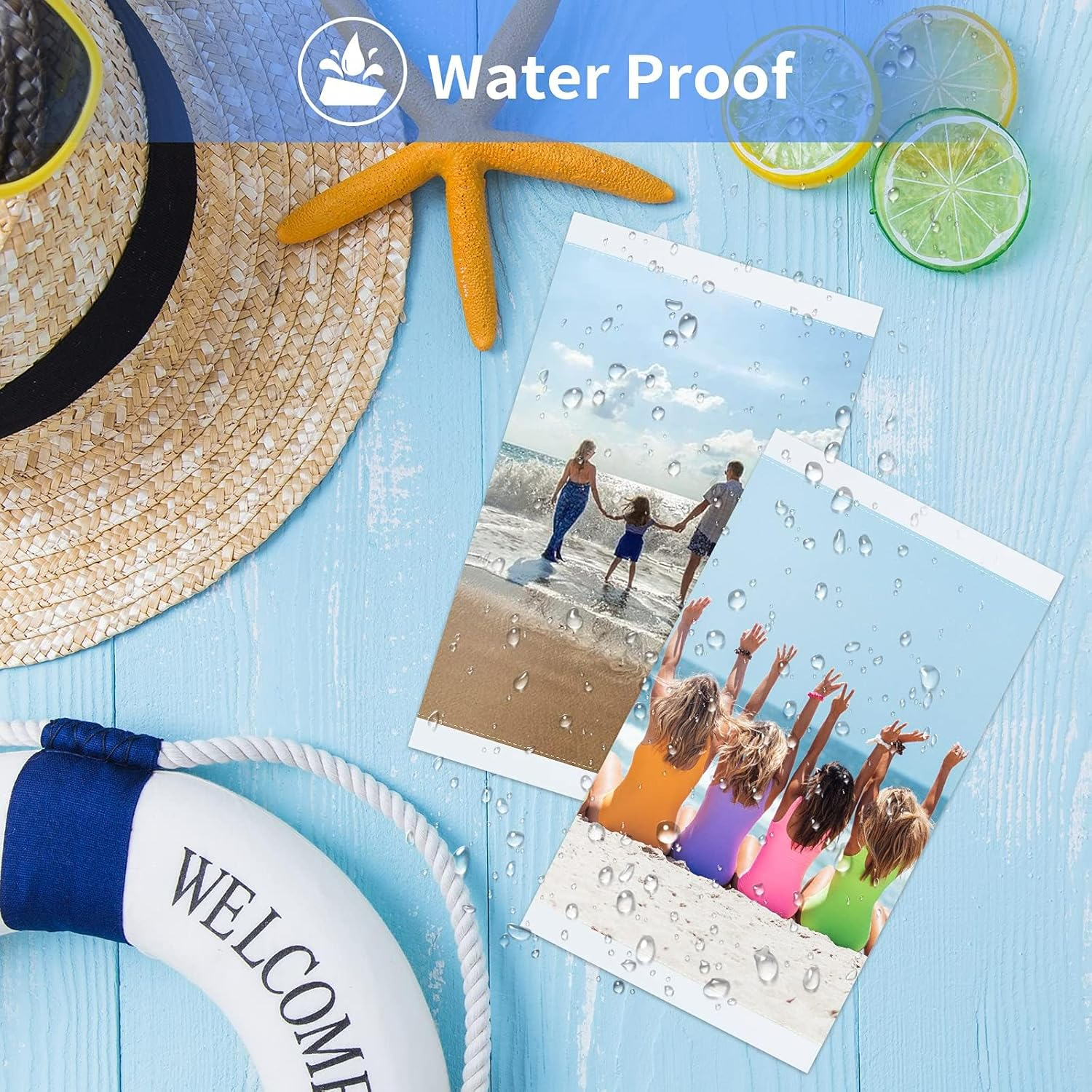
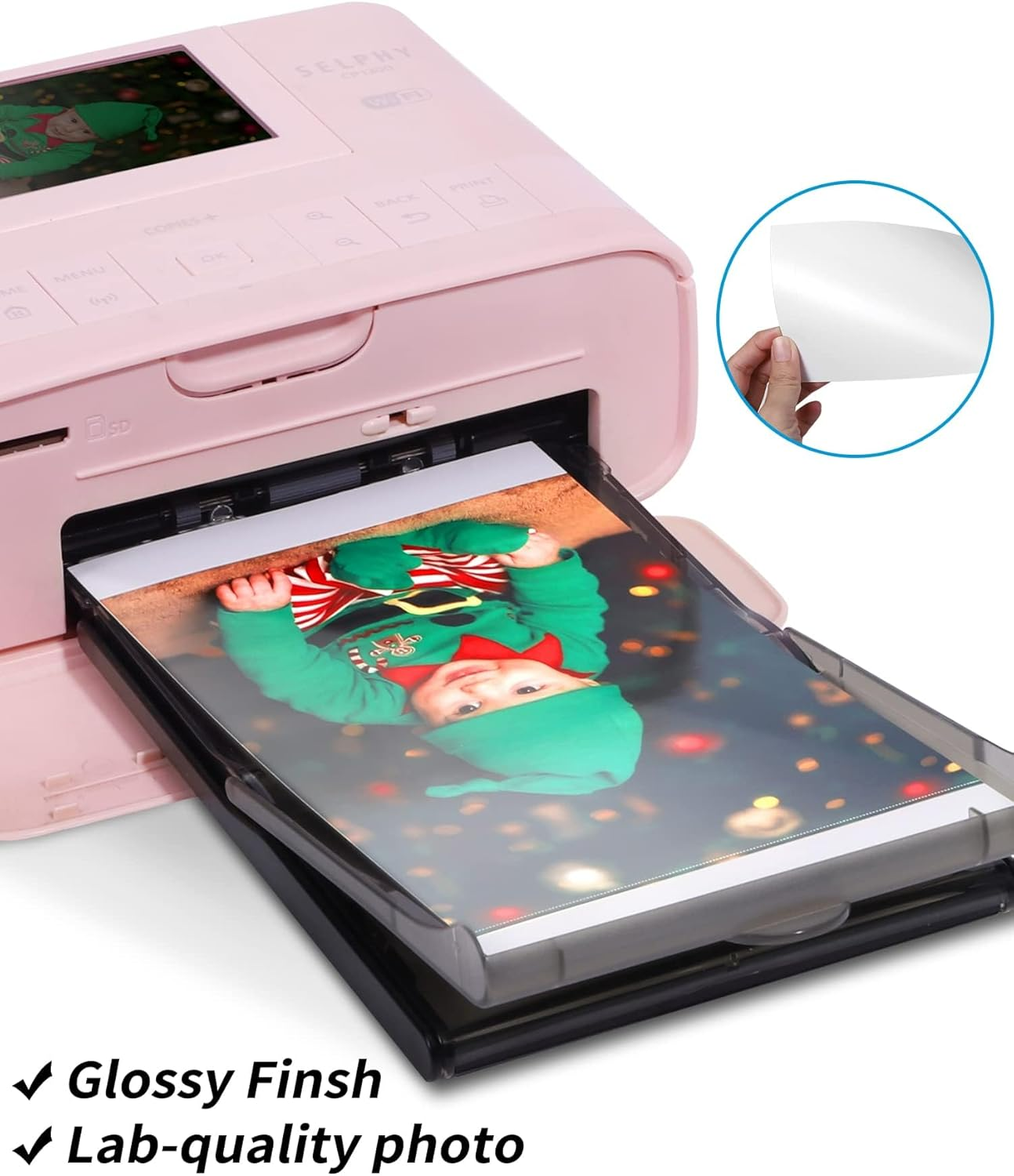
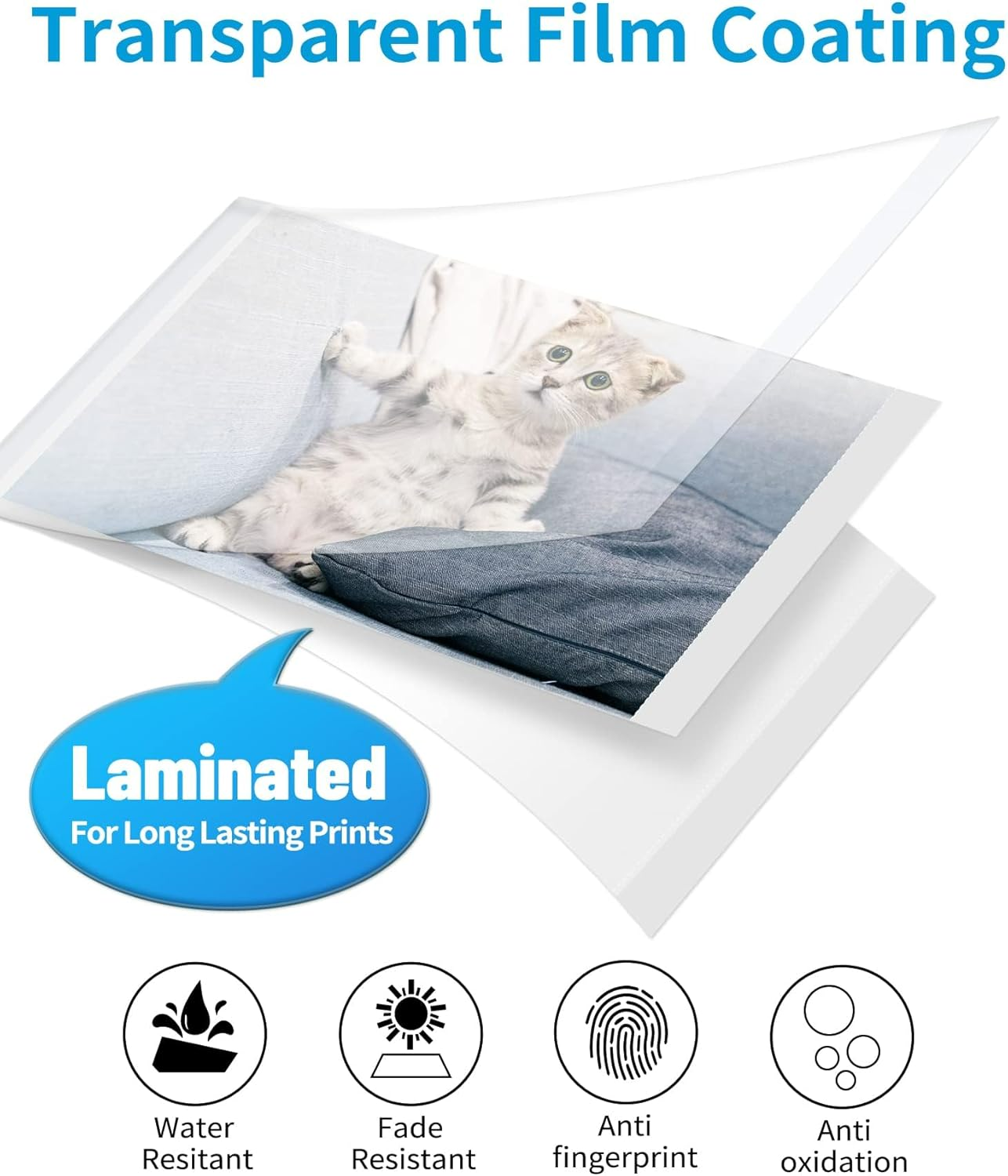
- KP-108IN Photo Paper Features--Water proof, anti fingerprint, antioxidant, scratch resistant and tear resistant. Keep for a long time and anti-fade. Printing paper with vivid pictur with the unique dye sublimation technology, printing glossy and extraordinar colourful photo, best for you to keep your good memories
- Widely used--Compatible Canon Selphy CP1300 Ink and Paper is a good choice to memorize the life. Suitable for ID photos, puzzle photos and life photos of wedding, graduation, family gatherings, holiday commemorative photos, travel and so on
- Easy to Use--Canon Selphy CP1200 Photo Paper and Ink is very easy to install.One ink cartridge can print 36 photos.(*Warm Reminder: 1. Install the cartridge after turning on the machine to save ink. 2. When putting the photo paper in the photo tray, do not touch the surface of the photo paper directly with your hands. 3. The glossy side of the photo paper faces up.)
Product Description
Kindly Note Before Using
-
Tighten ribbon film
The ink cartridge should be installed in the direction of the arrow, and it can be completed with a gentle push.
-
Hold the edges of photos
Hold the edge of photo paper and don't touch the printing surface, the grease on your fingers will melt the cartridges.
Why does the photo printer indicate that the ink cartridge is empty?
If the new ink cartridge is put in but shows that the ink cartridge is empty. It may be that the photo printer shaft head and the ink cartridge shaft doesn't install in place, please try to reinstall it.
Why do the printed photos appear ghosting?
It may be that the photo printer has been working for a long time. You can stop using the printer for a while.
Why do the printed photos have uneven spots or white lines?
If there is dust or uneven coating on the surface of photo paper, it will have an effect.
What is the reason that prompts the ink cartridge is faulty?
The ribbon of the ink cartridge is easy to loosen during transportation. If the ribbon is not tightened by rotating the axis of the ink cartridge before use, the printing will fail.
- Item Model Number: KP-108IN
- Sheet Size: 4'' x 6'' Inches
- Colour: White
- Brand: Labelife
- Manufacturer Part Number: 5LQA-KP-108IN-1PK-S
- Item Weight: 700 g
- Paper Weight: 30
- Paper Finish: Smooth
- Product dimensions: 11 x 11 x 19 cm; 700 Grams
- Manufacturer: Labelife
A$65.10
Shipping to Australia
Delivery time varies by location
Return & Refund Policy
Check our return & refund policy
Security & Privacy
Safe payments: We do not share your personal details
Availability:
-
In Stock
Sign in
or create an eMega account
Shop smarter — get exclusive deals & order tracking