Free Shipping – Store Wide
KOZYC USB C to Dual HDMI Adapter 4K@60Hz, Type C to HDMI Splitter Extended Display, Support Dual Monitors 4K 30Hz, Compatible with Macbook, Macbook Pro, Dell XPS (Only on Windows Support MST Mode)
KOZYC USB C to Dual HDMI Adapter 4K@60Hz, Type C to HDMI Splitter Extended Display, Support Dual Monitors 4K 30Hz, Compatible with Macbook, Macbook Pro, Dell XPS (Only on Windows Support MST Mode)
Brand: KOZYC
A$27.30
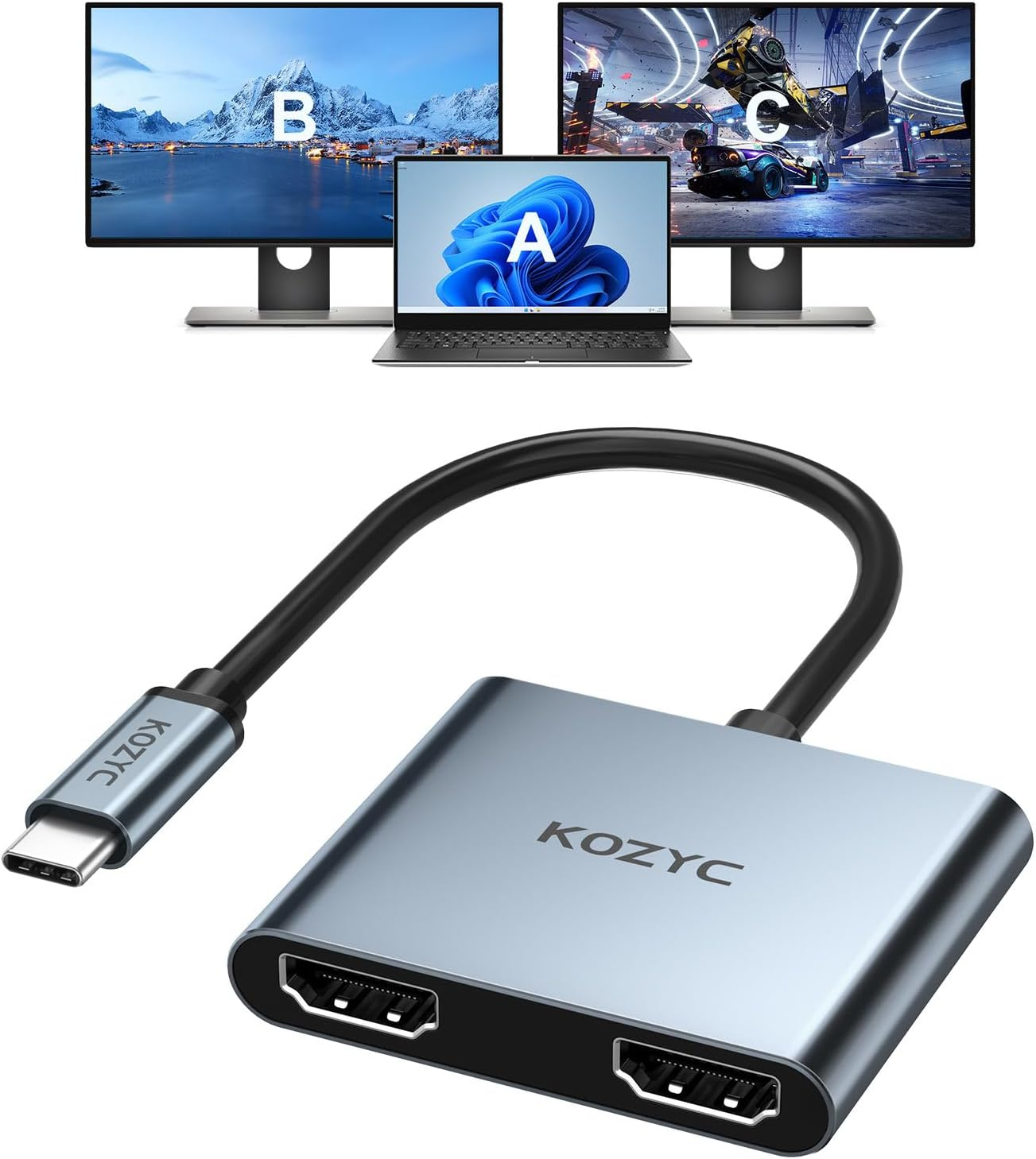
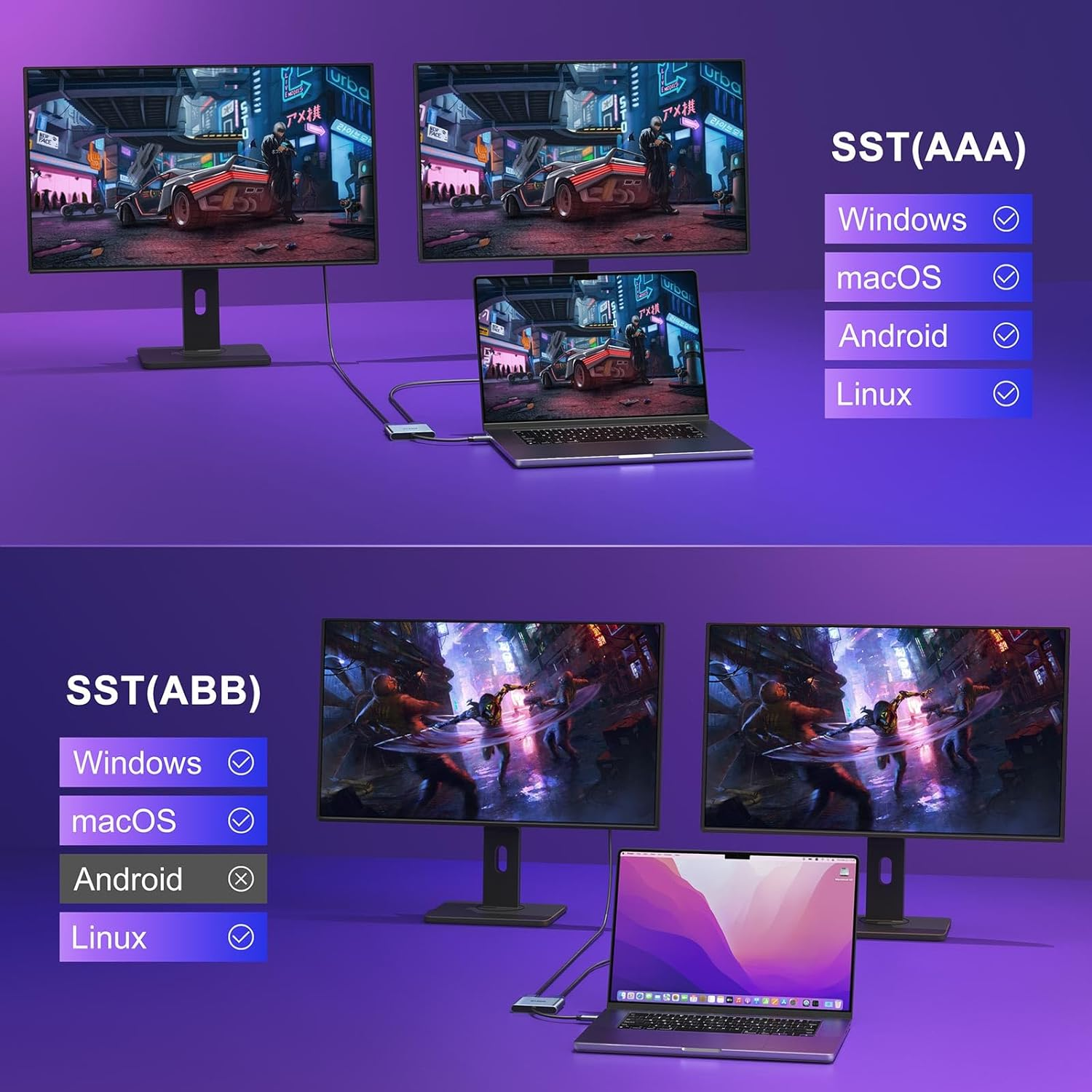
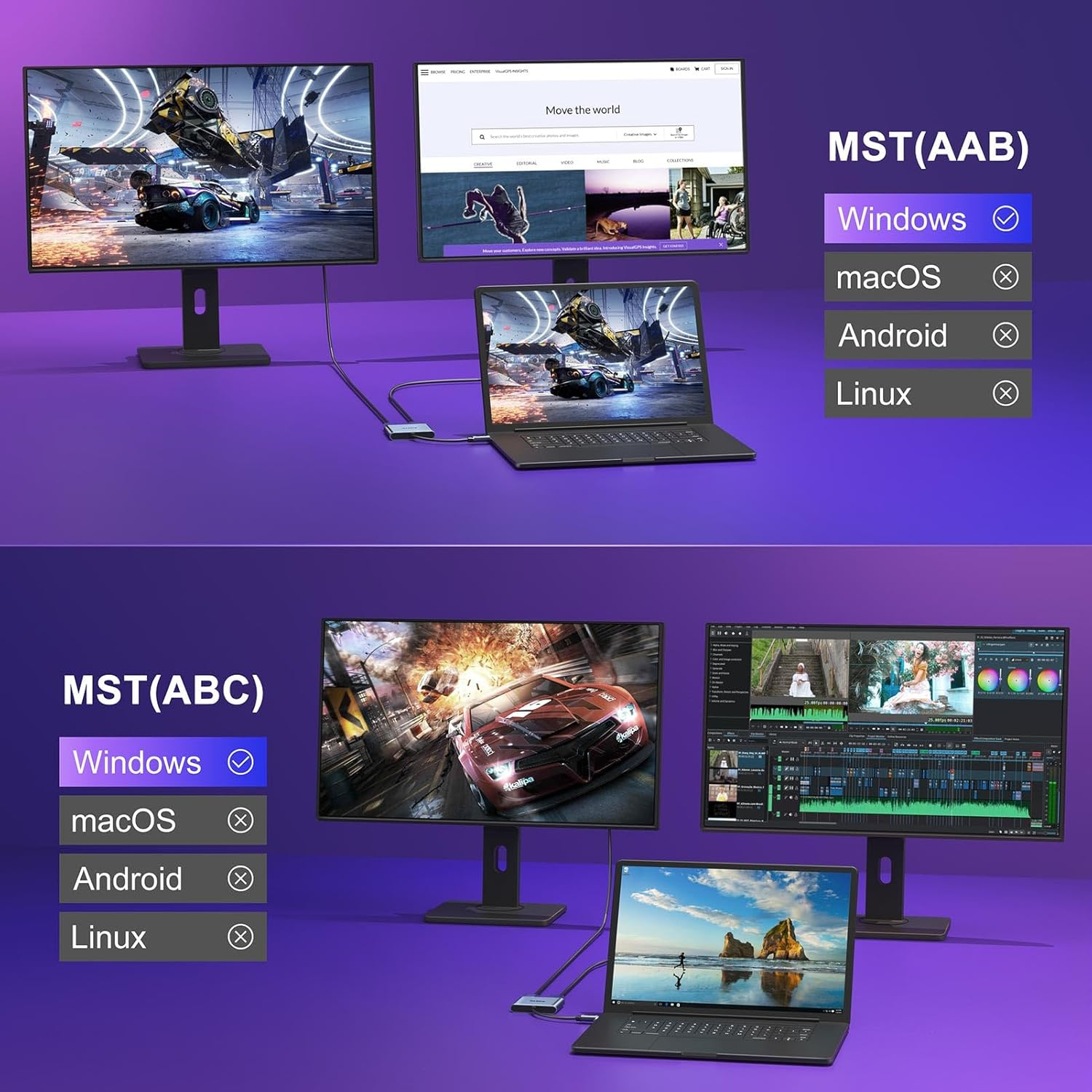
- 【USB 3.0 to Dual HDMI Adapter 】KOZYC USB C to Dual HDMI Adapter is able to connect a USB C port to two HDMI displays. NOTE: Windows OS supports ABC, ABA, AAA, ABB mode; macOS supports AAA, and ABB mode (does not support MST ABC mode); Android system only supports AAA mode (mirror mode)
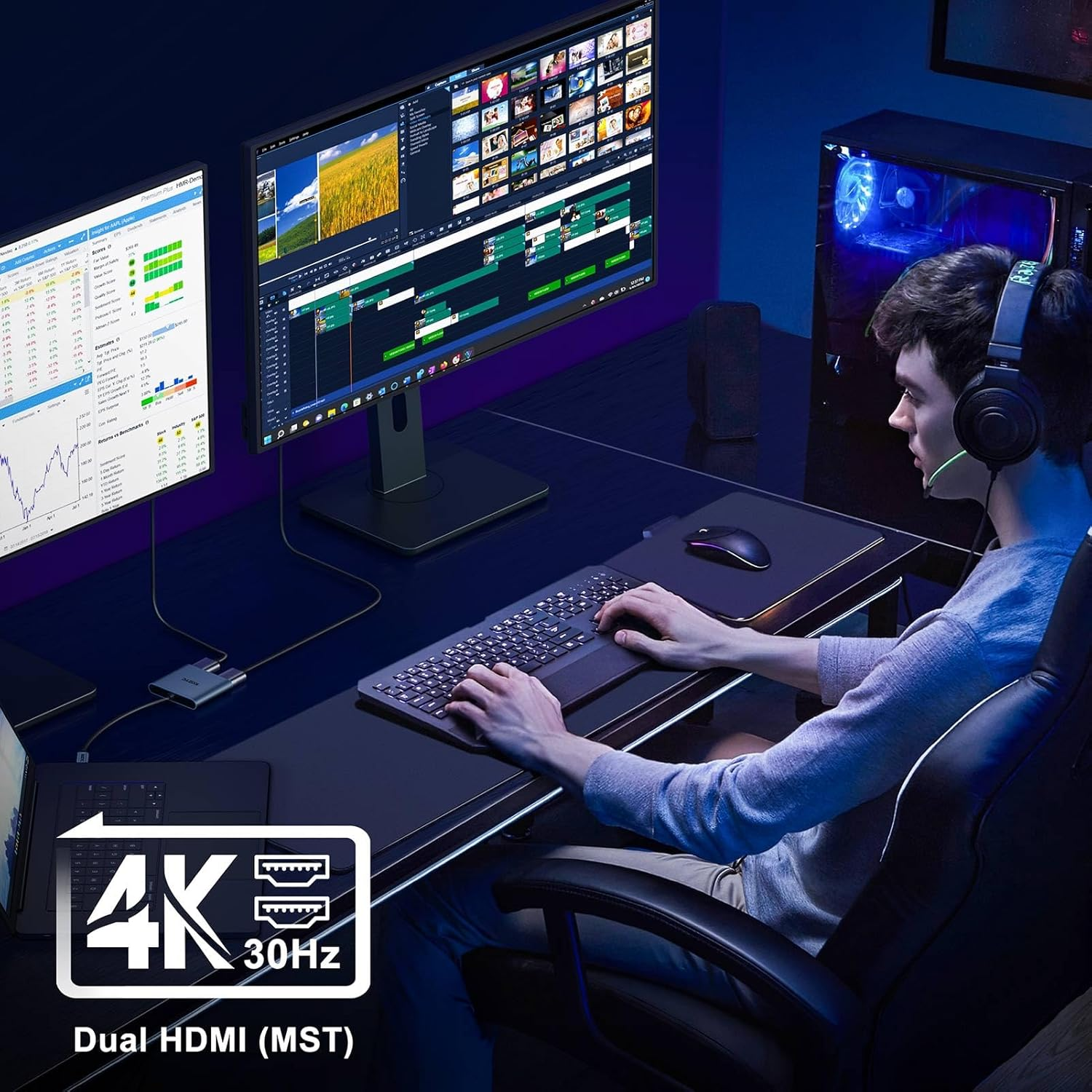
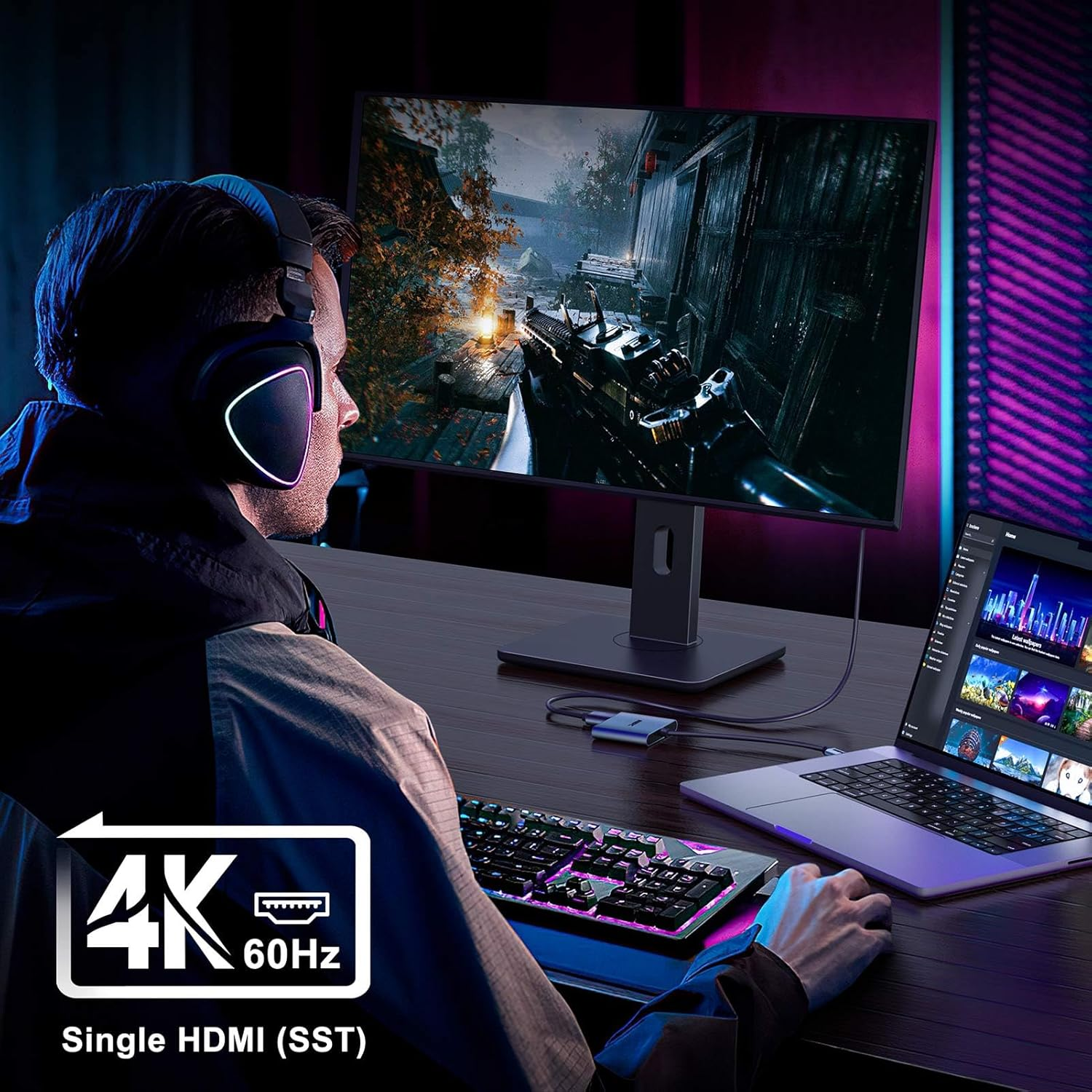
- 【4K 60Hz】When a single HDMI port is used, the resolution is up to 4K@60Hz (3840X2160P@60Hz). When both HDMI ports are used simultaneously, the maximum supported resolution is limited to 4K@30Hz. This USB C to HDMI adapter is backward compatible with 2K/1080P resolution at 60Hz. Note: If you want to get a 4k resolution, please make sure your device supports 4K and uses an HDMI cable 2.0 or better
- 【Plug and Play】Plug and play and no driver is needed. This USB-C to HDMI Adapter supports Thunderbolt 3 and DP 1.2/1.4 alt mode. NOTE: Make sure your laptop supports DisplayPort Alternate Mode (DP Alt mode), USB4, and Thunderbolt 3/4
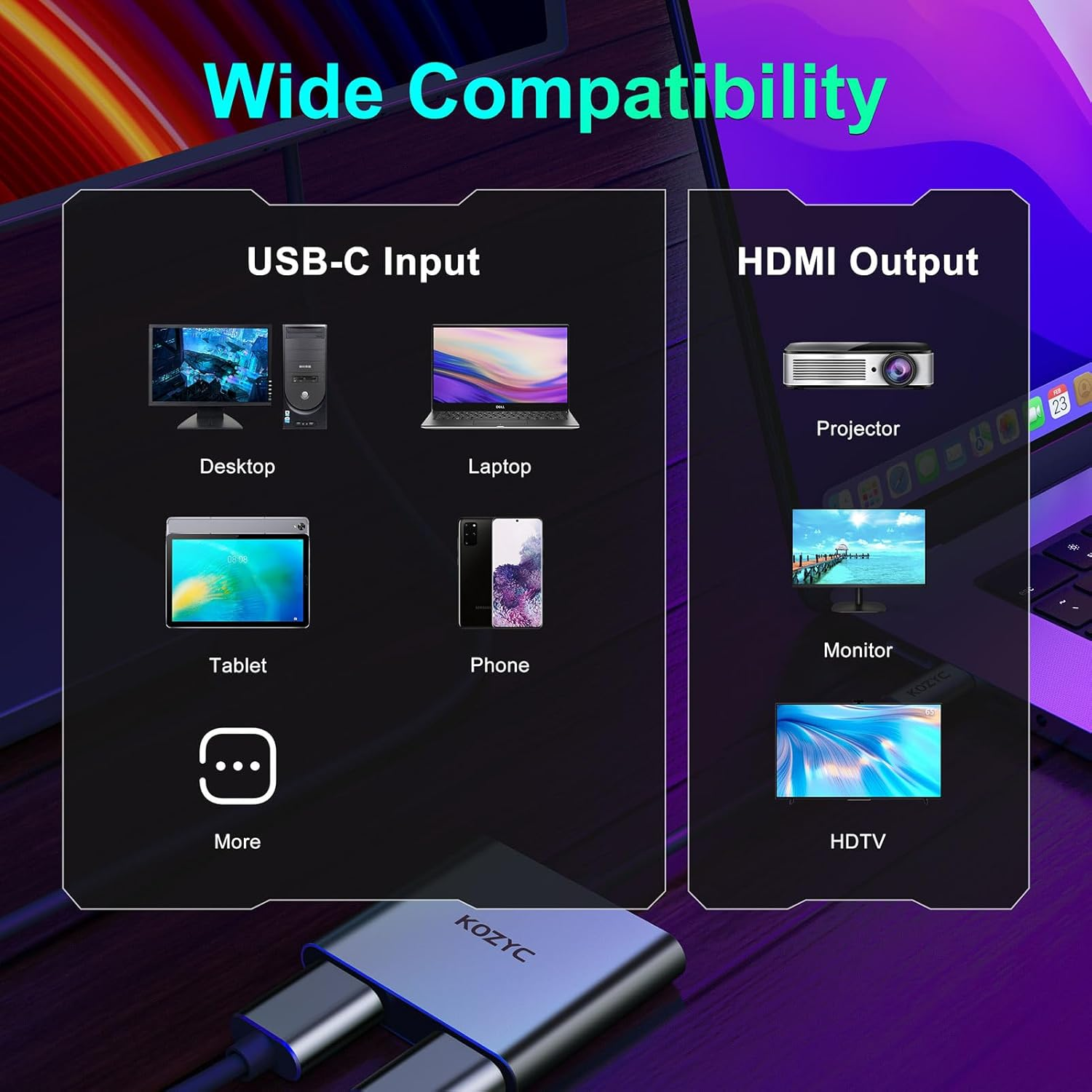
- 【Broad Compatibility】NOTE: Make sure your laptop supports DisplayPort Alternate Mode (DP Alt mode), USB4, and Thunderbolt 3/4. This USB C HDMI Adapter is compatible with Linux, Windows, macOS, & Android systems. It is compatible with Thunderbolt 3 and DP 1.2/ 1.4 alt mode. It is compatible with MacBook, MacBook Air, MacBook Pro, Dell Inspiron, HP, and other USB-C port laptops/USB-C devices that support DP Alt mode
- 【What You Get】KOZYC USB-C 3.0 to HDMI Dual Display Adapter x 1, User Manual x1 with a hassle-free 2-year warranty and lifetime technical support. Feel free to reach our friendly customer service if you have any questions.
Product Description
-
No picture output or the display flicker ?
(1) Check if laptop's USB-C port supports DP Alt mode, USB4, Thunderbolt 3/4. (2) Lower laptop's output resolution. (3) Unplug/replug hub and restart computer. (4) Verify USB-C port supports USB 3.0+ data transfer.
-
Can't get the 4K@60Hz 4:4:4 resolution?
Please replace a newer 4K@60hz UHDTV or a laptop that is compatible with the DP 1.2 / 1.4 standard or Thunderbolt 3. Kindly note that a Single display can support up to 4K@60hz, but in MST mode, dual displays can only support up to 4K@30hz.
-
Can't Extend Two Different Screens (ABC Mode)
This hub does not support ABC extended display on macOS, Linux, or Android. To enable ABC extended display, the hub must be used with the Windows operating system.
-
Product does not work?
1.Check your laptop's USB - C port supports DP Alt mode, USB4, and Thunderbolt 3/4.
2.Check the cable and monitor are properly connected with no looseness.
3.Lower the laptop's output resolution.
4.Unplug and replug the hub, and restart the laptop.
-
Compatibility issue
Check the USB - C port compatibility: check if your laptop owns a USB-C port and support DisplayPort Alternate Mode (DP Alt mode), USB4, Thunderbolt 3/4.
- Item Weight: 35.8 g
- Item Model Number: K2AD12UH
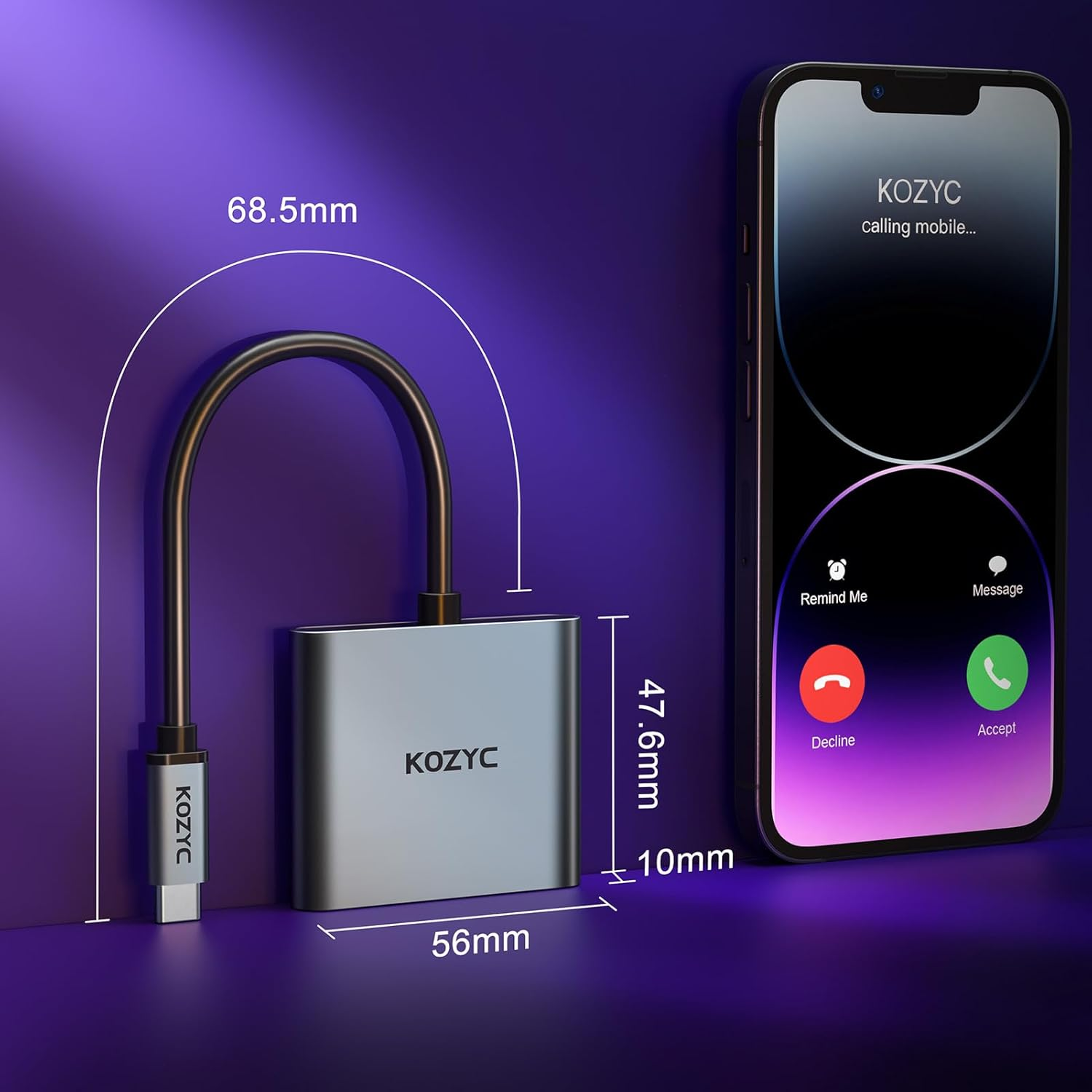
- Product dimensions: 5.6 x 4.76 x 1 cm; 35.8 Grams
- Country of origin: China
- Manufacturer: KOZYC
A$27.30
Shipping to Australia
Delivery time varies by location
Return & Refund Policy
Check our return & refund policy
Security & Privacy
Safe payments: We do not share your personal details
Availability:
-
In Stock
Sign in
or create an eMega account
Shop smarter — get exclusive deals & order tracking