Free Shipping – Store Wide
Carlinkit 5.0 2Air Wireless Carplay/Android Auto Adapter, 5.8Ghz Wifi, Auto Connect, OTA Upgrade, Plug & Play, Wired Carplay to Wire-Less, 2 in 1 Wireless Car CP/AA Adapter for I-Phone&Android Phone
Carlinkit 5.0 2Air Wireless Carplay/Android Auto Adapter, 5.8Ghz Wifi, Auto Connect, OTA Upgrade, Plug & Play, Wired Carplay to Wire-Less, 2 in 1 Wireless Car CP/AA Adapter for I-Phone&Android Phone
Brand: Carlinkit
A$82.90
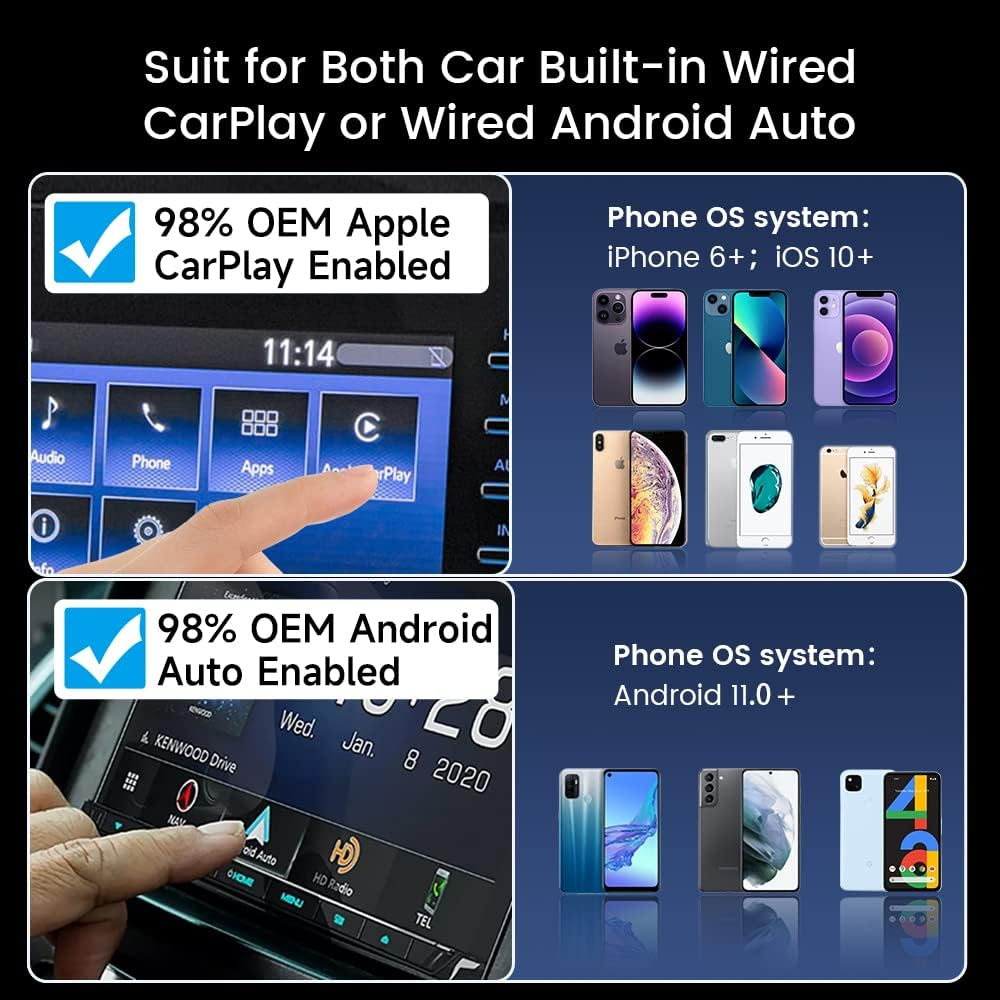
- 【IMPORTANT BEFORE PURCHASE】 CarlinKit 5.0 wireless adapter is compatible with cars featuring factory wired CarPlay or wired Android Auto (Not 100% compatible. If you encounter compatibility issues, please let us know as soon as possible). For ios phones, it supports i-Phone 6 and above models, running iOS 10.0 and above. Android phones must be running the Android 11.0 system or higher and support wireless Android Auto function.
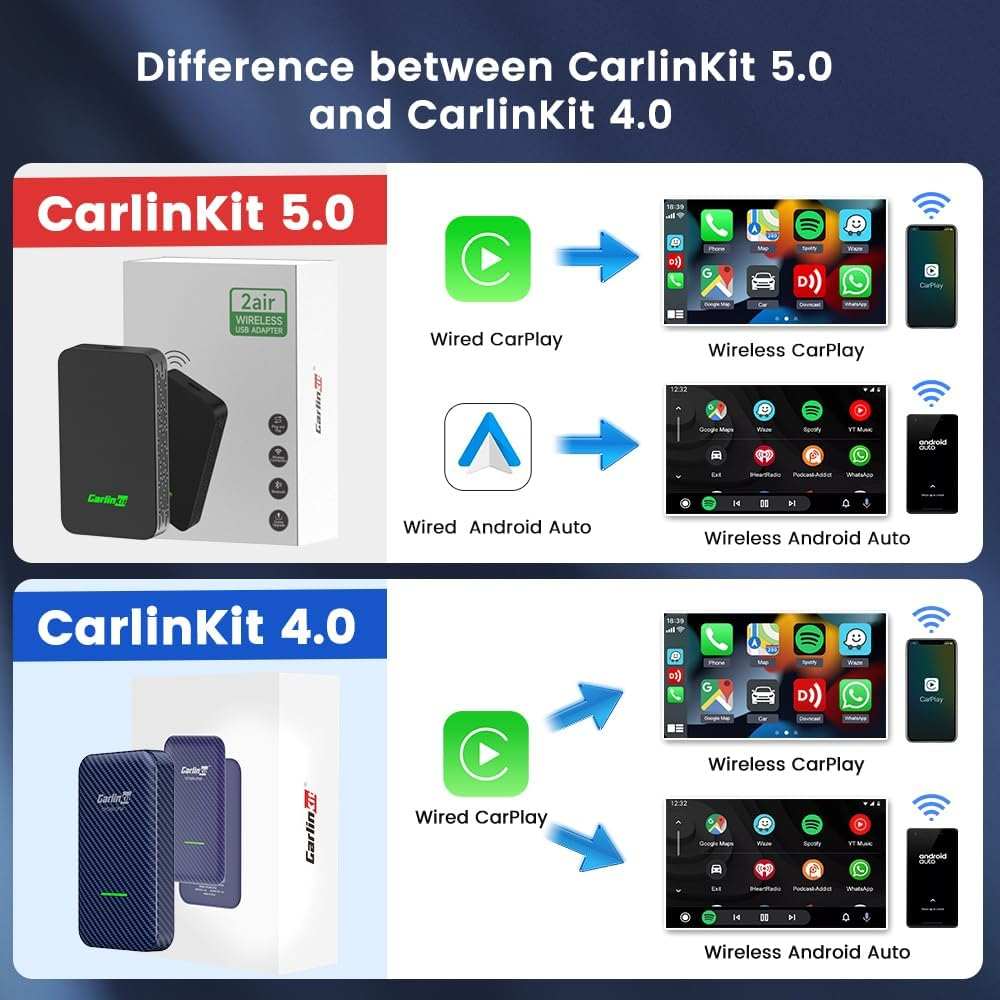
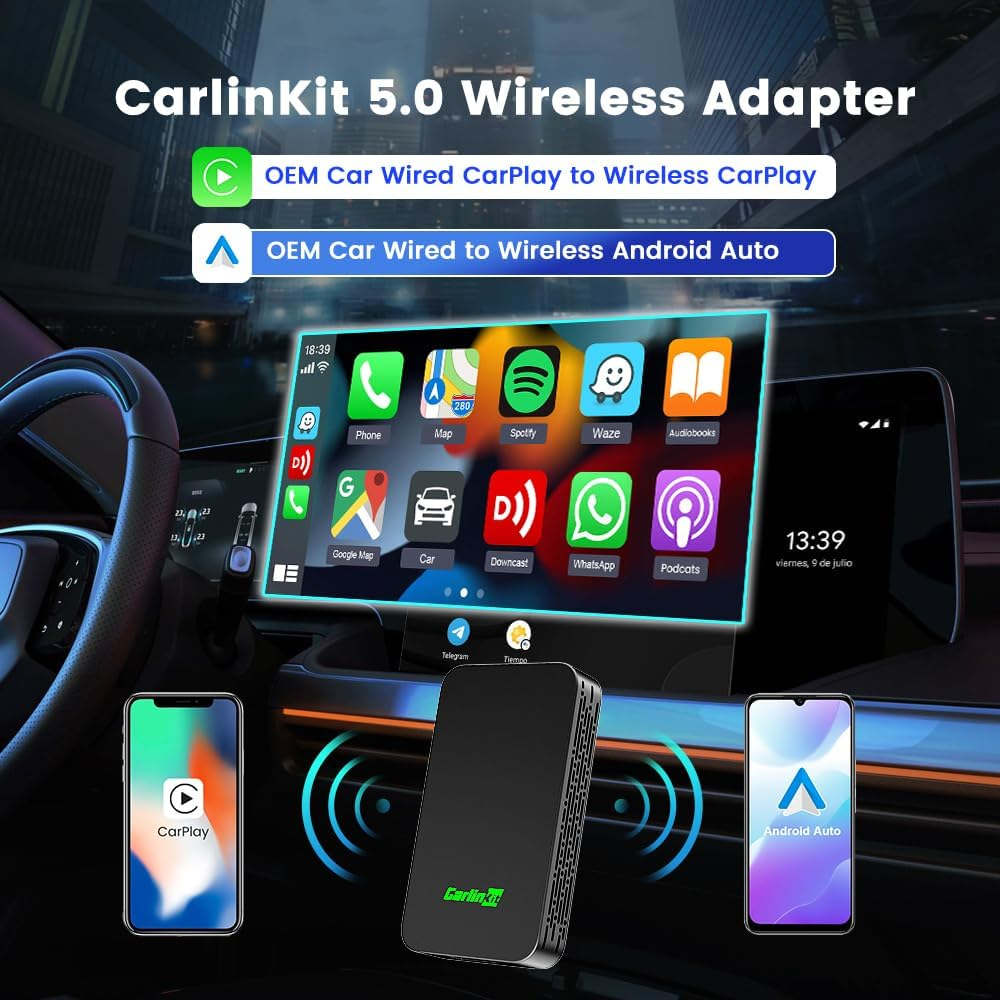
- 【New Upgrade】 Our CarlinKit 5.0 wireless CarPlay and Android Auto adapter offers seamless compatibility with both wired CarPlay and Android Auto, allowing you to use it in your car without the need for multiple adapters. It supports the conversion from wired CarPlay to wireless CarPlay and from wired Android Auto to wireless Android Auto.
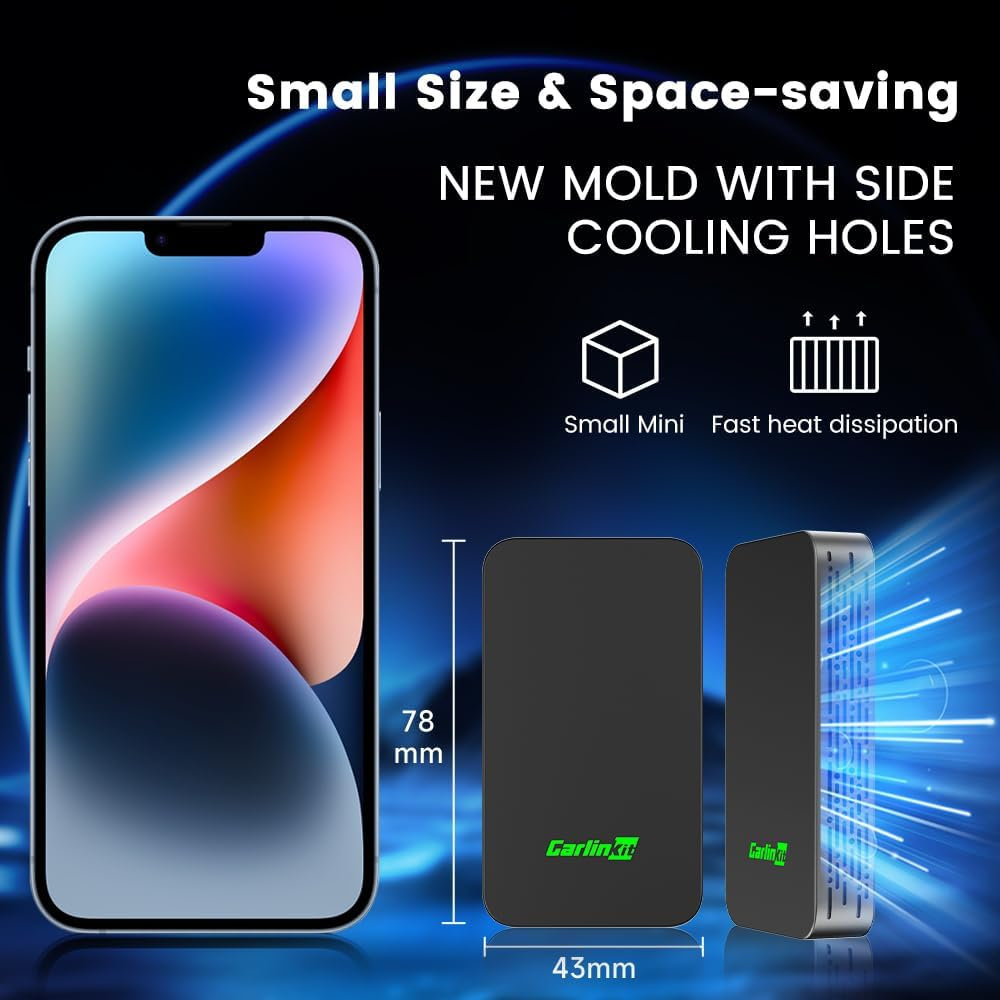
- 【Function】1.Our new upgraded wireless CP/AA adapter provides improved stability and compatibility. 2.The adapter comes with a new exterior design, featuring additional heat dissipation holes on the side, resulting in better heat dissipation performance. 3.Enjoy automatic connection, with support for multiple phone connections and prioritizing the last connected phone. 4. Personalize your experience by using custom car icon patterns in the system.
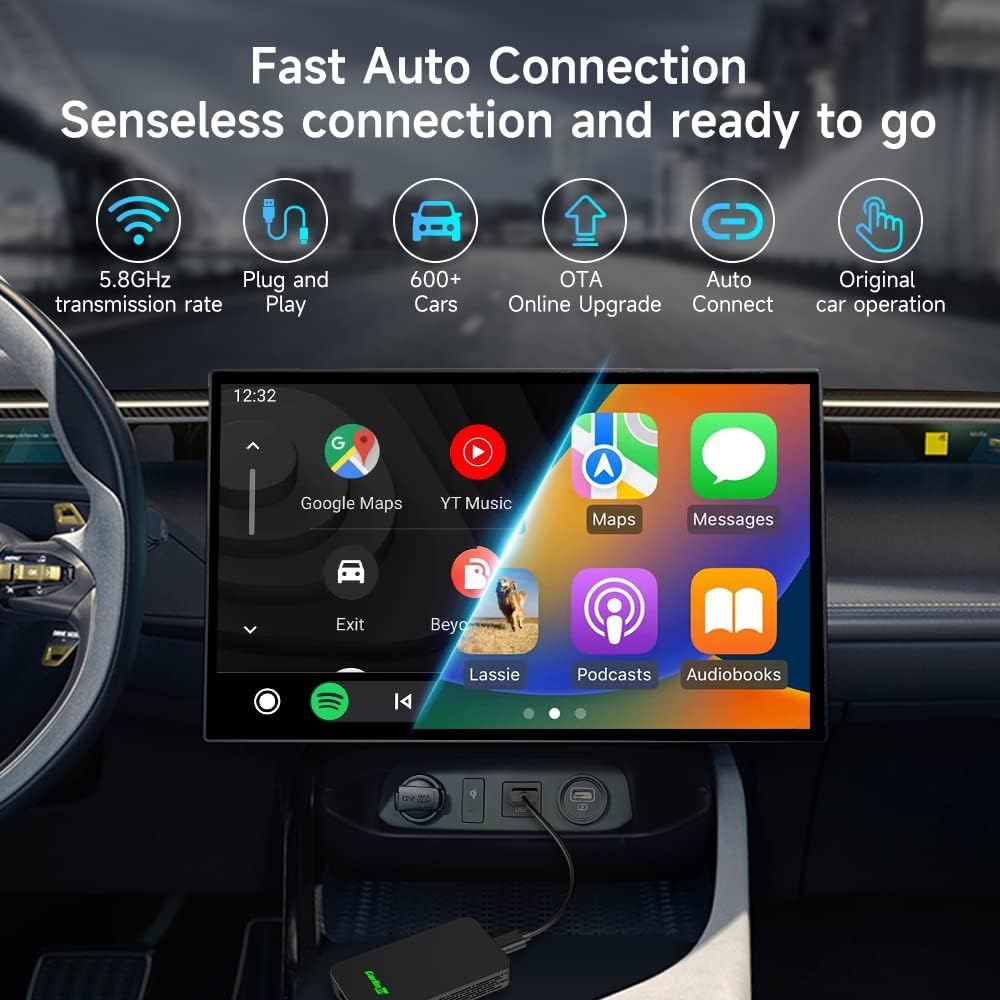
- 【Features】Say goodbye to wired constraints with our plug and play, sensorless connection solution. You can continue using the original buttons, and touch screen operation is supported if your car has it. With a 5.8GHz transmission rate, data transmission is swift and smooth, ensuring low latency.
- 【Support Online Upgrade/Feedback】CarlinKit 5.0 supports online upgrades and issue feedback, providing solutions to most connection problems. If you encounter any difficulties during use, please reach out to our after-sales customer service through Amazon email first. We are committed to responding within 24 hours and addressing your questions promptly.
- 【How to Connect】1.Plug the wireless adapter into the car USB connection port. 2. Turn on your phone WiFi and Bluetooth, find the Bluetooth name starting with "Autokit-***", click connect. 3. Wait for a while or click the caplay or android auto icon to connect, the product lights up green, that means the connection is successful.
- 【Important Note】Before connecting the product, please disconnect your car's Bluetooth from your phone, otherwise the car's Bluetooth will affect the normal use of the product's audio and calls.
Product Description
How to realize the use of wireless CarPlay?
The video showcases the product in use.The video guides you through product setup.The video compares multiple products.The video shows the product being unpacked.
How to realize the use of wireless CarPlay?
Merchant videoThe video showcases the product in use.The video guides you through product setup.The video compares multiple products.The video shows the product being unpacked.
How to realize the use of wireless Android Auto?
Merchant videoHow to realize the use of wireless Android Auto?
-
Why is my audio cutting out during calls?
Usually caused by the car's Bluetooth still being connected to your phone, the two Bluetooth devices interfere with each other, please ensure your phone is only connected to the CarlinKit device(Disconnect car Bluetooth)
-
Encounter situations such as disconnection/unstable connection
Enter 192.168.50.2, find "Wifi Band", set it to "5GHz"-"149".
-
If can not connect to wireless CarPlay, please try:
-Enter 192.168.50.2, find "Reset", reset the product.
-Delete all CarPlay connectin record, then restart your phone.
-
If can not connect to wireless Android Auto, please try:
-Enter 192.168.50.2, find "Check Update", then enter it again, find "Reset" to reset the product.
-Clear the Google Services cache and clear Android Auto cache, then restart your phone.
-
If the product cannot automatically reconnect, please try:
-Enter 192.168.50.2, find "Auto Connect", turn on it.
-And find "HU Link Type", change to CarPlay/Android Auto.
- Item Model Number: 2air
- Number of items: 1
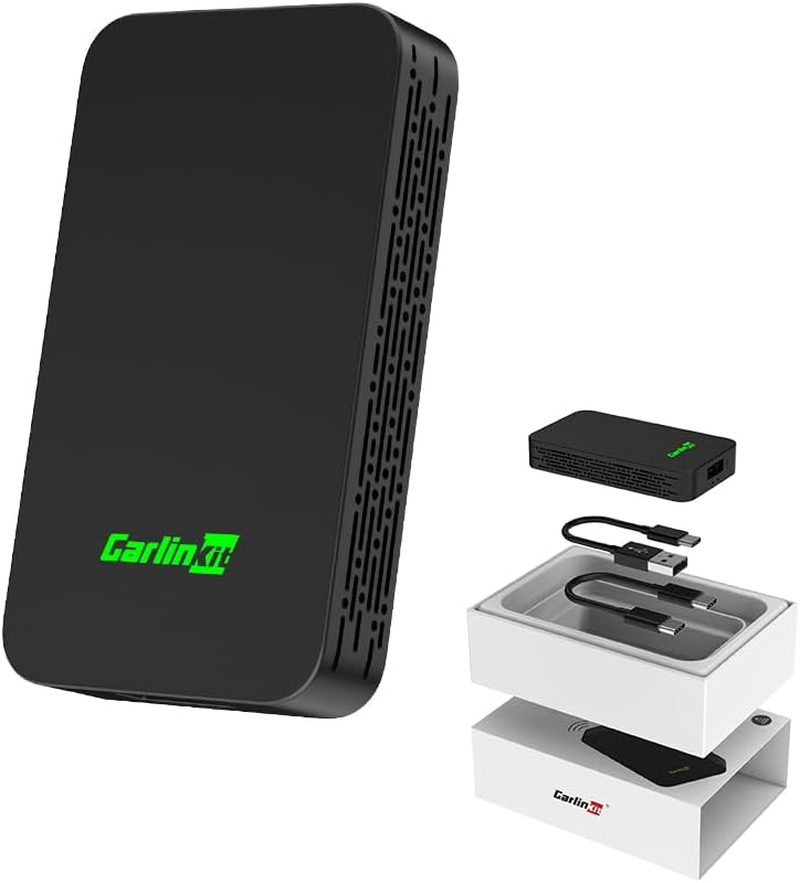
- Mounting Hardware: Packing box*1, product*1, data cable*2, product manual*1
- Batteries Included: No
- Batteries Required: No
- Brand: Carlinkit
- Colour Name: CP/AA-5.0
- Compatible Devices: Smartphone
- Connector Type: Bluetooth
- Item Weight: 30 g
- Number of Ports: 1
- Power Source: Corded Electric
- Supports Bluetooth Technology: Yes
- Model: 2air
- Product dimensions: 7.6 x 1.23 x 4.3 cm; 30 Grams
- Country/Region of origin: China
- Manufacturer: Carlinkit
A$82.90
Shipping to Australia
Delivery time varies by location
Return & Refund Policy
Check our return & refund policy
Security & Privacy
Safe payments: We do not share your personal details
Availability:
-
In Stock
Sign in
or create an eMega account
Shop smarter — get exclusive deals & order tracking