Free Shipping – Store Wide
UGREEN USB 3.0 KVM HDMI Switch 4K@60Hz High-Speed Transmission Share 3 USB + 1 Type-C Ports for Keyboard Mouse Hard Drives Printer to One Monitor with 2 USB Cables and 2 HDMI Cables
UGREEN USB 3.0 KVM HDMI Switch 4K@60Hz High-Speed Transmission Share 3 USB + 1 Type-C Ports for Keyboard Mouse Hard Drives Printer to One Monitor with 2 USB Cables and 2 HDMI Cables
Brand: UGREEN
A$83.95
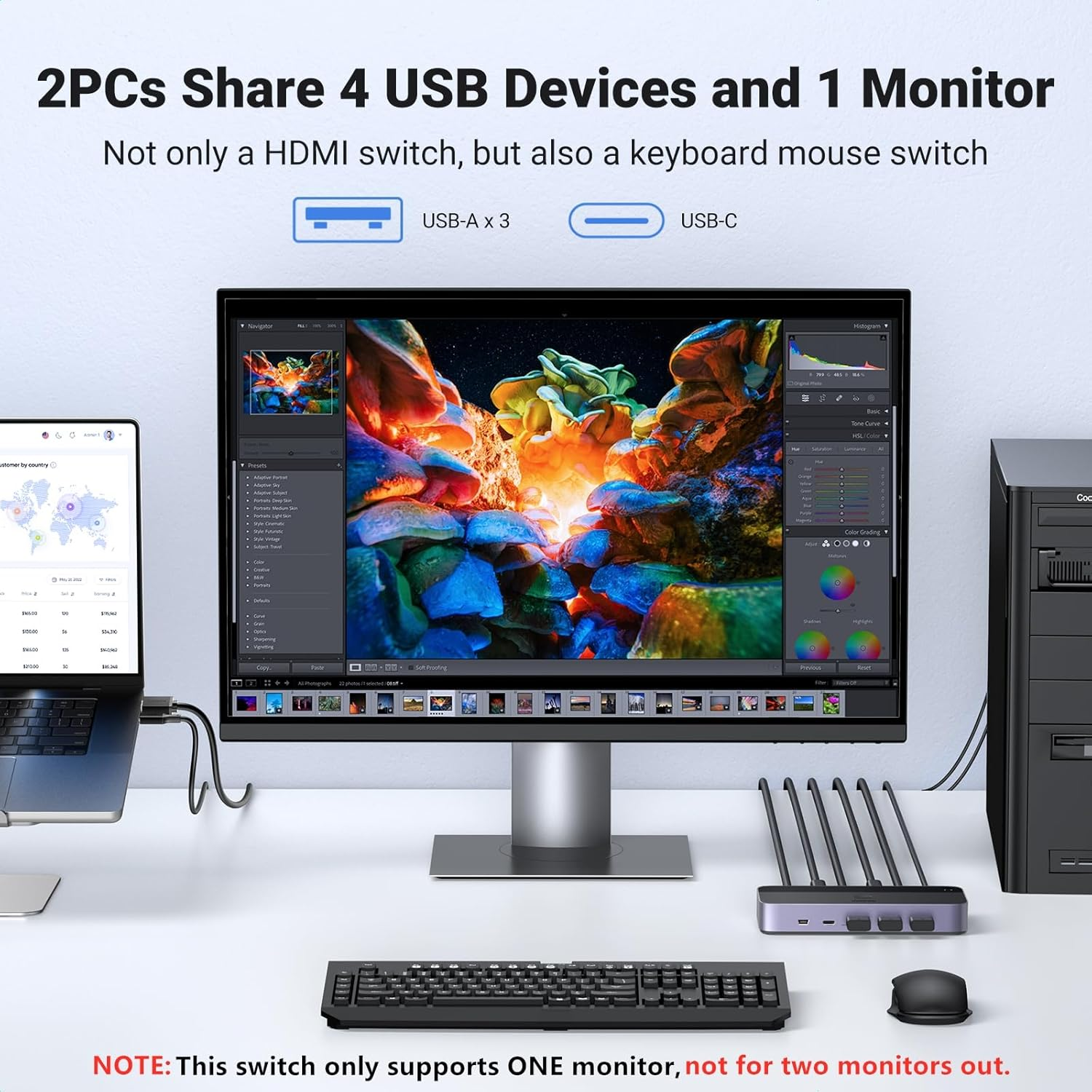
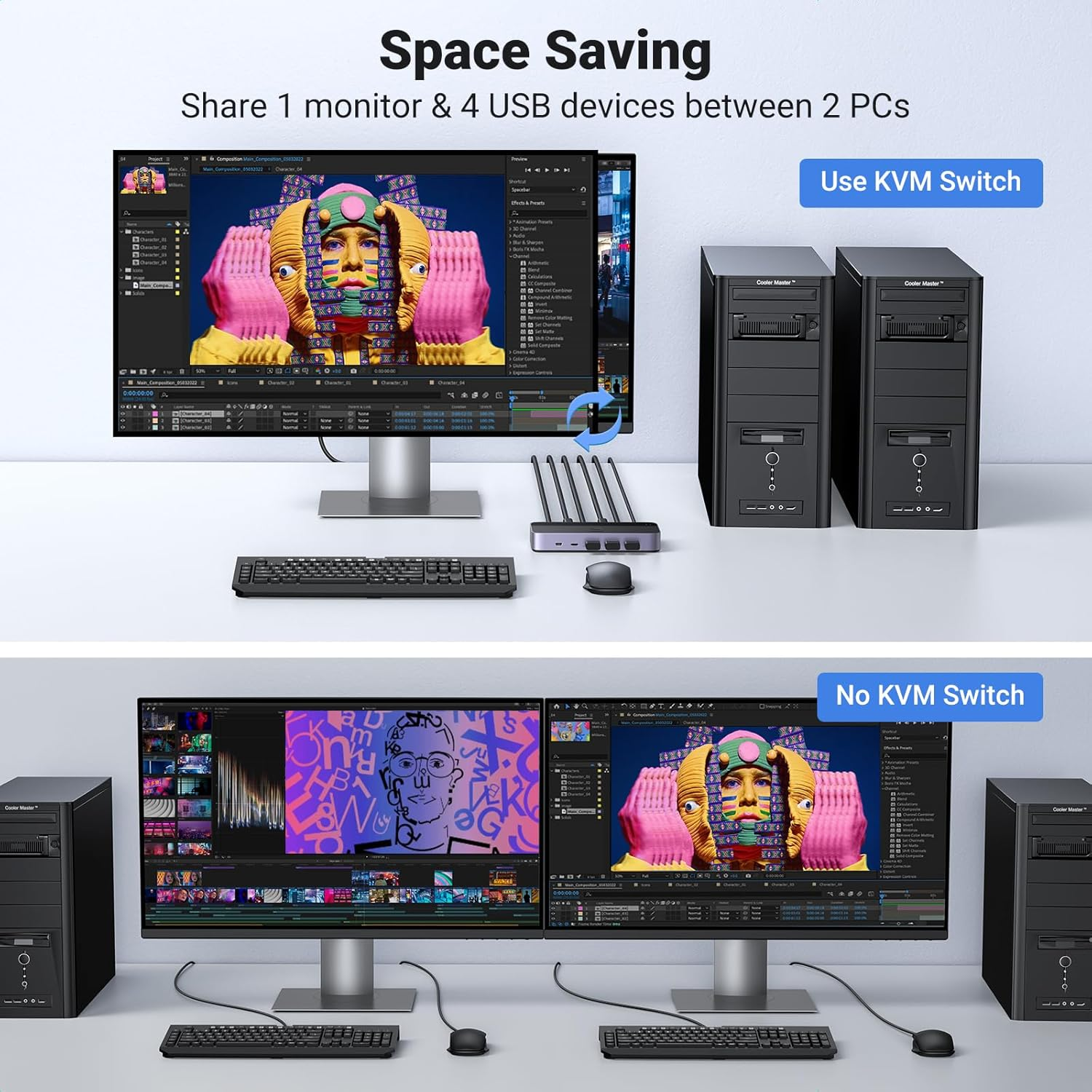
- 【KVM Switch 1 Monitor 2 Computers】This KVM Switch allows 2 computers to share 4 USB 3.0 devices such as a set of keyboard, mouse, hard drives, U disk, and printer, and centralize control of your 2 computers on one monitor. You can easily switch between two hosts, which not only keeps your workspace tidy but also helps to maximize productivity and viewing capabilities.
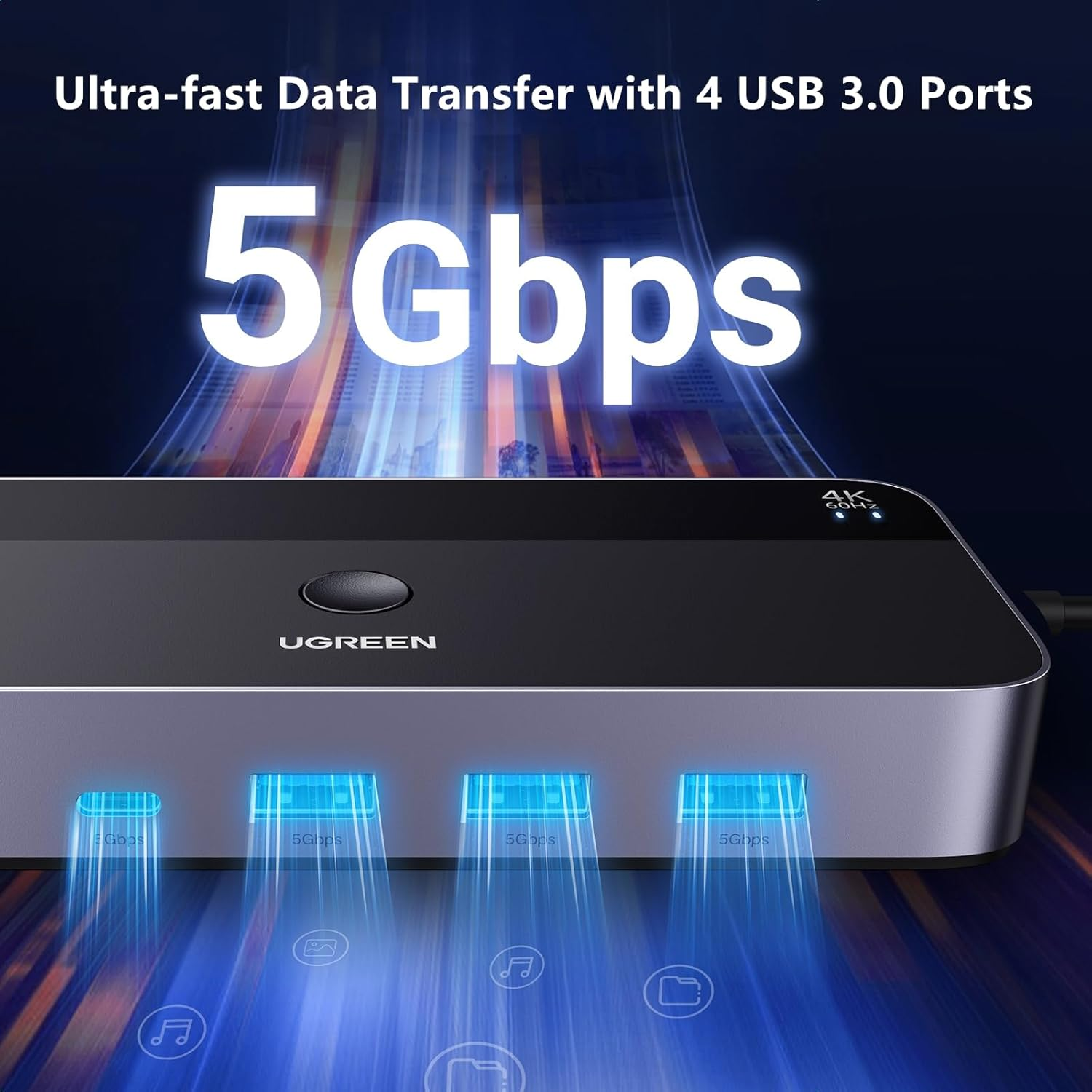
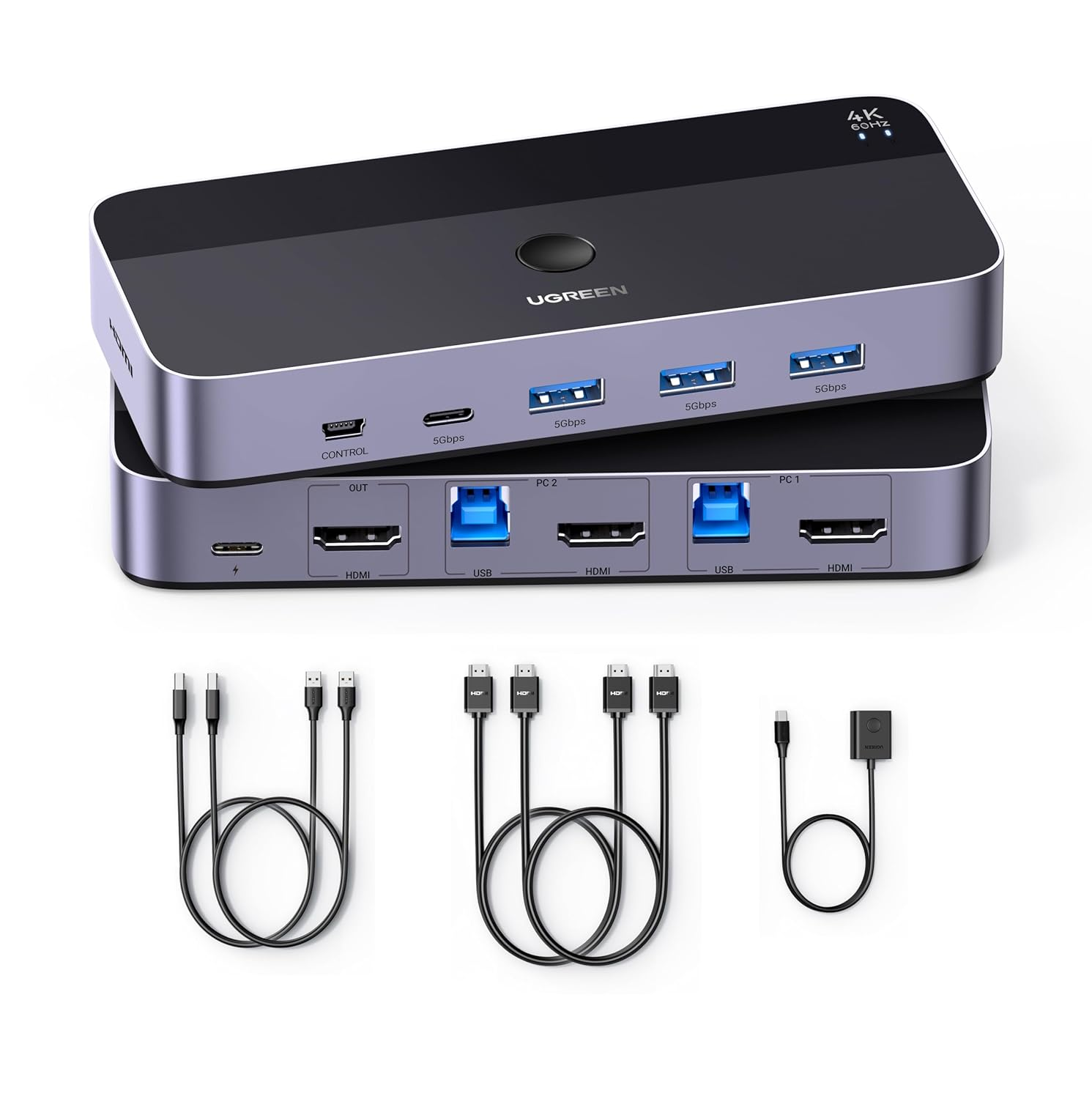
- 【USB 3.0 & USB-C Ports】UGREEN HDMI KVM switch has 3 USB 3.0 ports and 1 USB-C port for sharing USB flash drives, printers, mobile hard drives, U disk, and other USB 2.0 and USB 3.0 devices. USB 3.0 offers data transfer speeds of up to 5Gbps, while USB 2.0 offers data transfer speeds of only 480Mbps. It allows faster file and picture transfer to make work and life easier and more convenient.
- 【High Resolution UHD 4K@60Hz】This 2 port KVM switches supports resolution up to 4K@60Hz and backward compatible 4K@30Hz, 2560*1440@120Hz, 1920*1080@240Hz. UGREEN KVM switches also support HDMI 2.0, HDCP2.2/1.4, 3D, CEC, and HDR, which makes the image display more exquisite and realistic, color is more bright and moving, really giving a feast for your eyes.
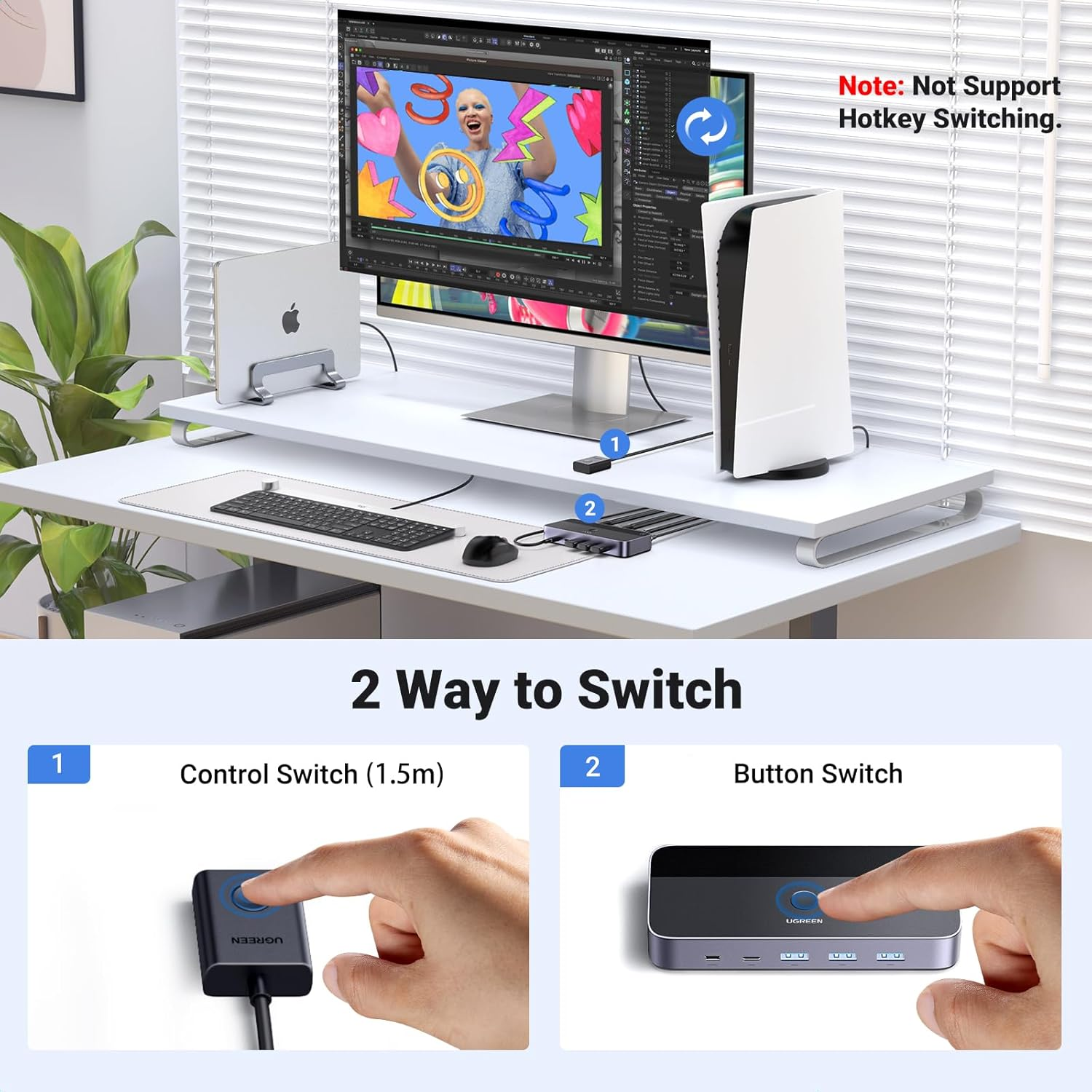
- 【Two Switching Ways】By One-Botton switch or desktop controller, freely switch between 2 computers, saving space on your desk and sharing your display, keyboard and mouse between both computers, increasing your productivity in the office or at home. When the KVM switch HDMI is not placed on the desktop, the desktop controller will be a good helper for you to quickly switch.
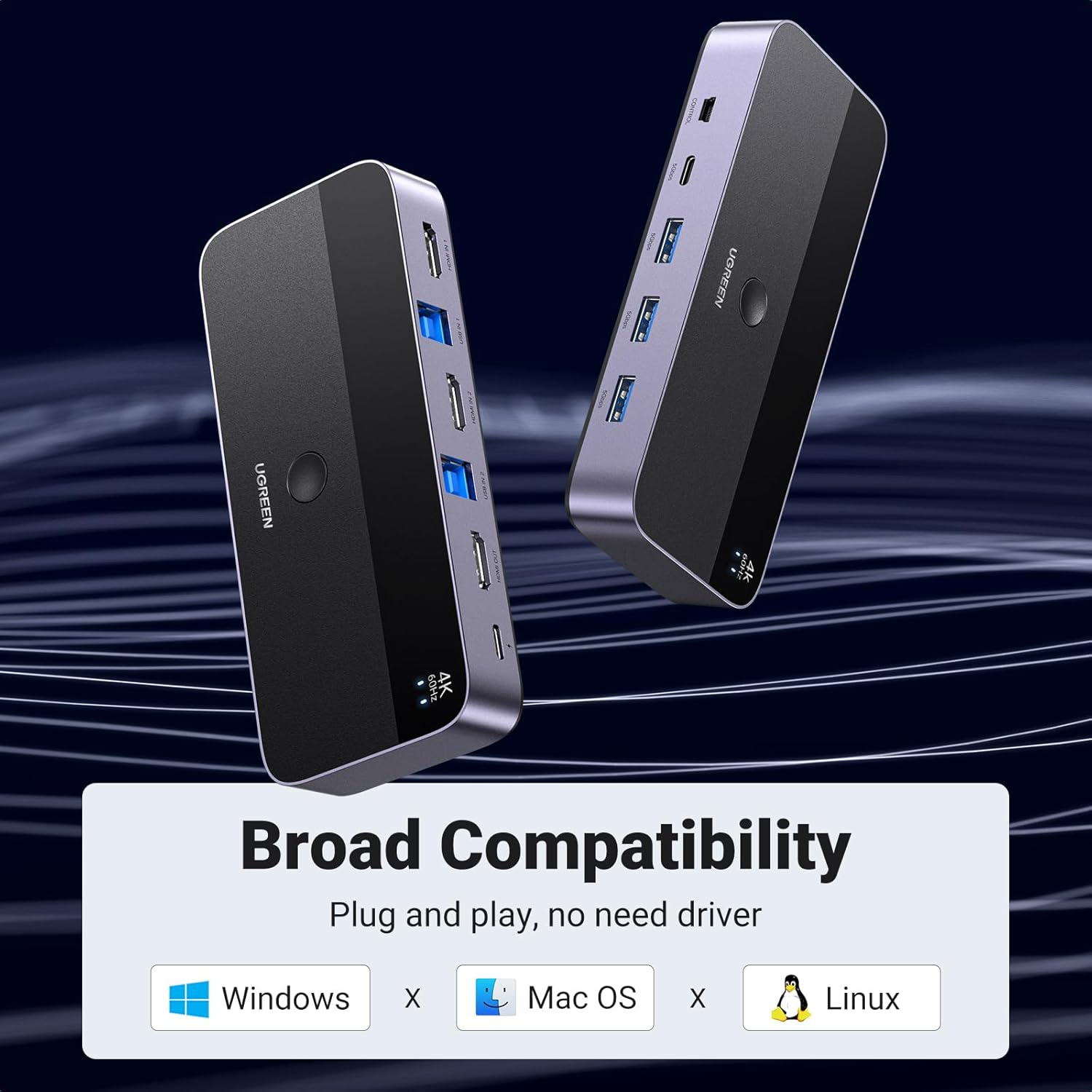
- 【Great Compatibility & Driver-Free】This KVM HDMI switch 2 port box supports Windows 11/10/8.1/8/7/Vista/XP, Mac OS, and Linux systems. Just plug and play, driver-free. This USB KVM switch is also compatible with most HDMI source devices, such as PS5, PS4, PS3, Xbox One, TV Box, PC, Laptop, Switch, etc. It is widely applied for Enterprise, Office, Multimedia Teaching, Meeting Rooms, Gaming Rooms, Research Tests, etc.
- 【Package List】1* KVM Switch, 2* USB A to B Cables, 2* HDMI Cables, 1* Desktop Controller, 1* User Guide.
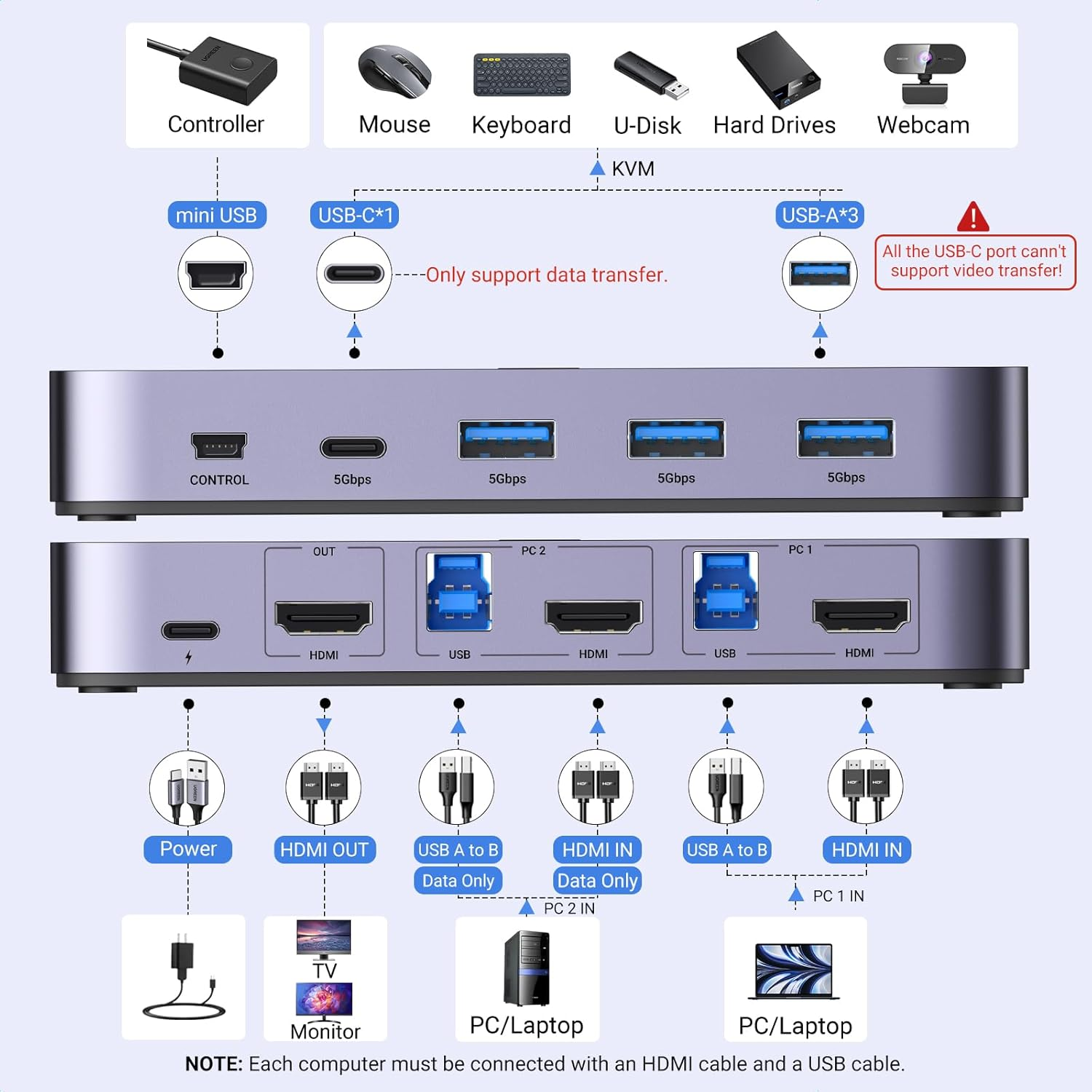
- 【NOTE】 Not support Hotkey switching. 1, Please connect at least one USB A to B cable for the power supply. 2, Please connect the USB C power cable/adapter (NOT Included) to the power source when connecting high-power equipment like Hard Disk Drives to work more stably. 3, This KVM switch will Not be compatible with those hos devices that are "only with USB C port but without any USB A port".
Product Description
The video showcases the product in use.The video guides you through product setup.The video compares multiple products.The video shows the product being unpacked.
3 USB-A Ports and 1 USB-C Port Allows You to Connect more Types of Devices
-
What can I do if KVM switch doesn't work?
You need to try connect it again. The HDMI input cables, USB cables, and power supply cable connected to the switch must be unplugged and replugged to restore.
-
Does this USB KVM HDMI Switch need power?
Yes, please Must connect two USB A to B cables for the Power Supply and Data Transfer. If you connect high-power equipments like Hard Disk Drives, please connect the USB C power cable to work more stably.
-
Why does the screen turn black for a few seconds when switching?
The specific time depends on the computer speed and the response time of the display. If the monitor is 4K@60Hz, the screen will be about 5-7s after switching, and when the monitor is 1080P@60Hz, the screen time will be about 3-5 s after switching.
-
Can I connect the wireless keyboard and mouse with the USB interface?
It is possible to connect a Bluetooth mouse and keyboard. However, since the computer needs to re-identify the Bluetooth device each time it is switched, it is necessary to wait several seconds after switching before using the mouse or keyboard.
-
Can HDMI switch or USB switch be used separately?
Yes, when HDMI switch function is used alone, it is necessary to connect any USB B to A cable to the USB power supply or Type-c power supply port for power supply. The power supply requires a current of more than 5V/500mA.
- Item Weight: 660 g
- Item Model Number: 15707
- Product dimensions: 9.54 x 5.75 x 2.4 cm; 660 Grams
- Country of origin: China
- Manufacturer: Ugreen Group Limited
A$83.95
Shipping to Australia
Delivery time varies by location
Return & Refund Policy
Check our return & refund policy
Security & Privacy
Safe payments: We do not share your personal details
Availability:
-
In Stock
Sign in
or create an eMega account
Shop smarter — get exclusive deals & order tracking