Free Shipping – Store Wide
CZT 5.1 Inch Video Game Console Color Cool HD Handheld with 12000 Game Arcades/Cps/Md Multiple Simulators Video Music HDMI HD TV Output Nostalgic Gifts (Black)
CZT 5.1 Inch Video Game Console Color Cool HD Handheld with 12000 Game Arcades/Cps/Md Multiple Simulators Video Music HDMI HD TV Output Nostalgic Gifts (Black)
Brand: CZT
A$139.80
Availability:
-
This item is currently not available
Shop with confidence
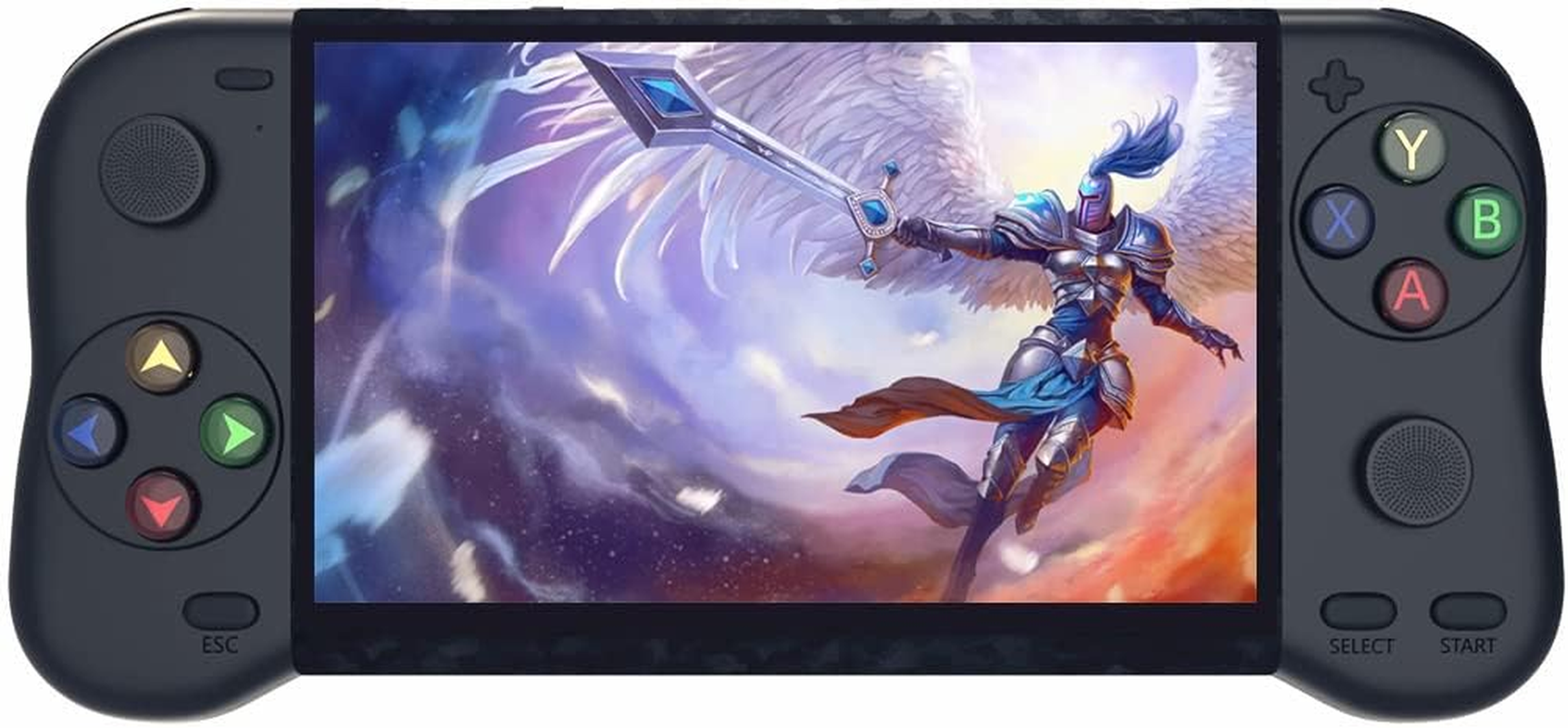
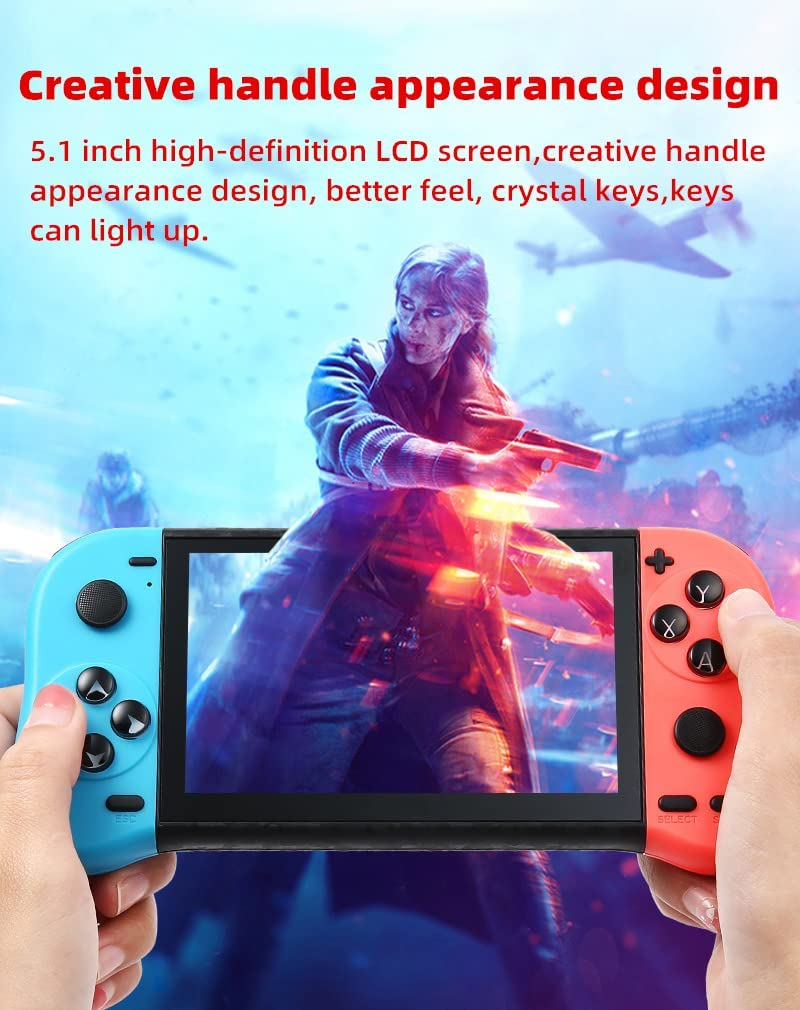
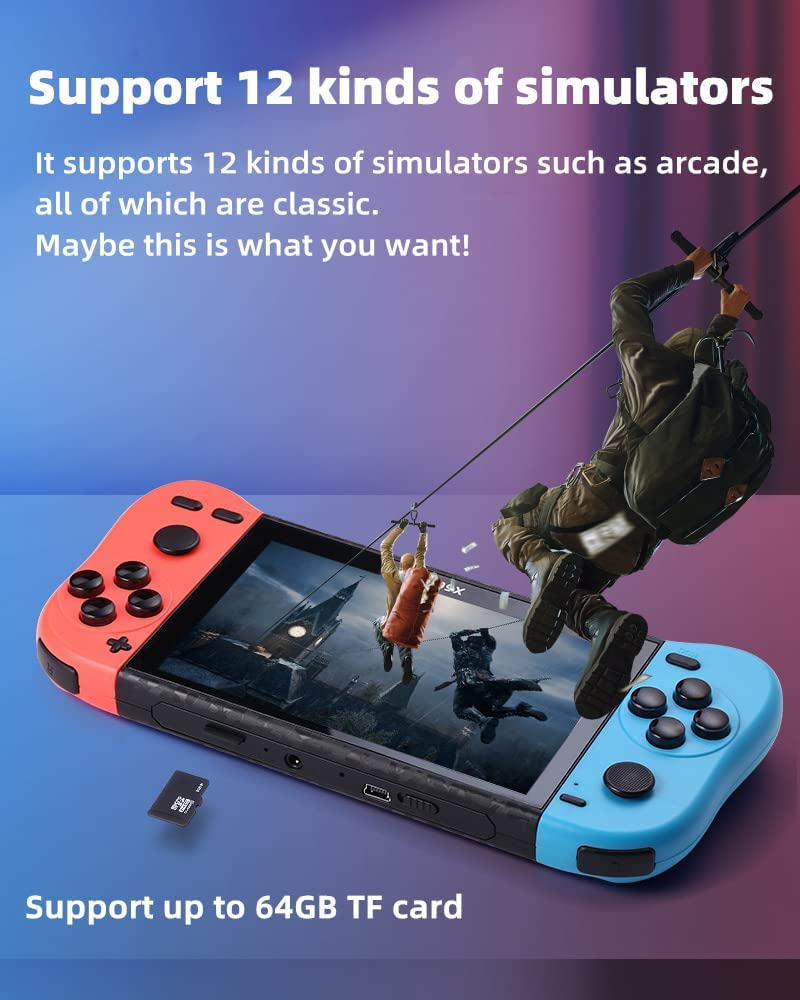
- 1. Creative handle appearance design(Tip:The color game console is red on the left and blue on the right.)。 5.1 inch high-definition LCD screen, creative handle appearance design, better feel, crystal keys, keys can light up.
- 2. Support two people to play games。 When the external handle is connected, it becomes a desktop/TV game console, which can be played by two people together.
- 3. Support 12 kinds of simulators。 It supports 12 kinds of simulators such as arcade, all of which are classic. Maybe this is what you want!
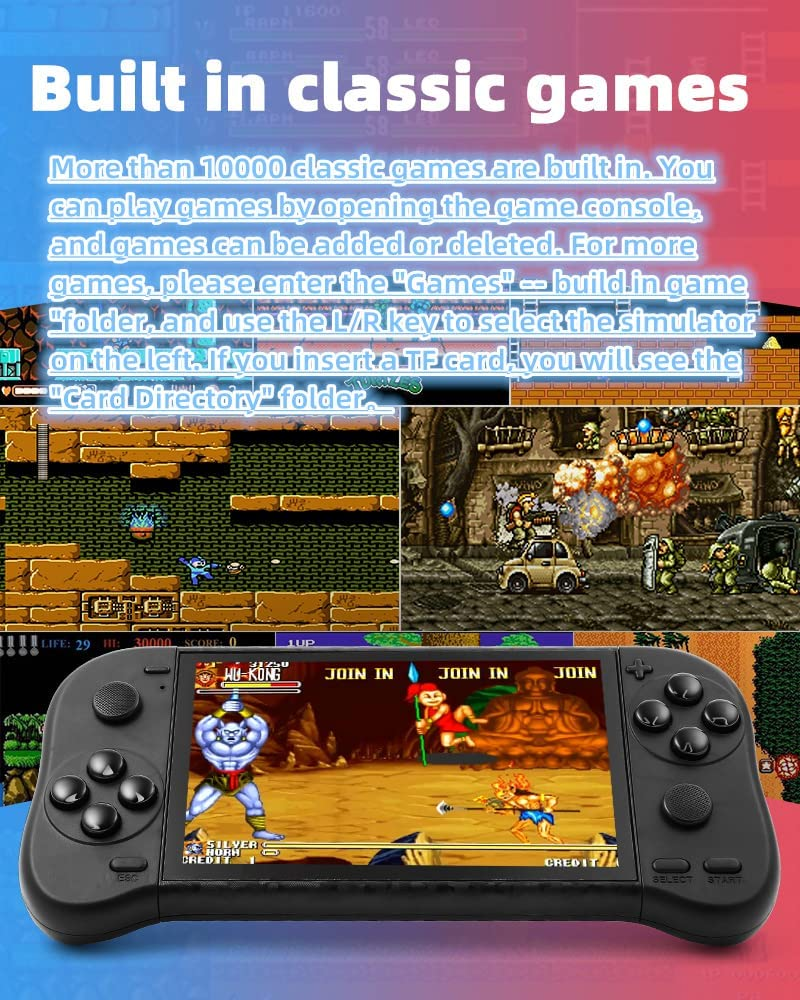
- 4. Built in classic games. More than 10000 classic games are built in. You can play games by opening the game console, and games can be added or deleted. For more games, please enter the "Games" -- build in game "folder, and use the L/R key to select the simulator on the left. If you insert a TF card, you will go to the "Card Directory" folder。
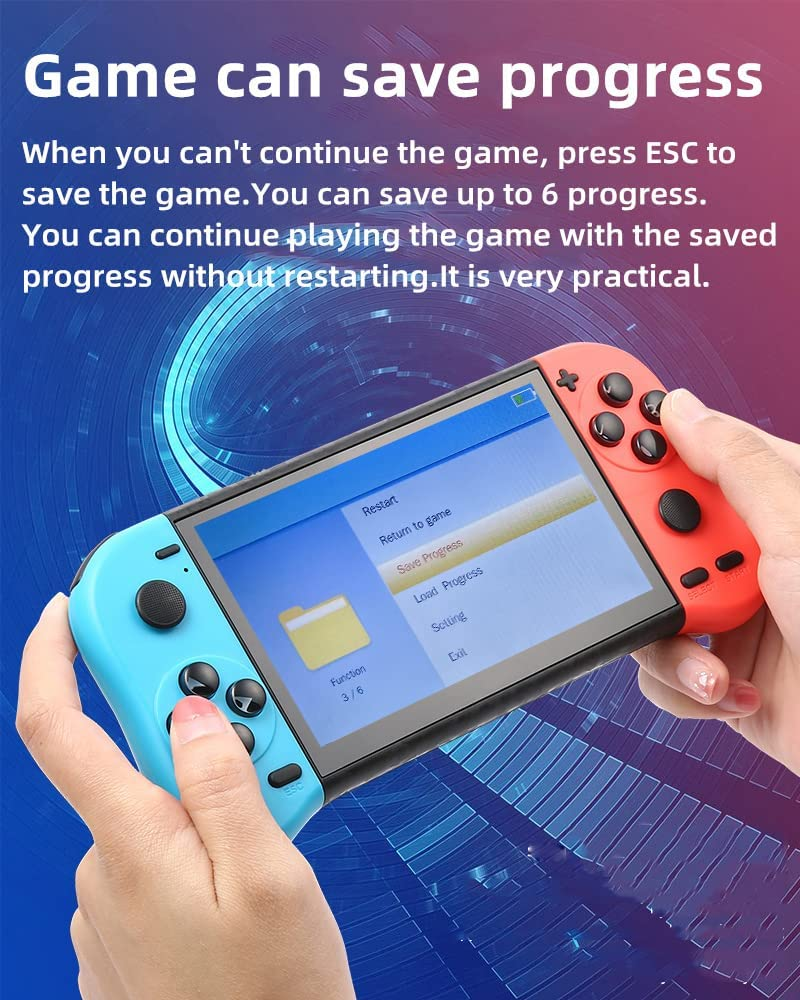
- 5. Game can save progress。 When you can't continue the game, press ESC to save the game. You can save up to 6 progress. You can continue playing the game with the saved progress without restarting. This is a very practical function.
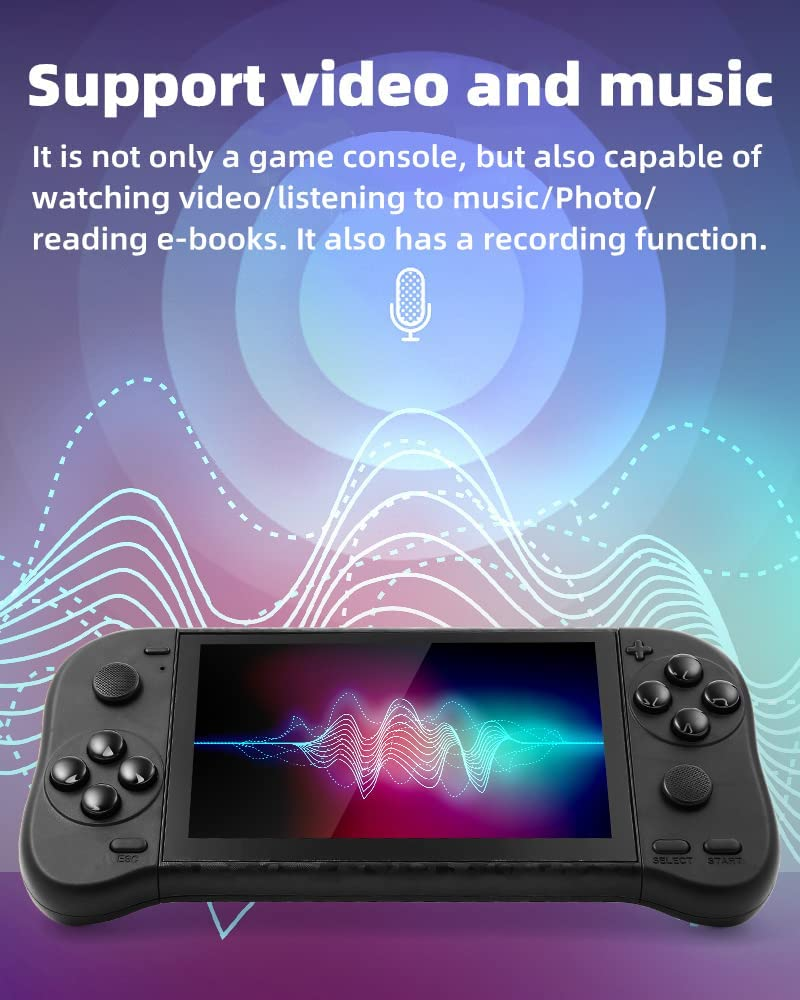
- 6. Support video and music。 It is not only a game console, but also capable of watching video/listening to music/recording/reading e-books. It also has a recording function.
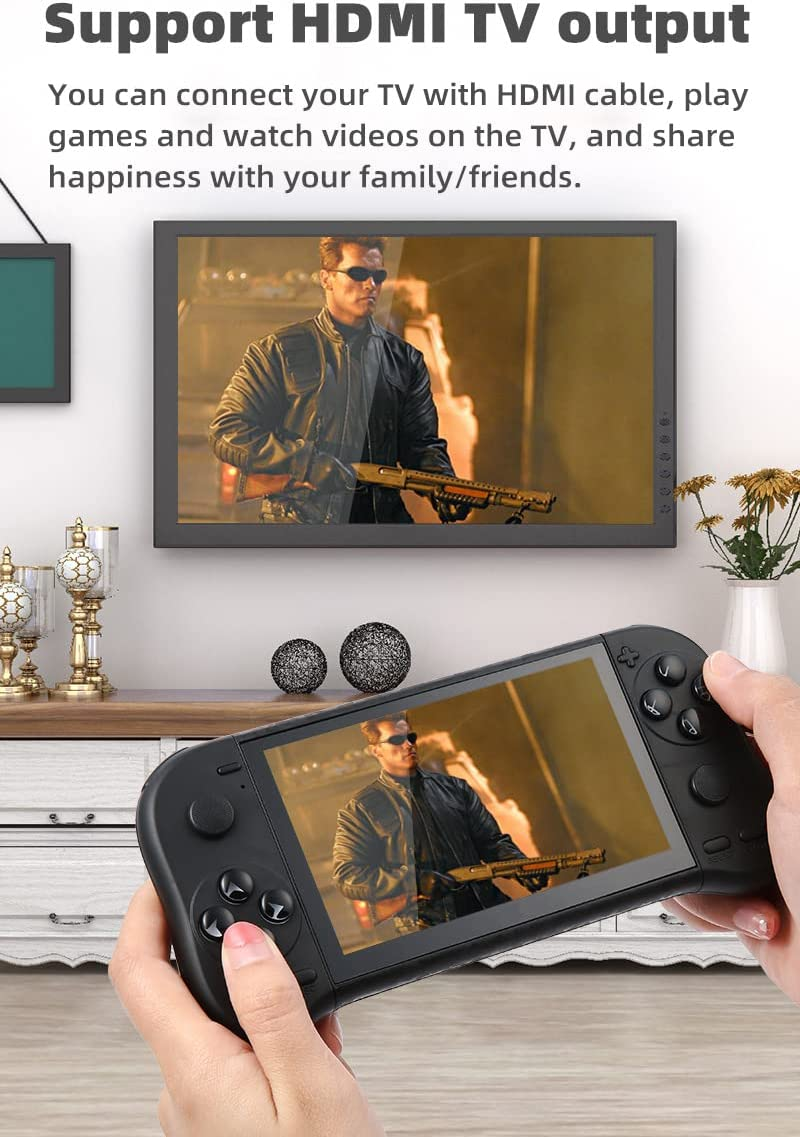
- 7. Support HDMI TV output。 You can connect your TV with HDMI cable, play games and watch videos on the TV, and share happiness with your family/friends.
- 8. Built in lithium battery。 The built-in rechargeable lithium battery can recycle the charger through the USB interface, which is very convenient.
Product Description
How to set the game console language?
Select "Setting"---"Language" on the screen,press B key to enter, you will see multiple languages, select the language you want and press B key to confirm.
Regarding game instructions: The games played on this console are all from the 70s/80s/90s, and are retro and nostalgic. It cannot play mobile games, Android games, computer games, or large capacity games. If some games cannot be loaded or opened, it is possible that the game has lost files. Users can delete the game, download it from the network again, and copy it to the game console.
How to find more games in consoles?
In addition to the games displayed on the screen, the game console also has more games built in. Select "Games" on the screen and press the B key to enter. You will see the "build in game" folder. After entering, you can see more Games (use the L/R key to select the simulator on the left). If you insert a TF card, you will see the "Card Directory" folder.
How to save the game progress?
When playing the game, press the "ESC" key, the game menu will appear on the screen, enter "Save Progress", select the progress number you want to save, and then press the B key. The game can save multiple progress, and users can load different progresses to continue playing the game.
How to quickly find the game you want to play?
Connect the game console to the computer, find the "GAME" folder of the game console on the computer, users can create another folder in the "GAME" folder, such as "My Favorite", and then copy the game files you like to in this folder. Next time you can find the game you want to play directly in this folder.The path to enter "My Favorite" : Browser--game--My Favorite.
How to add/delete games/videos/music/e-books?
Connect the game console to the computer, find the “game”/”Video”/”Music”/”Ebook” folder of the game console on the computer, copy the game/video/music/ebook files to the corresponding folder, and also Game/video/music/ebook files can be deleted from these folders.
How to download more games? What formats of games can be added?
This game console cannot be connected to the Internet. Users can surf the Internet on the computer, search and download games on Google or other websites. Currently, only add the suffix name is .gba/.gbc/.gb/.nes/.sfc/.bin/ .smd game files, the game files must be copied to the ''GAME' folder in the console. If some games cannot be opened, the file information may be missing, you can delete it and download it again.
How to connect the TV?
The game console can be connected to the TV through an HDMI cable, one end is plugged into the game console, the other end is plugged into the TV, and the corresponding signal source is selected on the TV, and the picture of the game console will be transmitted to the screen of the TV.
Other common questions:
Can the desktop games on the screen be deleted or replaced?
The desktop games on the screen are solidified in the program and cannot be deleted or replaced.
How to backup game files?
Connect the game console to the computer, and find the "GAME" folder of the game console on the computer. We strongly recommend that users copy the "GAME" folder to the computer to prevent game files from being lost. Users can also delete unwanted games so that the console will run faster.
How to enter/pause/exit the game game?
After selecting the game, press the B button, then press the START or SELECT button. Different games need to press the button several times.
If you want to pause the game, press the ESC key; if you want to exit the game, select "Exit" in the menu to exit the game.
Charging Instructions
It is recommended to use a charger that does not exceed 5V2A for charging. The indicator light will flash while charging, and blue when fully charged. If you find that it cannot be charged, please replace the charger or charging cable.
The function of ABXY?
A key: return or attack; B key: confirm or attack; X key: jump or attack; Y key: jump or attack;
- Display type: LCD
- Memory storage capacity: 72 GB
- Product dimensions: 19.5L x 1.8W x 9.3H centimetres
- Batteries Included?: Yes
- Number of batteries: 1 Lithium Ion batteries required. (included)
- Screen size: 5.1 Inches
- Manufacturer Minimum Age (MONTHS): 72.00
- Batteries Required?: Yes
- Assembly Required: No
- Material: Plastic
- Age range (description): All Ages
- Remote Control Included?: No
- Controller type: Button Control
- Manufacturer reference: X19M
- Manufacturer maximum age: 960.00
- Number of players: 1
- Hardware interface: USB
- Form factor: Handheld
- tech_spec_battery_description_toys: Lithium
- Power source: Battery Powered
- Material Type(s): Plastic
- Edition: Black
- Manufacturer recommended age: 6 years and up
- Battery description: Lithium
A$139.80
Shipping to Australia
Delivery time varies by location
Return & Refund Policy
Check our return & refund policy
Security & Privacy
Safe payments: We do not share your personal details
Availability:
-
This item is currently not available
Sign in
or create an eMega account
Shop smarter — get exclusive deals & order tracking