Free Shipping – Store Wide
USB C to Dual HDMI Adapter 4K, USB+PD Charging+2 HDMI 4 in 1 for Mac/Ipad Pro,Surface,Chrome,Switch,Phnoe,Etc. Type C/USB C/Thunderbolt Device (4 in 1)
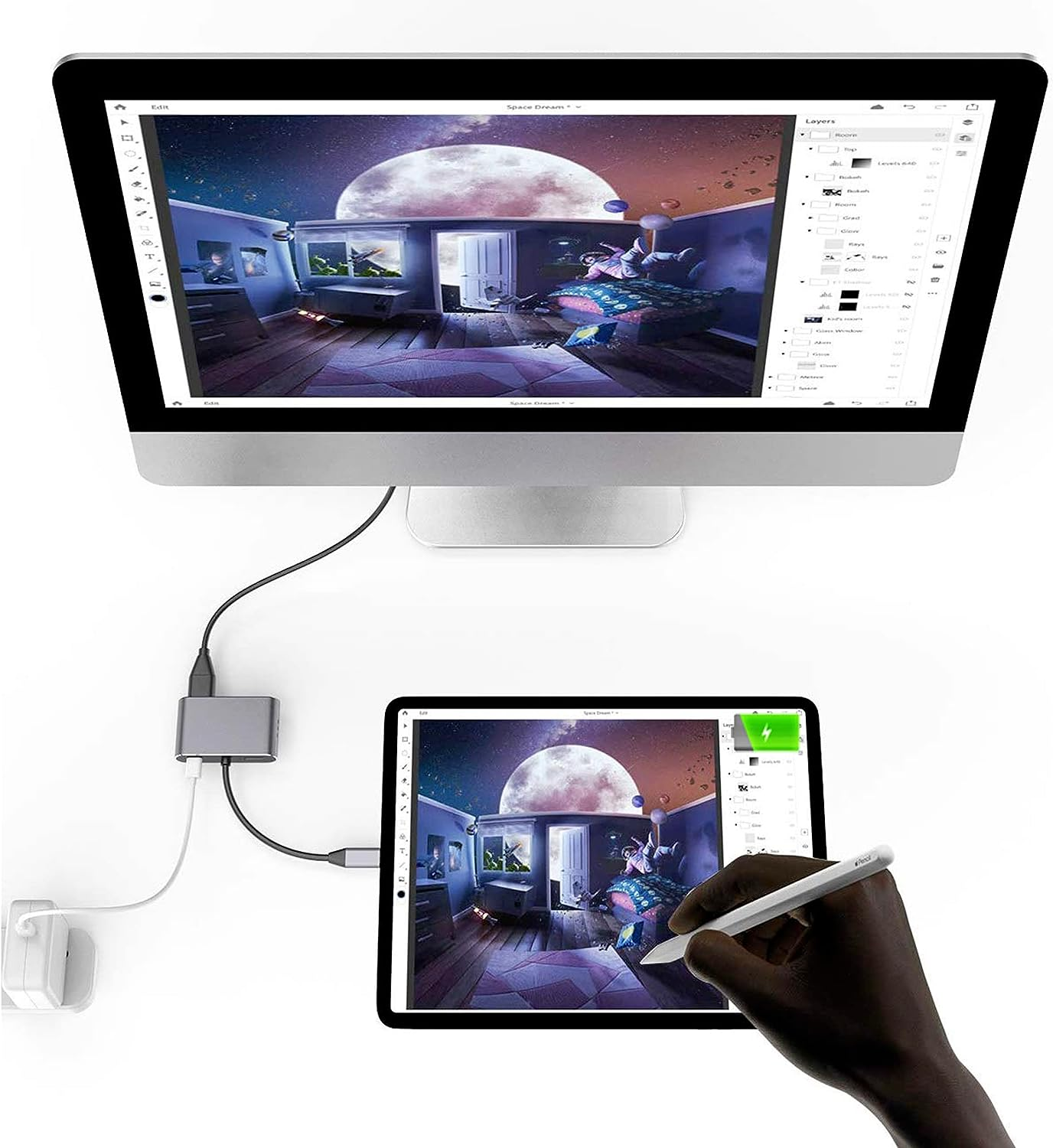
USB C to Dual HDMI Adapter 4K, USB+PD Charging+2 HDMI 4 in 1 for Mac/Ipad Pro,Surface,Chrome,Switch,Phnoe,Etc. Type C/USB C/Thunderbolt Device (4 in 1)
Brand: ELECABLE
A$139.80
Availability:
-
This item is currently not available
Shop with confidence
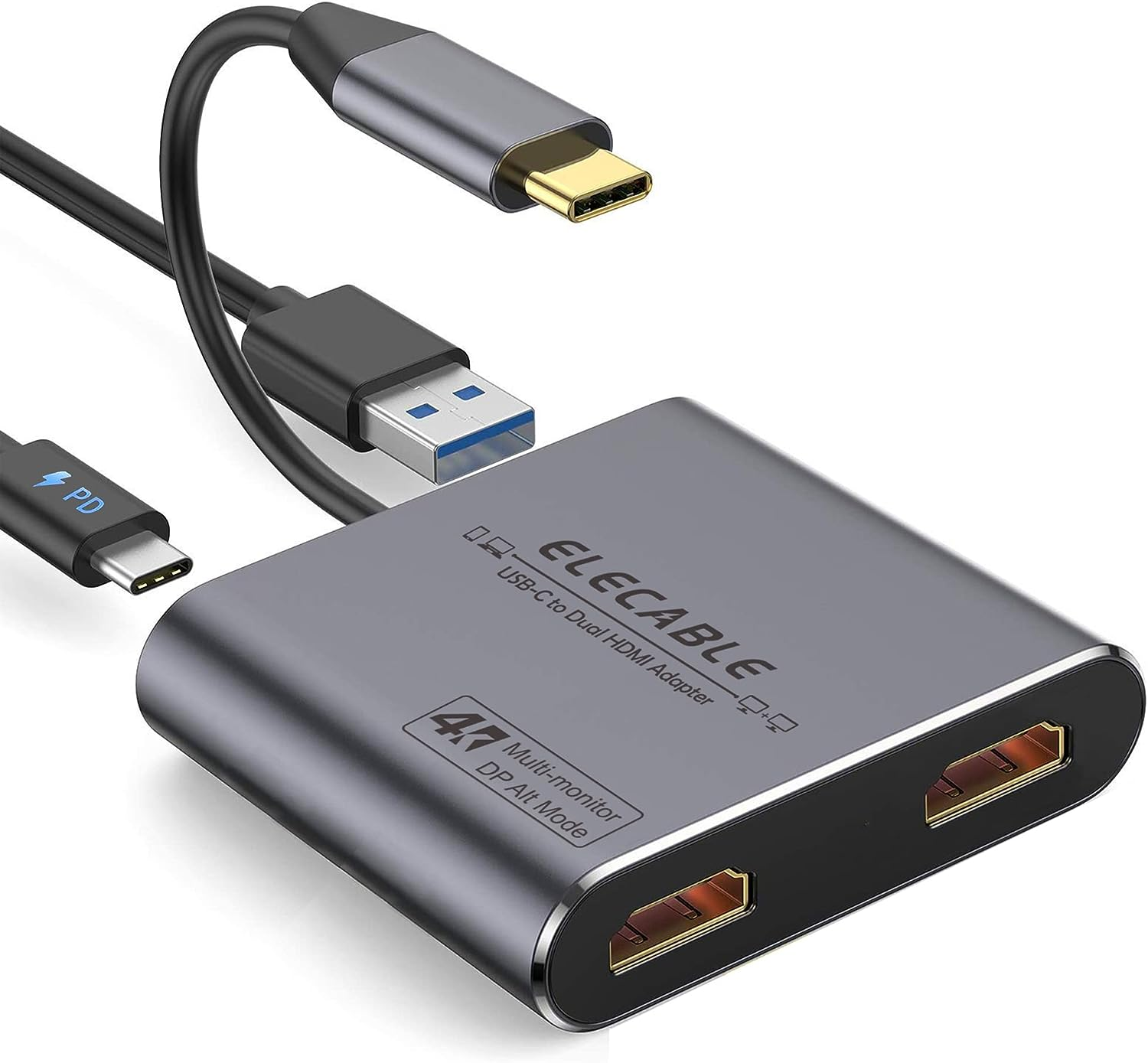
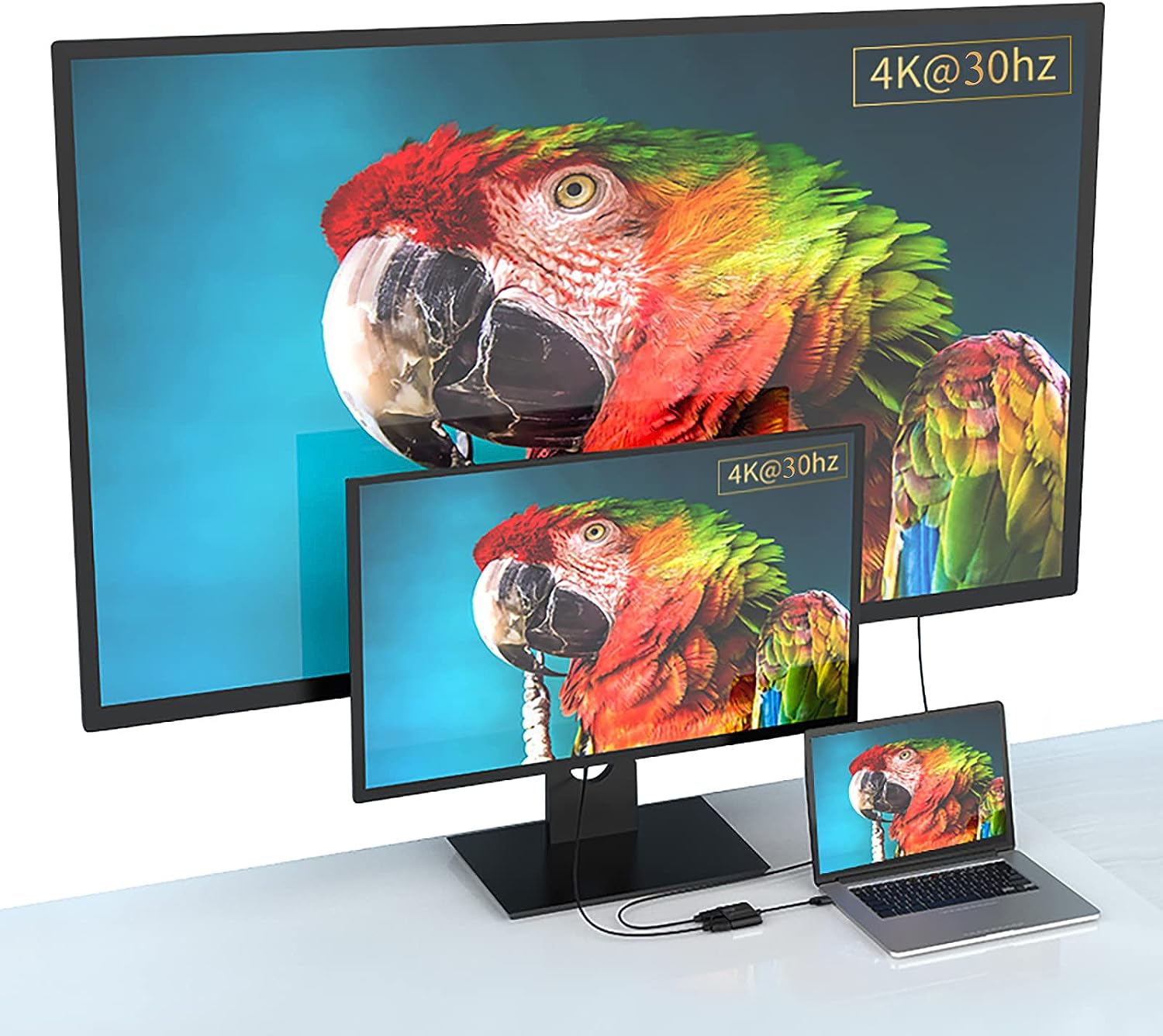
- 4 in 1 HDMI adapter: Connects devices with USB-C interface port to 2 HDMI ports, a USB 2.0 port, and a PD port. All 4 ports function simultaneously. Designed for devices with Type-C or Thunderbolt 3 port that support video and audio output.
- Plug and play: No software, drivers, or complicated installation required. Portable and premium aluminum design offers better heat dissipation.
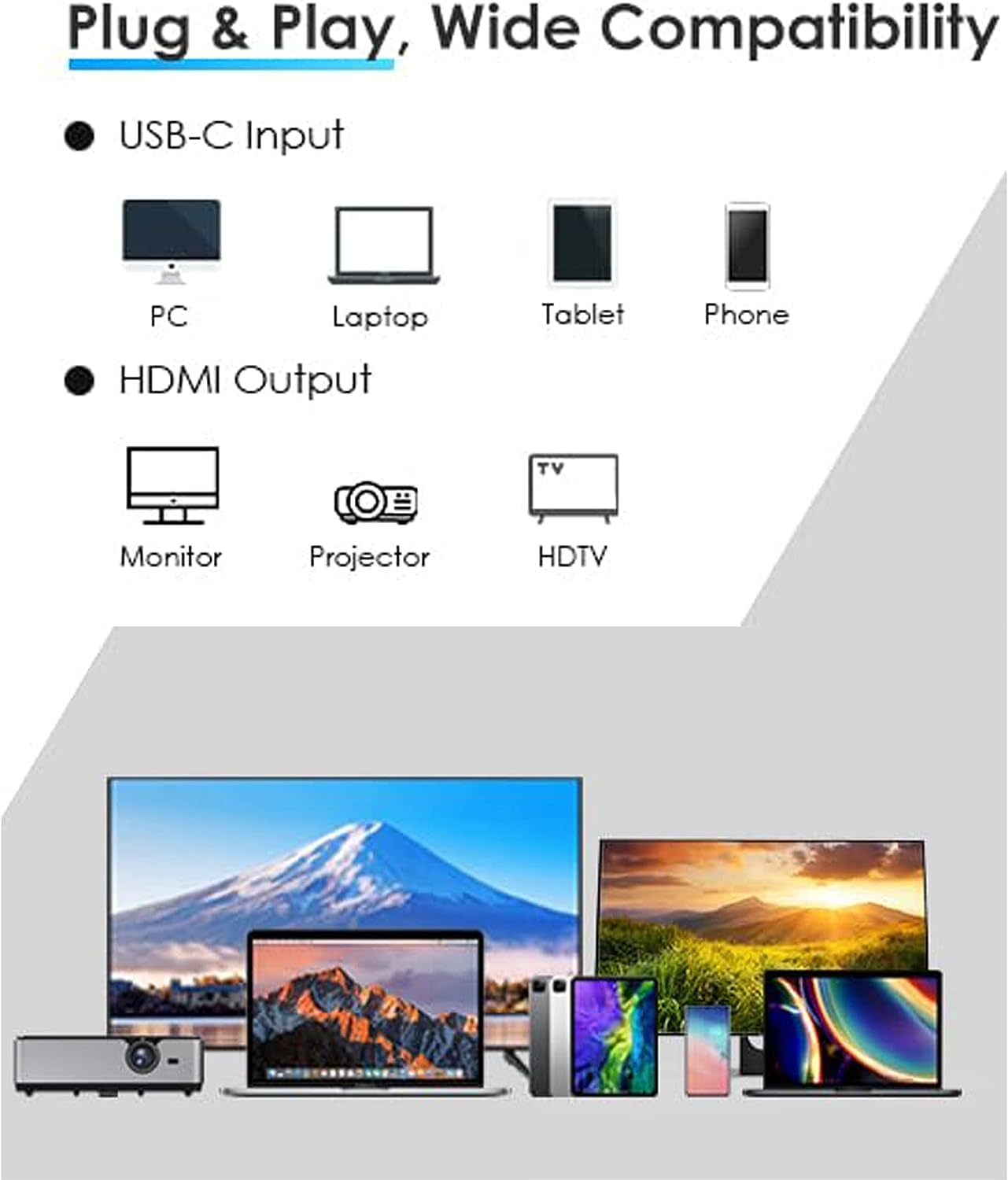
- Wide compatibility: Works with MAC OS, Windows, Android, and Linux system USB C devices. Compatible with 2015-2019 MacBook/MacBook Pro, iPad Pro 2018, MacBook air 2018, Surface Book, Google Chromebook Pixel, Dell XPS 12/13/15, HP Specter X2/X360, Acer Spin7, Samsung S8/S9, and more USB C devices.
- Important note: For Mac devices, extend mode displays the same image on both screens. Connect the USB-C end directly to your device, not to the docking station or hub.
4 in 1 USB C to Dual HDMI Adapter connects the devices with a USB-C interface port to two HDMI ports, a USB 2.0 port, a PD port. Four ports can work at the same time.Designed for devices equipped with Type-C port or Thunderbolt 3 port that support video and audio output Mode.
High Speed USB 3.0 Transfer up to 5 Gbps, work for USB flash disk, mouse, keyboard and other USB A 2.0 devices. Easy to transfer a HD movies in short time. Meanwhile Type-C PD port charge quickly output up to 60W, avoid running out of power during use it.
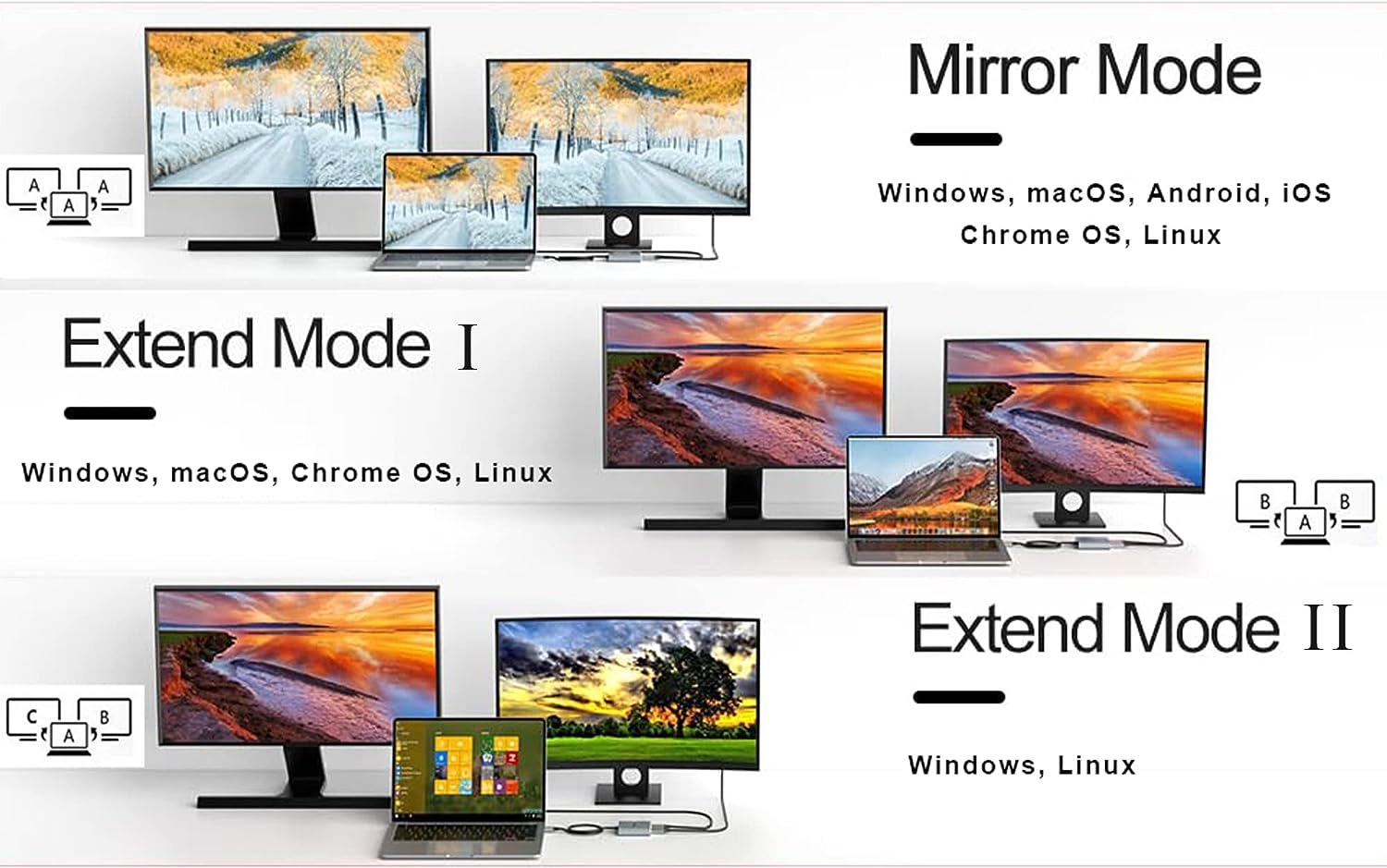
Mac OS support.
1: Mirror mode .
2: Extend mode(As MAC OS itself limited, in extend mode the image on the two external screens will be the same) .
Android support.
1: Mirror mode
Windows support.
1: Mirror Mode
2: Extend Mode (the image on the two external screens can be same or different).
Frequently Asked Questions.
How to switch Mac device to Extend Mode?
"Setting" → "Display" → click the "mirror display" box to switch to Extend mode → then you can drag a window of website/movie to the rightest side of your desktop screen until it disappear on your desktop screen and show up on the external monitor screen.
How to connect Extend Mode for Windows?
Right-click desktop→ select display Settings → pop-up Settings screen select display→ select multi-screen display→ expand the desktop (If the display 3 is not display, please to manually select the display→click apply confirm can set OK).
If one of display does not display, How to do?
Right click desktop > Graphics Settings > Select One or More Active Displays.
- Item Model Number: 83ea8c98-003e-49ac-9443-bc693a042176
- Part Number: 83ea8c98-003e-49ac-9443-bc693a042176
- Number of items: 1
- Batteries Included: No
- Batteries Required: No
- Brand: ELECABLE
- Compatible Devices: Type-C and Thunderbolt 3 compatible devices
- Item Weight: 60 g
- Number of Ports: 4
- Wattage: 60 watts
- Model: 83ea8c98-003e-49ac-9443-bc693a042176
- Package Dimensions: 17.3 x 7.6 x 1.7 cm; 60 Grams
- Manufacturer: ELECABLE
A$139.80
Shipping to Australia
Delivery time varies by location
Return & Refund Policy
Check our return & refund policy
Security & Privacy
Safe payments: We do not share your personal details
Availability:
-
This item is currently not available
Sign in
or create an eMega account
Shop smarter — get exclusive deals & order tracking