Free Shipping – Store Wide
The Affinity Designer Manual - Version 2: a Step-By-Step Beginner'S Guide
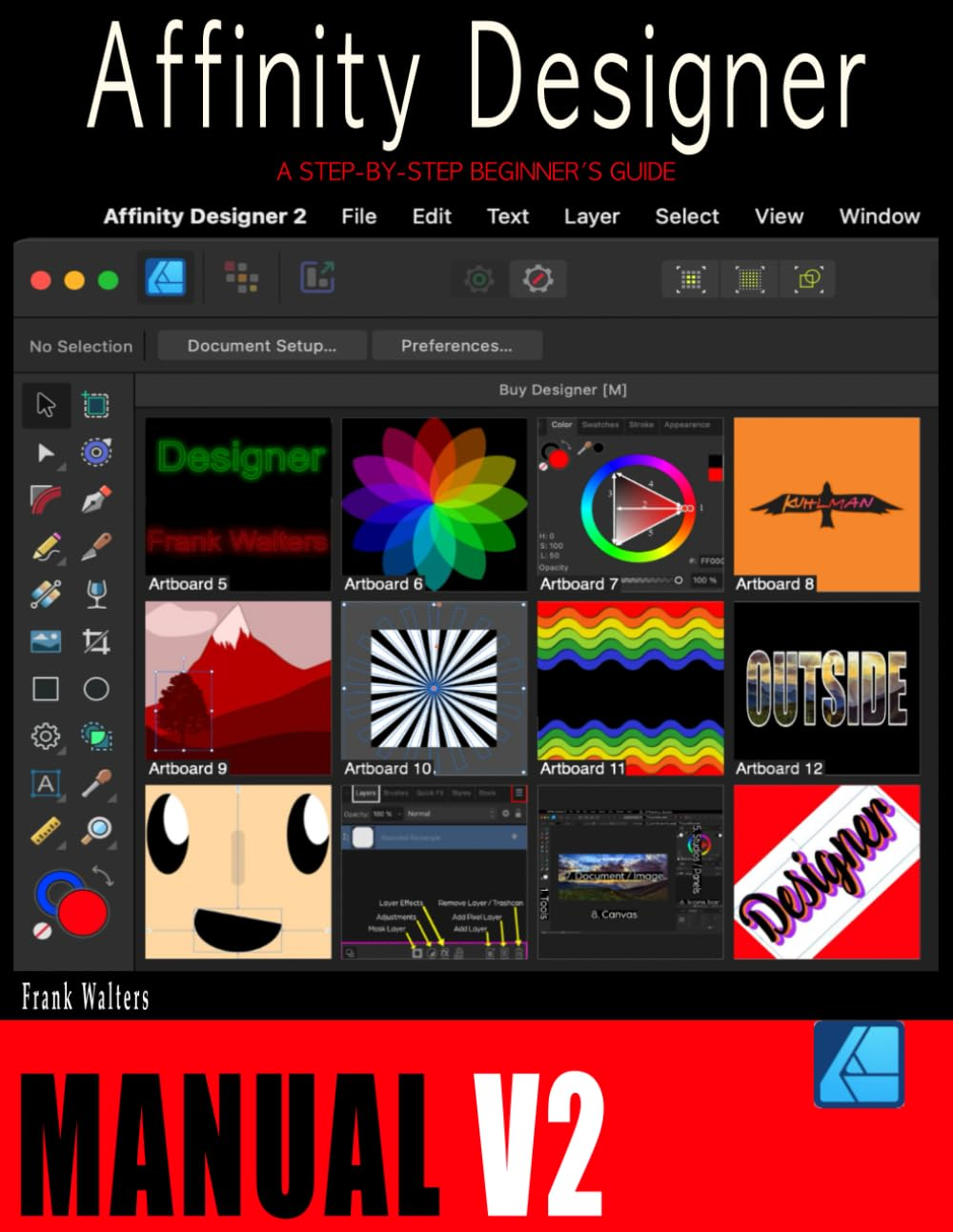

The Affinity Designer Manual - Version 2: a Step-By-Step Beginner'S Guide
A$75.85
Affinity Designer continues to be the fastest-growing vector-based software on the market today and is quickly becoming the first choice for beginners and professionals alike.
The Affinity Designer ManualV2 was created with new users like you in mind to help you quickly and with as little effort as possible increase your proficiency and confidence in learning this amazing software.
This book will teach you Version 2 of Affinity Designer
Every word, sentence, and screenshot from our original book has been revised to match the new Version 2 of the software.
Features of Affinity Designer
The 10 Basic Skills New Users Need to Know
1. How to Open a Document or Image
2. How Designer's Screen is Organized
3. How to Use the Shape Tools
4. How to Navigate Inside the Document
5. How to Use Colors in Designer
6. How to Use Layers
7. How to Use the Text Tool
8. How to Combine Shapes using the Boolean Tools
9. How to Use the Pen Tool
10. How to Save, Share, and Export
Extra Lesson: Color Theory, Modes, and Codes
20 Step-by-Step Lessons
Lesson 1: How to Add Fonts to Designer
Lesson 2: How to Create Your Own Brushes
Lesson 3: How to Use the Color Picker Tool
Lesson 4: How to Make a Modern Logo
Lesson 5: How to Create a Customized Retro Wallpaper
Lesson 6: How to Create Neon Text
Lesson 7: How to Create a Shadow for an Object
Lesson 8: How to Duplicate Any Object Around Another Shape
Lesson 9: How to Create a Beautiful Flower Design
Lesson 10: How to Create a Shirt Mock-Up
Lesson 11: How to Remove the Background from an Image
Lesson 12: How to Create a Sunburst Background
Lesson 13: How to Put a Picture in a Text
Lesson 14: How to Create 3D Text
Lesson 15: How to Create a Flat Design Character with Shading
Lesson 16: How to Create a Landscape Design
Lesson 17: How to Colorize a Vector Object and Add it to an Existing Document
Lesson 18: How to Steal Colors from Any Source
Lesson 19: How to Make a Blended Theme in a Photo
Lesson 20: How to Create a Sacred Geometry Design
Would you like us to email you the images to this book?
Please contact us at kuhlmanpublishing@yahoo.com and we'll send you the image folder we've created for this book. Please write the full title of this book "The Affinity Designer Manual" in the email's subject line. Please be specific because we have several Affinity books to offer.
Desktop Version Only
This book teaches you only how to use the desktop version of Affinity Designer - Version 2. It is not compatible with the iPad version of the software.
Please do not purchase this book thinking you can use it on the iPad. The desktop and iPad versions of the software are completely different. We will be working on an iPad version in the summer of 2023.
Last Revision
This book has been fully re-edited, revised, and re-published on June 6, 2023 to make sure it's as up-to-date as possible.
The Affinity Designer ManualV2 was created with new users like you in mind to help you quickly and with as little effort as possible increase your proficiency and confidence in learning this amazing software.
This book will teach you Version 2 of Affinity Designer
Every word, sentence, and screenshot from our original book has been revised to match the new Version 2 of the software.
Features of Affinity Designer
- Sophisticated Typography
- Live Pixel Preview
- Unlimited Artboards
- One Million+ Percent Zoom
- Advanced Grids & Guides
- Powerful Contour Tools
- Rock Solid Vector Tools
- Full Color Control
- No Subscriptions
- Any Device, Anywhere
The 10 Basic Skills New Users Need to Know
1. How to Open a Document or Image
2. How Designer's Screen is Organized
3. How to Use the Shape Tools
4. How to Navigate Inside the Document
5. How to Use Colors in Designer
6. How to Use Layers
7. How to Use the Text Tool
8. How to Combine Shapes using the Boolean Tools
9. How to Use the Pen Tool
10. How to Save, Share, and Export
Extra Lesson: Color Theory, Modes, and Codes
20 Step-by-Step Lessons
Lesson 1: How to Add Fonts to Designer
Lesson 2: How to Create Your Own Brushes
Lesson 3: How to Use the Color Picker Tool
Lesson 4: How to Make a Modern Logo
Lesson 5: How to Create a Customized Retro Wallpaper
Lesson 6: How to Create Neon Text
Lesson 7: How to Create a Shadow for an Object
Lesson 8: How to Duplicate Any Object Around Another Shape
Lesson 9: How to Create a Beautiful Flower Design
Lesson 10: How to Create a Shirt Mock-Up
Lesson 11: How to Remove the Background from an Image
Lesson 12: How to Create a Sunburst Background
Lesson 13: How to Put a Picture in a Text
Lesson 14: How to Create 3D Text
Lesson 15: How to Create a Flat Design Character with Shading
Lesson 16: How to Create a Landscape Design
Lesson 17: How to Colorize a Vector Object and Add it to an Existing Document
Lesson 18: How to Steal Colors from Any Source
Lesson 19: How to Make a Blended Theme in a Photo
Lesson 20: How to Create a Sacred Geometry Design
Would you like us to email you the images to this book?
Please contact us at kuhlmanpublishing@yahoo.com and we'll send you the image folder we've created for this book. Please write the full title of this book "The Affinity Designer Manual" in the email's subject line. Please be specific because we have several Affinity books to offer.
Desktop Version Only
This book teaches you only how to use the desktop version of Affinity Designer - Version 2. It is not compatible with the iPad version of the software.
Please do not purchase this book thinking you can use it on the iPad. The desktop and iPad versions of the software are completely different. We will be working on an iPad version in the summer of 2023.
Last Revision
This book has been fully re-edited, revised, and re-published on June 6, 2023 to make sure it's as up-to-date as possible.
- Publisher: Independently published
- Dimensions: 21.59 x 1.19 x 27.94 cm
- Language: English
- Print length: 198 pages
- Item weight: 585 g
- Book Type: Paperback
- ISBN-13: 979-8374954401
- Publication date: 25 January 2023
A$75.85
Shipping to Australia
Delivery time varies by location
Return & Refund Policy
Check our return & refund policy
Security & Privacy
Safe payments: We do not share your personal details
Availability:
-
In Stock
Sign in
or create an eMega account
Shop smarter — get exclusive deals & order tracking