Free Shipping – Store Wide
KAWA Dash Cam Hardwire Kit, Compatible with D6 / D5 Dash Cam, Micro USB Port 11Ft Hard Wire Kit, Converts 12V-24V to 5V, 24H Parking Monitor Mode, Low Voltage Protection(Not Adapt to D8 / D10 /MINI 3)
KAWA Dash Cam Hardwire Kit, Compatible with D6 / D5 Dash Cam, Micro USB Port 11Ft Hard Wire Kit, Converts 12V-24V to 5V, 24H Parking Monitor Mode, Low Voltage Protection(Not Adapt to D8 / D10 /MINI 3)
Brand: KAWA
A$139.80
Availability:
-
This item is currently not available
Shop with confidence
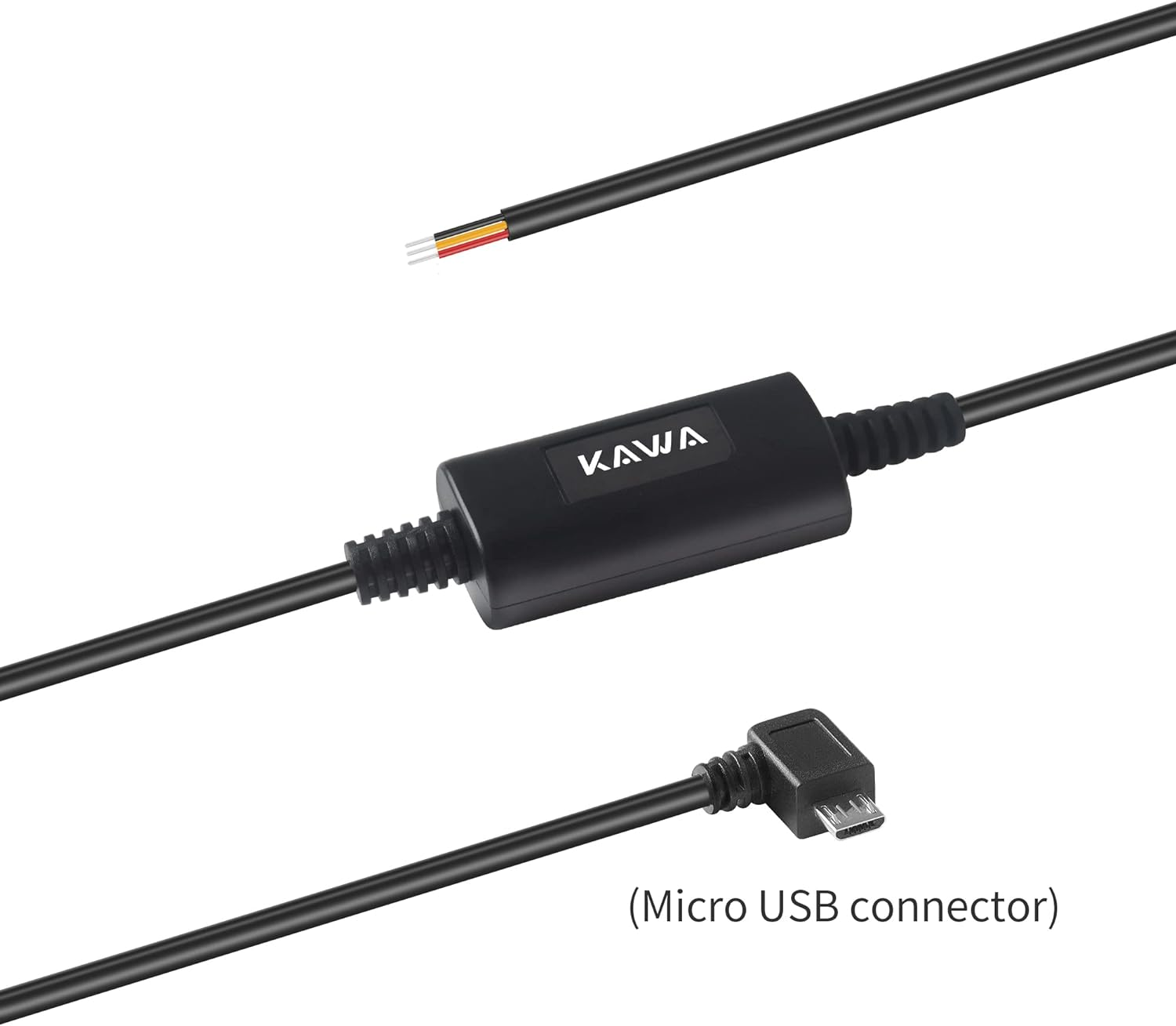
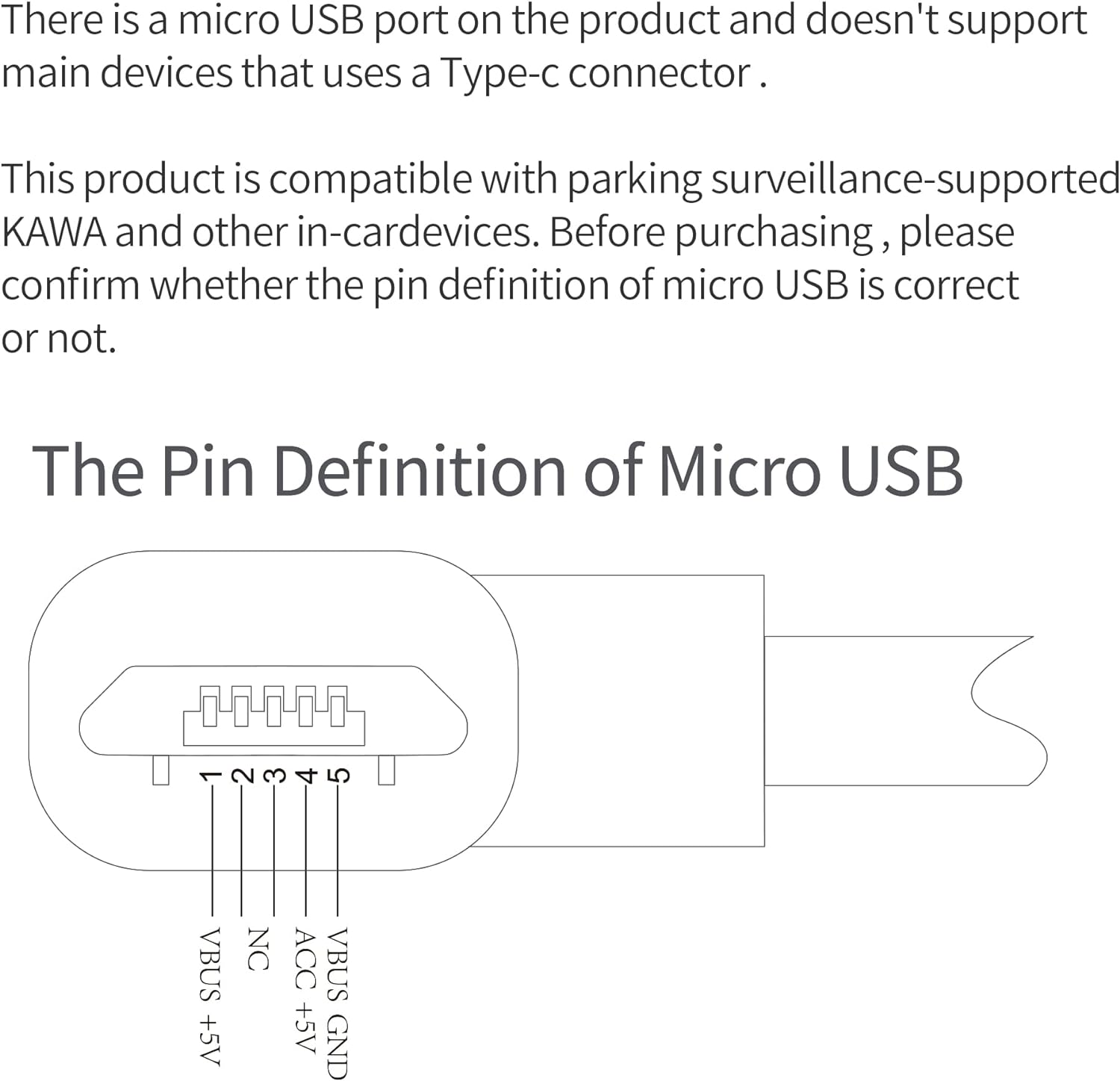
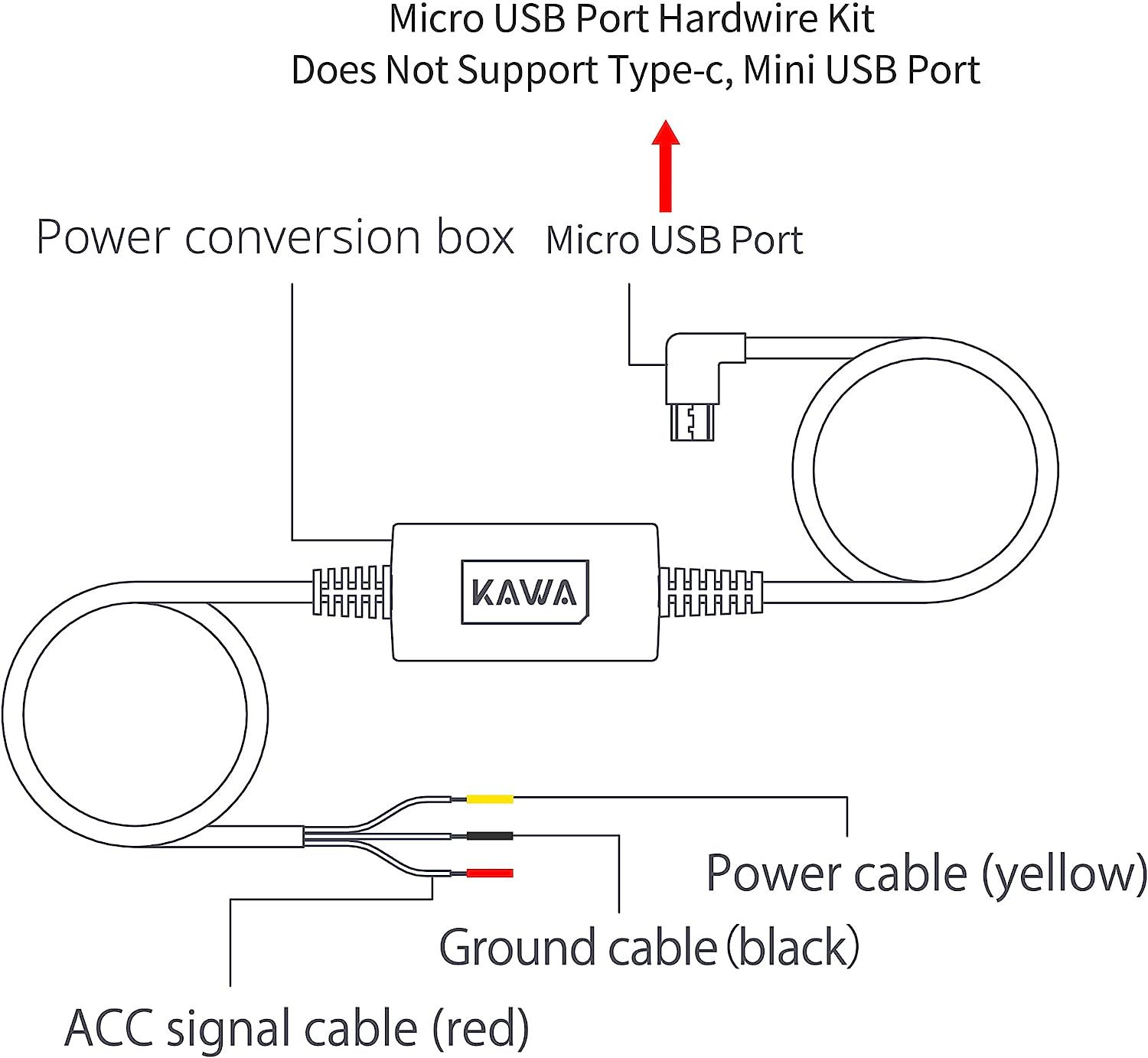
- 【Compatible for KAWA D6 / D5 2K Dash Cam with MICRO USB】This dash cam hardwire kit is well designed for KAWA D6 / D5 2K dash cam and most other dash camera with a Micro USB to be used for 24-hours parking monitor. (Not compatible with D8 / D10 / MINI 3, If you need to adapt to the D8 / D10, please purchase another Micro USB: B0CNG1HNPC )
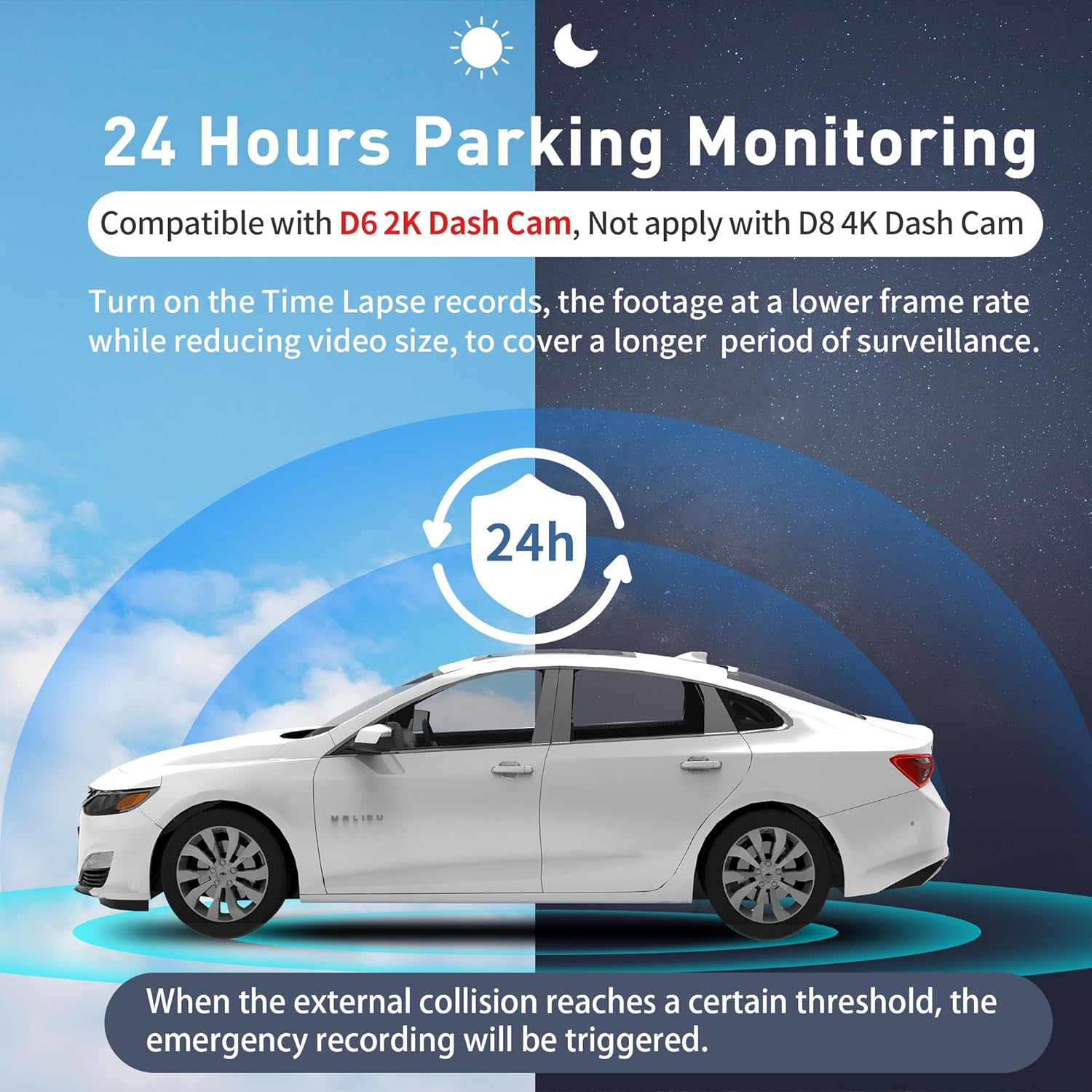
- 【24/7 Parking Surveillance】This vehicle hard-wire kit connected to car battery or fuse box power, which provides continuous power to your dash cam when your car is parked to achieve 24-Hours Parking Monitoring. (Please turn on the time-lapse photography and parking monitor on APP after connecting the hard-wire kit)
- 【Low Voltage Protection】If the voltage of your car battery drops to 11.8V, the regulator will cut off the power, which protects your car with enough power to start the next time.
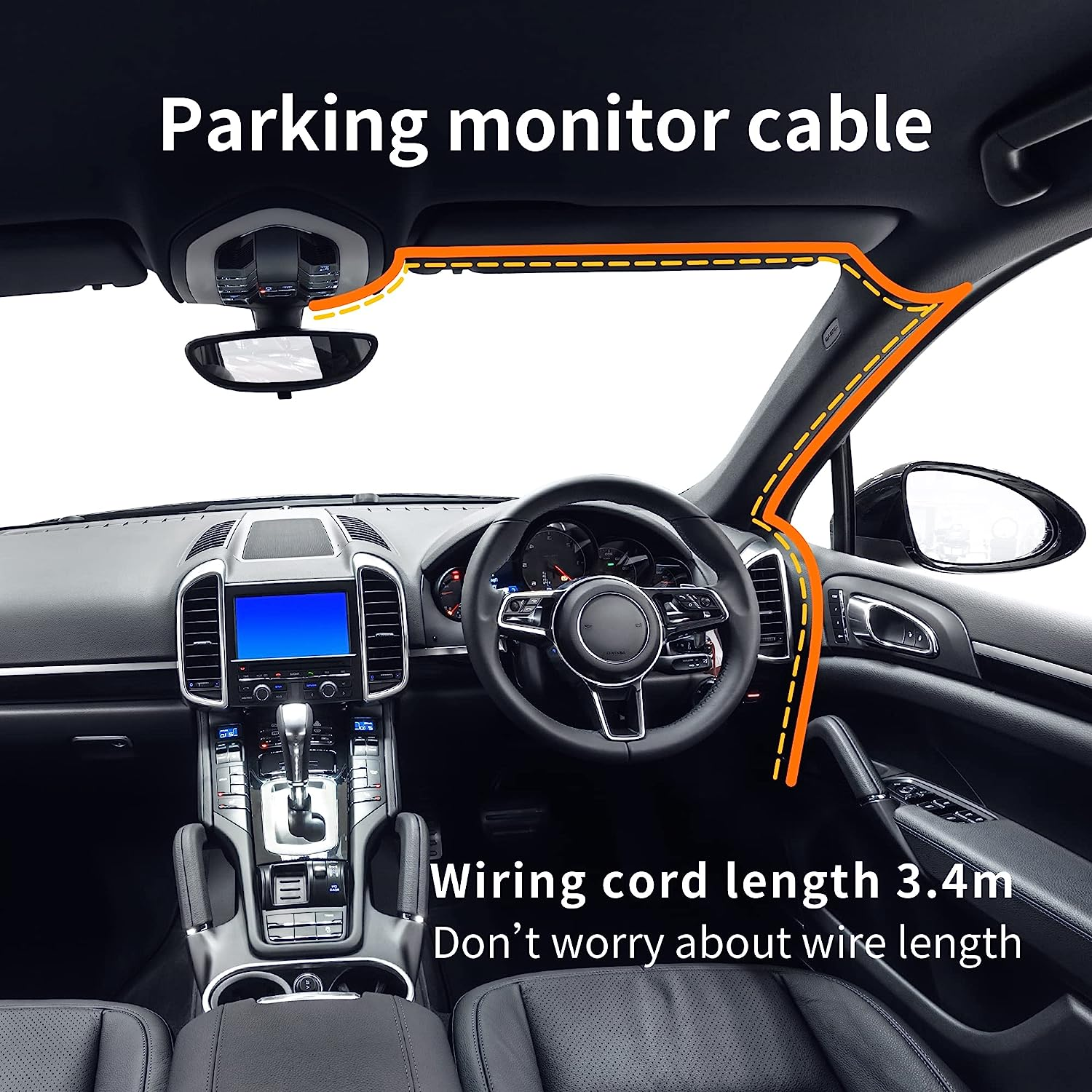
- Easy Installation You can use this dash cam hardwiring kit for clean installation in your car. This dashcam hardware kit connects to your car's fuse box directly.
- 【Enough Length】 Overall 11ft (3.4M) of the KAWA Hardwire Kit can be installed basically on all vehicles with 12-24V. No more worry about shortage of the cable length.
- 【 Service】30 days money-back and 12-month manufacturer’s warranty can give you peace of mind about your purchase and assurance that a great team is ready to help every step of the way.
Product Description
24/7 Parking Surveillance
Directly to the battery for constant 24hrs/7days power to protect against theft when your car is in the parking lot.
Low Voltage Protection
If the voltage of your car battery drops to 11.8V, the regulator will cut off the power, which protects your car with enough power to start the next time.
Compatible 12 - 24V Vehicles
This hardwire kit accepts voltage from any type of vehicles runs on 12 – 24V, works perfect for car, truck, bus, suvs, or big rig for continuous power.
Install the Dash Cam
Remove the protective film from the heat-resistant adhesive paper on the base of the holder, and attach the dash cam to the dashed box of the anti-static film. Please press the base of the holder by hand to ensure a tight fit between the heat-resistant adhesive paper and anti-static film.
Locate The vehicles' Fuse Box
Locate your vehicles fuse box using your Fuse Box Diagram. This information can usually be found in your vehicle’s Owner’s User Manual or from your manufacturer’s website.
Connect the Fuse Box
Select a suitable car fuse box based on the wiring path and the location of the main device, and Connect it to the hardwire kit. Please ensure that the fuse box can contain the followings
1. Regular electric fuse with an output voltage of 12 V or 24 V and larger output current, the fuse has 12V or 24v under the condition of ACC off
2. ACC power fuse
Connect the Hardwire Kit to the Fuse Box
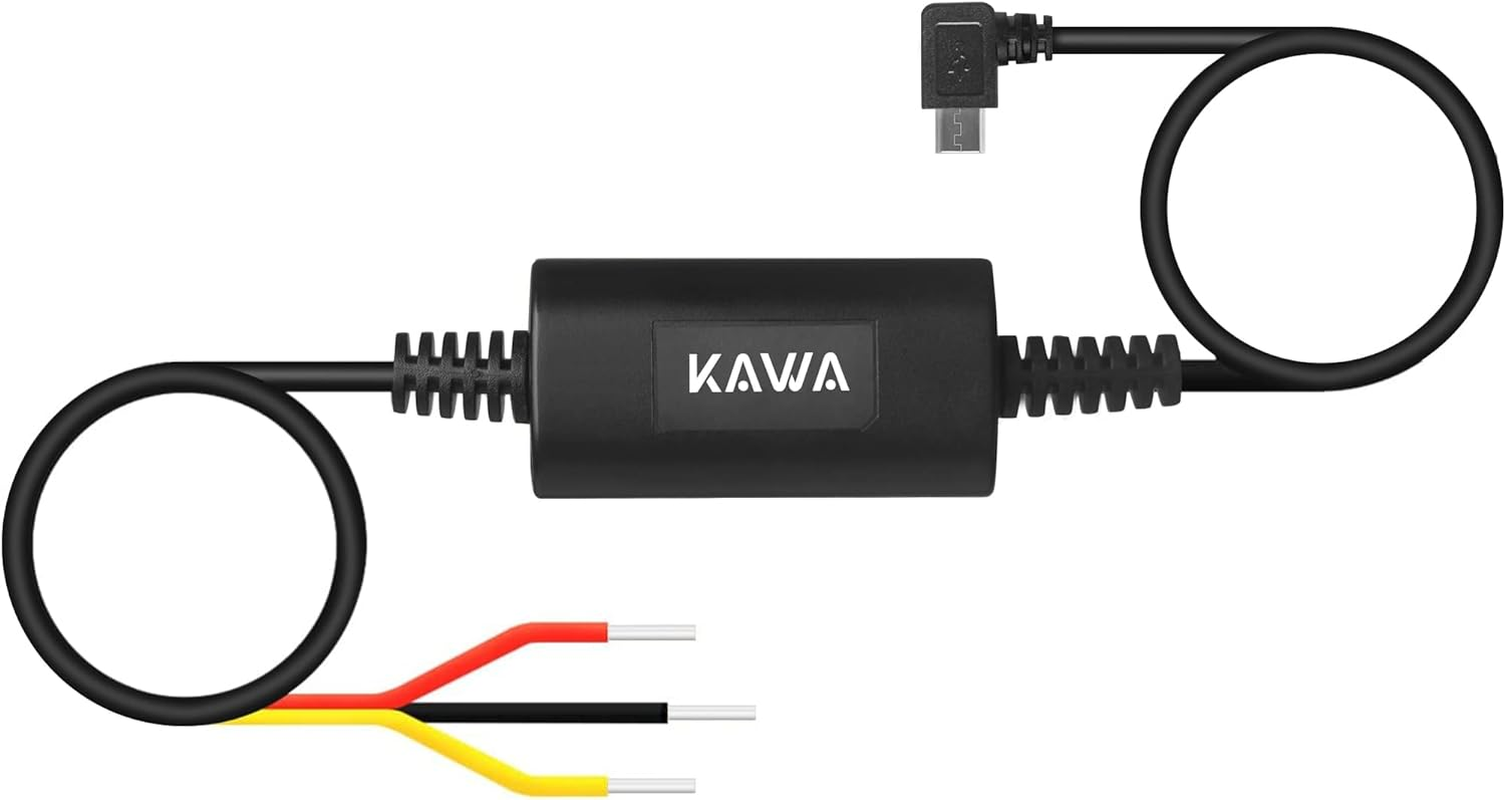
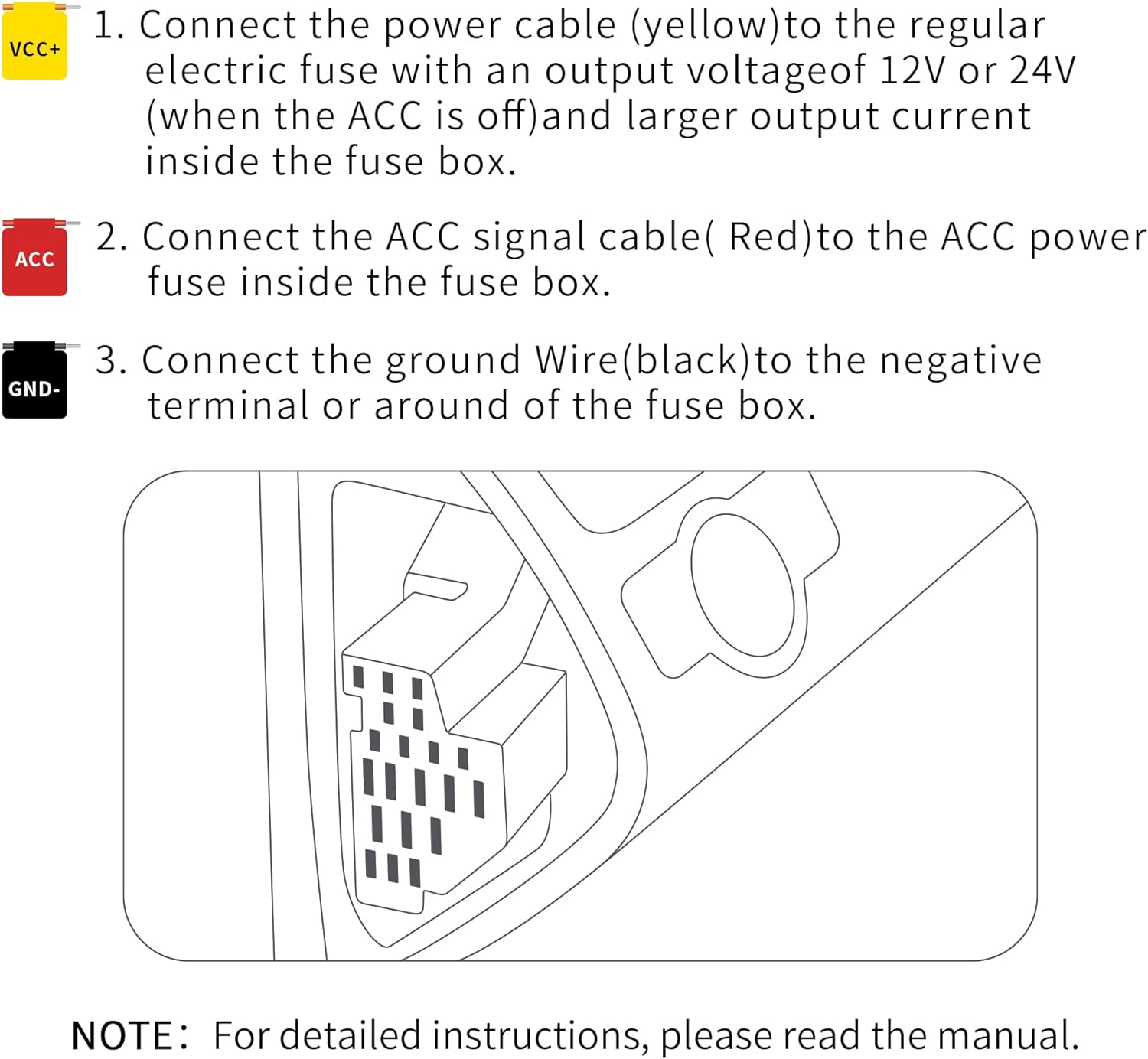
1. Connect the power cable ( yellow ) to the regular electric fuse with an output voltage of 12 V or 24V ( when the ACC is off ) and larger output current inside the fuse box.
2.Connect the ACC signal cable ( Red ) to the ACC power fuse inside the fuse box.
Locating A GOOD Ground Point
Connect the ground wire ( black ) to the negative terminal or around of the fuse box Important notes.
Note: The actual installation and wiring path of the hardwirekit may differ from the illustrations in the manual. Please seek assistance from a professional technician Before installation and Wiring, please turn off the car engine and power to prevent short circuit.
Test the Connection and ACC Signal Dash Cams
1. Connect the USB port of the hardwire kit to the power outlet of the main device (DC/IN). Start the engine and wait for the main device to turn on. If the main device fails to power on, check the power cable of the hardwire kit to see if it is correctly connected to the regular electric fuse
2. After the main device has turned on, turn off the engine and remove the key. Check if the main device powers off or enters sleep mode. For some cars, the ACC power off signal will only be triggered when the driver seat door is opened after the engine is turned off. Some car models will only trigger the ACC power off signal after the engine has been turned off for a certain period of time. For such cars, observe for some time after the ACC power is turn off to check if the main device powers off or enters sleep mode
3. After the main device powers off or enters sleep mode, restart the engine and check if the main device automatically turns on.
- Item Weight: 120 g
- Item Model Number: PT01
- Product dimensions: 5.08 x 1.52 x 2.54 cm; 120 Grams
- Manufacturer: KAWA
A$139.80
Shipping to Australia
Delivery time varies by location
Return & Refund Policy
Check our return & refund policy
Security & Privacy
Safe payments: We do not share your personal
details
Availability:
-
This item is currently not available
Sign
in
or create an eMega account
Shop smarter — get exclusive deals & order
tracking