Free Shipping – Store Wide
CZT New Large Screen Brick Game Console Classic Nostalgic Puzzle Built-In 23 Games Speed/Difficulty Adjustable Powered by 2 AA Batteries(Not Included) Best Gift (Black)
CZT New Large Screen Brick Game Console Classic Nostalgic Puzzle Built-In 23 Games Speed/Difficulty Adjustable Powered by 2 AA Batteries(Not Included) Best Gift (Black)
Brand: CZT
A$28.15
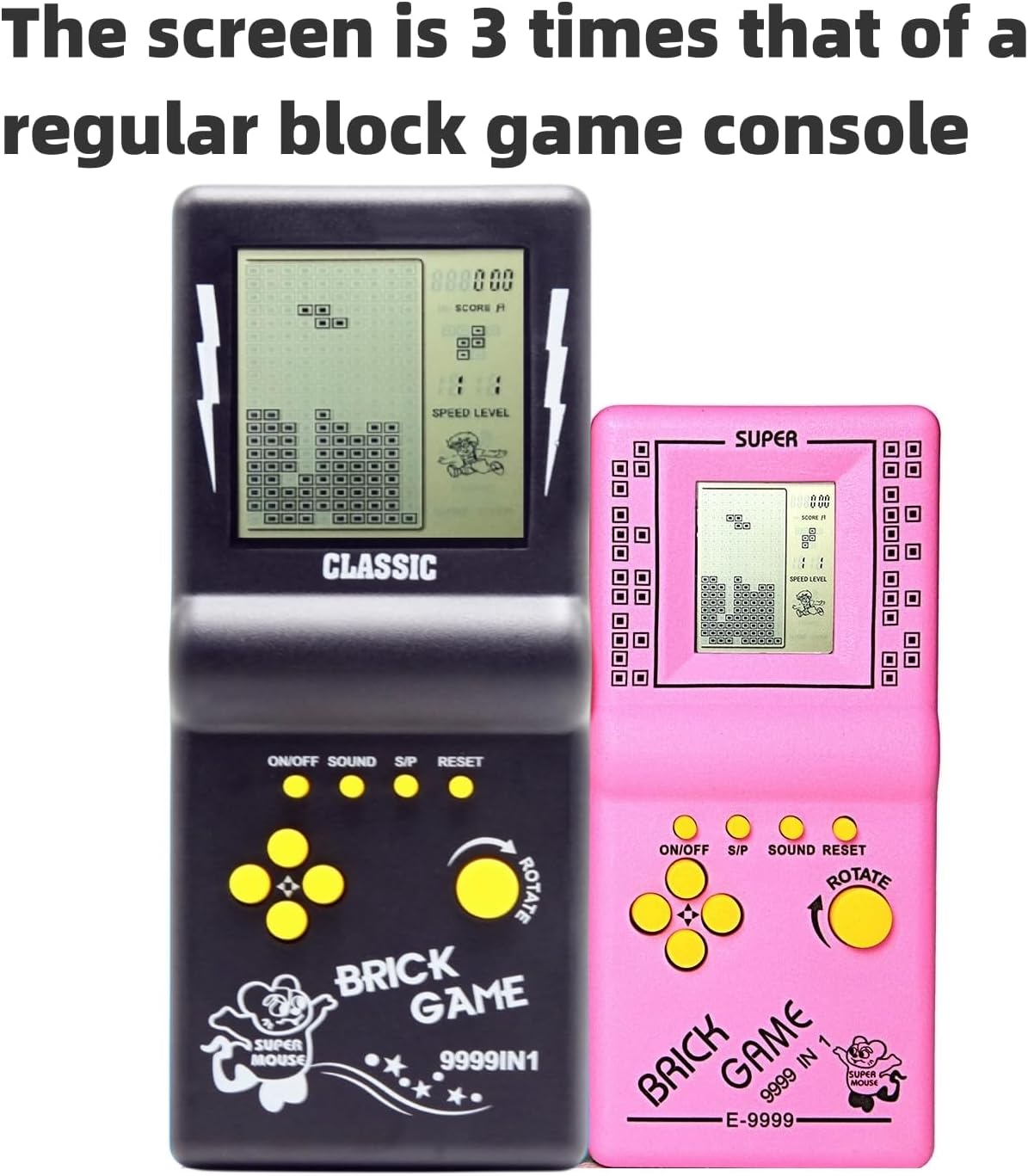
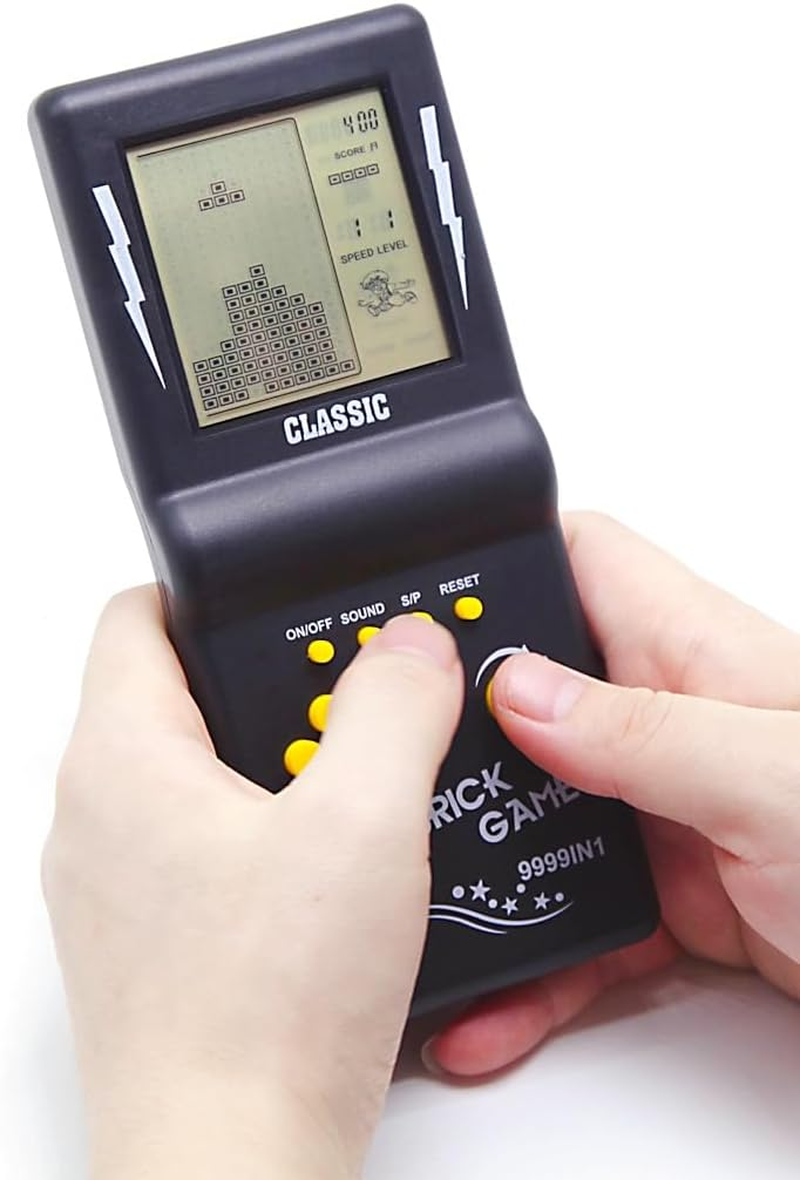
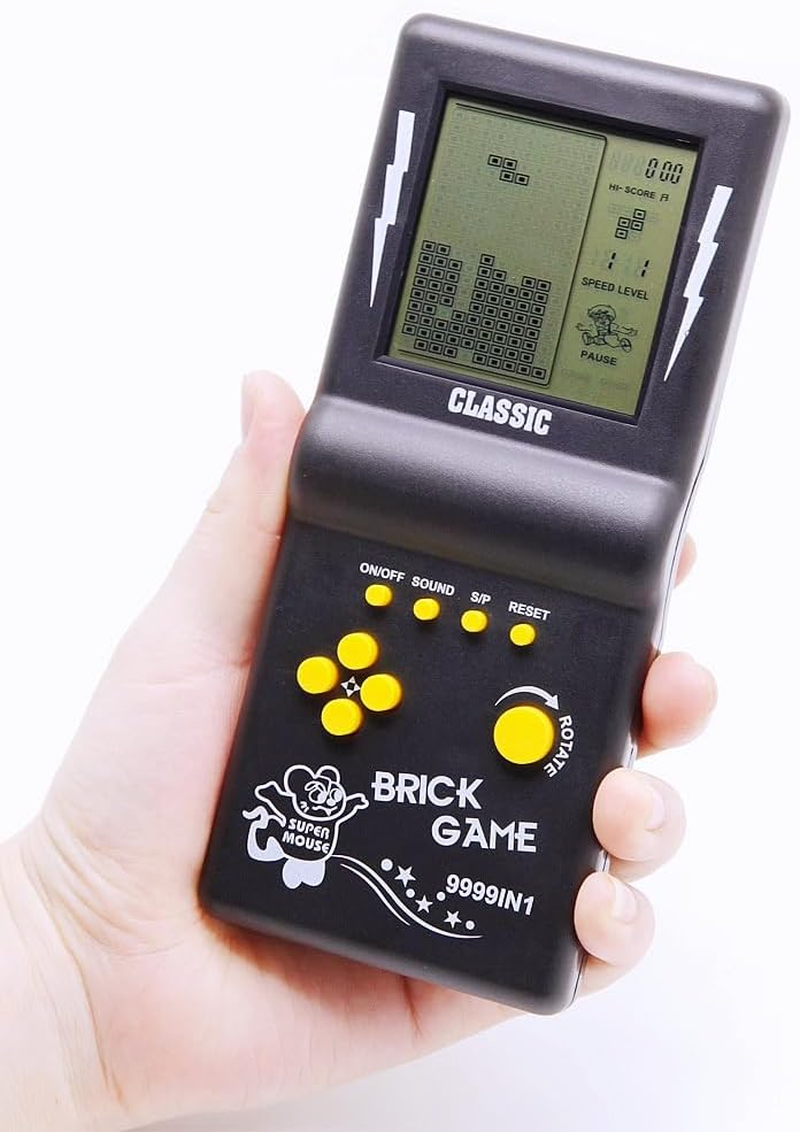
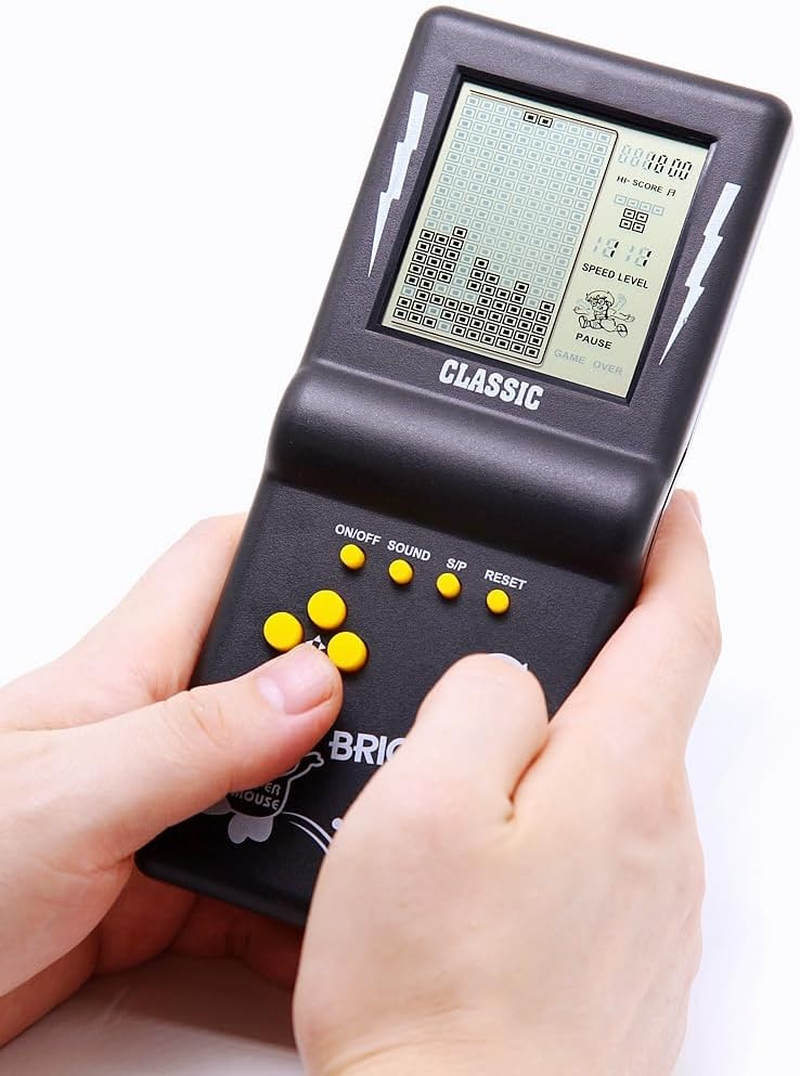
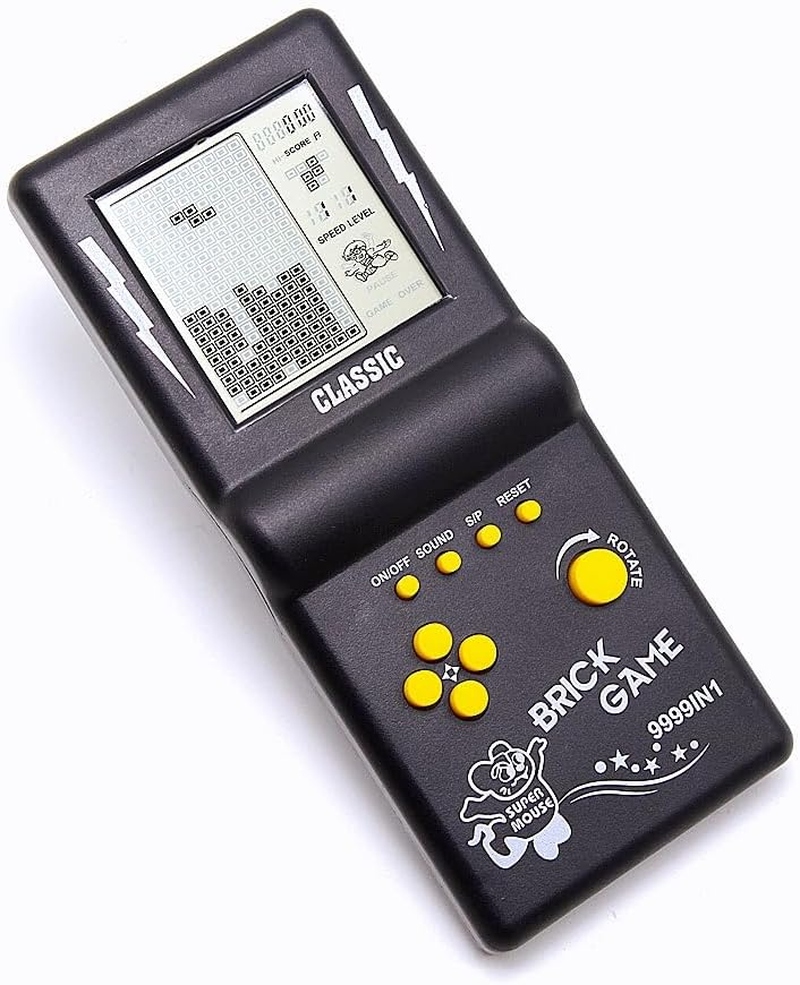
- 1. Super large screen, the screen area is 3 times that of the ordinary brick game console, and the visual effect is better; the ergonomic design, the grip feel better, and the operation is comfortable. This is one of the best gifts for someone, and also your best companion for traveling or passing boring time.
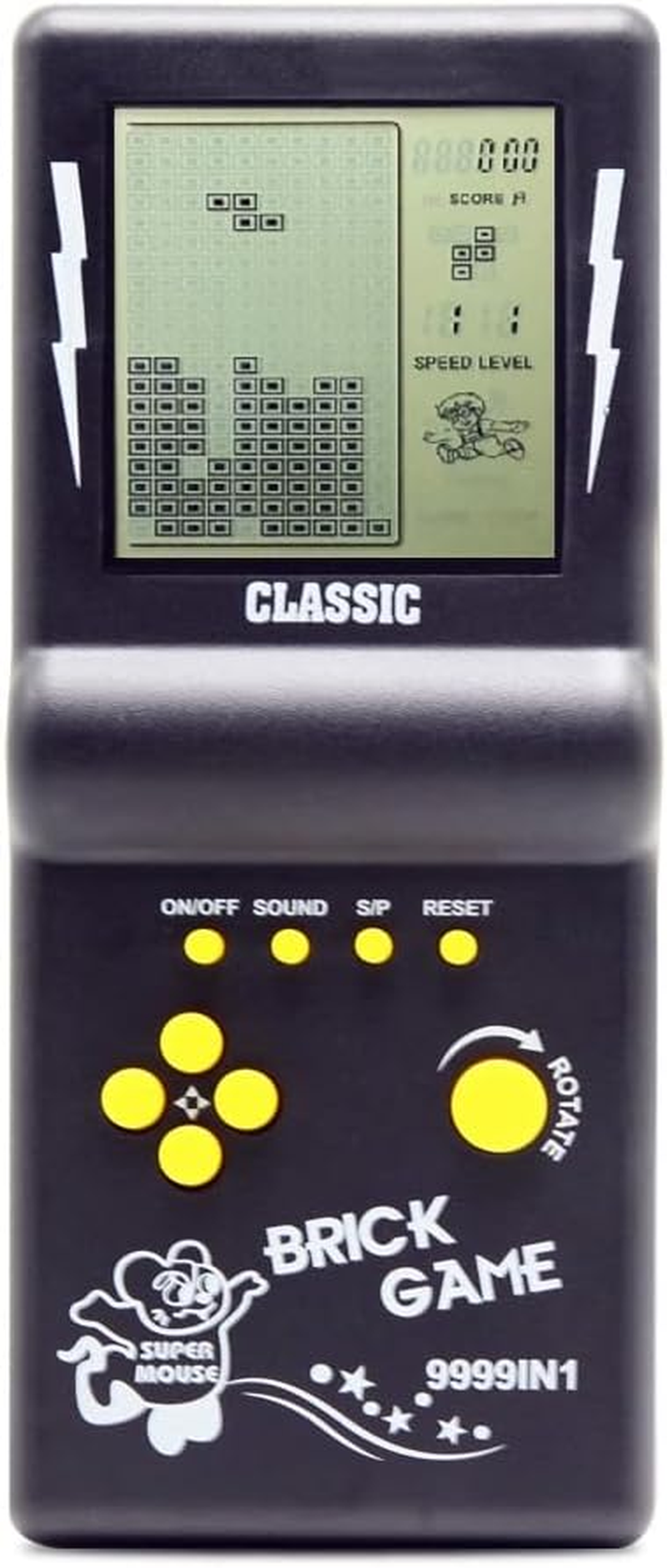
- 2. There are 23 built-in games, classic, nostalgic, and puzzle games. Each game can bring you happiness. You can press "ROTATE" to adjust the number at the top of the screen to select the game. The number "01" is a classic brick game, and many like it. These games will bring good memories to those born in the 70s/80s/90s.
- 3. The speed of the game and the number of levels and difficulty can be adjusted. After selecting the game you want to play, press the right arrow key to adjust the speed before the game starts, the left arrow key to adjust the difficulty level, and the up/down keys to adjust the number of levels.
- 4. The game can be paused, and you can continue playing with the paused progress next time,Don't need you to start over. Operation method: first press the "S/P" button to pause the game, and then press the "ON/OFF" button to shut down, the next time you play, press the "ON/OFF" button to turn on, and then press the "S/P" button first Start the game.
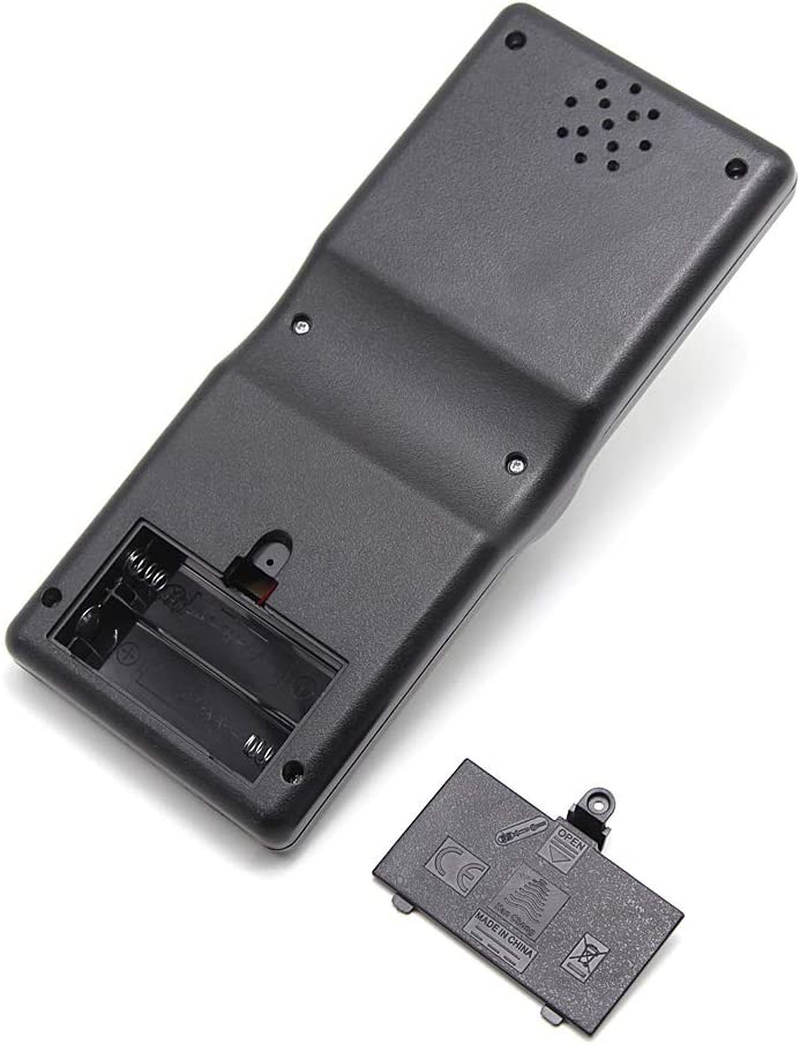
- 5.Powered by 2*AA batteries(not included), you can easily buy it. Two AA batteries can be used for 4 weeks (depending on the quality of the battery), and its power consumption is very small. Product weight/size: 88g/18*8*2CM; product weight/size with packaging box: 110g/18.7*8.3*2.6CM;
- 23 Games of Game list 01.Classic Brick game 02-08.Other Brick game 09.Tanks war 10.Racing game 11.Pinbal 12.Shooting 13.Obstacles Pinball 14-15.Fill Shooting 16-23.Various Reverse Brick game
Product Description
This is one of the most famous retro game consoles
It has been popular for decades and is loved by players all over the world. Its basic rules are to move, rotate, and place various blocks automatically output by the game, arranging them into a complete row or multiple rows and eliminating scores.
What games does it include?
It has a total of 23 built-in games, each with a different mode.
These games include:
01.Classic brick game;
02-08.Other modes of brick games;
09.Tanks Battle;
10.Racing game;
11.Bounce ball;
12.Shooting game;
13.Barriers to Bounce ball;
14-15.Fill the shooting game;
16-23.Various reverse brick games
How to choose a game or game mode? How to start the game?
The numbers 01-23 displayed at the top of screen are the sorting numbers of the game. Different numbers correspond to different games. Use the ROTATE key to select the game corresponding to the numbers. Use the up/down key to select the game mode.
After selecting the numbers, press the S/P key to start the game.
Number 01 is a classic Brick(Block) game. It is recommended for beginners to start playing this game.
How to play these games:
01.Classic brick game: LEFT/RIGHT key control direction, ROTATE key to deformation.Move, rotate, and place the blocks, align them into one or more lines and eliminate to score.
02-08.Other modes of brick games:By LEFT/RIGHT/ROTATE key to Move, rotate, and place the blocks align them into one or more lines and eliminate to score.
09.Tanks war:UP/DOWN/LEFT/RIGHT key control direction, ROTATE key to launch bullets.
10.Racing game: LEFT/RIGHT key control direction, ROTATE key to accelerate.
11.Bounce ball:LEFT/RIGHT key control direction, ROTATE to speed up the ball movement speed.
12.Shooting game:LEFT/RIGHT key control direction, ROTATE key launch bullets.
13.Barriers to Bounce ball:LEFT/RIGHT key control direction, ROTATE to speed up the ball movement speed.
14-15.Fill the shooting game:LEFT/RIGHT key control direction, ROTATE key fired bullets.
16-23.Various reverse brick games:The block is output from the bottom up, By LEFT/RIGHT/ROTATE key to Move, rotate, and place the blocks align them into one or more lines and eliminate to score.
Can the speed/difficulty of the game be adjusted? How to choose speed/difficulty?
The speed and difficulty of the game can be adjusted.The speed/difficulty/mode can only be set before the game starts. The SPEED in the upper right corner of the screen represents speed, LEVEL represents difficulty, and the numbers below the screen represent mode. After selecting the number (game), do not start yet. Press the Right key to select the game's Speed; Press the Left key to select the difficulty level of the game.
Does this game console have Snake game? How to find this game?
Yes, this game console has the Snake game, but you need to turn on hidden mode to find the Snake game.
After turning on the brick game console, press and hold the SOUND key, press the RESET key once, and then press the ROTATE key 2-5 times until the screen displays letters before releasing the SOUND key. If it is not displayed, repeat the above operation again. In this game mode, the letter I is the Snake game.
Other product information:
Product weight/size: 88g/18 * 8 * 2CM
Battery: Powered by 2 * AA batteries (not included)
Tips for using: Save game progress
Press the S/P key first to pause, then press the ON/OFF key to turn off the screen. When you press the ON/OFF key again, then press the S/P key again, and you will be able to continue playing with the previous progress.
- Batteries Included?: No
- Display type: LED
- Assembly Required: No
- Power source: Battery Powered
- Product dimensions: 18L x 2W x 8H centimetres
- Material: Plastic
- UPC: 796917688782
- Material Type(s): Plastic
- Manufacturer reference: 8050
- Platform: Electronic Game
- Manufacturer recommended age: 5 years and up
- Age range (description): Kid
- Batteries Required?: Yes
- Number of batteries: 2 AA batteries required.
- Form factor: Handheld
- Controller type: Button Control
A$28.15
Shipping to Australia
Delivery time varies by location
Return & Refund Policy
Check our return & refund policy
Security & Privacy
Safe payments: We do not share your personal details
Availability:
-
In Stock
Sign in
or create an eMega account
Shop smarter — get exclusive deals & order tracking