Free Shipping – Store Wide
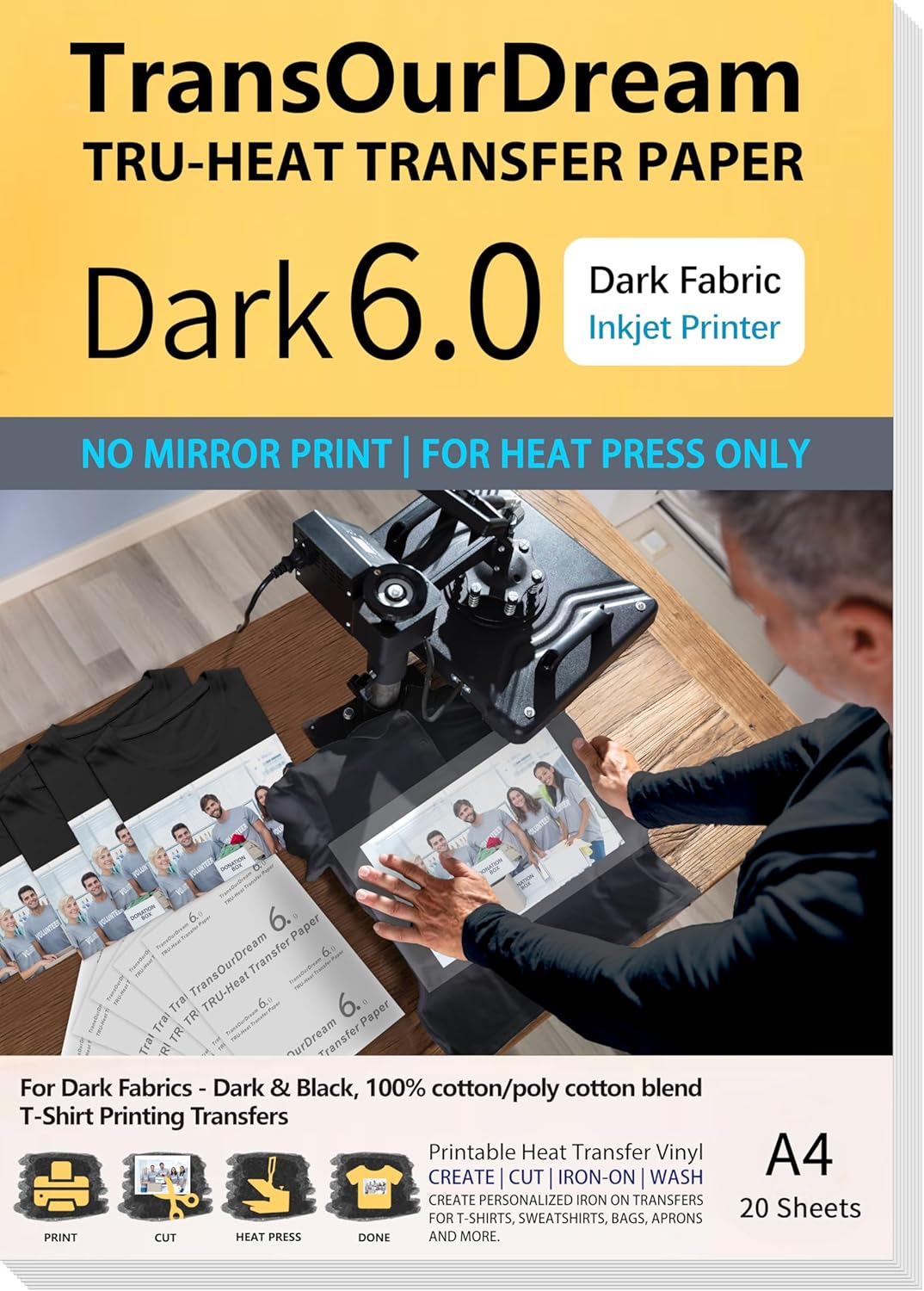
Transourdream Tru-Iron on Heat Transfer Paper for Dark Fabric (20 Sheets, A4, Dark 6.0) T Shirt Transfers Paper for Inkjet Printer Printable Heat Transfer Vinyl for T-Shirts (TRANS-D6-20)
Transourdream Tru-Iron on Heat Transfer Paper for Dark Fabric (20 Sheets, A4, Dark 6.0) T Shirt Transfers Paper for Inkjet Printer Printable Heat Transfer Vinyl for T-Shirts (TRANS-D6-20)
Brand: TransOurDream
A$32.55
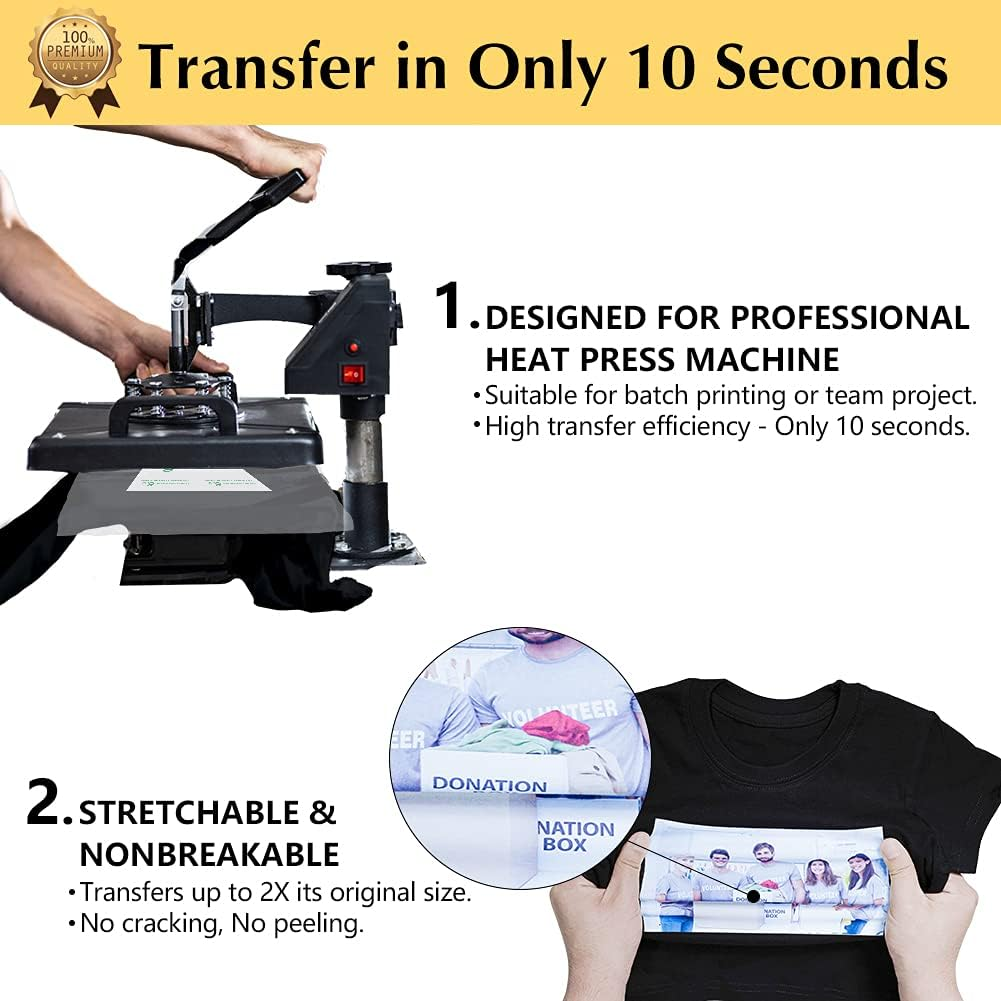
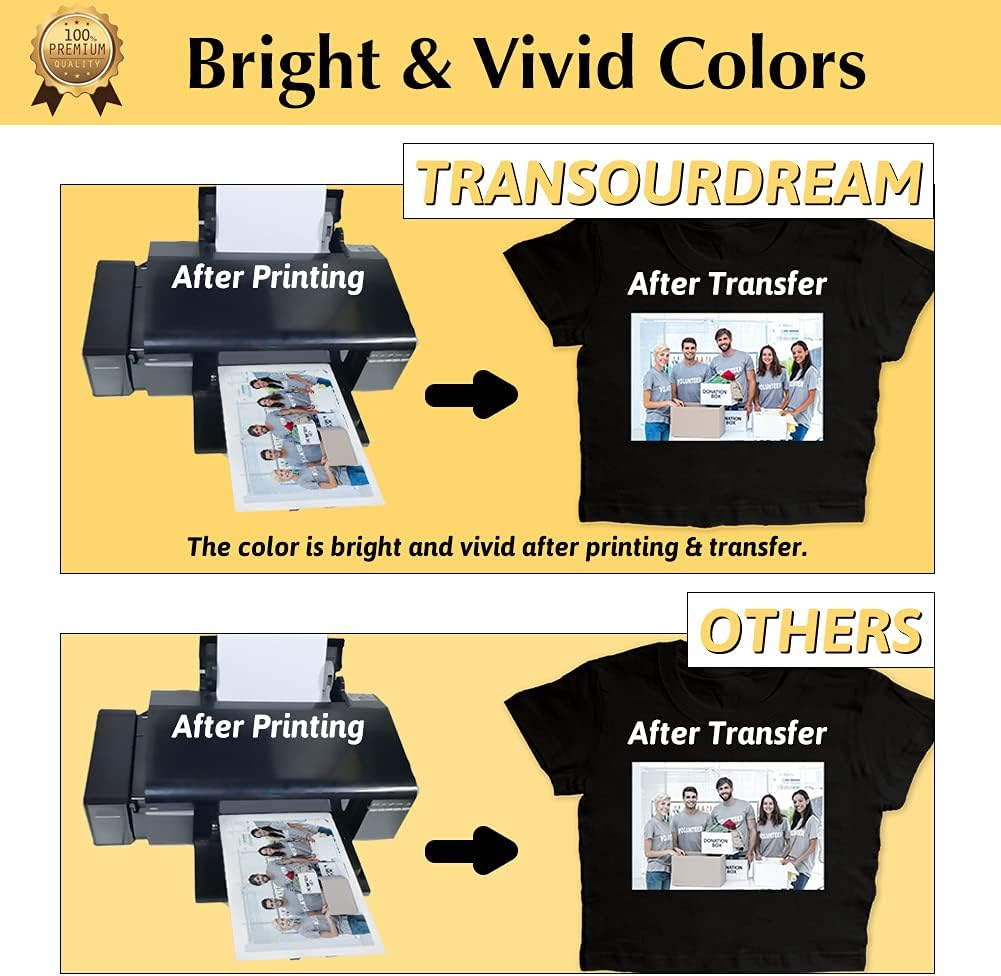
- High Transfer Efficiency: Designed for batch transfer & bussiness project. Get transfer done only in 10 seconds with professional heat press machine. Very bright and vivid after transfer. Machine washable and no peeling, no cracking after 30 washes. Start your project with Dark 6.0 Transfer Paper! Pack of 20 Sheets Dark 6.0 Transfer Paper and 2 Sheets Teflon Paper.
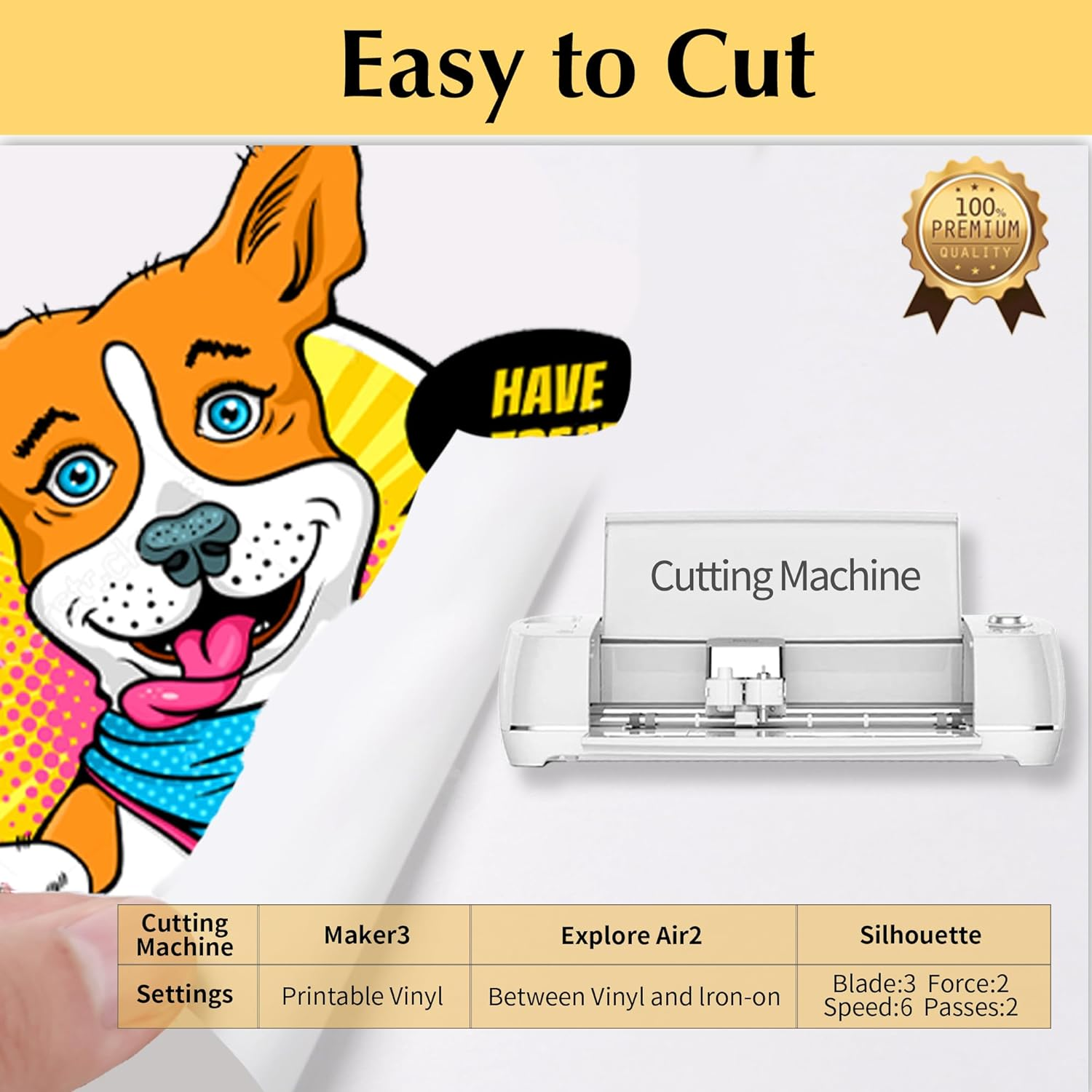
- REQUIREMENTS: Inkjet Printers (such as HP, Brother, Canon and other brands) | Pigment Ink or Dye Ink | Scissors or Cutting Machine (Cricut, Silhouette and more.) | Professional Heat Press machine | Teflon Paper (included in the pack).
- APPLICATIONS: Transfer text, images, photos and pictures onto Black and Dark colored 100% cotton/poly cotton blend fabrics, such as T shirts, totes, canvas bags, aprons, masks, pillow cases, cushion covers, tablecloths, flags and banners. Make custom DIY gifts to your friends or family on Mother's Day, Father's Day, Birthday, Thanksgiving, Easter, Halloween, Christmas, Valentine's Day or Wedding Day.
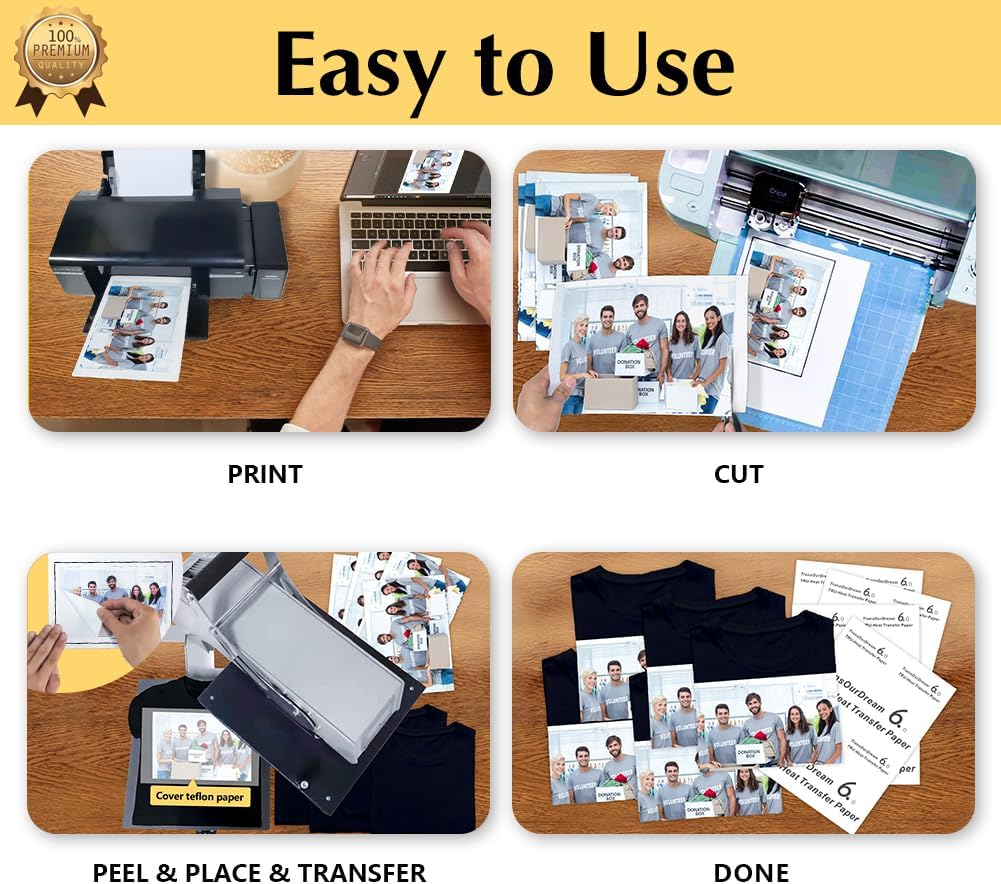
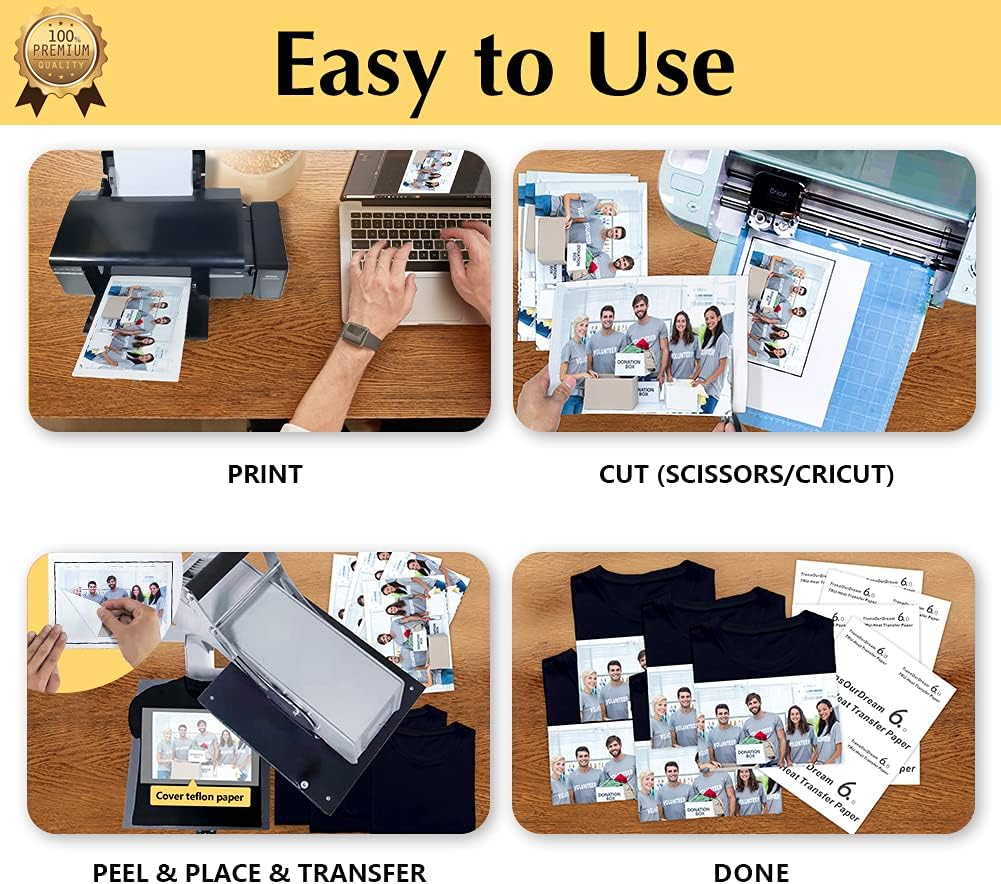
- EASY TO USE: [1] Print & Cut out the image. [2] Peel & Place the printed image facing UPWARD onto fabric and cover the image with Teflon Paper. [3] Transfer Image with Professional Heat Press Machine. [4] Remove the Teflon paper. Transfer has been done! Step-by-step instructions are on the back of cover paper in the pack.
- WHO ARE WE: We are a leading manufacturer with 20 years R&D, production and ODM experience (for many premium global brands) in heat transfer paper, waterslide decal paper and more. TransOurDream is one of our brands which is committed to offer high quality products for both home and professional users. Meanwhile we can help you build your own brand and print your logo on the backing of transfer paper. Any questions please don't hesitate to contact us.
Product Description
Compatible Printers & Ink
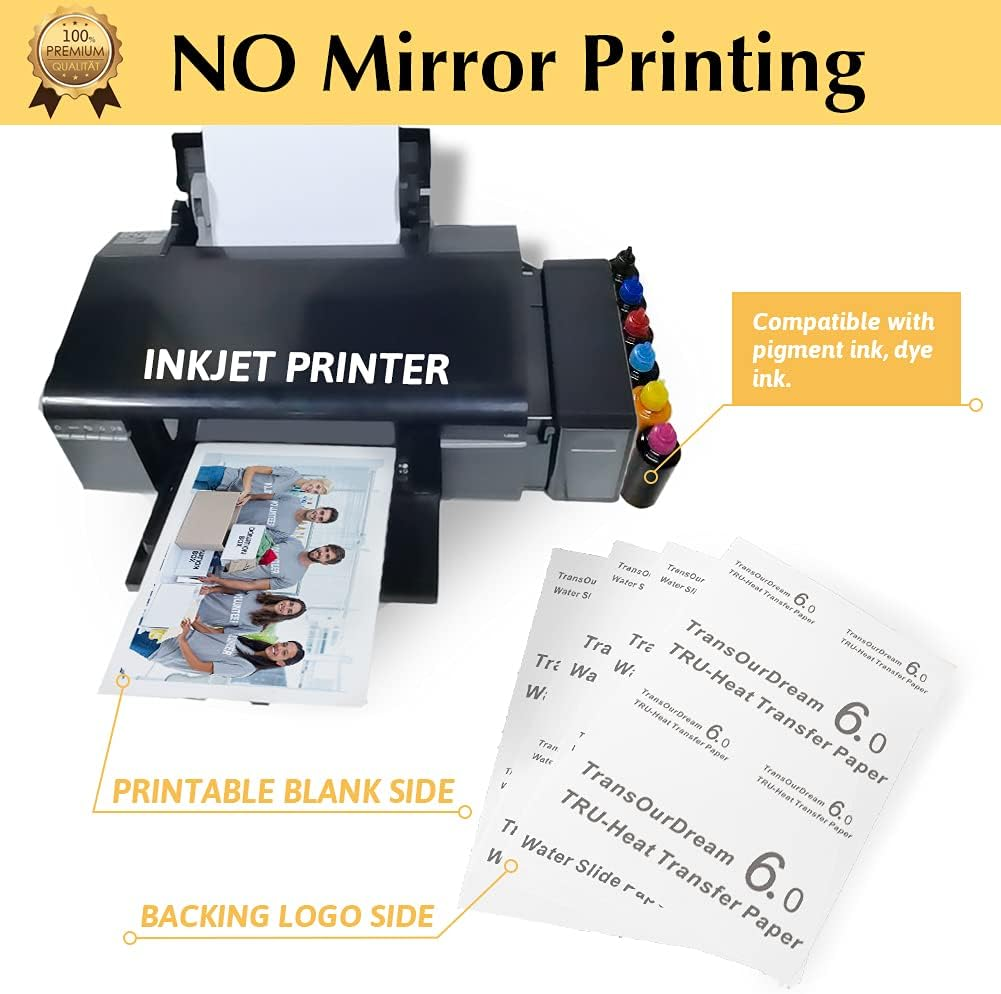
1. Compatible with Inkjet Printers. (HP, Canon, Brothers and more.) Suitable for Pigment ink, Dye ink. (Don't use sublimation ink.)
2. Set the Paper Type to Plain Paper or Photo Paper. Set Printing Quality to Photo or High Quality Photo.
3. NO Mirror Printing is needed.
4. Image bleeding - Reduce ink saturation by 10% - 15%.
5. Allow the image to dry for about 5 minutes before transferring.
Washing Instructions
- Don't wash within 48 hours after transfer.
- Wash the garment before wearing.
- Don't use bleach or alkaline detergent.
- Turn the garment inside out when washing.
- Don't soak to wash.
- Full spin cycle, cold water washing.
- No delicate washing.
- No tumble dry.
- Remove garment promptly after washing, colors may bleed if left wet too long.
- Unfold the transferred image, hang to dry naturally.
Storage
- Keep the image facing outside when fold the garment.
- Store the garment in a dry and cool place.
- Keep the unused transfer paper sealed and preserved.
Step 1: PRINTPrint your design on the BLANK Side of transfer paper. Before Printing:
NOTES: Compatible with pigment ink, dye ink and ALL brands of inkjet printers (HP, Cannon, Brothers and more). | Step 2: CUT & PEEL
NOTES: Transfer Paper is composed of two layers - the BLANK film and the backing LOGO paper. | Step 3: PLACE
NOTES: The Teflon Paper both sides can be used with no wrong side. |
Step 4: TRANSFER
| Step 5: REMOVE TEFLON PAPERAfter ironing done, peel off Teflon paper. | Step 6: DONECongratulations! Your DIY image transfer has been done. Enjoy! |
- Sheet Size: 8.27*11.69
- Colour: Black
- Manufacturer reference: TRANS-D6-20
- Product dimensions: 27.94 x 21.59 x 1.02 cm; 350 Grams
- Manufacturer Part Number: TRANS-D6-20
- Item Weight: 350 g
- Paper Weight: 20
- Paper Finish: Ultra Smooth
- Brand: TransOurDream
- Manufacturer: TransOurDream
A$32.55
Shipping to Australia
Delivery time varies by location
Return & Refund Policy
Check our return & refund policy
Security & Privacy
Safe payments: We do not share your personal details
Availability:
-
In Stock
Sign in
or create an eMega account
Shop smarter — get exclusive deals & order tracking