Free Shipping – Store Wide
CZT New 4.3 Inch Cool Color Retro Game Console Built-In 3000 Games Support Mp3Mp4 Games Can Save/Add/Delete Rechargeable Lithium Battery (Bluered)
CZT New 4.3 Inch Cool Color Retro Game Console Built-In 3000 Games Support Mp3Mp4 Games Can Save/Add/Delete Rechargeable Lithium Battery (Bluered)
Brand: CZT
A$83.80
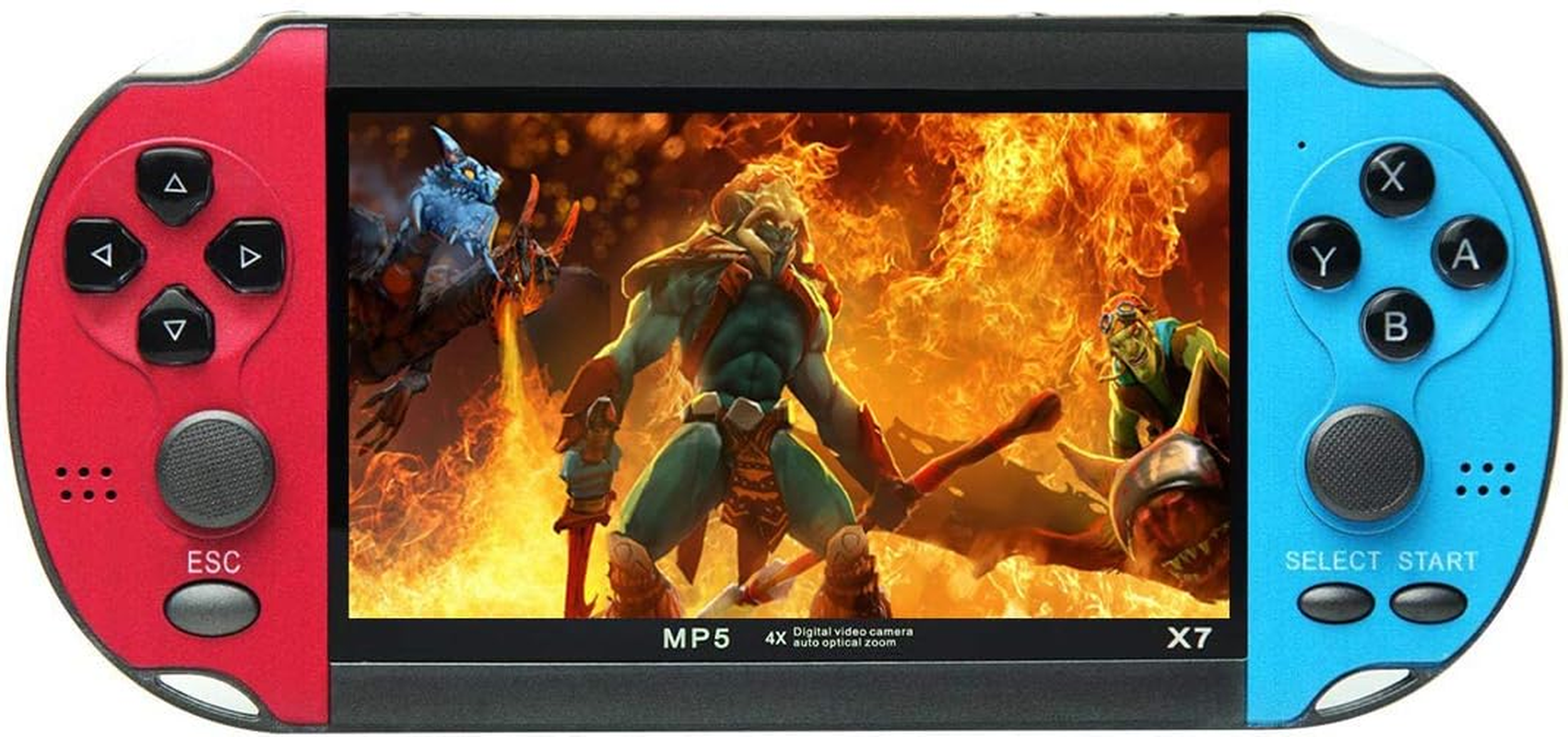
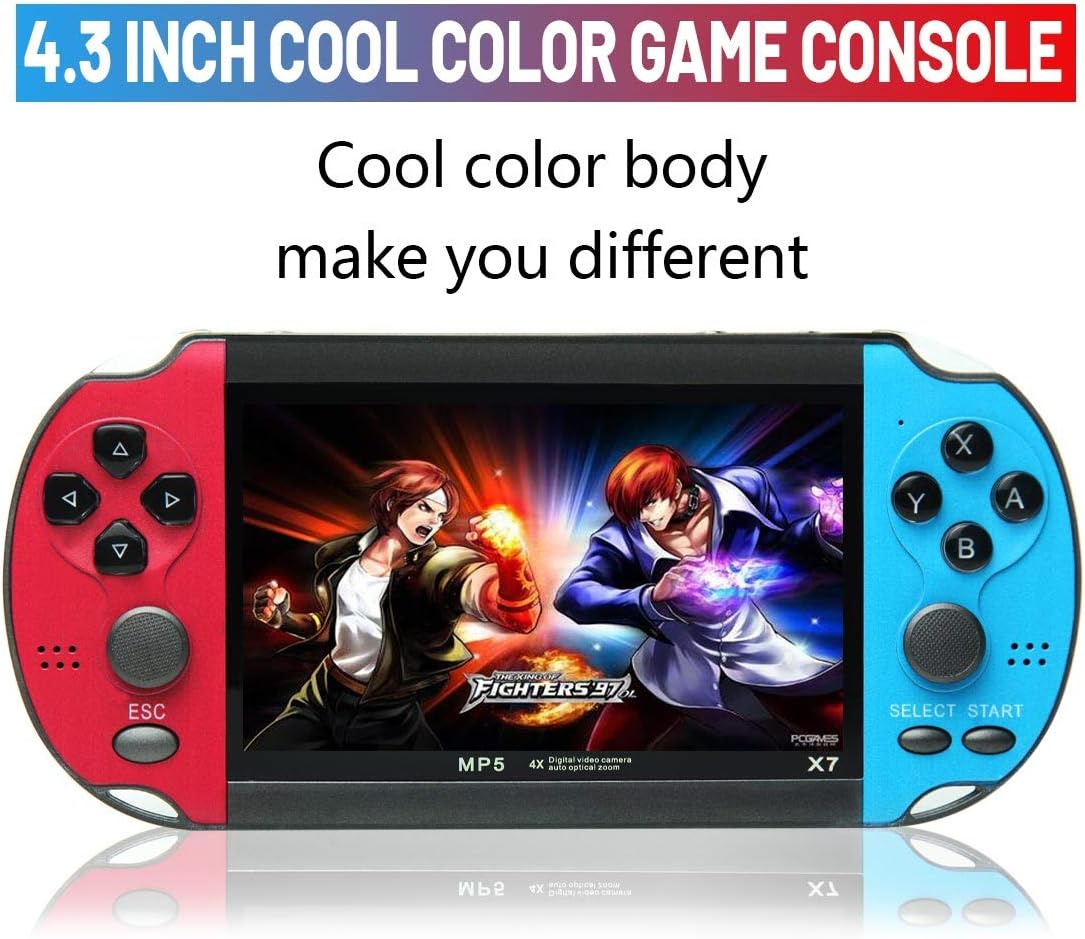
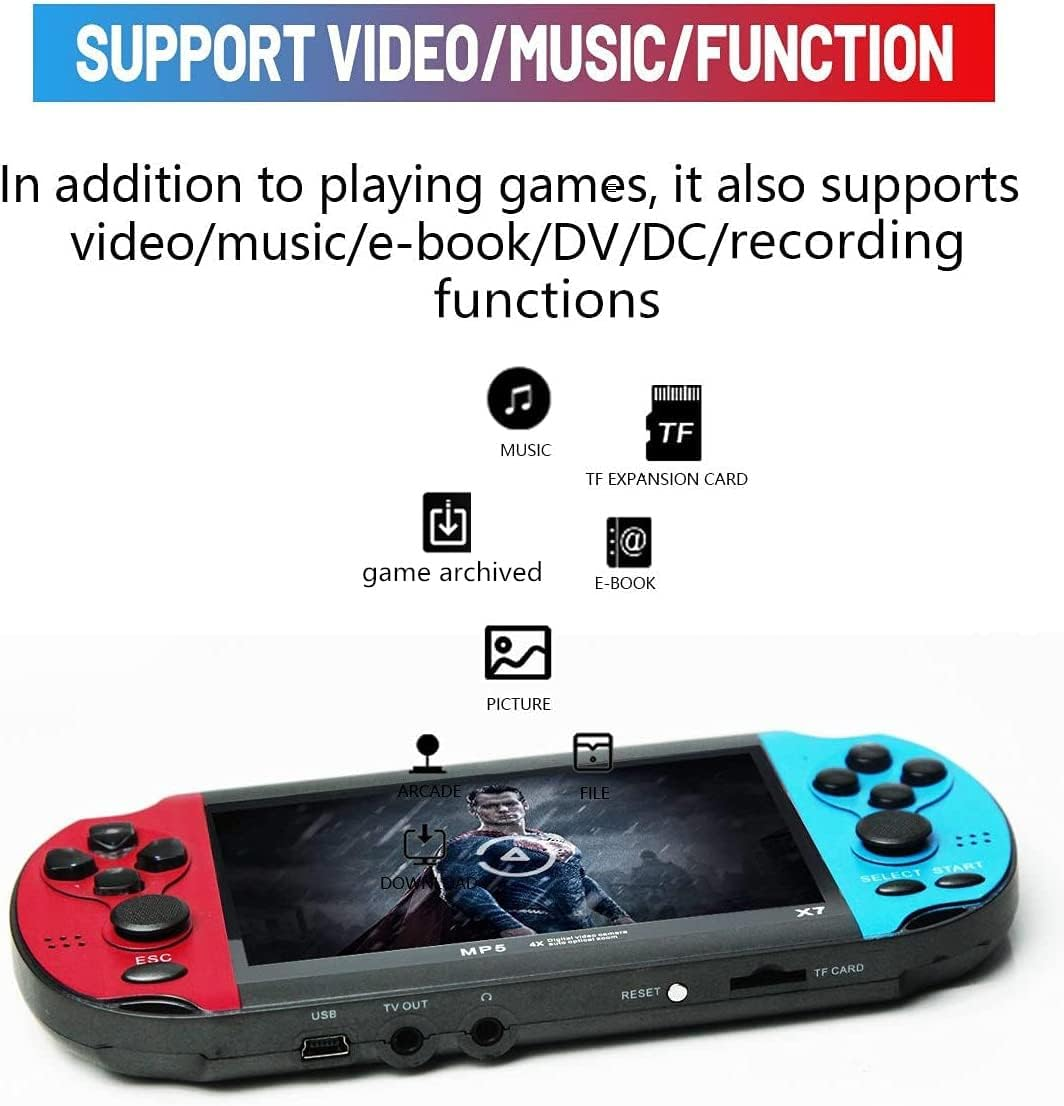
- 4.3 inch cool color game console. The cool color body makes you different; it is just a game console and also supports video/music/e-book/recording functions.
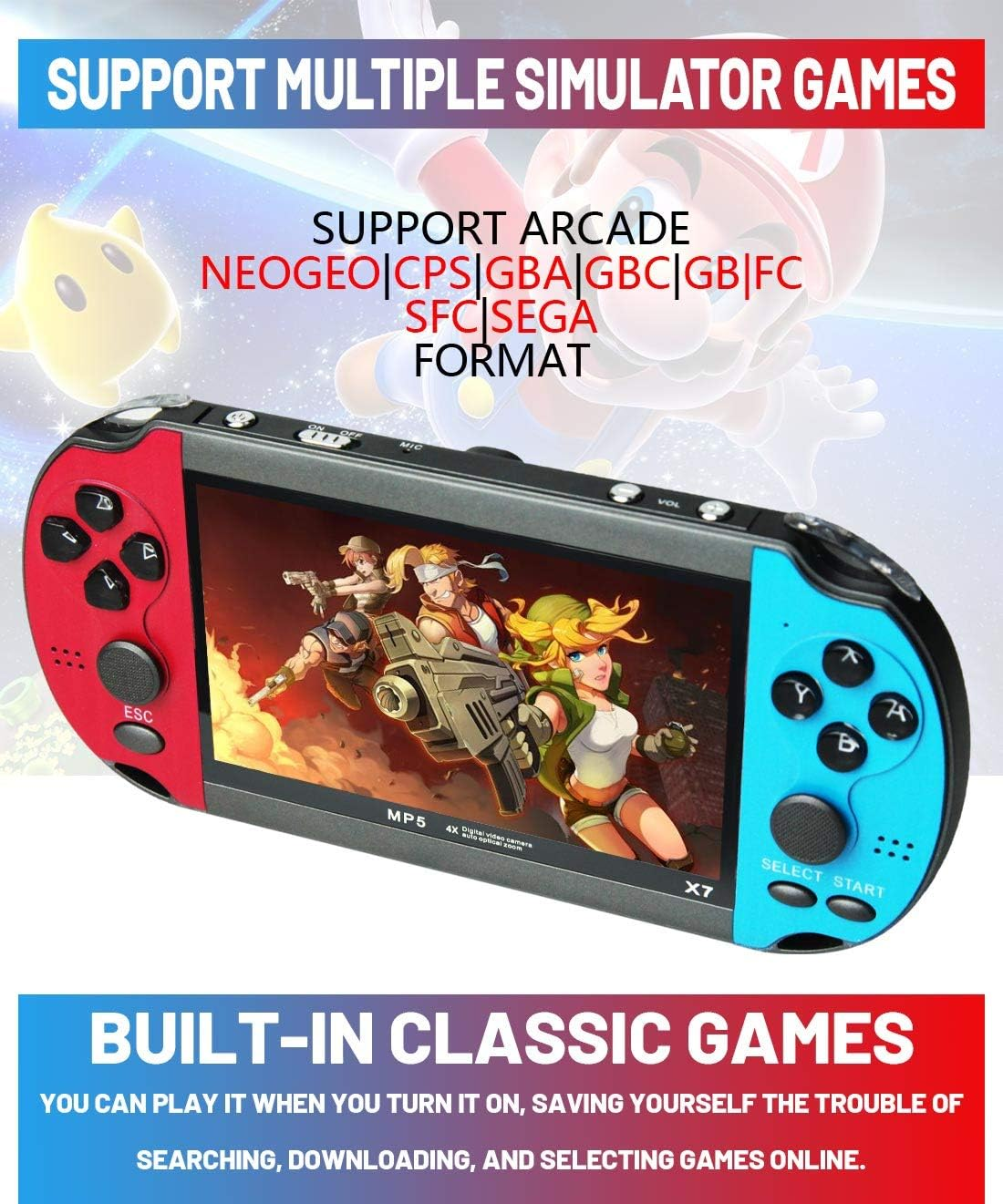
- Support multiple simulator games. Support arcade NEOGEO/CPS/GBA/GBC/GB/FC/SFC/SEGA format There are 3000 classic games built in 8GB, users can play as soon as they get the game console, eliminating the trouble of searching, downloading, and selecting games online.
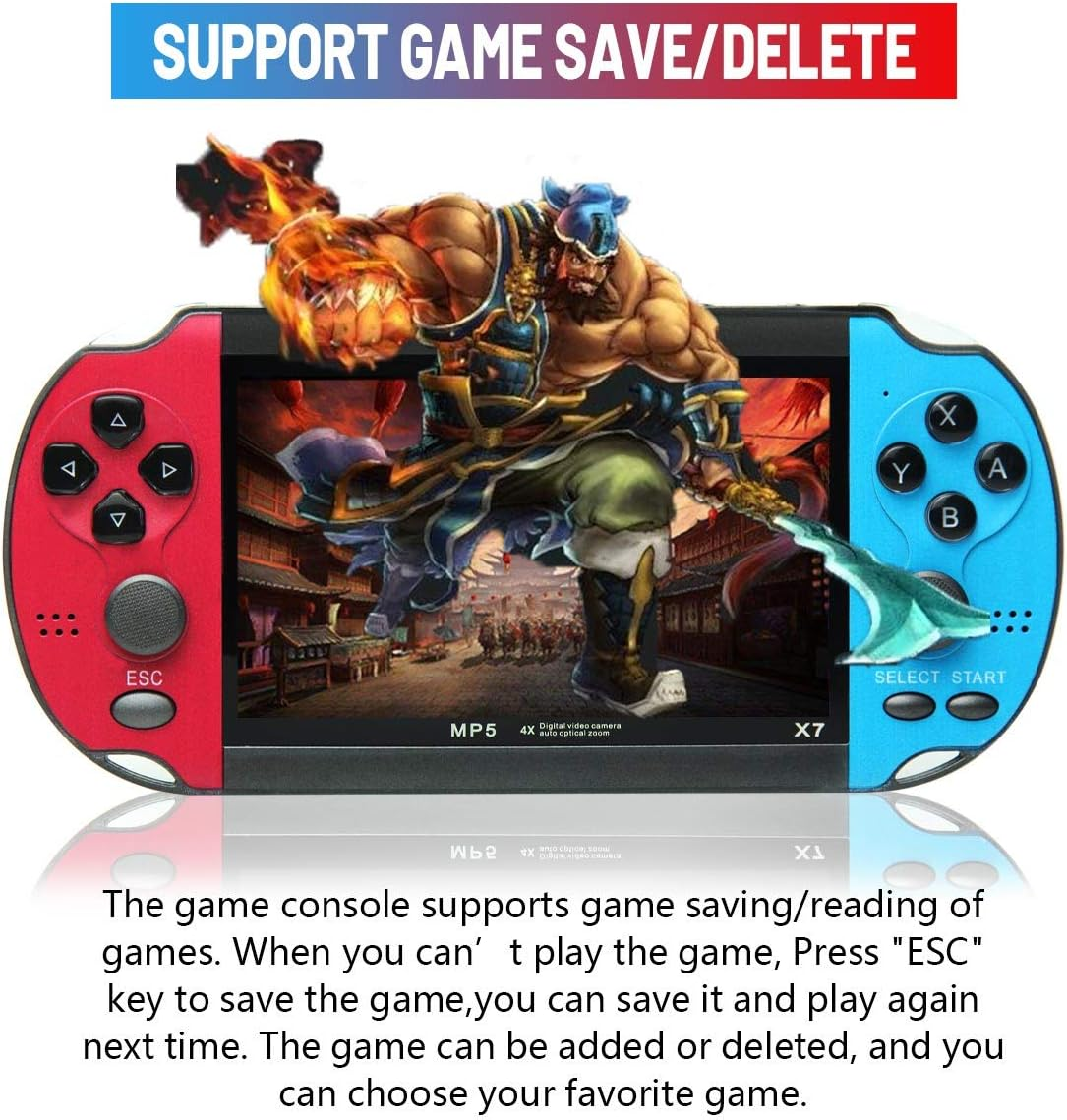
- Support game archive/deletion. The game console supports real-time file saving/reading of games. When you can’t play the game, you can save it and play again next time. The game can be added or deleted, and you can choose your favorite game.
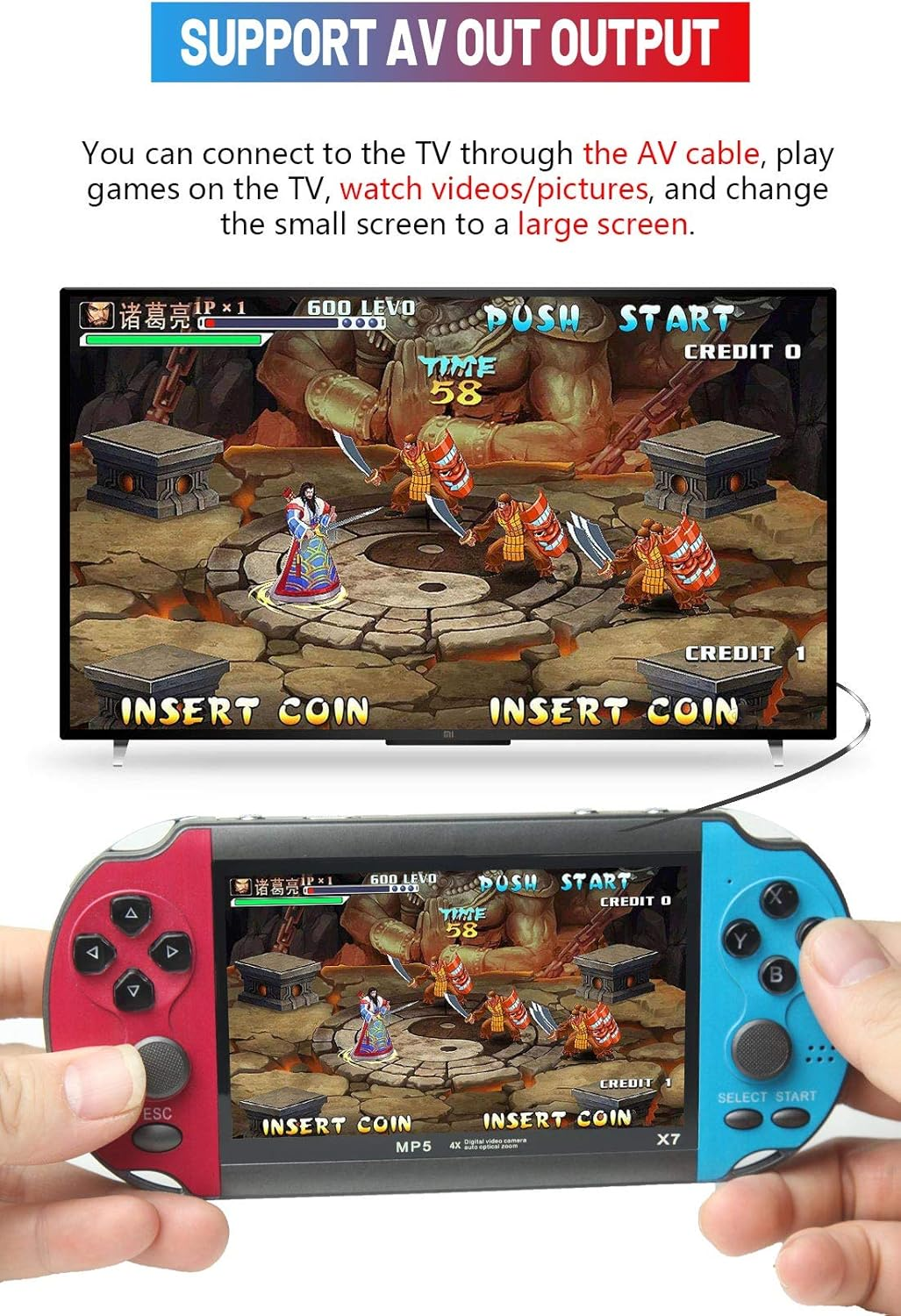
- Support AV OUT output. You can connect to the TV through the AV cable, play games on the TV, watch videos/pictures, and change the small screen to a large screen.
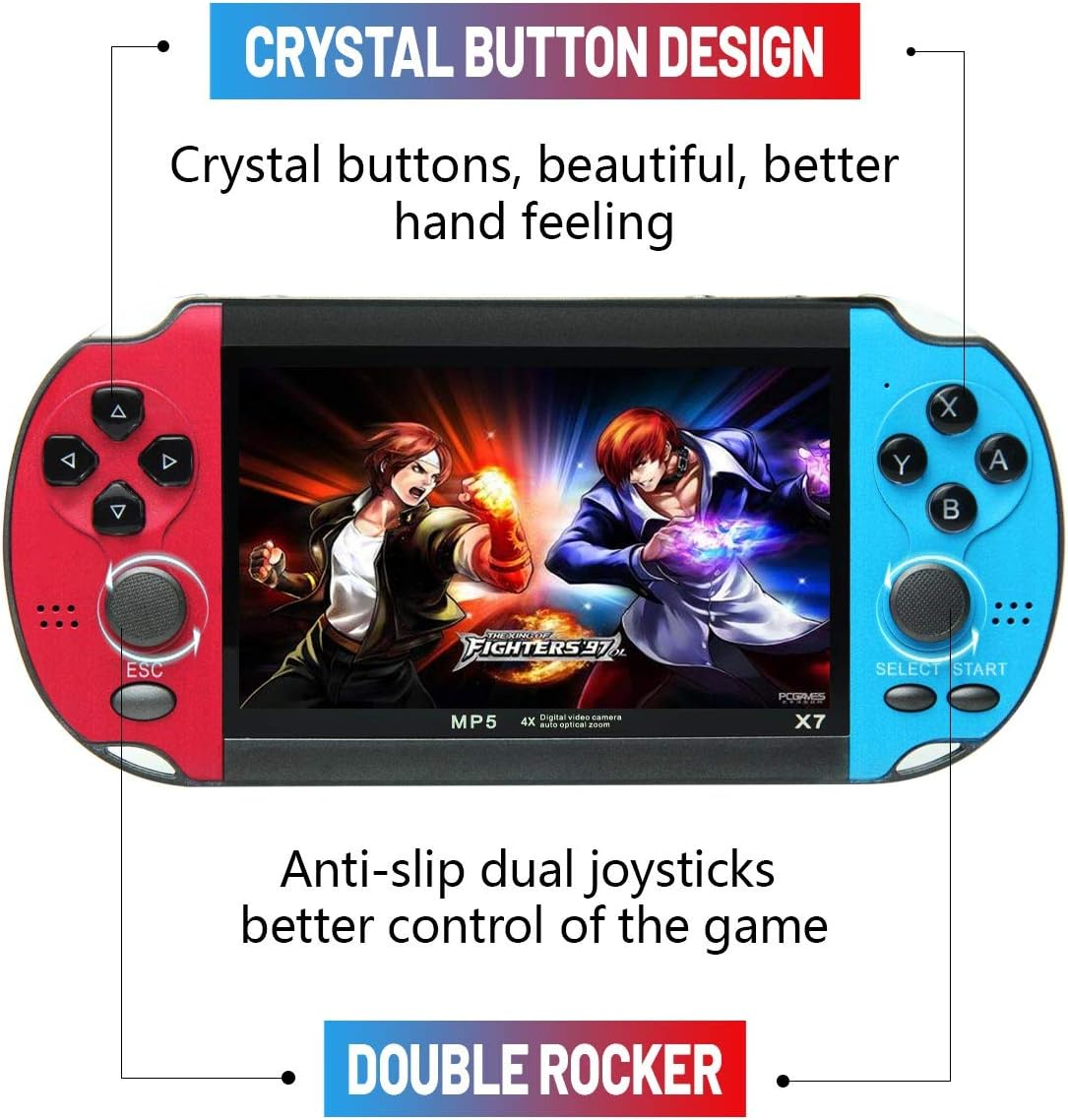
- Double rocker/crystal button design. Anti-slip dual joysticks, better control of the game; crystal buttons, beautiful, better hand feeling; built-in rechargeable lithium battery, rechargeable, energy saving and environmental protection .
Product Description
How to set the language of the game console's function operation menu?
Select "Setting"---"System" on the screen,press A key to enter, press A key to enter you will see multiple languages, select the language you want and press A key to confirm.
How to find more games in consoles?
If there are many emulator icons on the screen, select one of them and press A to enter, the user will see many games. If the game is stored on a TF card, select "Other" and press A to enter and see the game.
How to save/exit the game progress?
When playing the game, press the "ESC" key, the game menu will appear on the screen, select "Save", and then press the A key. The game can save up to 3 progresses, and users can load different progresses to continue playing the game.if user select "Exit",he can exit the game.
How to add/delete games?
Connect the game console to the computer, find the "GAME" folder of the game console on the computer, copy the game files to the "GAME" folder, and also Game files can be deleted from "GAME" folders.The same operation applies to adding/deleting videos/music/e books.
.There are too many games,how to quickly find the game you want to play?
Connect the game console to the computer, find the "GAME" folder of the game console on the computer, users can create another folder in the "GAME" folder, such as "My Favorite", and then copy the game files you like to in this folder. Next time you can find the game you want to play directly in this folder.The path to enter "My Favorite" : Tool--File Management--Local--GAME--My Favorite.
How to connect the TV?
The game console can be connected to the TV through the AV cable, and select the corresponding signal source on the TV, then select and press the A key on the game console screen to enter "Setting"---"Displsy", press the A key to enter, and then select "PAL" ” or “NTSC” (depending on your country’s TV system).
How to enter/pause/exit the game game?
After selecting the game, press the B button, then press the START or SELECT button. Different games need to press the button several times.
If you want to pause the game, press the ESC key; if you want to exit the game, select "Exit" in the menu to exit the game.
Can the desktop games on the screen be deleted or replaced?
The desktop games on the screen are solidified in the program and cannot be deleted or replaced.
How to download more games? What formats of games can be added?
This game console cannot be connected to the Internet. Users can surf the Internet on the computer, search and download games on Google or other websites. Currently, only add the suffix name is .gba/.gbc/.gb/.nes/.sfc/.bin/ .smd game files, the game files must be copied to the ''GAME' folder in the console. If some games cannot be opened, the file information may be missing, you can delete it and download it again.
Charging Instructions
It is recommended to use a charger that does not exceed 5V2A for charging. The indicator light will flash while charging, and blue when fully charged. If you find that it cannot be charged, please replace the charger or charging cable.
The function of ABXY?
A key: confirm or attack; B key: return; X key: jump or attack; Y key: jump or attack;
- Item dimensions L x W x H: 17 x 8.6 x 1.7 centimetres
- tech_spec_battery_description_toys: Lithium
- Power source: Battery Powered
- Memory storage capacity: 8 GB
- Product dimensions: 17 x 8.6 x 1.7 cm; 168 Grams
- Display type: LCD
- UPC: 796917688614
- Item weight: 168 Grams
- Batteries Included?: Yes
- Screen size: 4.3 Inches
- Batteries Required?: Yes
- Number of batteries: 1 Lithium Ion batteries required. (included)
- Hardware interface: USB
- Form factor: Handheld
- Battery description: Lithium
A$83.80
Shipping to Australia
Delivery time varies by location
Return & Refund Policy
Check our return & refund policy
Security & Privacy
Safe payments: We do not share your personal details
Availability:
-
In Stock
Sign in
or create an eMega account
Shop smarter — get exclusive deals & order tracking