Free Shipping – Store Wide
Hotlabel S8 Shipping Label Printer, 4X6 Direct Thermal Label Printer for Shipping Packages, Amazon Shopify Fedex USPS Product Barcode Sticker Maker Machine, Address Mailing Postage Labels
Hotlabel S8 Shipping Label Printer, 4X6 Direct Thermal Label Printer for Shipping Packages, Amazon Shopify Fedex USPS Product Barcode Sticker Maker Machine, Address Mailing Postage Labels
Brand: HotLabel
A$156.35
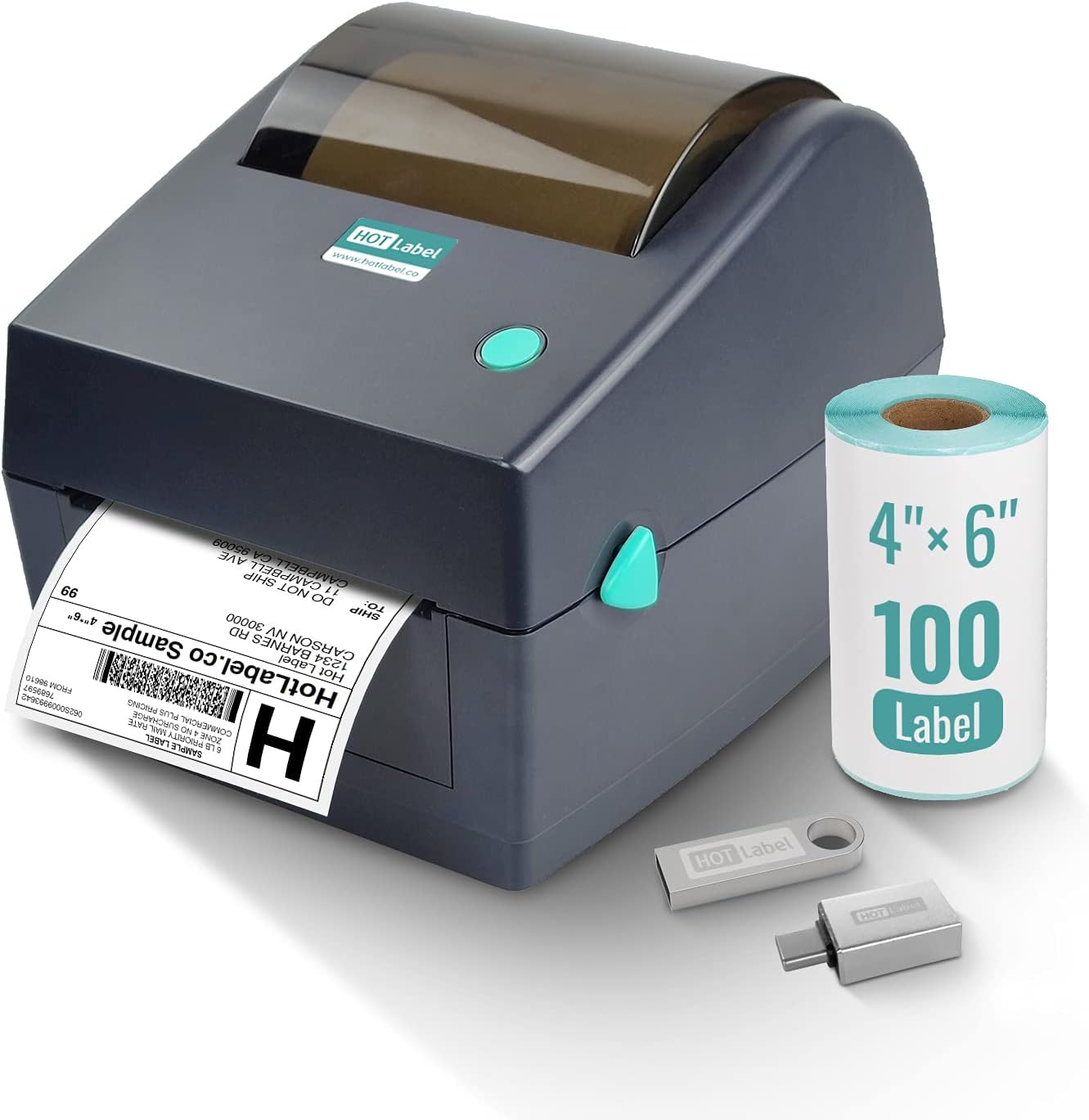
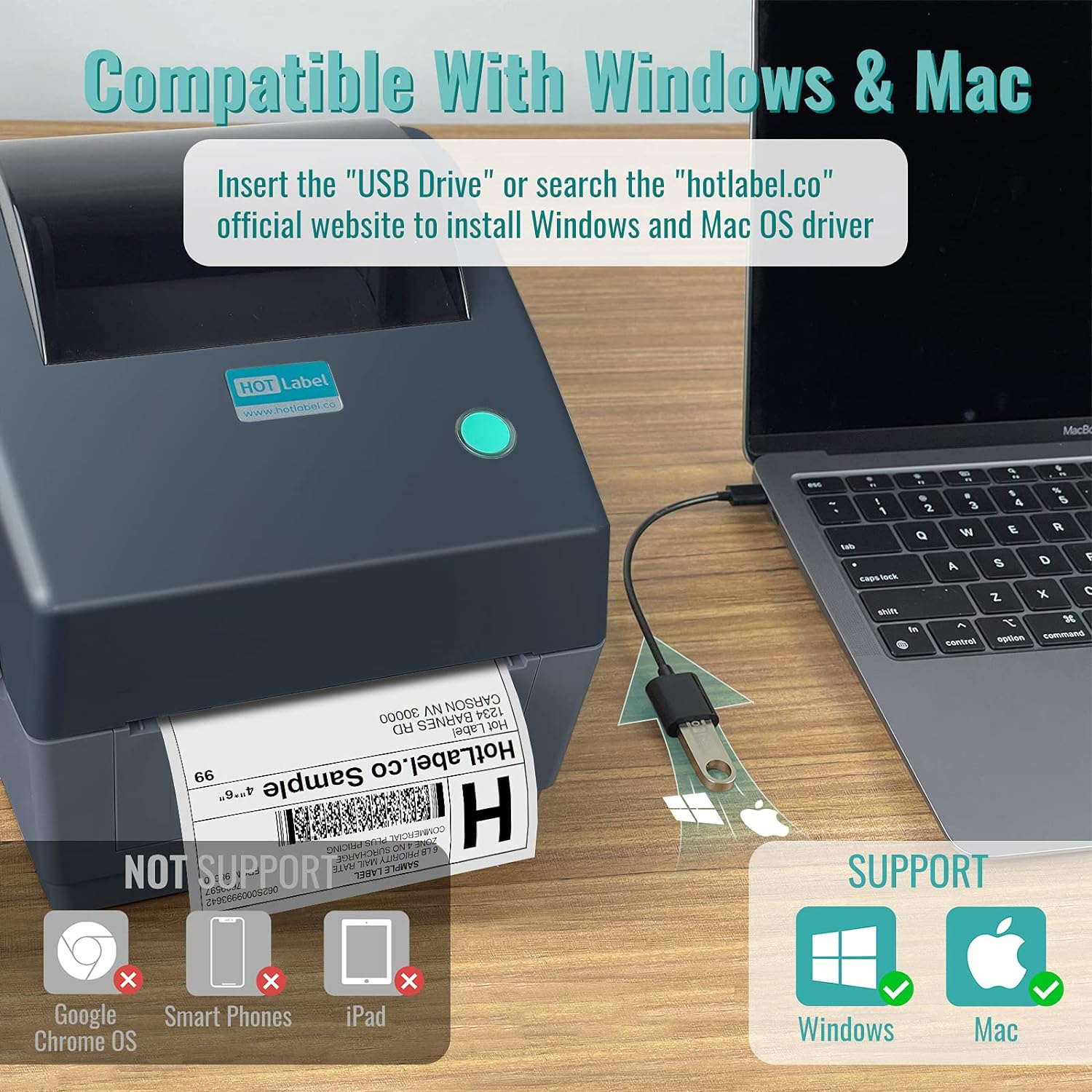
- 【Easy Setup】 HotLabel shipping label printer for small business comes with an 8g USB Disk (UK Plug) for easy setup. The memory USB includes printer drivers, label design software, test sample label, user manual, How-to-Videos, and so on. (‼️NOTE: Not support Ipad, Smart Phone, Google Chrome OS(Chromebook). Not support wireless printing‼️)
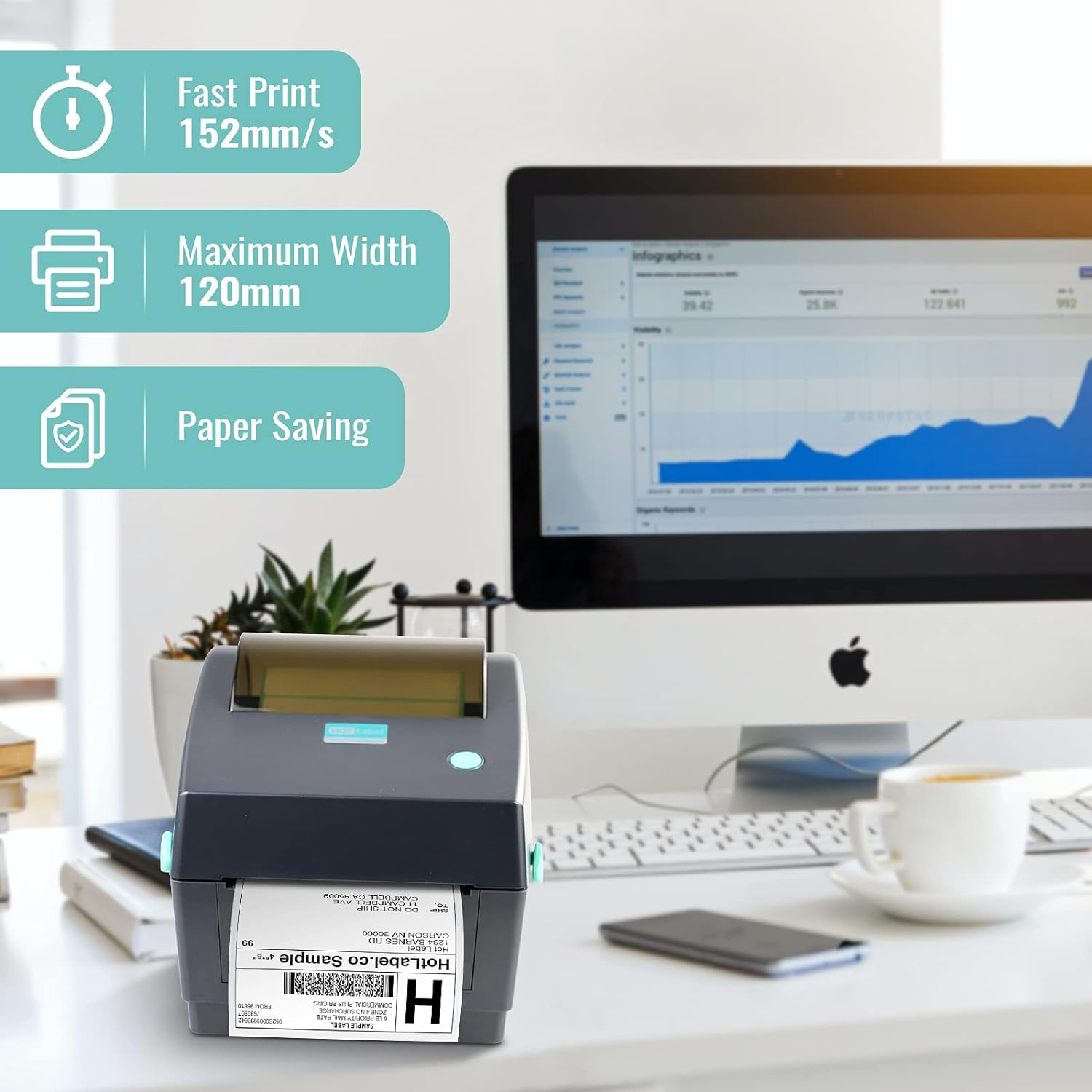
- 【❤️Environment-Friendly Thermal Printer】The ROHM printer head of HotLabel Mailing Label Printer requires no ink or toner for printing. It can work continuously for more than 12 hours with a speed of 152mm/s(43200 labels), more than 60 labels per minute without paper jam or stuck. The resolution of HotLabel S8 is 203 DPI (8 dots/mm), meeting the requirements of any couriers.
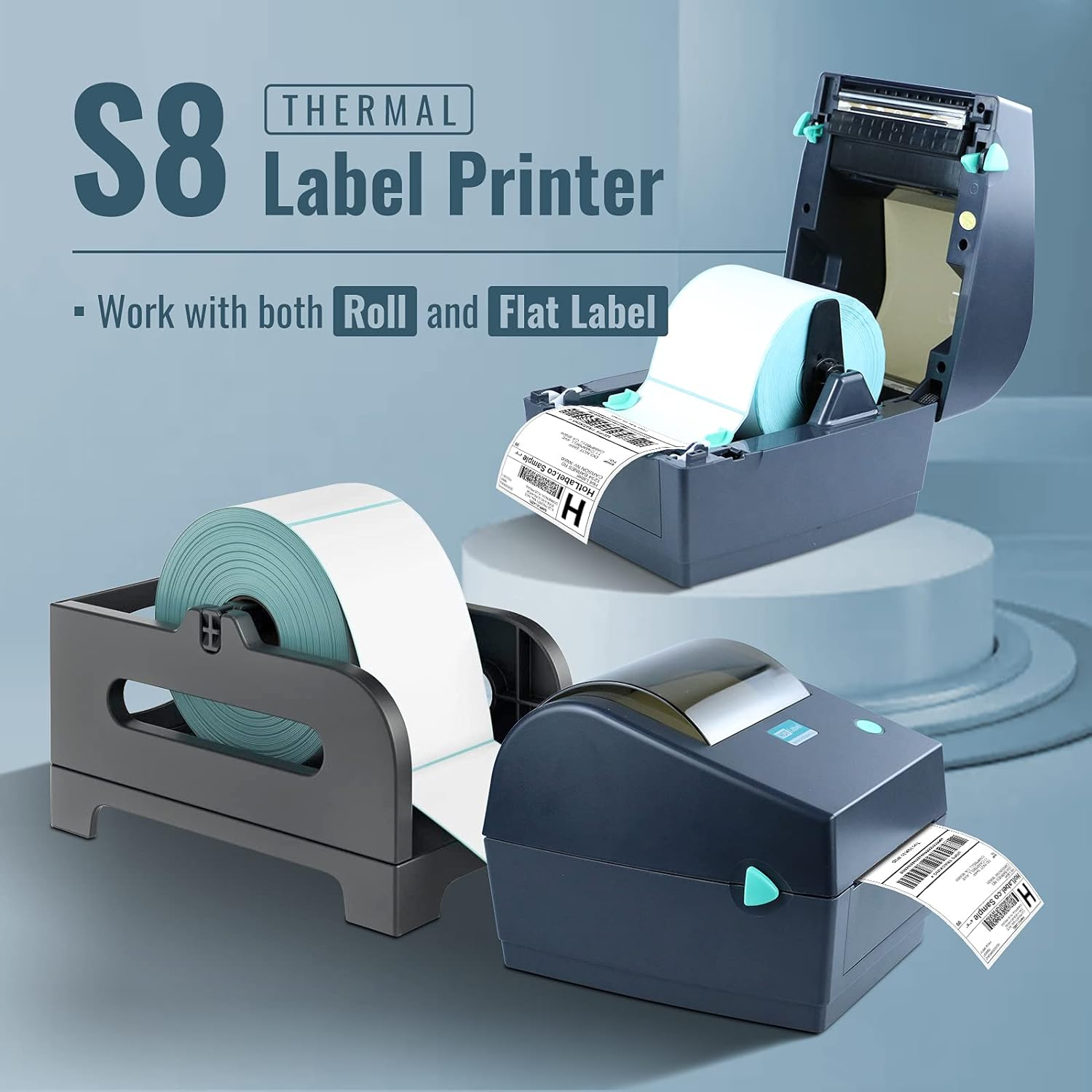
- 【Label rolls load inside design】 No need for a label holder on your desk. You can load your labels inside the printer and keep your desk tidy. The dark transparent printer lid allows you to check the unused labels, and protect your thermal labels from the industry environment. (We also support fan-fold labels. you can feed the labels from the back of the S8 printer.)
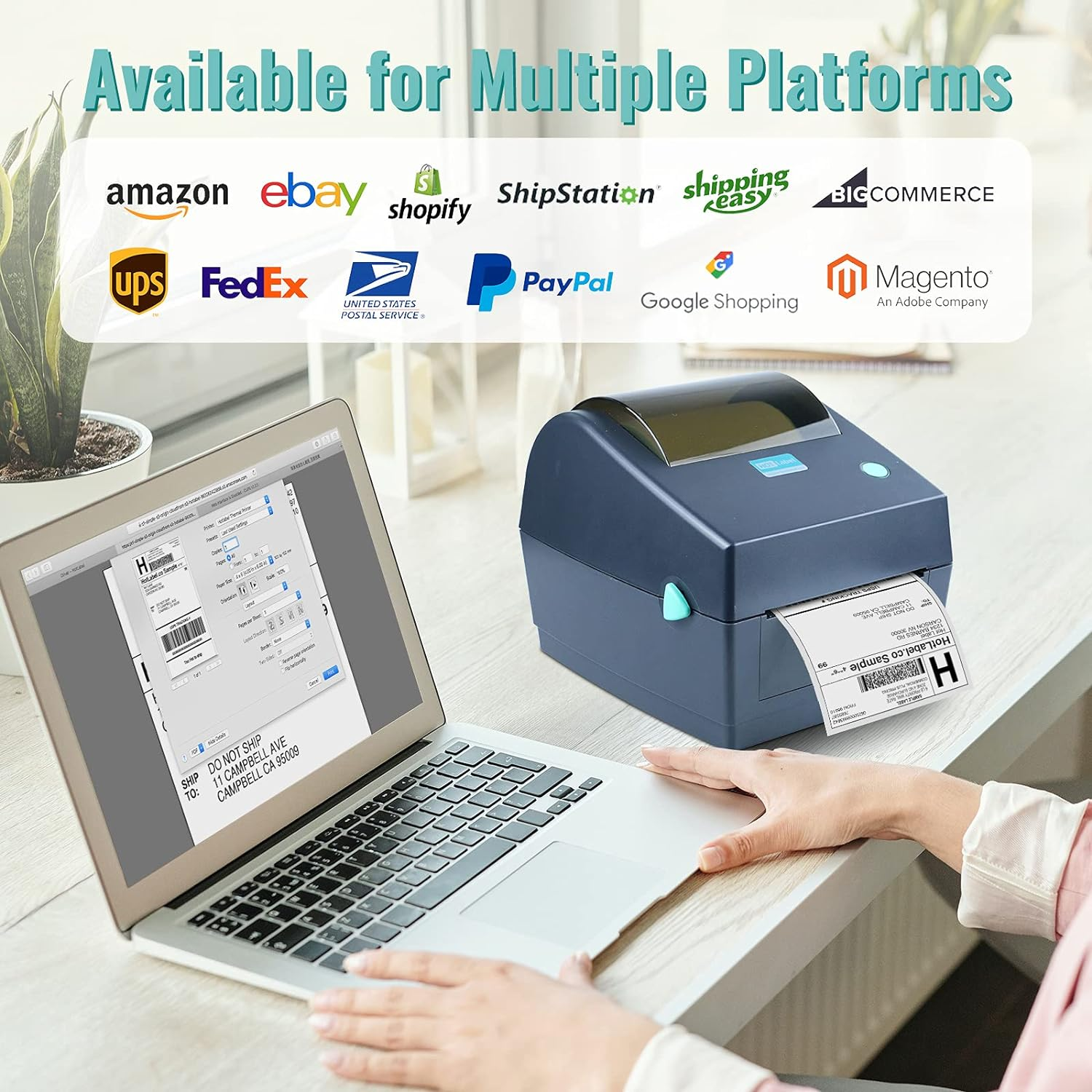
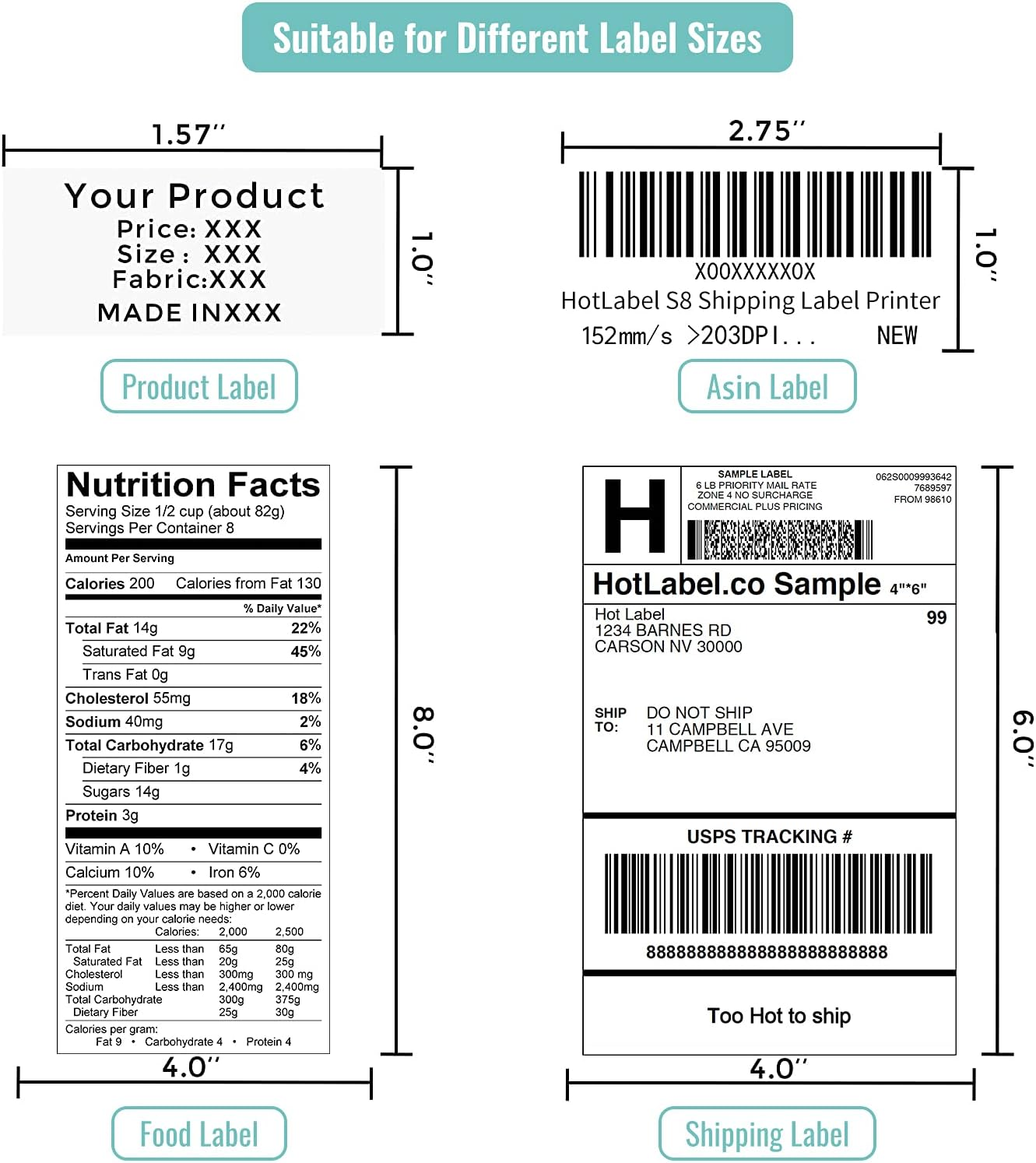
- 【✨Support Multi-size Label Printing】HotLabel S8 thermal label printer is versatile. It is great for postage labeling and office labeling. The printing widths are from 1'' to 4.52''. You can create customized labels directly from the label design software on the memory USB. It is compatible with the majority of shipping platforms such as Amazon, Shopify, Etsy, eBay, Poshmark, FedEx, ShipStation, ShippingEasy UPS, USPS, etc.
- 【Quality customer service】 HotLabel tech-support team offers 5-star tech support via phone, live chat, email, and remote desktop. If you experience an issue using S8, please visit the HotLabel wiki page to find a solution. You can also speak to our technicians on our official website.
Product Description
Make Your Business Easy
- HotLabel is a user-oriented company that specialized in printers and accessories.
- Our goal is to provide affordable tools for small businesses like yours to grow with ease.
Why Choosing HotLabel S8
S8 - The Commercial Grade High-speed Label Printer
HotLabel thermal printer is an excellent tool for individual and business label printing. With this printer, you can create customized labels such as name tags, receipts, and ingredient lists, barcodes, garment tags, black and white photos, gift cards, and more!
S8 provides the same printing quality, faster printing speed, and better design compared to our competitors.
Get a Hotlabel printer to boost your small business at home NOW!
- Compatible with any thermal labels or papers.(1 inch to 4 inches)
- Compatible with Windows, MAC, and Linux. Compatible with all the couriers.
- Store the labels inside the machine vs. additional label holders needed for other products
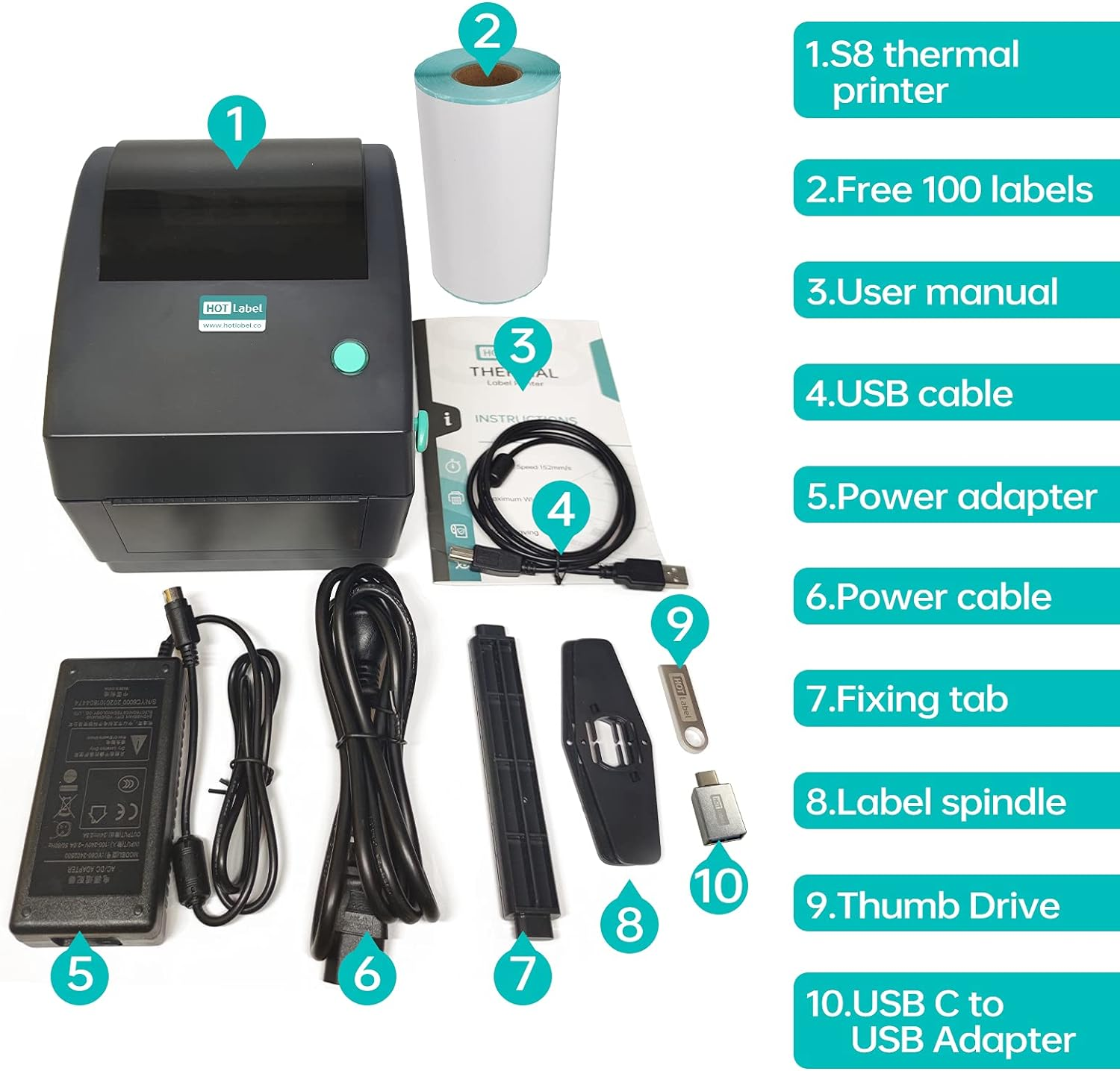
- Free windows label editing software & free label roll (100 labels)
No Ink or Toner Needed
HotLabel S8 is equipped with a Japanese manufacture thermal print head to produce high-quality labels without any ink or toners. It is fast, stable, and cost-effective.
Fast & Durable
S8 prints up to 238 labels per minute per four-row labels, 72 shipping labels per minute.
HotLabel S8 can work for more than 24 hours continuously in a dusty environment.
Large Label Bin
The S8 printer is very compact. It has a large label bin, which enables you to store the label roll inside the printer. It can store up to 600 4×6 shipping labels (core diameter: 1 inch).
Thumb Drive & Label Design Software
USB driver contains drivers for Mac and Windows, tutorial videos, Windows Label Edit Software, PDF reader, a sample label to test print.
Supports Label Rolls and Fanfold Labels
With the label roll inside design, you won't have a messy desk anymore. Store the labels inside the machine, and no additional label holder is needed.
Your S8 printer will sit in the corner unnoticeable, waiting for your Command.
Support Multi-size Label Printing
Hotlabel S8 label printer is compatible with different label sizes including 4"x6", 4"x4", 4"x3", 4"x2", 4"x1", 3"x3", 3"x2",16"x 4" , 0.4"x1" and more!
You can use any direct thermal label. This will provide you a large saving as you do not need to obtain over-priced printer-specific labels.
| Resolution | 203 DPI |
| Printing method | Direct Thermal |
| Max print speed | 152 mm (6") / s |
| Max print width | 108 mm (4.25”) |
| Max print length | Max print length 1778 mm (70”) |
| Media type | Continuous, gap, black mark, fan-fold and punched hole |
| Media width | 25.4 mm ~ 115 mm (1"~4.52") |
| Media thickness | 0.06 mm ~0.5 25 mm(2.36 ~ 9.8 ") |
| Media core diameter | 25.4 ~ 76.2 mm (1" ~ 3") |
| Label length | 10 mm ~1778 mm |
| Label roll capacity | 127 mm (5”) (External diameter) |
| Dimension | 210.8 mm (W) x 190.20 mm (H) x 180.2 mm (D) |
| Weight | 1.40 kg |
| Driver | Windows/Linux/Mac |
Q:Why not compatible with my laptop?
HOTLabel label printer works with Windows and Mac.
However, it does not support the Chrome OS system(Chromebook).
(Please note that you may need a USB C to USB adaptor if you are using the latest Macbook)
Q:Why is my shipping label not completely printed? Too small or only part of it?
- Change your label size to 4"x 6" when generates your labels. Most platforms, including eBay, Shopify, and others, support both sizes but are set to 8.5"x 11" size by default.
- If you are printing an A4 page, crop the page by using Adobe Reader in the thumb drive. Perform a print preview before printing and adjust the zoom ratio.
- Run label calibration to let the printer recognize your label size. Turn off the printer, and then press and hold the feed button. Release the feed button straight after you hear the beep sound.
Q:Why I am printing blank or incomplete labels?
- The most common reason is that your labels are loaded upside down. Please ensure your labels are properly loaded. The thermal sticky side that you peel off should be facing up.
- Make sure that your labels are "Direct Thermal" labels.
Q: How to restore the printer settings to factory default?
- When the printer is off, press and hold the FEED button without letting go.
- Turn on the printer power while holding the FEED button.
- Release the FEED button until the blue light blinks.
- This process takes about 10 seconds.
Compatible systems
Printing too big/small
Printing blank labels
Reset printer
- Maximum black and white print resolution: 203
- Max input sheet capacity: 60
- Sheet size: Label
- Total USB ports: 1
- Operating System: chrome os
- Part Number: S8
- Memory Storage Capacity: 64 KB
- Product dimensions: 8.27 x 7.48 x 7.09 cm; 2.52 kg
- Compatible devices: Laptops
- Item Weight: 2.52 kg
- Voltage: 240 Volts
- Item Model Number: S8
- Hardware Interface: USB
- Scanner type: Photo
- Ink Colour: black
- Model: S8
- Dual-sided printing: No
- Manufacturer: HotLabel
A$156.35
Shipping to Australia
Delivery time varies by location
Return & Refund Policy
Check our return & refund policy
Security & Privacy
Safe payments: We do not share your personal details
Availability:
-
In Stock
Sign in
or create an eMega account
Shop smarter — get exclusive deals & order tracking