Free Shipping – Store Wide
WAVLINK AC1200 Dual Band Wifi Extender/Repeater/Access Point/Router with Gigabit Ethernet Port & 4 High Gain Antennas, WPS 1200Mbps Wifi Booster for Home Office (575A3)
WAVLINK AC1200 Dual Band Wifi Extender/Repeater/Access Point/Router with Gigabit Ethernet Port & 4 High Gain Antennas, WPS 1200Mbps Wifi Booster for Home Office (575A3)
Brand: WAVLINK
A$50.30
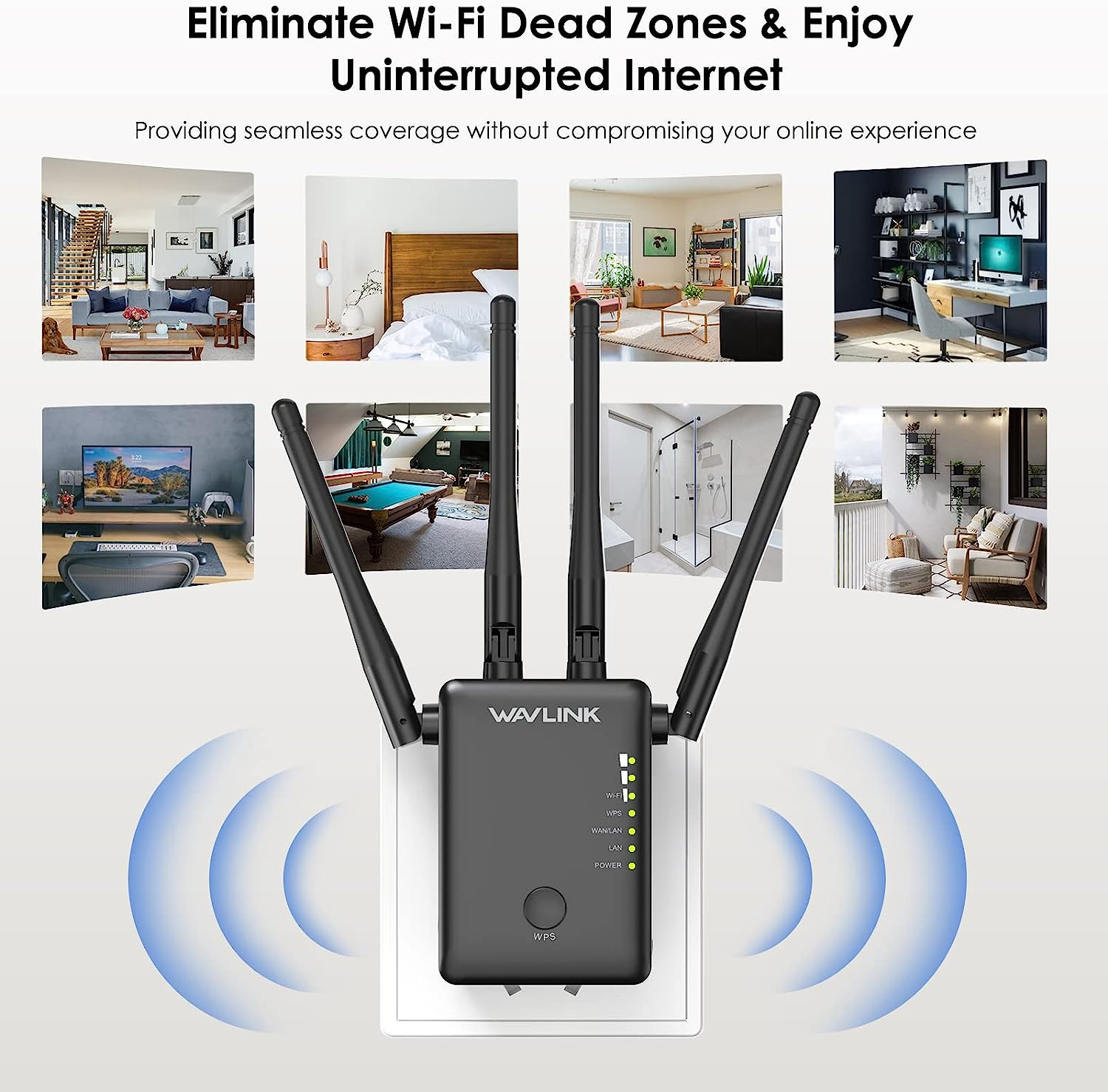
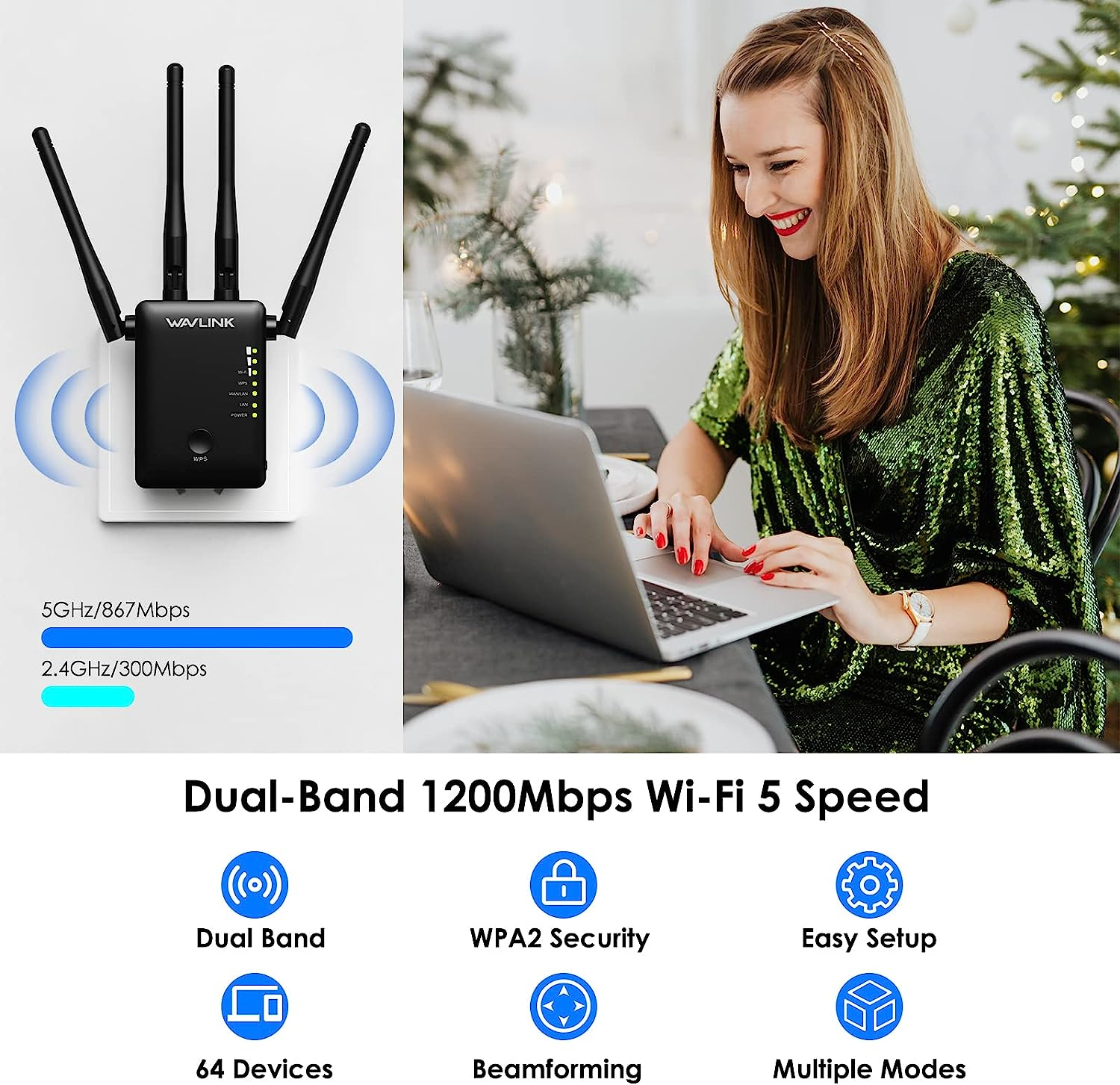
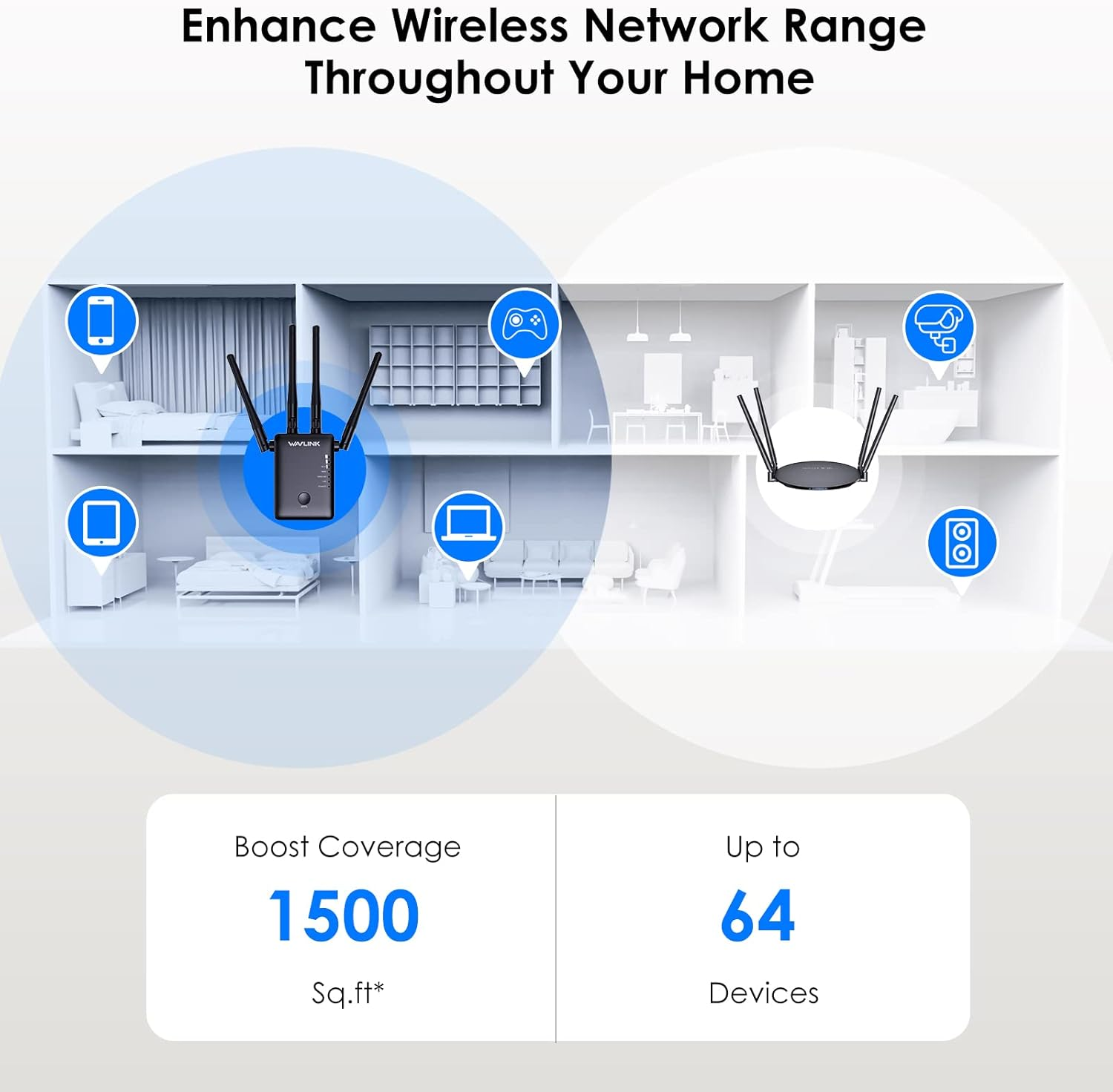
- 【Dual Band WIFI-Covers A Large Area】The wifi repeater has 2.4G 300Mbps and 5G 867Mbps dual band connection for 4K HD streaming and seamless gaming, you can enjoy efficient work/lag-free entertaining at most of corner of your house. NOTE: The wifi range extender ONLY helps you get a larger wifi coverage but couldn't increase the internet speed of the host router.
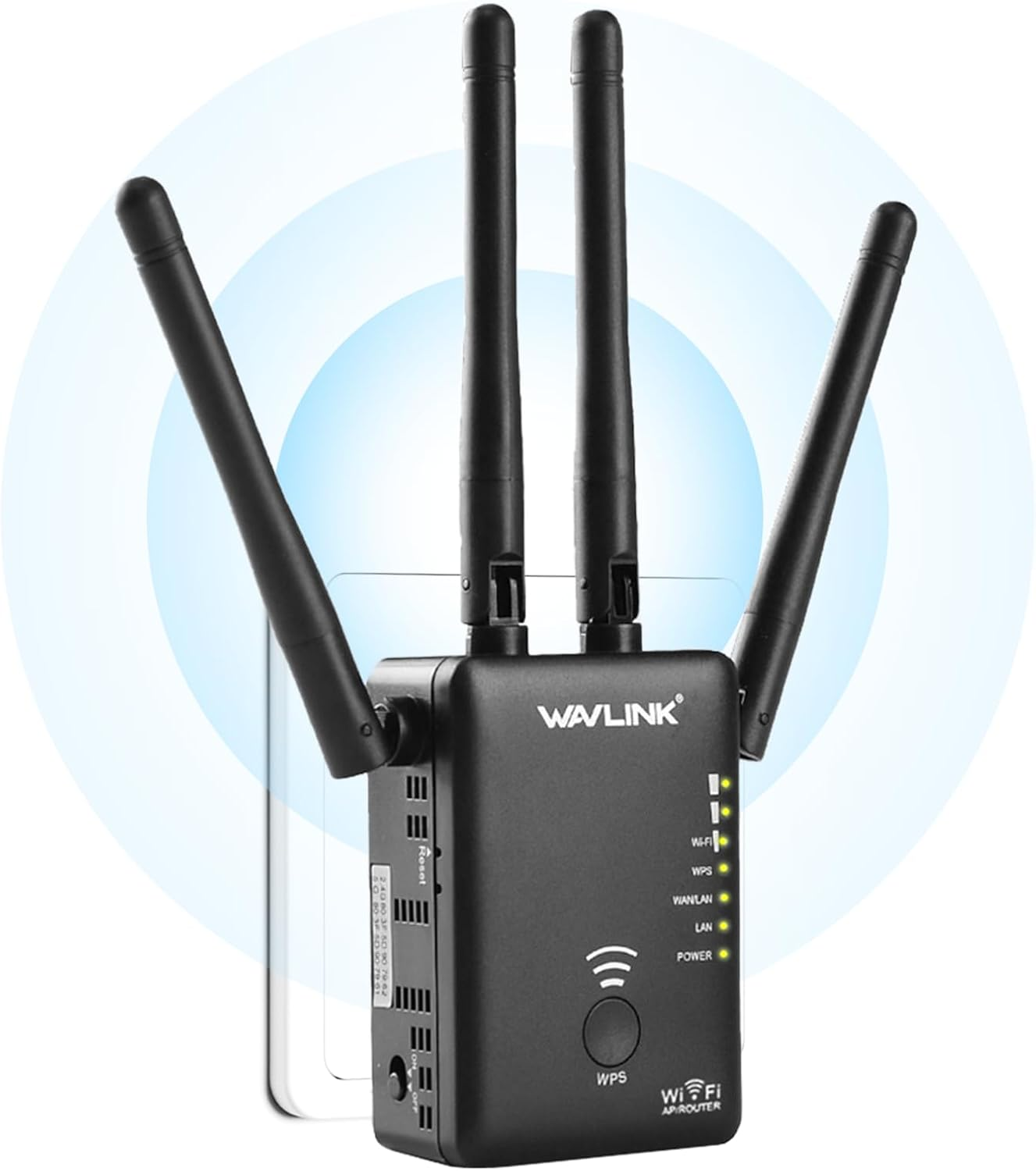
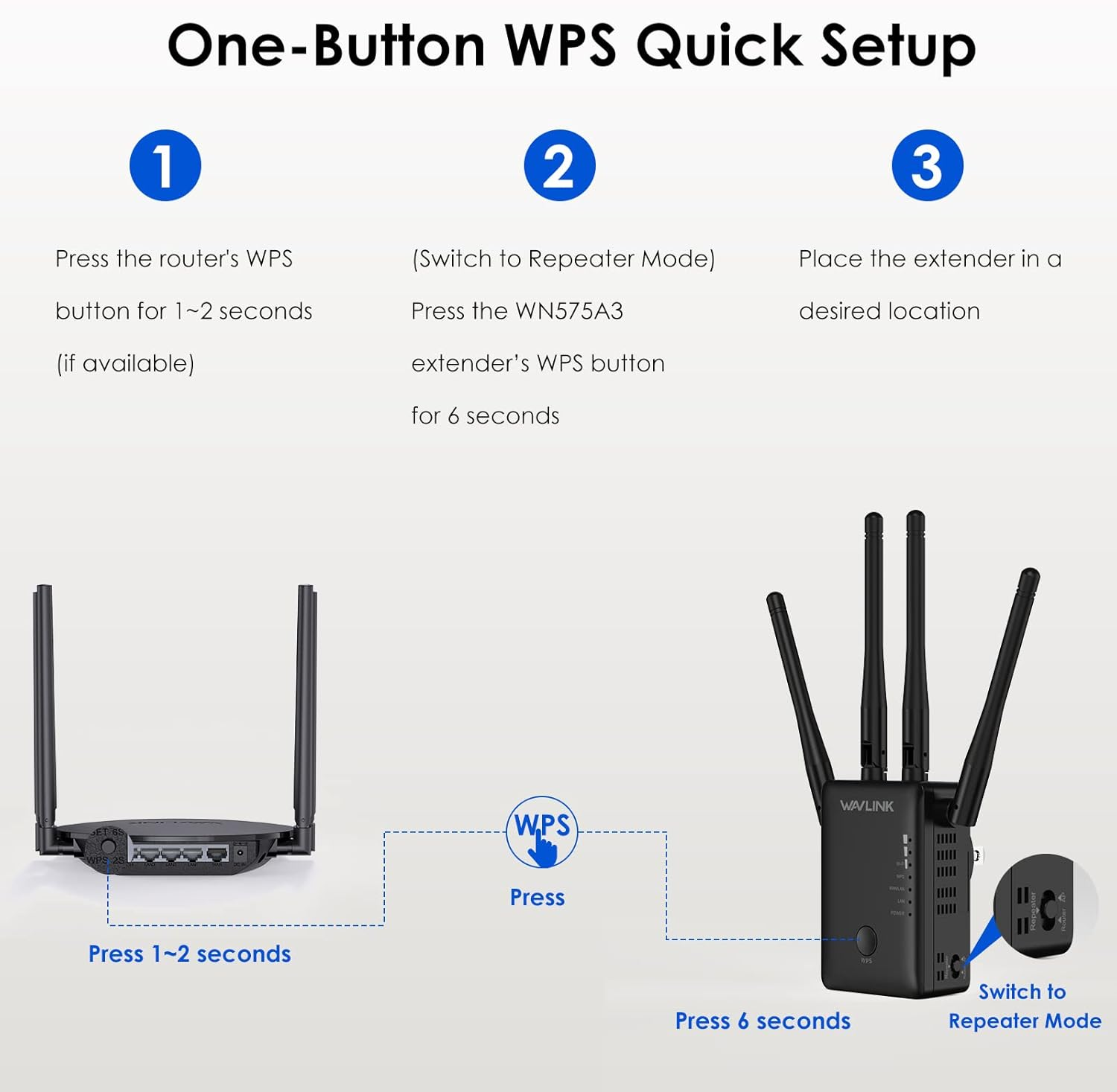
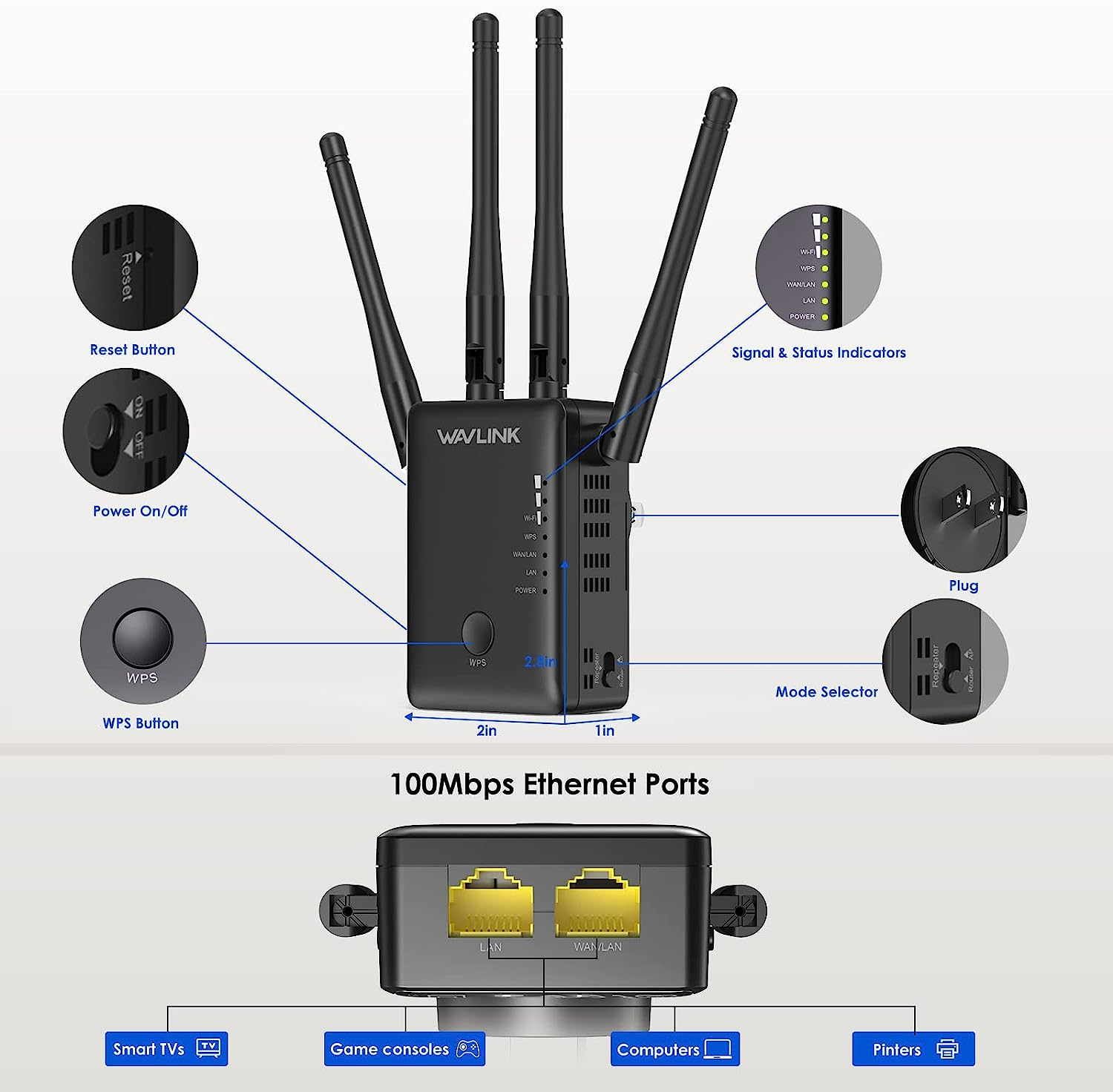
- 【WPS button-Easy Setup】Just press the WPS button on both extender & router, or type in the browser to connect; accessible from almost any wireless device, including iOS and Android mobile platforms, allows you to achieve one-click networking, easy encryption, and connect right away. The LED light on the wifi booster makes it easy to monitor the connection.
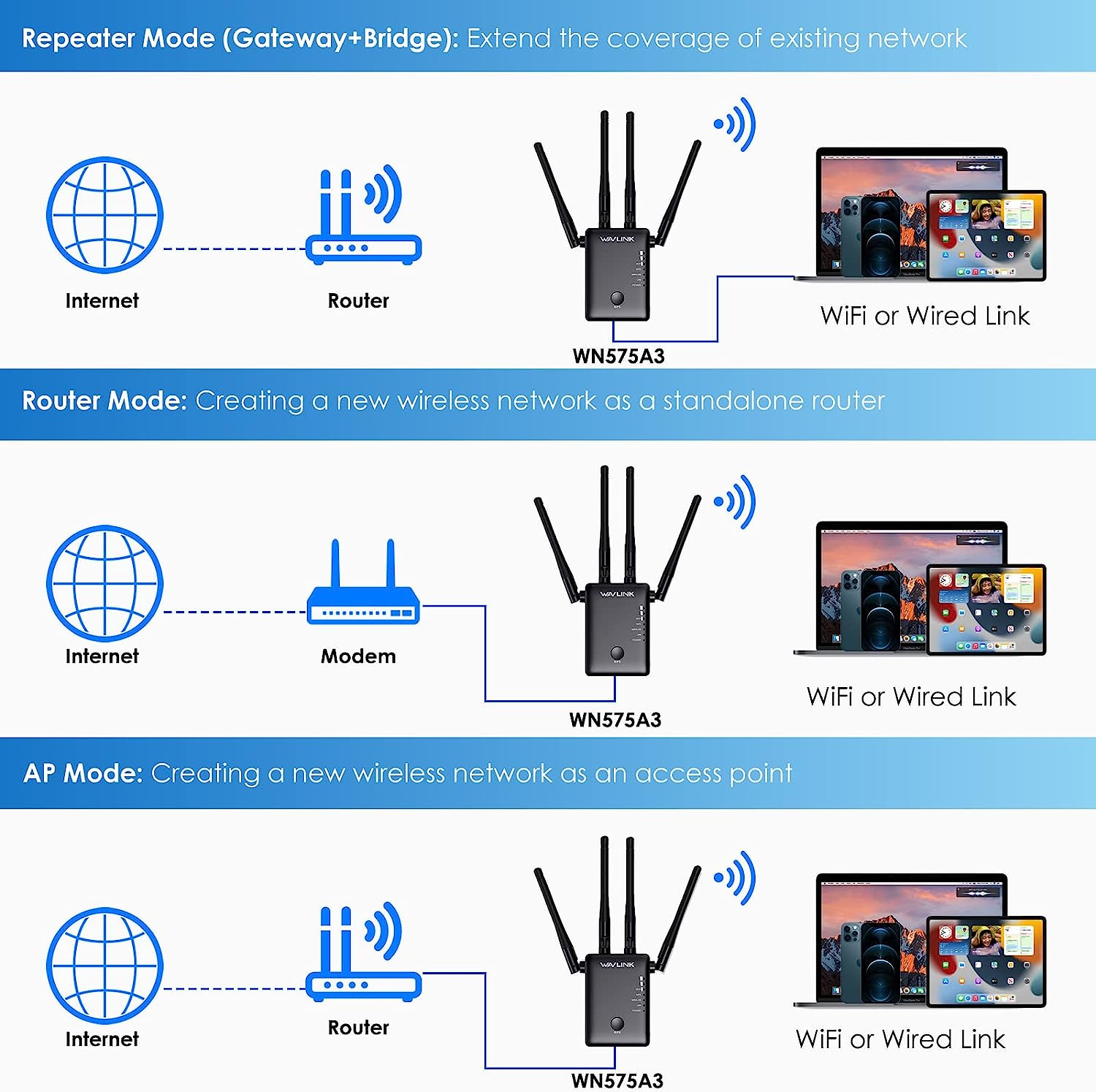
- 【4 Different Modes-Effective】Support Repeater/Access Point /Router/Media Bridge Mode(Three mode options enable you to switch between 3 modes upon the actual situation; 4 x High Gain external adjustable Antennas optimize signal strength and connection reliability. 2 network ports including 1x100mbps LAN + 1x100mbps WAN.
- 【Tiny Design & Wide Compatibility】Light and practical design, great for travel and home, you can carry it and easily extend the internet by mount it on the socket. Complies with IEEE 802.11 ac/a/b/g/n, standards. Compatible with any wireless network, router and Wi-Fi enabled devices.
- 【12 Months Warranty】Friendly prompt online service; 30 days free return service through Amazon; 12 months worry-free warranty. High-quality products provide you a health online environment. If you meet any problems, please be free contact us or refer the FAQ as details page below.
- 【Warmly Tips】No need to worry about the high temperature when the wifi booster is working, due to it heat dissipation through the surface, which can reach 125 degrees Celsius heat resistance. and operating temperatures up to 50 degrees Celsius above. NOTE: Activate the wifi range extender by pressing the “RESET” button for 6s before using it for first time
Product Description
WAVLINK New Signal Booster WN575A3 - Eliminates All Dead Zones
The video showcases the product in use.The video guides you through product setup.The video compares multiple products.The video shows the product being unpacked.
WAVLINK wifi extender
Merchant videoMultiple Working Modes of WAVLINK WiFi Extender for You to Choose
How to Configure the WAVLINK WiFi Repeater
- The video showcases the product in use.The video guides you through product setup.The video compares multiple products.The video shows the product being unpacked.
wavlink wifi extender
Merchant videoStep 1: Switch to repeater mode and connect the wifi signal
-
Step 2: Enter wifi. wavlink.com in the browser address bar and "admin" to log in
-
Step 3: Finish the basic settings
-
Step 4: Choose the host wifi and enter its wifi password
-
1. What should I do if I can not connect the wavlink device to the host router via wps button?
1. Switch the wavlink device to repeater mode.
2. Press the wps button for 6s when connect the wavlink device to the host router. Try to press the wps button for 6s again.
3. Try to login the management page and configure the wavlink device manually.
-
2. The device is very hot, is that normal?
It is normal the device will get hot, normally this will not affect the usage.
-
3. How to get a larger wifi coverage via wavlink device?
1. Try to avoid the obstacle between the wavlink device the client especially the wall.(The wall will affect the wireless signal much)
2. Try to keep the antennas perpendicular to the ground.
-
4. If the internet speed from the extender is not as expected,what should I do?(In extender mode)
It could help the user to get a larger wifi coverage. But it could not increase the internet speed from the host router. And the internet speed should be lower than the speed from the host router.
-
5. My wavlink device often disconnect from the host router, how do I fix it?
Pls try to upgrade the firmware from "docs.wavlink.xyz/Firmware/fm-575a3/"(see mannual guide). After upgrading, pls reset the device by pressing the reset button for 6s.(Firmware upgrading and resetting could solve many unexpected problem)
- Item Model Number: WN575A3-White
- Part Number: WN575A3-Black
- Data Transfer Rate: 1200 Megabits Per Second
- Operating System: RouterOS
- Mounting Hardware: Instruction manual
- Batteries Required: No
- Brand: WAVLINK
- Special Features: Access Point Mode, Dual Band, LED Indicator
- Compatible Devices: Router
- Wireless Type: 802.11a, 802.11ac, 802.11b, 802.11g, 802.11n
- Item Weight: 500 g
- Connector Type: ethernet, lan
- Voltage: 240 Volts
- Model: WN575A3-White
- Product dimensions: 17.5 x 10.8 x 8.2 cm; 500 Grams
- Manufacturer: WAVLINK
A$50.30
Shipping to Australia
Delivery time varies by location
Return & Refund Policy
Check our return & refund policy
Security & Privacy
Safe payments: We do not share your personal details
Availability:
-
In Stock
Sign in
or create an eMega account
Shop smarter — get exclusive deals & order tracking