Free Shipping – Store Wide
RGEEK DN Paper Clip for Nintendo Switch RCM Tool RCM SX OS Short Circuit Tools Use for Modify the Archive Play GBA/FBA & Other Simulator
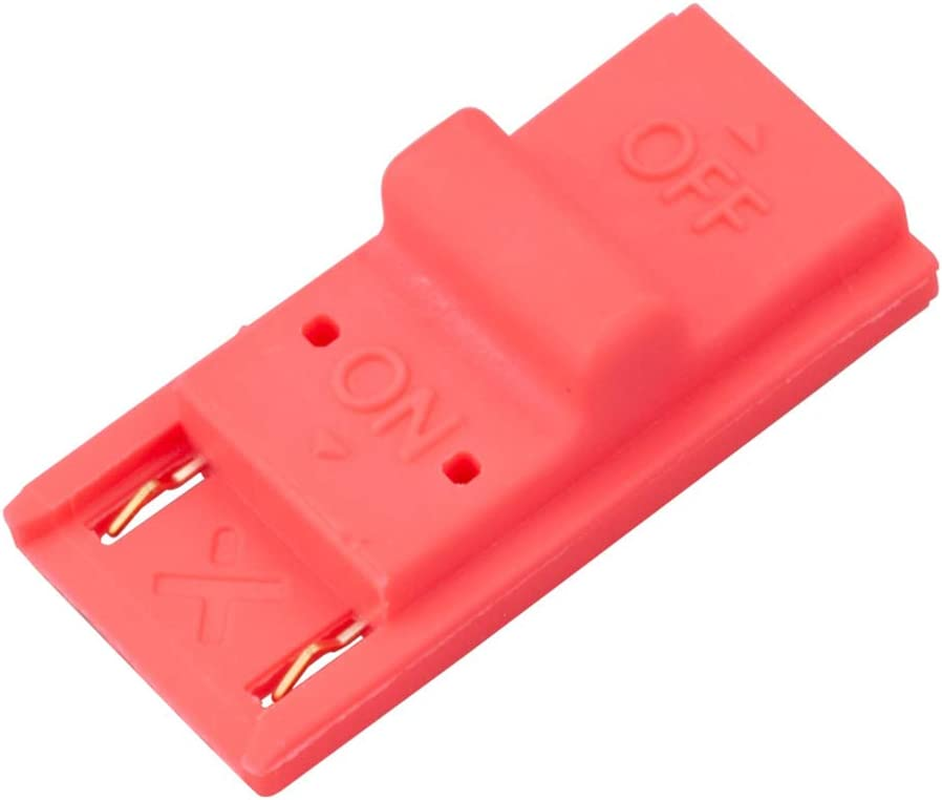
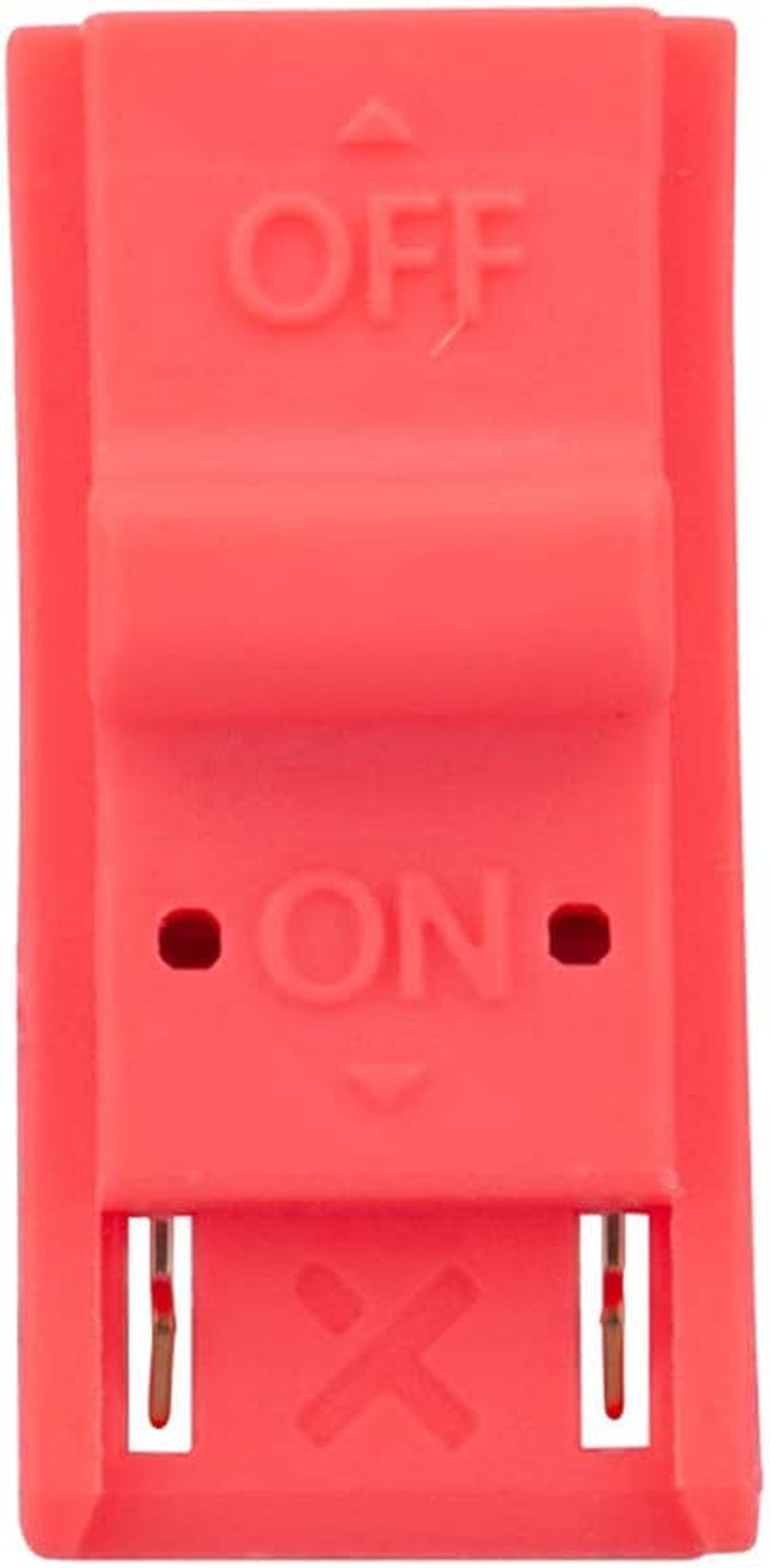
RGEEK DN Paper Clip for Nintendo Switch RCM Tool RCM SX OS Short Circuit Tools Use for Modify the Archive Play GBA/FBA & Other Simulator
Brand: RGEEK
A$10.20
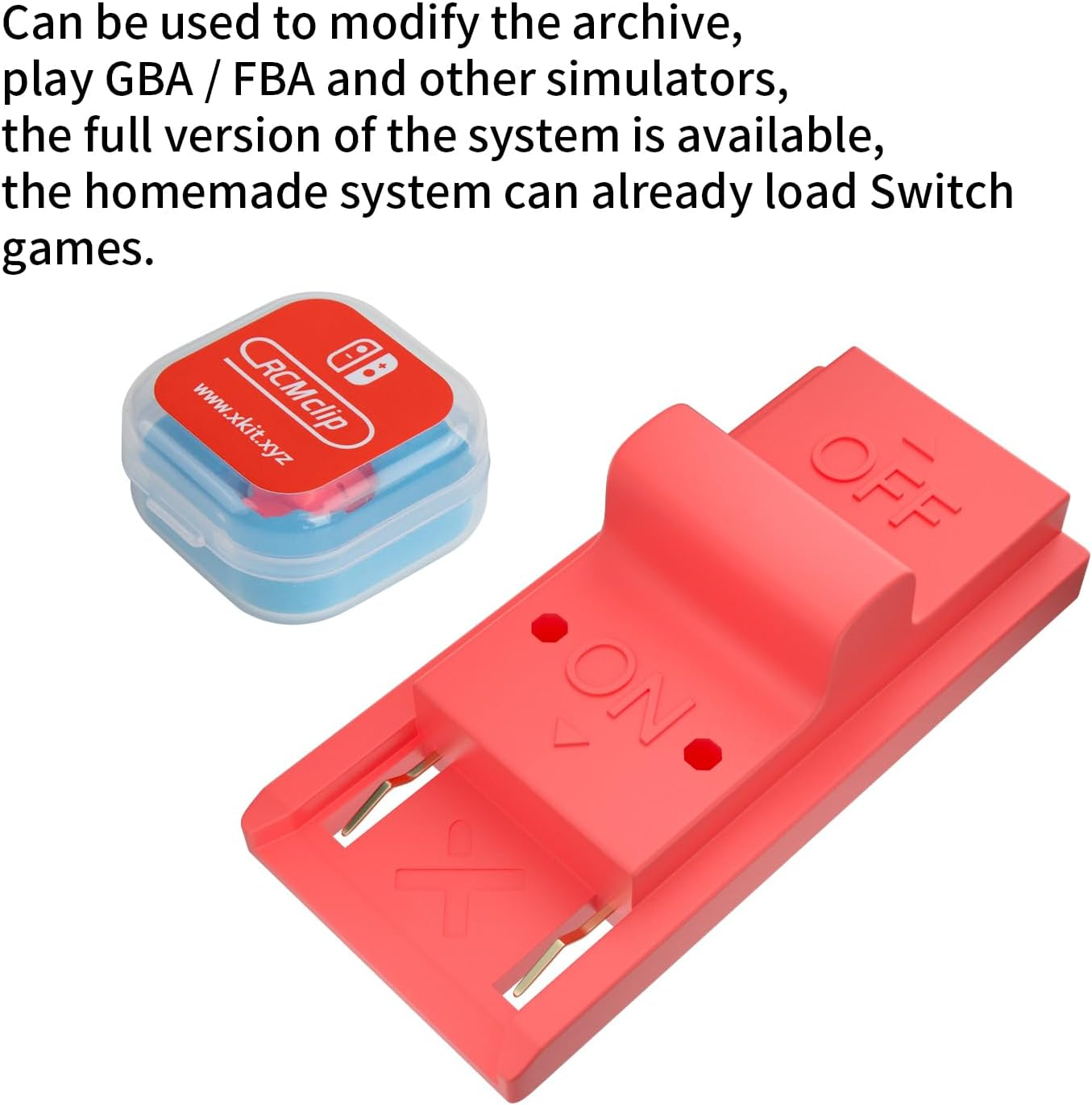
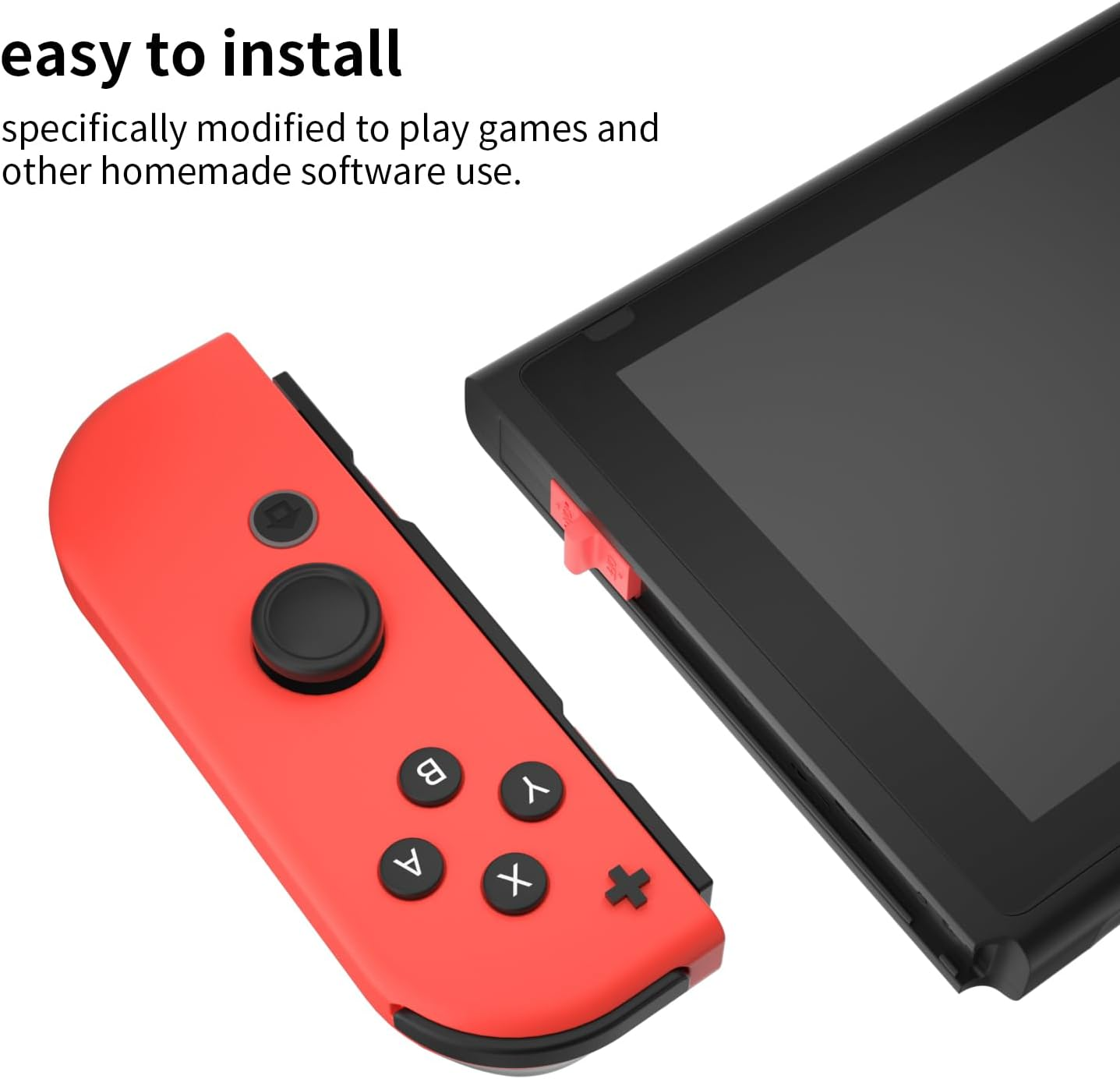
- This product is a tool, specifically modified to play games and other homemade software use.
- Can be used to modify the archive, play GBA/FBA and other simulators.
- The full version of the system is available, the homemade system can already load NS games.
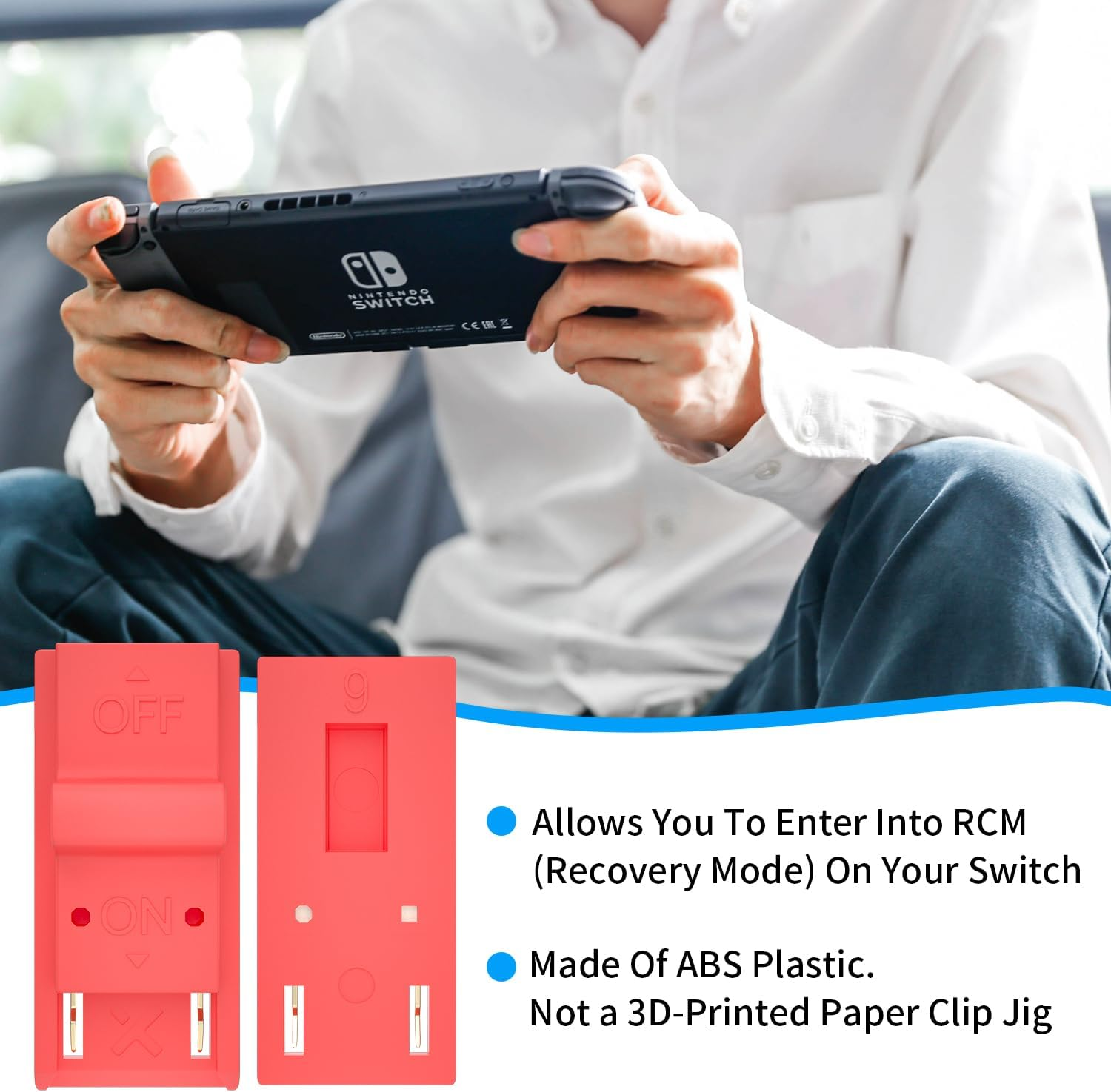
- Made of ABS plastic, Suitable for Nintendo Switch RCM / NS SX O
Note:
1. The short connector does not need to be inserted into the bottom!
2. RGEEK enters the black screen to indicate success!
Packing List:
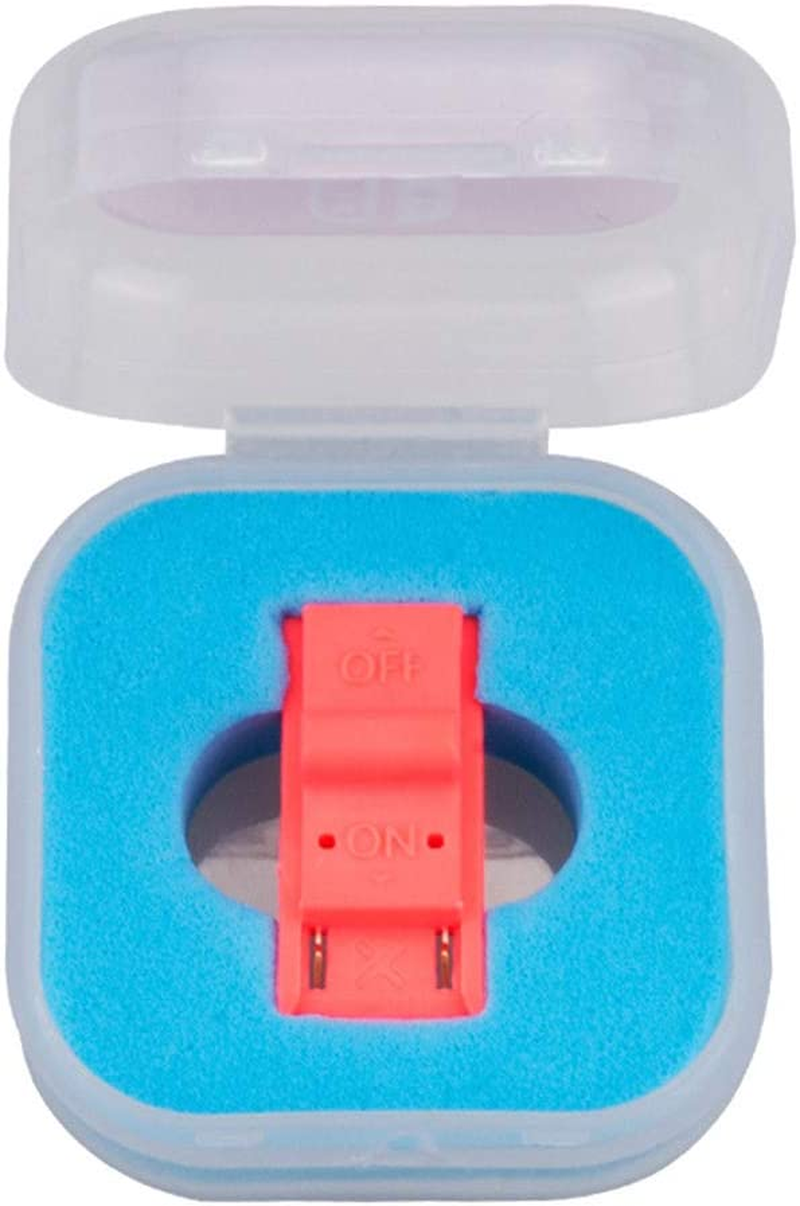
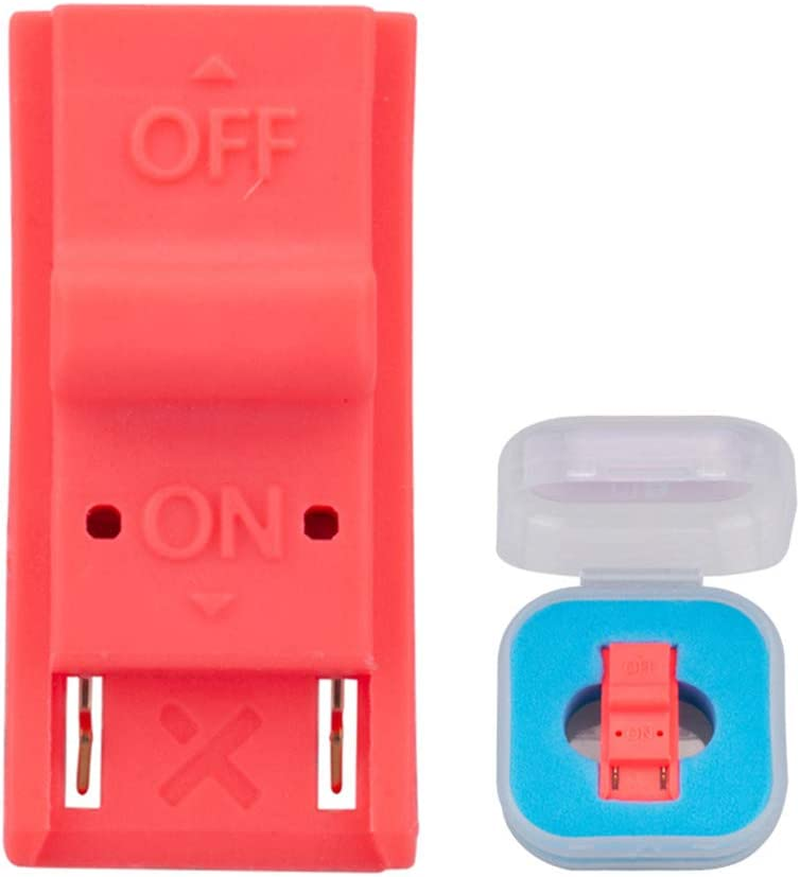
1 x RGEEK Short circuit tools(Tool ONLY)
1 x Box
How to use RGEEK Jig?
1. long press NS power button, pop-up menu select 'power option',click 'turn off'. Turn NS off completely.
2. Copy needed files to the root directory of your TF card
3. Connect your RGEEK Jig to the Right-Hand Joycon rail of switch.
4. Then hold VOL+ press the Power Button.
5. NS is still in black screen, but already enter into RGEEK.
6. Connet your NS and computers/Android phones/dongle and inject the boot program via the microUSB Cable.
7. Guide you to the TF card system, you can run a variety of homemade software, systems, games.
- Hardware Platform: nintendo switch
- Part Number: Short-01
- Scanner Resolution: 720p
- Item Model Number: HAC-001
- Batteries Included: No
- Batteries Required: No
- Brand: RGEEK
- Connector Type: USB
- Item Weight: 18.1 g
- Model Name: HAC-001
- Model: HAC-001
- Product dimensions: 7.62 x 7.62 x 1.27 cm; 18.14 Grams
- Colour: Red
- Manufacturer: Coshare
A$10.20
Shipping to Australia
Delivery time varies by location
Return & Refund Policy
Check our return & refund policy
Security & Privacy
Safe payments: We do not share your personal details
Availability:
-
In Stock
Sign in
or create an eMega account
Shop smarter — get exclusive deals & order tracking