Free Shipping – Store Wide
WAVLINK Dual Bay External Hard Drive Dock, USB 3.0 to SATA HDD Docking Station for 2.5/3.5 Inch HDD SSD, Support Offline Clone/Backup/Uasp Functions-2×16Tb, Black
WAVLINK Dual Bay External Hard Drive Dock, USB 3.0 to SATA HDD Docking Station for 2.5/3.5 Inch HDD SSD, Support Offline Clone/Backup/Uasp Functions-2×16Tb, Black
Brand: WAVLINK
A$73.65
Availability:
-
This item is currently not available
Shop with confidence
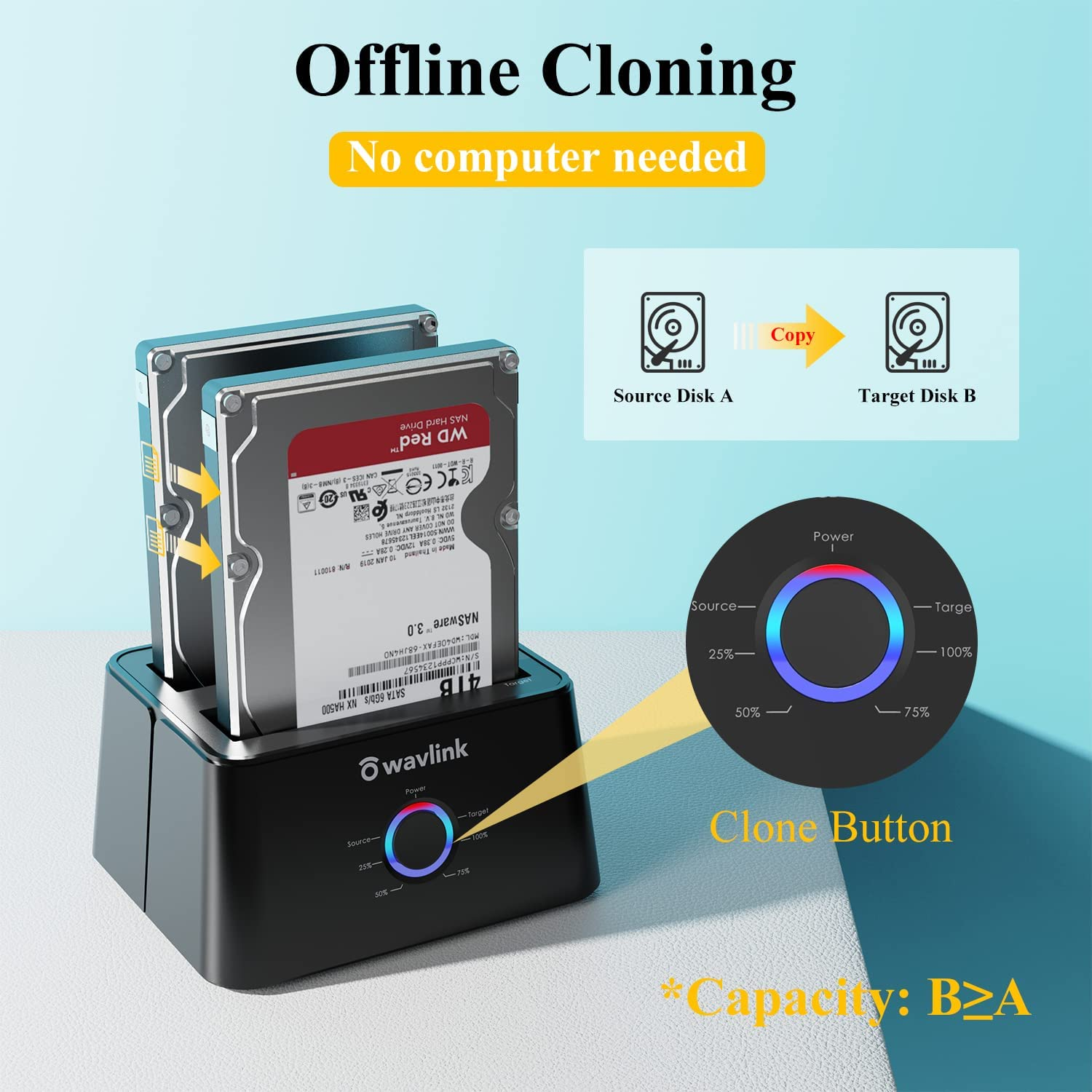
- 【Offline Clone Function】WAVLINK Hard Drive Docking Station support Offline Cloning without connecting to any laptop. No drivers needed, easy installation; Offline clone is from source disk to target disk, make sure the capacity of target disk is larger or equivalent to that of source disk.
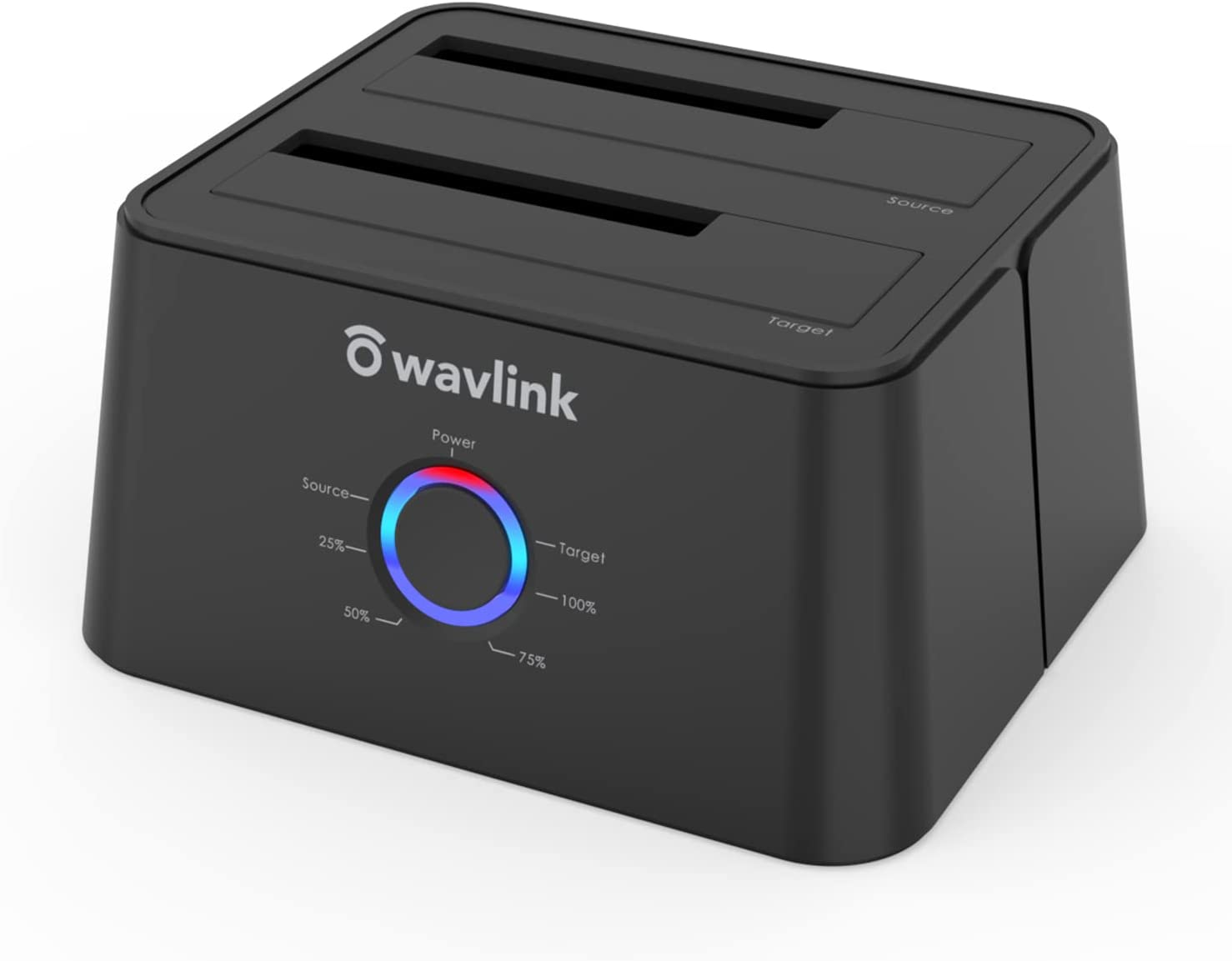
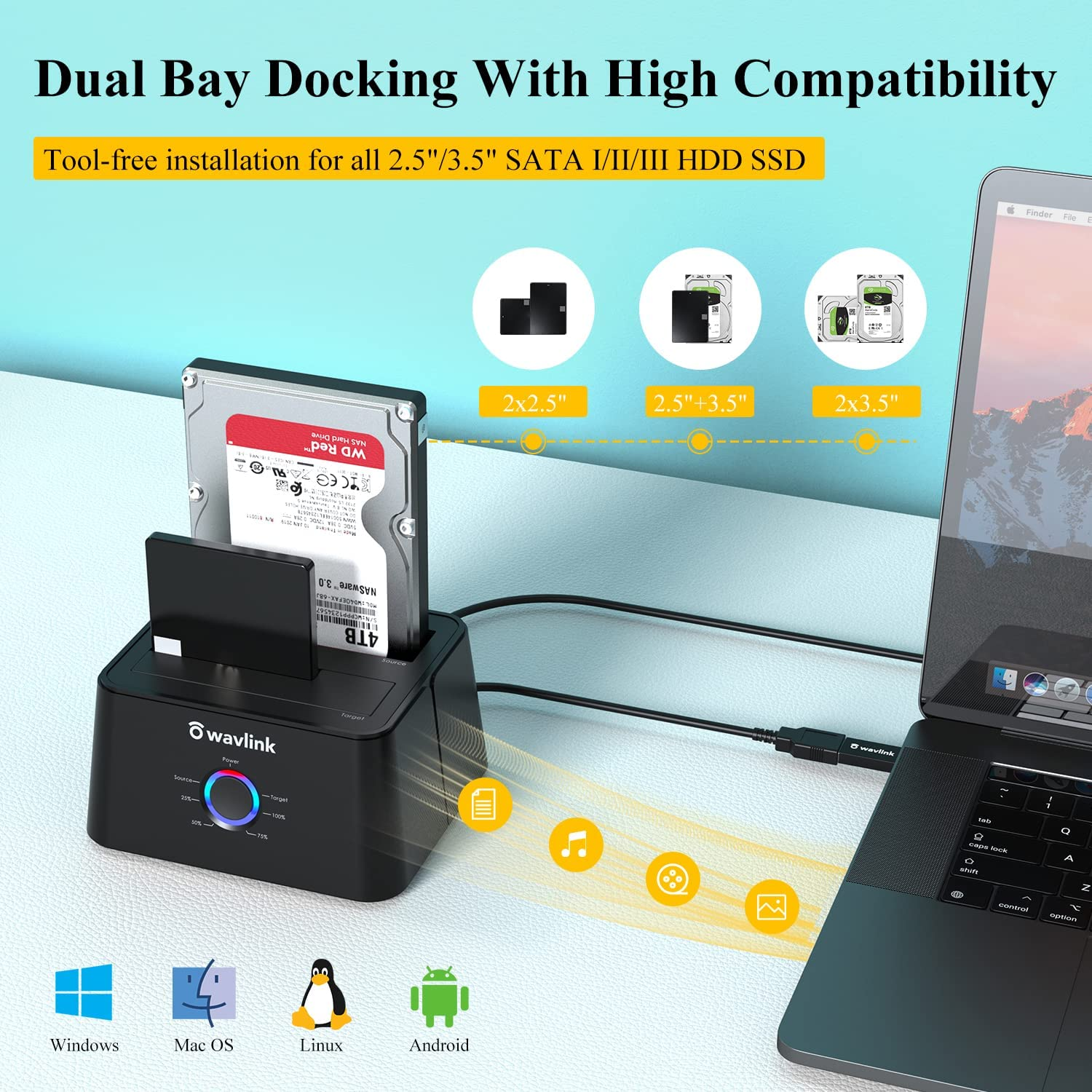
- 【Dual Bay Docking Station 】This clone dock works great with two 2.5/3.5 inch SATA HDD/SSD, which is a perfect solution for backup & processing IT data, batch processing data, data recovery, formatting and file transferring. The dust-proof design of the cover gives you a unique experience, also features a light weight, perfecting for home office, watching movies, entertainment etc.
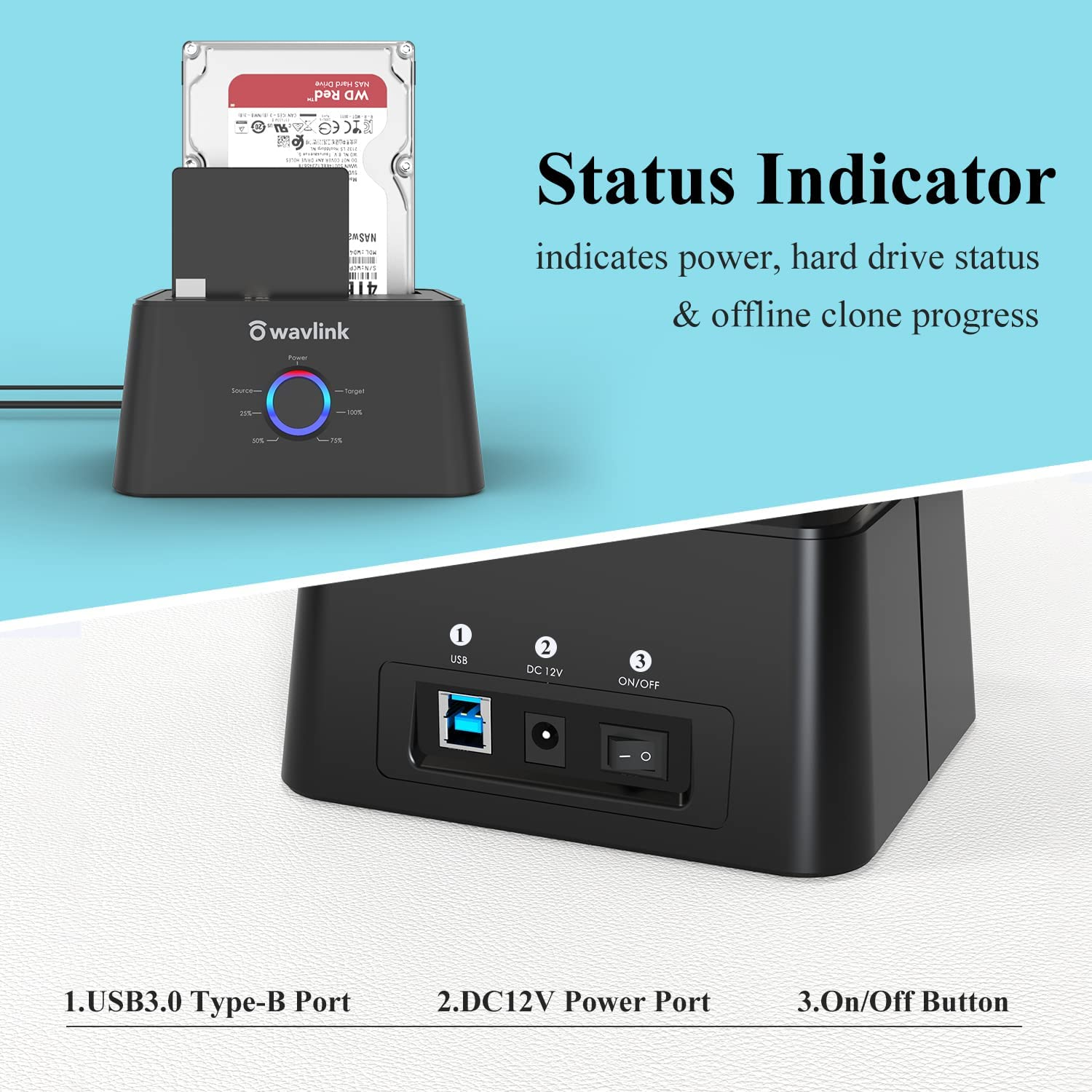
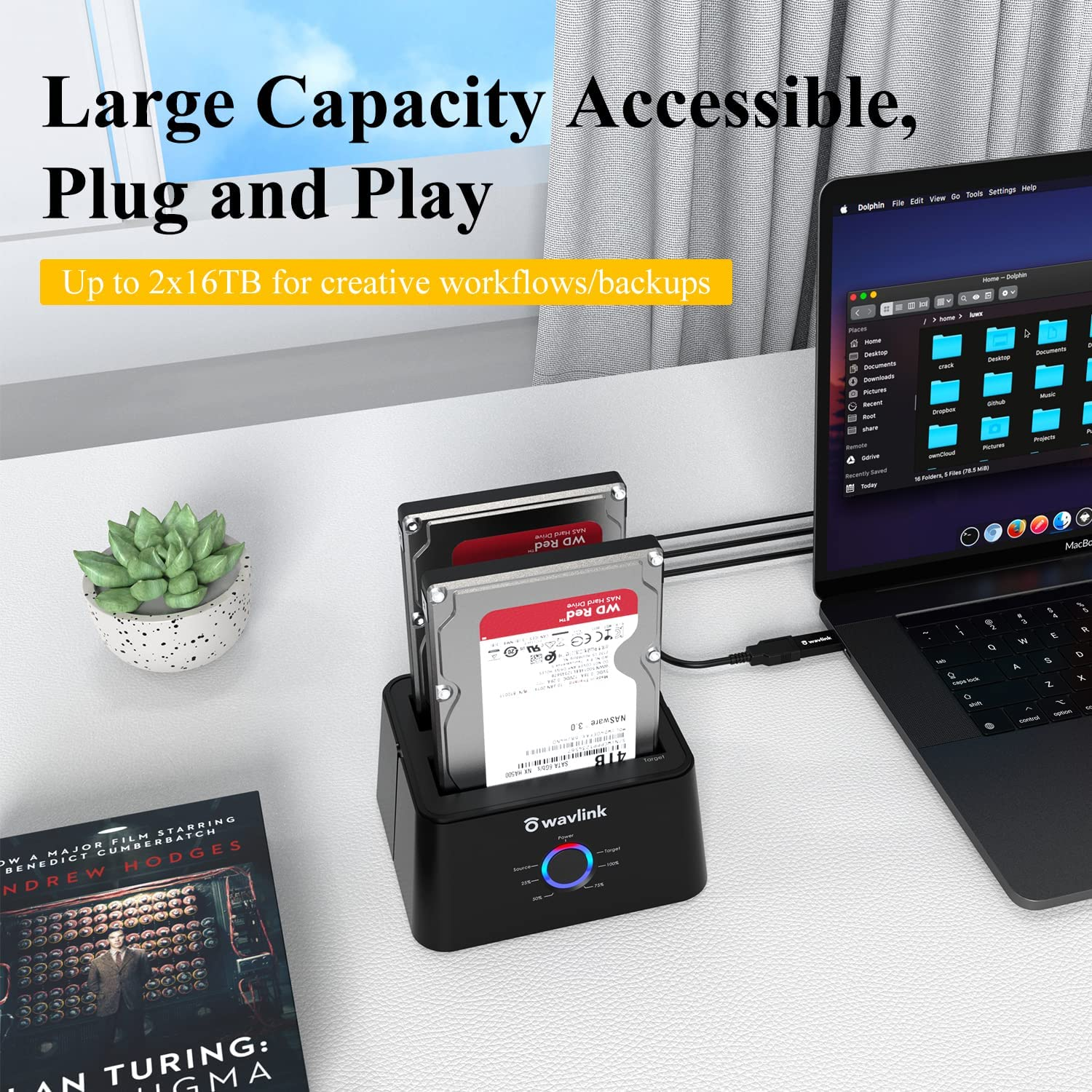
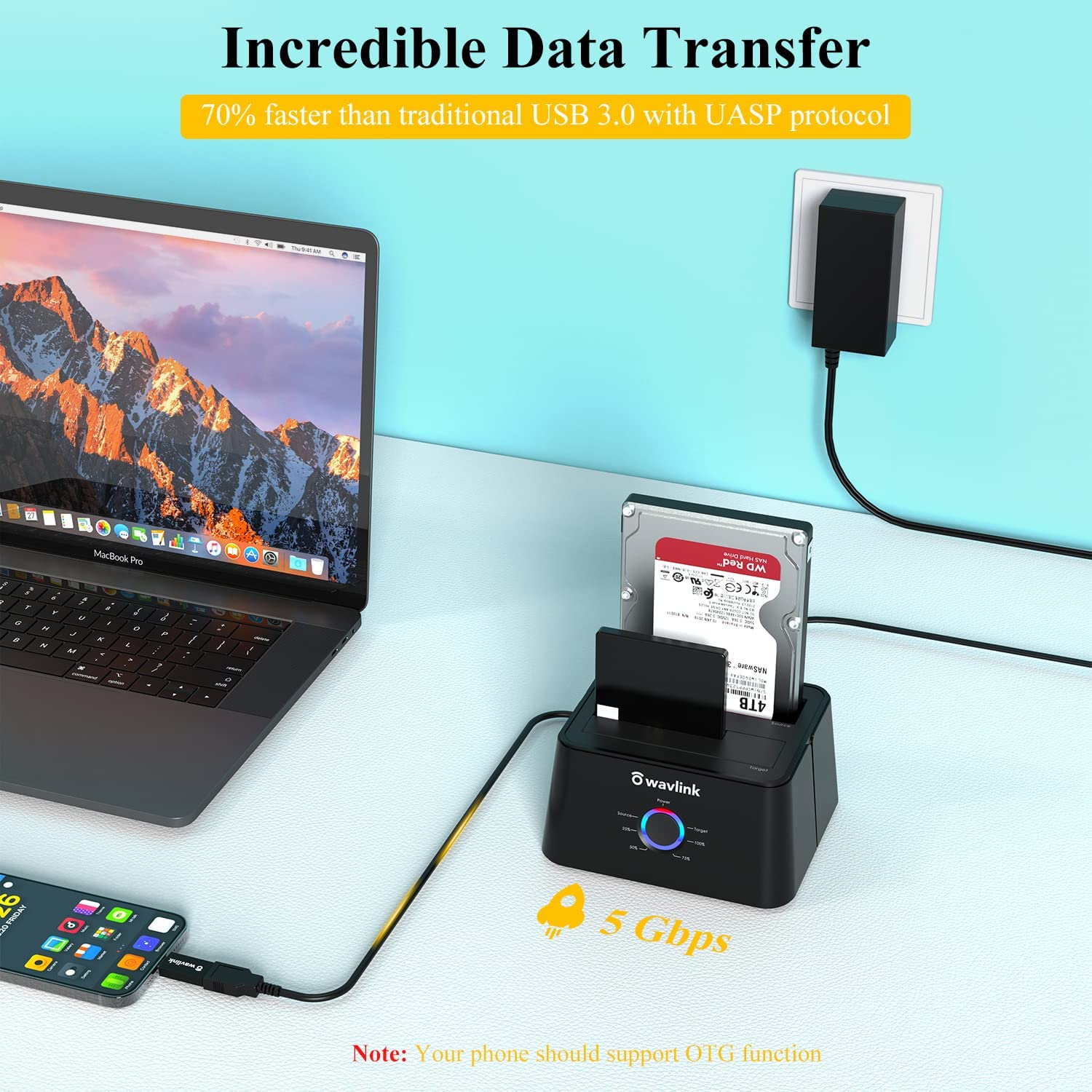
- 【Extensive Capacity】This HDD dock enables access to 2 drives simultaneously(Up to 2×16TB). LED indicator light shows power and activity status. Support plug and play & hot swap. On/Off power switch for hard drives protection. Compatible with Windows, Mac OS, Linux and Android. NOTE: Your phone should support OTG function or you can't read the hard disk data easily.
- 【UASP Accelerated】Super speed USB 3.0 data file transfers (up to 5 Gbps/420MB/s) from your computer to back-up files and centralize storage for convenient access. Up to 70% faster at read speed and 40% faster at write speed over traditional USB 3.0, downward compatible with USB 2.0/1.1.
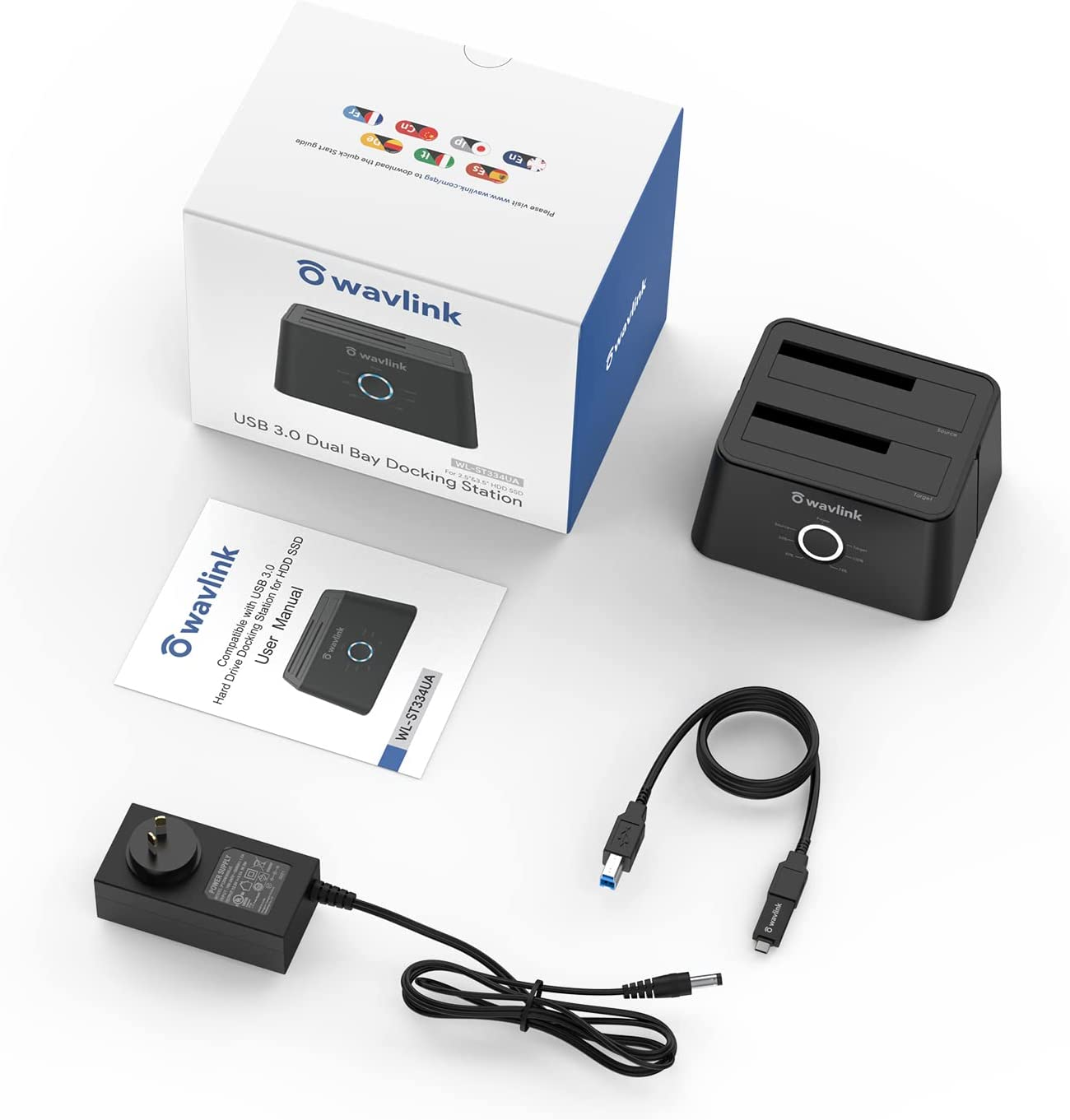
- 【What You Get】1 x USB 3.0 Dual Bay Docking Station, 1 x USB-B to USB-A Cable, 1x Power Adapter 12V/3A, 1 x USB-A to USB-C Adapter, 1 x Quick Start Guide. 1-Year worry-free warranty and life-long friendly customer service and technical support.
- Outstanding Advantages: This hard drive reader is equipped with usb 3.0 to usb c adapter, so it definitely works with your usb 3.0/usb c laptop.
Product Description
WAVLINK USB 3.0/USB C Dual Bay External Hard Drive Docking Station--Works with laptop that Has USB 3.0/USB C Port
USB 3.0 hard drive Docking station launching brings data transmission to a new stage. USB 3.0 has a super speed connector that can speed up to 5GB/s. It is 10 times faster than USB2.0 and greatly improves the stability of transportation and the efficiency of energy. Fast installation SATA hard disk without any drives and compatible with USB2.0 1.1 fast speed device make a great combination to occupy the market.
Features:
1. Support maximun capacity up to 2x16TB.
2. Support UASP accelerated transfer protocol.
3. Automatic replication of HDD or SSD (clones from Source Disk A to Target Disk B) at a click of the button.
4. Use the dedicated DC power adapter certified by PSE.
5. Plug and play. No software, drivers or complicated installation required.
Equipped Type-C Port
The type-c converter is compatible with your USB C devices, like thunderbolt 3 laptop, computer with USB-C port & USB C Android phone.
SATA Drives Only
This hard drive dockdo not compatible with IDE drives. It is compatible with all 2.5 inch and 3.5 inch SATA HDD and SSD.
Stable Power Supply
Equipped with 12V/3A power adapter to meet the power consumption requirements of large-capacity hard drives. Please connect the power adapter when using.
Smart Auto-sleep Mode
The auto sleep mode greatly reduces the invalid energy consumption, prolongs the service life of the hard disk and protects the hard drive data for you.
Instructions on How to Connect the Dock to the Computer:
1). Please unplug the DC power adapter to make sure that the power is off before starting.
2). Insert HDDs/SSDs into the slots vertically and slowly until them stick.(One HDD/SSD is also supported)
3). Connect the power adapter and turn the "ON-OFF" switch on.
4). Connect the USB cable to the computer then you can use it as your computer's external hard drive.
How to Operate Offline Clone Function?
ѧ Please unplug the DC power adapter to make sure that the power is off before starting.
ѧ Insert Source Disk into hard drive bay A, then insert Target Disk into hard drive bay B.
ѧ Make sure the USB cable is disconnected from computer.
ѧ Connect the power adapter and turn the"ON-OFF" switch on.
ѧ Hold the CLONE button for about 3 seconds, when all leds turn on, the clone progress will start.
ѧ Four lights (25%, 50%, 75%, 100% ) will turn solid blue when the cloning process is completed.
ѧ Finally turn the "ON-OFF" switch off, disconnect the power adapter and eject your drives.
Tips for Offline Clone:
- The capacity of target disk must be larger than the source disk.
- Please confirm that your source drive and target drive can both work properly.
- Please connect the 12V power adapter to ensure a stable power supply for transmission.
- To avoid data transfer errors, overheating and damage to the device, please make sure that there are no faulty driver cells.
- To avoid data loss, do not remove or insert drives when one drive is working in the docking station. Please power off the dock before removing.
- Please confirm the target drive have no data. If you have existing data on the target drive, the cloning process will eliminate your target drive's data. Because the target drive will be cloned to be the same as the source drive, partition, format
and data are the same too.
Package Contents
- 1 x Dual Bay SATA HDD Docking Station
- 1 x 12V 3A Power Adapter
- 1 x USB 3.0 Cable
- 1 x User's Manual
Operation:
1, Insert HDDs/SSDs into the slots vertically and slowly;
2. Connect the power adapter and turn on the switch;
3. Connect the USB cable to your computer;
4. Use it as your computer's external hard drive.
- Item Model Number: ST334UA-Black
- Part Number: ST334UA
- Total USB ports: 1
- Number of items: 1
- Mounting Hardware: HDD DOCKING STATION
- Batteries Included: No
- Batteries Required: No
- Product dimensions: 16.5 x 12.5 x 13 cm; 710 Grams
- Compatible devices: Desktop, Personal Computer, Mackbook Pro
- Item Weight: 710 g
- Max number of supported devices: 2
- Hard disk form factor: 2.5 Inches
- Model: ST334UA-Black
- Is discontinued by manufacturer: No
- Country/Region of origin: China
- Manufacturer: WAVLINK
A$73.65
Shipping to Australia
Delivery time varies by location
Return & Refund Policy
Check our return & refund policy
Security & Privacy
Safe payments: We do not share your personal details
Availability:
-
This item is currently not available
Sign in
or create an eMega account
Shop smarter — get exclusive deals & order tracking