Free Shipping – Store Wide
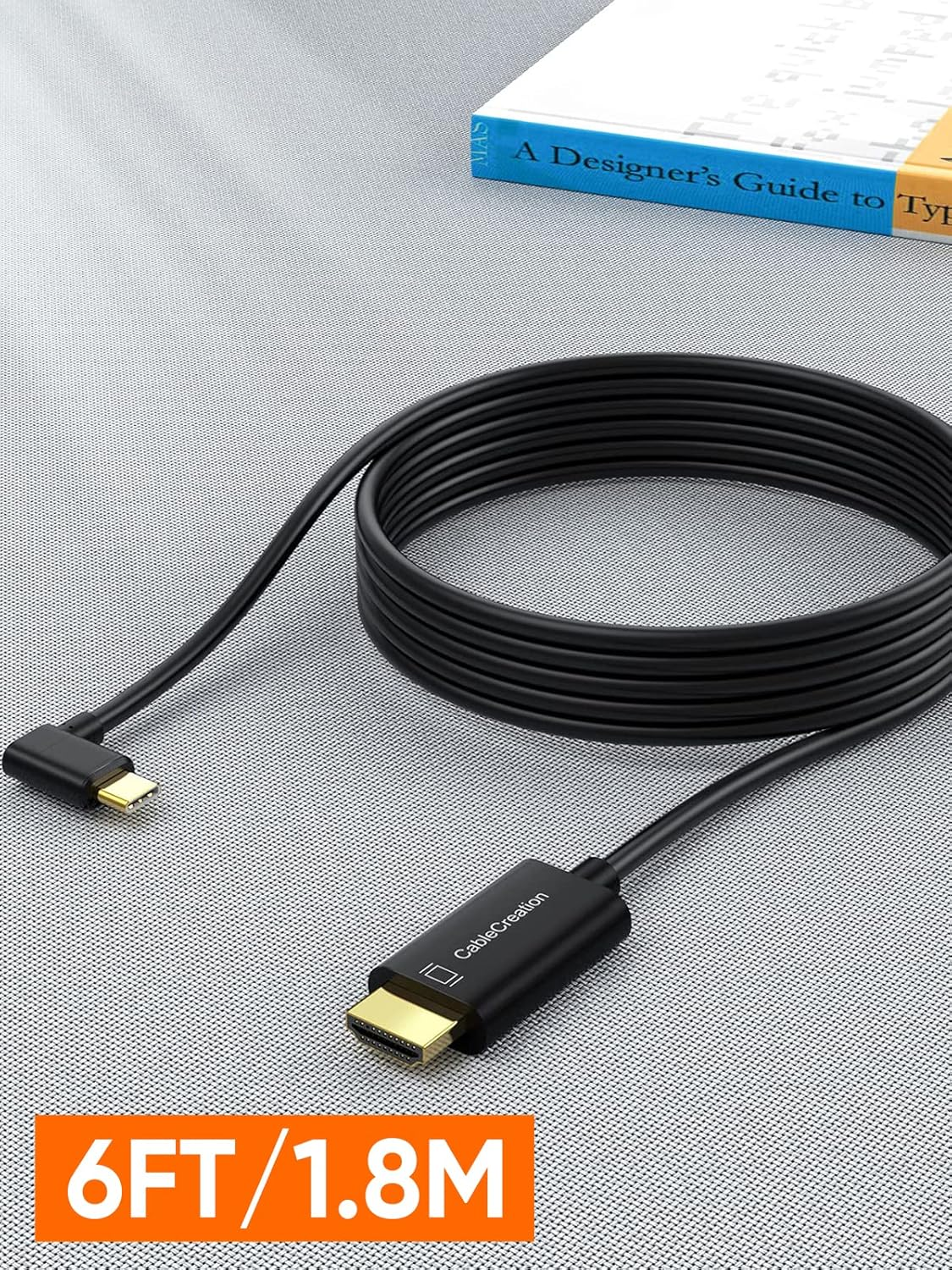
USB C to HDMI Cable Right Angle 4K, Cablecreation USB Type C HDMI Adapter Cable to Connect Laptop to Monitor Thunderbolt 3 Compatible for Ipad Mini 6, Macbook Pro, Samsung Note 9 S10 S9 S8 plus 1.8M
USB C to HDMI Cable Right Angle 4K, Cablecreation USB Type C HDMI Adapter Cable to Connect Laptop to Monitor Thunderbolt 3 Compatible for Ipad Mini 6, Macbook Pro, Samsung Note 9 S10 S9 S8 plus 1.8M
Brand: CableCreation
A$12.70
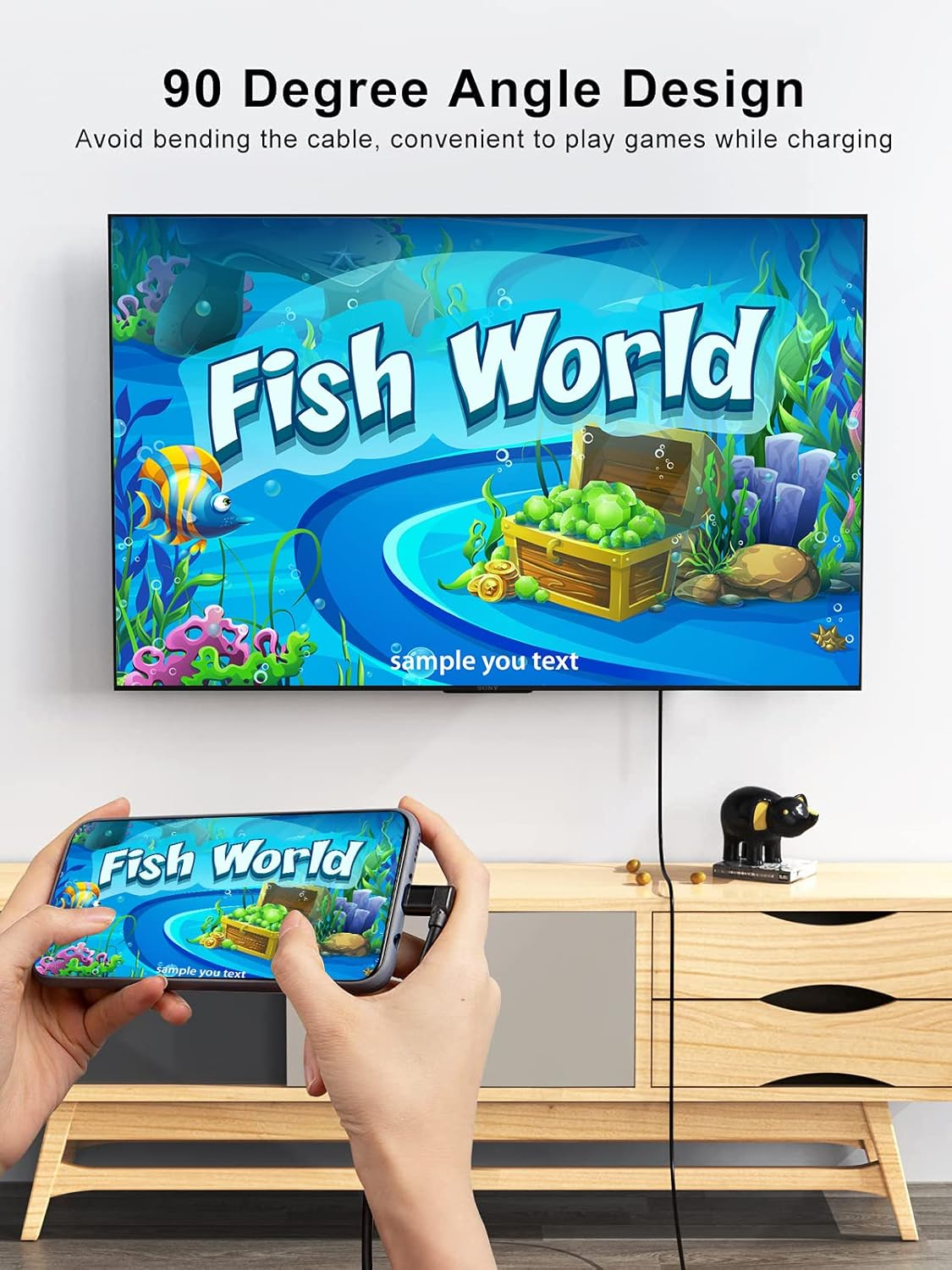
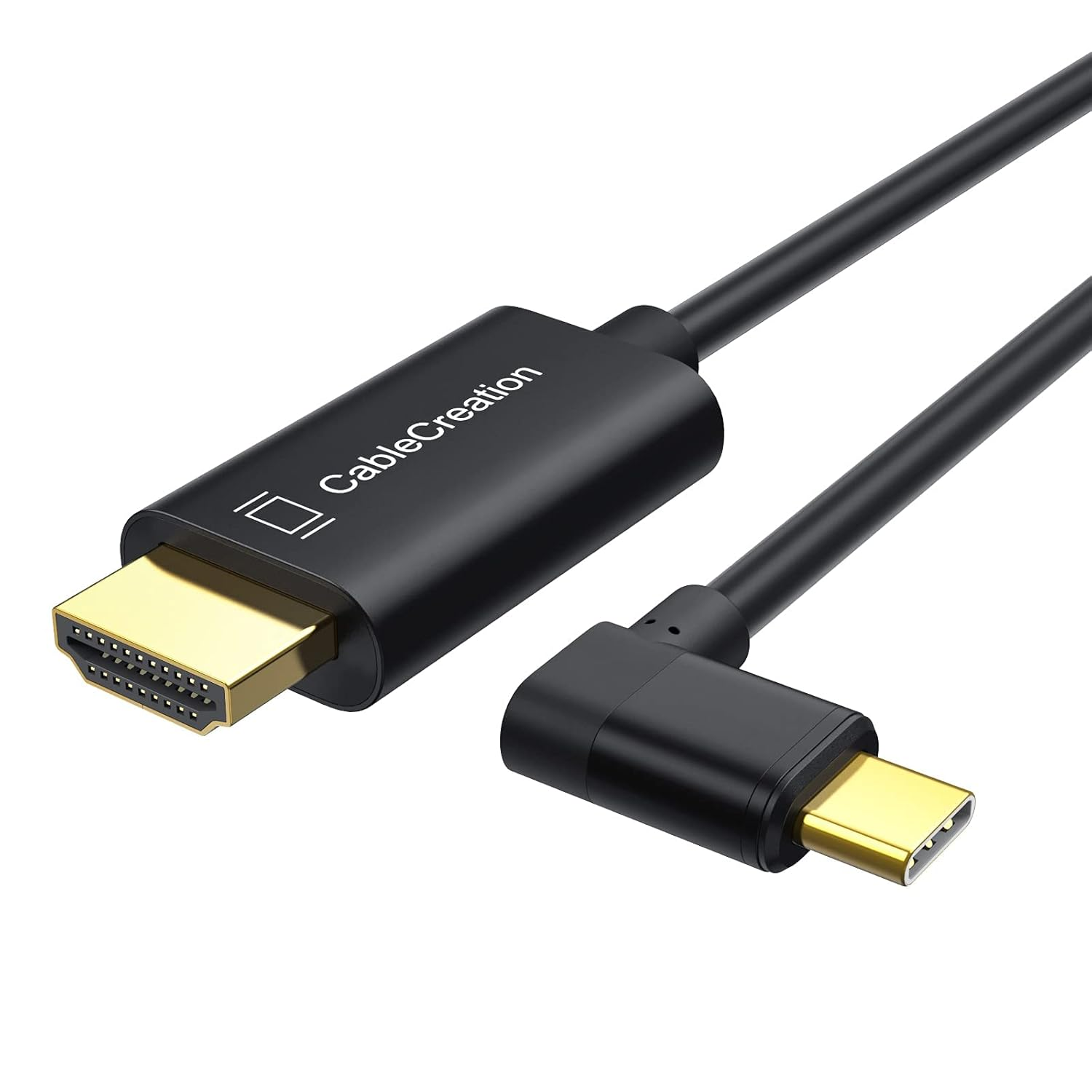
- ➤【Friendly Deign】- Angle usb c to hdmi cable, which make for better cable management in some situations, especially in tight spaces and solve breakage issue. 90 degree design provides much more convenience and comfortable hand-feeling
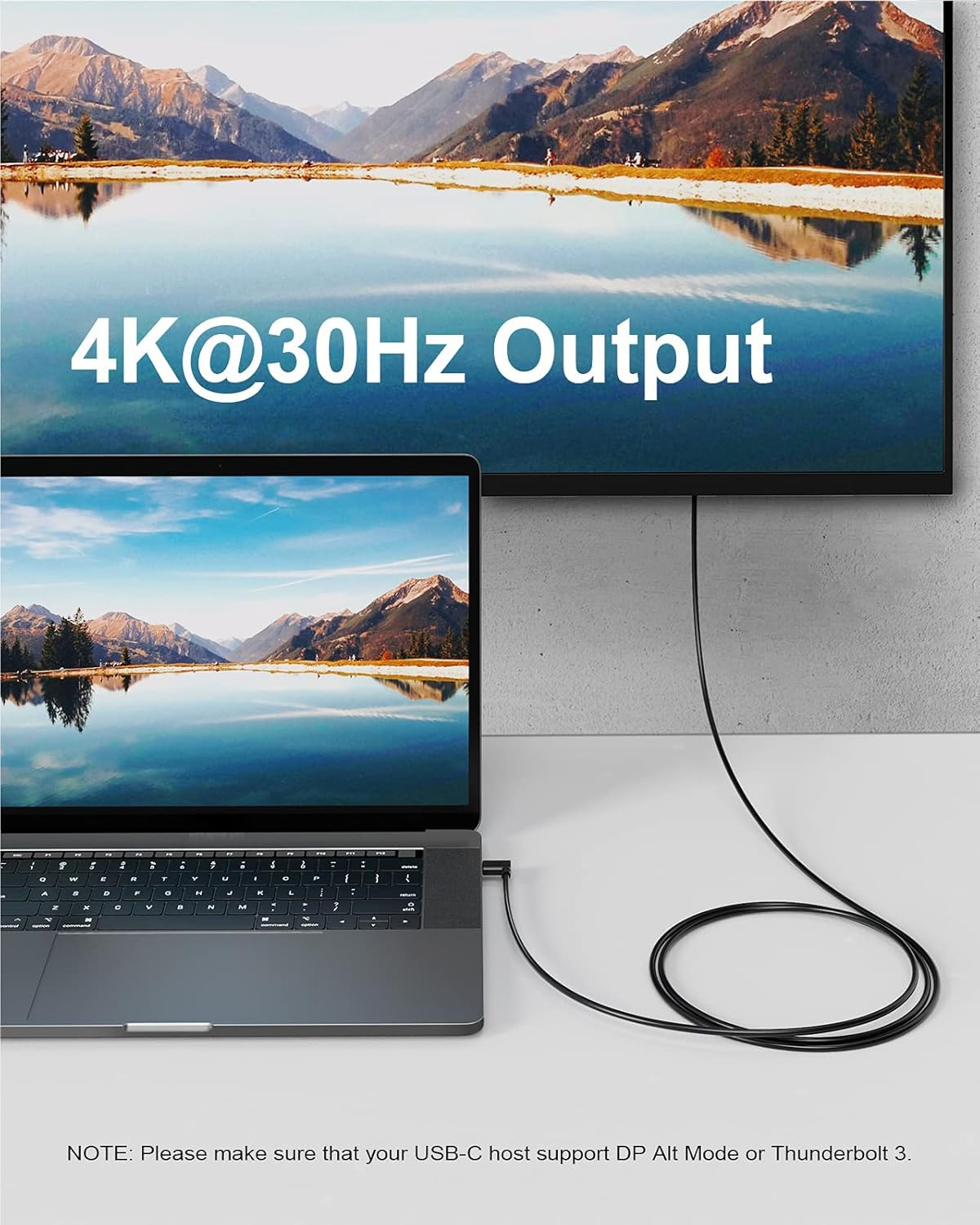
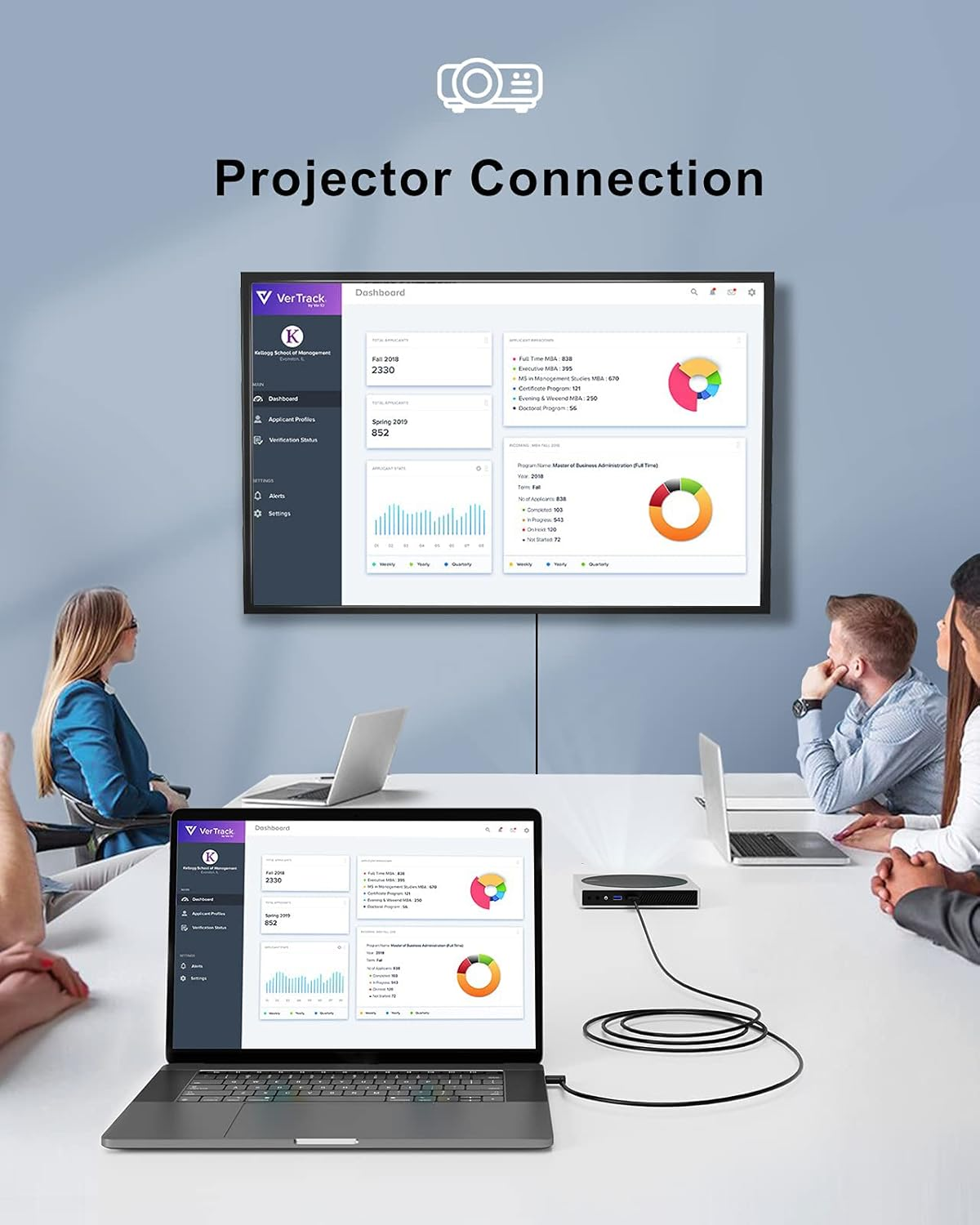
- ➤【4K at 30Hz USB C to HDMI】- The L shape USB C HDMI cord can support HD 4K@30Hz/ 2K/ 1080P/ 3D videos to your 4K HDTV/ projector/ monitor. From small screen to large screen, it’s a good choice to share ideas with your partners or enjoy a better visual feast with your family
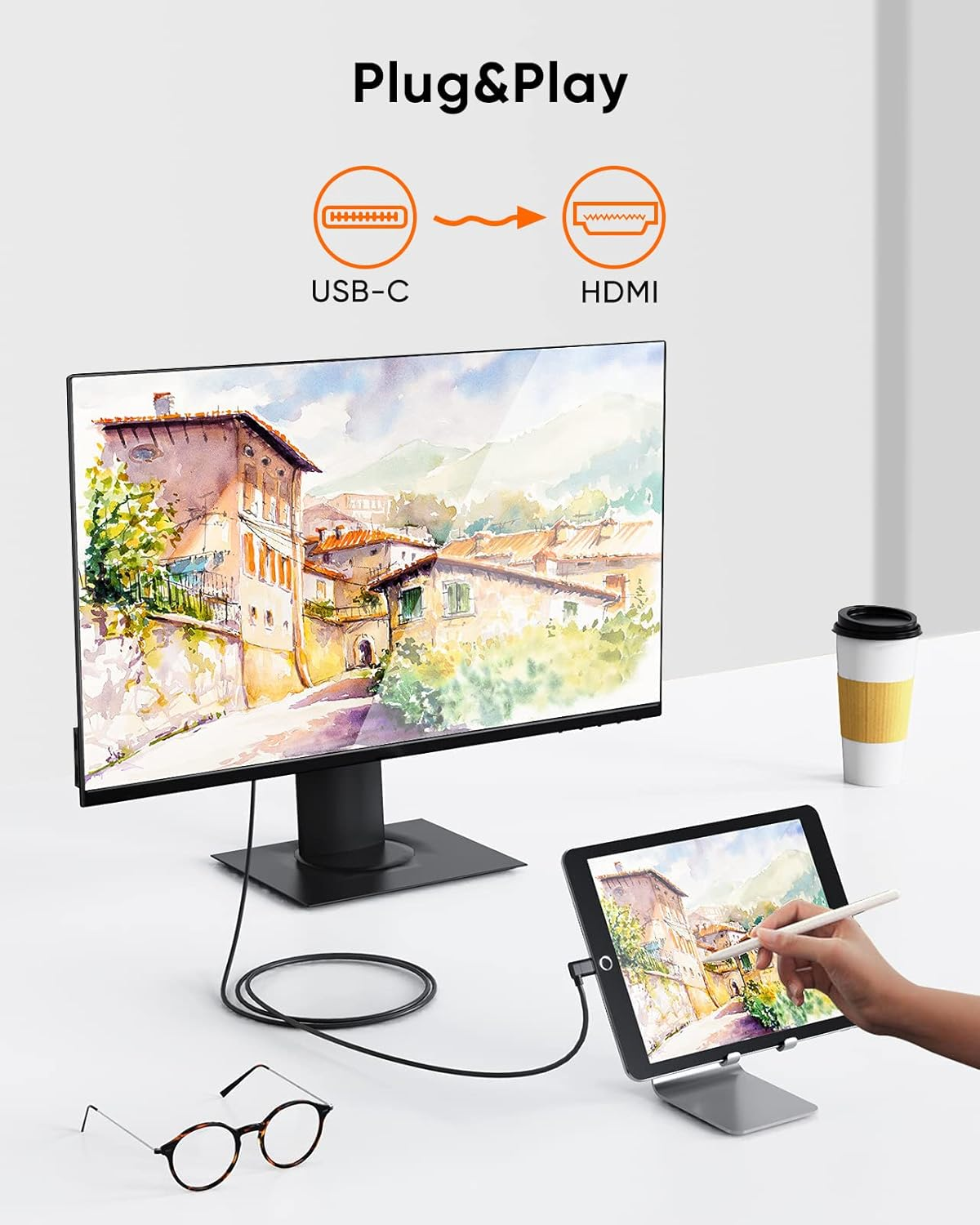
- ➤【Plug and Play】- CableCreation USB-C to HDMI Cable enables you to directly connect a USB-C computer to an HDMI-equipped display. No any software, drivers, adapters required
- ➤【Wild Compatibility】- The Angle USBC to HDMI Cable supports MacBook Pro/ Air 2020 2018, iMac 2017, iPad Pro 2018 2020, XPS 12/ 13/ 15. HP EliteBook Folio G1/Spectre 13. Thinkpad E580/ T470/T480/X1 Carbon (2017). Chromebook Pixel (2015) / Pixelbook/ Pixel Slate 2-in-1. Surface Book 2/ Surface Go/ Surface Pro 7. Galaxy S20/ S20 Ultra/ S10/ Note 9/ Note 8/ Tab S4. NOTE: Your USB C host is required to support DP Alt Mode (video output over Type C port) or Thunderbolt 3/4!!!
- ➤【What You Get】1 x CableCreation USB Type C to HDMI Cable 6 ft 4K. We provide all of our products with worry-free 24 months warranty and friendly customer service. If you have any concerns, please don’t hesitate to email us
Product Description
CableCreation 90 Degree USB Type C to HDMI Cable 4K@30Hz
Enjoy Your 4K@30Hz
The USB C to HDMI cable can directly steam Ultra HD 4K@30Hz / 2K/ 1080P/ 3D videos, from Laptop /Smartphones to your HDTV, monitor, projector. It is perfect for you to enjoy big screen and effecient life.
NOTE:
To output 4K@30Hz Ultra HD content, please make sure that both of your input and output devices support 4K and use an HDMI 4K cable.
Right Angle USB C to HDMI Cable
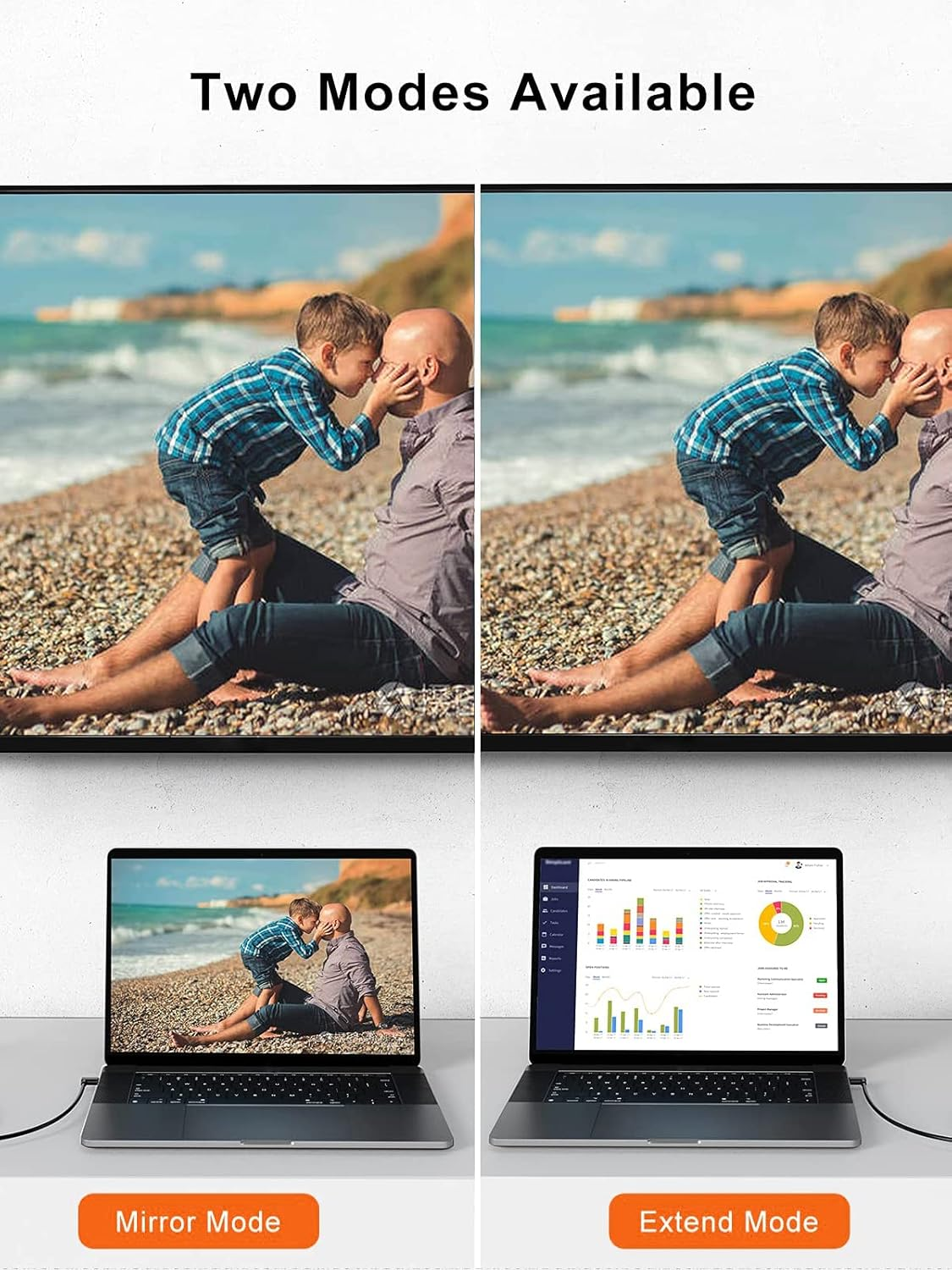
Mirror and Extend Mode Setting:
For MacOS, Top left corner Apple icon-->System Preferences-->Displays-->Mirror or Extend Displays;
For Windows 10, press Windows key + P combination command-->choose Duplicate or Extend.
Friendly L shape Design:
1. Right angle design helps relieve strain,solve the cable breakage issue.
2. Right angle design ideal for tight spaces such as behind cupboards or hard to reach areas where a normal straight connector is unavailable.
3. Right angle USB C connector,gives you some option as to how you can plug in.
4. Right angle connectors save space.
5. Right angle design give you more comfortable when hold your phone on hand while playing games or watching movies.
The angle USB C to HDMI cable did not work.
- The HDMI cable requires your USB-C laptop/ tablet/ smartphone must support DP ALT Mode (display output over Type-C port) or Thunderbolt 3. Otherwise, it will NOT work!
- For Samsung Cellphone: 1. Samsung Dex is NOT supported; 2. It is NOT compatible with Galaxy A series phone for example Galaxy A11/ A31/ A70 and etc.
- iPhone cellphone is NOT supported.
The hdmi usbc cable is bi-directional?
NO, the usb c hdmi cord is NOT bi-directional. USB C must connect to host device like cellphone/ tablet/ laptop; HDMI must connect to HDMI equipped TV/ projector/ monitor.
When I connect to my cellphone/ laptop, the video keeps flickering and sometimes even doesn't work.
- Please make sure that you have chosen the correct input source. For example, your TV has three HDMI ports 1, 2, 3, when you connected HDMI 1, you should choose HDMI 1 as your TV’s input source with your TV’s remote control.
- Please make sure the usbc to hdmi cable is stable connected and do not move your cellphone/ laptop and cable during use.
- Go to the official website of your laptop, update the BIOS and graphics driver, then restart your laptop to try again.
- Set the laptop's resolution same as or lower 1080P.
- Restart your cellphone/ laptop to try again.
My monitor doesn't have sound.
- For MacOS, Please go to Apple icon-->System Preferences-->Sound-->Output, choose your TV as the sound output.
- For Windows 10, please click right bottom of your sound icon-->choose your TV as the sound output.
- For Sony TV, if you are running MacOS, you probably need to go to Launchpad-->Other-->Audio MIDI Setup-->DisplayPort-->Output-->Please choose 2 ch 16-bit integer.
Compatible Devices (Not a Full List)
| Apple | MacBook 2015/2016/2017, MacBook Pro 2016/2017/2018/2019, MacBook Air 2018, iMac 2017/iMac Pro, Mac Mini 2018, iPad Pro 2020/2018 |
| Dell | Latitude 5400/5490/7373, Inspiron 5570, XPS 12/13/15 |
| Lenovo | Thinkpad A485/A285/E485/E580/E585/T470/T470s/T480/T480s, Thinkpad X1 Carbon 2017/2018/2019, Thinkpad X270, Legion Y520/Y530/Y7000/Y740, Yoga 900/910 |
| Acer | Swift 5, TravelMate P2, ChromeBook R13/Tab 10, Nitro 5 Spin, Spin 5, Switch 5 |
| HP | EliteBook Folio G1, Spetre 13, Zbook (Studio), Spectre x360, Zbook Studio x360, Probook 430 G6, ChromeBook x2, Envy 13 x360 2018/2019 |
| ASUS | ThunderboltEX 3 Thunderbolt 3 AIC, Zen AiO, Chromebox 3, ZenFone 3 Ultra, ZenFone AR, ROG Phone |
| Pixelbook, Pixel Slate, Chromebook Pixel (2015) | |
| Samsung | S20/S20 Plus/S20 Ultra/S10/S10e/S10+/S9/S9+/S8/S8+, Note 10/10+/9/8, Tab S4/S6/S5e |
| LG | G5/G6/G6+/G7/G7+/G8, Q8, V20/V30/V30+/V35/V35+/V40/V50 |
| HTC | HTC 10, HTC U Ultra, HTC U11/U11+/U12+/U19e/Exodus 1 |
| Other | Surface Book 2, Surface Go, Surface Pro 7, OnePlus 7 (Pro)/7T (Pro) , Essential Phone and more USB C devices that supports DP Alt Mode or Thunderbolt 3 |
- Item Model Number: CD0567
- Size Name: 4K@30Hz/1.8M
- Colour Name: Black
- Country of origin: China
- Is discontinued by manufacturer: No
- Style Name: C to HDMI Cable
- Manufacturer: CableCreation
A$12.70
Shipping to Australia
Delivery time varies by location
Return & Refund Policy
Check our return & refund policy
Security & Privacy
Safe payments: We do not share your personal details
Availability:
-
In Stock
Sign in
or create an eMega account
Shop smarter — get exclusive deals & order tracking