Free Shipping – Store Wide
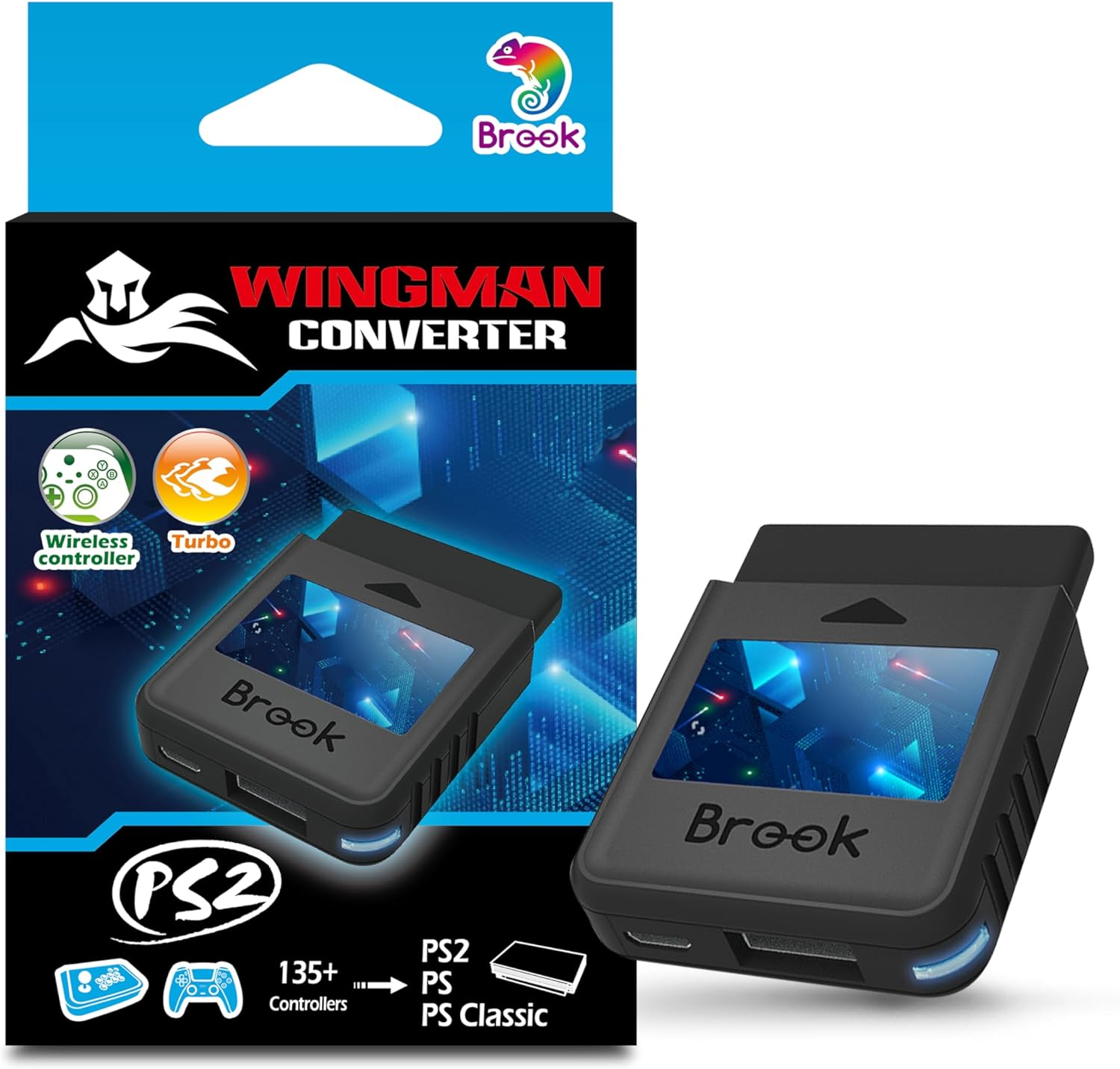
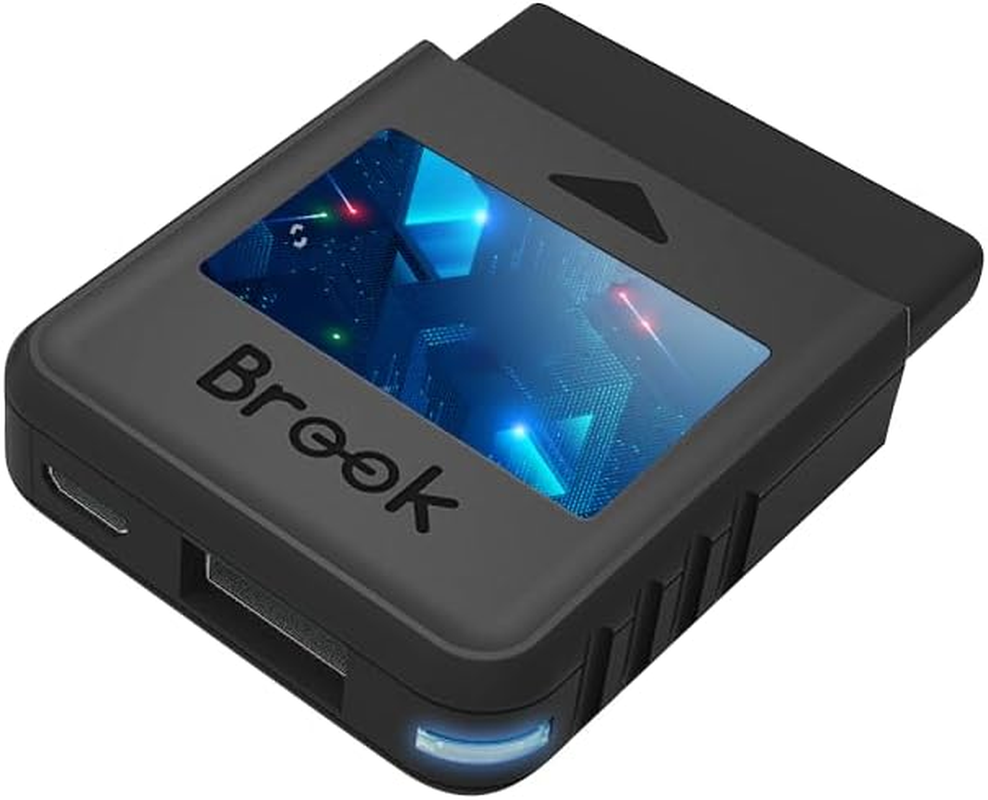
Brook Wingman PS2 Converter - Wireless Version of PS4/3 to PS2/1, Retro Consoles Converter on PS2/ PS1/PS Classic Consoles, for PS Retro Consoles - Black
Brook Wingman PS2 Converter - Wireless Version of PS4/3 to PS2/1, Retro Consoles Converter on PS2/ PS1/PS Classic Consoles, for PS Retro Consoles - Black
Brand: Brook
A$67.20
Colour Name
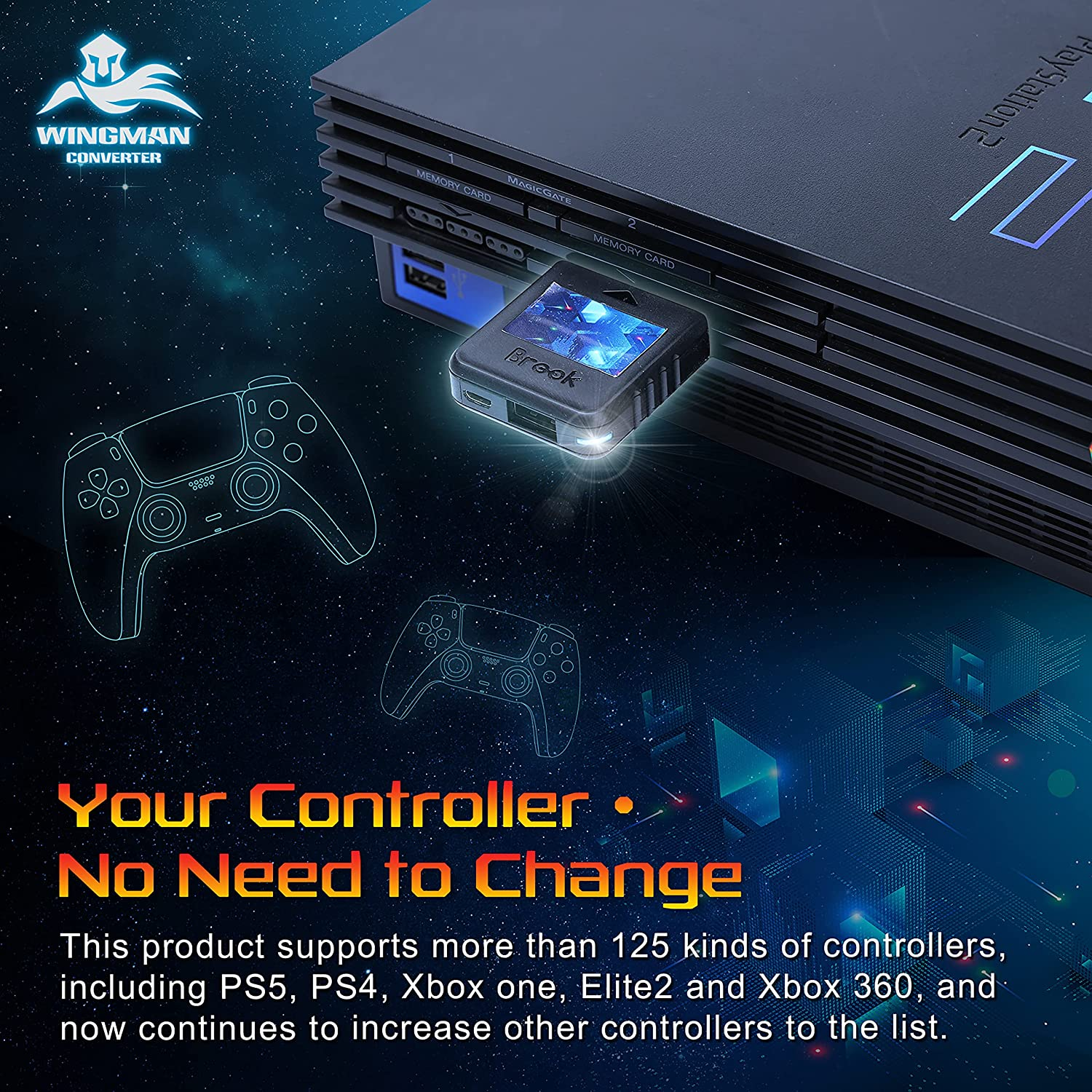
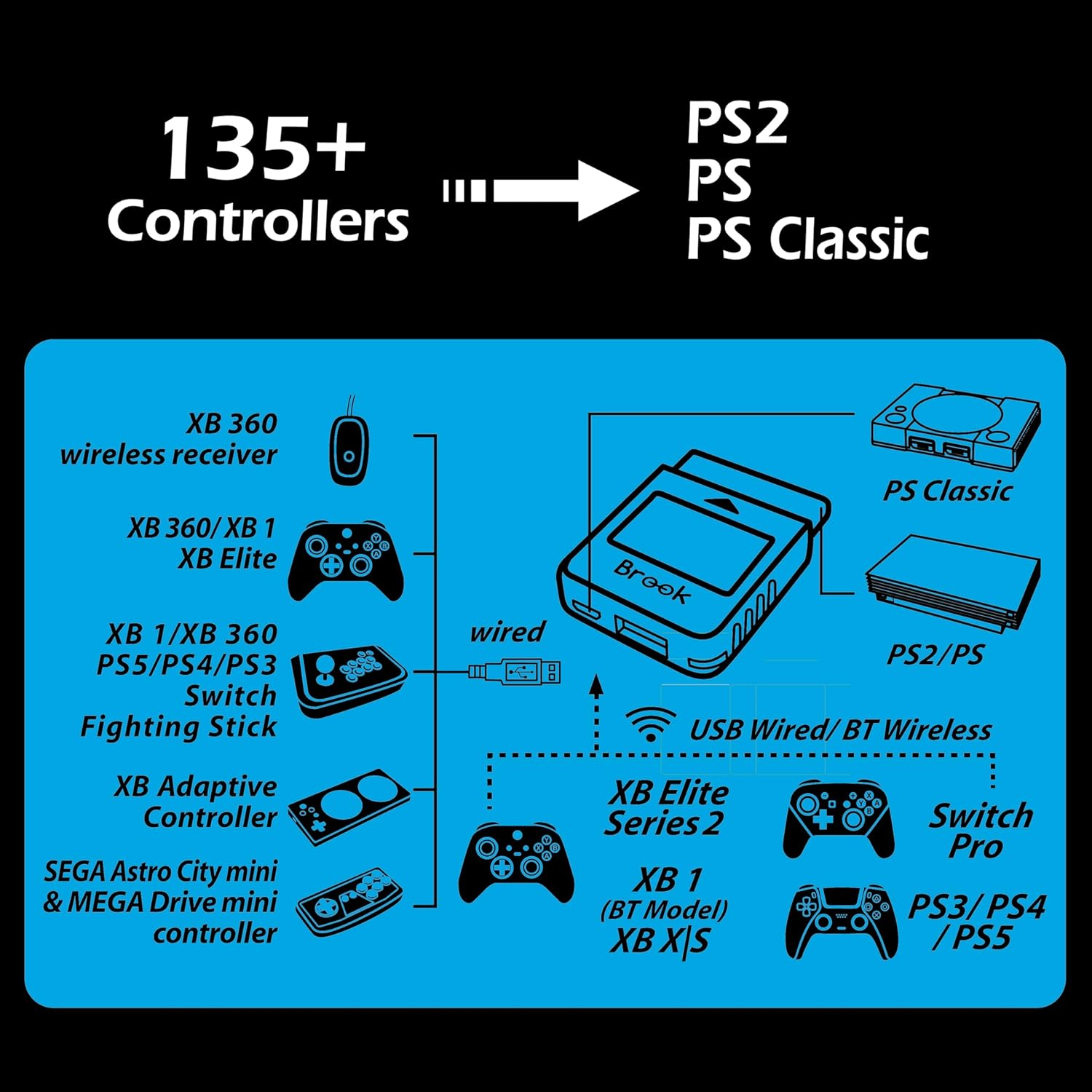
- 【Controller Compatibility】Support Wirelessly: Xbox Series X/S/Elite 2/One(BT model), PS5/PS4/PS3, Switch Pro; Support USB Wired: Xbox 360 on PS2/ PS1/PS Classic consoles. Noted: please check the diagram in our product photos.
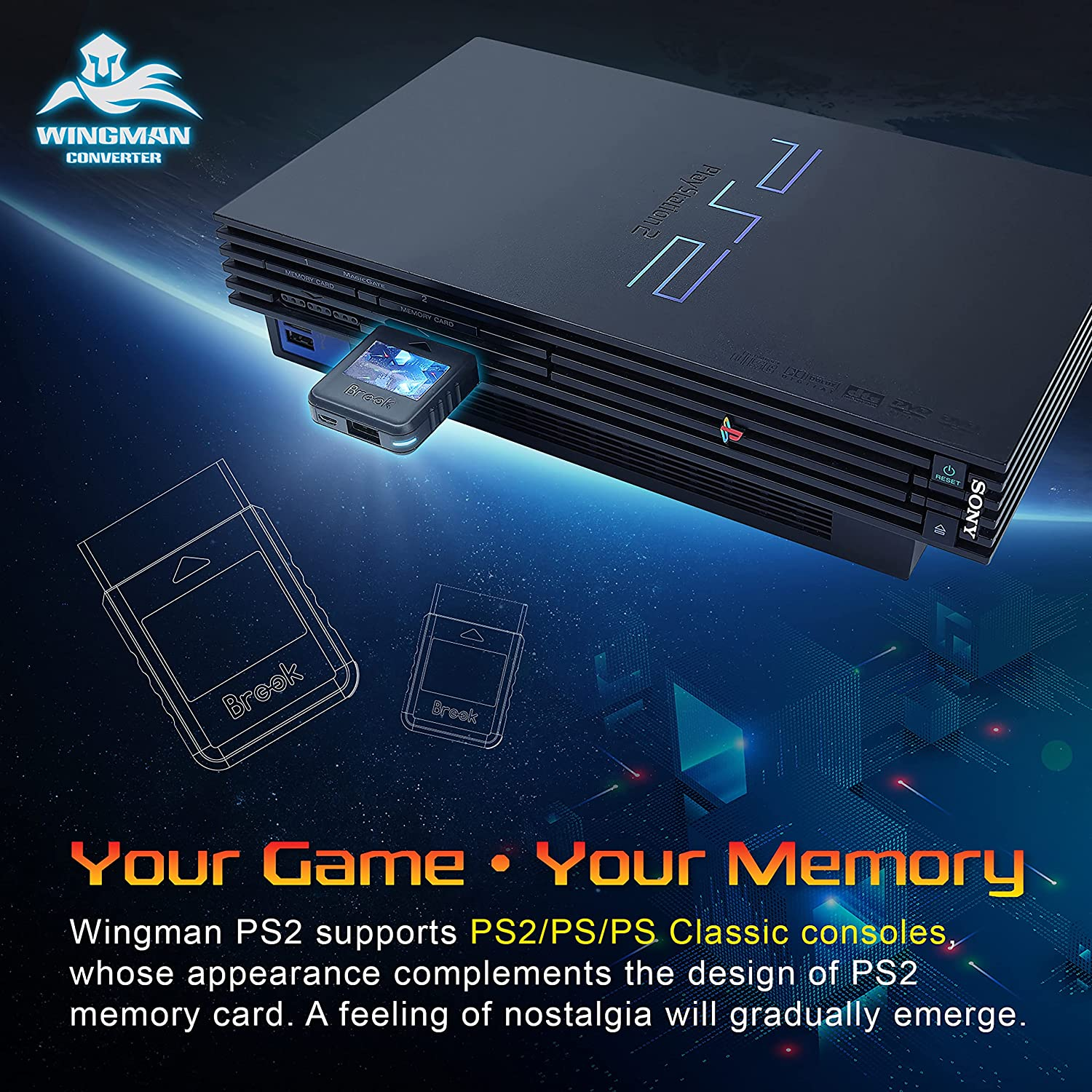
- 【Wingman PS2?】A Retro Gaming Converter. It's Your Game, Your memory. Are you feeling nostalgic? Cause PS2 Memory cards inspire it. Easy plug-in and convert your gaming devices!
- 【Connectivity】 PS2 Port: Connect with your PS2/PS; Mirco USB: For PS Classic/PC (XID); USB: AUTO-Register/ To wired control your devices.
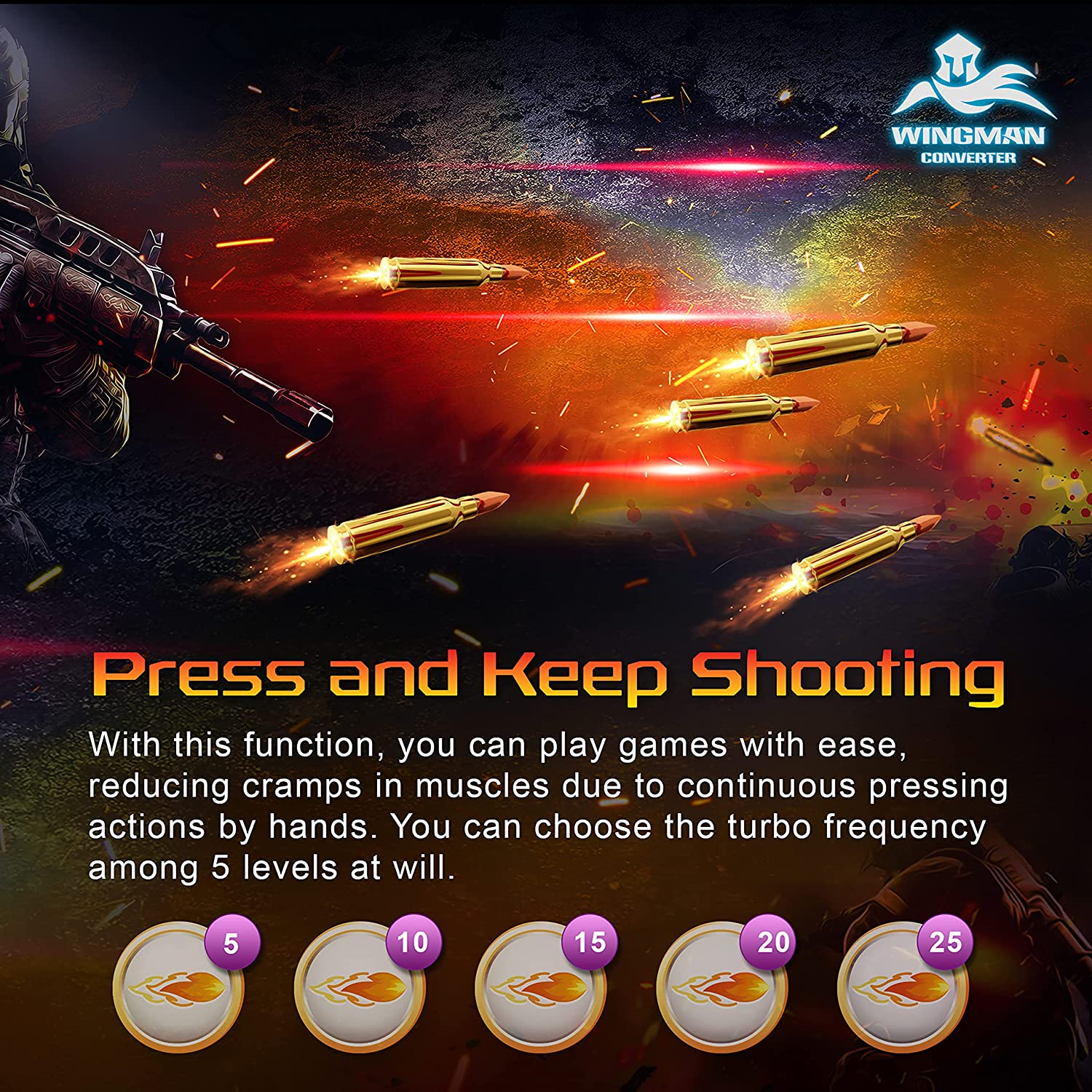
- 【Advanced Function】Ease your hands, it's optional 5 Turbo levels for you to decide. Ready to play anytime, Self-defined buttons make you well prepared.
- 【First-time Setup】Connect your device via its USB and your gaming console. Then it's registered! Each Wingman PS2 Converter can pair one device at the same time.;【Package includes】: Wingman PS2*1
Product Description
Specification
| Include | Wingman PS2 Cross-Platform Controller Converter x 1 |
| Supported game consoles | PS2, PS, PS Classic, PC |
| Supported game controllers | Wireless: XB Series X/S/Elite 2/One(BT model), Switch Pro, PS3, PS4, PS5 ; Wired: XB 360 on PS2/ PS1/PS Classic consoles |
| Turbo | Support |
| Remap | Support |
| Size/Weight | 56.6x43.5x13mm/18.48g |
Use new generation controllers to enjoy the classic world
In 2022, PS2 is still the world's highest-selling and longest-running console. It also has the largest number of game titles; and most of them become classic and precious memory to many players.
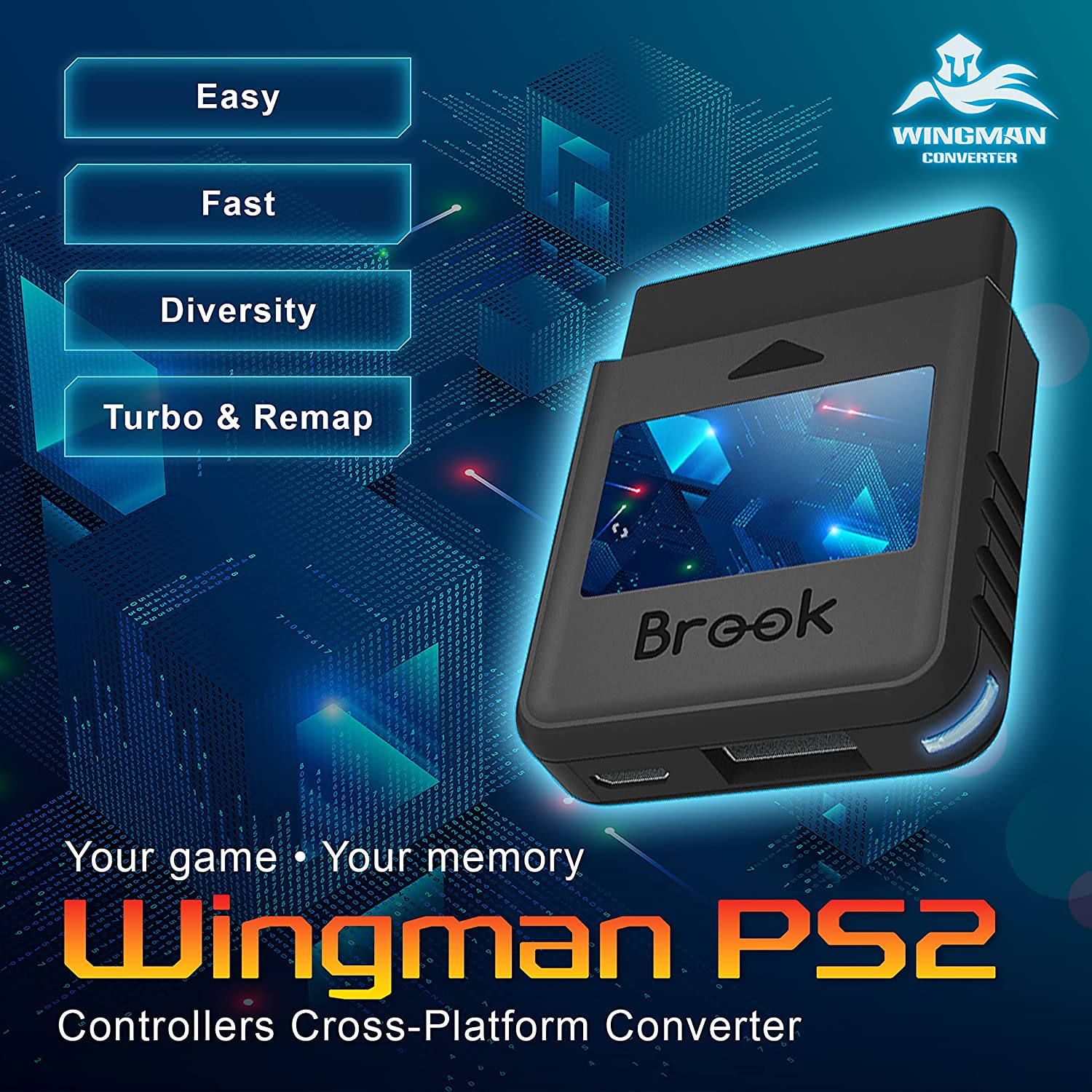
Wingman PS2, the cross-platform controller converter exclusively built by Brook, let you enjoy classic console games on PS2, PS, and PS classic with your new generation controllers. Moreover, Turbo and Remap functions are included for more fun in playing.
-
For PS-series classic consoles. the best memories
Wingman PS2 supports PS2, PS, and PS Classic consoles. Being consistent with PS2 memory card design, Wingman PS2 seamlessly integrates with PS2 console and recalls your best memories.
-
Creating your own accessories
Brook has various image sticker templates. You create your own Wingman PS2 image icons to make your accessory more customized and unique.
-
Using your controller. playing classic games.
Wingman PS2 supports more than 125 controllers, including handlebars such as PS5, PS4, XB One, Elite2 and XB 360; so you can play your favorite games without restrictions.
-
Ultra-low latency. unparallel stability
Brook's exclusive technology delivers an ultra-low latency for a stable gaming experience that you will be immersed in the classic world and enjoys the game like no others.
-
Remap button configuration.
The Wingman PS2 offers a controller button customization function (Remap) that you can create a perfect operation configuration.
-
Non-stop Turbo firing. the fire never ends.
The Wingman PS2 unleashes your controller's potential with Turbo function. 5 shooting speeds available for you to skip lengthy, repetitive clicks and fire out easily!
-
My controller/stick is listed as compatible in the compatibility list, but there's no response when I use it.
Please try to do firmware update, and remember to tick the Controller Compatibility Update box before tapping START.
-
The Differences Between the First Generation (PS3/PS4 to PS/PS2) and the Second Generation (Wingman PS2)
In addition to its compact appearance, the second generation also supports Bluetooth joysticks for XB one and XB Elite Series 2.
Besides, there are 5-level turbo settings in the second generation while the first generation only has 1-level.
-
In what situations should I switch the adapter to XID mode?
Players need to switch to XID mode only when the adapter is connected to computers to play games. When connecting to PS2, PS1 and PS Classic consoles, players are not required to switch to XID mode.
-
There's no response at all when I use the converter on PS2.
Please get another micro usb cable, plug it to Wingman PS2.
For the other side of the cable, please plug it to the usb port on PS2 to supply additional power to the converter.
-
How to switch to Xinput?
When Wingman PS2 is connected to PC, and the controller is connected to Wingman PS2, you can switch to Xinput by holding down SELECT + Dpad Down for about 2 seconds.
- Hardware Platform: PlayStation 2, PlayStation 3, PlayStation 4
- Part Number: Wingman PS2
- Item Model Number: Wingman PS2
- Number of items: 1
- Language: English
- Batteries Included: No
- Batteries Required: No
- Brand: Brook
- Colour Name: Black
- Compatible Devices: Gaming Console
- Item Weight: 18.1 g
- Number of Ports: 3
- Does it contain liquid?: No
- Model: Wingman PS2
- Product dimensions: 5.66 x 4.35 x 1.3 cm; 18.14 Grams
- Country/Region of origin: Taiwan
- Manufacturer: Brook
A$67.20
Shipping to Australia
Delivery time varies by location
Return & Refund Policy
Check our return & refund policy
Security & Privacy
Safe payments: We do not share your personal details
Availability:
-
In Stock
Sign in
or create an eMega account
Shop smarter — get exclusive deals & order tracking