Free Shipping – Store Wide
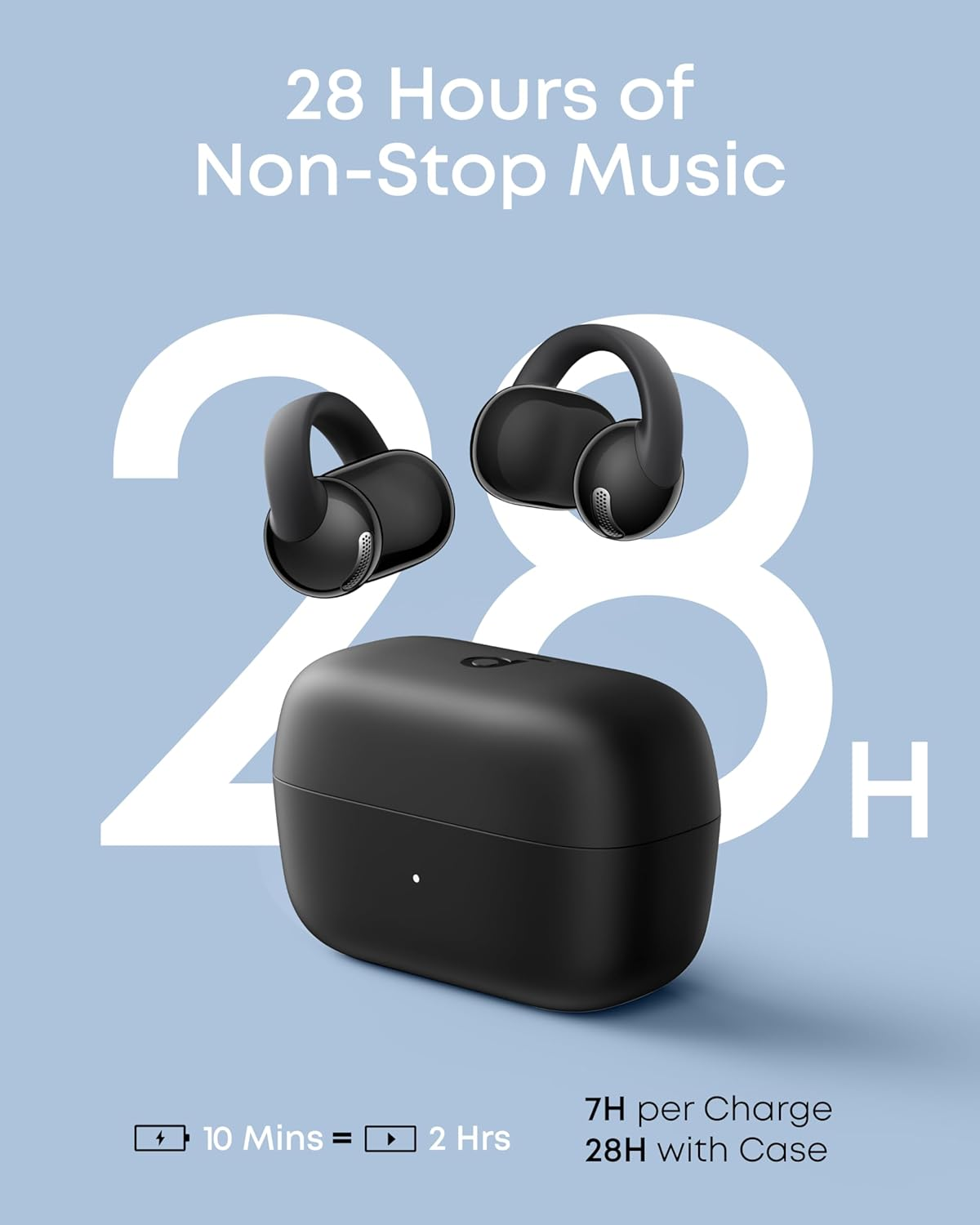
Soundcore C50I by Anker, Open-Ear Headphones, Clip-On Earbuds, Ultra-Comfort, Flexiclip Design, 12Mm Drivers for Powerful Bass, AI Clear Calls, 28H Playtime, Secure Fit, Hi-Res, IP55, Bluetooth 6.0



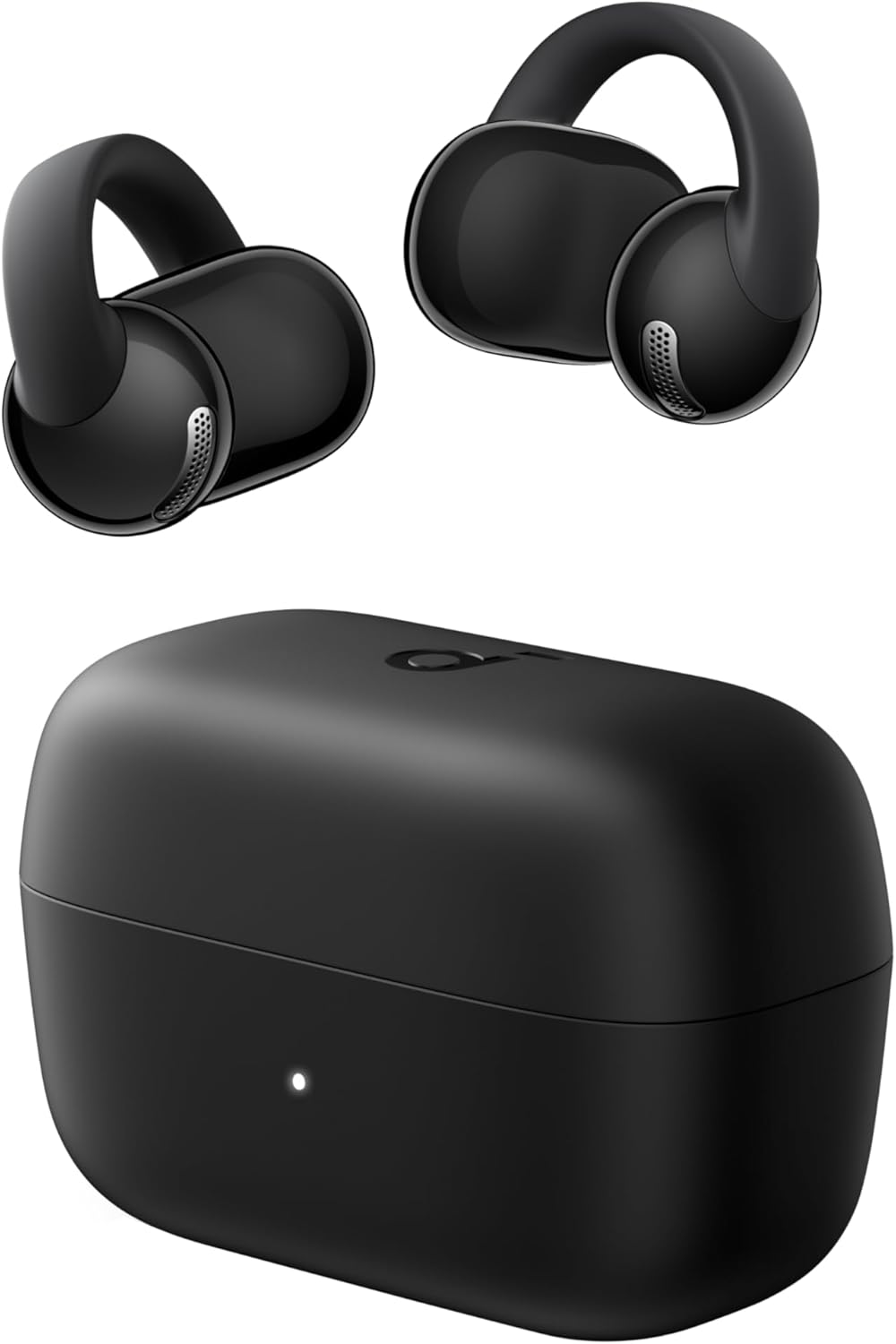
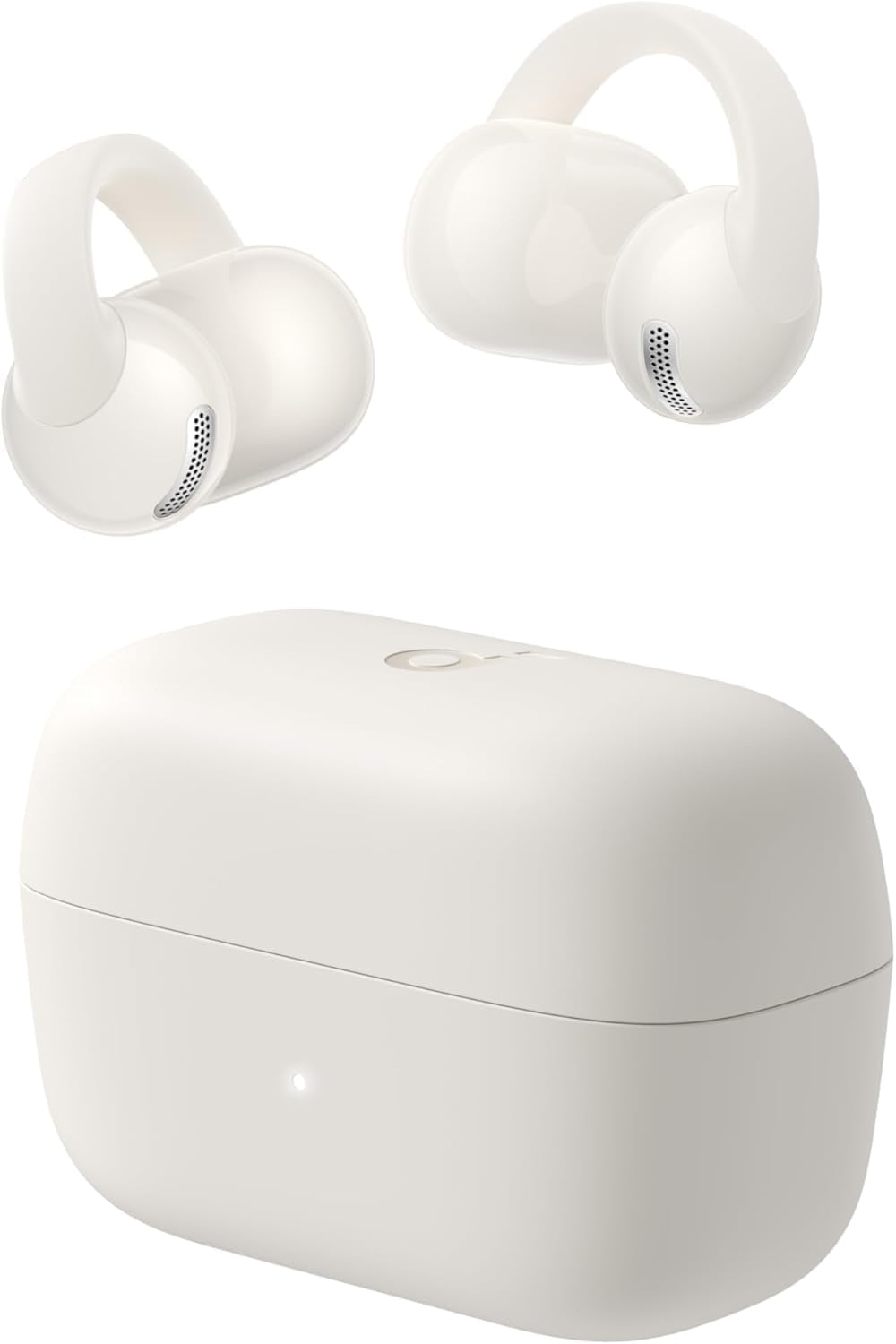

Soundcore C50I by Anker, Open-Ear Headphones, Clip-On Earbuds, Ultra-Comfort, Flexiclip Design, 12Mm Drivers for Powerful Bass, AI Clear Calls, 28H Playtime, Secure Fit, Hi-Res, IP55, Bluetooth 6.0
Brand: Soundcore
A$105.00
Colour
Availability:
-
Select Styles for Availability
Shop with confidence
- Open-Ear Earbuds, Breathable Comfort: Open-ear design relieves pressure and stuffiness compared with in-ear earbuds, ensuring lasting comfort during long listening sessions while keeping you aware of your surroundings.
- FlexiClip Design, Adaptive Fit: Signature FlexiClip crafted with memory titanium and a skin-friendly coating forms a soft yet resilient C-bridge, Regardless of your ear shape, it provides extended comfort and stability—even during intense activity.
- Powerful Bass, Louder Audio: 12 mm custom drivers deliver deep, chest-thumping bass with strong beats. With up to 86 dB output, enjoy clear and immersive sound, always.
- AI-Enhanced Clear Calls: Advanced AI algorithm picks up your voice with precision while filtering background noise, ensuring crystal-clear, effortless calls.
- Bluetooth 6.0, Ultra Stable: Stay connected wherever you go. The Bluetooth 6.0 ensures ultra-stable transmission, faster pairing, and lower latency—so your music and calls stay perfectly in sync during workouts, commutes, and your daily routine.
Product Description
-
How do I connect soundcore C50i via Bluetooth?
Open the charging case, remove the protective film, then place the earbuds back into the case. The next time you remove the earbuds, they will enter pairing mode by default. You will hear a tone to indicate they are in pairing mode.
-
How do I connect soundcore C50i to the soundcore app for the first time?
If you don't have the app:
Get the soundcore app (min. v4.0.1) from App Store/Google Play, open > "Add Device" > choose "soundcore C50i."
If you have the app:
Uninstall and reinstall the app (min. v4.0.1), open > "Add Device" > "soundcore C50i."
-
How do I adjust the volume on soundcore C50i?
Vol. Up: Hold R button for 2+ sec; volume increases until released (prompt tones indicate changes.)
Vol. Down: Hold L button for 2+ sec; volume decreases until released.
Note: Customizable in the soundcore app.
-
How do I use dual connection with soundcore C50i?
After connecting the first device, hold both L and R buttons simultaneously for 3 seconds until you hear the pairing tone. The earbuds will then be discoverable via Bluetooth. Select "soundcore C50i" from the Bluetooth device list to connect.
-
If C50i malfunctions, how do I reset it?
Step 1: Remove the earbuds from the charging case and simultaneously press and hold the L and R buttons for 6 sec until the earbuds power off.
Step 2: Hold the L and R buttons for 10 sec until you hear the second power-on tone.
- Country/Region of origin: China
- Product dimensions: 6.24 x 3.1 x 4.15 cm; 44.5 Grams
- Material Type: Plastic, Leather, Fabric
- Supports Bluetooth Technology: Yes
- Model name: C50i
- Battery Average Life: 32 Hours
- Material: Plastic, Leather, Fabric
- Batteries: 3 Nonstandard Battery batteries required. (included)
- Manufacturer: Anker
- Item Model Number: D1101
- Batteries Included: Yes
- Batteries Required: Yes
- Colour: Black
- Item Weight: 44.5 g
- Battery cell composition: Lithium Polymer
- Model: D1101
- Included components: User Manual
- Includes Rechargeable Battery: No
- Part Number: D1101
- Number of items: 1
- Item weight: 44.5 Grams
- Connectivity technology: Wireless
- Noise control: None
- Charging time: 1.5 Hours
A$105.00
Shipping to Australia
Delivery time varies by location
Return & Refund Policy
Check our return & refund policy
Security & Privacy
Safe payments: We do not share your personal details
Availability:
-
Select Styles for Availability
Sign in
or create an eMega account
Shop smarter — get exclusive deals & order tracking