Free Shipping – Store Wide
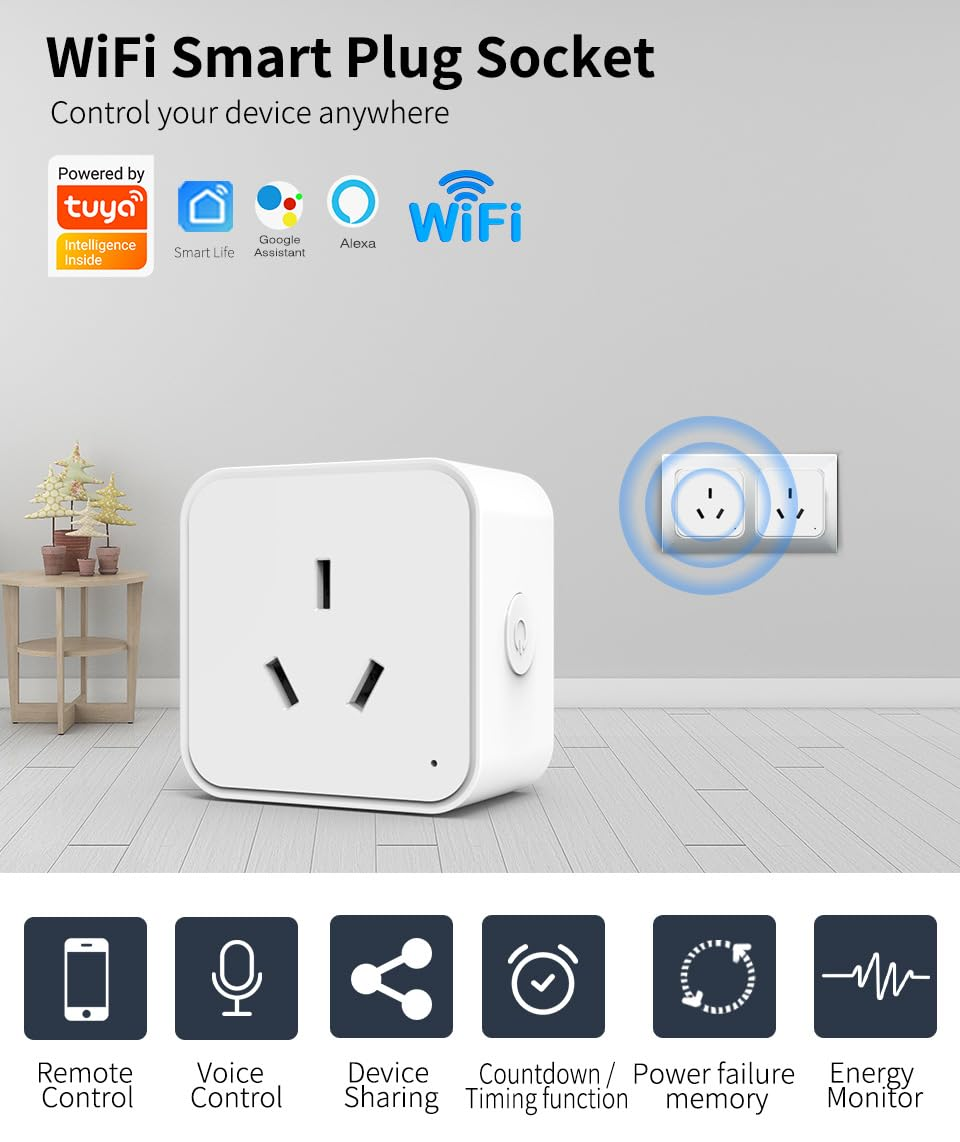
JR INTL Smart Plug, Wifi Outlet with Energy Monitor, Compatible with Alexa & Google Assistant, Smart Outlet with Timer & App Remote Control, Wifi Outlet for Home, No Hub Required (2)
JR INTL Smart Plug, Wifi Outlet with Energy Monitor, Compatible with Alexa & Google Assistant, Smart Outlet with Timer & App Remote Control, Wifi Outlet for Home, No Hub Required (2)
Brand: JRINTL
A$17.85
-
A$68.25
Availability:
-
Select Styles for Availability
Shop with confidence
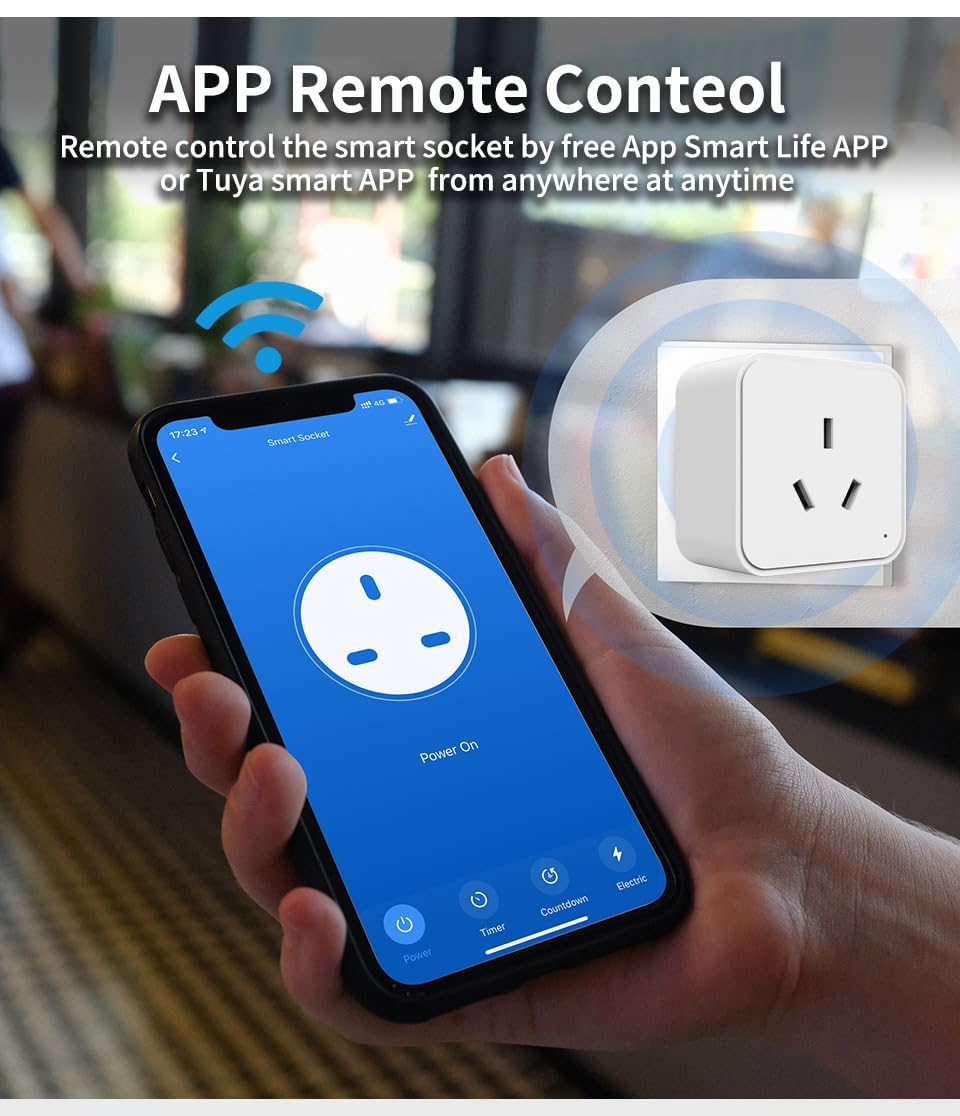
- APP Remote Control: Easily control your home appliances at any time and any place through Smart Life APP. No more worrying about forgetting to turn off the appliances when you are out.
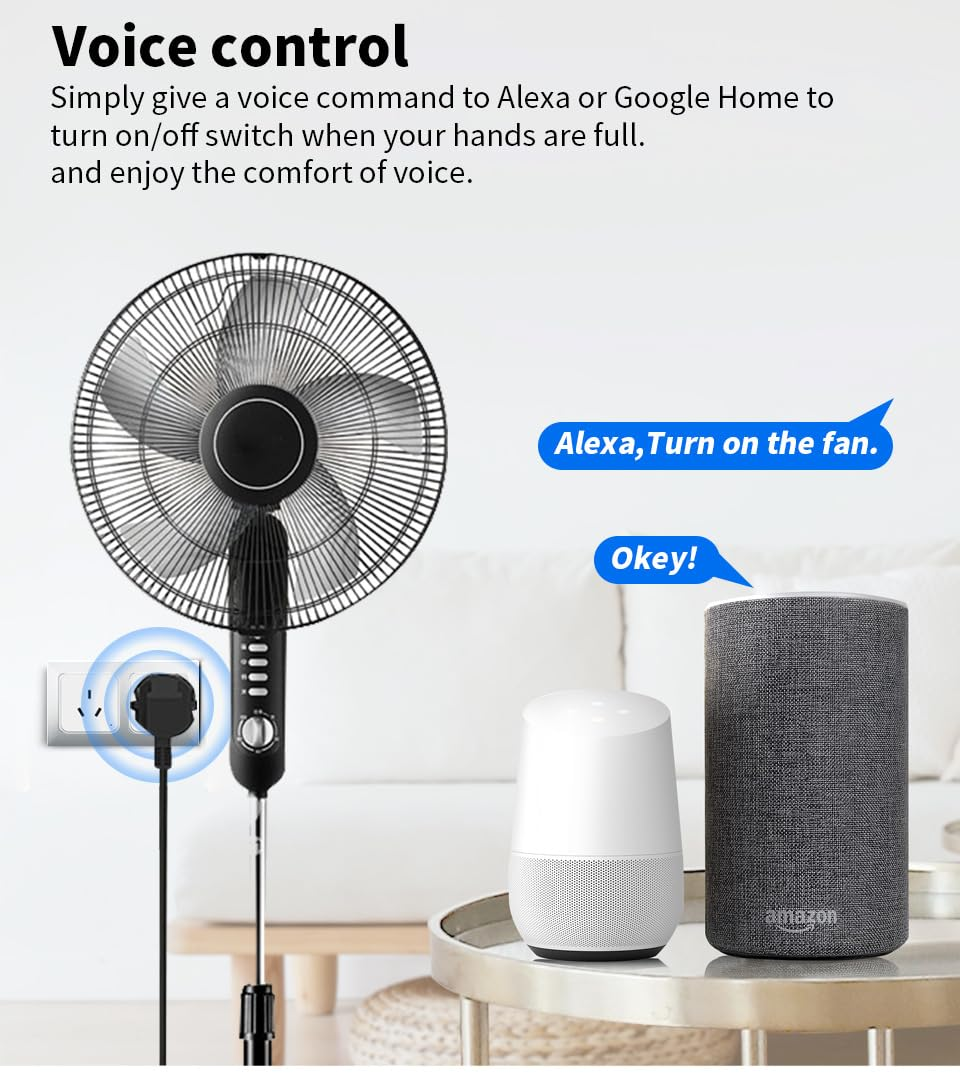
- Voice Control: Smart plugs that work with Alexa and Google Assitant, you can speak with Alexa and OK Google to achieve hands-free control of home electrical devices.
- Easy Setup: It takes less than two minutes for the configurartion. And the upgraded chip makes it easy to keep a stable network connection and not easy to go offline.
- Energy Monitoring: Check to see the status of connected devices anytime. Track real-time and historical power consumption of any device plugged into the smart plug with the meross app.
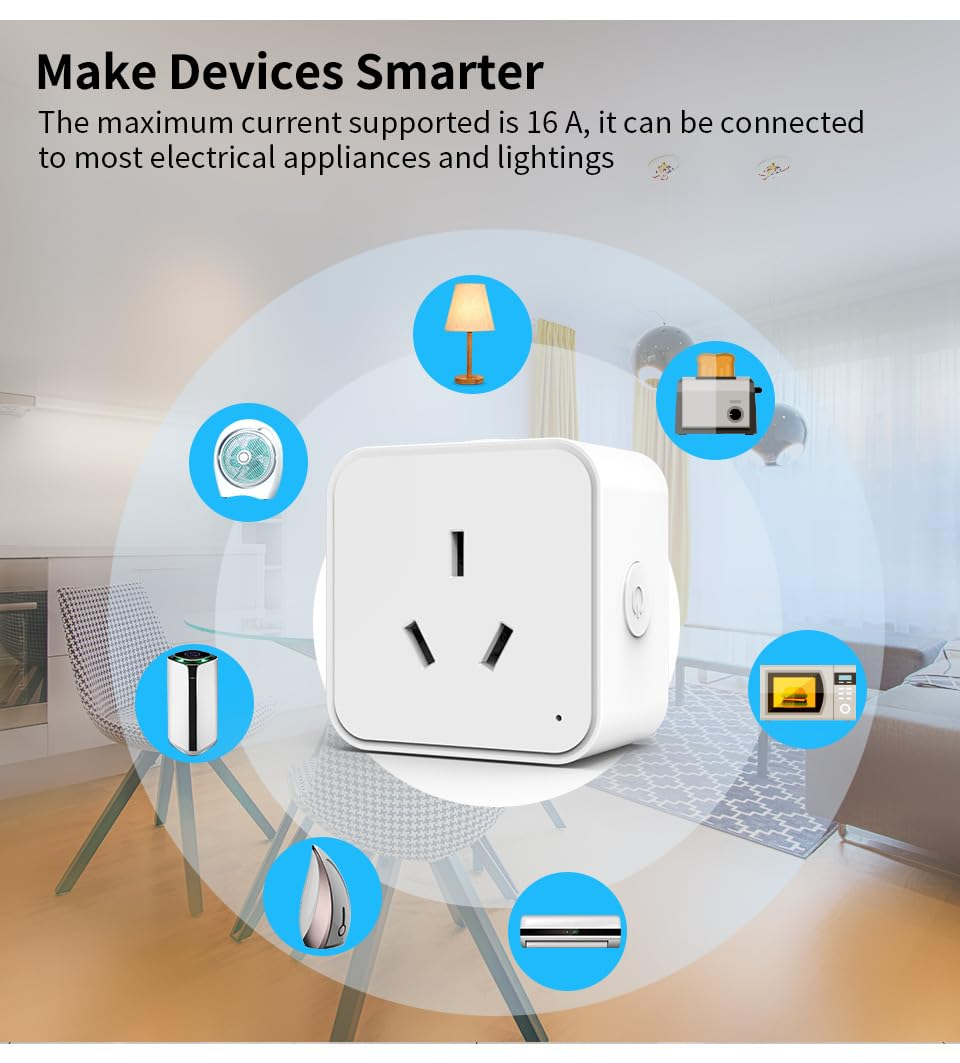
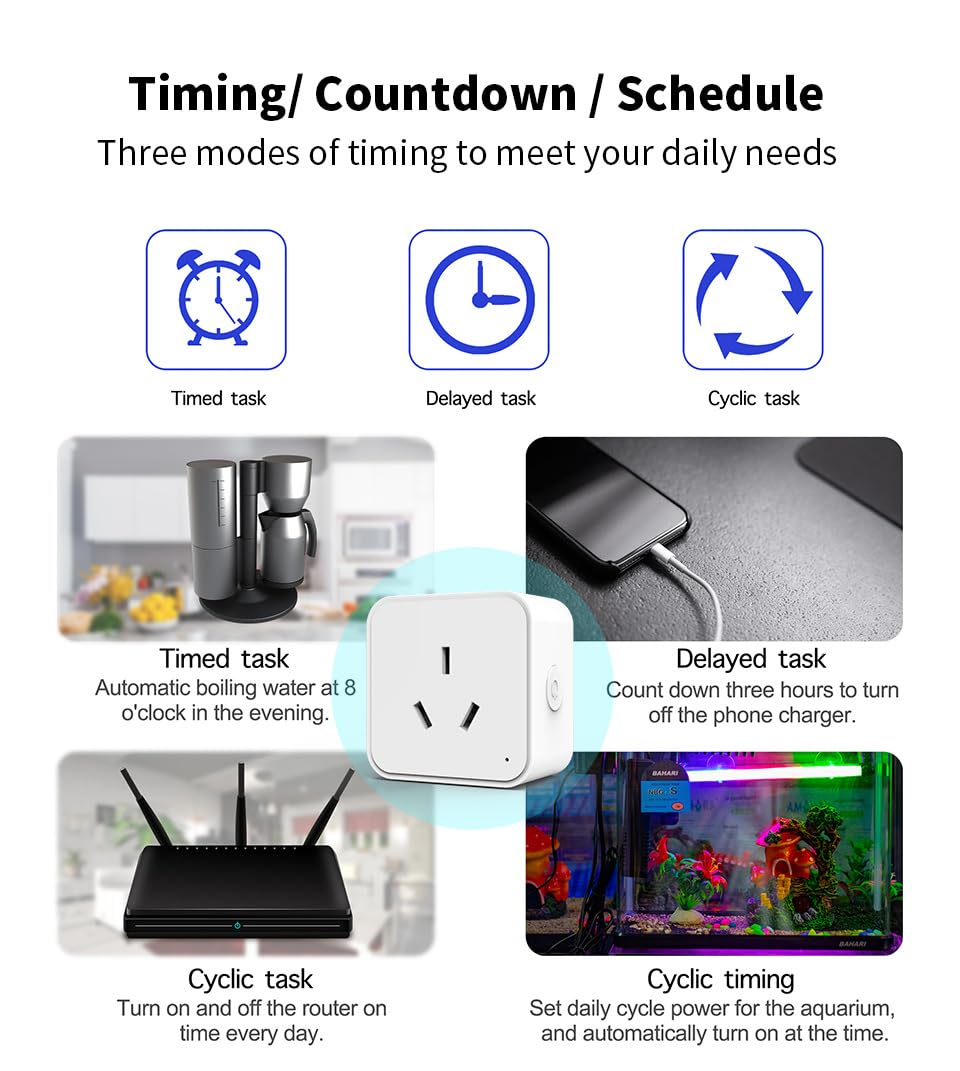
- Other Features: Diverse timer scheduling functions, Create scenes, Group control, and Device sharing functions are also configured, just choose us to start your smart home tour.7*24 Customer Service: If you encounter any issues or need further support, please get in touch with us directly via Amazon or email us.
Product Description
Smart Plug Smart Your Life!
Please read the specifications of Porik SP01 smart plug carefully before use!
Please note before connecting the plug, make sure your smart device connects to the 2.4GHz Wi-Fi and is no more than 1 meter away from the socket.
Preparation: Download the Smart Life app and register your account.
Start Connection:
1. Open the app and tap ‘+’ at the home page to add the device, then select "Electrical"-"Socket (Wi-Fi)".
2. Enter your 2.4GHz Wi-Fi password.
3. Reset the device: Power on the device after it has been powered off for 10s.
4. Press and hold the RESET button for 5s.
5. Confirm the indicator is blinking.
If it blinks quickly:
Wait for configuring successfully, then name your device and save.
If it blinks slowly:
(1. Connect the phone to the device's hotspot named "SmartLife_xxxx" in your phone's setting. (You need to select the Wi-Fi generated by the device, not your home Wi-Fi.)
(2. Go back to the app and continue to add devices.
(3. Wait for configuring successfully, then name your device and save.
Group multiple devices for one-click control
Control home devices together with your family
Away Mode will automatically turn on and off connected appliances, like lamps, to make it appear as if you're home.
- Item Model Number: ZNCZ
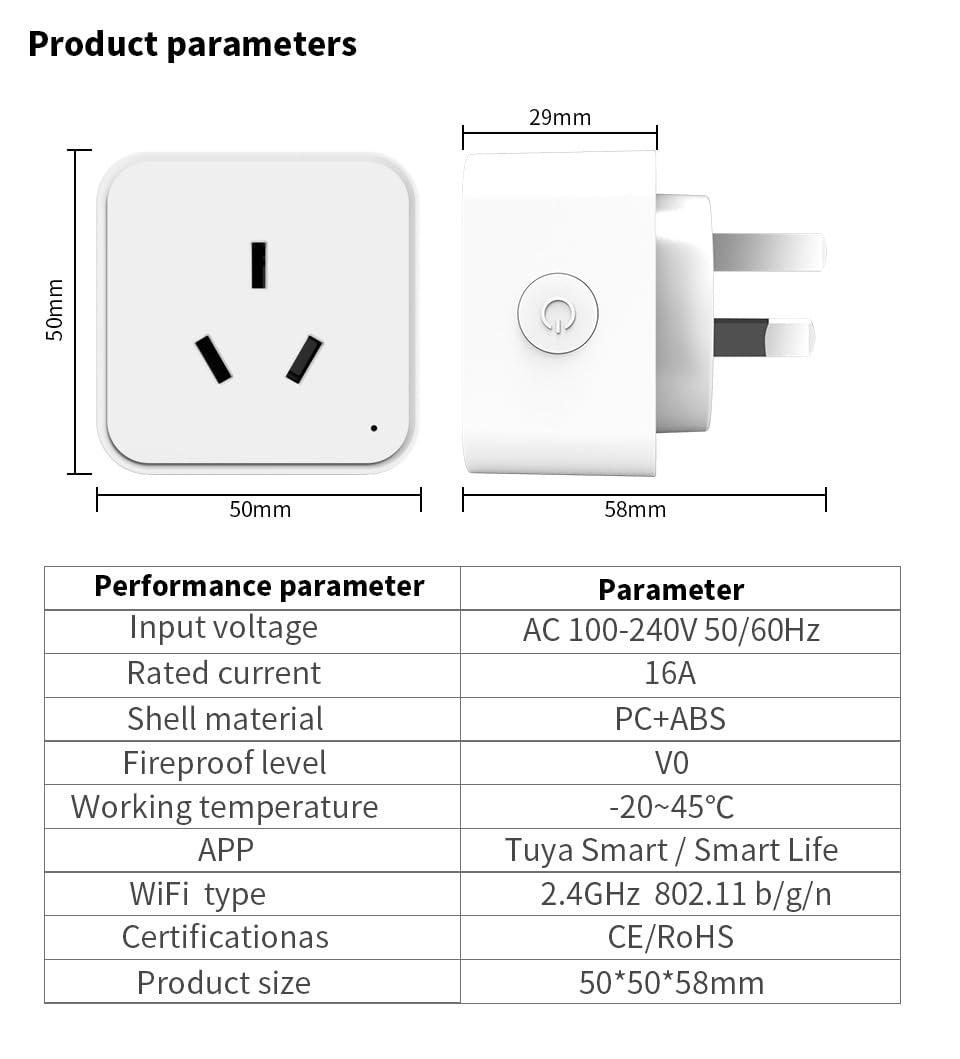
- Product dimensions: 5 x 5 x 5.8 cm; 85 Grams
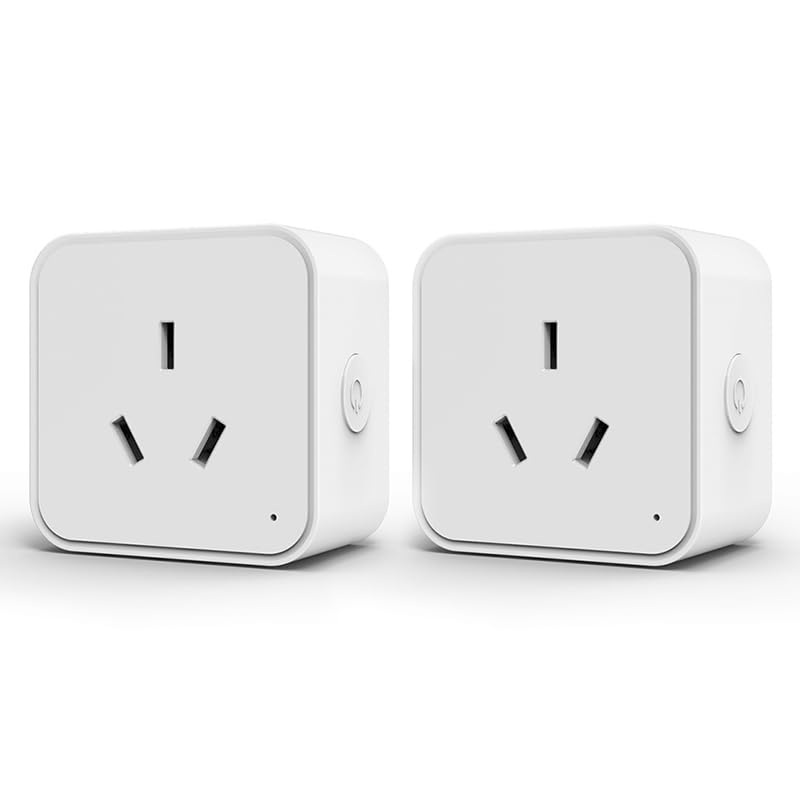
- Number Of Items: 2
- Manufacturer: JRINTL
A$17.85
-
A$68.25
Shipping to Australia
Delivery time varies by location
Return & Refund Policy
Check our return & refund policy
Security & Privacy
Safe payments: We do not share your personal details
Availability:
-
Select Styles for Availability
Sign in
or create an eMega account
Shop smarter — get exclusive deals & order tracking