Free Shipping – Store Wide
Perobuno External CD DVD Drive, USB 3.0 Type-C Optical Drive, 0.5-Inch Ultra-Slim Portable DVD CD ROM Disc Player Reader Writer Rewriter Burner Recorder for Laptop PC Macbook Windows Linux Mac OS
Perobuno External CD DVD Drive, USB 3.0 Type-C Optical Drive, 0.5-Inch Ultra-Slim Portable DVD CD ROM Disc Player Reader Writer Rewriter Burner Recorder for Laptop PC Macbook Windows Linux Mac OS
Brand: PeroBuno
A$31.50
Availability:
-
Select Styles for Availability
Shop with confidence
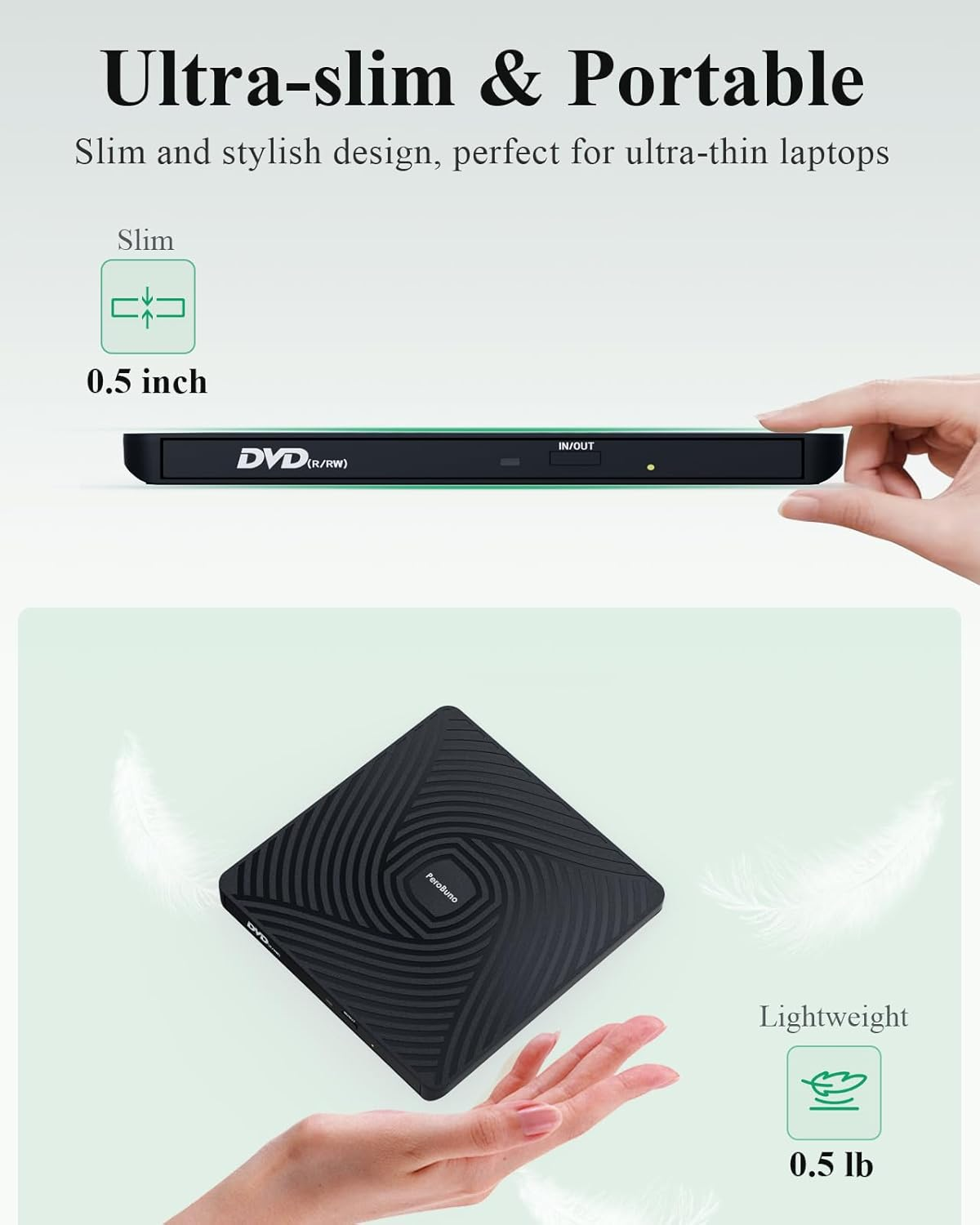
- 【Ultra-Slim & Portable External DVD Drive】Only 13mm thickness,Lightweight, compact design perfect for travel, work, or home use. Fits easily in your bag! And it's the perfect companion for ultra-thin laptops!
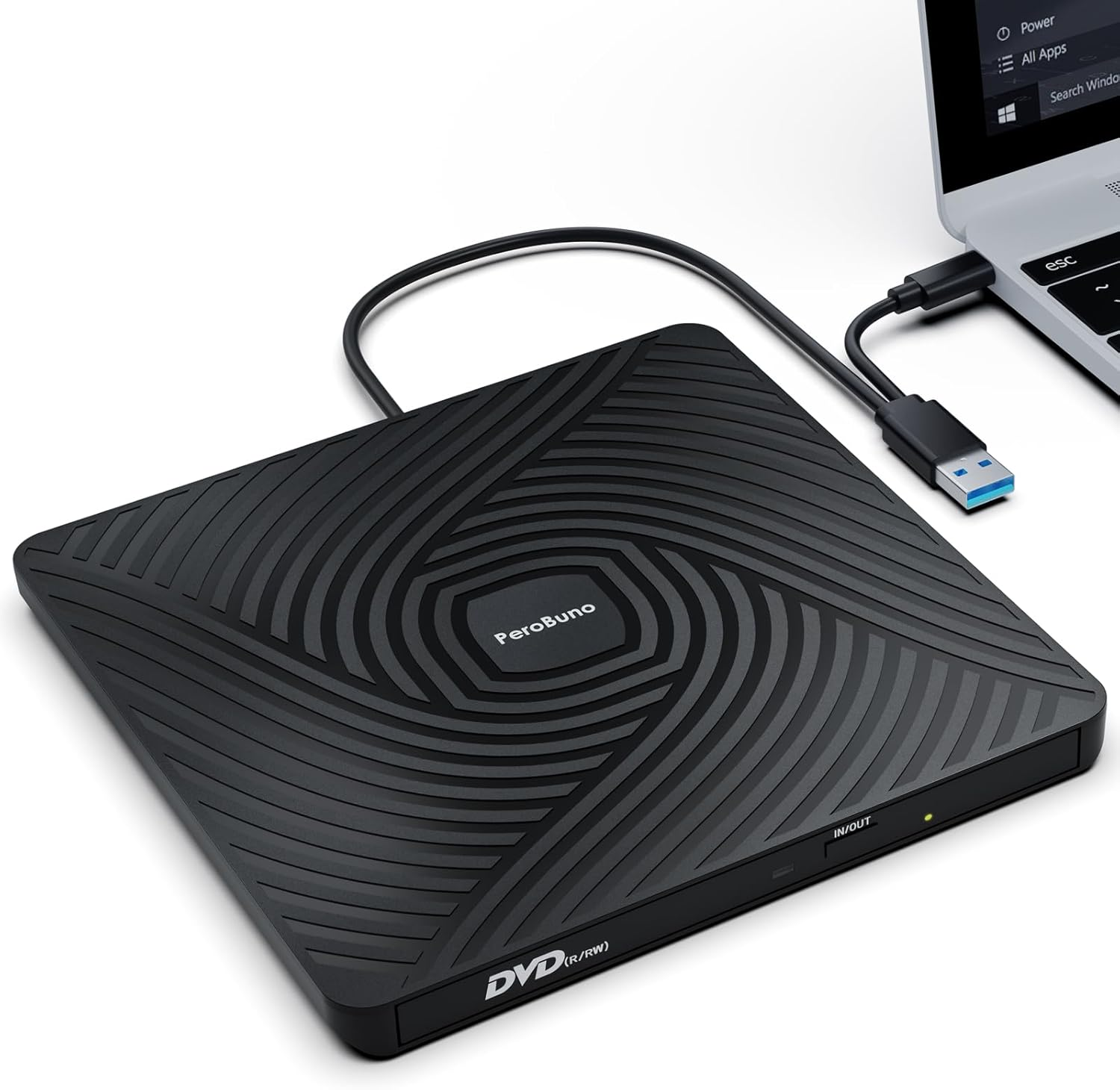
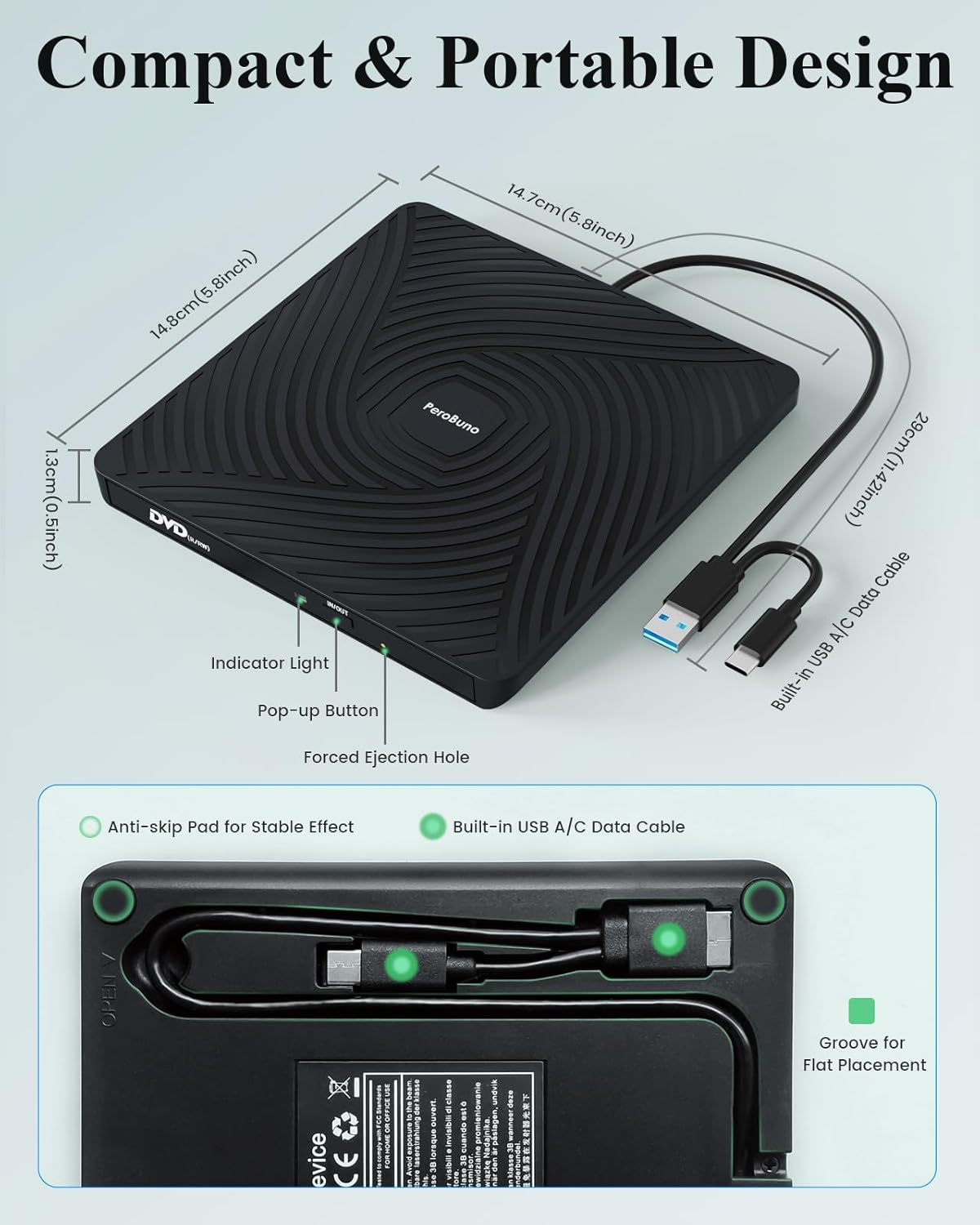
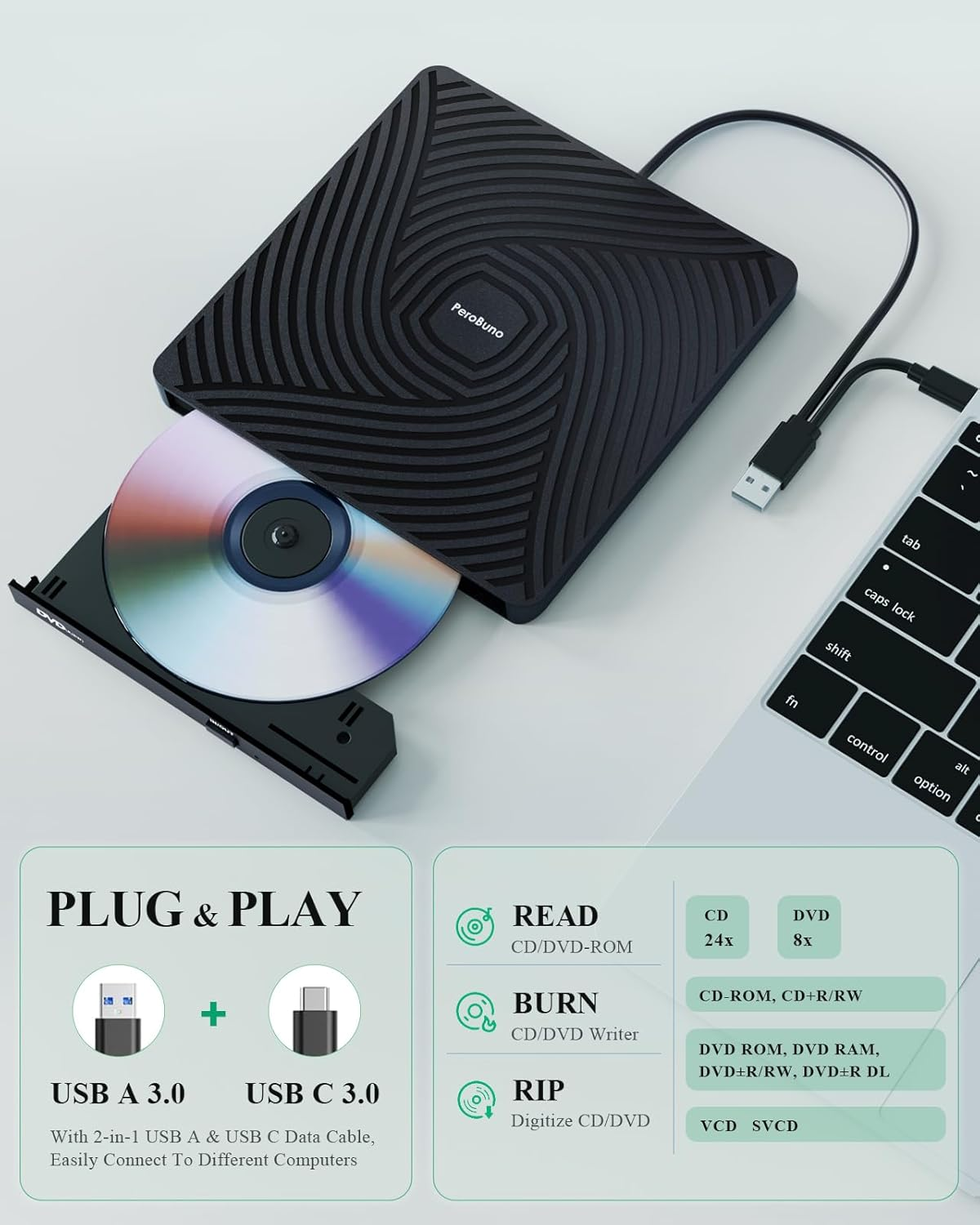
- 【Plug & Play External CD Drive】No external power or drivers needed. Simply connect via USB for instant reading/writing. 2-in-1 USB A and USB C cables are built into the bottom of the usb dvd drive, so you can take them out whenever you need them and plug them back in after use,saying goodbye to carrying extra annoying cables.
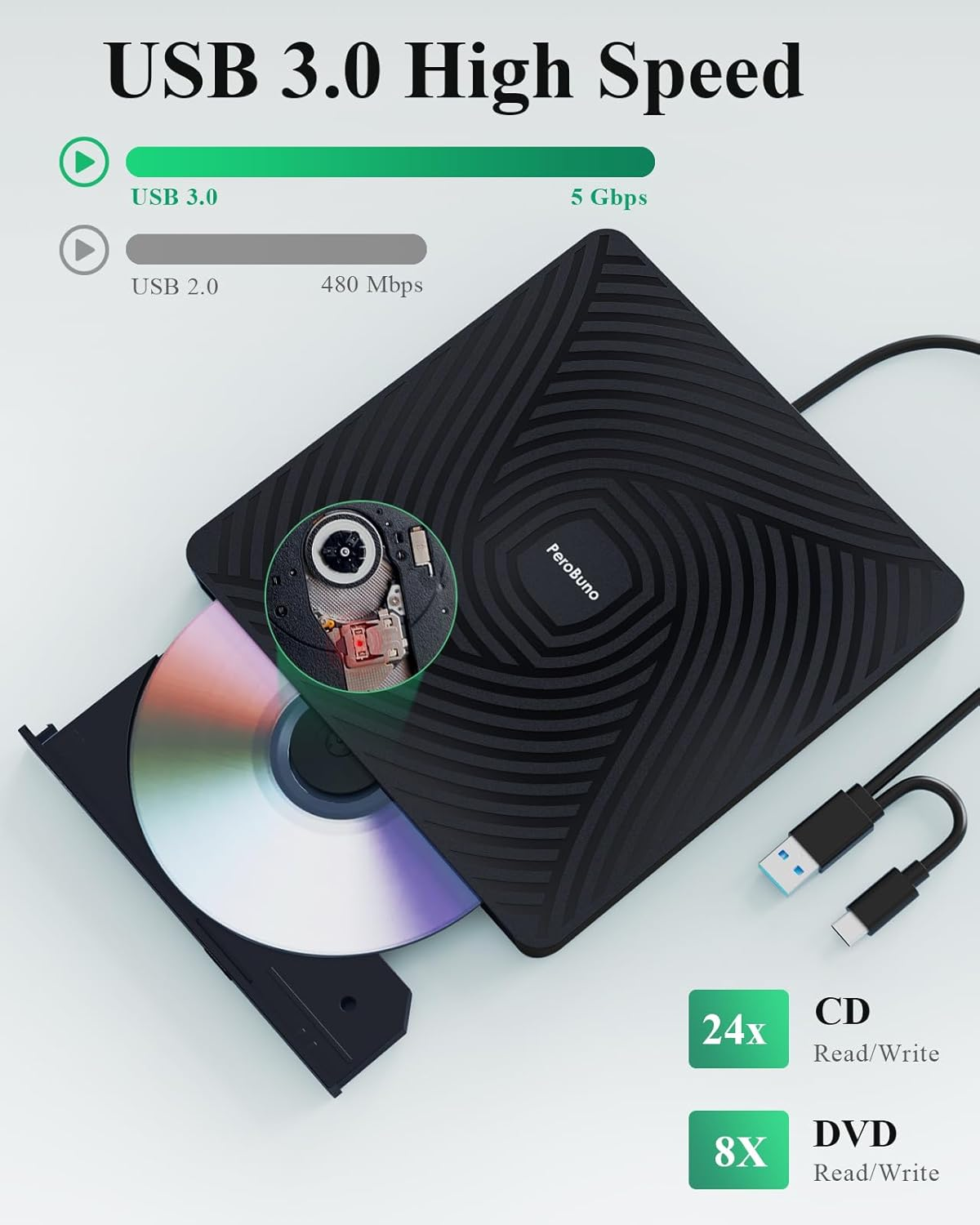
- 【High-Speed USB 3.0 Disc Drive】Delivers fast data transfer (up to 5Gbps) and smooth CD/DVD reading and burning (backward compatible with USB 2.0). The usb disc drive provides up to 8x DVD read/write speed and up to 24x CD read/write speed.
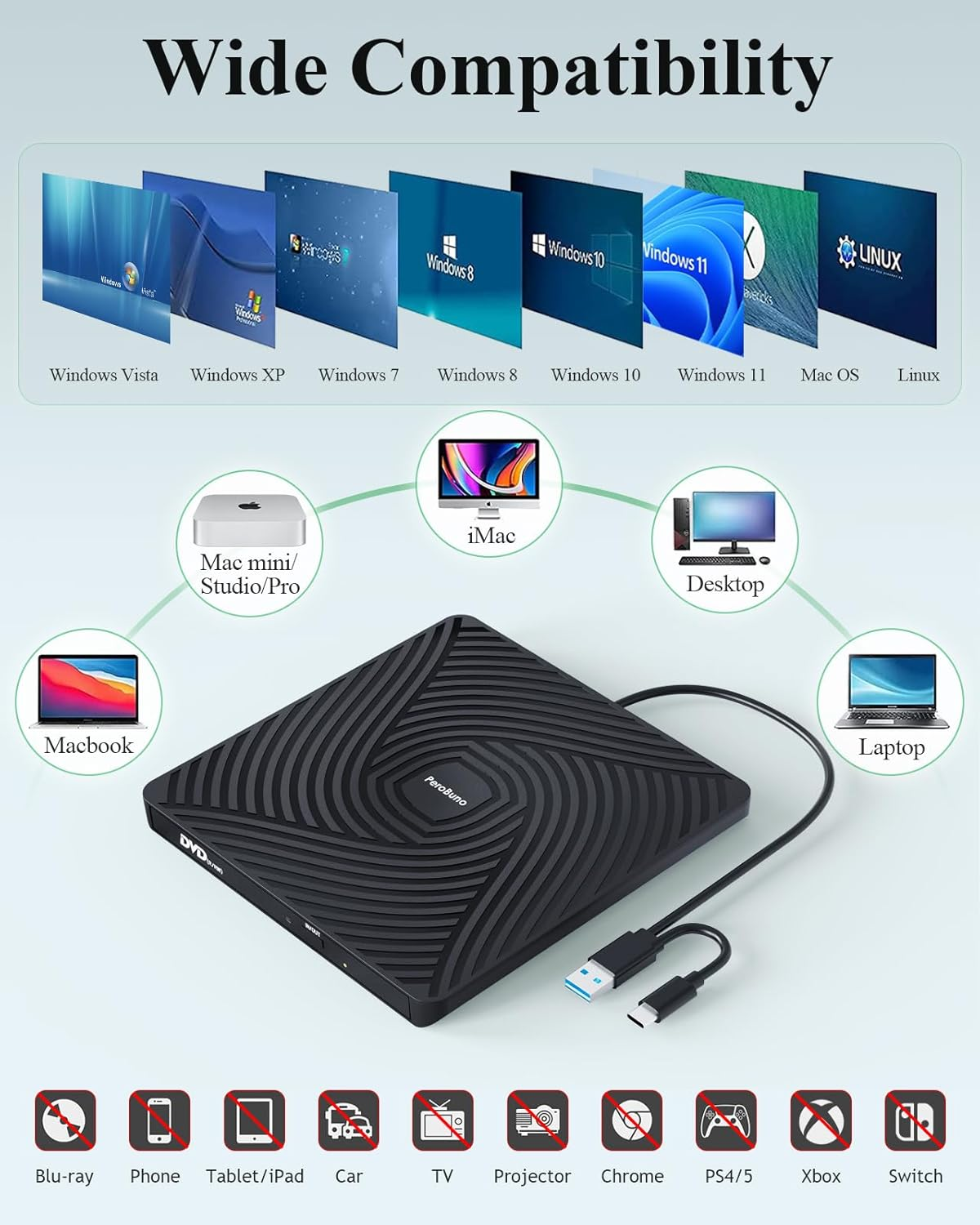
- 【Wide Compatibility External Disc Drive】The external dvd burner is compatible with Windows 11/10/8/7/Vista/XP/2000/98/SE/ME, Mac OS, and Linux (Ubuntu is not supported).This external cd/dvd drive for laptop supports CD+/-R/RW, CD-ROM, DVD+/-R/RW, DVD+/-R DL, DVD-ROM, DVD-RAM, VCD, and SVCD. Note: Blu-ray discs are not supported. WINDOWS 11 needs a media player (such as VLC ) and a network connection.
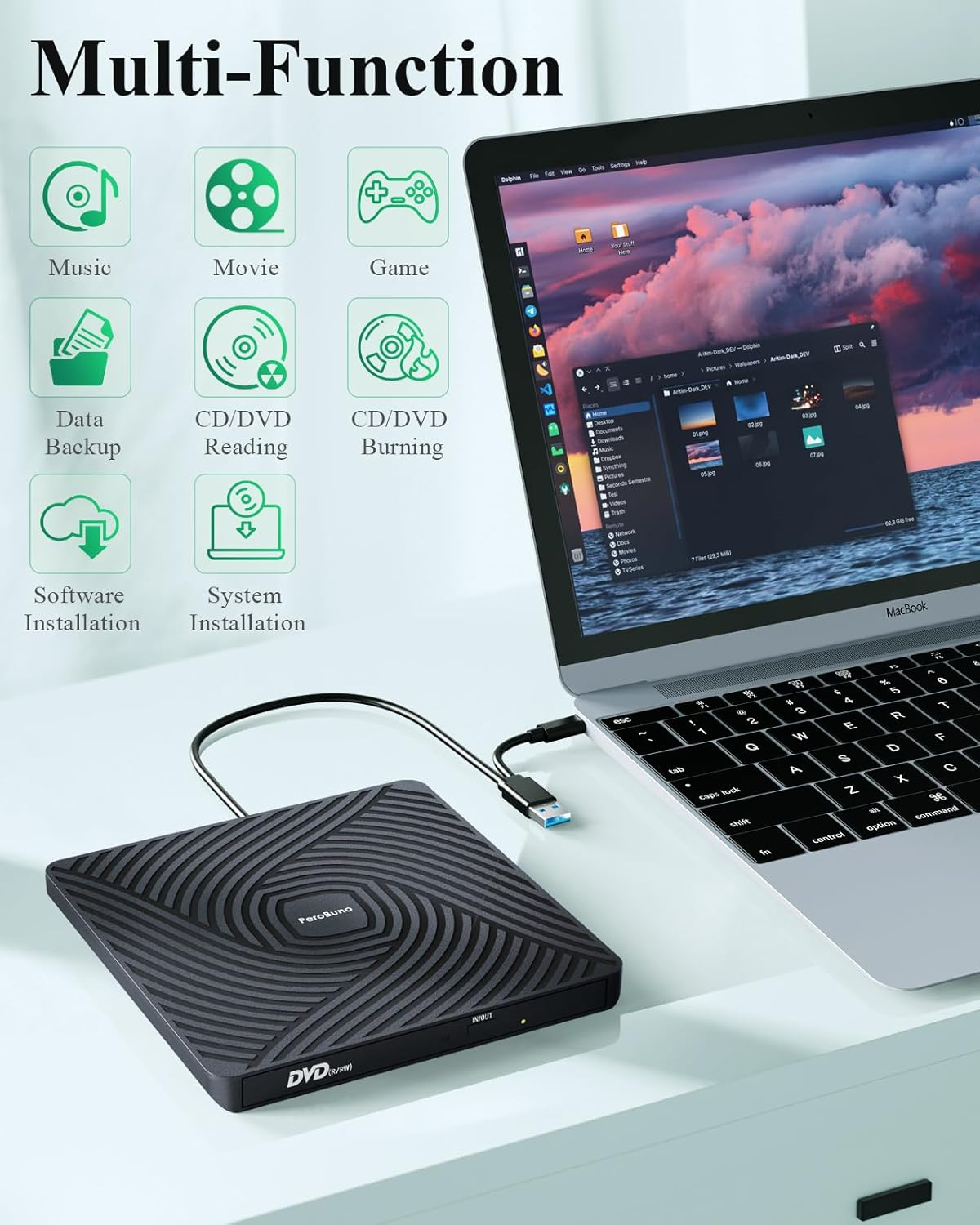
- 【Multi-Functional USB Disk Drive】Perfect for installing software, system, games, watching movies, listening to music, burning discs, and backing up files.
- 【Buy with Confidence】All PeroBuno external optical drives are rigorously tested before shipment to ensure optimal condition. If the disk drive you received does not work properly for any reason, please contact us and we will definitely help you solve any product problems. PeroBuno provide up to 2 years of after-sales guarantee.
- 【Things to Know Before You Buy】① This disc player needs to be connected to a laptop or desktop to start working, so it is not compatible with cars, TVs, projectors, tablets, iPads, mobile phones, PS 4/5, Xbox, Nintendo Switch, Chrombooks, Surface, Ubuntu systems, or Blu-ray discs. ② Due to limitations of Mac OS, the tray can't be opened by the button after playing or burning a disc. To eject a disc on a Mac, right-click the desktop icon and select "Eject", or select "File" > "Eject" from the menu. ③ For desktop computers, connect the cd reader to the USB port on the back of the computer motherboard.
Product Description
The video showcases the product in use.The video guides you through product setup.The video compares multiple products.The video shows the product being unpacked.
Ultra-Slim External CD DVD Drive for Laptop PC Mac
Merchant video-
Outdoors
Enjoy Music
-
Home
Watch Movies
-
Game Room
Play Games
-
On The Go
Transfer Data
-
Anytime & Anywhere
Install Software
-
Office
Install System
-
What devices are supported and incompatible with this external CD DVD drive for laptop?
It supports all laptops and desktops with Windows, Mac OS, and Linux. Not Compatible with Car, Truck, TV, Projector, Tablet, iPad, smartphone, iPhone, PS4/5, Nintendo Switch, Xbox, Surface (some models), Chrome OS, Ubuntu OS and Blu-ray disc.
-
Should the external CD/DVD burner be connected directly to the computer, or through a USB HUB?
The cd rom external drive should be connected with USB port on laptop rather than connect with USB HUB. In addition, please connect the DVD burner with USB port behind of computer host if you use a desktop.
-
How to set DVD Region Code in Windows?
Right-click the "DVD-RW Drive" icon , select Properties > Hardware > select the corresponding CD/DVD-ROM drive > Properties > DVD Region > choose country Region (AU is 4) and click OK to apply. Note: The region code can be changed up to 4-5 times.
-
Why install an additional video player to watch DVD movies when this external USB CD DVD drive is plug-and-play?
The computer system comes with a driver and no installation is required, plug and play. Computers often do not natively support DVD movie playing, so a third-party media player (such as VLC) must be installed to watch DVDs using this DVD drive.
-
Why does the Pop-up button of the DVD player not work and the disc cannot be ejected when connected to a Mac & Macbook?
For Windows, press the button on the front of the drive to eject the tray. For mac OS, the drive button is limited by mac OS and cannot open the tray, right-click the icon on the desktop and select "Eject", or select "File" > "Eject" from the menu.
- Item Model Number: BT620
- Hardware Platform: Laptop, Mac, PC
- Operating System: Linux (Ubuntu is not supported), Windows 11/10/8/7/XP/Vista, macOS 10.14 Mojave
- Number of USB 30 Ports: 2
- Country of origin: China
- Item Weight: 240 g
- Item Dimensions L x W x H: 14.7 x 14.7 x 1.3 centimetres
- Brand: PeroBuno
- Manufacturer: PeroBuno
- Product dimensions: 14.73 x 14.73 x 1.27 cm; 240 Grams
- Style Name: Ultra Slim 2 in 1
- Colour: Black
A$31.50
Shipping to Australia
Delivery time varies by location
Return & Refund Policy
Check our return & refund policy
Security & Privacy
Safe payments: We do not share your personal details
Availability:
-
Select Styles for Availability
Sign in
or create an eMega account
Shop smarter — get exclusive deals & order tracking