Free Shipping – Store Wide
Video Capture Card, USB3.0 HDMI to USB C Audio Capture Card, 4K 1080P 60FPS Capture with Type-C Adapter Devices for Gaming Live Streaming Video Recorder, Compatible with Windows Mac OS System OBS Zoom
Video Capture Card, USB3.0 HDMI to USB C Audio Capture Card, 4K 1080P 60FPS Capture with Type-C Adapter Devices for Gaming Live Streaming Video Recorder, Compatible with Windows Mac OS System OBS Zoom
Brand: Guermok
A$36.75
Colour Name
Availability:
-
Select Styles for Availability
Shop with confidence
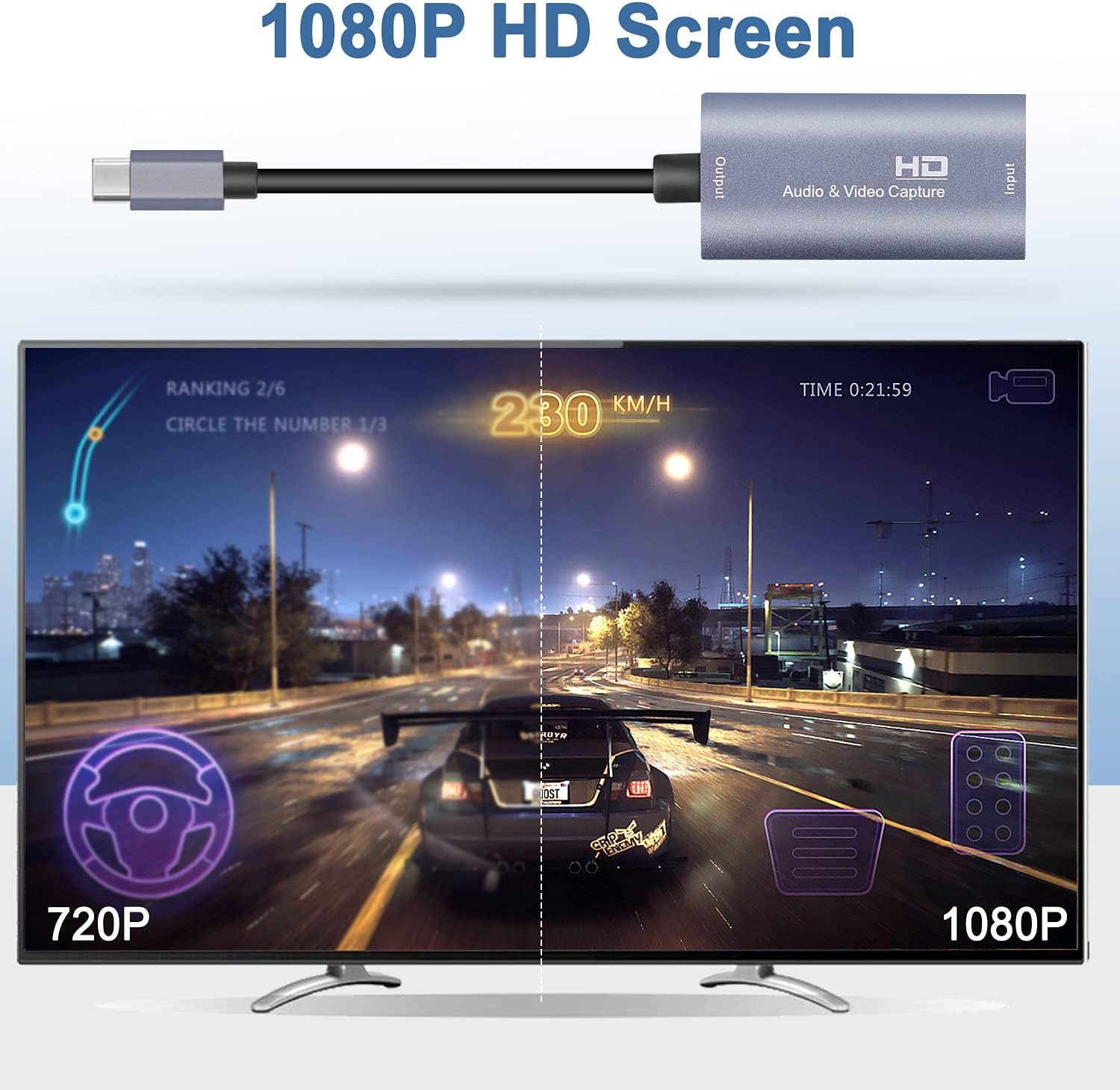
- 【1080P 60FPS Video Capture Card】 This HDMI game capture card is based on USB3.0 high speed transmission port, input resolution up to 4K@30HZ, output resolution up to 1920×1080@60Hz. Type c and USB interface can meet most of the devices in daily life. Easily meet the online capture, real-time recording, online meetings, live gaming and other functions, so you have a better visual enjoyment
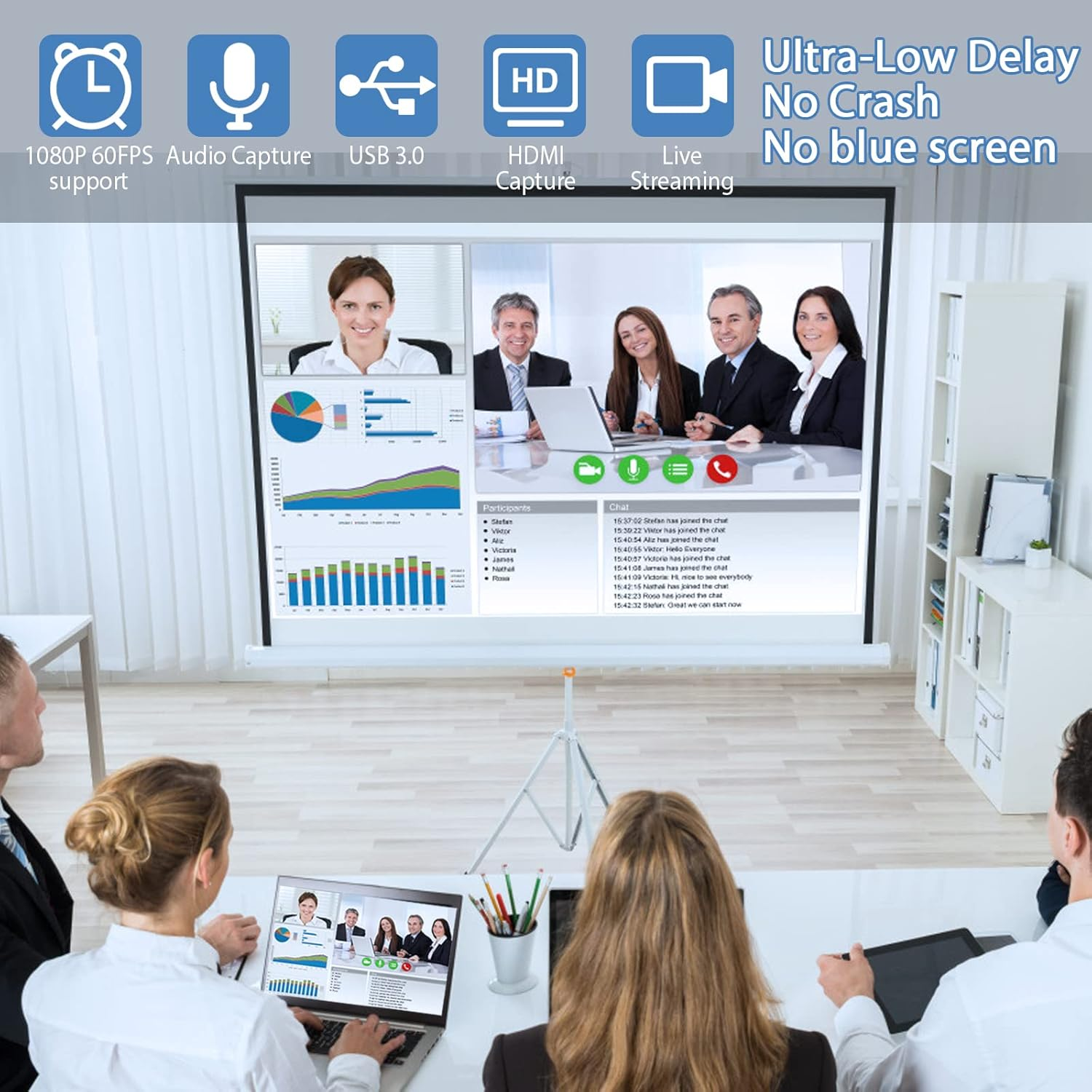
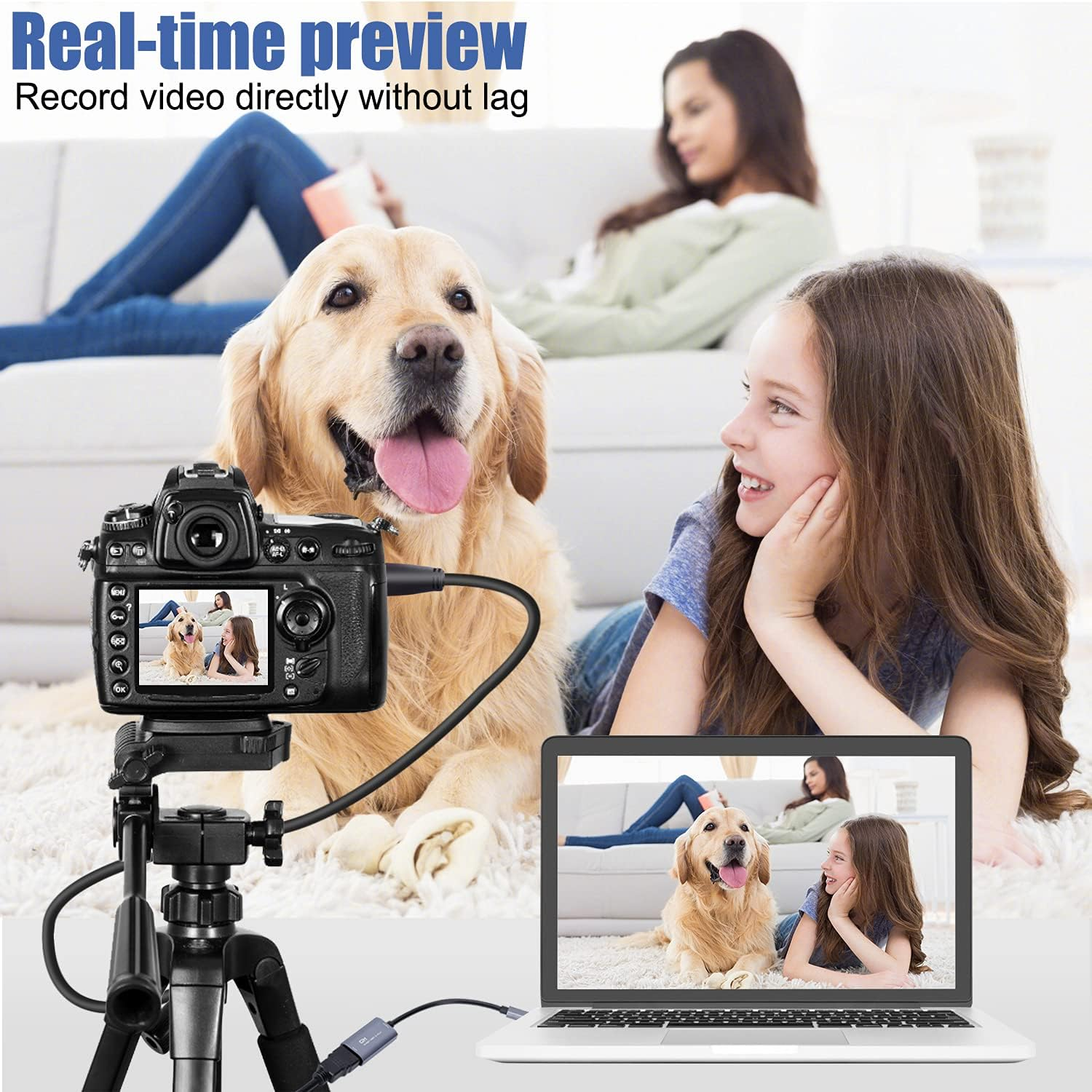
- 【Ultra Low Latency Screen Sharing】 HDMI capture card is made of good quality aluminum alloy with strong heat dissipation, allowing you to enjoy ultra low latency while live gaming or video recording or live streaming, avoiding blue screens and lag. This HDMI to USBC capture card supports easy recording of good quality audio or HD video and transferring it to your computer or streaming platform, allowing you to record 60 fps HD video directly on your hard drive and real-time preview
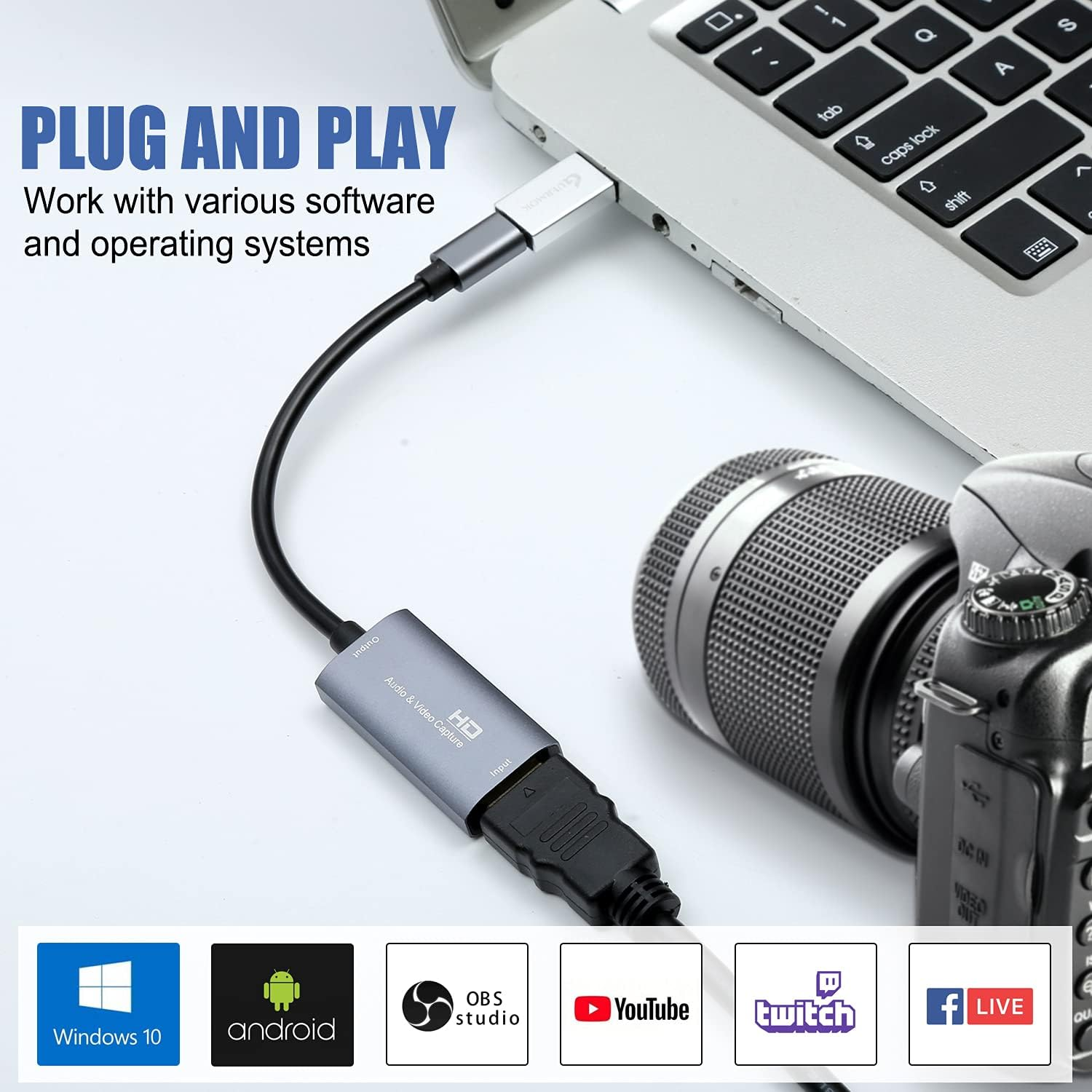
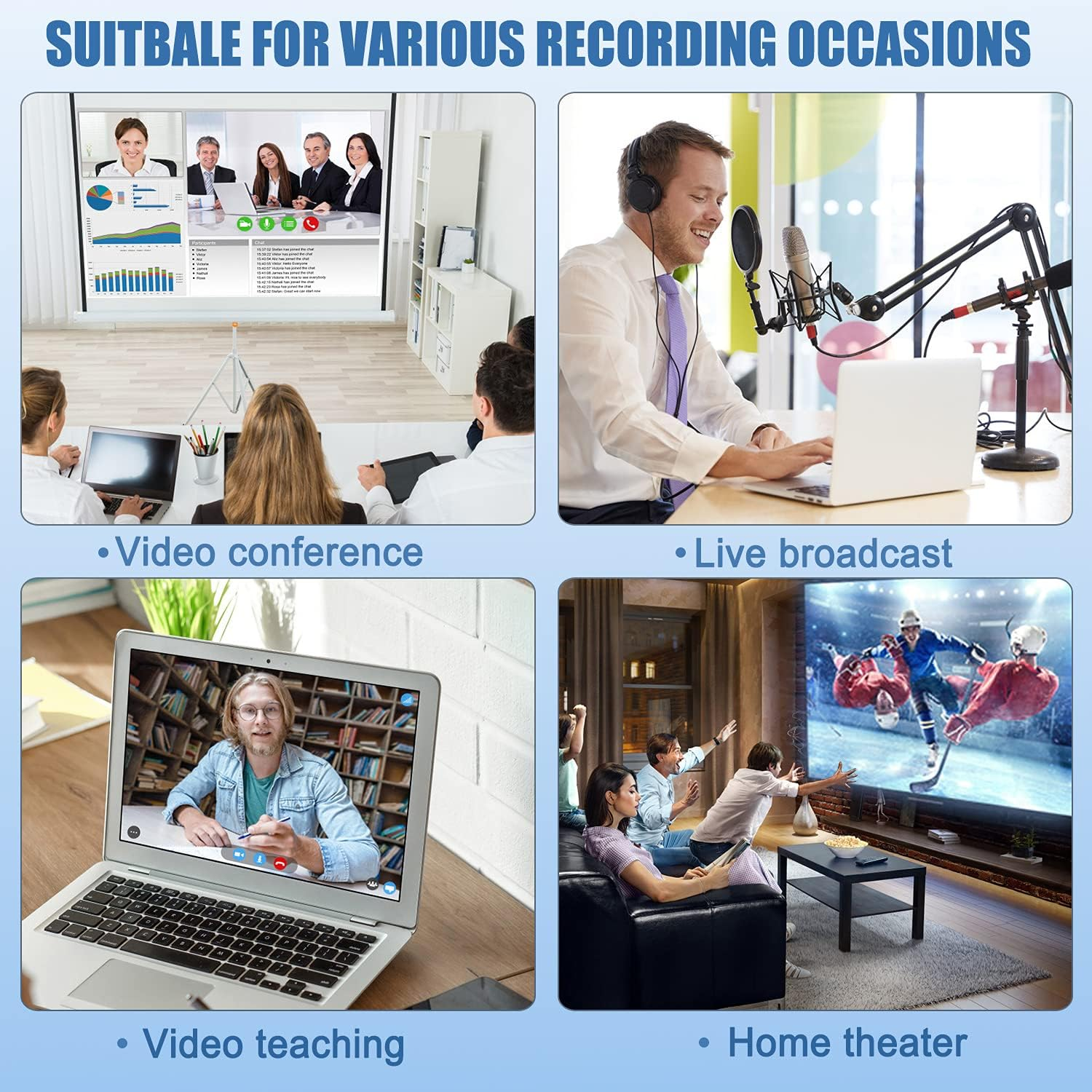
- 【Plug and Play, Easy to Carry】 This HDMI 1080P video capture card does not require any additional drivers or external power supply, just plug and play for fast capture. The capture card is small and lightweight, so you can put it in your bag for emergencies, making it very portable for outdoor live streaming. It's also a great way to share content in game recording, video conference and online teaching
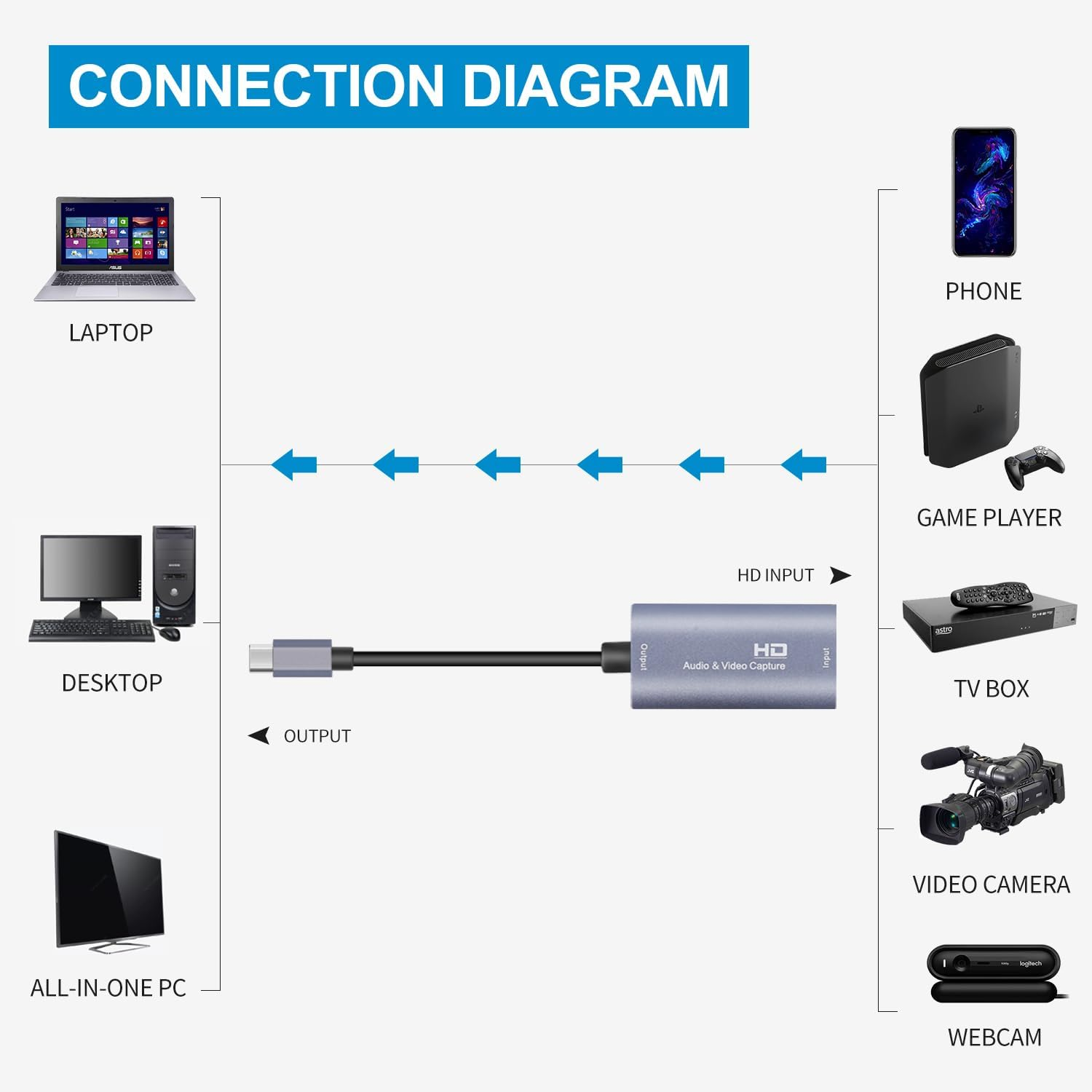
- 【Wide Compatibility USB Capture Card】 Easily streams to Facebook, Youtube or Twitch. With the connection, this HDMI to USB C/3.0 video capture devices can be working on several Operating Systems and various software: Windows 7/ 8/ 10, Mac OS or above, Linux, Android, Laptop, Xbox One, PS3/PS4/PS5, Camera, Webcame, DSLR, Switch/Switch 2, TV BOX, HDTV, Potplayer/VLC, ZOOM, OBS Studio etc.
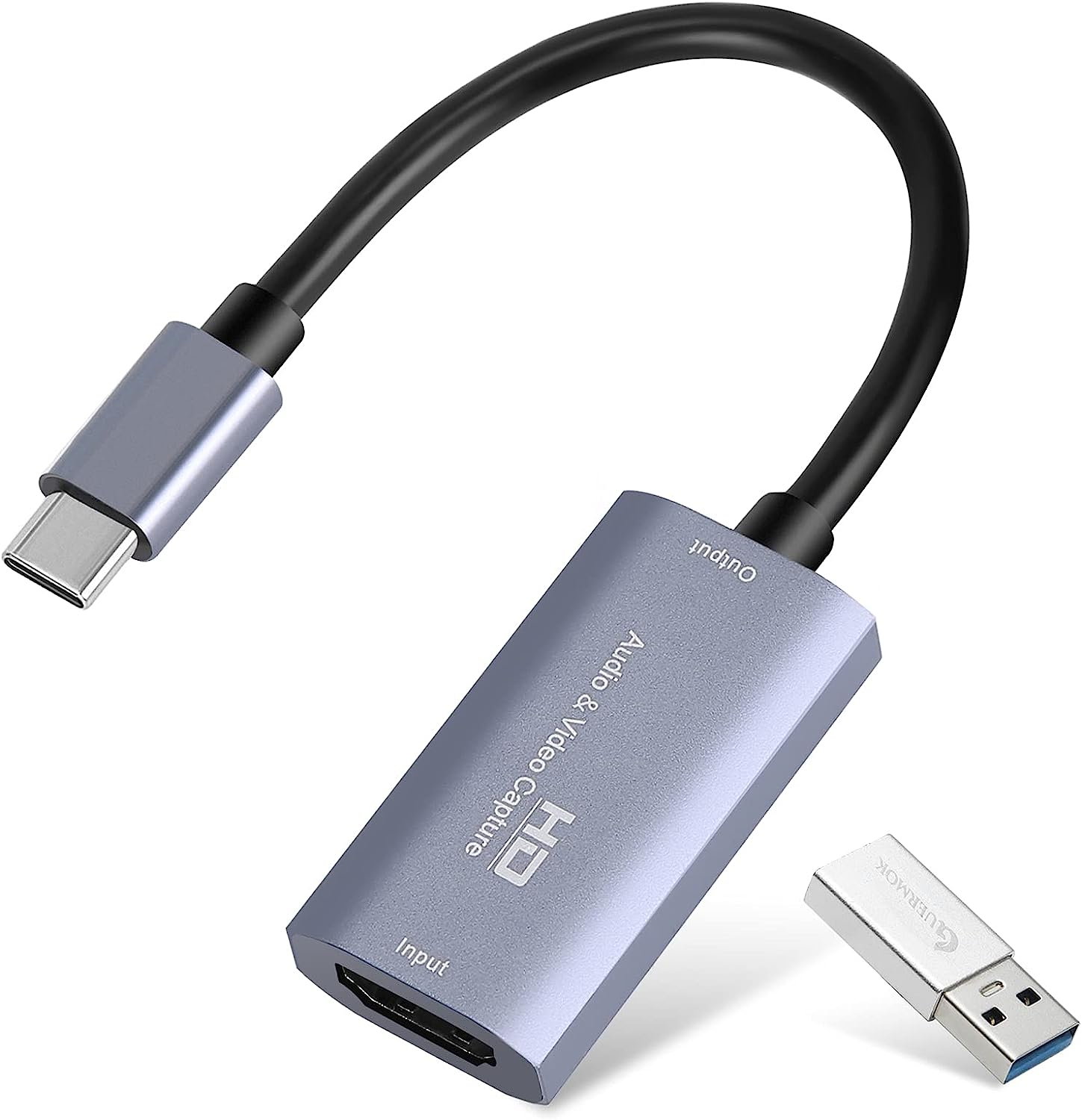
- 【Package Content & Note】 1 x HD Video Capture Card , 1 x USB 3.0 to USB C Adapter (A-side 3.0,B-side 2.0), 1 x English user manual. Please note that you need to restart the OBS Studio software after the audio setup is complete, otherwise it will result in no sound output. When using an adapter, if the device is recognized as USB 2.0, try using the other side with the USB-C port. Simply flip the capture card and reconnect it to be recognized as USB 3.0
Product Description
-
4K Input & 1080P Output
The product supports 4K input, but only 1080P output. Please ensure that the cable you are using supports the corresponding resolution, such as 1080P or 4K, to ensure optimal video quality
-
Ultra Low Capture Delay
There may be a slight delay in the capture, but it is within an acceptable millisecond range and does not affect the video quality
-
USB-C for Signal Output
The USB-C port (or USB-A when using a USB-C to USB-A adapter) is for signal output .
Please ensure your signal output device has corresponding video capture software, as OBS, to enable screen capture
-
USB 2.0 Recognition Fix
When using an adapter, if the device is recognized as USB 2.0, try using the other side with the USB-C port. Simply flip the capture card and reconnect it to be recognized as USB 3.0
-
Check Compatibility for No Signal
Make sure the output format is compatible with the capture card. After checking everything, try reconnecting the devices and resetting the software. If "no signal" persists, try using a different APP
-
Check System Compatibility
Please ensure your system is within the compatibility range. Some products may require disabling HD CP settings to function properly
Not all USB ports support 3.0 transmission. To ensure proper functionality, connect the device to a USB 3.0 port (often marked in blue or labeled "SS") and confirm your computer has the required USB 3.0 drivers installed
-
HDMI Link (Quest)
Capture every thrilling moment from your VR adventures with HDMI-enabled devices like Quest3/3s/2, allows you to seamlessly switch between gaming and office tasks, supporting multiple screens
-
MiniCon (IPAD)
MiniCon allows you to transform your iPad into an external display, offering plug-and-play USB-C connection, low-latency performance, and crisp video—good for streaming and content creation on the go
-
QuickTime (Mac OS)
Using a capture card with QuickTime on Mac OS allows seamless, high-quality video recording and streaming. It offers easy integration with
-
USB Camera & XRecorder (Android)
Record USB video and screen easily on Android with USB Camera & XRecorder. Easy plug & play setup, output via USB 2.0 or USB3.0, depending on the type of port on your phone or other devices
-
XSplit Broadcaster (Windows)
XSplit Broadcaster enhances capture card performance with seamless scene switching, pro-level audio/video mixing, and high-quality streaming or recording on PC
-
Streamlabs Desktop (Windows)
Streamlabs Desktop combines pro-level features with effortless setup for seamless streaming, making it easy to manage your live broadcasts and content creation all in one place
OBS Operating Instructions
-
Audio Input Settings on OBS
Add a new source
-
Audio Input Settings on OBS
Select " video capture device"/ "audio and video input capture"
-
Video Signal Output Settings on OBS
Rename and Click "OK".If there are multiple video sources, it is recommended that you cancel all of them and keep only one, so as to ensure that the captured screen is displayed properly.
-
Video Signal Output Settings on OBS
evice Choose “ USB3 Video”→Click “ activate”→Resolution/FPS choose “ customize”→Resolution select "1920 x 1080"→FPS choose “60”→Video format select " MJPEG"& Click “OK”. If no image, click "Defaults"
-
Start recording
Select " Studio Mode"
-
Start recording
Click " Start Recording"
If the acquisition screen appears for the first time when using OBS, delete it and reopen the screen to recognize USB2.0. First restore the default value or deactivate and then activate to restore recognition to USB2.0
If you are unfamiliar with the operation, you can download the instruction manual available on the page or watch our connection tutorial video. Ensure the input and output ports are connected to the correct devices. Incorrect connections may result in no signal
GUERMOK HDMI TO USB C/USB A CAPTURE CARD
| Customer Reviews | 4.3 out of 5 stars 2,099 | 4.4 out of 5 stars 187 | 4.4 out of 5 stars 187 | 4.4 out of 5 stars 206 | 4.3 out of 5 stars 2,099 | 4.3 out of 5 stars 2,099 | 4.3 out of 5 stars 107 |
| Price | $35.99$35.99 | $41.00$41.00 | $41.00$41.00 | $35.99$35.99 | $35.99$35.99 | $53.79$53.79 | $60.67$60.67 |
| Power Delivery (PD) Support | ✘ | ✔ | ✔ | ✘ | ✘ | ✘ | ✔ |
| Charging Port | ✘ | USB-C Output Port ONLY | USB-C Output Port ONLY | ✘ | ✘ | ✘ | USB-C Input Port ONLY |
| Capture Resolution | 1080P@60Hz or 2k@30Hz | 1080P@60Hz or 2k@30Hz | 1080P@60Hz or 2k@30Hz | 1080P@60Hz or 2k@30Hz | 1080P@60Hz or 2k@30Hz | 1080P@60Hz or 2k@30Hz | 1080P@60Hz or 2k@30Hz |
| Max Input Resolution | 4K@30Hz | 4K@30Hz | 4K@30Hz | 4K@30Hz | 4K@30Hz | 4K@30Hz | 4K@30Hz |
| Compatibility | PS5/Switch/Camera/IPad/Quest | PS5/Switch/Camera/IPad/Quest | PS5/Switch/Camera/IPad/Quest | PS5/Switch/Camera/IPad/Quest | PS5/Switch/Camera/IPad/Quest | PS5/Switch/Camera/IPad/Quest | Switch/Camera/IPad/Quest |
| Compatibility | PCs/Steam/Xbox/iphone/Android | PCs/Steam/Xbox/iphone/Android | PCs/Steam/Xbox/iphone/Android | PCs/Steam/Xbox/iphone/Android | PCs/Steam/Xbox/iphone/Android | PCs/Steam/Xbox/iphone/Android | iphone/Android/VR/PC |
| Connector | HDMI to USB A/C | HDMI to USB A/C | HDMI to USB A/C | HDMI to USB A/C | HDMI to USB A/C | HDMI to USB A/C | USB C to USB A/C |
| Video Capture Software | OBS Studio/Potplayer/VLC/Vmix | OBS Studio/Potplayer/VLC/Vmix | OBS Studio/Potplayer/VLC/Vmix | OBS Studio/Potplayer/VLC/Vmix | OBS Studio/Potplayer/VLC/Vmix | OBS Studio/Potplayer/VLC/Vmix | OBS Studio/Potplayer/VLC/Vmix |
| Video Capture Software | USB Camera/XRecorder/MiniCon | USB Camera/XRecorder/MiniCon | USB Camera/XRecorder/MiniCon | USB Camera/XRecorder/MiniCon | USB Camera/XRecorder/MiniCon | USB Camera/XRecorder/MiniCon | USB Camera/XRecorder/MiniCon |
| Video Capture Software | HDMI Link/Streamlabs Desktop | HDMI Link/Streamlabs Desktop | HDMI Link/Streamlabs Desktop | HDMI Link/Streamlabs Desktop | HDMI Link/Streamlabs Desktop | HDMI Link/Streamlabs Desktop | HDMI Link/Streamlabs Desktop |
| Video Output Format | YUY2/MJPEG | YUY2/MJPEG | YUY2/MJPEG | YUY2/MJPEG | YUY2/MJPEG | YUY2/MJPEG | YUY2/MJPEG |
| Audio | Mono; Stereo Not Supported | Mono; Stereo Not Supported | Mono; Stereo Not Supported | Mono; Stereo Not Supported | Mono; Stereo Not Supported | Mono; Stereo Not Supported | Mono; Stereo Not Supported |
- Item Model Number: GM-VCC01
- Part Number: Xbox Series
- Operating System: Windows
- Number of items: 1
- Colour Name: Silver
- Video capture resolution: 1080p
- Batteries Required: No
- Brand: Guermok
- Batteries Included: No
- Special Features: Portable, Lightweight
- Compatible Devices: [Gaming Console, Personal Computer, Camera, Webcam, DSLR, Switch, TV Box, HDTV]
- Item Weight: 30 g
- Tuner Technology: ATSC
- Model Name: Xbox Series
- Mounting Hardware: adapter
- Model: GM-VCC01
- Hardware Interface: USB 3.0
- Package Dimensions: 23.2 x 17.9 x 1 cm; 30 Grams
- Does it contain liquid?: No
- Manufacturer: Guermok
A$36.75
Shipping to Australia
Delivery time varies by location
Return & Refund Policy
Check our return & refund policy
Security & Privacy
Safe payments: We do not share your personal details
Availability:
-
Select Styles for Availability
Sign in
or create an eMega account
Shop smarter — get exclusive deals & order tracking