Free Shipping – Store Wide
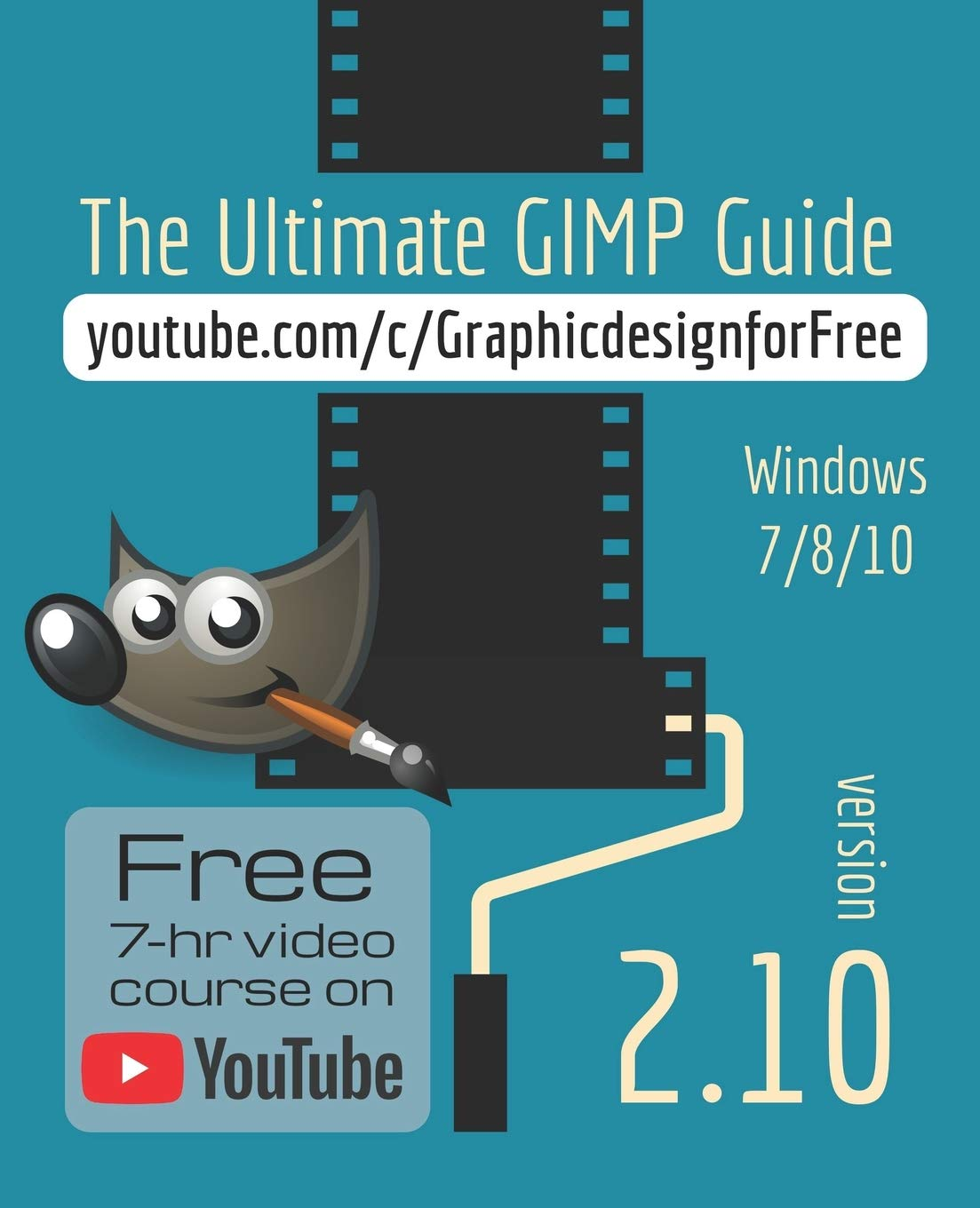
The Ultimate GIMP 2.10 Guide: Learn Professional Photo Editing
The Ultimate GIMP 2.10 Guide: Learn Professional Photo Editing
A$31.45
• January 2023: this book (232 pages) accompanies the FREE 7-hour video course on my YouTube channel. The book and videos are the same. They cover the same topics in the same order, so they complement each other. This way you get the best of both worlds!
• In this course you will learn photo editing, retouching, and e-book cover design in Gimp 2.10 in easy steps, no previous knowledge required. Have you always wanted to do the things the pros are doing? Now you can!
• In the e-book cover chapter I will show you where to find professional and free fonts (fonts that for example Canva uses). NOTE: it is not possible to offer Fonts Bundles that are worth money. Only font vendors like Adobe and Monotype can do this, because fonts are strictly copyrighted! So an offered 'Fonts Bundle' will be just free fonts.
• On YouTube you can download the FREE PDF of the book, that can be viewed on your computer, on tablet and e-reader.
• I will answer all your questions personally within 48 hours!
• Exclusive with this course: you will get the text Glyphs Panel that Photoshop has! With the Glyphs Panel you can quickly select special characters for your text!
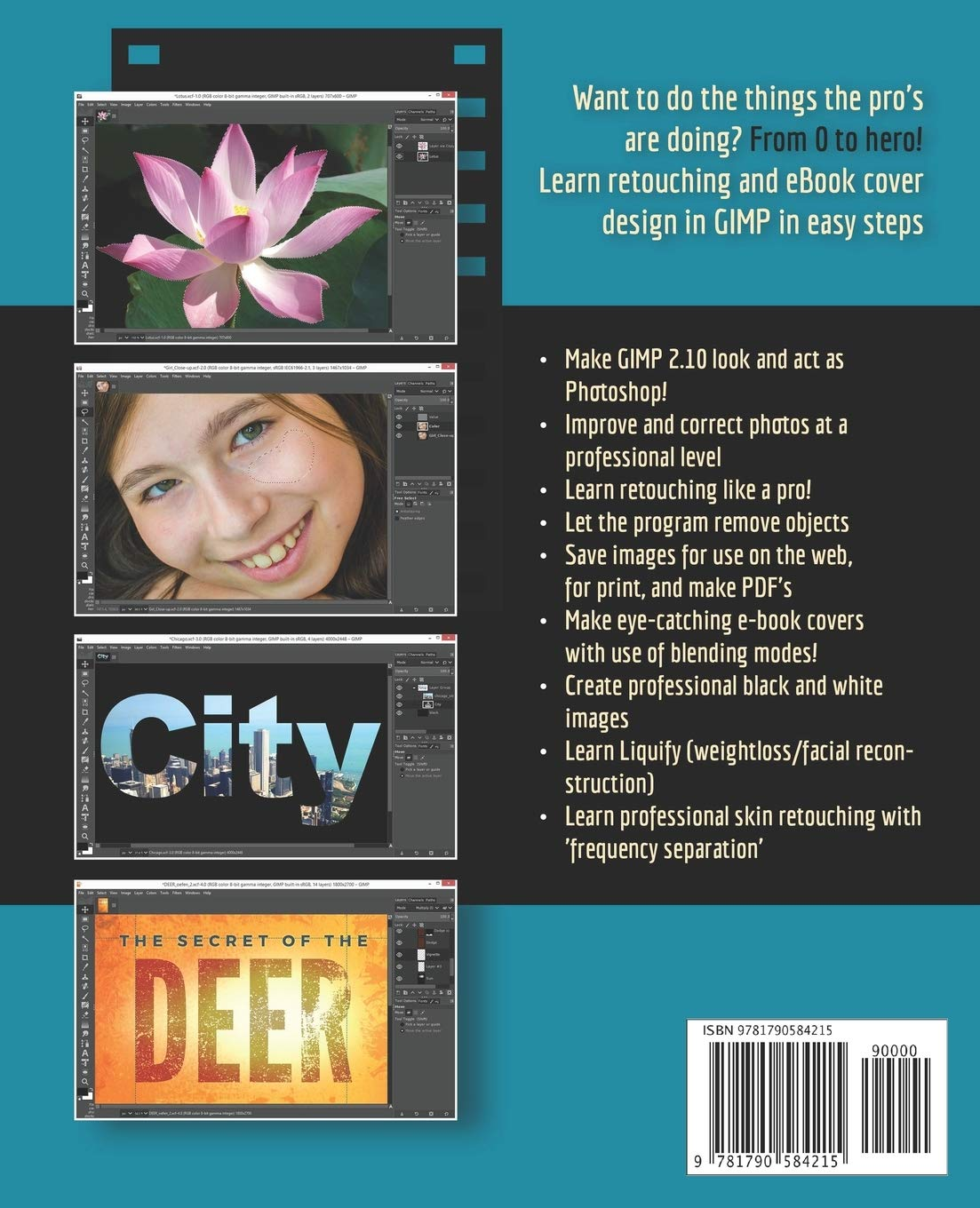
• The book starts from the very beginning, so when you are new to photo editing, that's no problem. We'll start by making Gimp look and act as Photoshop! Then all aspects of photo editing are covered, and no stone will be left unturned! Everything will be shown in easy to follow steps.
• We'll look at how to improve and correct photographs, and how to work with layers. You'll learn how to crop and resize images, and how to save images for web and print.
• You'll learn how to make professional selections with just a single click! (this is not possible in Photoshop!) using the patented 'U-point technology' delivered by the free Google Nik Collection, a high-end photo editing plug-in suite that professional photographers use. We’ll download and install the software, together with a special plugin that will let you work with the Google Nik Collection from out of GIMP. So thanks to the Google Nik Collection you get access to this unique single click selection method!
• You will learn the powerful Liquify tool, that is used for facial reconstruction, weightloss, or just for fun, to make someone's eyes or ears really big! You'll learn how to let the program remove objects automatically (in Photoshop called: 'Content Aware healing'), and how to remove objects with the Clone and Heal tool.
• You'll learn skin retouching with Frequency Separation, exactly as the professionals do!
• You'll learn how to create professional black and white images, and how to sharpen images. You'll discover creative filters that bring a different look and feel to your image, and you'll learn how to make professional eye-catching book covers!
• You'll learn dodging and burning techniques, and everything about the powerful blending modes.
• The book is created for the Windows (7,8,10) user. With some extra steps however, the Linux user can also follow along. The book has been printed in black and white to keep the price as low as possible. In the video course you can download the Full Color PDF of the book.
• About the writer: Bernard 't Hooft has over 15 years of experience with professional photo editing, and teaches photo editing at the VolksUniversity in the Netherlands.
• In this course you will learn photo editing, retouching, and e-book cover design in Gimp 2.10 in easy steps, no previous knowledge required. Have you always wanted to do the things the pros are doing? Now you can!
• In the e-book cover chapter I will show you where to find professional and free fonts (fonts that for example Canva uses). NOTE: it is not possible to offer Fonts Bundles that are worth money. Only font vendors like Adobe and Monotype can do this, because fonts are strictly copyrighted! So an offered 'Fonts Bundle' will be just free fonts.
• On YouTube you can download the FREE PDF of the book, that can be viewed on your computer, on tablet and e-reader.
• I will answer all your questions personally within 48 hours!
• Exclusive with this course: you will get the text Glyphs Panel that Photoshop has! With the Glyphs Panel you can quickly select special characters for your text!
• The book starts from the very beginning, so when you are new to photo editing, that's no problem. We'll start by making Gimp look and act as Photoshop! Then all aspects of photo editing are covered, and no stone will be left unturned! Everything will be shown in easy to follow steps.
• We'll look at how to improve and correct photographs, and how to work with layers. You'll learn how to crop and resize images, and how to save images for web and print.
• You'll learn how to make professional selections with just a single click! (this is not possible in Photoshop!) using the patented 'U-point technology' delivered by the free Google Nik Collection, a high-end photo editing plug-in suite that professional photographers use. We’ll download and install the software, together with a special plugin that will let you work with the Google Nik Collection from out of GIMP. So thanks to the Google Nik Collection you get access to this unique single click selection method!
• You will learn the powerful Liquify tool, that is used for facial reconstruction, weightloss, or just for fun, to make someone's eyes or ears really big! You'll learn how to let the program remove objects automatically (in Photoshop called: 'Content Aware healing'), and how to remove objects with the Clone and Heal tool.
• You'll learn skin retouching with Frequency Separation, exactly as the professionals do!
• You'll learn how to create professional black and white images, and how to sharpen images. You'll discover creative filters that bring a different look and feel to your image, and you'll learn how to make professional eye-catching book covers!
• You'll learn dodging and burning techniques, and everything about the powerful blending modes.
• The book is created for the Windows (7,8,10) user. With some extra steps however, the Linux user can also follow along. The book has been printed in black and white to keep the price as low as possible. In the video course you can download the Full Color PDF of the book.
• About the writer: Bernard 't Hooft has over 15 years of experience with professional photo editing, and teaches photo editing at the VolksUniversity in the Netherlands.
- Publisher: Independently published
- Dimensions: 19.05 x 1.37 x 23.5 cm
- Language: English
- Print length: 239 pages
- Item weight: 417 g
- Book Type: Paperback
- ISBN-10: 1790584213
- ISBN-13: 978-1790584215
- Publication date: 30 November 2018
A$31.45
Shipping to Australia
Delivery time varies by location
Return & Refund Policy
Check our return & refund policy
Security & Privacy
Safe payments: We do not share your personal details
Availability:
-
In Stock
Sign in
or create an eMega account
Shop smarter — get exclusive deals & order tracking